# Applied AI Society Documentation — Full Content
> This file contains the full text of every page in the Applied AI Society docs.
> Generated automatically at build time.
---
# Co-Steward With Us
URL: https://docs.appliedaisociety.org/docs/about/co-stewardship
# Co-Steward With Us
*The most powerful way to partner with the Applied AI Society is to co-maintain the truth.*
---
## The Model
The Applied AI Society maintains an open source knowledge base of playbooks, concepts, frameworks, and workshop formats for applied AI education. This is not a static textbook. It is a living, version-controlled commons that evolves every week based on what practitioners and educators are learning in the field.
We do not need every organization to become an AAS chapter. We need organizations to co-steward the shared truth about what works.
The metaphor: Google, Amazon, and Microsoft compete fiercely. But they all contribute to the Linux Foundation because every data center runs Linux. The shared infrastructure benefits everyone. Applied AI education is the same. The playbooks for how to teach people to thrive in the applied AI economy are public goods. They should be maintained like public goods: openly, collaboratively, and with real accountability to quality.
## What Co-Stewardship Looks Like
### Share Your Playbooks
If your organization runs AI workshops, hackathons, mentor networks, skill trees, or any structured learning program, your playbooks belong in the commons. Not locked in a Google Drive. Published, version-controlled, and available for anyone to fork, adapt, and improve.
What we are looking for:
- **Workshop formats.** How do you run your events? What works? What did you try that failed? The [Personal Agentic OS Workshop playbook](/docs/playbooks/practitioner/training-the-workshop) is an example: continuously updated based on real sessions, honest about what went wrong, and immediately usable by anyone who wants to run one.
- **Curriculum and skill trees.** How do you take someone from zero to building with AI agents? What is the progression? What are the prerequisites?
- **Expansion playbooks.** How did you scale from one location to five? What did the second chapter need that the first one did not?
- **Concepts and frameworks.** Have you coined a term or developed a mental model that helps people understand applied AI? Contribute it. Name it. Let the community build on it.
### Co-Maintain What Exists
Contributing a playbook once is valuable. Co-maintaining it over time is where the real leverage appears.
Applied AI moves fast. A workshop format that worked in January may need updates by March because the tools changed. A concept page that was accurate last month may need a new section because the landscape shifted. [Compounding docs](/docs/concepts/compounding-docs) only compound if they stay current.
Co-stewardship means:
- Filing issues when something is outdated or wrong
- Submitting updates based on your own experience running the playbook
- Adding lessons learned from your community to the shared knowledge base
- Keeping the signal high and the noise low ([signalmaxxing](/docs/concepts/signalmaxxing) applies to docs, not just feeds)
### Run the Playbooks in Your Community
The best way to improve a playbook is to run it. Take the [Personal Agentic OS Workshop format](/docs/playbooks/practitioner/training-the-workshop), run it with your community, and report back what worked and what did not. Take the [event formats](/docs/playbooks/chapter-leader/event-formats), adapt them to your audience, and share what you learned.
Every community is different. What works for business owners in Austin may need adjustments for engineering students in Milwaukee or artists in Los Angeles. Those adjustments are the contribution. They make the playbooks more universal and more useful for the next community that picks them up.
## Who This Is For
- **University AI clubs** that have built learning programs and want to share them with a broader network
- **Community organizations** running applied AI events in their city
- **Corporate training teams** that have developed internal AI education and are willing to open source parts of it
- **Individual practitioners** who have developed workshop formats, frameworks, or curricula worth sharing
- **Anyone** who believes applied AI literacy is a public good and wants to help maintain it
## What You Get
This is not a one-way contribution. Co-stewards get:
- **Access to the full commons.** Every playbook, concept, framework, and workshop format that every co-steward has contributed. Your organization benefits from the collective experience of every community in the network.
- **Visibility.** Your organization and contributors are credited in the docs. When someone runs your playbook in another city, they know where it came from.
- **Network.** Connection to a growing network of educators, practitioners, and community builders who are all working on the same problem from different angles.
- **Feedback loops.** When other communities run your playbook and improve it, those improvements flow back to you.
## How to Start
1. **Look at what exists.** Browse the [playbooks](/docs/playbooks), [concepts](/docs/concepts), and [event formats](/docs/playbooks/chapter-leader/event-formats). See what is already documented and where the gaps are.
2. **Share what you have.** Email your playbooks, skill trees, workshop formats, or curriculum to us. We will work with you to integrate them into the commons in a way that is useful to everyone.
3. **Run what exists.** Pick a playbook and run it in your community. Report back with what worked and what needs updating.
4. **File issues.** Found something outdated or wrong? Open an issue. That is a contribution.
Reach out via the [contact page](/docs/contact) or join the [Discord](https://discord.gg/K7uWJBMFaN) to get started.
## Current Co-Stewards
- **[OpenTeams](https://openteams.com/)** and **[Open Technology Incubator](https://otincubator.com/)**: Founding sponsors. Building the infrastructure layer for applied AI and open source.
- **[Milwaukee AI Club](https://milwaukeeaiclub.com/)**: 500+ member student-led AI organization across 5 Midwest universities. NVIDIA expansion partner. Contributing mentor network playbooks and skill trees.
- **[Applied AI Institute for Europe](https://appliedai-institute.de/)**: European applied AI research and education institute. Bridging applied AI literacy across the Atlantic.
*This list grows as more organizations contribute to the commons.*
---
## Further Reading
- [Compounding Docs](/docs/concepts/compounding-docs): Why every document contributed to the commons makes the whole system smarter
- [Signalmaxxing](/docs/concepts/signalmaxxing): Keeping the knowledge base high-signal
- [Why Field Notes](/docs/philosophy/why-field-notes): Why living field notes beat static textbooks
- [Truth Management](/docs/truth-management): The discipline of maintaining shared truth
- [Permissionless Knowledge](/docs/concepts/permissionless-knowledge): Making expertise accessible without requiring anyone's calendar
- [The Mission Harness](/docs/concepts/mission-harness): The infrastructure of shared purpose that co-stewardship enables
---
# What is the Applied AI Society?
URL: https://docs.appliedaisociety.org/docs/about
# What is the Applied AI Society?
## The Core Idea
The Applied AI Society is a 501(c)(3) nonprofit that champions [applied AI literacy](/docs/applied-ai-literacy) as the path to shortening the time for young people to get their first applied AI money-making opportunity.
That's it. That's why we exist. The path from "I don't know how to make money in this economy" to "I got my first applied AI opportunity" is too long, too confusing, and too lonely. Most people don't even know what's possible. We build the literacy that makes the path visible, then we make it shorter.
## The Moment We're In
[AGI is effectively here](/docs/concepts/effective-agi) for anyone who knows how to wield it. A single person with the right system can do what used to require a team of ten. The bottleneck is no longer the technology. It is the human.
This is creating a split. Some people are compounding their capabilities faster than at any point in history. Others are watching their skills erode in real time. We call the people going up [hyperagents](/docs/concepts/hyperagency): humans who have wrapped themselves in AI systems that amplify their unique capabilities, judgment, and vision. The economy is diverging into hyperagents and everyone else.
AAS exists to help as many people as possible experience hyperagency. The tools are accessible. The knowledge is available. What most people lack is the path: the literacy, the community, and the practical guidance to suit up. That is what we build.
New roles are emerging as quickly as old ones are shrinking: AI implementation specialists, automation architects, agent developers, fractional AI executives. Companies across every industry are desperate for people who can actually apply AI. These are six-figure roles that barely existed two years ago. We're documenting them as they form: [see the full list →](/docs/roles)
Nobody has this figured out. So let's all agree nobody has this figured out, and let's share notes.
For the full picture of the urgency and what applied AI actually means, read **[The Writing on the Wall](https://digitalcommons.humboldt.edu/digitallab/13/)** by Ron Roberts and Gary Sheng.
## Founded By
Applied AI Society was founded by Gary Sheng with Travis Oliphant (creator of NumPy, SciPy, cofounder of Anaconda) as founding advisor. Gary brings deep experience in community building, product, and applied AI implementation. Travis brings decades of building open-source tools that power modern computing and data science.
They share the same conviction: young people have real AI fluency but no clear path to turn it into a living. The Society exists to fix that.
## What We Are
The Applied AI Society is a 501(c)(3) nonprofit helping people and organizations transition prosperously into the applied AI economy. Our focus is on college-aged students transitioning into the workforce, but we're open to all professionals.
Through hyperlocal chapters led by young leaders, we create spaces where the next generation of applied AI practitioners learns by doing. We host events where real people share how they're actually making money: consulting, startups, workflow automation, agentic AI products, freelance engineering, and more. We share open documentation and connect members with businesses that need their fluency.
We call the people who bridge the gap between AI capability and real-world implementation "applied AI practitioners." They help organizations actually use AI to better serve their customers and communities. That's the career path we're building together.
## What We Believe
At the heart of everything we do is a simple idea: AI should free people to do more meaningful work, not replace them. And the people it frees should own their tools, their data, and their future.
Some work requires a human soul: presence, judgment, taste, care, responsibility. Some work is necessary but doesn't carry that weight. Thinking machines exist to carry the second kind so humans can spend more time on the first.
That's the [Applied AI Canon](/docs/philosophy/canon). Efficiency is not the goal. More soul-requiring work is.
## Why Sovereignty Matters
There is a deeper layer to this mission that goes beyond jobs and literacy.
The biggest AI companies are building platforms designed to capture your data, your workflows, and your dependency. [The lock-in is coming](/docs/concepts/the-lock-in-is-coming). It is not a conspiracy. It is the structural incentive of every VC-backed hyperscaler: subsidize adoption, build dependency, monetize the captive audience. They start with the model, then build the harness, then capture your workflows and integrations. Each step up the stack owns more of your operations. Every major hyperscaler (OpenAI, Anthropic, Google, Microsoft) is converging on the same goal: owning your entire business. Not just your work life. Your code, your documents, your email, your calendar, your strategic thinking, your customer data, your workflows, your integrations. All flowing through their systems, all creating dependency that compounds until switching is unthinkable.
We believe people should own their own intelligence. Not rent it. Not subscribe to it. Own it. That means owning your [context lake](/docs/concepts/context-lake) (the knowledge base that makes your AI useful), owning your [harness](/docs/concepts/harness-engineering) (the system wrapped around the model), and keeping everything in portable, platform-independent files that you can take anywhere.
The [sovereignty stack](/docs/concepts/the-sovereignty-stack) maps every layer of your digital life, from the silicon in your computer to the content you publish, and identifies where you are dependent on someone who is not you. We are training builders who understand this stack and can help others achieve sovereignty at every layer.
Open source models are getting better every quarter. Open harnesses are maturing. The sovereign alternative is being built right now, piece by piece, by builders who believe people deserve to own their future. If we build it to be as easy and effective as the proprietary platforms, it is just a matter of time.
Anyone who wants a sovereign future should be part of this movement. We are training the builders of that future.
## Applied AI Literacy
Applied AI Society is a champion and leader in [applied AI literacy](/docs/applied-ai-literacy).
The gap isn't just that companies need implementation help. The deeper gap is that people don't know what's possible. The Mayor of Austin put it perfectly: "You say AI to people and their knee-jerk is 'we're gonna have more data centers.' They don't know what the application is."
Not understanding applied AI is the new "I don't know how to read." Applied AI literacy means understanding what AI can actually do for your business, your career, and your community. Not just knowing that AI exists, but knowing how to apply it to real problems you face today.
We're developing courses, frameworks, and resources to make applied AI literacy accessible to everyone. [Learn more about our approach to applied AI literacy →](/docs/applied-ai-literacy)
## How It Works
**Local communities.** Applied AI Society runs through communities in cities and on campuses. Sometimes that is a formal chapter. Sometimes it is a student group within an existing AI club. Sometimes it is three people who decide to host their first event and see who shows up. The format matters less than the outcome: people in a room, learning applied AI by doing it together.
**Events.** Every Applied AI Society event is an activation into the applied AI economy. Our flagship format, [Applied AI Live](/docs/playbooks/chapter-leader/applied-ai-live), brings together live players: practitioners who are rapidly evolving their techniques and excited to share field notes from the front lines. The audience doesn't just hear about what's possible. They get pulled into the current. We're also developing new formats like [Applied AI Office Hours](/docs/playbooks/chapter-leader/event-formats#applied-ai-office-hours) (where business owners get hands-on help from practitioners) and hackathons. [See all event formats →](/docs/playbooks/chapter-leader/event-formats)
**Field notes, not textbooks.** The site you're reading right now is a living field guide, not a static curriculum. In a field that changes weekly, textbooks are outdated before they reach the reader. Social media rewards hype over accuracy. We need a different model: [field notes](/docs/philosophy/why-field-notes) written by practitioners who are actually doing the work, source-controlled and continuously updated, honest about what we don't know yet.
[Roles](/docs/roles) document the careers emerging. [Concepts](/docs/concepts) name the frameworks practitioners are using right now: [context lakes](/docs/concepts/context-lake), [harness engineering](/docs/concepts/harness-engineering), [the sovereignty stack](/docs/concepts/the-sovereignty-stack), [zero-question assessments](/docs/concepts/zero-question-assessments), and many others. [Case studies](/docs/case-studies) show what the work actually looks like. [Playbooks](/docs/playbooks) capture how to run events, find clients, and build chapters. None of this is finished. All of it is evolving. These docs become source material from which chapter leaders and university partners worldwide can create their own derivative courses, tailored to their audiences. That's how education scales without becoming propaganda.
**One public community, many invite-only spaces.** Our [Discord](https://discord.gg/K7uWJBMFaN) is the single public community space where anyone can join, ask questions, share what they're working on, and connect across chapters. Beyond that, chapter leaders and practitioner groups run their own invite-only group chats (Signal, iMessage, Telegram, whatever works locally). These smaller spaces feel special because they are. You earn your way in by showing up, doing real work, and adding value. The public Discord is the front door. The invite-only chats are the living rooms.
**Sponsors, not gatekeepers.** Local businesses and AI companies sponsor chapters because they want access to AI-native talent. Sponsors fund the community. They don't control it.
## For Students and Emerging Practitioners
You already use AI every day. You prompt, you iterate, you build things your professors haven't seen yet. That's real fluency. The problem is there's no clear path from "I use AI" to "I get paid to apply AI."
Applied AI Society shortens that path.
You'll meet practitioners who are making money in applied AI right now. You'll hear exactly how they got their first opportunities. The paths are more varied than you think: workflow automation, AI consulting, building AI-native products, intrapreneurship inside existing companies, agent development, freelance engineering. [See the full landscape →](/docs/playbooks/practitioner/applied-ai-economy)
You'll build a portfolio of applied work and connect with organizations that need exactly what you know how to do.
Don't think of yourself as "I don't know anything." You're AI native. You can pick things up. You're flexible. That matters more than any credential right now. We're here to help you turn that fluency into your first opportunity.
## For Universities and Young Adult Organizations
Your students and young members are anxious about AI and their careers. They're right to be. The job market is shifting under their feet, and traditional curricula can't keep up with weekly model releases.
Applied AI Society gives young people a community where they can channel that anxiety into action. Our events draw participants from across departments and backgrounds (not just CS) because applied AI is cross-disciplinary. Business students, design students, liberal arts students all bring perspectives that make implementations better.
Bringing Applied AI Society to your campus does not require starting a new club from scratch. If you already have an AI club, we can support it with playbooks, shirts, small event budgets, and a connection to the national network. If you do not have one, we can help you start something lightweight. The barrier to entry is low. We provide the playbooks, the event formats, and the community infrastructure.
**Want to bring Applied AI Society to your university or organization?** [Get in touch →](/docs/contact), or explore a [university partnership →](/docs/university-partnerships).
## Agent File Standards
As AI agents become the primary way people interact with codebases, organizations, and each other, we need shared conventions for how agents find and understand information. AAS identifies emerging patterns in the agent tooling ecosystem and publishes lightweight specs so the community can build on shared foundations.
**[INTEGRATE.md](/docs/standards/integrate-md)** is a file format for teaching agents how to wire a library into an existing codebase. Instead of reading human-oriented docs and guessing, the agent reads INTEGRATE.md and executes the integration steps directly. [Read the spec →](/docs/standards/integrate-md)
**[ALIGN.md](/docs/standards/align-md)** is a file format for agent-readable alignment evaluation. Someone pastes your ALIGN.md into their agent and says "evaluate whether we should work together." The agent reads both parties' files and returns an honest assessment of fit. The goal: truncate the time between meeting someone and knowing what the first pilot project is. [Read the spec →](/docs/standards/align-md)
If you're considering working with us, check our ALIGN.md. If you publish your own, send it along and we can run bilateral evaluation before anyone takes a call.
[Browse all standards →](/docs/standards)
## Get Involved
- **Attend an event:** [See upcoming events →](https://appliedaisociety.org/events)
- **Start or join a community:** [Learn how →](/docs/playbooks/chapter-leader)
- **Present at an event:** [Presenter playbook →](/docs/playbooks/presenter)
- **Read the docs:** [Browse playbooks, standards, case studies, and philosophy →](/docs/philosophy)
- **Join the community:** [Join our Discord →](https://discord.gg/K7uWJBMFaN) to connect with practitioners and chapter leaders across cities. Follow [@AppliedAISoc on X](https://x.com/appliedaisoc) for updates.
---
# The Applied AI Literacy Earthshot
URL: https://docs.appliedaisociety.org/docs/applied-ai-literacy/earthshot
# The Applied AI Literacy Earthshot
## The Commitment
Applied AI Society is building the best open-source applied AI literacy source material in the world, co-created by the most trusted, most experienced applied AI practitioners in the world.
This is the foundation. Courses derive from it. Workshops derive from it. Tools derive from it. Translations derive from it. But the source material is the thing. It is the documented, version-controlled, co-created truth about what applied AI is, how to do it, and how to teach it. Everything else is downstream.
This is not a product. It is a mission. We are incorporating as a nonprofit organization, and this is what we exist to do.
## Why Source Material, Not Just Courses
Anyone can create a course. What the world lacks is a trusted, open, practitioner-vetted source of truth about applied AI that anyone can build on.
Think of it the way [Truth Management](/docs/truth-management) works inside an organization: the documented truth is the foundation that every human and every AI agent builds from. Without it, you get scattered assumptions, contradictory advice, and coordination failures. With it, you get aligned action at scale.
Applied AI literacy has the same problem at a global level. There are thousands of AI courses. There is no shared, open, practitioner-co-created foundation that everyone can trust, translate, fork, and build on. That is what we are creating.
The source material will be:
- **Open source.** Anyone can read it, use it, fork it, improve it.
- **Co-created by leading practitioners.** Not written by one person or one organization. Built with the people who are actually doing the work.
- **Version-controlled and living.** It evolves as the field evolves. It is built on real experiences, not speculation. [Read why we chose field notes over textbooks →](/docs/philosophy/why-field-notes)
- **Translated into every language.** The applied AI literacy gap is global. The source material must be too.
- **Accessible to everyone.** No paywalls on the source material itself. Ever.
## Why This Is the Greatest Need
[Applied AI literacy](/docs/applied-ai-literacy) is the defining gap of this moment. No institution is solving it at the scale and speed required. Universities are behind. Governments are behind. The market is moving faster than any single organization can keep up with.
This is why the source material must be open source. This is why it must be co-created. No single organization, including ours, has the full picture.
## How It Works
### Open Source, Co-Created
The source material is being built with leading applied AI practitioners from organizations including [OpenTeams](https://openteams.com/), [Applied AI Deutschland](https://www.appliedai.de/en/), and practitioners from the Applied AI Society community around the world.
It is open to feedback, contributions, and pull requests from anyone. If you are a practitioner doing this work, you have something to contribute. If you are an educator, a translator, a business leader who has applied AI and learned something, we want to hear from you.
The goal is not to create our curriculum. The goal is to create the world's foundational source material for applied AI literacy, and to steward it as a community.
### What Derives from the Source Material
**Courses.** Practical, project-based instruction built on top of the source material. Operated on a pay-it-forward model: suggested donation, free if you can't afford it, no cap if you want to help us reach more people.
**Workshops and events.** Chapter leaders and community organizers use the source material to run applied AI literacy programming in their cities and campuses.
**Tools.** Open-source educational technology, assessment tools, and resources that anyone can use, adapt, and improve.
**Translations.** Every framework, every guide, every resource, translated into as many languages as possible.
**Corporate programs.** Organizations use the source material to upskill their teams with applied AI capabilities.
### Pay-It-Forward Model
Courses and structured instruction built on the source material operate on a suggested donation model.
If you can afford the suggested donation, it helps us reach more people: more translations, more chapters, more events, more tools.
If you cannot afford it, the courses are free. No questions asked. Everyone deserves access to this knowledge.
If you want to donate beyond the suggested amount, every additional dollar goes directly toward expanding access. More translations. More communities reached. More practitioners trained. More open-source tools built.
There is no cap. If an organization wants to fund applied AI literacy for a thousand people, we will make it happen.
### Every Company Can Contribute
We want every company to want to be a part of this.
**Contribute to the source material.** Submit improvements, case studies, frameworks, and real-world examples from your organization's applied AI journey.
**Sponsor the mission.** Fund the creation of courses, translations, and tools that make applied AI literacy accessible worldwide.
**Help translate.** The source material needs to reach every language and every community. Translation is one of the highest-leverage contributions anyone can make.
**Build tools.** Open-source products, educational models, and tools that make the source material more accessible and more effective.
The vision is a gravitational center: the most trusted, most foundational source of truth about applied AI. Contributed to by practitioners and companies from every industry and every country. The more people who contribute, the better it gets for everyone.
## The Standard
Whoever defines what applied AI literacy means owns the conversation. We intend to define it, not by declaring ourselves the authority, but by building source material so good, so open, and so well-supported by real practitioners that it becomes the standard because it works.
This is a living body of work. It will evolve as the field evolves. It will be built on the real experiences of real practitioners, not on speculation about what people might need to know.
## Further Reading
**[The Writing on the Wall: The Rise of 'Applied AI' and the Life-or-Death Choice Every CEO Must Make Now](https://digitalcommons.humboldt.edu/digitallab/13/)** by Ron Roberts and Gary Sheng. The urgency behind the Earthshot: the numbers, the definition of applied AI, and why this is the greatest need.
## Get Involved
This is too big for any one organization. We need practitioners, educators, translators, companies, and community builders.
- **Contribute to the source material:** [GitHub](https://github.com/appliedaisociety)
- **Join the community:** [Discord](https://discord.gg/K7uWJBMFaN)
- **Partner with us:** [Contact](https://appliedaisociety.org/contribute)
- **Start a chapter:** [Chapter leader playbook](/docs/playbooks/chapter-leader)
We think this is the greatest need humanity has right now. Let's build this together.
---
# Applied AI Literacy
URL: https://docs.appliedaisociety.org/docs/applied-ai-literacy
# Applied AI Literacy
## What It Is
Applied AI literacy is the ability to understand what AI can do and to put it to work on real problems.
It's not about knowing that AI exists. Everyone knows that. It's not about being able to define "large language model" or "neural network." Applied AI literacy means you can look at a business process, a community need, or a career challenge and see where AI fits. You can evaluate tools, scope projects, ask the right questions, and build (or commission) real solutions.
Think of it this way: knowing that electricity exists didn't change anyone's life. Knowing how to wire a building, run a factory, or light a hospital did. Applied AI literacy is the wiring knowledge of the AI age.
## Why It Matters Now
We are in the middle of a flood.
Jobs are shifting faster than institutions can adapt. Information overload makes it harder to separate signal from noise. Deepfakes erode trust. The economy is splitting into a K-shape: those who can harness AI are accelerating, and those who can't are falling behind.
The numbers tell the story. AI computing demand has increased roughly one million times in the last two years ([NVIDIA GTC 2026 Keynote](https://blogs.nvidia.com/blog/gtc-2026-news/)). Over $150 billion in venture capital flowed into AI startups in 2025, the largest year of startup investment in human history. At least $1 trillion in AI infrastructure is being built out through 2027. This is not hype. This is capital being deployed at a scale that reshapes entire economies.
The Mayor of Austin captured the problem perfectly: "You say AI to people and their knee-jerk is 'we're gonna have more data centers.' They don't know what the application is."
That's the literacy gap. Most people, most businesses, and most governments have no mental model for what AI can actually do for them. They hear "AI" and think of robots, job loss, or science fiction. They don't think: "This could cut my invoice processing from three days to ten minutes" or "This could help my students get personalized feedback on their writing" or "This could help my city respond to constituent requests twice as fast."
Without applied AI literacy, people can't see the opportunities forming around them. They can't protect themselves from the risks, either. They're navigating a new landscape with an old map.
We are committed to building the best open-source applied AI literacy [source material](/docs/applied-ai-literacy/earthshot) in the world, co-created by leading practitioners. Courses, tools, and translations all derive from it.
## Learning to Apply AI Is the New Learning How to Read
Learning to apply AI is not "the new learning how to code." It is the new learning how to read. It is that foundational. Not knowing how to apply AI to your business, your career, your community is the new illiteracy.
The foundational model companies (OpenAI, Anthropic, xAI) are all building consulting arms to deploy AI inside companies. They are sending engineers directly into corporate offices. The most powerful AI companies on earth looked at the market and said: "Businesses can't figure out how to use this. We need to go in and do it for them."
But here is what they cannot scale: trust. Relationships are the bottleneck to applying AI, not compute, not models, not tokens. A trusted person who can sit down with a business owner, understand their situation, and actually help them. That is the job of the future. And no corporation can monopolize it, because trust is local, relational, and earned one conversation at a time.
Inference is becoming commoditized. LLMs are becoming interchangeable. But trusted applied AI practitioners are the scarcest resource in the market. You can do this work as a solo practitioner or with a very small team. The tools are accessible. The demand is effectively infinite. And the window is wide open.
## Who It's For
Applied AI literacy isn't just for engineers or tech workers. It's for everyone whose work and life are being reshaped by AI (which is everyone).
**Business owners** who need to know which AI tools are worth investing in and which are hype. Who need to scope AI projects, hire practitioners, and measure results.
**Engineers and developers** who need to move from traditional software to AI-native systems. Who need to understand agents, context engineering, and how to build things that actually ship.
**Students and early-career professionals** who need to turn their AI fluency into paying work. Who need to see the career paths that are forming and understand how to walk them.
**Government leaders and policymakers** who need to make decisions about AI adoption, regulation, and workforce development. Who can't afford to get this wrong for their communities.
**International communities** where the AI economy is arriving fast but the infrastructure, education, and support systems haven't caught up yet.
## Further Reading
**[The Writing on the Wall: The Rise of 'Applied AI' and the Life-or-Death Choice Every CEO Must Make Now](https://digitalcommons.humboldt.edu/digitallab/13/)** by Ron Roberts and Gary Sheng. Published in the Internet Journal / Humboldt State Digital Commons. A deep dive into the numbers behind the disruption, what applied AI actually is (and is not), how businesses go extinct in the AI economy, and the existential choice every organization is now making.
## How Applied AI Society Is Leading This
Applied AI Society isn't waiting for someone else to define what applied AI literacy looks like. We're building it.
**Through community.** Our hyperlocal chapters create spaces where people learn applied AI by doing it, not by reading about it. Events like [Applied AI Live](/docs/playbooks/chapter-leader/applied-ai-live) put real practitioners on stage sharing exactly how they apply AI to make a living. The audience doesn't just listen. They leave with something they can try on Monday.
**Through open documentation.** The [docs you're reading right now](/docs/about) are a living field guide to the applied AI economy. [Roles](/docs/roles), [playbooks](/docs/playbooks), [case studies](/docs/case-studies), and [concepts](/docs/concepts) that get updated as the field evolves. All open. All free.
**Through partnerships.** We're building a coalition with organizations that share this mission. [OpenTeams](https://www.openteams.com/) connects open-source talent with enterprise needs. Universities want programming that keeps pace with the real economy. City governments need workforce development that actually works. International partners are bringing applied AI literacy to communities around the world. Together, we can reach further than any one organization could alone.
**Through standards and frameworks.** We're developing competency frameworks that help people and organizations understand what "good" looks like in applied AI work. Not certifications for the sake of credentials, but practical benchmarks that map to real skills and real outcomes.
## What's Coming
We're developing courses, frameworks, and resources to make applied AI literacy accessible and practical. This includes:
- **Courses** that teach applied AI skills through real projects, not toy examples
- **Competency standards** that help individuals and organizations measure readiness
- **Corporate programs** that help businesses upskill their teams with applied AI capabilities
- **Community resources** that chapter leaders can use to run literacy-focused events
This work is underway and we'll share more as it takes shape. If you want to help build it, we want to hear from you.
## Get Involved
Applied AI literacy is too important to leave to any one organization. We need practitioners, educators, business leaders, and community builders working on this together.
- **Join the community:** [Discord →](https://discord.gg/K7uWJBMFaN) | [X →](https://x.com/appliedaisoc)
- **Attend an event:** [Upcoming events →](https://appliedaisociety.org/events)
- **Start a chapter:** [Chapter leader playbook →](/docs/playbooks/chapter-leader)
- **Partner with us:** [Get in touch →](https://appliedaisociety.org/contribute)
Nobody has applied AI literacy figured out. That's exactly why we need to work on it together.
---
# Applied AI Week
URL: https://docs.appliedaisociety.org/docs/applied-ai-week
# Applied AI Week
Coming Soon
Applied AI Week
The applied economy deserves a week of its own.
## Austin, Texas, 2026
Starting in Austin, the applied AI capital of the world. Already expanding to cities around the world.
Most people still think of AI as something that happens in data centers or research labs. But the real story is playing out in businesses, classrooms, and organizations across every sector. The applied economy is not coming. It is here.
And it deserves a full week dedicated to helping people understand how to upskill into it, gathering the best thought leadership and practitioners all in one place.
## What to Expect
- **Thought leadership** from the people actually building in applied AI right now
- **The best leaders and practitioners** gathered in one place
- **Austin, Texas** headquarters for the movement
- **Global expansion** bringing the format to cities around the world (already active in Bordeaux, France and growing)
## Stay in the Loop
If you want to stay ahead of everything happening in the applied AI economy, especially the headquarters event in Austin, subscribe to our Substack. We will share dates, lineup, and location details here first.
---
# Generating Assets with AI
URL: https://docs.appliedaisociety.org/docs/brand/ai-generation
# Generating Brand Assets with AI
How to use Gemini, Midjourney, DALL-E, or other image generators to create on-brand graphics for Applied AI Society materials.
---
## Master Prompt
Copy this as your base. Attach the style reference images below. Then add what specific asset you need at the end.
```
I need to create a graphic for "Applied AI Society," a community for AI practitioners.
BRAND STYLE:
- Warm, inviting, optimistic, nature-inspired
- Think Windows XP rolling hills, pastoral sunrise vibes
- NOT techy, NOT futuristic, NOT sci-fi, NO circuits/grids/nodes
- Feels human, grounded, welcoming (like a positive natural progression)
COLORS (use these exact hex codes):
- Orange #E67B35 (primary brand color)
- Yellow/Gold #FFC14D (gradients, sun, accents)
- Cream #FAF7F1 (warm backgrounds, never pure white)
- Olive Green #5B6E4D (hills, nature elements)
- Dark #1A1A1A (text, contrast)
STYLE KEYWORDS: soft gradients, minimal, layered hills, sunrise glow, stylized/illustrated (not photorealistic)
BACKGROUND STYLE: Warm cream with subtle paper/linen texture, soft natural lighting
like watercolor paper. NOT pure white, NOT flat digital background.
TYPOGRAPHY (if generating text):
- Font: Bold geometric sans-serif (Helvetica Neue Bold, Arial Bold)
- Main text color: Dark #1A1A1A
- Highlighted phrases: Orange #E67B35
- Style: Clean, professional, good letter spacing, readable
- Use curly quotation marks (" ")
AVOID: circuits, grids, nodes, networks, neon, glowing tech, metallic, cold, clinical, dystopian, sci-fi, pure white backgrounds, decorative/script fonts for main text
[ATTACH: rolling-hills.png and sun.png as style references]
---
WHAT I NEED: [Describe the specific asset here, e.g., "A 16:9 banner with hills at bottom, sunrise glow at top, space for text overlay"]
```
---
## Style References
When prompting AI image generators, attach these as style references:
### Paper Background Texture
**Download for reference:** [paper-background.png](/img/paper-background.png)
**Style notes:** Soft cream/off-white with subtle paper grain, organic texture, warm natural lighting feel
### Rolling Hills
**Download for reference:** [rolling-hills.png](/img/rolling-hills.png)
**Style notes:** Soft gradients, olive greens (#5B6E4D), gold accents (#E8B923), layered hills, stylized/not photorealistic
### Sun
**Download for reference:** [sun.png](/img/sun.png)
**Style notes:** Simple radial shape, gold center (#E8B923), cream/warm glow, minimal details
### Logo Examples
---
## Color Palette for Prompts
Include these colors in your prompts:
| Name | Hex | Description |
|------|-----|-------------|
| Orange | #E67B35 | Primary brand color |
| Yellow/Gold | #FFC14D | Gradients, sun elements |
| Cream | #FAF7F1 | Warm backgrounds |
| Olive Green | #5B6E4D | Hills, nature elements |
| Dark Text | #1A1A1A | Contrast elements |
---
## Full Example: Quote Graphic
Here's a complete, copy-pastable prompt for creating a quote graphic with a person photo:
```
Create a quote graphic for social media.
LAYOUT:
- Landscape format (16:9 or similar)
- Person photo on the LEFT side (I am attaching their photo)
- Quote text on the RIGHT side
- Subtle rolling hills silhouette along the bottom edge
BACKGROUND:
- Warm cream/off-white with subtle paper texture (like watercolor paper or linen)
- Soft, organic grain. NOT flat digital white
- Very faint warm tones, natural lighting feel
BOTTOM ELEMENT:
- Stylized rolling hills silhouette in olive green (#5B6E4D) with gold (#FFC14D) accents
- Hills should be at the BOTTOM of the image, BEHIND/BENEATH any person
- Person should appear in front of the hills (hills are background layer)
- Hills should be subtle, fading into the background. Not dominant
- Soft gradients, layered depth
STYLE:
- Warm, inviting, professional
- Nature-inspired, pastoral vibes (think Windows XP wallpaper but warmer)
- NOT techy, NOT futuristic, NO circuits/grids/nodes
- Soft and organic, not sharp or digital
COLORS:
- Background: Cream #FAF7F1 with paper texture
- Hills: Olive #5B6E4D with gold #FFC14D highlights
- Any accent elements: Orange #E67B35
TEXT (generate this in the image):
- Main quote in a bold, geometric sans-serif (like Helvetica Neue Bold or Arial Bold)
- Quote text color: Dark #1A1A1A
- Key phrase can be highlighted in Orange #E67B35
- Attribution/name in slightly smaller text below the quote
- Use curly quotation marks (" ")
TYPOGRAPHY STYLE:
- Clean, professional, modern but warm
- Good letter spacing, readable
- NOT decorative or script fonts for the main quote
LAYOUT for text:
- Quote on the RIGHT 60% of the image
- Person photo on LEFT 40%
[ATTACH:
- paper-background.png (background style reference)
- rolling-hills.png (hills style reference)
- Photo of the person to feature
]
```
---
## Example "WHAT I NEED" Additions
**Start with the Master Prompt above**, attach the style references, then replace `[Describe the specific asset here]` with one of these:
### Social Media Banner
```
A wide banner (16:9) with stylized rolling green hills in the foreground
and a warm sunrise in the background. Space for text overlay in the center.
```
### Event Graphic Background
```
Abstract warm background with subtle rolling hill shapes at the bottom edge.
Sunrise glow from the top. Lots of space for text overlay. Vertical format (9:16).
```
### Icon
```
A simple, minimal icon representing [TOPIC]. Rounded edges, soft, approachable.
Single color (orange #E67B35) on transparent background. 256x256px.
```
### Presentation Slide Background
```
Subtle background for a presentation slide (16:9). Cream base with very faint
olive green hill silhouettes at the bottom edge. Minimal, should not distract from text.
```
### Social Post Square
```
Square image (1:1) for Instagram/LinkedIn. Rolling hills composition with
sunrise glow. Leave center area clear for text overlay.
```
---
## Need Help?
If you're creating materials for an official Applied AI Society event or chapter, reach out to the team for guidance or custom assets.
---
# Brand Guidelines
URL: https://docs.appliedaisociety.org/docs/brand
import { ColorSwatch, ColorSwatchRow, InlineColor } from '@site/src/components/ColorSwatch';
# Brand Guidelines
The Applied AI Society visual identity. Warm, natural, and human.
---
## Philosophy
Our brand is intentionally **not techy**. No circuits, no glowing grids, no dystopian sci-fi aesthetics. When people imagine the future of AI, they often picture something cold and mechanical. We want the opposite.
Think Windows XP's rolling hills. There's a reason that became iconic. Humans are naturally primed to feel good about green pastures and blue skies. It's calming. It feels like home.
The Applied AI Society represents a **natural, positive progression** for humanity. AI isn't something to fear. It's a tool that helps people do meaningful work. Our brand should feel like that: grounded, optimistic, and welcoming.
**Why orange?** It stands out. It's warm without being aggressive. And it's having a moment in fashion and design. It catches the eye without screaming.
---
## Colors
| Color | Hex | Use |
|-------|-----|-----|
| Orange | | Primary brand color, CTAs, links |
| Yellow | | Gradients, accents |
| Cream | | Backgrounds (warmer than white) |
| Olive | | Nature elements, secondary accents |
| Text Dark | | Headings, body text |
### Background Style
Our backgrounds are **warm cream with subtle paper texture**. Not pure white, not flat. Think watercolor paper or soft linen grain with natural diffused lighting. This gives graphics an organic, inviting feel rather than a cold digital look.
**Download:** [paper-background.png](/img/paper-background.png)
**Logo Gradient:** → (used on "SOCIETY" wordmark)
---
## Typography
| Element | Font | Notes |
|---------|------|-------|
| "APPLIED AI" wordmark | Helvetica Neue Bold | Or Arial Bold |
| "Live" script | Brush script | Custom, hand-drawn feel |
| Headings | Space Grotesk | Technical but friendly |
| Body text | DM Sans | Clean, readable |
```css
/* Google Fonts import */
@import url('https://fonts.googleapis.com/css2?family=DM+Sans:wght@400;500;600&family=Space+Grotesk:wght@600;700&display=swap');
```
---
## Logos
### Main Wordmark
**Download:** [Light SVG](/img/logo-stacked.svg) | [Light PNG](/img/logo-stacked.png) | [Dark SVG](/img/logo-stacked-dark.svg) | [Dark PNG](/img/logo-stacked-dark.png)
### Applied AI Live (Events)
**Download:** [Light SVG](/img/applied-ai-live.svg) | [Dark SVG](/img/applied-ai-live-dark.svg)
---
## Graphic Elements
### Rolling Hills
Stylized green hills representing growth and grounded optimism.
**Download:** [rolling-hills.png](/img/rolling-hills.png)
### Wildflowers
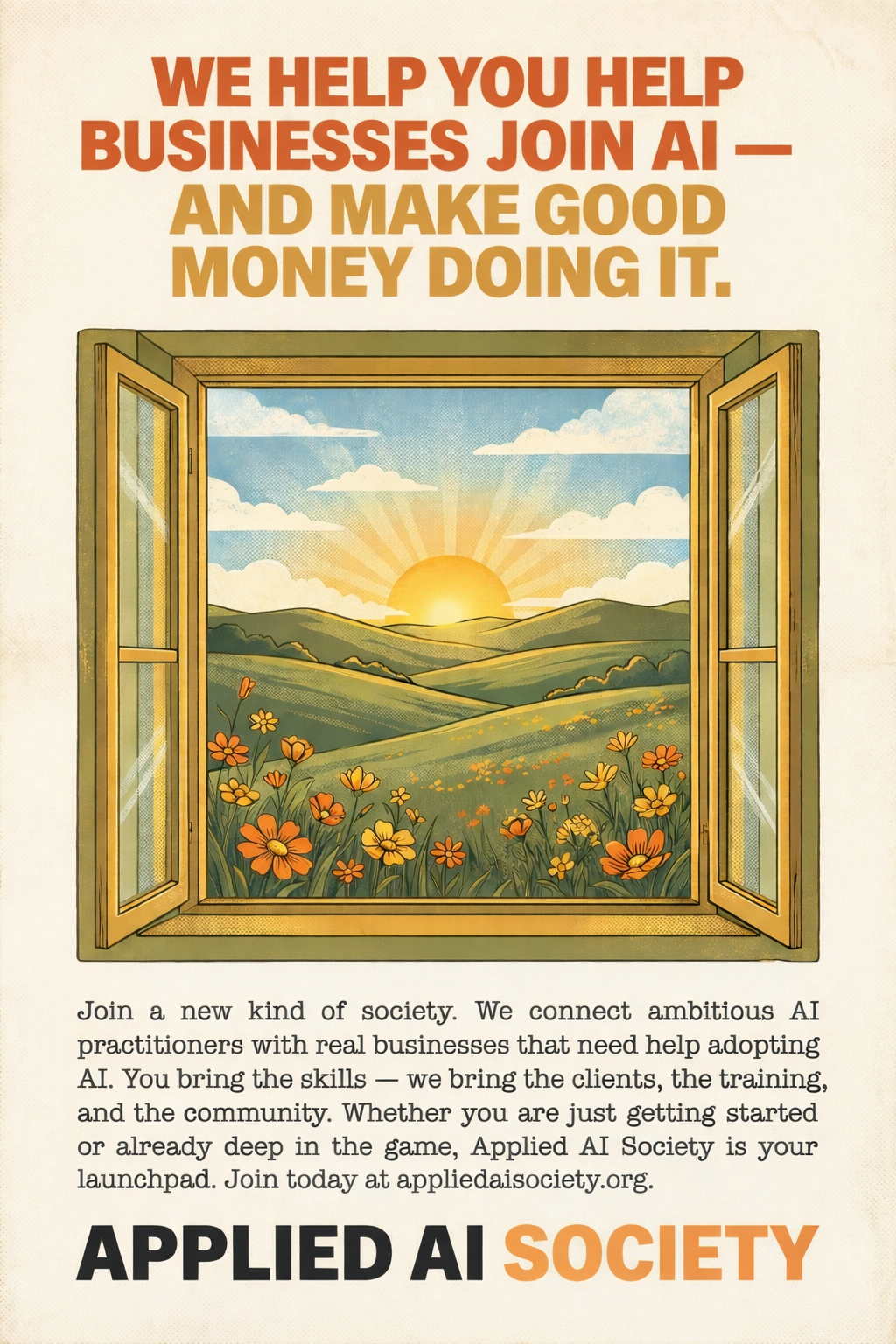
Yellow and orange wildflowers are a great accent in brand illustrations. They echo our primary orange and gold palette and add warmth, life, and natural beauty to landscape scenes. Use them in pastoral compositions alongside rolling hills and sunrises.
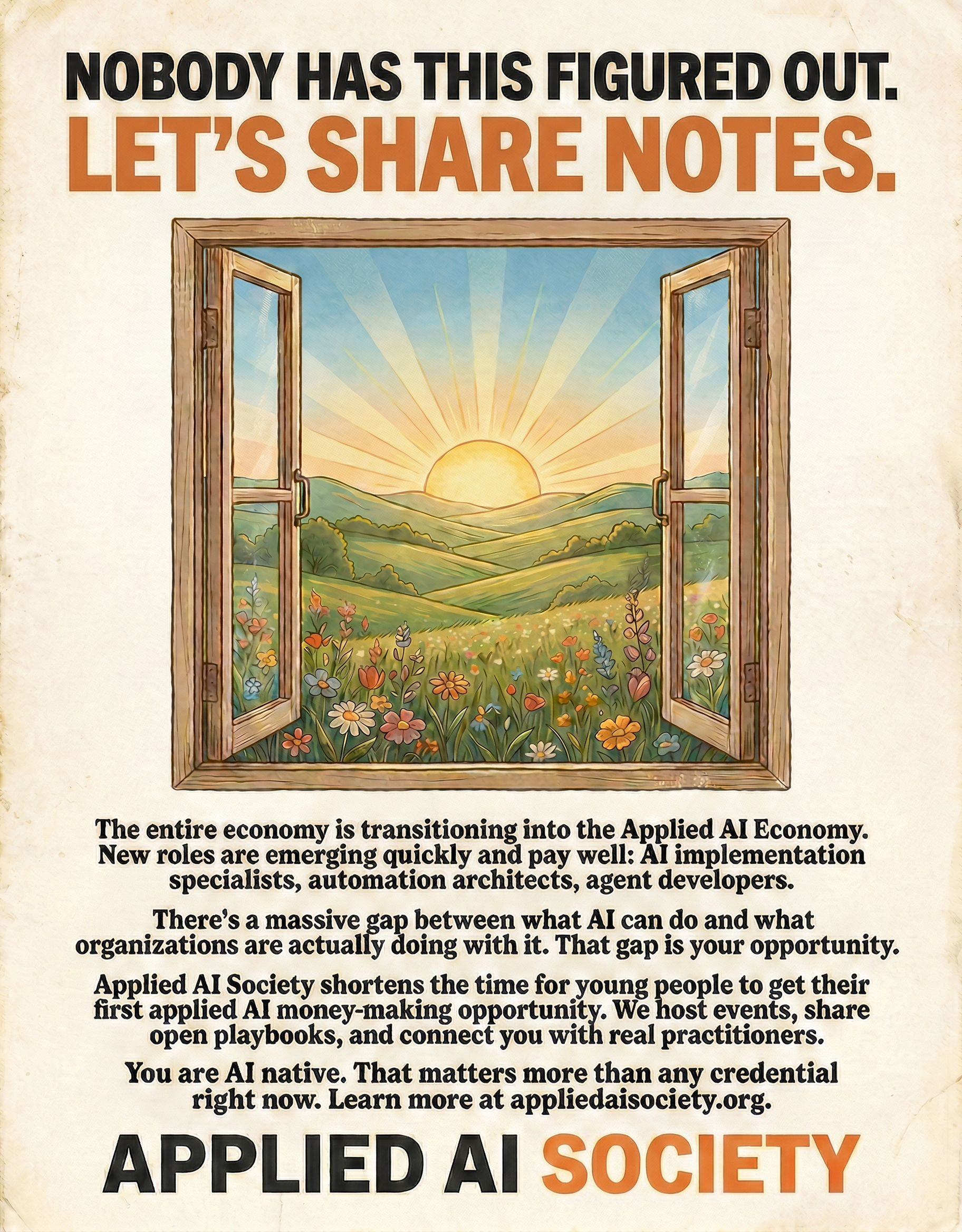
*Example: Retro-style flyer with orange and yellow wildflowers in the landscape.*
**Download:** [wildflowers-flyer.png](/img/wildflowers-flyer.png)
### Sun Icon
Warm sun representing energy and new beginnings.
**Download:** [sun.png](/img/sun.png)
#### Animated Sun (React + Framer Motion)
Drop this into your React app for a slowly rotating sun. Requires `framer-motion`.
```tsx
import { motion } from "framer-motion";
{/* Animated Sun */}
```
**Notes:**
- Uses Tailwind CSS classes for sizing and positioning
- `mix-blend-multiply` blends nicely with cream backgrounds
- 120-second rotation for subtle, non-distracting movement
- Adjust `top`/`right` values to position in your layout
---
## Favicon
All Applied AI Society web properties use the **sun icon** as their favicon. The sun is one of our core brand motifs representing energy, optimism, and new beginnings. It works well at small sizes and is immediately recognizable.
The favicon uses the brand gradient ( → ) in SVG format for crisp rendering at any size. SVG favicons are supported by all modern browsers.
**Download:** [favicon.svg](/img/favicon.svg)
**Implementation:**
- **Docusaurus sites**: Set `favicon: 'img/favicon.svg'` in `docusaurus.config.ts`
- **Next.js sites**: Place `icon.svg` (or `favicon.svg`) in `app/` or `public/` and reference via metadata
- **Static HTML**: ``
---
## Usage Rules
### Do
- ✅ Use official assets from this page
- ✅ Maintain clear space around logos
- ✅ Use appropriate color version for background
- ✅ Keep backgrounds warm (cream > pure white)
### Don't
- ❌ Recreate logos from scratch
- ❌ Change logo colors
- ❌ Stretch or distort
- ❌ Add shadows, outlines, or effects
---
## Generate Your Own Assets
Need custom graphics? See [Generating Brand Assets with AI](/docs/brand/ai-generation) for prompts and style references to create on-brand images with Gemini, Midjourney, or other tools.
---
# Gary Sheng
URL: https://docs.appliedaisociety.org/docs/case-studies/gary-sheng-media-automation
# Gary Sheng
*Building AI-Powered Content Tools for Media Companies*
---
Gary Sheng has been quietly building custom AI tools for media clients since early 2025. Not platforms. Not SaaS products. Specific tools that solve specific problems for specific teams, then iterating based on what those teams actually need next.
The pattern is always the same: sit with the client, understand what their team does every day, identify where they're losing time or quality, and build something that fixes it. The tools aren't theoretical. They're in production, used daily by content teams generating tens of millions of impressions.
---
## Client A: A High-Volume Media Company
The first major engagement was with a media company that operates multiple brands and runs a team of content creators posting across platforms at high volume. Their existing workflow had several pain points that were obvious candidates for automation.
### The Meme Generator
The team was creating image-based content (bold text overlaid on images) manually. Each piece required finding or creating an image, formatting text, and exporting. Gary built a custom meme generator that went through multiple iterations with the team before landing on a version they use every day.
"We went through several versions," Gary says. "You can't just ship v1 and walk away. The team has to live with it, tell you what's annoying, what's slow, what doesn't match the brand. Then you iterate until it disappears into their workflow."
### The Video Reformatter
The team had a painful process: find a video on X (Twitter), download it (which is never straightforward), add a caption, and repost it as a Reel on Instagram. Every step had friction. Gary built a mobile-friendly app where anyone on the team can paste an X video URL, add a caption, and get a ready-to-post video out the other end.
"That one was pure workflow automation," Gary says. "No AI magic needed. Just removing every unnecessary step so the team can focus on the editorial judgment of what to post, not the mechanics of posting it."
### The Image Stylizer
This was the tool that changed what the team thought was possible. Gary built an app that takes any reference image and transforms it into a specific visual style that the team battle-tested together. One of their brands uses a courtroom-sketch aesthetic. Every image from Getty or news sources gets stylized into that look. The result is instantly recognizable content with a distinctive brand identity, produced at volume.
"The stylizer wasn't automating an existing process," Gary says. "It was something they weren't doing before because it would have been impossibly expensive and slow. Once they had it, they realized they could create a visual identity that's theirs. Now if you've seen their content a couple times, you recognize it immediately."
The team uses it constantly. It's become foundational to how they create content across multiple brands.
### The Results
The combination of these tools produced the media company dream: better quality, more distinctive brand identity, and higher volume. The team went from spending significant time on production mechanics to spending almost all their time on editorial decisions (what to post, what angle to take, what's worth amplifying).
The content reaches tens of millions of impressions. The tools didn't create the audience. The audience was already there. But the tools made it possible to serve that audience with better, more consistent, more visually distinctive content at a pace that would have required a much larger team.
---
## Client B: A Podcast Content Strategist
The second client is a content strategist working in podcasts. Different industry, different daily workflow, but the same underlying pattern: identify what the person does every day, find the friction, build tools that remove it.
Gary built a suite of tools that make the strategist's work faster and more consistent. The specifics differ from Client A (podcasts have different production needs than social media content), but the approach is identical: start with the existing workflow, automate the tedious parts, then watch as the client's imagination opens up about what else is possible.
"That's the progression every time," Gary says. "First you automate what they already do. Match the quality, save the time. Then naturally they start saying, 'What if it could also do this?' Their imagination opens up because they're no longer buried in production work. They can think about what's next."
---
## How He Works
Gary charges $175/hour and works directly with the client and their team. No handoffs. No requirement documents that get passed to a separate engineering team. He sits in the room (or on the call), understands the problem, and often has a working version within the same session.
"If I was outsourcing this to a software engineer, I'd still have to translate the client's needs into specs, wait for a build, review it, send feedback, wait again," he says. "Instead I'm building it on the spot. The client sees it working in real time. We iterate together. By the end of the session they have something they can use."
This is closer to the forward deployed engineering model that companies like Palantir use: collapse the distance between the person who understands the problem and the person who can build the solution. In Gary's case, they're the same person.
### The Stack
Gary builds primarily with:
- **Claude Code** for rapid development and iteration
- **Remotion** for video and image generation tooling
- **Next.js / React** for web-based tools the team can access on any device
- **Google Gemini** and **OpenAI APIs** for image generation and stylization
- Custom scripts and automation pipelines tailored to each client's workflow
The tools aren't complex. They're specific. Each one does exactly what the client's team needs, nothing more. That specificity is what makes them actually get used instead of gathering dust.
---
## The Pattern
Across both clients, the progression follows the same arc:
1. **Automate existing workflows.** Start by doing what the team already does, just faster and with less friction. This builds trust and saves immediate time.
2. **Match or exceed quality.** The output has to be at least as good as what the team was producing manually. If it's worse, they won't use it.
3. **Open the imagination.** Once the team isn't buried in production work, they start seeing possibilities they couldn't before. New kinds of content. New visual identities. New formats that would have been too expensive to try manually.
4. **Iterate and expand.** The first tool leads to the second. The second leads to the third. Each one compounds the team's capacity and the client's trust.
"Every company is a media company now," Gary says. "The ones that figure out how to produce better content, faster, with a more distinctive voice, are the ones that win. These tools aren't replacing the creative judgment. They're freeing the team to focus entirely on creative judgment."
---
*Gary Sheng is the founder of [Applied AI Society](https://appliedaisociety.org) and an applied AI practitioner specializing in media and content automation. He works directly with media companies and creative professionals to build custom AI tools that increase output quality and volume.*
*Connect with Gary on [X/Twitter](https://x.com/gaborsheng) or [LinkedIn](https://www.linkedin.com/in/garysheng/).*
---
# Case Studies
URL: https://docs.appliedaisociety.org/docs/case-studies
# Case Studies & Practitioner Profiles
Real projects, real practitioners, documented openly. Part of the [reality bank](/docs/philosophy/why-field-notes).
This section features three kinds of content: **project case studies** showing how AI was applied to solve a specific business problem, **practitioner profiles** showing how individuals are building careers in the applied AI economy, and **real life field notes** documenting what applied AI actually looks like in everyday environments (families, travel, education, personal life). All serve the same purpose: giving you a concrete picture of what this work actually looks like, so you can contribute your own field notes to the source material.
---
## Personal Transformations
| Case Study | Who | Summary |
|------------|-----|---------|
| [Tim Dort-Golts](/docs/case-studies/tim-dort-golts-personal-transformation) | Tim Dort-Golts | A non-technical business student rebuilds his entire personal and professional workflow with an AI agent |
---
## Practitioner Profiles
| Profile | Focus |
|---------|-------|
| [Rostam Mahabadi](/docs/case-studies/rostam-mahabadi) | AI agent building and consulting. Radical transparency as a sales strategy. 90-95% close rate. |
---
## Corporate Case Studies
| Case Study | Company | Summary |
|------------|---------|---------|
| [Ramp: Glass](/docs/case-studies/ramp-glass) | Ramp | 700 employees, 350 shared skills, and an internal AI suite that validates harness engineering, shared skill files, and sovereignty at corporate scale |
---
## Project Case Studies
| Case Study | Who | Summary |
|------------|-----|---------|
| [Gary Sheng: Media Automation](/docs/case-studies/gary-sheng-media-automation) | Gary Sheng | Building custom AI content tools for media companies: meme generators, video reformatters, and image stylizers driving tens of millions of impressions |
---
## What Applied AI Actually Looks Like in Real Life
*Coming soon.* Field notes from practitioners documenting how applied AI shows up in real-world environments beyond the office: families, travel, education, personal projects, community work. These are not polished case studies. They are honest observations from people living with these tools every day, contributed to the [source material](/docs/applied-ai-literacy/earthshot) so that others can learn from real experience.
Want to contribute? [Get in touch](/docs/contact).
---
## Submit Your Story
Are you doing applied AI work? We want to document it. Whether it's a project case study, your practitioner journey, or a real-life field note, reach out on [Discord](https://discord.gg/K7uWJBMFaN) or [GitHub](https://github.com/applied-ai-society).
---
# Ramp: Glass
URL: https://docs.appliedaisociety.org/docs/case-studies/ramp-glass
# Ramp: Glass
*700 employees. 350 shared skills. 6,300% usage growth. 1,500 apps shipped in six weeks. And they're just getting started.*
---
## The Story
Ramp is a financial payments infrastructure company. In January 2025, they told their entire company they would become the most productive company in the world. They had no plan for how to get there. What they had was a culture of velocity, a bias toward building, and leadership that treated AI adoption as an expectation rather than an experiment.
Eighteen months later, the numbers speak for themselves: AI usage up 6,300% year over year. 99.5% of the team active on AI tools. 84% using coding agents weekly. Non-engineers now account for 12% of all human-initiated pull requests on the production codebase (thousands per month). 1,500+ apps shipped on their internal platform in six weeks, from 800+ different builders.
They did this without a formal change management program. Without a mandatory training curriculum. Without a master plan. They built infrastructure, raised expectations, removed constraints, and watched it compound.
---
## The Problem
Ramp hit 99% adoption of AI tools across the company early on. On paper, mission accomplished. In practice, most people were stuck.
The models were not the bottleneck. The people were not the bottleneck. The [harness](/docs/concepts/harness-engineering) was the bottleneck. Terminal windows, npm installs, MCP configurations, environment setup: all of it was too much for most employees to configure on their own. The few who pushed through had wildly different setups with no way to share what they had learned.
Ramp had created urgency without providing infrastructure. The result: AI's true upside was limited to the people who already knew how to configure it. Everyone else was driving a Ferrari with the handbrake on.
---
## Glass: The Internal AI Suite
So they built Glass, their own AI productivity suite built on Anthropic's Claude Agent SDK. A team of four built it in under three months. 700 daily active users within a month of launch.
### Everything Connects on Day One
Glass comes auto-configured on install. Employees sign in once via SSO and 30+ tools light up: Salesforce, Snowflake, Gong, Slack, Notion, Google Workspace, Figma, plus Ramp's own internal products. No setup guide. No tickets to IT. If the user has to debug, they have already lost.
This is [minimum viable infrastructure](/docs/concepts/minimum-viable-infrastructure) done right. When a sales rep asks Glass to pull context from a Gong call, enrich it with Salesforce data, and draft a follow-up, it works because everything is already connected.
### Shared Skills Through the Dojo
The biggest innovation is their skill marketplace, called the Dojo. Skills are markdown files (exactly the [instruction files](/docs/concepts/instruction-files) pattern) that teach an agent how to perform a specific task.
When someone on the sales team figures out the best way to analyze Gong calls, break down competitive mentions, and draft battlecards, they package it as a skill and give that superpower to every rep. A CX engineer builds a Zendesk investigation workflow that pulls ticket history, checks account health, and suggests resolution paths. Through the Dojo, the entire support team levels up overnight.
Over 350 skills have been shared company-wide. They are Git-backed, versioned, and reviewed like code. The marketplace is the flywheel: every skill shared [raises the floor](/docs/concepts/raise-the-floor) for everyone.
The Dojo includes a built-in AI guide called the Sensei that looks at which tools you have connected, what role you are in, and what you have been working on, then recommends the skills most likely to be useful. A new hire does not browse a catalog of 350 skills. The Sensei surfaces the five that matter most on day one.
### Persistent Memory
When users first open Glass, the system builds a full memory layer based on their authenticated connections. Every chat session has context on the people they work with, their active projects, relevant Slack channels, Notion documents, and Linear tickets.
A synthesis pipeline runs every 24 hours, mining previous sessions and connected tools for updates. Glass adapts to the user's world without them re-explaining things every session. This is [context engineering](/docs/concepts/context-engineering) and [compounding docs](/docs/concepts/compounding-docs) at the organizational scale.
### Always-On Automation
Glass turns your laptop into a server. Schedule automations that run daily, weekly, or on custom cron, and post results directly to Slack. A finance team lead pulls yesterday's spend anomalies every morning at 8am and posts a summary to the team channel.
You can create Slack-native assistants that listen and respond in channels using your full Glass setup: integrations, memory, and skills included. For long-running tasks, Glass has a headless mode: kick off a task, walk away, approve permission requests from your phone. This is the [always-on agents](/docs/concepts/always-on-agents) pattern in production.
### Workspace, Not Chat Window
Most AI products give you a single conversation thread. Glass gives you a full workspace built around split panes. Tile multiple chat sessions side by side, open documents, data files, and code alongside your conversations. The layout persists across sessions. This is [flow-state infra](/docs/concepts/flow-state-infra): the product is designed around how real work actually happens.
---
## The Playbook: How They Got the Whole Company Building
Glass was the infrastructure. But the cultural transformation required more than a tool. Ramp's CPO Geoff Charles documented the full playbook. Here is what they learned.
### The Proficiency Ladder
Ramp thinks about AI proficiency in four levels:
| Level | Description | What it looks like |
|-------|------------|-------------------|
| L0 | Sometimes uses ChatGPT. Has not changed any workflows. | If you are here and not self-starting, you will most likely not be at the company. |
| L1 | Built custom GPTs, used Notion agents, dabbled in Claude Code. | Starting to see what is possible but has not compounded it yet. |
| L2 | Built an app that automates part of their job. Committed code or contributed feedback. | This is where things get real. |
| L3 | Systems builders. They build the infrastructure that levels up everyone else. | Force multipliers. |
This maps closely to the [Four Levels of Applied AI for Existing Businesses](/docs/concepts/four-levels-of-applied-ai-for-existing-businesses). Ramp's job is to get everyone up the ladder. Three things make that possible:
1. **Build tools that meet people where they are.** They shifted the whole company to Claude and Notion AI connected to workplace tools. Low technical bar, immediate benefit. That moves L0 to L1.
2. **Raise expectations as tools mature.** AI proficiency moved into hiring screens, onboarding, and performance conversations. That pushes L1s to L2.
3. **Match the mandate to the tooling.** If you raise expectations before the tools can deliver, you burn credibility and people stop listening.
### The Hackathon
Ramp hosted the largest AI hackathon ever: 700 participants across sales, CX, legal, marketing, and finance, coached by 100 of their most capable engineering and product teammates. They shipped more in a week than Ramp previously could in a year. This was [the encounter](/docs/concepts/the-encounter) at massive scale: hundreds of people experiencing what AI can do firsthand, all at once.
### Embrace Creative Destruction
Many of the tools Ramp shipped in January 2026 were already obsolete by April, replaced by better versions, often from the same builders. They got comfortable with a shelf life of weeks, not months.
Their data democratization journey tells the story:
- **Phase 1:** Notion AI was the best option, so they piped data into Notion databases.
- **Phase 2:** They launched Ramp Research, a Slack-based Snowflake research tool.
- **Phase 3:** As coding agents matured, they encoded Snowflake research into skills those agents could use directly.
- **Phase 4:** Now they are making data research interactive and self-improving.
Each generation opened doors the previous one could not. Each former generation was quietly sunset. People are not attached to their tools. They are attached to their problems. When a better way to solve the problem shows up, they grab it.
### Build from the Center, Drive from the Spokes
Ramp got the org design wrong before they got it right.
First instinct: centralize. One small team builds tools for the whole company. Demand outstripped capacity immediately. Then they swung decentralized: every team builds their own things. Tons of redundant re-learning.
The answer was both:
- **A small central team** builds the platforms, connectors, and plumbing across LLMs, data, knowledge, and workflows. They also manage training, enablement, and change management.
- **Functional teams** build on top of those platforms and give feedback that drives the central team's roadmap.
The results from non-engineers:
- A risk analyst automated 16 hours per month of manual financial modeling.
- A sales ops lead replaced a spreadsheet-based comp model across three orgs in 48 hours.
- An L&D lead built a training simulator in 15 minutes.
- Someone in finance built a contract reviewer that saves 45 minutes per contract.
None of them filed a ticket. They found their own pain, prototyped a fix, and pulled engineering in when it was time to go to production (when that was even necessary).
### Make It a Competition
Ramp built an internal leaderboard tracking AI usage across every team and individual. Sessions run, skills used, apps shipped, tools connected. Visible to everyone.
The leaderboard created three dynamics:
**Healthy peer pressure.** Nobody wants to be at the bottom. When you can see that your peer on another team is running 3x more sessions and shipping tools that save their team hours, you do not need a mandate to start building.
**Manager accountability.** Team-level rankings made it impossible for managers to ignore AI adoption. If your team is in the bottom quartile, that is a conversation you are going to have.
**Discovery through emulation.** The leaderboard is not just a scoreboard. It is a map. When you see someone at the top, you want to know what they are doing. You look at their skills, their workflows, their apps.
### Remove Every Constraint
The number one way companies kill AI adoption is by treating it like a procurement decision. Budget approvals. IT reviews. Token limits. Connector requests sitting in a queue. Every one of these is a wall between your people and their breakthrough moment.
Ramp took the opposite approach:
**Infinite learning budget.** If you demand ROI on every token before people have even learned to use the tools, you will never get adoption. The payoff comes from the compounding, not from day one.
**No token limits or access restrictions.** No caps on usage. No tiered access based on role. Everyone gets the same tools, the same models, the same access. The people who surprised them most were the ones they would have never given access to under a traditional approval process.
**Pre-connected integrations.** An AI agent is only as useful as what it can access. If people have to file a ticket and wait two weeks for IT to approve a Salesforce connection, they lose momentum and never come back. 30+ tools connected on day one.
The cost math that should reframe the conversation for any CFO: token consumption per employee today is not even close to double-digit percentages of their salary. But if someone is 2x more productive with AI, you should be willing to spend their entire salary again in tokens. If you have agents that can do 10x more work than a person, why would you not pay them twice as much as that person?
### AI Proficiency as a Hiring Requirement
Ramp now has an absolute requirement for anyone joining the company to be proficient with AI tools. No exceptions. For PM candidates, there is a dedicated interview session: build me a product, show me how you built it, walk me through how it works. It is a full prototype, not a slide deck. If you cannot demonstrate that you have internalized these tools, you do not clear the bar.
AI proficiency also moved into performance management. It is not optional. It is how Ramp evaluates whether people and teams are operating at their potential.
---
## Why They Built Instead of Bought
Ramp's reasoning for building in-house maps directly to the [sovereignty](/docs/concepts/the-sovereignty-stack) argument:
**Internal productivity is a moat.** The companies that make every employee effective with AI will move faster, serve customers better, and compound advantages their competitors cannot match. You do not hand your moat to a vendor.
**Speed.** When you own the tool, you see exactly where people get stuck and ship fixes the same day. Every session generates signal about how non-engineers actually learn to use AI: which skills get adopted, where people break through, what separates someone who uses it once a week from someone who uses it every day.
**It informs the external product.** Many of the problems Ramp solves for internal users translate directly to customers. Solving these problems internally gives them conviction about what works before they ship it.
---
## What This Validates
The Ramp story validates, at corporate scale, nearly every core AAS concept:
| AAS Concept | Ramp Implementation |
|-------------|-------------------|
| [Harness Engineering](/docs/concepts/harness-engineering) | "The models are good enough, the harness isn't." The headline of the entire project. |
| [Instruction Files](/docs/concepts/instruction-files) | 350+ markdown skill files, Git-backed and versioned. |
| [Raise the Floor](/docs/concepts/raise-the-floor) | The Dojo skill marketplace. One person's breakthrough becomes everyone's baseline. |
| [Context Engineering](/docs/concepts/context-engineering) | Auto-built memory from authenticated connections. |
| [Always-On Agents](/docs/concepts/always-on-agents) | Scheduled automations, Slack assistants, headless mode. |
| [Flow-State Infra](/docs/concepts/flow-state-infra) | Workspace with split panes, persistent layout, inline rendering. |
| [The Sovereignty Stack](/docs/concepts/the-sovereignty-stack) | Built in-house because internal AI infra is a competitive moat. |
| [Self-Improving Enterprise](/docs/concepts/self-improving-enterprise) | The Dojo flywheel plus creative destruction: tools improve weekly. |
| [The Encounter](/docs/concepts/the-encounter) | "The product is the enablement." 700-person hackathon as mass encounter. |
| [Four Levels](/docs/concepts/four-levels-of-applied-ai-for-existing-businesses) | L0-L3 proficiency ladder mirrors the AAS levels framework. |
| [See Your Own Thinking](/docs/concepts/see-your-own-thinking) | Memory system gives every employee a thinking partner with full context from day one. |
| [Your Two Futures](/docs/philosophy/your-two-futures) | Ramp chose Future A. The results make the alternative unthinkable. |
---
## The Playbook for Every Company
You do not need to be Ramp. You do not need a team of four engineers or a 700-person hackathon. But you need to understand that this is the new bar. The companies that suit up their entire workforce this way will compound advantages that companies still debating their "AI strategy" cannot match.
Here is what any company can take from Ramp's approach:
**1. Start today, not with a plan.** Ramp did not have a master plan. They had a culture that rewards speed and a leadership team that said: AI usage is an expectation, not an experiment. That clarity alone moves organizations further than any strategy deck.
**2. Build the infrastructure that removes friction.** Pre-connect your tools. Eliminate token limits. Kill the IT approval queues that stand between your people and their breakthrough moment. If your employees have to debug a setup before they can use AI, you have already lost.
**3. Make it a game.** Leaderboards. Team rankings. All-hands celebrations. The competitive dynamics did more for Ramp's adoption than any training program. When a CSM sees a risk analyst save 16 hours a month, they do not think "good for Risk." They think "what can I build?"
**4. Build from the center, drive from the spokes.** A small central team builds platforms and plumbing. Functional teams build on top. The spokes drive the center as much as the center drives the spokes.
**5. Share skills, not just tools.** The Dojo pattern: when someone discovers a workflow, they package it as a reusable skill file. The floor [rises](/docs/concepts/raise-the-floor) with every contribution.
**6. Treat AI proficiency as a hiring requirement.** It is not optional. It is how you evaluate whether people and teams are operating at their potential. The interview should include: build me something, show me how you built it, walk me through how it works.
**7. Expect creative destruction.** Your tools from three months ago should feel obsolete. If they do not, you are not moving fast enough.
The cost math is simple: token consumption per employee is a rounding error compared to their salary. If AI makes someone 2x more productive, spend aggressively. The ROI is not in day one. It is in the compounding.
---
## The Key Insight
The single most important thing Ramp learned: **every feature is secretly a lesson.**
Skills show you what great AI output looks like before you know how to ask for it yourself. Memory shows you that context is the difference between a generic answer and a useful one. Self-healing integrations show you that errors are not your fault. None of this was designed as education. But when you hand someone a tool that just works, they learn by doing. And they learn fast.
The compounding is real. A CX team lead shares a skill and sixty reps level up overnight. A new hire's first session already knows their team, their projects, and their tools. Someone who has never opened a terminal is running scheduled automations that would have required an engineer six months ago.
Ramp did not start with a better strategy than most companies. They started with a culture that rewards speed, people who try things without waiting for permission, and leadership that backs bold bets. In lieu of a master plan, they just started. They kept building tools, kept raising the bar, kept creating venues for people to show off. Each track compounded separately. As they reinforced each other, the curve went vertical.
The most important lesson is the simplest one: just get started.
---
*Glass was built by [Seb Goddijn](https://x.com/sebgoddijn), Shane Buchan, Cameron Leavenworth, Calvin Kipperman, Jay Sobel, and Caroline Horn. The organizational playbook was documented by CPO [Geoff Charles](https://x.com/geoffintech/status/2042002590758572377). Original articles published on X on April 9-10, 2026.*
---
## Further Reading
- [Raise the Floor](/docs/concepts/raise-the-floor): The principle Ramp embodies. One person's discovery becomes everyone's capability.
- [Harness Engineering](/docs/concepts/harness-engineering): The technical foundation. The models are good enough. The harness is what matters.
- [Instruction Files](/docs/concepts/instruction-files): The unit of shared knowledge. Ramp's Dojo runs on markdown skill files.
- [The Four Levels of Applied AI](/docs/concepts/four-levels-of-applied-ai-for-existing-businesses): The diagnostic ladder. Ramp's L0-L3 proficiency framework mirrors it.
- [The Self-Improving Enterprise](/docs/concepts/self-improving-enterprise): Where the Dojo flywheel leads. Every skill shared makes the next one more useful.
- [The Sovereignty Stack](/docs/concepts/the-sovereignty-stack): Why Ramp built instead of bought. Own your infrastructure, own your moat.
- [The Encounter](/docs/concepts/the-encounter): Why the product teaches faster than any workshop. The 700-person hackathon as mass encounter.
- [See Your Own Thinking](/docs/concepts/see-your-own-thinking): What happens when every employee has a thinking partner with their full context. The metacognition unlock at organizational scale.
- [Your Two Futures](/docs/philosophy/your-two-futures): The fork every organization faces. Ramp chose Future A. The question is whether you will.
---
# Rostam Mahabadi
URL: https://docs.appliedaisociety.org/docs/case-studies/rostam-mahabadi
# Rostam Mahabadi
*The Applied AI Engineer Who Gives Away His Best Ideas*
---
Rostam Mahabadi has a strategy that sounds like career suicide: before a client signs anything, he gives them the whole architecture.
He shows up to that first call having already researched their company. He's prepared three or four ways they could use AI. He draws mermaid diagrams of how everything will communicate. He breaks down each component in plain English until they understand exactly what they'd be getting.
"If they want to take that and hire someone else, that's totally fine," he says. "At least they have a way forward."
In a year of consulting, it's happened once. His close rate hovers around 90-95%. Turns out, radical transparency builds more trust than any sales pitch.
---
## How He Got Here
Rostam spent four years as a software engineer before discovering applied AI. The shift happened in January 2025, when he enrolled in Gauntlet, an intensive AI program known for 100-hour weeks and a relentless focus on shipping.
"It unlocked my understanding of what's possible," he says. "I was writing traditional code for years. Then I saw the 10X speed-up you could get. That was it."
After graduating, he took a role at a company and solved their biggest problem. He built an AI system that saved them $175,000 a year. But he kept taking clients on the side. The pull of new problems was too strong.
His first real consulting project came through Gauntlet's network. The CEO passed him a gig with a satellite imagery company. He built a conversational AI agent that could analyze and describe what the satellites were seeing. It taught him the fundamentals of chatbots, RAG systems, context management, memory.
His second client came from Reddit.
He posted on r/SaaS about his skillset. Someone reached out, scheduled a meeting, and became a long-term client. After that, word of mouth took over. Referrals from Gauntlet. Friends passing along projects they couldn't take. Meetups in Austin where he'd meet founders who needed exactly what he could build.
"Once you establish yourself as the AI guy in your network, it compounds," he says. "People mention you when AI comes up in conversation. They're like, 'I know this guy.'"
---
## How He Sells
What separates Rostam from other contractors isn't his technical skills. It's how he talks.
"If you can explain it to a five-year-old, that makes you an expert," he says. "Your job as a contractor is to translate the technical to the non-technical. If they don't get it one way, explain it another way. Keep going until they actually get it."
He doesn't use jargon. He doesn't assume clients know what RAG means or how agents work. He speaks in their language, about their problems.
"You can't act like a know-it-all," he says. "I know what I know, but I want to be surrounded by people better than me. I don't always have to be right."
This shows up in how he runs projects. During that first scoping call, he writes down every architectural decision. He talks through their existing infrastructure. He asks what languages they prefer, what cloud provider, what constraints. Then he breaks the project into weekly milestones and ties his pricing to business outcomes.
"If you're building an agent that reduces support tickets, how much is that saving in billable hours? How many new clients could they get? You quantify the value," he says. "It's not an expense. It's an investment that pays off."
---
## His Stack
Rostam's preferred stack for building AI agents and applications:
**Primary:** TypeScript, Vercel AI SDK, mem0, pgvector, PostgreSQL, Vercel
**Also works with:** Python, LangGraph, Mastra, Qdrant, Pinecone, Exa Search
The stack reflects where the industry is headed: TypeScript-first AI development with vector storage for context, deployed on modern infrastructure. But he adapts to what the client already has. The first question is always "what are you running now?" not "let me bring my favorite tools."
---
## How He Stays Current
The field moves fast. Rostam has a system for keeping up.
Every morning, he checks GitHub's trending repositories to see what people are building. He scans arXiv for new papers. He leans on his community. Friends in the space send him articles, share what they've implemented, flag what's working.
He uses multiple LLMs and plays them against each other.
"ChatGPT, Grok, Gemini. They pull from different sources," he says. "You go down one avenue with one, then switch to another. You see the commonalities and differences. That's where the creative insights come from."
But the real learning happens on client work. Every project forces him to research the best approach, implement new techniques, see what holds up in production. Each one adds tools to his toolbox.
---
## Why Austin
Rostam is bullish on Austin.
"It's like San Francisco before San Francisco blew up," he says. "There's a ton of talent, a lot of companies opening up, a lot of meetups. But unlike SF, not everyone here is in tech. You go out to dinner and meet people in other industries. That matters. You don't just want to be around AI people. You want to apply AI to other industries."
He recommends three communities: AITX for the large, broad AI crowd. Deep Learning AI for the paper-focused, research-oriented crowd. And Fiesta for business owners, which is where you find clients.
---
## Why This Work
When asked why applied AI is the right work for him, he doesn't hesitate.
"I'm a problem solver at heart. I love getting difficult problems that haven't been solved before and trying to connect the pieces."
What he loves about consulting: clients feel like they're getting a deal. Work that might cost half a million from a big firm, he delivers at a fraction. He's constantly learning. And it never gets boring. The field changes so fast that the same problem looks different in six months.
"If you're a continual learner with a growth mindset, this is the right place," he says. "You will never get bored doing the same thing over and over. It's going to be different next time."
He pauses.
"It's a passion. I want everyone to get into it. If you like solving problems and want to keep growing, you should be here. Community is everything. People helped me along the way. It's only right I help people along the way."
---
*Rostam Mahabadi is an applied AI engineer and consultant based in Austin, TX. He spoke at the inaugural [Applied AI Live](/docs/playbooks/chapter-leader/applied-ai-live) in January 2026. His path from software engineer to AI consultant in under a year is one of the clearest examples of what's possible in the [applied AI economy](/docs/playbooks/practitioner/applied-ai-economy).*
*Find Rostam on [LinkedIn](https://www.linkedin.com/in/rostam-mahabadi/) and [X](https://x.com/rostammahabadi).*
---
# Tim Dort-Golts
URL: https://docs.appliedaisociety.org/docs/case-studies/tim-dort-golts-personal-transformation
# Tim Dort-Golts
*The Non-Technical Student Who Handed His Life to an AI Agent*
---
Tim Dort-Golts was drowning in overhead. Not in work itself, but in the management of work.
By January 2026, he was juggling French studies at KEDGE Business School in Bordeaux, a chief-of-staff role, health and fitness routines (workouts, personal development), and the early stages of launching an AAS chapter in France. His system was Google Tasks and Google Calendar. It couldn't keep up.
"Four steps for every task," he says. "Think of it, write it down, schedule it, remember to mark it off later. Multiply that by dozens of responsibilities. I was spending more time managing my systems than doing the actual work."
He was using AI at maybe 1% of its capacity back then. Copy-pasting into ChatGPT. Asking it to summarize things. That was it. Then he set up an agentic system as his personal management layer, and everything changed.
---
## How He Got Here
Tim didn't come from a technical background. He's a 21-year-old business student. He didn't learn to code. He didn't take an AI bootcamp. What he had was a life that had become complex enough to break his existing systems, and someone showing him what was possible.
"It came in God's timing," he says. "My life got complex enough. French university, workouts, trying to get better physically, keeping health habits, making sure I sleep on time. And then my classes on specific times, which can change, and you got to cancel and coordinate. My simple to-do list just couldn't handle it anymore."
His previous setup was a Google Tasks list called "For the Day" with three daily priorities, another task list with a pull of various tasks, and Google Calendar for calls and events. It worked when life was simpler. But as responsibilities stacked up, health habits, French study tracking, university deadlines with their per-professor quirks, work for Applied AI Society, the system started collapsing under its own weight.
"Just looking at it gets you overwhelmed," he says, looking at another extra habit list he had to create in Google Tasks. "And this is just French. And then there is the 'Work' list. And then there is the 'University' list."
The shift happened when he saw what an AI agent framework could do. Not because he deeply understood the technology. Because he desperately needed a better way.
---
## One Step Instead of Four
The core insight was simple. Before AI, a task meant: notice it, write it down, schedule it, check it off, then track progress somewhere separate. Forget a step and you might miss a deadline or lose an idea entirely. Now Tim speaks a thought to his agent and it lands in the right place. His calendar updates. His task list reorganizes. His daily brief adjusts.
"All I need to do is just speak what I've done, what I need to do, and what I'm going to do into my agent," he says. "Versus put it in notes, then turn notes into tasks, then mark it complete. This is one step instead of four."
His agent now handles morning briefs with the day's calendar, habits, and priority tasks. It tracks his health and workout schedules. It manages his French study progress, replacing the Notion checklists he used to update manually. Meeting transcripts get auto-processed, summarized, and filed with action items extracted. Relationship notes from every conversation are cross-referenced so he never loses context on a person.
"I no longer use Google Tasks or Google Calendar directly," he says. "I just tied both of them to my agent. Added extra context on the habits, so it's clear what is a one-off task, what is a scheduled meeting, and what is a recurring habit. The agent pulls it all from the right sources and assembles it into a daily brief, updating progress as I go through the day."
---
## CRM Refactoring: 100 Hours in 2
The moment Tim realized the scale of what had changed was the CRM project.
Applied AI Society Austin had a CRM that needed full restructuring after a major hackathon: 200+ registrations, cross-referencing attendees, deduplicating records, and reorganizing from a single table into a clean multi-table architecture.
"If I tried to do this manually, researching how to reorganize the tables, how to move all this data without messing up, without moving the wrong people to the wrong table, it would have taken me easily multiple dozen hours of work," he says. "100+ hours, maybe."
With his AI agent, he discussed what he wanted to build, jointly designed the CRM architecture, had it write the migration scripts, ran dry-run imports, verified data integrity, and executed the full migration. Two hours. Not because he suddenly learned Python. Because he described what he needed, reviewed the outputs, and iterated.
"My work became sanity-checking the outputs of AI," he says. "And the processes I set up, I can still use them. After creating the process, I can now just drop a CSV and say 'update attendees.' It takes a couple of minutes. If I tried to do this manually, it would take 10x more time."
---
## Soul Work vs. Non-Soul Work
When asked what applied AI actually changed about his life, Tim doesn't talk about productivity metrics. He talks about the quality of his days.
"Here's the thing no one told me about applied AI," he says. "It changes what kind of work you do."
Before, most of his day was what he calls **non-soul work**: scheduling, formatting, copying data between apps, tracking progress, organizing files. Necessary work. Not meaningful work.
"When AI handles the non-soul work, you're left with **soul work**," he says. "The thinking, the relationships, the creative decisions, the strategy, the conversations that actually matter."
When he needed a bilingual pitch document for the Bordeaux chapter, he used to stare at a blank page, pulling context from scattered notes, messages, and call recordings. Now his agent already has the context. Strategy calls are transcribed and filed. Previous pitches are referenced. He describes what he needs and gets a working draft in minutes. His job is editing the raw draft into a tasteful end product, not creating from scratch.
"It's like working off of a template versus working off of a few disjointed pieces of context," he says. "You feed a lot of context in, give it instructions on how to filter it into the output you need, and you get something that's 80%-99% there. Then you just refine it."
The compounding effect is what excites him most. The more time he frees up, the more he reinvests into making his systems better. The better his systems, the more time he frees up.
"I spend less time doing tedious stuff," he says. "I spend more time doing what I love doing, or what brings outsized results. And I smile more often. Because I'm freer."
---
## His Stack
Tim's personal business OS runs on a straightforward set of tools, none of which required him to write code from scratch.
**Primary:** [OpenClaw](https://openclaw.ai), messenger app (Telegram/WhatsApp) to interface with the agent, Google Calendar, nested folders with .md documents for knowledge base
**Also works with:** Airtable, Granola for call transcriptions
The stack reflects what's possible for a non-technical person. Tim didn't build custom integrations. He described what he needed to his agent, reviewed what it built, and iterated until it worked. The first question was always "what do I need this to do?" not "what's the best technology?"
---
## Why This Work
Tim is launching the first Applied AI Society chapter in France, starting with Bordeaux. The goal: show European students that the [applied AI economy](/docs/playbooks/practitioner/applied-ai-economy) is real, accessible, and doesn't require a technical background.
"The gap between what AI can do and how people are currently using it is way too wide," he says. "Most people are using ChatGPT to ask questions like it's a browser. That's less than 5% of what AI can actually do for them."
He sees his role clearly. Not as the most advanced practitioner in the room, but as someone who can meet people where they are.
"If you're a student, a non-technical professional, or anyone who thinks AI is 'not for them': it is for you," he says. "You don't need to code. You need to be clear about what you want and be willing to iterate. No one is an expert at this. The applied AI economy is brand new. You just have to start. We will be there to share notes."
---
*Tim Dort-Golts is a business student at KEDGE Business School in Bordeaux, France, and the founding chapter leader of [Applied AI Society France](https://discord.gg/K7uWJBMFaN). His path from a legacy personal management system to a fully AI-managed life in under a month is one of the clearest examples of what's possible for non-technical people in the [applied AI economy](/docs/playbooks/practitioner/applied-ai-economy).*
*Find Tim on [LinkedIn](https://www.linkedin.com/in/tim-dort-golts/).*
---
# Code of Conduct
URL: https://docs.appliedaisociety.org/docs/code-of-conduct
# Code of Conduct
## The Short Version
Be kind to others. Do not insult or put others down. Behave professionally. Remember that harassment and sexist, racist, or exclusionary jokes are not appropriate.
All communication should be appropriate for a professional audience including people of many different backgrounds. Sexual language and imagery is not appropriate.
Applied AI Society is dedicated to providing a harassment-free community for everyone, regardless of background. We do not tolerate harassment of community members in any form.
Thank you for helping make this a welcoming, friendly community for all.
## Our Community
Members of the Applied AI Society community value kindness, transparency, curiosity, and collaboration. Behaviors that reinforce these values contribute to a positive environment including:
- Being open to collaboration
- Focusing on what is best for the community
- Acknowledging time and effort
- Being respectful of differing viewpoints and experiences
- Showing empathy towards other community members
- Being considerate and courteous when disagreeing or raising issues
- Using welcoming language
We are committed to providing a positive experience for all participants.
## Inappropriate Behavior
Examples of unacceptable behavior by participants include:
- Harassment of participants in any form
- Deliberate intimidation, stalking, or following
- Logging or taking screenshots of online activity for harassment purposes
- Publishing others' private information, such as a physical or electronic address, without explicit permission
- Violent threats or language directed against another person
- Incitement of violence or harassment towards any individual, including encouraging a person to commit suicide or to engage in self-harm
- Creating additional online accounts to harass another person or circumvent a ban
- The use of sexualized language or imagery
- Posting sexually explicit or violent material
- Sexist, racist, or otherwise discriminatory jokes and language
- Insults, put-downs, or jokes that are exclusionary or that hold others up for ridicule
- Excessive profanity
- Unwelcome sexual attention or advances
- Unwelcome physical contact, including simulated physical contact (e.g., textual descriptions like "hug" or "backrub") without consent or after a request to stop
- Patterns of inappropriate social contact, such as requesting/assuming inappropriate levels of intimacy with others
- Comments that demean or exclude others
- Trolling or insulting and derogatory comments
- Sharing confidential content without consent
- Sustained disruption of community discussions or events
- Continuing to initiate interaction with someone after being asked to stop
- Other conduct that is inappropriate for a professional audience
- Advocating for or encouraging any of the above behaviors
Community members asked to stop any inappropriate behavior are expected to comply immediately.
## Weapons Policy
No weapons are allowed at Applied AI Society events. The term "weapon" encompasses any object or substance designed to inflict a wound, incapacitate, or cause injury, and includes, but is not limited to, the following: firearms, explosives (including fireworks), large knives such as those used for hunting or display, other dangerous weapons, and replicas of dangerous weapons. Anyone seen in possession of one of these items will be asked to leave immediately and will only be allowed to return without the weapon.
## Consequences
If a participant engages in behavior that violates this Code of Conduct, Applied AI Society leadership may take any action they deem appropriate, including:
- A verbal or written warning
- Temporary removal from community spaces
- Permanent removal from the community with no option to return
## Scope
This Code of Conduct applies to all Applied AI Society spaces, including:
- Our GitHub organization and repositories
- Any future community spaces (forums, chat platforms, etc.)
- Events hosted by Applied AI Society
## How to Report
If you believe someone has violated the Applied AI Society Code of Conduct, we encourage you to report it. If you are unsure whether the incident is a violation, we still encourage you to report it.
**To make a report:**
- Email: gary@appliedaisociety.org
- Subject line: "Code of Conduct Report"
- Include as much detail as possible about the incident
You will receive a response within 48 hours.
All reports will be kept confidential. We will anonymize details as much as possible to protect reporter privacy.
*As our community grows, we will establish a dedicated Code of Conduct committee. This document will evolve accordingly.*
## Evolution
This Code of Conduct will evolve as our community grows. We welcome feedback and suggestions for improvement.
## License
This Code of Conduct is licensed under the [Creative Commons Attribution-ShareAlike 3.0 Unported License](https://creativecommons.org/licenses/by-sa/3.0/).
## Attribution
This Code of Conduct was forked from the [NumFOCUS Code of Conduct](https://numfocus.org/code-of-conduct), which is available under a Creative Commons Attribution-ShareAlike 3.0 Unported License. We thank NumFOCUS for their work in creating a comprehensive foundation for community conduct standards.
---
# Agent-Accessible Products
URL: https://docs.appliedaisociety.org/docs/concepts/agent-accessible-products
# Agent-Accessible Products
*If agents cannot use your product, agents will replace your product.*
---
## The Shift
Every application on your computer used to be designed for a human clicking buttons in a graphical interface. That era is ending.
AI agents live in the command line. They operate by reading text, executing commands, and parsing structured output. When an agent needs to schedule a meeting, it does not open Google Calendar and click around. It calls an API. When it needs to deploy code, it does not click buttons in a dashboard. It runs a CLI command.
The companies that survive the agentic transition are the ones making their products usable by agents, not just humans. The ones that do not will watch agents route around them entirely.
## What "Agent-Accessible" Means
An agent-accessible product exposes its core functionality through interfaces that agents can use programmatically:
**CLI (Command Line Interface).** A terminal command that does what the button in your app does. `stripe charge create --amount 5000 --currency usd` instead of clicking through a payment form. `vercel deploy` instead of dragging files into a dashboard. `gh pr create` instead of navigating GitHub's web UI.
**API (Application Programming Interface).** An HTTP endpoint that accepts structured input and returns structured output. Every SaaS product has a web interface. The ones that matter also have an API that does everything the web interface does.
**MCP (Model Context Protocol).** The emerging standard for AI agents to discover and use tools. An MCP server tells an agent what capabilities are available, what inputs they need, and what outputs they produce. Think of it as a menu that agents can read.
**Structured output.** When your product returns data, it should be parseable. JSON, not HTML. Markdown, not PDFs. Plain text, not screenshots. If an agent has to screenshot your UI and use computer vision to read it, you have already lost.
## Why This Is Urgent
Agents are increasingly the ones deciding which tools get used. When a human tells their [Personal Agentic OS](/docs/concepts/personal-agentic-os) "schedule a meeting with Sarah next Tuesday," the agent picks the tool. If your calendar product has a CLI or API, the agent uses it. If your calendar product is a web-only GUI with no programmatic access, the agent uses a competitor that does have one.
This is already happening:
- Developers choose Vercel over competitors partly because `vercel deploy` is a single command
- Stripe dominates payments partly because its API is legendary
- GitHub won over alternatives partly because the `gh` CLI makes every operation scriptable
- Anthropic built Claude Code as a CLI first, not a desktop app, because that is where agents live
The pattern is clear: the products that win in the agentic economy are the ones that treat CLI and API access as first-class, not as an afterthought bolted on for "power users."
## Agent SEO
There is a new kind of discoverability emerging. Call it agent SEO.
Traditional SEO is about making your product findable by humans searching Google. Agent SEO is about making your product usable by agents operating on behalf of humans. When someone tells their [Personal Agentic OS](/docs/concepts/personal-agentic-os) to reconcile their books, the agent picks the tool. If your accounting software has a CLI and an API, the agent can use it without the human ever opening your website. If your competitor is GUI-only, the agent cannot use it at all.
The landscape is shifting. Darwinian selection is now favoring companies that make agents' lives easier. Your product's fitness is no longer just about the human experience. It is about the agent experience. Companies that expose CLIs, publish open source skill files for common workflows, and make their APIs trivially accessible will have better agent SEO. Their products will be the ones that agents recommend, integrate with, and default to.
This is not a hypothetical. [Switchbooks](https://switchbooks.io), a QuickBooks replacement built by Ryland Beard, is a real example. Switchbooks already had an AI agent built into its own UI with about 20 tools, visible memory, and full bookkeeping automation. That was table stakes. After reading this article, Ryland added an MCP server on top of his existing API endpoints. It took him 60 seconds. Not an exaggeration. His API was already built, so exposing it to external agents was trivial. Now any user running Claude Code or any other harness can reconcile their books, create payees, categorize transactions, and pull financial reports without ever opening the Switchbooks UI. The next step is publishing open source skill files for common accounting workflows so that agents can onboard themselves to Switchbooks with zero friction.
The lesson: if your product already has an API (and it should), making it agent-accessible is an afternoon of work. Maybe less. The hard part was building the product. Exposing it to agents is the easy part that most companies are sleeping on.
## The CLI Renaissance
After a decade of IDEs getting heavier and browser-based editors trying to replace local development, the command line has re-emerged as the center of gravity. Existing CLI tools are gaining entirely new utility when paired with AI agents, without requiring any modification.
GitHub's `gh` CLI is the canonical example. It was designed for human developers, but agents discovered it, configured authentication, and started operating autonomously. Nobody had to build an "agent integration." The CLI was already agent-accessible by virtue of being a well-designed CLI. Polymarket shipped a Rust-based CLI and within days agents were building terminal dashboards, querying markets, and automating trading logic.
The lesson: a good CLI is often the fastest way to make your product usable by agents. You do not need to build a custom integration. You need to build a good CLI.
## What to Do If You Build a Product
### 1. CLI-ify everything
Every action a human can take in your GUI should be available as a terminal command. The design principles that make a CLI good for agents are the same ones that make it good for humans:
- **`--help` that explains intent, not just syntax.** An agent reads `--help` to understand what a command does. Write it for someone who has never seen your product.
- **`--json` for machine-readable output.** Every non-trivial command should support JSON output. This is how agents parse your responses.
- **Non-zero exit codes on failure.** Agents detect errors by checking exit codes. If your CLI returns 0 on failure, agents will not know something went wrong.
- **Clear authentication error messages.** An agent that gets a cryptic auth error will waste tokens retrying. Tell it exactly what went wrong and how to fix it.
- **One obvious login command.** `tool auth login`, `tool auth status`. Keep it simple.
- **Stable commands and flags.** Treat your CLI surface like an API contract. Breaking changes break agent workflows.
### 2. API-ify everything
Every action should be available as an HTTP endpoint. Document it. Make it consistent. If a human can do it by clicking, an agent should be able to do it by calling.
### 3. Support structured output
JSON by default. Markdown for human-readable content. Never trap data inside proprietary formats that agents cannot parse.
### 4. Publish an MCP server
[MCP (Model Context Protocol)](https://modelcontextprotocol.io/) is the emerging standard for agents to discover and use tools. Originally created by Anthropic, it was donated to the Linux Foundation's Agentic AI Foundation in late 2025 (co-founded with Block and OpenAI). The ecosystem has grown to over 10,000 active servers with 97 million monthly SDK downloads.
Best practices for MCP servers (from the [MCP Best Practice Guide](https://mcp-best-practice.github.io/mcp-best-practice/best-practice/)):
- **Single responsibility.** One clear domain per server. Focused toolsets, not kitchen-sink implementations.
- **Contracts first.** Strict input/output schemas, explicit side effects, documented error handling.
- **OAuth 2.0 authorization.** Least-privilege defaults. Per-tool, per-parameter authorization checks.
- **Input validation and output sanitization.** Prevent downstream injection attacks.
- **Secrets in secret stores.** Never inline credentials. Never rely on the model to keep secrets private.
- **Observability.** Structured logging of who, what, when, why. Track success rates, latency, and policy violations.
### 5. Design for composability
The output of your tool should be parseable as input by another tool. Agents chain tools together. If your tool's output is a pretty-printed table that cannot be piped, you are breaking the chain.
### 6. Write an AGENTS.md
Add a section to your documentation (or a standalone AGENTS.md file) that describes your product's available tools, preferred output formats, authentication flows, and usage rules. This is the "onboarding doc" for agents. One file can be the difference between an agent figuring out your tool in seconds versus burning tokens in confusion.
## What to Do If You Use a Product
When choosing tools for your operation, ask: "Can an agent use this?" If the answer is no, that tool has an expiration date. Prefer products with CLIs, APIs, and open data formats. Your [Personal Agentic OS](/docs/concepts/personal-agentic-os) can only be as capable as the tools it can access.
This is also why the [Personal Agentic OS architecture](/docs/workshops/supersuit-up) uses plain markdown files instead of proprietary apps. Markdown is the most agent-accessible format there is. Any tool can read it. Any agent can write it. No vendor lock-in. No API key required.
---
## Further Reading
**Internal:**
- [CLIPs: The Apps of the Agentic Era](/docs/concepts/clips): The next evolution of agent-accessible software
- [Personal Agentic OS](/docs/concepts/personal-agentic-os): The system that uses agent-accessible tools
- [Harness Engineering](/docs/concepts/harness-engineering): How agents interact with tools through harnesses
- [Make Your Company Refactorable](/docs/truth-management/make-your-company-refactorable): The organizational version of agent-accessibility
- [The Self-Improving Enterprise](/docs/concepts/self-improving-enterprise): Where agent-accessible products lead at the business level
- [Supersuit Up Workshop](/docs/workshops/supersuit-up): Why plain markdown beats proprietary formats
**External:**
- [CLI Is the New API and MCP: Building Agent-Ready Tools](https://jonnyzzz.com/blog/2026/02/20/cli-tools-for-ai-agents/): Deep dive on CLI design principles for agents
- [CLIs as Agent-Native Interfaces (2026 Analysis)](https://blockchain.news/ainews/clis-as-agent-native-interfaces-2026-analysis-on-polymarket-cli-github-cli-and-mcp-for-ai-automation): How Polymarket and GitHub CLIs became agent tools overnight
- [MCP Best Practice Guide](https://mcp-best-practice.github.io/mcp-best-practice/best-practice/): Security, architecture, and operations for MCP servers
- [MCP Standard and Ecosystem in 2026](https://use-apify.com/blog/mcp-standard-ecosystem-2026): Current state of the MCP ecosystem
---
# The AGI Whisperer
URL: https://docs.appliedaisociety.org/docs/concepts/agi-whisperer
# The AGI Whisperer
*AGI is already here. It's just not evenly wielded.*
---
## AGI Is a Tool. Tools Require Skill.
People debate when AGI will arrive. They argue about benchmarks, about whether current systems qualify, about what the threshold even is. Meanwhile, the people who stopped debating and started building are pulling away from everyone else at an accelerating rate.
Here is a practical definition: AGI is something that can do whatever you tell it to do, given the right tools, context, and instructions. By that definition, we're already there. Not perfectly. Not in every domain. But close enough that the bottleneck is no longer the capability of the AI. The bottleneck is the capability of the person wielding it.
A gun doesn't protect you if you can't shoot. If you're duck hunting and you can never hit the duck, you might as well not have a gun at all. The tool is only as useful as the person using it. AGI is the most powerful tool ever created, and most people cannot use it. Not because they're unintelligent, but because wielding AGI is a skill that requires deep practice, and almost nobody has put in the reps yet.
This is the uncomfortable truth that the AGI timeline debate obscures: it doesn't matter when AGI "officially" arrives. What matters is whether you can harness it. If you can't, AGI might as well not exist in your life. Except it does exist, because someone else is wielding it, and they are using it to multiply their will into the world at a scale you cannot compete with.
---
## What an AGI Whisperer Actually Is
An AGI whisperer is someone who has achieved a level of fluency with AI systems that approaches unity. They don't just use AI. They think with it. They build with it. They create systems that improve themselves.
The term is deliberately playful. It pokes at the seriousness of the AGI debate while pointing at something real: the people who can make AI do what they actually want, consistently, at a high level, are extraordinarily rare and extraordinarily valuable.
An AGI whisperer is not defined by which model they use or which framework they know. Models change every few months. What defines them is the underlying skill: the ability to take a vision, a set of desired outcomes, a spec, and translate it into AI systems that deliver. [Context engineering](/docs/concepts/context-engineering). [Intent engineering](/docs/concepts/intent-engineering). Systems architecture. The whole stack of skills that turns "I want X" into a living system that produces X and gets better at it over time.
These are the people building the companies of the next decade. Not the AI models themselves. Not the platforms. The people who can wield them.
---
## The Dojo: How You Earn It
Nobody is born an AGI whisperer. You earn it through reps.
The fastest path to becoming one runs through existing businesses. Every business that needs AI implementation is a training ground. A dojo. When you work with real businesses, you encounter real problems, real constraints, real bottlenecks that no tutorial or course can simulate.
The progression looks like this:
**Audit.** You walk into a business and see their existing processes. What's manual? What's slow? What's breaking? Where is human time being spent on tasks that AI could handle? This is the diagnostic skill. Most people skip it and jump straight to building. That's a mistake.
**Automate individual workflows.** Find the bottlenecks. Build AI systems that handle them. Start narrow. One workflow at a time. Prove the value. Build trust.
**Automate roles.** As you gain confidence and the business gains trust in the systems, you move from automating tasks to automating entire roles. The human moves from doing the work to overseeing the system that does it.
**Build the command center.** The endgame for any business: a central system where the operator can see everything, direct everything, and trust that the AI systems underneath are executing faithfully. The human is outside the machine, steering it.
Each business you work with is XP. Each problem you solve builds the pattern library in your head. Each failure teaches you something a course never could. Over time, you develop something that goes beyond technical skill. It's a kind of spiritual confidence: the deep knowing that you can take any problem, any domain, any vision, and build the system that delivers it. That confidence is not arrogance. It's the earned result of thousands of hours of practice.
---
## Why AGI Whisperers Are the Most Valuable People on the Planet
Consider the kind of company you can build when AGI is real: a business that runs itself. A small team writes the spec. AI systems execute, iterate, and improve. The humans oversee, steer, and refine. The business operates at a scale that would have required hundreds of employees a few years ago.
These companies are coming. Some already exist. They will be the leanest, most valuable companies ever built. And every single one of them needs an AGI whisperer at the core.
Not a "developer." Not someone who can follow a tutorial. Someone who can take a founder's vision and turn it into a self-improving system. Someone who understands not just the code but the [game design](/docs/concepts/game-design): the objectives, rules, guardrails, and scoring that make an AI system behave the way you actually want.
Without an AGI whisperer, the most brilliant founder in the world is stuck with mediocre AI implementations that miss the point. With one, they can build something that has never existed before.
The AI models will keep getting better. That's a certainty. Which means the people who can wield them will keep getting more valuable, not less. The skill compounds. Every improvement in AI capability makes the whisperer more powerful, because they know how to harness the new capability immediately while everyone else is still figuring out what changed.
---
## The Path Forward
This concept is a stub. There is much more to say about what it takes to become an AGI whisperer, what the training path looks like in detail, and how the role fits into the broader [applied AI economy](/docs/playbooks/practitioner/applied-ai-economy).
For now, the core claim is simple: the most important skill in the economy is the ability to wield AGI effectively. The people who develop this skill will build the most valuable companies of the next decade. And the community that gathers and upskills these people will be at the center of everything that matters.
That's what we're building here.
---
## Further Reading
- [The Spec Is the Product](/docs/concepts/spec-writing): Why specification writing is the core skill that AGI whisperers must master
- [Game Design](/docs/concepts/game-design): The meta-skill of designing the systems that agents play in
- [Context Engineering](/docs/concepts/context-engineering): Curating the information state that makes AI systems effective
- [Intent Engineering](/docs/concepts/intent-engineering): Encoding organizational purpose into agent infrastructure
- [Effective AGI](/docs/concepts/effective-agi): The philosophical claim that AGI is functionally here now
- [Hyperagency](/docs/concepts/hyperagency): The state you reach when you wield effective AGI with self-knowledge
- [The Applied AI Economy](/docs/playbooks/practitioner/applied-ai-economy): The broader landscape of practitioner roles
---
# Always-On Agents
URL: https://docs.appliedaisociety.org/docs/concepts/always-on-agents
# Always-On Agents
*The shift from "AI that answers when asked" to "AI that works for you while you sleep."*
---
## The Prompt-Response Era Is Ending
Right now, most people interact with AI the same way: you type something, it responds. You close the window, it stops. Every interaction requires you to initiate. The AI is reactive. It waits for you.
This is already changing. The next phase is **always-on agents**: AI that runs in the background continuously, monitoring your operation, detecting problems, executing tasks, and advancing your goals without you having to ask. You open your laptop in the morning and things have already been handled.
## What This Looks Like
On March 31, 2026, [a deep analysis of Claude Code's source code](https://x.com/itsolelehmann/status/2039018963611627545) revealed a fully built but unreleased feature called KAIROS. It is the clearest signal yet for where all AI tools are heading.
KAIROS is a proactive Claude that runs 24/7. Here is how it works:
**The heartbeat loop.** Every few seconds, the agent receives a pulse. A prompt that essentially asks: "Anything worth doing right now?" It looks at the current state of your workspace, your files, your notifications, and makes a call: act or stay quiet.
**Exclusive capabilities.** Always-on agents need things that regular prompt-response agents do not:
- **Push notifications.** The agent can reach you on your phone or desktop even when you are not in the terminal. It taps you on the shoulder when something matters.
- **File delivery.** The agent can create things and send them to you without you asking.
- **Subscription to external events.** The agent watches your GitHub, your email, your systems, and reacts to changes on its own.
**Daily logs and memory consolidation.** The agent keeps append-only logs of what it noticed, what it decided, and what it did. It cannot erase its own history. At night, it runs what the code calls "autoDream": consolidating what it learned during the day and reorganizing its memory while you sleep.
**Persistence across sessions.** Close your laptop on Friday. Open it on Monday. The agent has been working the whole time.
## The Context Engineering Prerequisite
Here is the thing nobody is talking about yet: an always-on agent is only as useful as the context it has access to.
If your agent does not know your goals, it cannot advance them while you sleep. If it does not know your priorities, it cannot triage your notifications. If it does not know your relationships, it cannot draft the right response to the 2am email. If it does not know your principles, it will make decisions you disagree with.
This is why [context engineering](/docs/concepts/context-engineering) is so important. The entire [Supersuit Up Workshop](/docs/workshops/supersuit-up) architecture (user profiles, relationship files, artifacts, skill files, principles) is not just useful for prompt-response interactions. It is the prerequisite for always-on agents. The people who have been building their context layer now will have agents that can actually do meaningful work autonomously. The people who have been using AI as a chatbot will have agents that are clueless.
Your `user/USER.md` tells the agent who you are. Your `artifacts/` tell it what you are working on. Your `skills/` tell it how to do things. Your `people/` tell it who matters. Without this context, an always-on agent is just a very expensive process running in the background doing nothing useful.
## The Self-Improving Enterprise Connection
Always-on agents are the mechanism by which a [self-improving enterprise](/docs/concepts/self-improving-enterprise) actually operates. The self-improving enterprise is not a human checking dashboards every morning and making adjustments. It is agents that continuously monitor, detect, propose, and (with appropriate guardrails) implement improvements.
Your website goes down at 3am. The agent detects it, restarts the server, and sends you a notification. By the time you see it, it is already resolved.
A skill file has a step that consistently fails. The agent notices the pattern, proposes a fix, logs the change.
A relationship file has not been updated in 60 days despite three meetings logged in transcripts. The agent drafts the update and flags it for your review.
This is what it means for a business to improve itself. Not a human doing the improving. The system doing the improving, with the human defining what "better" means and reviewing the results.
## What You Should Do Now
You do not need to wait for KAIROS to ship. The preparation is the same whether always-on agents arrive in three months or three years:
1. **Build your context layer.** Set up your [Personal Agentic OS](/docs/concepts/personal-agentic-os). The richer your context, the more useful any future always-on agent will be.
2. **Write your principles.** An agent making decisions on your behalf at 3am needs to know your decision-making rules. Document them.
3. **Make your operation [refactorable](/docs/truth-management/make-your-company-refactorable).** Always-on agents need to read and modify your files. If your truth is locked in proprietary tools the agent cannot access, it cannot help you.
4. **Think in skill files.** Every workflow you document as a skill file is a workflow an always-on agent can eventually run without you.
The post-prompting era is coming. The question is whether your system is ready for it.
---
## Further Reading
- [Context Engineering](/docs/concepts/context-engineering): The discipline that makes always-on agents useful
- [Personal Agentic OS](/docs/concepts/personal-agentic-os): The context layer always-on agents will operate on
- [The Self-Improving Enterprise](/docs/concepts/self-improving-enterprise): What always-on agents enable at the organizational level
- [Harness Engineering](/docs/concepts/harness-engineering): The code layer that always-on agents run inside
- [Make Your Company Refactorable](/docs/truth-management/make-your-company-refactorable): The prerequisite for agents that can modify your operation
- [KAIROS analysis thread](https://x.com/itsolelehmann/status/2039018963611627545): The source code analysis that revealed Anthropic's always-on agent infrastructure
---
# Anatomy of a Harness: Lessons from Claude Code's Source
URL: https://docs.appliedaisociety.org/docs/concepts/anatomy-of-a-harness
# Anatomy of a Harness: Lessons from Claude Code's Source
*In March 2026, Claude Code's source code became publicly visible. For the first time, we could study the internals of the most capable AI harness in the world. Here is what we found, and what it teaches practitioners about building their own systems.*
---
## What Happened
In late March 2026, the full TypeScript source code for Claude Code (Anthropic's agentic coding tool) surfaced publicly via [community mirrors on GitHub](https://github.com/instructkr/claude-code). The codebase is roughly 800,000 lines in its main module alone, with over 50 directories covering tools, hooks, skills, memory, context assembly, state management, plugins, and the core agent loop.
For anyone who has read our [Harness Engineering](/docs/concepts/harness-engineering) article, this is an extraordinary opportunity. That article argued that the code wrapped around an AI model is just as important as the model itself, and cited the [MetaHarness](https://yoonholee.com/meta-harness/) research showing 6x performance gaps from harness variations alone. Now we can see exactly how the best harness in the world is built. Not in theory. In source code.
What follows is a deep architectural analysis of Claude Code's harness, mapped to the concepts and frameworks that AAS practitioners use every day. If you are building a [Personal Agentic OS](/docs/concepts/personal-agentic-os), designing [games](/docs/concepts/game-design) for agents, or thinking about [self-improving systems](/docs/concepts/self-improving-enterprise), this is the engineering behind the curtain.
---
## The Big Picture
Claude Code is not a chatbot with file access. It is a state machine that assembles context, dispatches tools, manages permissions, tracks budgets, and recovers from failures, all wrapped around a single model call in a loop. The model (Claude) provides the intelligence. The harness provides everything else.
The architecture breaks into ten major subsystems:
1. **The Agent Loop** (the heartbeat)
2. **Context Assembly** (what the model sees)
3. **Tools** (what the model can do)
4. **Hooks** (event-driven extensibility)
5. **Skills** (data-driven commands)
6. **Memory** (persistent knowledge)
7. **Tasks** (background work)
8. **Commands** (user interface)
9. **State** (session tracking)
10. **Plugins** (extensible capabilities)
Each one teaches something different about harness engineering. Let's go through them.
---
## 1. The Agent Loop Is a State Machine
The most important file in the entire codebase is `query.ts`. It contains the main agent loop, and it is not recursive. It is a pure state machine.
Each iteration of the loop follows the same pattern:
1. Assemble the current state (messages, tools, context, budget)
2. Normalize messages for the API (strip internal metadata, reorder attachments, merge thinking blocks)
3. Call the model
4. Stream the response (thinking blocks, text, tool calls)
5. Execute requested tools
6. Check continue conditions (budget remaining? stop hooks triggered? end_turn?)
7. Loop or exit
The state is split cleanly into two categories: **immutable parameters** (system prompt, model config, available tools) and **mutable state** (messages, turn count, budget tracking, auto-compact state). At the start of each iteration, the mutable state is destructured. At the end, it is reconstructed. This prevents bugs from accidental cross-iteration mutation.
**Recovery is explicit, not hidden.** When the model hits its output token limit, the loop retries up to three times with an increased budget. When the context gets too long, it triggers automatic compaction (summarizing earlier conversation to free space). When a tool fails, it retries. Each recovery path is a visible branch in the state machine, not a try/catch buried somewhere.
### Why This Matters for Practitioners
If you are building any kind of agent workflow (for a client, for your own operation, for a product), the lesson is: **treat the agent loop as engineering, not magic.** The model is one function call inside a larger system. Everything around that call (what context goes in, what happens with tool results, how you handle failures, when you stop) is your responsibility to design.
The [MetaHarness paper](https://arxiv.org/abs/2603.28052) showed that changing this loop produces a 6x performance gap. Now we can see exactly what "changing the loop" means in practice: it means changing how you assemble context, which tools you offer, when you retry versus stop, and how you manage the token budget.
---
## 2. Context Assembly Is Layered and Lazy
Claude Code does not dump everything into the system prompt. It assembles context in layers, each with different lifecycle and caching behavior.
**Layer 1: System prompt.** The base instructions that define what the model is and how it should behave. This is static within a session. It includes the tool descriptions, behavioral guidelines, and formatting rules.
**Layer 2: System context.** Runtime state like git branch, recent commits, working directory, and platform info. This is memoized (computed once, cached, and reused). It resets between sessions but stays stable within one.
**Layer 3: User context.** CLAUDE.md files discovered from the project tree, current date, and user preferences. Also memoized. This is the layer that makes Claude Code project-aware.
**Layer 4: Memory attachments.** Relevance-filtered files from the `~/.claude/projects//memory/` directory. These are prefetched in parallel while the model is streaming its response, so by the time the model needs to call a tool, memory is already loaded. This is a performance optimization that most harnesses miss.
**Layer 5: Skill content.** Loaded on demand, only when a skill is invoked. The skill index (names and descriptions) loads upfront. The full skill content (the actual instructions) loads only when the model decides to use that skill.
### The Economics Are Deliberate
This architecture directly reflects the economics described in our [Context Engineering](/docs/concepts/context-engineering) article: "load the minimum sufficient context for the task at hand." Claude Code does not load every CLAUDE.md, every memory file, and every skill on every turn. It loads the base, caches what's stable, prefetches what's likely, and lazy-loads everything else.
The 200-line, 25KB limit on the MEMORY.md index is a hard constraint. If your memory index exceeds this, it gets truncated with a warning. This is not a bug. It is a design choice: the memory index must fit in context without crowding out the actual work.
**For Personal Agentic OS practitioners:** Your folder structure is literally the context architecture. When Claude Code starts a session in your project directory, it walks the tree looking for CLAUDE.md files and loads them as context. Every CLAUDE.md you write is an instruction to the harness. Every skill file is a lazy-loaded command. Every memory file is a piece of persistent knowledge that survives across sessions. Structure these files with the same care you would structure a database schema, because they are serving the same function.
---
## 3. Tools Are Loosely Coupled Through Dependency Injection
Claude Code ships with over 30 tools: file I/O (Read, Write, Edit, Glob, Grep), execution (Bash), agents (Agent tool for subagents), skills (SkillTool), task management (TaskCreate, TaskUpdate), web access (WebSearch, WebFetch), and more.
Every tool follows the same interface:
- **Name and aliases** (how the model calls it)
- **Input schema** (Zod-validated, converted to JSON Schema for the API)
- **Execute function** (receives input and a `ToolUseContext`, returns a `ToolResult`)
- **Optional prompt and progress functions** (for dynamic descriptions and status updates)
The critical design choice: tools receive all their dependencies through `ToolUseContext`, a shared context object that carries the current state, permission settings, file cache, MCP clients, abort signals, and message store. Tools never import each other. They never import the main loop. They never access global state.
This is dependency injection, and it has three consequences:
1. **Tools are testable in isolation.** You can construct a mock `ToolUseContext` and test any tool without running the full agent loop.
2. **Tools are composable.** The Agent tool launches subagents that have their own tool sets and contexts. Because tools don't reach into global state, subagents cannot corrupt the parent's state.
3. **Tools are feature-gatable.** A `feature('FLAG')` check at load time determines whether a tool is registered. Unused tools are stripped by the bundler. Different users get different tool sets from the same codebase.
### What This Teaches About Game Design
The [Game Design](/docs/concepts/game-design) article describes four components of a well-designed game: objectives, rules, guardrails, and scoring. In Claude Code's tool system, you can see each one:
- **Objectives** are encoded in the tool descriptions (what each tool is for, when to use it)
- **Rules** are encoded in the input schemas (what parameters are valid, what combinations are allowed)
- **Guardrails** are encoded in the permission system (`canUseTool()` gates every execution with user-defined allow/deny rules)
- **Scoring** is encoded in the budget tracker (token costs, task budgets, cost limits)
The model plays the game. The tools define the playing field. The permission system enforces the boundaries. This is game design implemented in code.
---
## 4. The Permission System Is Intent Engineering in Code
Before any tool executes, it passes through `canUseTool()`. This function checks the tool call against three rule sets:
- **Always allow rules:** Actions the user has pre-approved (e.g., "always allow Read on any file in this project")
- **Always deny rules:** Actions the user has forbidden (e.g., "never allow Bash commands with `rm -rf`")
- **Always ask rules:** Actions that require explicit approval each time
Hooks can intercept this process and auto-approve or auto-deny via structured JSON responses. This means organizations can encode their intent into hook configurations: "when an agent tries to push to main, always ask." "When an agent reads a file in the project directory, always allow." "When an agent tries to install a package, check against the approved list."
This is exactly the [Intent Engineering](/docs/concepts/intent-engineering) pattern: organizational values translated into decision boundaries that agents respect autonomously. The Klarna example from that article (AI optimizing for the wrong goal because nobody encoded the right goal) is prevented here by making intent explicit in the permission layer.
### For Practitioners Building Client Systems
When you are deploying agents for a client, the permission layer is not an afterthought. It is where you encode the client's risk tolerance, compliance requirements, and operational boundaries. "The agent can draft emails but cannot send them." "The agent can read financial data but cannot modify it." "The agent can suggest code changes but a human must approve the commit."
These are not technical constraints. They are business decisions expressed as code. And they compound: a well-configured permission layer means the client can give the agent more autonomy over time, because the boundaries are explicit and auditable.
---
## 5. Skills Are Specs, Not Code
This is one of the most important insights from the source code, and it directly validates [The Spec Is the Product](/docs/concepts/spec-writing).
Skills in Claude Code are markdown files with YAML frontmatter. They are not TypeScript. They are not compiled. They are plain text documents that describe a workflow, and the model follows them.
A skill file contains:
- **Name and description** (for discovery and matching)
- **When to use** (triggers and relevance criteria)
- **Allowed tools** (which tools the skill can access)
- **Model override** (optionally run on a different model)
- **The actual instructions** (markdown describing the workflow step by step)
The harness discovers skills from three locations: bundled skills shipped with the CLI, project skills in `.claude/skills/`, and user skills in `~/.claude/skills/`. It loads only the metadata (name, description) upfront. The full content loads only when the model decides to invoke a skill.
Here is what this means: **the quality of your skill file directly determines the quality of the agent's output.** A vague skill file produces vague behavior. A precise skill file produces precise behavior. Same model. Same harness. Same tools. The only variable is the spec.
This is the quality chain from [The Spec Is the Product](/docs/concepts/spec-writing) made real: **Spec quality -> System quality -> Outcome quality.** Every skill file you write for your Personal Agentic OS is a spec. Every CLAUDE.md is a spec. Every instruction you put in a context file is a spec. The model executes them literally.
---
## 6. Memory Is Declaratively Indexed
Claude Code's memory system lives in `~/.claude/projects//memory/`. It consists of:
- **MEMORY.md:** A master index file (200-line limit, 25KB max) containing one-line pointers to individual memory files
- **Individual memory files:** Markdown files with typed frontmatter (user, feedback, project, reference)
- **An auto-discovery system** that finds and attaches relevant memories at the start of each turn
The index is always loaded. Individual files are loaded when relevant. The model can write new memories, update existing ones, and delete stale ones.
Three design choices stand out:
**Typed memories with structured frontmatter.** Each memory has a type (user, feedback, project, reference), a name, and a description. The type tells the system when this memory is relevant. The description helps with discovery. This is not a blob of text. It is structured knowledge with metadata.
**Bounded index size.** The 200-line limit forces prioritization. You cannot store everything. You must decide what matters. This constraint is a feature: it prevents the context window from being consumed by memory overhead, leaving room for the actual work.
**Write-through pattern.** The model writes memories in a two-step process: first write the memory file, then update the index. This ensures the index stays in sync with the files. If the model writes a file but fails to update the index, the memory exists on disk but won't be discovered. This is a deliberate trade-off: consistency of the index is more important than completeness.
### The Personal Agentic OS Connection
The [Personal Agentic OS](/docs/concepts/personal-agentic-os) article describes five core components: user profile, relationship files, artifacts, transcripts, and skill files. Claude Code's memory system maps directly to this architecture:
| Personal Agentic OS Component | Claude Code Equivalent |
|---|---|
| User profile | `user` type memory files |
| Relationship files | `project` and `reference` type memories |
| Artifacts | Files in the project directory |
| Transcripts | Session transcripts (persisted to `session.json`) |
| Skill files | Skills in `.claude/skills/` |
The Personal Agentic OS architecture IS the harness architecture. When we tell practitioners to build a folder of markdown files, they are building the same system that powers the most capable AI tool in the world. The only difference is scale and sophistication.
---
## 7. Hooks Make the Harness Event-Driven
Hooks are shell commands that execute at specific points in the agent lifecycle:
- **PreToolUse:** Fires before any tool executes. Can auto-approve, auto-deny, or inject additional context.
- **PostToolUse:** Fires after a tool completes. Can analyze results and trigger follow-up actions.
- **SessionStart:** Fires when a session begins. Can inject baseline context, check prerequisites, or configure the environment.
- **SessionEnd:** Fires when a session ends. Can persist state, send notifications, or clean up.
Hooks are configured in `settings.json` and receive structured JSON input about the triggering event. They return structured JSON output that the harness interprets.
This is what makes Claude Code extensible without modifying its source code. The entire Vercel plugin system, for example, runs through hooks: a SessionStart hook injects Vercel ecosystem knowledge, and a PreToolUse hook matches file patterns and bash commands against skill metadata to inject relevant guidance automatically.
### The Self-Improving Enterprise Implication
The [Self-Improving Enterprise](/docs/concepts/self-improving-enterprise) article describes a progression: self-improving humans, then self-improving AI systems, then self-improving businesses. Hooks are the mechanism that enables step two.
A hook can watch what the agent does (PostToolUse), analyze patterns, and propose improvements. "I notice you keep running the same three commands after every deployment. Should I create a skill for this?" The hook does not need to modify the harness. It operates at the boundary, observing and suggesting.
This is the recursive improvement loop from the Harness Engineering article made concrete. The harness provides hooks. Hooks enable observation. Observation enables proposals. Proposals (approved by the human) improve the harness. The improved harness provides better hooks. And the cycle continues.
---
## 8. Message Normalization: The Boundary Between Internal and External
One of the most subtle and important patterns in the codebase is `normalizeMessagesForAPI()`. This function sits between the harness's internal message representation and what actually gets sent to the Claude API.
Internally, messages carry rich metadata: virtual messages (display-only, never sent to the API), tool use results with structured types, thinking blocks from the model's reasoning process, oversized image/PDF references that errored, and attachment ordering metadata.
Before any API call, `normalizeMessagesForAPI()` strips all of this:
- Virtual messages are removed
- Attachments are reordered to satisfy API requirements
- Failed image/PDF references are cleaned out
- Thinking blocks are merged with subsequent assistant messages
- Tool results are paired correctly with their tool calls
The model never sees the harness's internal bookkeeping. It sees a clean conversation with properly formatted messages.
### Why This Pattern Matters
This is a boundary that separates concerns cleanly. The harness can evolve its internal representation (adding new metadata, new message types, new tracking information) without breaking the API contract. The model can change its API requirements without forcing changes to the harness's internal state.
For practitioners building their own agent systems: maintain this separation. Your internal state will always be richer than what the model needs to see. Do not leak implementation details into the model's context. It wastes tokens and confuses the model.
---
## 9. Budget Tracking Across Compaction
This is an engineering detail that reveals how much thought goes into long-running agent sessions.
Claude Code tracks multiple budgets simultaneously: token budget per turn (how much context the model can use), task budget per session (total allowed cost or tokens), and auto-compact tracking (when to trigger context compaction).
The clever part: when the context gets too long and the harness compacts earlier messages into a summary, the remaining budget information is stored in the compaction summary itself. When the loop continues after compaction, it reconstructs the budget from the summary. The budget survives compaction.
This means an agent can run for hours, processing thousands of messages, compacting multiple times, and never lose track of how much work it has done and how much it is allowed to do. The budget is not a counter in memory that resets when context is compacted. It is a persistent value woven into the conversation itself.
### The Token Economy Connection
The [Token Economy](/docs/concepts/the-token-economy) article argues that practitioners need to understand token costs as real economics. Claude Code's budget system makes this concrete: every API call is metered, every tool execution has a cost, and the system enforces hard limits. When the budget runs out, the agent stops. No exceptions.
For practitioners helping clients deploy agents: build budget tracking into your systems from day one. Agents without budgets will run up costs that surprise everyone. Agents with budgets operate within predictable economics that clients can plan around.
---
## 10. Plugins: Declarative Capability Registration
The plugin system is the harness's extension mechanism. A plugin is a declarative metadata object:
```typescript
{
name: string
description: string
version: string
skills?: SkillDefinition[]
hooks?: HooksConfig
mcpServers?: MCPServerDefinition[]
isAvailable?: () => boolean
defaultEnabled?: boolean
}
```
Registration is separate from loading. The harness knows about all plugins upfront (what they can do, whether they are available, whether they are enabled), but only loads the actual implementation when needed. A plugin that provides five skills only loads those skill files when the model invokes them.
This is the [Liberation Architecture](/docs/concepts/liberation-architecture) pattern at the code level. Instead of replacing the harness's core functionality, plugins wrap additional capabilities around it. The core stays stable. The extensions evolve independently. New capabilities can be added without modifying existing code.
---
## The Ten Patterns, Summarized
From this analysis, ten engineering patterns emerge that define what makes Claude Code's harness effective:
| # | Pattern | What It Does |
|---|---|---|
| 1 | **State machine loop** | Makes recovery, budgeting, and continuation explicit rather than hidden in recursion |
| 2 | **Layered context** | Loads the minimum sufficient context at each layer, caches stable layers, lazy-loads expensive ones |
| 3 | **Dependency injection for tools** | Keeps tools decoupled, testable, and composable via shared context objects |
| 4 | **Permission boundaries** | Encodes user intent as allow/deny rules that gate every tool execution |
| 5 | **Specs as instructions** | Skills are markdown files the model follows literally; spec quality determines output quality |
| 6 | **Declarative memory index** | Bounded, typed, structured memory with explicit relevance filtering |
| 7 | **Event-driven hooks** | Extensibility without modification; observation enables self-improvement |
| 8 | **Message normalization** | Clean boundary between internal richness and external API contract |
| 9 | **Budget persistence through compaction** | Long-running sessions never lose track of cost and progress |
| 10 | **Declarative plugin registration** | Capabilities declared upfront, loaded on demand, evolved independently |
Every one of these patterns is something a practitioner can apply at a simpler scale when building client systems, Personal Agentic OS setups, or enterprise agent architectures. You do not need 800,000 lines of TypeScript to use these patterns. You need the principles.
---
## What This Means for Applied AI Practitioners
### Your CLAUDE.md Is Layer 3
When you write a CLAUDE.md file for your project, you are writing Layer 3 of the context assembly. The harness discovers it, loads it, and injects it as user context on every turn. This is not a nice-to-have. It is architectural. The quality of your CLAUDE.md directly shapes the quality of every agent interaction in that project.
### Your Skill Files Are Specs
Every skill file you write for your Personal Agentic OS is a spec that the model follows literally. If your skill says "ask the user for context before proceeding," the model asks. If your skill says "write the output to artifacts/," the model writes there. The spec IS the product.
### Your Folder Structure Is Your Context Architecture
The harness walks your directory tree looking for CLAUDE.md files, skill files, and memory files. Where you put things determines when and how the model discovers them. A flat folder with everything in one place forces the harness to load everything. A structured hierarchy lets it load the right context for the right task.
### Permission Design Is Intent Engineering
When you set up rules like "always allow reads, always ask before writes, never allow destructive bash commands," you are encoding intent into infrastructure. This is the work that the [Intent Engineering](/docs/concepts/intent-engineering) article describes. It just happens to be expressed as permission rules rather than organizational strategy documents.
### Budget Tracking Is Not Optional
Claude Code tracks every token and enforces hard limits. If you are building agent systems for clients, do the same. The [Token Economy](/docs/concepts/the-token-economy) is not theoretical. It is a line item in your client's operating costs, and agents without budgets will eventually produce an unpleasant surprise.
---
## The Recursive Insight
The deepest lesson from studying Claude Code's source is recursive: **the harness that we used to study the harness is the harness we are studying.**
The agent session where we analyzed these files was itself running through the exact architecture described above. Our CLAUDE.md files were being loaded as Layer 3 context. Our skill files were being invoked as specs. Our memory files were being prefetched and attached. The permission system was gating our tool calls. The budget tracker was metering our tokens.
This is the self-referential nature of harness engineering. You are always inside a harness. The question is whether you are aware of it, and whether you are designing it deliberately or letting it happen by default.
The [MetaHarness](https://yoonholee.com/meta-harness/) research showed that harnesses can improve themselves. Claude Code's hook system provides the mechanism. And the practitioners who understand this architecture will be the ones who build the self-improving systems described in [The Self-Improving Enterprise](/docs/concepts/self-improving-enterprise).
All software will be self-evolving software. We just got to see the source code of what that looks like today.
---
## Further Reading
- [Harness Engineering](/docs/concepts/harness-engineering): The conceptual foundation this article builds on
- [Context Engineering](/docs/concepts/context-engineering): The discipline behind Layer 2-5 of context assembly
- [Intent Engineering](/docs/concepts/intent-engineering): What the permission system is really encoding
- [The Spec Is the Product](/docs/concepts/spec-writing): Why skill files as markdown specs matter
- [Game Design](/docs/concepts/game-design): The framework that tools, permissions, and budgets implement
- [Personal Agentic OS](/docs/concepts/personal-agentic-os): The practitioner-scale version of this architecture
- [The Self-Improving Enterprise](/docs/concepts/self-improving-enterprise): Where recursive harness improvement leads
- [The Token Economy](/docs/concepts/the-token-economy): Why budget tracking is not optional
- [Liberation Architecture](/docs/concepts/liberation-architecture): The pattern that plugins implement at the code level
- [MetaHarness Paper](https://arxiv.org/abs/2603.28052) (Stanford, MIT, Krafton, March 2026): The research proving that harness variation produces 6x performance gaps
---
# Capture, Process, Compound
URL: https://docs.appliedaisociety.org/docs/concepts/capture-process-compound
# Capture, Process, Compound
*The practitioners who win are the ones who turn every conversation, every meeting, every insight into a permanent upgrade to their operating system.*
---
## The Gap
You have a great conversation. You learn something important. You feel the insight land. And then life moves on.
Two days later, the details are fuzzy. A week later, you remember the vibe but not the substance. A month later, it is gone. The insight never made it into your system. It never compounded. It just evaporated.
This is the default mode for most people. Even smart, ambitious people. They operate on a combination of memory, instinct, and whatever they can recall in the moment. Their knowledge is trapped in their heads, decaying with every passing day.
The alternative is a practice: capture, process, compound.
## The Practice
### Capture
When something meaningful happens, record it. A conversation with a mentor. A meeting with a potential partner. A brainstorm with your co-founder. A workshop where you taught something and learned something in return.
The capture does not need to be polished. Voice memos are fine. Rough transcripts are fine. Brain dumps are fine. The point is to get the raw material out of your head and into a form that your personal operating system can ingest.
Tools that make this frictionless: voice-to-text transcription (WhisperFlow, Deepgram, or similar), meeting recording apps (Granola, Otter), or just the voice memo app on your phone. The barrier to capture should be as close to zero as possible. If it takes effort, you will not do it consistently.
### Process
Raw transcripts are not useful on their own. A 45-minute conversation transcript is noise until you extract the signal. Processing means taking the raw capture and turning it into structured knowledge:
- **Who was in the conversation?** Update their relationship file with what you learned about them.
- **What decisions were made?** Document them so you do not revisit them.
- **What insights emerged?** Capture the frameworks, mental models, and unexpected connections.
- **What action items came out of it?** Put them where they will actually get done.
- **Does this change anything about your strategy?** If so, update the strategy document.
This is where an [agentic harness](/docs/concepts/harness-engineering) transforms the practice. You pass the transcript plus context ("this was a call with my mentor about pricing strategy, drill into the part where he pushed back on my assumptions") and the agent processes it: creates the transcript summary, updates the relationship file, extracts action items, flags insights worth adding to your knowledge base. What would take you 30 minutes of manual note-taking happens in seconds.
The key phrase: **if a useful output only lives in the chat, that is a failure.** Every insight should live in a document that persists, that your agent can reference tomorrow, that [compounds over time](/docs/concepts/compounding-docs).
### Compound
This is where the magic happens. Every processed conversation makes your personal operating system smarter. Your agent has more context. Your relationship files are richer. Your strategy documents reflect what you actually learned, not what you assumed three months ago.
The next conversation is better because your agent can brief you beforehand ("here is everything you know about this person from your last three interactions"). The next decision is better because your agent can reference the frameworks you extracted from past mentorship conversations. The next proposal is better because your agent draws on the patterns from every deal you have documented.
This is [compounding docs](/docs/concepts/compounding-docs) in its most practical form. Not "write more stuff." Write the stuff that matters, from real experience, and let the compound effect do the rest.
## Why This Matters Now
Things change fast. A framework that was accurate last month may need updating based on what you learned in a conversation this morning. A relationship that was casual two weeks ago may have become strategically important after a single meeting. A tool that did not exist yesterday may be the thing that changes your entire workflow.
If your personal operating system is static (a document you wrote once and never updated), it is already wrong. The only operating systems that stay useful are the ones that are continuously fed with fresh context from lived experience.
Human memory is not built for this pace. You cannot hold hundreds of relationships, dozens of strategic priorities, and a constantly shifting tool landscape in your head. That is not a personal failing. It is a hardware limitation. Your personal operating system extends your memory. But only if you feed it.
## The Daily Habit
The practitioners who compound fastest are the ones who make this a daily practice, not a weekly review or a quarterly reflection. Every day:
1. **Capture** whatever conversations, meetings, or insights happened. Voice memos, transcripts, brain dumps.
2. **Process** them into your operating system. Update relationship files, extract insights, document decisions, adjust strategy.
3. **Let it compound.** The next time you interact with your agent, it has the fresh context. The flywheel spins.
This is not busywork. This is the reps. In the applied AI economy, the practitioners who separate themselves from everyone else are the ones putting in daily reps with their operating system. Not because it is a chore, but because every rep makes them more effective.
It is like a video game. Every conversation is experience points. Processing that conversation is leveling up. Your skill tree expands. New capabilities unlock. The more reps you put in, the more powerful your character becomes. The people who treat life this way, who see every interaction as an opportunity to upgrade their system, will outpace everyone who is still relying on memory and vibes.
## The Practitioner's Edge
When you meet someone who does this consistently, you can feel it. They remember details from your last conversation that you forgot. They reference a framework they learned from a mentor six months ago as if they just heard it. They have a relationship file on you that captures not just your name and company but what you care about, what you are working on, and where you might need help.
This is not photographic memory. It is a well-fed operating system. And it gives them an edge that is almost unfair. They show up to meetings more prepared. They follow up more thoughtfully. They connect dots that nobody else can see because nobody else documented the dots.
You can have this edge. It does not require special talent. It requires a daily practice: capture, process, compound.
---
## Further Reading
- [Compounding Docs](/docs/concepts/compounding-docs): The flywheel that makes this practice exponential
- [Personal Agentic OS](/docs/concepts/personal-agentic-os): The operating system you are feeding
- [Harness Engineering](/docs/concepts/harness-engineering): The agentic harness that makes processing fast
- [Signalmaxxing](/docs/concepts/signalmaxxing): Keeping your knowledge base high-signal
- [The Soul Harness](/docs/concepts/the-soul-harness): Your operating system as one component of your full life harness
- [Truth Management](/docs/truth-management): The discipline of keeping your documented truth current
- [Flow-State Infra](/docs/concepts/flow-state-infra): Building tools that reduce friction in the capture-process loop
---
# CLIPs: The Apps of the Agentic Era
URL: https://docs.appliedaisociety.org/docs/concepts/clips
# CLIPs: The Apps of the Agentic Era
*Every major computing wave creates a platform and an ecosystem on top of it. The browser gave us websites. The iPhone gave us apps. Cloud gave us SaaS. Agents are next. The question is: what gets built on top?*
*This article is based on [Sam Padilla's original post](https://x.com/theSamPadilla/status/2040965610155155681) introducing the CLIPs concept.*
---
## The Platform Is Here. What About the Ecosystem?
AI agents (not just models) are becoming the next platform.
Most people are focused on the platform war: better models, better [harnesses](/docs/concepts/harness-engineering), longer task loops, better tool use. That matters. But the more interesting question is what gets built on top. What is the app layer for agents? Is there even a need for one?
When AI can build anything, why do you need anything pre-built?
The answer is emerging: agent-native software that plugs into harnesses, carries domain expertise, and gives agents packaged capabilities they do not have to reinvent every session.
**The POV: most people should not be jumping to build apps. They should be building CLIPs.**
## Start With the Harness
Over the last year, the term "AI harness" has become shorthand for the software layer that turns a raw model into an agent.
**Agent = AI Model + Harness**
Claude Code is a harness. Codex is a harness. OpenClaw, Cursor, and Windsurf are harnesses too. They wrap a model with tools, execution environments, files, memory, and context management. Out the other end comes something that can actually do work. (For a deep dive, see [Harness Engineering](/docs/concepts/harness-engineering) and [Anatomy of a Harness](/docs/concepts/anatomy-of-a-harness).)
That layer has become one of the most important new battlegrounds in software. Billions of dollars are flowing into better scaffolding, better tool use, better context handling, and longer-running agent loops.
But there is an implicit assumption hiding underneath all of that: that the harness is the final layer that matters.
It is not.
## The Appless Platform?
If agents are general-purpose reasoners that can write code, call APIs, and figure things out from first principles, why would they ever need pre-built tools?
Three reasons.
### 1. Domain expertise is expensive to rediscover every time
An agent can figure out how to trim silence from a video. It can read the ffmpeg docs, reason about codec flags, and assemble a command.
But should it have to rebuild that pipeline every session?
Domain knowledge compounds. Video editing is not one ffmpeg call. It is hundreds of edge cases, format quirks, codec behaviors, and non-obvious dependencies that take iteration to get right.
A [skill file](/docs/concepts/instruction-files) or system prompt does not solve this. A skill can tell an agent how to think about a problem. It cannot execute the solution. That distinction matters. The skill is the knowledge. The tool is the execution.
Execution from scratch is expensive. Every time the agent rebuilds the same workflow in context, it writes code, debugs edge cases, and burns tokens on work that should already be packaged. Worse, it is fragile.
### 2. Reliability beats improvisation
Model output is inherently stochastic.
Better models, chain-of-thought reasoning, good tooling, and clear context/filesystem management have led to a reliable collapse of the probabilistic cloud of AI slop into something useful. But this still breaks. The longer a task's reasoning chain, the more opportunities an agent has to hallucinate, produce a broken output, or simply fail to follow standards.
### 3. Speed matters
Building from scratch is slow. Reasoning from first principles every time is slow. Calling a pre-built step with a JSON schema is fast. For anything an agent does more than once, packaged tools turn a 30-step reasoning chain into a 3-step tool call.
**The bottom line:** packaged, opinionated software with curated AX (Agent Experience) and UX beats general-purpose tools for specific jobs.
## This Is Already Happening
Stripe is building agent-native payment flows. Moltbook is building agent-first social media. Across the stack, builders are redesigning software around a new assumption: the primary users are now agents. (See [Agent-Accessible Products](/docs/concepts/agent-accessible-products) for more on this shift.)
But we still do not have a good name for this category.
For now, this kind of software is called a **CLIP**.
Whether or not the name sticks, the category is real.
## What Is a CLIP?
CLIP stands for **CLI Program**, for agents.
The name is deliberate. In climbing, clips are the small but critical pieces of gear that attach to your harness. They connect you to the rest of the system. Without clips, the harness is just something you are wearing.
An Agentic CLIP works the same way. It is a self-contained program (typically CLI-first) that attaches to existing harnesses to give agents specialized capabilities in a specific domain. It does not replace the harness. It does not compete with it. It clips on.
A CLIP is a collection of tools, workflows, schemas, and domain knowledge packaged for agentic use. It is built with AX in mind first, UX second.
The agent does not need to write code to use it. It reasons about which operations to call, in what order, and with what parameters. The CLIP provides the *what*. The agent provides the *why*, the *how*, and the *when*.
## CLIPs vs. Skills vs. MCP Servers
These three things are often confused. Here is the distinction.
### A skill is knowledge
It is a set of [instructions](/docs/concepts/instruction-files) that tells an agent how to think about a domain. What to prioritize, what patterns to follow, what pitfalls to avoid, what tools to use. Skills live in the agent's context window. They shape reasoning and direct tool calling.
### An MCP server is a connector
It exposes functions and discrete capabilities that an agent can call. An MCP connection is stateful, but the state it manages is the session, not the work state. It does not track where you are in a multi-step workflow or what the last three operations produced. You cannot terminate a session, come back, and pick right back up where you left off.
### A CLIP is all of it, and more
**Opinionated but flexible.** CLIPs tell agents: "Here is the strongly suggested order, here are the dependencies, here is when to parallelize, here is when to deviate." It does not take away the agent's reasoning. It bounds the stochastic cloud of potential outputs into a proven workflow.
**Work-stateful.** A CLIP tracks work: a project file, a state machine, a DB entry, a progression from raw input to finished output. It knows what has been done and what is left.
**Dual interface.** It is not just agent-callable. It is also human-viewable and editable. The agent works, the human inspects. A local UI, a project file a human can read, or a draft/final state the human can approve.
**Installable and callable.**
```bash
brew install clip-name
```
And the agent has a new domain. CLIPs are full programs with a CLI for native agent interaction, possibly an MCP server to serve harnesses without direct CLI access, and agent-first entrypoints.
## An Example
An agent with video editing **skills** knows it should "transcribe first, then remove filler words and dead air."
An agent with a trim **MCP tool** can cut a clip at a given timestamp.
An agent with a video editing **CLIP** can probe a clip for metadata, transcribe it, identify filler words and silence gaps, pick the best takes, trim out the bad ones with proven ffmpeg operations that handle codec edge cases correctly, and composite the result. All by following an opinionated workflow that encodes domain expertise and available tools.
All while using only 20k tokens, since all the heavy lifting was done by workflow steps and tools.
## The SaaSpocalypse
The timing of CLIPs is not accidental. There is a structural collapse happening in the SaaS economy.
Companies with massive market caps built on subscription-based, seat-based pricing are getting crushed. Not because their products stopped working, but because the economics changed underneath them. When a single person with an agentic harness can build a custom solution in an afternoon that does 80% of what the SaaS product does, the pricing model breaks. Why pay $50/seat/month for a CRM when your agent can manage contacts in plain markdown files that you own? Why pay $200/month for a project management tool when your [Personal Agentic OS](/docs/concepts/personal-agentic-os) already tracks everything?
The stranglehold that SaaS companies have had is loosening because people are realizing something fundamental: they do not need to upload all their contacts, all their documents, all their institutional knowledge to random companies anymore. The data was always the value. The SaaS product was just a wrapper around it. Now the wrapper is commoditized and the [sovereignty](/docs/concepts/the-sovereignty-stack) of the data matters more than ever.
This does not mean every SaaS company dies. The ones with genuine network effects, deep integrations, or regulatory moats will survive. But the long tail of "we put a dashboard on a database" companies is in trouble. The value is shifting to two places:
1. **Open-source CLIPs** that you install locally, connect to your harness, and own completely. These replace the functionality of SaaS products without the subscription, the vendor lock-in, or the data exposure.
2. **Applied AI practitioners** who maintain agentic infrastructure for companies. Instead of paying ten SaaS subscriptions, you pay one practitioner (or build one internal team) to maintain a [sovereign system](/docs/sovereign-agentic-business-os) that does everything those subscriptions did, but better, because it is built around your specific operation. [Ramp proved this at scale](/docs/case-studies/ramp-glass): one internal team, one integrated system, 700 employees activated.
The SaaSpocalypse is the economic context that makes CLIPs not just interesting but inevitable. When the wrapper is free, the domain expertise inside the CLIP is what you are paying for.
## The Opportunity
Right now, most of the energy in AI tooling is going into harnesses. That makes sense. You need a harness before you can clip in.
But harnesses are maturing fast. Claude Code, Codex, OpenClaw. A dynamic similar to the App Store is emerging: closed-source walled gardens alongside open-source frameworks.
Agentic AI is coming for every knowledge industry. Think about every vertical that requires specialized, multi-step expertise: video editing, audio production, legal document review, financial modeling, medical records processing, architectural drafting, data pipeline orchestration.
Each of these is a CLIP waiting to be built.
The pattern will look like this: a small team with deep domain expertise packages their knowledge into a CLI-first toolkit built for the agent harnesses their clients are already using. In the CLIP live the steps, the schemas, the workflows, and the compliance. Suddenly, every agent in the world can do what only their domain experts could do before.
This is not SaaS. It is not an API wrapper. It is not an MCP server with a few extra functions. It is a new kind of software, one where the fundamental dependency is an agent. The CLIP does not work on its own. It assumes an intelligent operator is holding the other end.
## Don't Build Apps. Build CLIPs.
If you are a practitioner with deep domain expertise, do not default to building a traditional app. The instinct to build a dashboard, a login page, and a SaaS product is strong. It is also probably wrong for this moment.
The agents are the interface now. Your domain knowledge is the value. Package it as a CLIP: installable, callable, work-stateful, and opinionated. Let the harness handle the UX. You handle the AX.
We are moving from software that waits for humans to click, to software that waits for agents to think.
The harnesses are here. Now clip in.
---
## Further Reading
- [Sam Padilla's original CLIPs post](https://x.com/theSamPadilla/status/2040965610155155681): The post that introduced the CLIPs concept
- [Harness Engineering](/docs/concepts/harness-engineering): The layer that CLIPs attach to
- [Anatomy of a Harness](/docs/concepts/anatomy-of-a-harness): Deep technical analysis of how harnesses work
- [Agent-Accessible Products](/docs/concepts/agent-accessible-products): The broader shift toward agent-native software
- [Instruction Files](/docs/concepts/instruction-files): How skills differ from CLIPs (knowledge vs. execution)
- [The Sovereignty Stack](/docs/concepts/the-sovereignty-stack): Why owning your tools matters
---
# Command Centers
URL: https://docs.appliedaisociety.org/docs/concepts/command-centers
# Command Centers
*The meta-concept. Personal Agentic OS, Sovereign Business OS, custom harnesses for individuals and organizations: they are all command centers. The command center is replacing the app.*
---
## What Is a Command Center?
A command center is a persistent, context-rich system that someone uses to run their operation. It knows the history. It holds the relationships. It routes information intelligently. It compounds over time as more context is added and more patterns are learned. It does not ask you to navigate menus, fill out forms, or remember where you put things. It works from your context and acts on your behalf.
If you have seen Iron Man, you already understand the concept. Jarvis is Tony Stark's command center. It is not a general-purpose chatbot. It is a hyper-specific system modeled around one person's life, goals, capabilities, and relationships. It makes that one person extraordinarily effective.
The difference between a command center and an app: an app is a fixed set of features that you adapt to. A command center adapts to you. It is file-based, sovereign, and endlessly customizable. The [harness](/docs/concepts/harness-engineering) is the engine. The context files are the fuel. You own both.
## Two Scales, One Architecture
We have written about this concept at two scales. They are the same architecture applied to different scopes.
**For individuals:** the [Personal Agentic OS](/docs/concepts/personal-agentic-os). A folder on your computer with markdown files about your goals, relationships, projects, principles, and decision history. An AI agent reads all of it and operates from that context. It compounds daily. At 90 days, it knows your operation well enough to draft emails in your voice, prepare meeting agendas from relationship history, and generate strategic briefs that reflect your actual priorities. It is your Jarvis.
**For organizations:** the [Sovereign Agentic Business OS](/docs/sovereign-agentic-business-os). The same principle, scaled up. Every department, every workflow, every piece of institutional knowledge consolidated into one sovereign system. AI agents coordinate across functions because they see the whole picture. The founder sets direction. The OS handles operations. The humans do the work only humans can do.
Both are command centers. Both replace scattered tools with unified context. Both compound over time. The individual version is where you start. The organizational version is where it leads.
## Why Command Centers Are Replacing Apps
Traditional apps are built for maximum breadth. They need features that work for everyone, which means features that are deeply customized for no one. They are designed by companies that cannot know your specific situation, your specific customers, your specific workflows.
Command centers are the opposite. They are built for maximum depth. One person or one organization, modeled in high fidelity. Every file, every relationship, every decision record makes the system smarter about your specific operation. No two command centers are alike because no two operations are alike.
This shift is happening because of three converging forces:
**1. AI makes customization cheap.** Building a system tailored to one person used to require a dedicated engineering team. Now an AI agent reading your context files can produce personalized output that no generic app could match. The economics of custom have flipped.
**2. Context is the new moat.** The more context your command center accumulates, the more valuable it becomes and the harder it is to replace. Not because of lock-in (your files are portable markdown), but because the depth of operational knowledge represented in those files is genuinely irreplaceable. This is the [compounding docs](/docs/concepts/compounding-docs) effect applied to your entire operation.
**3. Generic tools are drowning in the [slopacalypse](/docs/concepts/slopacalypse).** When AI can generate a million apps overnight, another generic dashboard is noise. A system that knows your clients by name, understands your decision-making patterns, and briefs you before every meeting is signal. Command centers survive the flood because they are specific by nature.
## The Practitioner Opportunity
If you are an applied AI practitioner, building command centers is the work.
Not generic SaaS. Not another AI wrapper. Custom, high-fidelity command centers for specific people and organizations. The work looks like:
- **For individuals:** setting up a Personal Agentic OS, importing their existing knowledge, training them to maintain it, and refining it over time as their operation evolves. This is what the [Supersuit Up Workshop](/docs/workshops/supersuit-up) teaches.
- **For businesses:** building a Sovereign Agentic Business OS that consolidates scattered tools into unified context. This is deeper, longer-term engagement that requires [trust](/docs/sovereign-agentic-business-os) at the level of a business partner, not a vendor.
- **For verticals:** creating [CLIPs](/docs/concepts/clips) and domain-specific [skill files](/docs/concepts/instruction-files) that plug into command centers and give them specialized capabilities.
The interface someone has with the digital world is the product now. Creating that interface, custom-fitted to a specific human being or a specific organization, is the new app building.
Super suits for all.
## Getting Started
If you do not have a command center yet, start with the personal version. The [Supersuit Up Workshop](/docs/workshops/supersuit-up) walks you through the full setup in about four hours. You will not go back.
If you already have one and want to understand the organizational version, read the [Sovereign Agentic Business OS](/docs/sovereign-agentic-business-os) section.
If you are a business owner exploring whether you need a custom app or a command center, read [Building the App of Your Dreams](/docs/playbooks/business-owner/building-your-app) for the practical walkthrough.
---
## Further Reading
- [Personal Agentic OS](/docs/concepts/personal-agentic-os): The individual command center
- [Sovereign Agentic Business OS](/docs/sovereign-agentic-business-os): The organizational command center
- [Harness Engineering](/docs/concepts/harness-engineering): The engine that powers every command center
- [The Slopacalypse](/docs/concepts/slopacalypse): Why generic apps are dying and command centers survive
- [CLIPs: The Apps of the Agentic Era](/docs/concepts/clips): Specialized capabilities that plug into command centers
- [Compounding Docs](/docs/concepts/compounding-docs): Why command centers get more valuable over time
- [The Soul Harness](/docs/concepts/the-soul-harness): Choosing systems that liberate rather than extract
- [Chat History Is Disposable](/docs/concepts/the-chat-is-not-the-product): The command center is the product, not the chat
- [Hyperagency](/docs/concepts/hyperagency): The human outcome when command centers compound
- [Building the App of Your Dreams](/docs/playbooks/business-owner/building-your-app): The practical walkthrough for business owners
---
# Compounding Docs
URL: https://docs.appliedaisociety.org/docs/concepts/compounding-docs
# Compounding Docs
*Every document you write makes your AI agent smarter. Every smarter agent output makes the next document faster. This is the flywheel nobody talks about.*
---
## The Flywheel
Most people think of documentation as a cost. You stop doing real work to write something down. It feels like overhead.
With an agentic harness (Claude Code, Cursor, Windsurf, or similar), documentation is not a cost. It is an investment that compounds. Here is how.
You write a document: a user profile, a strategic plan, a decision record, a relationship file, a skill file. That document now lives in your workspace. Your AI agent can read it. The next time you ask your agent to do something, it has more context. Its output is better. That better output becomes another document. The cycle repeats.
This is not theoretical. It is the daily experience of anyone who has been using an agentic harness for more than a few weeks. The difference between a fresh workspace with no context and a workspace with 50 well-written documents is staggering. The agent goes from generic to genuinely useful. From "that is a reasonable suggestion" to "that is exactly what I would have said if I had time to think about it."
## Why Agentic Harnesses Make This Real
The compounding effect exists because agentic harnesses do two things that static tools cannot.
**Autonomous discovery.** When you give your agent a task, it does not just read the file you pointed it to. It searches your workspace. It finds related documents you forgot existed. It pulls context from your relationship files when drafting a message to someone. It reads your past decisions when proposing a new one. It references your strategic priorities when evaluating an opportunity. The more documents you have, the more connections the agent can make on its own.
**Explicit referencing.** You can also point your agent to specific documents directly. This is where the real leverage appears. Your skills (reusable workflows) can reference past artifacts as examples. When you create a new social media post, your skill file can reference past posts that performed well, posts you marked as high-signal. When you draft a proposal, the skill can pull in your pricing framework, your client history, and your standard terms. The agent is not guessing. It is working from your best precedents.
The combination is powerful. The agent discovers context you did not think to provide, and you steer it with explicit references to the documents that matter most. Both mechanisms get stronger as your document library grows.
## Signal Density Matters
Not all documents compound equally. A vague brain dump with no structure adds noise. A well-written strategic document with clear frameworks adds signal. The quality of your documentation directly determines the quality of your agent's output.
This connects to [signalmaxxing](/docs/concepts/signalmaxxing): the practice of maximizing signal-to-noise ratio across every channel you operate in. Your document library is one of those channels. Every file is either raising or lowering the baseline quality of everything your agent produces.
High-signal documents share a few properties:
- **They capture something true that was not documented before.** Not a restatement of common knowledge. An actual insight, decision, or framework that is specific to you or your organization.
- **They are structured for retrieval.** Clear titles, frontmatter, headings, and sections. Your agent can parse a well-structured document in seconds. A wall of unformatted text is nearly useless.
- **They age well.** A document about "what is true about our market right now" is useful for weeks. A document about "our pricing philosophy and why" is useful for years. Prioritize documents that compound over time.
- **They are honest.** If a document contains something you know is wrong or outdated, it actively degrades your agent's output. Stale documents are worse than no documents because the agent treats them as truth. Keep your library current or flag what is stale.
## The Practical Flywheel
Here is what the compounding docs flywheel looks like in practice, starting from zero.
**Week 1.** You set up your workspace. You write a user profile (who you are, what you care about, how you think). You write a few relationship files for the people you interact with most. You write your strategic priorities. The agent starts giving noticeably better output because it knows who you are.
**Month 1.** You have 20 to 30 documents. Decision records, meeting summaries, project plans, skill files for your common workflows. The agent is now genuinely useful. It drafts messages in your voice. It remembers what you decided last week and why. It proposes next steps that actually make sense.
**Month 3.** You have 100+ documents. The agent operates like a well-briefed chief of staff. It connects dots you did not see. It references a conversation from six weeks ago that is relevant to what you are working on today. It catches inconsistencies between your stated priorities and your actual behavior. The workspace is not just a filing cabinet. It is an intelligence layer.
This is why the [Supersuit Up Workshop](/docs/workshops/supersuit-up) workshop starts with the user profile interview, not the tools. The tools are commodity. The context is the asset. The first document you write is the most important because it starts the flywheel.
## For Practitioners
If you are helping businesses implement AI, compounding docs is one of the most important concepts to teach your clients.
Most businesses have institutional knowledge trapped in people's heads, in Slack threads, in meeting recordings nobody re-watches. That knowledge is invisible to AI agents. It does not compound. It does not get better over time. It just slowly decays as people forget and leave.
The first thing you do with a new client is help them start writing things down in structured, agent-accessible formats. Not because documentation is virtuous. Because every document they write makes their entire AI infrastructure smarter. The ROI of the first 20 documents is enormous. The ROI of the next 20 is even higher. That is compounding.
## The Deeper Point
Compounding docs is not really about documentation. It is about building a [self-improving system](/docs/concepts/self-improving-systems). Every document is a data point. Every data point improves the system's ability to produce the next output. The system gets better at getting better.
The people who understand this will build personal and organizational knowledge bases that become genuinely irreplaceable assets. Not because the documents are secret. Because the compound effect of thousands of well-written, high-signal documents, all interconnected, all available to an intelligent agent, creates something no competitor can replicate overnight.
Start writing. The flywheel is waiting.
---
## Further Reading
- [Signalmaxxing](/docs/concepts/signalmaxxing): Why the quality of your documents matters as much as the quantity
- [Self-Improving Systems](/docs/concepts/self-improving-systems): The engineering pattern behind compounding docs
- [Personal Agentic OS](/docs/concepts/personal-agentic-os): The AI system that reads and acts on your documents
- [Harness Engineering](/docs/concepts/harness-engineering): How agentic harnesses discover and use your context
- [Truth Management](/docs/truth-management): The discipline of keeping your document library truthful and current
- [Externalize Your Brain](/docs/concepts/externalize-your-brain): Why the human is the bottleneck and how writing fixes it
- [Flow-State Infra](/docs/concepts/flow-state-infra): Building tools that reduce friction, including the friction of documenting
- [Supersuit Up Workshop](/docs/workshops/supersuit-up): Where the flywheel starts
---
# Context Engineering
URL: https://docs.appliedaisociety.org/docs/concepts/context-engineering
# Context Engineering
*The skill that separates "AI is okay" from "AI changed how I work." And the one most people are skipping.*
---
## What It Is
Context engineering is the discipline of curating the right information state for an AI system to operate within. Not crafting a single prompt (that's prompt engineering). Not encoding organizational purpose (that's [intent engineering](./intent-engineering)). Context engineering sits between the two: it's about making sure the agent has the right knowledge, at the right time, structured in the right way.
Anthropic named this discipline in late 2025 when they observed that the highest-performing AI deployments weren't the ones with the best prompts. They were the ones with the best information architecture: RAG pipelines, MCP servers, structured knowledge bases, and carefully curated context files that gave agents a rich, accurate picture of what they needed to know.
The principle is simple. The execution is not.
---
## Why It Matters
Here's what most people do with AI: they open a chat window, type a question, and get a generic answer. Then they say "AI is okay but not that useful for my specific work."
The problem isn't the model. The problem is the model knows nothing about them, their projects, their preferences, their constraints, or what they've already tried. It's like hiring a brilliant consultant and refusing to brief them.
Context engineering fixes this. When you give an agent structured, relevant context about the situation it's operating in, the output quality changes dramatically. Not incrementally. Categorically.
This applies at every scale:
**Personal scale.** An individual maintaining structured notes about their projects, thinking, and goals can pass those into an agent session and get output that feels like a thinking partner, not a generic chatbot. (See Vin's Obsidian + Claude Code workflow in [Further Reading](#further-reading) for a vivid example of this.)
**Team scale.** A small team that maintains a shared knowledge base (project briefs, decision logs, client context) can give agents enough context to draft communications, scope features, and prepare meeting briefs that actually reflect the team's real situation.
**Organizational scale.** A company that structures its institutional knowledge so agents can access it (customer data, product specs, operational procedures, past decisions) can deploy agents that operate with genuine organizational awareness, not just generic capability.
At every level, the pattern is the same: the quality of agent output is directly proportional to the quality of context you feed it.
---
## The Economics of Context
Context isn't free. Every file you load into an agent session costs tokens. Every token costs money. This is where context engineering becomes a real discipline rather than just "give the AI more stuff."
A naive approach: load everything. Give the agent your entire vault, your full project history, every meeting transcript. The output will be rich, but the session will be slow and expensive. If you're running this daily, the costs compound.
A thoughtful approach: load the minimum sufficient context for the task at hand. Structure your knowledge so you can load the right slice at the right time. A morning planning session needs your calendar, recent daily notes, and active project briefs. A deep creative session needs your idea files and domain-specific notes. A client meeting prep needs the relationship file and recent communications.
Practitioners who help clients set up personal AI systems need to think about this explicitly:
- What context is essential for each type of task?
- How should files be structured so you load the right subset, not everything?
- What's the monthly token cost of running an agent with deep context daily?
- Where's the line between "enough context to be useful" and "so much context it's slow and expensive"?
The best context architecture is one where the right information is always within reach, but you're not paying to load irrelevant files on every session.
---
## Context Engineering vs. Prompt Engineering vs. Intent Engineering
These three disciplines form a stack. Each one operates at a different level.
**Prompt engineering** is about crafting the right instruction for a single interaction. It's individual, session-based, and synchronous. "How do I word this so the AI gives me what I want?"
**Context engineering** is about curating the right information state across interactions. It's structural and persistent. "What does the agent need to know about my situation to be genuinely useful?"
**Intent engineering** is about encoding purpose so agents optimize for the right goals autonomously. It's organizational and strategic. "When this agent makes a decision without me, what should it optimize for?"
Most people are stuck at prompt engineering. They're crafting better and better instructions for an agent that has no idea who they are, what they're working on, or what matters to them. Moving to context engineering is the single highest-impact shift most people can make right now.
Intent engineering is the frontier. It's the hardest, least-built discipline, and the most consequential for organizations deploying agents at scale. [Read more about intent engineering →](./intent-engineering)
---
## What Good Context Architecture Looks Like
There's no single right way to structure context, but patterns are emerging.
**Markdown files as the foundation.** Plain text, version-controllable, readable by any agent. Tools like Obsidian add inter-linking between files, which gives agents visibility into how concepts relate to each other. But even a well-organized folder of markdown files is a massive upgrade over nothing.
**Context files per domain.** A file describing each major project, client, or area of focus. Updated regularly. Contains the current state, key decisions, open questions, and relevant constraints. When you start an agent session about that domain, you load that file.
**Daily notes as a running log.** Short entries capturing what happened, what you're thinking about, what shifted. Over time, this becomes a searchable history of your thinking and priorities that agents can mine for patterns.
**Separation between human-written and agent-written content.** Some practitioners maintain a strict rule: agents never write into the knowledge base. The knowledge base is the human's thinking. Agents read from it and write output elsewhere. This prevents agent-generated patterns from contaminating the human's own reflection, which matters if you're using agents as thinking partners.
---
## For Practitioners
If you do applied AI work, context engineering is a core skill. Here's why:
Most clients who say "AI isn't useful for my business" actually mean "I tried ChatGPT for 10 minutes without giving it any context about my business." The practitioner's job is to build the context layer that makes AI genuinely useful for that specific client.
This is where real value lives. Anyone can show a client a cool AI demo. A practitioner who sets up structured context so the client's agents actually understand their business, their customers, their constraints, and their goals is doing work that compounds over time. Every file added to the knowledge base makes every future agent session better.
If you're helping an executive set up a personal AI business OS, you're doing context engineering. If you're building a team knowledge base that agents can query, you're doing context engineering. If you're structuring a company's institutional knowledge for agent access, you're doing context engineering.
The skill is the same at every scale. The stakes get higher as you go up.
---
## Further Reading
- [Game Design](./game-design): The umbrella discipline that composes context and intent engineering into a coherent system
- [Intent Engineering](./intent-engineering): The next discipline in the stack, encoding organizational purpose
- [How I Use Obsidian + Claude Code to Run My Life](https://www.youtube.com/watch?v=6MBq1paspVU) (Greg Isenberg + Internet Vin): The best public demonstration of personal-scale context engineering we've seen. Vin walks through his full Obsidian + Claude Code setup including custom commands for daily planning, idea generation, pattern detection, and self-reflection, all powered by a well-maintained vault of context files.
- [Anatomy of a Harness](./anatomy-of-a-harness): How Claude Code implements layered context assembly in production (the engineering behind this concept)
- [Externalize Your Brain](/docs/concepts/externalize-your-brain): The prerequisite practice that builds the information state context engineering curates
- [The Applied AI Economy](/docs/playbooks/practitioner/applied-ai-economy): Where context engineering fits in the broader landscape of practitioner skills
---
# Context Lake
URL: https://docs.appliedaisociety.org/docs/concepts/context-lake
# Context Lake
*The collection of everything your AI knows about you, your operation, and your world.*
---
## What It Is
Your context lake is the structured collection of markdown files that your [Personal Agentic OS](/docs/concepts/personal-agentic-os) draws on to represent you, think alongside you, and act on your behalf. It is the persistent memory layer that makes the difference between a generic chatbot and a deeply contextualized AI chief of staff.
The term borrows from "data lake" in enterprise software (a centralized repository of raw and structured data), but applied to the personal and organizational scale. Your context lake contains:
- **Who you are.** Your user profile, values, decision-making style, communication preferences, voice.
- **Who you know.** Relationship files for the people in your life and business. How you met, what you are working on together, what you want to remember.
- **What you have decided.** Strategic documents, decision records, plans, principles. The institutional memory of your operation.
- **What has happened.** Meeting transcripts, conversation summaries, interaction logs. The raw material of your professional life.
- **How you operate.** Skill files, SOPs, workflows. The repeatable processes that define how work gets done.
All of it is plain text. All of it is version-controlled. All of it is yours. No platform owns it. No subscription locks it away. If you switch AI tools tomorrow, your context lake comes with you.
## Why It Matters
An AI without your context lake is just a language model. It can write, it can analyze, it can generate ideas. But it does not know you. It does not know your operation. It does not know the people you work with, the decisions you have already made, or the principles you operate by. Every conversation starts from zero.
An AI with your context lake becomes a true Personal Agentic OS (think Tony Stark's Jarvis, but for your real life). It knows the truth about your situation. It can generate briefings drawn from your actual relationships. It can draft communications in your actual voice. It can catch inconsistencies in your strategy because it has read every strategic document you have ever written. It compounds over time because every brain dump, every meeting transcript, every decision record adds to the lake.
The quality of your AI's output is directly proportional to the quality of your context lake. This is [context engineering](/docs/concepts/context-engineering) at the personal level: curating the right information so your AI can do the right work.
## The Compounding Effect
A context lake on day one is thin. A few files. A user profile. A handful of relationship entries.
A context lake on day ninety is a different thing entirely. Dozens of relationships with rich history. Strategic documents that capture the evolution of your thinking. Meeting transcripts that preserve exact language and commitments. Skill files that encode your workflows. The AI's briefings get noticeably better. Its drafts require less editing. Its suggestions get more relevant.
A context lake after a year is a genuine competitive advantage. No new hire, no consultant, no advisor can match the depth of context your Personal Agentic OS has accumulated. It is the closest thing to a perfect institutional memory that has ever existed.
This is what [compounding docs](/docs/concepts/compounding-docs) looks like in practice. Every file you add makes every other file more useful. The whole is greater than the sum of its parts.
## Context Lake vs. Chat History
Most AI platforms store "conversation history," which is the accumulated text of your chat sessions. This is not a context lake. Chat history is:
- **Unstructured.** It is a chronological stream of messages, not organized by topic or purpose.
- **Locked in.** It lives on the platform's servers. You cannot export it meaningfully, version-control it, or run a different AI on top of it.
- **Decaying.** Most platforms have context window limits. Old conversations fall out of memory. Your most important strategic thinking from six months ago? Gone.
- **Platform-dependent.** If you switch from ChatGPT to Claude to Gemini, you start over each time.
A context lake is the opposite. It is structured, portable, permanent, and platform-independent. It is the [sovereign](/docs/sovereign-agentic-business-os) alternative to letting platforms own your context.
## Building Your Context Lake
The [Supersuit Up Workshop](/docs/workshops/supersuit-up) tutorial walks you through building your first context lake from scratch. The default structure is simple:
- `user/` for your profile and voice
- `people/` for relationship files
- `artifacts/` for strategic documents and decision records
- `meeting-transcripts/` for conversation records
- `skills/` for repeatable workflows
Start there. The structure will evolve as your needs become clearer. The important thing is to start capturing the truth about your operation in files that AI can read and act on.
## Scaling the Lake
A context lake starts personal but can scale to teams and organizations:
- **Personal context lake:** Your Personal Agentic OS workspace. Everything about you and your operation.
- **Shared context lake:** An [agentic project OS](/docs/concepts/lossy-ai-telephone) where a team collaborates from the same source of truth, eliminating [lossy AI telephone](/docs/concepts/lossy-ai-telephone).
- **Organizational context lake:** The "company bible" ([start yours here](/docs/truth-management/start-your-company-bible)). The living, version-controlled single source of truth for how the organization works.
- **Federated context lakes:** The [Hypercontext Protocol](/docs/concepts/hypercontext-protocol) vision, where trusted agents query each other's context lakes directly.
Each level builds on the one before it. Start with yours.
## The World Is Catching Up
In April 2025, Andrej Karpathy (founding member of OpenAI, former head of AI at Tesla, one of the most respected researchers in the field) [described his workflow](https://x.com/karpathy/status/2039805659525644595): indexing source documents into a raw directory, using an LLM to compile a wiki of markdown files, running Q&A against the accumulated knowledge, and filing outputs back into the wiki to enhance it for further queries. He noted: "You rarely ever write or edit the wiki manually, it's the domain of the LLM."
This is a context lake. The data ingestion is the [capture](/docs/concepts/capture-process-compound) phase. The LLM-compiled wiki is the process phase. The Q&A and filed outputs are the compound phase. The health checks he describes are [truth management](/docs/truth-management). The whole system compounds over time, which is [compounding docs](/docs/concepts/compounding-docs).
The Applied AI Society has been teaching this architecture since January 2026 through the [Supersuit Up Workshop](/docs/workshops/supersuit-up) tutorial. The fact that one of the world's leading AI researchers independently arrived at the same pattern is strong validation that this is not a niche workflow. It is the future of how humans organize knowledge and work with AI.
---
## Further Reading
- [Personal Agentic OS](/docs/concepts/personal-agentic-os): The system your context lake powers
- [Supersuit Up Workshop](/docs/workshops/supersuit-up): Build your first context lake
- [Context Engineering](/docs/concepts/context-engineering): The discipline of curating the right information
- [Compounding Docs](/docs/concepts/compounding-docs): How your context lake compounds over time
- [Lossy AI Telephone](/docs/concepts/lossy-ai-telephone): What happens without shared context
- [Hypercontext Protocol](/docs/concepts/hypercontext-protocol): Federated context lakes between trusted parties
- [Truth Management](/docs/truth-management): The framework for organizing the truth in your lake
---
# Context Overflow
URL: https://docs.appliedaisociety.org/docs/concepts/context-overflow
# Context Overflow
*The most dangerous form of overwhelm is the kind that feels like momentum.*
---
## The Human Context Window
In AI, context overflow happens when a model receives more information than it can process. Tokens get dropped. Performance degrades. The system starts producing garbage because it literally cannot hold everything in working memory.
Humans have the same problem. And for high-signal people, it is the single biggest threat to sustained output.
Here is how it works. You build something real. You develop expertise. You become genuinely helpful. Word gets out, not through marketing, but through [signalmaxxing](/docs/concepts/signalmaxxing): you are so clearly valuable that people find you. They want to collaborate. They want your input. They want to partner on something. They bring ideas, projects, introductions, opportunities.
And every single one of them feels exciting.
The velocity makes it worse. When you are operating at a high level, life moves fast. Every conversation is rich. Every person you meet is also moving at speed. You are cooking. The people around you are cooking. The richness of what is happening feels like evidence that you should keep saying yes. But that very velocity is what makes the overflow dangerous: by the time you notice the weight of all those commitments, you are already buried.
That is the trap. Context overflow for humans does not feel like drowning. It feels like flying. You are high on life. You have so much value to give. You want to serve. Someone pitches an idea and you think, "Yeah, I can figure that out." Someone else brings a project and you think, "This could be exponential." The hopium is real: each new thing looks like it could be the big one.
But you are over-promising. You are saying yes to things that pull you away from the work that made you high-signal in the first place. And it sneaks up on you, because the vibes are good the whole way down.
## The Moth-to-Light Effect
When you are light in the world, everything is drawn to you. Good people, bad people, promising projects, dead ends. The signal and the noise arrive through the same channel: someone who is excited and wants your attention.
This is different from the information noise that [signalmaxxing](/docs/concepts/signalmaxxing) addresses. Signalmaxxing is about curating your inputs: feeds, media, group chats. Context overflow is about the demands on your *output*: your time, your energy, your commitments. You can have a perfectly curated information diet and still drown in obligations.
The compounding factor is that some of these opportunities genuinely are exponential. That makes it harder to say no. If you turn down ten things and one of them would have been life-changing, was that the right call? The answer is almost always yes, because the nine that were not life-changing would have consumed the energy you needed for the one that was.
## Return on Energy
The frame that cuts through the noise is return on energy.
Every commitment you make costs energy. Not just the time in the meeting or the hours on the project. The cognitive overhead of tracking it. The context-switching when you move between unrelated obligations. The guilt when you fall behind on something you said yes to. The opportunity cost of the focused work you are not doing.
Return on energy asks: for this unit of energy I am about to spend, what do I get back? Not in theory. Not in the best case. In the realistic case, given everything else on my plate.
Most things that feel exciting in the moment have terrible return on energy. The coffee chat that turns into a vague partnership discussion. The "quick favor" that balloons into a multi-week commitment. The collaboration that sounds amazing but has no clear scope, timeline, or mutual accountability.
High return on energy looks like: deep work on your core thing. Systems that compound. Relationships that are genuinely bilateral. Things that are already working and need more fuel.
## The Realignment Habit
Context overflow is not a one-time crisis. It is a recurring pattern. You clear your plate, feel spacious, start saying yes again, and six weeks later you are back in the same place.
The fix is not discipline in the moment (though that helps). The fix is a recurring realignment practice: a regular check-in where you audit your commitments against your actual priorities.
Some questions for realignment:
1. **What am I spending energy on that is not my core work?** List everything. Be honest.
2. **Which of these did I say yes to because it felt exciting, not because it was strategic?** Most of them.
3. **What would I drop if I could only keep three commitments?** This reveals your actual priorities.
4. **Am I building systems, or am I being the system?** If you are the bottleneck for everything, you are one illness away from collapse. (See [Permissionless Knowledge](/docs/concepts/permissionless-knowledge).)
Do this weekly. Not when you feel overwhelmed. By the time you feel overwhelmed, you are already months deep.
## The Permission to Say No
For people with a service heart, saying no feels like betrayal. You see someone who needs help. You *can* help. So you feel like you *should* help.
But saying yes to everything is not generosity. It is a slow-motion collapse that ultimately serves no one. When you are overwhelmed, the quality of everything you do degrades. The people you already committed to get less of you. The core work that creates your signal suffers. You become a worse version of yourself across the board.
Saying no to almost everything is what allows you to say a full, energized, excellent yes to the things that actually matter. It is not selfish. It is the prerequisite for sustainable service.
And for the people you say no to: build systems that serve them without requiring your presence. That is [Permissionless Knowledge](/docs/concepts/permissionless-knowledge).
---
## Further Reading
- [Permissionless Knowledge](/docs/concepts/permissionless-knowledge): The solution to context overflow: build systems that serve people without burning you out
- [Signalmaxxing](/docs/concepts/signalmaxxing): The practice that makes you high-signal (and therefore a target for context overflow)
- [Flow-State Infra](/docs/concepts/flow-state-infra): Building infrastructure that protects your focus
- [The Tinkerer's Curse](/docs/concepts/the-tinkerers-curse): Another form of self-inflicted context overflow (chasing tools instead of outcomes)
- [The Soul Harness](/docs/concepts/the-soul-harness): Auditing your full life harness, including the commitments that cause overflow
---
# Crutching
URL: https://docs.appliedaisociety.org/docs/concepts/crutching
# Crutching
*There is a thin line between using AI as a tool and using AI as a crutch. Most people are on the wrong side of it.*
---
## The Pattern
Crutching is what happens when you lean on AI so heavily that your own capabilities weaken. You ask it to write your emails, draft your proposals, think through your strategy, respond to your messages, make your decisions. The output looks fine. The work gets done. But something is happening underneath: your ability to do those things yourself is eroding.
You are moving more weight. But your body is getting weaker.
This is the Iron Man analogy that makes it click. Imagine putting on Tony Stark's suit and stepping up to a bench press. You are pressing 500 pounds. Impressive, right? Except your muscles are not doing the work. The suit is. Take it off and you cannot press the bar. That is what happens when you use AI to replace your thinking instead of strengthen it.
ChatGPT, write this article for me. Claude, draft this email. What do you think I should say? Say this better. Rewrite this paragraph. Take out the weird parts. Think for me. Decide for me.
That is crutching. You are outsourcing the very faculties that make you valuable as a human being: your judgment, your voice, your ability to think critically, your capacity to wrestle with a hard problem and come out the other side sharper.
## What It Costs You
Your brain works like any other muscle. The functions you exercise get stronger. The functions you neglect atrophy. When you defer your thinking to AI day after day, your prefrontal cortex (the part of your brain responsible for critical thinking, planning, and decision-making) gets less practice. Over time, you lose the cognitive edge that no machine can replace.
This is not theoretical. It is already happening at scale. A quarter of young women in 2026 have AI boyfriends. Entire demographics are outsourcing not just their work but their emotional lives, their social skills, their ability to sit with discomfort and figure things out on their own. Simulated environments have a chokehold on a generation that is growing up with less practice being human.
And it extends far beyond relationships. When 70 or 80 percent of people are atrophying their ability to think critically, how easy does it become to direct them into any funnel, any narrative, any system of control? A population that cannot think for itself is a population that gets managed. Crutching is not just a personal productivity problem. It is a sovereignty problem.
## The Gym, Not the Suit
The alternative is not to stop using AI. It is to change how you use it.
Instead of asking AI to do the work for you, ask it to make you better at doing the work yourself. This is the difference between wearing the suit to the gym and actually getting in the gym.
Here is what this looks like in practice:
**Use AI as a coach, not a ghostwriter.** When you are writing something important, do not ask the AI to rewrite it for you. Ask it to critique what you wrote. Tell it: "Make suggestions and annotations, but do not rewrite this for me. Interrogate me on why I made these choices." The AI will analyze your writing with more precision than any human editor. You will become a better writer. Not because it wrote for you, but because it trained you.
**Use AI as a sparring partner, not a decision-maker.** When you are facing a strategic decision, do not ask "what should I do?" Ask: "Here is my situation, here is what I am considering, what am I missing? Where are my blind spots? Steelman the opposing view." Now you are exercising your judgment, not outsourcing it. This is what [Level 2](/docs/concepts/four-levels-of-applied-ai-for-existing-businesses) of applied AI actually looks like.
**Use AI for the robot work, stay human for the human work.** There is a clear line between tasks that require your judgment and tasks that do not. Data entry, scheduling, formatting, repetitive administrative work: that is [robot mode](/docs/concepts/robot-mode). Automate all of it. But the creative decisions, the relationship building, the strategic thinking, the writing that carries your voice: that is where you need to stay in the driver's seat.
The principle is simple: **strategy is the new execution.** AI is handling more and more of the execution. Which means the quality of your strategic thinking has never been more important. If you are crutching on AI for the strategic layer too, you have nothing left that is uniquely yours.
## The Litmus Test
How do you know if you are crutching? Ask yourself:
1. **Could I do this without AI?** If the answer is "not anymore," you have a problem. AI should make you faster, not dependent.
2. **Am I getting better at this skill, or worse?** If your writing, thinking, or decision-making has declined since you started using AI, you are crutching.
3. **Do I review and challenge the output, or just accept it?** If you copy-paste what the AI gives you without critical evaluation, you are crutching.
4. **Am I using AI to avoid the hard part?** The hard part (the wrestling, the thinking, the discomfort of not knowing the answer yet) is where growth happens. Skipping it is comfortable. It is also where atrophy starts.
If you are not experiencing AI as something that expands your creativity and makes you more capable over time, you are probably crutching. You are probably using AI the way the big platforms want you to: dependent, returning daily, feeding them your data and your thinking in exchange for convenience that slowly hollows you out.
## The Real Alternative
What we recommend is building a [Personal Agentic OS](/docs/concepts/personal-agentic-os) where AI operates from your context, your principles, your frameworks. You [externalize your brain](/docs/concepts/externalize-your-brain) so the AI knows you well enough to challenge you, hold you accountable, and catch your blind spots. The AI becomes a thinking partner that makes you sharper, not a replacement that makes you dull.
This requires the inner work first. You cannot outsource a brain you have never examined. If you do not know your own vision, your own principles, your own decision-making frameworks, then any AI you use will just reflect back confusion. The [Soul Harness](/docs/concepts/the-soul-harness) insight applies directly: a harness is only as good as what it wraps around.
The people who get this right describe a transformation. Their metacognition gets sharper. Their writing improves. Their strategic thinking deepens. They become more human, not less. The AI handles the [robot mode](/docs/concepts/robot-mode) work so they can pour their energy into the work that actually requires their soul: the creative leaps, the relationship building, the judgment calls that no system can make for them.
That is not crutching. That is [suiting up](/docs/concepts/hyperagency).
---
## Further Reading
- [Robot Mode](/docs/concepts/robot-mode): The type of work AI should replace. Crutching is when AI replaces the wrong type of work.
- [Hyperagency](/docs/concepts/hyperagency): The opposite of crutching. Humans amplified by AI, not replaced by it.
- [Externalize Your Brain](/docs/concepts/externalize-your-brain): The right way to give AI your context without giving away your thinking.
- [The Four Levels of Applied AI](/docs/concepts/four-levels-of-applied-ai-for-existing-businesses): Level 2 (Think) is where crutching stops and real partnership begins.
- [The Soul Harness](/docs/concepts/the-soul-harness): Predatory harnesses encourage crutching. Liberating harnesses build your capability.
- [The Slopacalypse](/docs/concepts/slopacalypse): What happens when an entire economy crutches on AI. Volume without purpose.
- [Ignorance Debt](/docs/concepts/ignorance-debt): The gap between what you know and what you need to know. Crutching widens it.
---
# Effective AGI
URL: https://docs.appliedaisociety.org/docs/concepts/effective-agi
# Effective AGI
*AGI is not coming. It is here. Not for everyone. For the people who know how to wield it.*
---
## The Debate That Does Not Matter
People argue about when AGI will arrive. They debate benchmarks, capabilities, whether current systems "really" qualify. Whole conferences are organized around timeline predictions. Meanwhile, a growing number of people have quietly stopped debating and started building. They are using current AI tools to accomplish things that would have been considered science fiction three years ago, and they are compounding their advantage every day.
Here is the claim: **AGI is already effective for anyone who knows how to harness it.** Not perfect. Not sentient. Not the Hollywood version. But functionally capable of executing whatever you can clearly specify, given the right [context](/docs/concepts/context-engineering), the right [harness](/docs/concepts/harness-engineering), and the right human at the controls.
A single person with a well-built [personal agentic OS](/docs/concepts/personal-agentic-os) can now do the work that required a team of ten five years ago. Not because AI replaced nine people. Because AI eliminated the bottlenecks that made ten people necessary in the first place: coordination overhead, context loss between handoffs, slow execution on well-specified tasks, and the sheer mechanical labor of translating intent into output.
That is effective AGI. It is not a future state. It is the present for a small and rapidly growing group of people.
## The Bottleneck Inversion
For the entire history of computing, the technology was the constraint. You wanted to build something and the tools were not powerful enough. You had the vision but lacked the execution capacity. Entire industries existed to bridge the gap between what people wanted and what machines could do.
That relationship has inverted. The tools are now powerful enough for almost anything. The models can write, reason, code, analyze, create, and execute multi-step tasks with remarkable fidelity. The constraint has shifted to the human side:
- **Can you articulate what you want?** If you cannot specify it clearly, AI cannot execute it. [Spec writing](/docs/concepts/spec-writing) is the new literacy.
- **Can you give AI your context?** If the model knows nothing about you, your business, your clients, or your goals, it will produce generic output. [Externalizing your brain](/docs/concepts/externalize-your-brain) is the prerequisite.
- **Can you build systems, not just have conversations?** A single chat prompt is prompt engineering. A persistent system that reads your context, executes your workflows, and improves over time is [harness engineering](/docs/concepts/harness-engineering). The gap between these two is the gap between a tourist and a resident.
- **Do you know what to build?** This is the deepest constraint. AI amplifies direction. If you have no direction, it amplifies nothing. If you have the wrong direction, it accelerates you toward the wrong destination. The people who know what they were made to build have a structural advantage that no amount of technical skill can replicate.
The bottleneck is not the AI. The bottleneck is you.
## Why This Reframe Matters
If you believe AGI is five or ten years away, you plan accordingly. You wait. You watch. You hedge. You treat AI adoption as something you will get to eventually.
If you understand that effective AGI is here now, the calculus changes completely. Every month you wait is a month where someone else is compounding their advantage with tools that already work. The [elevator economy](/docs/concepts/the-survivor-economy) is not a future scenario. It is the current reality. The divergence between people who have harnessed effective AGI and people who have not is already dramatic, and it is accelerating.
This is what makes [hyperagency](/docs/concepts/hyperagency) urgent. A hyperagent is not waiting for better tools. They have taken what exists today and built a system around themselves that multiplies their unique capabilities. They are operating at a level that looks like magic to people who are still debating whether AI is "ready."
It is ready. The question is whether you are.
## The Three Unlocks
For most people, effective AGI becomes real through three specific unlocks:
**1. Context makes it personal.** The moment your AI agent has access to your goals, your relationships, your decision history, and your operating principles, it stops being a generic chatbot and starts being a genuine thinking partner. This is the [context engineering](/docs/concepts/context-engineering) unlock. Most people never experience it because they never give AI enough context to be useful.
**2. Persistence makes it compound.** A single conversation with AI is useful. A persistent system that remembers everything, updates itself daily, and gets better over time is transformative. This is the [personal agentic OS](/docs/concepts/personal-agentic-os) unlock. At 90 days of compounding context, the system knows your operation well enough to anticipate what you need before you ask.
**3. Self-knowledge makes it aligned.** AI amplifies whatever you point it at. If you know your unique gifts, your mission, and the specific value you bring to the world, AI amplifies something real. If you do not, AI amplifies drift. This is the deepest unlock, and it is the one no technology can provide. You have to do the inner work. The [soul harness](/docs/concepts/the-soul-harness) makes the case for why this matters.
## The Practical Implication
If effective AGI is here, the correct response is not to learn everything about AI. It is to get clear on what you are building and why, then build the system that amplifies it.
Start with your [command center](/docs/concepts/command-centers). [Externalize your brain](/docs/concepts/externalize-your-brain). Give your AI agent the context it needs to be genuinely useful. Put in the reps daily. Within weeks, you will experience what hyperagents experience: a qualitative shift in what you can accomplish, not because you became smarter, but because you removed the barriers between your intent and your execution.
The tools are ready. Suit up.
---
## Further Reading
- [Hyperagency](/docs/concepts/hyperagency): The state of being you reach when you harness effective AGI
- [The AGI Whisperer](/docs/concepts/agi-whisperer): The person who can wield effective AGI at the highest level
- [Context Engineering](/docs/concepts/context-engineering): The discipline that makes AGI effective for your specific situation
- [Externalize Your Brain](/docs/concepts/externalize-your-brain): The prerequisite practice that removes the human bottleneck
- [Harness Engineering](/docs/concepts/harness-engineering): Building the persistent system around the model
- [The Soul Harness](/docs/concepts/the-soul-harness): Why self-knowledge is the deepest unlock
- [The Survivor Economy](/docs/concepts/the-survivor-economy): The economic reality created by effective AGI
- [Personal Agentic OS](/docs/concepts/personal-agentic-os): Where to start building your system
---
# Externalize Your Brain
URL: https://docs.appliedaisociety.org/docs/concepts/externalize-your-brain
# Externalize Your Brain
*The bottleneck is you, not the tools. AI is so abundant and powerful that the human is now the constraint. The fix is to get what is inside your head into plain text so AI can read it and act on it.*
---
## The New Bottleneck
AI is not the limiting factor anymore. The models are extraordinary. The harnesses are mature. The tools are abundant, cheap, and getting better every quarter. The constraint on what you can accomplish with AI is not the technology. It is you.
Specifically, it is everything trapped inside your head that the AI cannot see: your vision, your frameworks, your principles, your plans, your preferences, your history, your relationships, your taste. All of that context is locked behind your skull, inaccessible to the most powerful thinking tools ever built. Every time you sit down with an AI and it gives you generic output, the problem is not the model. The problem is that the model knows nothing about you.
Externalizing your brain means fixing that. It means writing down what you know, what you want, and how you think, in plain text, so that an AI agent can read it and operate from it.
## What Externalization Looks Like
This is not journaling. This is not note-taking for its own sake. This is building a machine-readable version of your operating system.
Concretely, it looks like:
- **Your vision** in a markdown file. Not a vague aspiration. A clear, specific articulation of what you are building and why.
- **Your principles** in a markdown file. The non-negotiable rules that govern how you operate. What you will and will not do. What you optimize for.
- **Your frameworks** in a markdown file. The mental models you use to make decisions. Your pricing philosophy. Your hiring criteria. Your content strategy. The things you have figured out through years of experience that currently live only in your intuition.
- **Your plans** in a markdown file. What you are working on this quarter, this month, this week. What the priorities are. What is blocked and why.
- **Your relationships** in markdown files. One per person. What you know about them, your history, what you are working on together.
- **Your workflows** in markdown files. The repeatable processes you follow: how you prepare for a meeting, how you evaluate an opportunity, how you draft a proposal.
This is what Andrej Karpathy keeps emphasizing. Markdown files. Plain text. Structured documents. Not fancy apps. Not proprietary formats. Not databases you need a developer to query. Plain text files that any AI agent can read, any human can edit, and any version control system can track.
## Pretext Before Context
There is a phrase we use: "pretext before context." The thinking you do before you prompt is more important than the prompt itself.
Most people open a chat window and start typing. They give the AI no background, no constraints, no sense of who they are or what they are trying to accomplish. Then they are disappointed by the generic result.
The externalization practice changes this fundamentally. When your vision, your principles, your frameworks, and your plans are already written down, you do not need to type them into every conversation. They are already there. The agent reads them at the start of every session. Your pretext is built into the system.
This is the difference between [prompt engineering and context engineering](/docs/concepts/context-engineering). Prompt engineering optimizes the instruction. Context engineering optimizes the information state. Externalizing your brain is how you build the information state that makes every prompt better.
Clarity produces intentionality. Intentionality produces execution. When you write your thinking down, you clarify it. When you clarify it, you can act on it with precision. When your AI agent can read that clarity, it can act on it too. The whole chain starts with the act of writing things down.
## The Terminal Line
There is a line worth sitting with: "If you are not in the terminal, your future is terminal."
The terminal here is not just the command line. It is the environment where thinking becomes action. Claude Code, Cursor, OpenCode, or whatever [harness](/docs/concepts/harness-engineering) you operate in. It is the place where your externalized brain meets an AI agent and produces output: documents, code, emails, strategies, decisions, systems.
If you are not in that environment, if your thinking stays locked inside your head or trapped in tools that AI cannot access, your economic future will flatten. Not because you are not smart. Because you are bringing a knife to a gunfight. The people who have externalized their brains and connected them to AI agents are operating at a different velocity. The gap compounds daily.
This is the [elevator economy](/docs/concepts/the-survivor-economy) in action. The elevator is going up for the people who have built [Personal Agentic OS](/docs/concepts/personal-agentic-os) systems, who have externalized their brains into [context lakes](/docs/concepts/context-lake) that their agents can draw from. For everyone else, the floor is dropping.
## The Transformation
When you get your Personal Agentic OS working, when your brain is externalized and an AI agent is operating from your full context, something shifts. It is not incremental. It is a transformation.
People describe it differently. Some say it feels like becoming Iron Man: suddenly you have capabilities that were science fiction a year ago. Some say it feels like going Super Saiyan: a power-up that changes what is possible. The metaphor does not matter. The experience is real. Your metacognition becomes shockingly powerful. You can see your own thinking, iterate on it, and deploy it through agents in ways that feel like a different mode of operating.
This transformation creates a responsibility. Once you experience what is possible, once you see the gap between operating with a Personal Agentic OS and operating without one, you understand that your loved ones need this too. The people you care about, your family, your friends, your community, they need to be on the elevator. This creates a legitimate urgency to build wealth and capability: not for its own sake, but so you can bring people along.
## Human Development Is the Prerequisite
Here is the part most AI conversations skip: you cannot externalize a brain you do not understand.
If you do not know your own vision, no amount of tooling will help. If you cannot articulate your principles, you have nothing to write down. If you have not done the inner work to understand your cognitive type, your strengths, your weaknesses, your mission, then your "externalized brain" will be shallow and your AI will produce shallow output.
This is the [Soul Harness](/docs/concepts/the-soul-harness) insight applied to the individual. A harness is only as good as what it wraps around. If what it wraps around is confusion, avoidance, and unexamined assumptions, the harness amplifies confusion, avoidance, and unexamined assumptions.
Companies are already discovering this. They buy AI subscriptions for their teams, expecting productivity gains. What they get is a room full of people staring at a chat window with nothing to say. Not because the tool is bad. Because the people have never been asked to articulate what they know, what they are trying to accomplish, or how they make decisions. They cannot externalize a brain they have never examined.
Human development is not a nice-to-have prerequisite for AI adoption. It is the prerequisite. Master yourself before you master the machine.
## Credit Where It Is Due
The framing of "externalize your mind" comes from [Nineteen Keys](https://x.com/nineteenkeys), who has been articulating this concept with clarity and conviction. The applied AI community builds on the shoulders of thinkers like this. The best ideas in this space do not originate from any single person. They emerge from a network of people who are [signalmaxxing](/docs/concepts/signalmaxxing) together, sharing what they are learning, and building on each other's insights.
## The Practical Starting Point
If you are reading this and your brain is not externalized yet, start here:
1. **Write your USER.md.** Who are you? What are you building? What do you value? What are your strengths? What is your mission? This is the first file in your [Personal Agentic OS](/docs/concepts/personal-agentic-os). It takes 30 minutes and changes everything.
2. **Write your top 5 principles.** The non-negotiable rules that govern how you operate. Not aspirational principles. Actual rules you follow in practice.
3. **Write down one framework you use repeatedly.** How do you evaluate opportunities? How do you decide what to work on? How do you prepare for meetings? Pick one and write it as a markdown file.
4. **Set up a harness that can read these files.** The [Supersuit Up Workshop](/docs/workshops/supersuit-up) walks you through this step by step.
5. **Start a brain dump practice.** Every day, spend 5 minutes dictating or typing what is on your mind. Your agent processes these into structured context. Over time, this is how your [context lake](/docs/concepts/context-lake) grows.
The gap between "I use AI sometimes" and "AI operates from my full context" is the gap between a tourist and a resident. Externalizing your brain is how you move in.
---
## Further Reading
- [Personal Agentic OS](/docs/concepts/personal-agentic-os): The system that reads your externalized brain and acts on it
- [Context Engineering](/docs/concepts/context-engineering): The discipline of curating the right information state for AI
- [The Soul Harness](/docs/concepts/the-soul-harness): Why human development matters before AI amplification
- [Signalmaxxing](/docs/concepts/signalmaxxing): Curating the quality of what goes into your brain and what comes out
- [Compounding Docs](/docs/concepts/compounding-docs): How every document you write makes the system smarter
- [Instruction Files](/docs/concepts/instruction-files): The new unit of programming, written in plain text
- [Minimum Viable Infrastructure](/docs/concepts/minimum-viable-infrastructure): The baseline requirements to begin
- [The Sovereignty Stack](/docs/concepts/the-sovereignty-stack): Owning every layer of your digital life
- [Context Lake](/docs/concepts/context-lake): Where your externalized brain lives
- [Supersuit Up Workshop](/docs/workshops/supersuit-up): The tutorial to get started
- [Crutching](/docs/concepts/crutching): Externalizing your brain is the right move. Outsourcing your thinking is the wrong one. Know the difference.
- [See Your Own Thinking](/docs/concepts/see-your-own-thinking): What happens after you externalize. AI reflects your thinking back to you and you gain metacognition you could not achieve alone.
---
# Flow-State Infra
URL: https://docs.appliedaisociety.org/docs/concepts/flow-state-infra
# Flow-State Infra
*Every friction point is a feature request. The ideal worker of the future is constantly in flow state, and they build the infrastructure to stay there.*
---
## The Idea
The best applied AI practitioners share a habit: when something breaks their focus, they don't just push through it. They build something that eliminates the friction permanently.
This is flow-state infra. It is the practice of treating every interruption, every repeated conversation, every manual process, and every moment of "I wish this existed" as a signal. Not a complaint. A spec.
The worker of the future does not tolerate friction. They resolve it. And because AI-assisted development has collapsed the cost of building custom tools to near zero, there is no longer a reason to live with problems that can be solved in an afternoon.
## Why This Matters Now
Before AI-assisted coding, building a custom tool to solve a personal workflow problem was expensive. You needed to be a developer, or hire one, or find a product that was close enough. Most friction just stayed friction.
That constraint is gone. With a [Personal Agentic OS](/docs/concepts/personal-agentic-os) and a coding harness (Claude Code, Cursor, Windsurf, etc.), anyone who can describe their problem clearly can build a solution. The loop is now:
1. Notice friction
2. Describe what you wish existed
3. Build it (with AI doing the heavy lifting)
4. Use it immediately
5. Iterate from real usage
This loop can complete in minutes. An afternoon of focused building can produce tools you use every day for years.
## The "I Wish" Protocol
The simplest version of flow-state infra is a habit: whenever you catch yourself thinking "I wish..." or "this is annoying" or "why do I have to do this every time," you write it down.
That note becomes a spec. The spec becomes a tool. The tool eliminates the friction.
A more structured version: keep an "I Wish" command in your Personal Agentic OS workspace. When you invoke it, it walks you through:
1. **What is the friction?** Describe the problem in plain language.
2. **How often does it happen?** Daily? Weekly? Every time you do X?
3. **What would the ideal solution look like?** Not the implementation. The experience.
4. **Where should it live?** Your personal site? A CLI tool? A browser extension? A page in an existing app?
5. **What is the simplest version that solves 80% of the problem?**
Then you build it. Right then. While the frustration is fresh and the motivation is high. Your AI coding harness handles the implementation. You handle the intent.
## Case Study: Gary Sheng's Personal Site as Flow-State Infra
Gary Sheng's personal website ([garysheng.com](https://garysheng.com)) started as a standard personal site. Over time, it has become a living platform where every repeated friction point gets resolved with a new page or tool. The site is password-protected where needed, publicly accessible where useful, and continuously evolving.
Here are three examples of flow-state infra built in single sessions:
### The "Why Austin" Problem
Gary kept having the same conversation: "Why did you move to Austin?" Every coffee chat, every new connection, the same question. Instead of writing a blog post (static, formal, feels like a one-time thing), he vibe-coded a continuously updated wiki page at `/why-austin`. Now when the question comes up, he sends a link. The conversation can go deeper instead of repeating the basics.
**Friction:** Repeating the same explanation dozens of times.
**Solution:** A living page that answers the question once, updated as his thinking evolves.
**Build time:** One session.
### The "Go Deeper" Problem
People would visit Gary's personal site and want to know more. "This is cool, but what are you actually about?" Instead of cramming everything onto the homepage, he built a `/deeper` page: a single link for anyone who wants the full picture.
**Friction:** No good answer to "tell me more" that wasn't a 30-minute conversation.
**Solution:** A curated deep-dive page, one link to share.
**Build time:** One session.
### The Flow Notes Problem
During video calls, Gary would have thoughts he didn't want to lose but also didn't want to interrupt the conversation to capture. He needed a way to jot notes in real time, track which topic was active, mark threads as done, and review how the conversation flowed afterward.
He described the problem to his AI coding harness and built Flow Notes: a real-time note-taking tool with an active focus tracker, masonry grid of thought tiles, session timer, and shareable session links. It syncs between phone and laptop via Firebase, so he can thumb-type on his phone while the call runs on his laptop.
**Friction:** Losing thoughts during conversations, or interrupting the flow to capture them.
**Solution:** A purpose-built tool for in-conversation note-taking with topic tracking.
**Build time:** One session. From brainstorm interview to working, deployed product.
### The Pattern
All three share the same structure:
1. A real problem that kept recurring
2. No existing product that solved it the right way
3. A solution built in hours, not weeks
4. Bolted onto an existing platform (the personal site) rather than spun up as a separate project
5. Immediately useful, iterable from real usage
The personal website becomes a default home for flow-state infra. It is already deployed, already authenticated, already yours. Adding a new tool is just adding a new route. Think of it less like a portfolio and more like a personal operating system with a web interface.
## Building Your Own Flow-State Infra
You do not need to be a professional developer. You need:
1. **A deployed personal site or app.** This is your home base. Next.js on Vercel is the default recommendation because it is free to start, deploys in seconds, and supports both static pages and dynamic tools.
2. **A coding harness.** Claude Code, Cursor, or any AI-assisted development environment. This is what turns your description of a problem into working code.
3. **The "I Wish" habit.** Start noticing friction. Write it down. Build from it.
4. **A bias toward action.** The cost of building is so low that the main bottleneck is deciding to start. If you can describe the problem, you can build the solution. Today. Not next quarter.
## Relationship to Other Concepts
- **[Personal Agentic OS](/docs/concepts/personal-agentic-os):** Your Personal Agentic OS is the context layer. Flow-state infra is what you build when that context reveals friction.
- **[Harness Engineering](/docs/concepts/harness-engineering):** The coding harness is the tool that makes flow-state infra possible at low cost.
- **[Liberation Architecture](/docs/concepts/liberation-architecture):** Flow-state infra liberates trapped time and attention, the same way liberation architecture liberates trapped business value.
- **[The Tinkerer's Curse](/docs/concepts/the-tinkerers-curse):** Be aware of over-building. Flow-state infra should solve real, recurring problems. Building a tool you use once is not flow-state infra. It is procrastination.
- **[Permissionless Knowledge](/docs/concepts/permissionless-knowledge):** Flow-state infra applied to the problem of scaling expertise. Courses, docs, and automated systems that serve people without requiring your presence.
- **[Context Overflow](/docs/concepts/context-overflow):** The problem that arises when your signal attracts more demand than you can handle. Flow-state infra is one of the tools for managing it.
---
*The best tool is the one you build the moment you realize you need it.*
---
# The Four Levels of Applied AI for Existing Businesses
URL: https://docs.appliedaisociety.org/docs/concepts/four-levels-of-applied-ai-for-existing-businesses
# The Four Levels of Applied AI for Existing Businesses
*Most people never get past level 1. The ROI compounds at level 3.*
---
## The Ladder
If you already run a business or work inside one, there are four levels to how you can use AI in your operations. Each level unlocks a fundamentally different kind of value. Most organizations plateau at the first level and never realize there are three more above them.
This is not about starting a new AI business. It is about how existing businesses and teams progressively deepen their use of AI. It is a diagnostic. Figure out where your organization is, then figure out what it takes to climb.
---
## Level 1: Automate
*Do what you already do, faster.*
Reporting. Weekly decks. Client updates. Copy variations. Ad headlines. Email drafts. Data pulls. CRM updates. Social posts. Follow-ups. Scheduling.
This is table stakes. It saves time. Everyone does this (or should). If you are not here yet, start here. But do not stop here.
The trap is that level 1 feels productive. You saved four hours this week. Your inbox is cleaner. Your reports ship faster. You tell yourself you are "using AI." And you are. The same way someone who drives to the grocery store is "using a car." True, but you are not even close to what the machine can actually do.
Level 1 is valuable. It is not a destination. (See: [Don't Accept Automation as the Goal](/docs/playbooks/business-owner/beyond-automation))
**What level 1 gives you:** Time savings.
---
## Level 2: Think
*Use AI where it is better than you.*
Steelman your own strategy. Pressure-test assumptions before you present them. Generate counterarguments to your own pitch. Stress-test a proposal before you send it. Identify patterns in customer feedback you missed because you were too close to it. Brainstorm angles on a problem you have been staring at for weeks.
This is AI as a sparring partner, not a faster intern. The shift is subtle but critical: you stop giving AI tasks and start giving it problems. You stop saying "write this email" and start saying "here is my situation, here is what I am considering, what am I missing?"
This requires [context engineering](/docs/concepts/context-engineering): the AI needs enough of your situation to think with you, not just for you. A prompt with no context produces generic output. A prompt with your strategy doc, your competitive landscape, and your last three quarterly reviews produces insight you could not have gotten alone.
Most people skip this level entirely. They jump from "AI writes my emails" straight to tool-building, missing the entire middle layer where AI is most useful as a thinking tool.
**What level 2 gives you:** Better decisions.
---
## Level 3: Unlock
*Do work that was always below the ROI threshold.*
This is the level most people miss entirely, and it is where applied AI gets interesting.
Every business has a layer of work that everyone knows would be valuable but nobody does because the manual cost was never worth it. Not automation of existing work. New work that never existed in practice because humans could never justify the hours.
Examples across functions:
- **Marketing:** Mining negative keywords across every ad group. Scanning competitor landing pages weekly. A/B testing every subject line variant instead of picking two.
- **Operations:** Checking your full site for broken links daily. Auditing every vendor contract against current terms quarterly.
- **Content:** Quality pass on every draft before it ships. Cross-referencing every new article against your full archive for contradictions.
- **Sales:** Researching every prospect's full digital footprint before first contact. Personalizing every outreach at the level you currently reserve for enterprise deals.
- **Research:** Monitoring every relevant patent filing weekly. Scanning every competitor's job postings for strategic signals.
- **QA:** Testing every edge case instead of sampling. Reviewing every customer support ticket for product insight instead of tagging and closing.
None of this is new in concept. Marketers always knew negative keyword mining was valuable. Operations teams always knew daily link checks would catch problems earlier. The economics just never worked when the cost was human hours.
AI collapses the cost of this work to near zero. The [roles-to-workflows shift](/docs/concepts/roles-to-workflows) makes it visible: once you decompose roles into workflows, you discover dozens of workflows that were never assigned to anyone because they were not worth assigning. Now they are.
This is not "AI replaced a person." This is "AI created a function that never existed." The business gets capabilities it never had, at a cost that would have been laughable two years ago.
**What level 3 gives you:** New capabilities. Work product that did not exist before.
---
## Level 4: Build
*Build custom tools only you would ever build.*
There are hundreds of AI tools, skills, and plugins on GitHub right now. Most of them work in theory but fall apart in practice. They are built for the general case. Your business is not the general case.
Your business has specific data, specific workflows, specific edge cases, specific integrations, specific terminology, specific decision criteria that no generic tool will ever cover. The people building custom tools around their own problems are the ones pulling ahead.
This is the [Personal Agentic OS](/docs/concepts/personal-agentic-os) at the organizational level. It is the [Sovereign Agentic Business OS](/docs/sovereign-agentic-business-os) in practice. You are not configuring someone else's product. You are building systems that encode your judgment, your context, your institutional knowledge into tools that compound over time.
A custom system that knows your pricing model, your client history, your approval workflows, and your brand voice is worth more than a hundred generic tools stitched together. Because it gets better every day you use it. It is a [self-improving system](/docs/concepts/self-improving-systems) built around the specific problem only you have.
Built for everyone means built for no one. The highest ROI comes from building for yourself.
**What level 4 gives you:** Compounding systems. Infrastructure that appreciates.
---
## The Summary
| Level | What you do | What it gives you |
|-------|------------|-------------------|
| 1. Automate | Do what you already do, faster | Time savings |
| 2. Think | Use AI where it thinks better than you | Better decisions |
| 3. Unlock | Do work that was never worth doing manually | New capabilities |
| 4. Build | Build custom tools around your specific problems | Compounding systems |
Level 1 saves time. Level 2 improves thinking. Level 3 creates new work. Level 4 creates new systems.
---
## What About New Businesses?
This ladder describes the progression for existing operations. If you are starting a business from scratch, you do not need to climb one level at a time. You can architect for all four levels from day one.
New businesses have no legacy workflows weighing them down. No teams doing things the old way. The smartest move is to build a [Sovereign Agentic Business OS](/docs/sovereign-agentic-business-os) from the start: custom tools, sovereign data, compounding systems designed around your specific problem. You still benefit from level 2 thinking (AI as sparring partner) and level 3 awareness (what work is now worth doing that never was before). But you get to wire it all in from the foundation instead of retrofitting.
The ladder matters for existing businesses because they have gravity. They have workflows that predate AI. The progression from level 1 to level 4 is the path to modernizing an operation that already exists. New businesses get to skip the retrofit.
---
## How to Use This
**If you are a business owner:** Ask yourself honestly which level describes how your organization uses AI today. Then look at the level above you and ask: what would it take to get there? The [three-stage path](/docs/playbooks/business-owner) will help you scope it.
**If you are a practitioner:** This is your engagement roadmap. Most clients come to you stuck at level 1. Show them the ladder. The conversation shifts from "automate my reports" to "what work should my business be doing that it has never done?" That is a fundamentally different engagement, and a fundamentally different price point. (See: [Pricing](/docs/playbooks/practitioner/pricing))
**If you are a student:** This framework complements the [Five Levels of Value](/docs/playbooks/student/five-levels-of-value). That ladder is about where you sit in the economy. This ladder is about how the organizations you work in (or build) use AI. Understanding both gives you a map of where to aim and what to push for once you are inside a team.
---
## Further Reading
- [Robot Mode](/docs/concepts/robot-mode): The pattern that keeps people stuck at level 1. Automate the robot work so you can be fully human.
- [Don't Accept Automation as the Goal](/docs/playbooks/business-owner/beyond-automation): Why stopping at level 1 leaves most of the value on the table
- [Context Engineering](/docs/concepts/context-engineering): The skill that makes level 2 work
- [The Roles-to-Workflows Shift](/docs/concepts/roles-to-workflows): The mental model that reveals level 3 opportunities
- [Personal Agentic OS](/docs/concepts/personal-agentic-os): The system at the heart of level 4
- [Self-Improving Systems](/docs/concepts/self-improving-systems): How level 4 systems compound over time
- [Five Levels of Value](/docs/playbooks/student/five-levels-of-value): The related framework for where you sit in the economy
- [Crutching](/docs/concepts/crutching): The trap of staying at level 1 by asking AI to do your thinking instead of climbing the ladder.
---
*This framework was inspired by [Shann Holmberg's](https://x.com/shannholmberg) breakdown of four levels of AI use. AAS adapted and generalized it for practitioners, business owners, and students across all functions.*
---
# Game Design
URL: https://docs.appliedaisociety.org/docs/concepts/game-design
# Game Design
*The meta-skill of the AI era. Not playing the game. Designing it.*
---
## From Player to Coach
Jordaaan Hill frames the shift happening right now as a move from player to coach. When you're a player, your value comes from execution. When you're a coach, your value comes from strategy, from seeing patterns across the whole field, from making decisions about who plays where and why.
AI is rapidly absorbing the execution layer. Drafting, researching, building, testing, responding. Increasingly done by agents. The human's job is shifting from playing the game to designing the game. And this shift is not optional. The people who resist it don't avoid the change. They just experience it as disruption rather than opportunity.
---
## What Is a Game?
A game is a well-engineered system. When you deploy AI agents, you are designing a game for them to play in. That game has four components:
**Objectives.** What does winning look like? Not vague aspirations like "increase customer satisfaction," but agent-actionable goals: what signals indicate success, what data sources contain those signals, what actions is the agent authorized to take? This is the domain of [intent engineering](./intent-engineering).
**Rules.** What are the boundaries of play? Decision logic, delegation frameworks, resolution hierarchies. When a customer request conflicts with a policy, here is the resolution hierarchy. When data suggests one action but the customer expressed a different preference, here is the decision logic.
**Guardrails.** What must never happen? Safety constraints, compliance requirements, values that cannot be traded away for efficiency. These are the hard limits that the agent cannot override regardless of what the objectives suggest.
**Scoring.** How do you know if the game is working? Feedback loops, metrics, drift detection. When an agent makes a decision, was it aligned with your intent? How do you know? How do you correct drift over time?
The quality of these four components determines whether your agents create value or drift toward the wrong destination.
---
## The Naismith Principle
James Naismith didn't play basketball. He invented basketball. He defined the court, the rules, the objectives, and the scoring. Then other people played the game.
That's the posture. You are not the one dribbling the ball. You are the one deciding that the ball exists, that there's a hoop, and that putting the ball through the hoop is worth points. The design of the system is where the leverage lives.
A productive day in this paradigm might involve very little typing and a lot of thinking. You might spend two hours testing ideas, refining a system, poking at edge cases. You might write a single document that redefines how your agents approach an entire category of work. And then you might take a walk. That is not laziness. That is the highest-leverage use of human attention in an era where execution is increasingly automated.
---
## The Meta-Skill
[Context engineering](./context-engineering) tells agents what to know. [Intent engineering](./intent-engineering) tells agents what to want. Game design is the discipline of composing both into a coherent system.
Think of it this way:
- Context engineering is building the agent's knowledge base. The information architecture.
- Intent engineering is encoding your organization's purpose into decision-making infrastructure.
- Game design is the act of combining these into a system where agents operate with genuine organizational awareness and aligned goals.
A mediocre model with an extraordinarily well-designed game will outperform a frontier model dropped into a poorly designed one. The race is not a model race. It's a game design race. Who can define what they actually want, with enough clarity and structure that AI can deliver it?
---
## For Practitioners
When you're helping a client deploy AI, you're not configuring a tool. You're designing a game.
The client who says "AI isn't useful for my business" usually means: nobody designed a game for the agent to play. It got a prompt. Maybe some context. It did not get objectives, rules, guardrails, or scoring. It played a game with no rules and produced results nobody wanted.
The practitioner's job is to work with the client to design the game. That means:
1. **Define objectives** that are agent-actionable, not just human-readable aspirations.
2. **Establish rules** that encode organizational values into decision boundaries.
3. **Set guardrails** that protect what matters, even when efficiency suggests otherwise.
4. **Build scoring** that closes the feedback loop so you can detect and correct drift.
This is where real value lives. Anyone can demo an AI tool. A practitioner who designs a well-engineered game for a client's agents is doing work that compounds over time. Every improvement to the game makes every future agent interaction better.
---
## Further Reading
- [Intent Engineering](./intent-engineering): The discipline of encoding organizational purpose, the objectives layer of game design
- [Context Engineering](./context-engineering): The discipline of curating the right information state, the knowledge layer of game design
- [Hyperagency: Meta Work Is Now Work](https://hyperagency.garysheng.com/07-the-applied-ai-mindset/meta-work-is-now-work): The philosophical foundation for why designing the game is now the work
- Hill, Jordaaan. The "player to coach" framework for understanding the shift from execution to systems design
- Naismith, James. Inventor of basketball, and an analogy for designing the game rather than playing it
---
# Harness Engineering
URL: https://docs.appliedaisociety.org/docs/concepts/harness-engineering
# Harness Engineering
*The code wrapped around an AI model is just as important as the model itself. And soon, that code will write itself.*
---
## What Is a Harness?
When you hear "Claude Opus 4.6" or "GPT-5.4," you are hearing about model weights: the raw intelligence that comes out of a massive pre-training run. Model weights are very good at predicting the next word in a sequence. That is really all they do.
They become extraordinary when you wrap them in a **harness**: the traditional code that tells the model how to operate. A harness gives the model the ability to store memories, search through text, write code, execute code, read files, access tools, and so much more. The harness is what makes things like Claude Code, Cursor, Windsurf, and other agentic coding tools so powerful. When you type a prompt and it runs for hours on end, autonomously reading files, writing code, running tests, that is all because of the harness.
Think of it like a car. The model weights are the engine. The harness is everything else: the steering wheel, the seats, the transmission, the tires. The engine alone does not get you anywhere. The harness is what turns raw intelligence into useful work.
## Why This Matters
Research from Stanford, MIT, and Krafton ([MetaHarness paper, March 2026](https://arxiv.org/abs/2603.28052)) demonstrated that **changing the harness around the same model can produce a 6x performance gap on the same benchmark.** Same engine, wildly different results, based entirely on how the code around the model is written.
This is why two people can use the exact same AI model and get completely different outcomes. One person is using the model through a chatbot interface (minimal harness). The other is using it through Claude Code with a workspace full of context files, skill files, and tool access (rich harness). The model is identical. The harness is not.
## Claude Code Is a Harness
This is an important framing for anyone going through the [Supersuit Up Workshop](/docs/workshops/supersuit-up) tutorial. Claude Code is not magic. It is a harness: a well-engineered wrapper around Anthropic's Claude model that gives it file system access, terminal execution, tool calling, and persistent context within a session.
It is currently one of the best harnesses for the MVP workflow. But it is not the only harness, and the landscape changes constantly. Other harnesses exist today (OpenCode, Cursor, Aider, and many others), and new ones are being built all the time. When choosing a harness, find the one that maximizes a good balance of **utility, cost, and sovereignty**. Utility means it actually helps you get work done. Cost means it fits your budget. Sovereignty means your data stays yours and you can leave whenever you want. The Personal Agentic OS architecture is designed so that your files are portable across any harness. Your `user/USER.md`, your `people/` directory, your `artifacts/`, your `skills/` are all plain markdown. Any harness that can read files can use them. *[See: [The Lock-In Is Coming](/docs/concepts/the-lock-in-is-coming) for why sovereignty matters more than most people realize.]*
## Self-Improving Harnesses
Here is where it gets wild. Traditionally, harnesses are written by hand by human engineers. They are tested, iterated on, and improved over time, but a human is always the one deciding what to change.
The [MetaHarness](https://yoonholee.com/meta-harness/) project demonstrated that harnesses can improve themselves. The system works by:
1. Starting with a harness
2. Testing it against a benchmark
3. Letting an AI coding agent (itself wrapped in a harness) analyze the results, propose changes, and generate a new version of the harness
4. Testing the new version
5. Repeating
The AI decides what to inspect, what to change, and whether to make a small tweak or a major rewrite. It has access to the full history of every previous harness version, including source code, scores, and execution traces. It retrieves what it needs rather than trying to fit everything into a single prompt.
The results: MetaHarness outperformed human-written harnesses on text classification, mathematical reasoning (IMO-level problems), and agentic terminal tasks ([TerminalBench](https://terminalbench.com/)). On terminal tasks specifically, the self-evolved harness scored higher than every hand-built harness except one, and it was never explicitly designed for that task.
## The Bitter Lesson Connection
This connects to a foundational idea in AI research called "the bitter lesson" (Richard Sutton, 2019): hand-written rules and human-designed heuristics never beat systems that learn those patterns on their own, given enough compute.
The most prominent example is Tesla's Full Self-Driving. For years, it used a combination of neural networks and hand-written code ("if you see a stop sign, stop"). Eventually, Tesla replaced everything with end-to-end neural networks and performance improved dramatically. The AI figured out the heuristics itself.
The same principle is now applying to harnesses. Letting AI figure out how to build its own harness produces better results than having humans write it. And as the underlying models get better, the harnesses they build get better, which makes the models more effective, which makes the harnesses even better. It is a recursive improvement loop.
## The Body as Harness
There is an older, more intuitive way to understand this concept. Consider the human body.
Your mind is capable of extraordinary things. But it operates through a body that constrains it: you can only be in one place, you need sleep, your senses have limited bandwidth. These constraints are not limitations. They are the architecture that makes focused thought possible. Remove them and you do not get a more powerful mind. You get an unfocused one.
The body channels the mind. Pain redirects attention. Fatigue forces rest. Physical presence creates the conditions for connection. The constraints are what make human intelligence productive rather than diffuse.
A harness does the same thing for a model. The model has extraordinary capability. The harness constrains it (permissions, budgets, tool limits), channels it (context assembly, skill files, memory), and enables it (file access, code execution, web search). Without the harness, the model is raw intelligence with no way to act. With the right harness, it becomes a system that does useful work in the world.
The [Permission Surface](/docs/concepts/the-permission-surface) article explores this further: why reducing what an agent can do often improves what it actually produces.
## What This Means for You
If you are building a [Supersuit Up Workshop](/docs/workshops/supersuit-up), you are already doing harness engineering. Your `CLAUDE.md` file is harness configuration. Your skill files are harness instructions. Your folder structure is harness architecture. You are telling the model what to store, what to retrieve, and how to present information back to you.
Today, you are writing this by hand (with the agent's help). In the near future, your Personal Agentic OS will propose improvements to its own harness: better skill files, better routing logic, better ways to organize and retrieve your context. The agent will ask you, "I noticed I keep losing track of your client priorities. Can I restructure the artifacts folder to fix this?" And you will say yes, and it will improve itself.
All software will be self-evolving software. The question is not whether this happens. The question is whether you have your files in a system that can take advantage of it when it does.
---
## Further Reading
- [Anatomy of a Harness: Lessons from Claude Code's Source](/docs/concepts/anatomy-of-a-harness): Deep technical analysis of a real-world harness, with patterns mapped to every concept in this article
- [The Permission Surface](/docs/concepts/the-permission-surface): Why constraining agents improves both safety and output quality
- [Instruction Files](/docs/concepts/instruction-files): CLAUDE.md, skills, and memory as the user-configurable layer of the harness
- [MetaHarness Paper](https://arxiv.org/abs/2603.28052) (Stanford, MIT, Krafton, March 2026)
- [MetaHarness Project Page](https://yoonholee.com/meta-harness/) with interactive demo
- [Supersuit Up Workshop](/docs/workshops/supersuit-up): Your first harness
- [Personal Agentic OS](/docs/concepts/personal-agentic-os): The system the harness powers
- [The Self-Improving Enterprise](/docs/concepts/self-improving-enterprise): Where self-improving harnesses lead at the business level
- [CLIPs: The Apps of the Agentic Era](/docs/concepts/clips): What gets built on top of harnesses
- [Sovereign Agentic Business OS](/docs/sovereign-agentic-business-os): The philosophy of owning your own system
- [The Judgment Line](/docs/concepts/the-judgment-line): The design rule for splitting work between LLMs and code inside a harness
- [Ramp: Glass](/docs/case-studies/ramp-glass): Corporate case study. "The models are good enough, the harness isn't." Ramp's headline validates harness engineering at 700-person scale.
---
# Hyperagency
URL: https://docs.appliedaisociety.org/docs/concepts/hyperagency
# Hyperagency
*There are going to be two types of people in this world. Hyperagents, and people who live in the world that hyperagents build.*
---
## The Split
The economy is not declining evenly. It is splitting. Some people are accelerating faster than at any point in human history. Others are watching their skills, their roles, and their relevance erode in real time. This is the elevator economy: some people are going up, and there is no visible ceiling. Everyone else is standing still or sinking.
The word for the people going up is **hyperagents**.
A hyperagent is not a robot. It is not an AI. It is a human being who has wrapped themselves in AI systems that amplify their unique capabilities, judgment, and vision. They think faster, execute faster, learn faster, and compound faster than anyone operating without that amplification. They are not replaced by AI. They are augmented by it. The star of the show is still the human. The AI is the suit.
Think Iron Man. Tony Stark without the suit is a brilliant engineer. Tony Stark with the suit can reshape the world. The suit does not replace his intelligence. It multiplies it. That is hyperagency.
## Why This Matters Now
We are entering the agentic economy. AI agents can now execute multi-step tasks, manage workflows, process information, and make decisions with minimal human input. The tools are powerful enough that a single person with the right [harness](/docs/concepts/harness-engineering) can do what used to require a team of ten.
This creates a K-shaped divergence that will be the defining economic story of this decade:
**The people who suit up** gain leverage that compounds daily. Their [personal agentic OS](/docs/concepts/personal-agentic-os) gets smarter. Their [command center](/docs/concepts/command-centers) accumulates context. Their output quality and volume increase while their input effort decreases. They become indispensable to every team, every company, every client they touch.
**The people who do not suit up** are competing against hyperagents with nothing but their unaugmented effort. It is not that they are bad at their jobs. It is that the game changed and they are still playing by the old rules. The gap between these two groups is widening every quarter, and it is accelerating.
This is not a prediction. It is already happening. Read the [Survivor Economy](/docs/concepts/the-survivor-economy) for how this is playing out inside companies right now.
## What Makes a Hyperagent
Hyperagency is not about being technical. It is not about being an engineer. The best candidates for hyperagency are often people who are not engineers: founders, executives, consultants, creatives, operators. People with domain expertise, relationships, and taste who have been bottlenecked by execution capacity.
A hyperagent has three things:
**1. Self-knowledge.** They know what they are uniquely good at. They know what their time is worth. They know what problems they were made to solve. Without this, AI just makes you faster at the wrong things. You become what we call an [efficient drifter](/docs/concepts/ignorance-debt): high-agency, technically capable, building something that does not matter.
**2. A personal agentic OS.** They have built a [command center](/docs/concepts/command-centers) that holds their context: their goals, relationships, decisions, principles, and history. An AI agent reads all of it and operates from that foundation. This is not a chatbot. It is a persistent system that compounds over time. At 90 days, it knows their operation well enough to draft in their voice, brief them before any meeting, and surface the right information at the right moment. This is the suit.
**3. The reps.** Hyperagency is not a download. You do not install it and walk away. It is a practice. You feed the system daily (transcripts, brain dumps, decisions, reflections). You refine your [skill files](/docs/concepts/instruction-files). You [externalize your brain](/docs/concepts/externalize-your-brain) so the AI can carry more of the load. The system gets better because you put in the work. The people who treat it like a one-time setup get one-time results. The people who treat it like a discipline become superhuman.
## The Evolution Metaphor
Think about the classic illustration of human evolution: from hunched figures to upright humans, each stage more capable than the last. Hyperagency is the next frame in that sequence. Not a chip in your brain. Not a merger with machines. Just a human being who has learned to extend their will into the world with as little friction as possible, using AI as the amplifier.
Everyone thinks they are supposed to create a random app. Vibe code something on Lovable, ship a dashboard, call it a startup. No. The highest-leverage move is to understand the unique offering you bring to the world, wrap yourself in a system that amplifies it, and become the kind of person that every organization needs and cannot replace.
That is the hyperagent path.
## The Applied AI Society Connection
One way to understand the [Applied AI Society](https://appliedaisociety.org) is as a community of hyperagents. People who are suiting up, helping each other suit up, and building the infrastructure that makes hyperagency accessible to more people.
The [courses](https://appliedaisociety.org), events, and practitioner network all serve the same goal: activate as many people as possible into hyperagency at a time when it is basically demanded if you want to thrive.
The first step is the [Supersuit Up Workshop](/docs/workshops/supersuit-up). That is where suiting up begins. The deeper you go (sovereignty, always-on agents, organizational command centers), the more capable you become. Think of it like levels. The first course makes you a Level 1 hyperagent. Each subsequent level of investment and practice takes you further.
The people who are already here, already building, already compounding: they are not coming back to explain it to you later. The elevator does not wait.
Suit up.
---
## Further Reading
- [The Survivor Economy](/docs/concepts/the-survivor-economy): The economic reality that makes hyperagency urgent
- [Personal Agentic OS](/docs/concepts/personal-agentic-os): The system that makes you a hyperagent
- [Command Centers](/docs/concepts/command-centers): The meta-architecture behind every hyperagent's operation
- [Externalize Your Brain](/docs/concepts/externalize-your-brain): Why you are the bottleneck and how to fix it
- [Harness Engineering](/docs/concepts/harness-engineering): The technical discipline of building the suit
- [The Sovereignty Stack](/docs/concepts/the-sovereignty-stack): Own your stack so no one can take your suit away
- [Liberation Architecture](/docs/concepts/liberation-architecture): Building systems that free people, not capture them
- [Effective AGI](/docs/concepts/effective-agi): The claim that AGI is already here for anyone who can wield it
- [Ignorance Debt](/docs/concepts/ignorance-debt): What happens when high-agency people build without self-knowledge
- [The Four Levels of Applied AI for Existing Businesses](/docs/concepts/four-levels-of-applied-ai-for-existing-businesses): The operational ladder from automation to custom systems. Hyperagents operate at level 4.
- [Robot Mode](/docs/concepts/robot-mode): The opposite of hyperagency. The dead-end pattern of doing work that does not require your judgment or creativity.
- [Crutching](/docs/concepts/crutching): The other anti-pattern. Using AI to replace your thinking instead of amplify it. Hyperagents get stronger. Crutchers get weaker.
- [Your Two Futures](/docs/philosophy/your-two-futures): The fork every person faces. Future A is hyperagency. Future B is what happens by default.
---
# Hypercontext Protocol
URL: https://docs.appliedaisociety.org/docs/concepts/hypercontext-protocol
# Hypercontext Protocol
*Your personal agent OS is your API to the world.*
---
## The Problem
Not every collaboration needs a [shared agentic project OS](/docs/concepts/lossy-ai-telephone). That pattern works for serious projects with dedicated teams. But most of your interactions are lighter than that: a potential client asking about your availability, a collaborator checking your current priorities, a friend's agent booking dinner for both of you.
Right now, these interactions still happen through [lossy AI telephone](/docs/concepts/lossy-ai-telephone). Someone emails you. You ask your AI to draft a response. They paste your response into their AI. Context degrades at every hop.
The underlying issue: there is no standardized way for trusted people (and their agents) to interact with your personal context directly.
## The Insight
Your [Personal Agentic OS](/docs/concepts/personal-agentic-os) already contains the truth about you: your schedule, your priorities, your preferences, your strategic documents, your relationship context. It produces the artifacts other people consume, whether that is turning markdown files into a Google Doc to share, drafting an email, or generating a brief.
Your command center is already your interface to the world. It just does not have a front door that other people's agents can knock on.
## People as APIs
The Hypercontext Protocol is the idea that every person (and eventually every organization) will run a personal API, powered by their agent OS, that trusted parties can query directly.
Think of it as an MCP server for your life. Your agent OS exposes specific context to specific people based on permissions you define. Instead of someone emailing you to ask when you are free next week, their agent queries your availability endpoint. Instead of a collaborator pasting your last update into ChatGPT to summarize it, their agent reads your project status directly from the source.
The name echoes "hypertext," which transformed static text into an interconnected web. Hypercontext transforms isolated personal knowledge into an interconnected web of shared, permissioned, high-fidelity context between trusted parties.
## How It Works (Simply)
**Your context lake.** Everything your Personal Agentic OS knows about you: documents, relationships, schedule, preferences, strategic priorities. This already exists if you have built a [command center](/docs/concepts/personal-agentic-os).
**Your permission surface.** Rules about who can access what. Your business partner sees your project status and availability. A potential client sees your portfolio and booking link. A stranger sees nothing. This is the same [permission surface](/docs/concepts/the-permission-surface) concept applied to human-to-human agent interactions.
**The query layer.** Other people's agents make requests in natural language: "What is Gary's availability next Tuesday?" or "What is the current status of the project we are working on together?" Your agent evaluates the request against your permissions and responds with exactly what is needed. Nothing more.
**The audit trail.** Every query and response is logged. You can review what context was shared, with whom, and when. Full transparency.
That is the protocol. Context lake, permission surface, query layer, audit trail. Everything else is implementation detail.
## Why This Matters
**Eliminates telephone.** When trusted agents query your context directly, there is no lossy compression. The truth travels intact from your system to theirs.
**Preserves sovereignty.** Your data never leaves your control. Agents query it in place. You decide what is visible and to whom. This is the opposite of platforms that collect your data on their servers.
**Scales trust.** You cannot personally respond to every inquiry. But your agent can, using your actual context, following your actual rules, 24/7. Your Personal Agentic OS becomes your always-on representative.
**Makes AI collaboration real.** The agentic internet is not agents talking to servers. It is agents talking to agents, on behalf of the humans they represent. The Hypercontext Protocol is the handshake that makes this possible without anyone surrendering their data.
## The Progression
This builds naturally on what already exists:
1. **[Personal Agentic OS](/docs/concepts/personal-agentic-os):** your agent OS, your command center (you are here)
2. **[Agentic Project OS](/docs/concepts/lossy-ai-telephone):** shared context for teams working on the same project
3. **Hypercontext Protocol:** your Personal Agentic OS as an API that trusted external agents can query (where this is going)
Today, MCP servers already enable tool-level interoperability between agents. The Hypercontext Protocol extends this to context-level interoperability between people. Your agent does not just use tools. It represents you to other people's agents, sharing exactly the context they need and nothing they don't.
## A Design Pattern, Not a Product
This is a design pattern that many people and organizations should implement as they build more sophisticated personal agent systems. The formalization will come. The infrastructure will come. What matters now is understanding the direction: **every person becomes an API, every interaction becomes a permissioned context exchange, and the lossy telephone game ends forever.**
---
## Further Reading
- [Personal Agentic OS](/docs/concepts/personal-agentic-os): The individual agent OS this protocol extends
- [Lossy AI Telephone](/docs/concepts/lossy-ai-telephone): The problem this solves
- [The Permission Surface](/docs/concepts/the-permission-surface): Access control for agent systems
- [The Soul Harness](/docs/concepts/the-soul-harness): Liberating vs. predatory systems
- [Harness Engineering](/docs/concepts/harness-engineering): Building the system around the AI
---
# Ignorance Debt
URL: https://docs.appliedaisociety.org/docs/concepts/ignorance-debt
# Ignorance Debt
*The gap between what you know and what you need to know. Everyone carries it. The question is whether you're paying it down or letting it compound.*
---
## The Concept
Y Combinator, one of the most successful startup investors, has a specific criterion for founders: **past experience in the industry.** Not because they're elitist. Because ignorance debt is real and expensive.
If your father was a mechanic, you know things about the automotive industry that would take an outsider years to learn. Not from studying, but from osmosis. From 18 years of overhearing conversations, watching workflows, absorbing the culture and pain points of an industry.
That's ignorance debt already paid.
---
## The Three Buckets
Everyone has areas where their ignorance debt is lowest, where they already have the context to add value:
1. **Your parents' industries.** Whatever your parents did for a living, you absorbed domain knowledge by proximity. You know the vocabulary, the pain points, the rhythms of that world.
2. **Your past jobs.** Every job you've held taught you what breaks, what's slow, what people complain about, and what they wish was different. That insider knowledge is your edge.
3. **Your current interests.** Your hobbies and obsessions give you fluency in communities with unmet needs. You speak the language. You know what people want.
---
## Why It Matters for Applied AI
Applied AI practitioners are knowledge workers. Your value comes from combining AI capabilities with domain understanding. The AI handles the execution, but *you* have to know what to build, for whom, and why it matters.
Starting in a domain where your ignorance debt is already low means:
- You can identify real problems faster (you've lived them)
- You can validate solutions with your network (you already know the people)
- You can speak the client's language (you've been in their shoes)
- You can iterate faster (you know what "good" looks like without being told)
---
## Learning to Earn, Not Earning to Learn
Your first applied AI engagements are primarily a **learning vehicle.** Yes, you need to earn enough to pay rent. But the real return is education.
> "The vast majority of your income is coming in the form of education rather than earning."
This reframes everything. You're not failing if your first project isn't perfect. You're paying down ignorance debt. You're not stuck if your first niche doesn't work. You're narrowing the search space.
The fallacy of the employee mindset is thinking whatever you pick has to be the thing you do for the rest of your life. In reality, you just need to start. Each step illuminates the next. Trying to plan 100 steps ahead with no context is futile. Chaos will break your plan anyway.
Start where your ignorance debt is lowest. Trade time for money to learn the game. Build from there.
---
## Further Reading
- [Applied AI Economy](/docs/playbooks/practitioner/applied-ai-economy): Understanding the landscape of applied AI work
- [Finding Clients](/docs/playbooks/practitioner/finding-clients): How to find your first engagements, starting where your knowledge runs deepest
- [The Token Economy](/docs/concepts/the-token-economy): Tokens as the atomic unit of AI economics
---
# Imagination Economy Infrastructure
URL: https://docs.appliedaisociety.org/docs/concepts/imagination-economy-infrastructure
# Imagination Economy Infrastructure
*The distance between thought and creation is collapsing. The infrastructure that makes that collapse possible is the most important thing being built right now.*
---
## The Thesis
There is a new class of infrastructure emerging. It is not defined by what it processes or transports. It is defined by what it enables: the ability for a human being to think something, speak it, and watch it materialize.
A decade ago, turning an idea into a product required capital, teams, supply chains, years. Today, with the right tools and context, a single person can go from thought to working prototype in hours. That collapse in distance between imagination and reality is not a feature of any single tool. It is the result of an entire infrastructure stack working together.
We call this **imagination economy infrastructure**: everything that collapses the distance between human intention and human flourishing. If you are trying to figure out what to build, what to invest in, or where to orient your career, this is the frame. Anything that makes it easier for good ideas to become real things that serve real people is imagination economy infrastructure. Anything that does not is noise.
## The Stack
The imagination economy does not run on a single layer. It runs on a full stack with many layers. Here are some of the most critical ones.
### Energy
AI inference requires compute. Compute requires power. The data centers running the models that power your [Personal Agentic OS](/docs/concepts/personal-agentic-os) consume enormous amounts of electricity. Without abundant, affordable, reliable energy, the imagination economy has a ceiling. Solar, nuclear, battery storage, grid modernization: these are not separate from the AI conversation. They are the foundation of it.
### Telecommunications
You cannot collapse the distance between thought and creation if you cannot transmit information reliably. Broadband, fiber, satellite internet, mobile networks. The [minimum viable infrastructure](/docs/concepts/minimum-viable-infrastructure) for AI participation starts with a stable internet connection, and millions of people still do not have one. Closing the telecom gap is imagination economy infrastructure.
### Inference
The models themselves, and the systems that serve them. Cloud inference (Anthropic, OpenAI, Google), edge inference (local models via Ollama, MLX), and the hardware that runs it all (GPUs, TPUs, custom silicon). [Model-agnostic](/docs/concepts/the-sovereignty-stack) access to inference is critical: no single provider should be a bottleneck for the imagination economy. The more inference options people have, the more resilient the stack.
### Agentic Harnesses
The models are good enough. The [harness](/docs/concepts/harness-engineering) is what makes them useful. Claude Code, Cursor, HERMES, custom organizational harnesses like [Ramp's Glass](/docs/case-studies/ramp-glass): these are the systems that connect raw model capability to real-world action. Without harnesses, models are brilliant but isolated. With them, a person can think something and watch an agent build it. Harness engineering is imagination economy infrastructure.
### Sovereign Data Infrastructure
Your context, your files, your relationships, your institutional knowledge: all of it needs to live somewhere you control. [Sovereignty](/docs/concepts/the-sovereignty-stack) is not a nice-to-have layer. It is load-bearing. If the infrastructure that holds your imagination is owned by someone else, your ability to create is contingent on their continued goodwill. Plain text files, version control, portable formats, local-first storage: this is the data layer of the imagination economy.
### Community, Education, and Upskilling
Infrastructure is not only physical and digital. It is human. People need to know how to use these tools. They need communities where they can share [field notes](/docs/philosophy/why-field-notes), learn from each other, and [raise the floor](/docs/concepts/raise-the-floor) together. The [Applied AI Society](https://appliedaisociety.org) exists because this layer was missing. All the energy, telecom, inference, and harnesses in the world are useless if people do not know how to use them, or do not have a [survival network](/docs/philosophy/your-two-futures) to learn with.
Workshops, courses, practitioner networks, open-source documentation, [permissionless knowledge](/docs/concepts/permissionless-knowledge): these are imagination economy infrastructure as much as any data center or fiber optic cable.
### Logistics
Ideas that become physical products need to be manufactured, stored, and delivered. The supply chains, fulfillment networks, and distribution systems that move atoms are imagination economy infrastructure too. The imagination economy is not purely digital. A creator who designs a product with AI still needs it manufactured and shipped. The smoother that pipeline, the shorter the distance from thought to a customer holding the product.
## What This Means for You
If you are a builder: ask yourself whether what you are building collapses the distance between someone's intention and their ability to create something good. If yes, you are building imagination economy infrastructure. If no, you might be building something useful, but you are not on the critical path.
If you are an investor: the imagination economy infrastructure stack is the investment thesis. Energy. Telecom. Inference. Harnesses. Sovereignty. Community. Logistics. Every layer has massive opportunities. The companies building at these layers are enabling everything above them.
If you are a worker or a student: orient toward the stack. Learn the layers. Pick one and go deep. The people who understand how imagination economy infrastructure works will be the most valuable people in the economy, because they are the ones who make everyone else's imagination possible.
## A Note on Values
This framing carries an implicit moral claim: the imagination economy should serve human flourishing. Not every application of this infrastructure will. The same tools that let someone build a product that improves lives can be used to build systems that exploit or surveil.
The infrastructure itself is neutral. The question is who builds it, who controls it, and what values they encode into it. This is one of the reasons [sovereignty](/docs/concepts/the-sovereignty-stack) matters so much: if the infrastructure is controlled by entities that do not share your values, your imagination is constrained by their agenda. Owning your stack is not just a technical decision. It is a moral one.
We do not pretend to have a universal answer for what "good" means. We have our own convictions, shaped by our faith and our experience. What we can say with confidence: infrastructure that concentrates power and removes human agency is not imagination economy infrastructure. It is a prison with better UX. The test is simple. Does this make people more capable, more free, more able to create? Or does it make them more dependent?
---
## Further Reading
- [Minimum Viable Infrastructure](/docs/concepts/minimum-viable-infrastructure): The baseline requirements to participate. The uncomfortable truth about who is left out.
- [The Sovereignty Stack](/docs/concepts/the-sovereignty-stack): Every layer of the stack has a default controlled by someone else. The full map.
- [Harness Engineering](/docs/concepts/harness-engineering): The layer that turns model capability into human productivity.
- [Raise the Floor](/docs/concepts/raise-the-floor): The community layer in action. One person's breakthrough becomes everyone's baseline.
- [Ramp: Glass](/docs/case-studies/ramp-glass): What imagination economy infrastructure looks like inside a company. Every employee activated.
- [Your Two Futures](/docs/philosophy/your-two-futures): The fork. The infrastructure you build or fail to build determines which future you live in.
- [Permissionless Knowledge](/docs/concepts/permissionless-knowledge): The education layer. Scaling expertise without gatekeepers.
- [The Survivor Economy](/docs/concepts/the-survivor-economy): The economic context. Why this infrastructure is urgent.
---
# Concepts
URL: https://docs.appliedaisociety.org/docs/concepts
# Concepts
Key ideas shaping the applied AI economy. Some of these are established terms. Some are emerging. All of them are worth understanding if you're building with or around AI.
---
## Glossary
### Foundations
- [Context Lake](/docs/concepts/context-lake): The structured collection of markdown files that powers your AI system. Your persistent memory layer. The foundation everything else builds on.
- [Context Engineering](/docs/concepts/context-engineering): Curating the right information state for AI systems so agents have the knowledge they need, when they need it
- [Personal Agentic OS](/docs/concepts/personal-agentic-os): Your AI-operated business OS. The system that compounds over time as your context lake deepens.
- [Harness Engineering](/docs/concepts/harness-engineering): The code wrapped around an AI model matters as much as the model itself. Choose harnesses that maximize utility, cost, and sovereignty.
- [Instruction Files](/docs/concepts/instruction-files): The persistent directives that configure how your AI agent operates. CLAUDE.md, AGENTS.md, skill files, memory files.
- [Compounding Docs](/docs/concepts/compounding-docs): Documentation as a compounding asset. Every file you add makes every other file more useful.
### Sovereignty
- [The Sovereignty Stack](/docs/concepts/the-sovereignty-stack): Every layer of your digital life has a default controlled by someone else. The full map from silicon to content, and what sovereign alternatives exist.
- [The Lock-In Is Coming](/docs/concepts/the-lock-in-is-coming): Every VC-backed hyperscaler will eventually move to lock you in. Own your data, own your models, own your harness, own your future.
- [The Soul Harness](/docs/concepts/the-soul-harness): The systems wrapped around you that either liberate or extract. Predatory harnesses make you dependent. Liberating harnesses make you free.
- [Liberation Architecture](/docs/concepts/liberation-architecture): Building AI-powered layers on top of existing systems to free trapped value, rather than replacing what already works
- [Minimum Viable Infrastructure](/docs/concepts/minimum-viable-infrastructure): The baseline requirements to participate in the applied AI economy. They are higher than most people realize.
### Collaboration
- [Lossy AI Telephone](/docs/concepts/lossy-ai-telephone): The pattern where teams pass information through multiple AI systems, losing fidelity at each hop. The fix: shared agentic project OS.
- [Hypercontext Protocol](/docs/concepts/hypercontext-protocol): Your Personal Agentic OS as an API to the world. Trusted agents query your context directly through a permission surface.
- [The Permission Surface](/docs/concepts/the-permission-surface): Access control for agent systems. Who can see what, do what, and when.
### Economy and Roles
- [Hyperagency](/docs/concepts/hyperagency): Two types of people are emerging: hyperagents (humans amplified by AI) and everyone else. The defining split of this economy.
- [Effective AGI](/docs/concepts/effective-agi): AGI is not coming. It is here, for the people who know how to wield it. The bottleneck is the human, not the technology.
- [The Survivor Economy](/docs/concepts/the-survivor-economy): Every legacy company is playing a game of Survivor right now. AI is sorting people into adapters and everyone else.
- [AGI Whisperer](/docs/concepts/agi-whisperer): The person who designs, builds, and refines the agentic systems. The new essential technical role.
- [The Encounter](/docs/concepts/the-encounter): The moment AI stops being theoretical and becomes personal, and why adoption spreads through experience, not education
- [The Roles-to-Workflows Shift](/docs/concepts/roles-to-workflows): The mental model shift from thinking in roles to thinking in workflows, and why it unlocks automation at every level
- [Robot Mode](/docs/concepts/robot-mode): The dead-end pattern of doing work that does not require your judgment, creativity, or presence. AI does robot mode better than you. Exit it.
- [Crutching](/docs/concepts/crutching): The anti-pattern of leaning on AI so heavily your own capabilities atrophy. Use AI as a coach, not a replacement.
- [Raise the Floor](/docs/concepts/raise-the-floor): One person's breakthrough should become everyone's baseline. The organizational flywheel of shared skills and infrastructure.
- [See Your Own Thinking](/docs/concepts/see-your-own-thinking): The metacognition unlock. When AI reflects your thinking back to you, you gain self-awareness that most people have never experienced.
- [Imagination Economy Infrastructure](/docs/concepts/imagination-economy-infrastructure): Everything that collapses the distance between human intention and human flourishing. The stack includes energy, telecom, inference, harnesses, sovereignty, community, logistics, and more.
### Design Patterns
- [Zero-Question Assessments](/docs/concepts/zero-question-assessments): Your context lake already has the answers to every personality quiz. Derive insights without asking questions.
- [Game Design](/docs/concepts/game-design): The meta-skill of composing context engineering and intent engineering into coherent systems
- [Intent Engineering](/docs/concepts/intent-engineering): Encoding organizational purpose into AI systems so agents optimize for what actually matters
- [Observable Behavior Engineering](/docs/concepts/observable-behavior-engineering): Translating vague human intent into specific, measurable actions
- [Capture, Process, Compound](/docs/concepts/capture-process-compound): The lifecycle of turning raw information into compounding knowledge
### Frameworks
- [The Four Levels of Applied AI for Existing Businesses](/docs/concepts/four-levels-of-applied-ai-for-existing-businesses): Automate, Think, Unlock, Build. A diagnostic ladder for where you are and what climbing looks like. Most people plateau at level 1.
- [The Judgment Line](/docs/concepts/the-judgment-line): LLMs handle judgment. Code handles everything else. The design rule that makes agentic systems trustworthy.
- [The Sorting Hat](/docs/concepts/the-sorting-hat): You are your own talent manager. AI should handle the sorting so you can focus on the commitments you already have.
### Practical
- [Why Your Business Needs a Sovereign Agentic Business OS](/docs/sovereign-agentic-business-os): The shift from scattered SaaS to a sovereign operating system
- [Ignorance Debt](/docs/concepts/ignorance-debt): The gap between what you know and what you need to know, and why starting where your debt is lowest is smartest
- [The Token Economy](/docs/concepts/the-token-economy): Tokens as the atomic unit of AI economics
- [Flow-State Infra](/docs/concepts/flow-state-infra): Treating every friction point as a feature request
- [Signalmaxxing](/docs/concepts/signalmaxxing): Curating the signal quality of your inputs
- [Chat History Is Disposable](/docs/concepts/the-chat-is-not-the-product): The chat window is an interface, not a destination. The artifacts are the product.
---
# Instruction Files
URL: https://docs.appliedaisociety.org/docs/concepts/instruction-files
# Instruction Files
*The new unit of programming is not a function. It is a markdown file that tells an agent how to behave.*
---
## What They Are
An instruction file is a plain text document that configures how an AI agent operates within a specific context. It is not code. It is not a prompt. It is a persistent set of directives that the agent reads at the start of every session and follows throughout.
If you have used any modern AI coding harness, you have already encountered them:
- **CLAUDE.md** tells Claude Code what to know about your project, how to behave, and what conventions to follow
- **AGENTS.md** does the same across multiple agent platforms (Claude Code, Gemini, Codex, OpenCode, and others)
- **Skill files** define specific workflows the agent can execute on demand
- **Memory files** store persistent knowledge that survives across sessions
The specific file names and paths vary by harness, but the concept is universal. Every serious harness supports some form of instruction files. When choosing which harness to build on, look for one that maximizes a good balance of utility, cost, and sovereignty. Your instruction files should be portable.
These are all instruction files. Together, they form the configurable layer of the [harness](/docs/concepts/harness-engineering) that sits between you and the model.
---
## Why This Is a New Programming Paradigm
Traditional programming tells a computer exactly what to do, step by step, in a formal language with strict syntax. The computer executes the instructions literally and has no judgment about whether the result is good.
Instruction file programming tells an intelligent agent what to care about, what constraints to respect, and what patterns to follow, in natural language with flexible structure. The agent interprets the instructions using judgment, adapts them to the specific situation, and often produces better output than a rigid program would.
This is a fundamentally different relationship between human and machine:
| Traditional Code | Instruction Files |
|---|---|
| Formal syntax (Python, TypeScript) | Natural language (markdown) |
| Executed literally by a runtime | Interpreted by a language model |
| Must handle every edge case explicitly | Agent applies judgment to edge cases |
| Changes require a developer | Changes require anyone who can write clearly |
| Tested with unit tests | Tested by observing agent behavior |
| Version controlled as code | Version controlled as documentation |
The last point is important. Instruction files live in Git alongside your code. They are version-controlled, diffable, and reviewable. But they are written by anyone who understands the domain, not just people who can write code. This is one of the most significant shifts in who gets to program computers.
---
## The Instruction File Stack
Just as software has a stack (operating system, runtime, framework, application), instruction files have a stack. Each layer provides different scope and persistence:
### Layer 1: Global Instructions
**File:** `~/.claude/CLAUDE.md` or `~/.agents/AGENTS.md`
Your personal defaults that apply to every project. Your preferences, your communication style, your non-negotiable rules. "Never use em dashes." "Always ask before making destructive changes." "I am a senior engineer, do not over-explain."
This is the equivalent of your shell profile (`.zshrc`, `.bashrc`). It configures the environment before any project-specific context loads.
### Layer 2: Project Instructions
**File:** `CLAUDE.md` or `AGENTS.md` at the project root
Project-specific context and rules. Coding conventions, architecture decisions, deployment procedures, team norms. "This is a Next.js 16 app." "We use Neon for the database." "Run tests before committing."
This is the equivalent of a project's `package.json` or `Makefile`. It defines how work is done in this specific codebase.
### Layer 3: Directory Instructions
**File:** `CLAUDE.md` in any subdirectory
Nested context for specific parts of the project. "This directory contains API routes. Always validate input schemas." "These are test files. Use the mock database, never production."
This is the equivalent of a `.eslintrc` that overrides rules for a specific directory. Scope narrows as you go deeper.
### Layer 4: Skill Files
**File:** `.claude/skills/*.md` or `~/.claude/skills/*.md`
Executable workflows defined in markdown. Each skill has metadata (name, description, triggers) and instructions (step-by-step procedures). The agent loads the full skill only when it decides to invoke it.
This is the equivalent of a script or CLI command, but written in natural language.
### Layer 5: Memory Files
**File:** `~/.claude/projects//memory/*.md`
Persistent knowledge that the agent has learned about you and your project. Indexed by a master file (MEMORY.md) and loaded by relevance. The agent writes these itself and reads them in future sessions.
This is the equivalent of a database that the application maintains on its own.
---
## How Claude Code Loads Them
The [Anatomy of a Harness](/docs/concepts/anatomy-of-a-harness) article describes the five-layer context assembly system in Claude Code. Instruction files map directly to this:
- **Layer 3 (User context):** CLAUDE.md files are discovered by walking the project directory tree. Every CLAUDE.md found is loaded and injected as context.
- **Layer 4 (Memory attachments):** Memory files are relevance-filtered and prefetched in parallel with model streaming.
- **Layer 5 (Skill content):** Skill metadata loads upfront. Full skill content loads only on invocation.
This lazy-loading architecture means you do not pay the token cost of every instruction file on every turn. The harness is selective. It loads what is relevant, when it is relevant.
---
## What Makes a Good Instruction File
After studying Claude Code's architecture and working with practitioners building [Personal Agentic OS](/docs/concepts/personal-agentic-os) systems, patterns emerge:
**Be specific, not comprehensive.** A CLAUDE.md that tries to cover every possible situation is too long and too vague. A CLAUDE.md that covers the three most important conventions for this project is short, clear, and followed consistently.
**Use imperative voice.** "Always run tests before committing" works. "It would be nice if tests were run before commits" does not. The agent follows instructions more reliably when they are stated as directives.
**State constraints, not just goals.** "Build a REST API" is a goal. "Build a REST API. Never expose internal IDs in responses. Always validate request bodies against Zod schemas. Return 404 for missing resources, never 500" is a goal with constraints. The constraints matter more than the goal, because the agent can figure out what to build but cannot intuit what you consider unacceptable.
**Separate the human-written from the agent-written.** Your CLAUDE.md is yours. Memory files are the agent's. Skill files can be co-authored. Keeping these boundaries clear prevents the agent from overwriting your intent with its own patterns.
**Update when behavior drifts.** If you keep correcting the agent on the same issue, the fix is not a better prompt. The fix is a new line in your instruction file. "Do not add docstrings to functions I did not modify." Once it is in the file, you never correct it again.
---
## Instruction Files as the Spec
This connects directly to [The Spec Is the Product](/docs/concepts/spec-writing). Every instruction file is a specification that the model follows literally. The quality chain holds:
**Instruction quality -> Agent behavior quality -> Output quality.**
A vague CLAUDE.md produces vague behavior. A precise CLAUDE.md produces precise behavior. Same model. Same harness. The only variable is the quality of the instructions you wrote.
This is why instruction file writing is emerging as a core practitioner skill. It is not programming in the traditional sense, but it is the act of telling an intelligent system how to operate. The people who do this well get dramatically better results than the people who do not. And unlike traditional programming, the barrier to entry is literacy, not computer science.
---
## For Practitioners
When you set up a [Supersuit Up Workshop](/docs/workshops/supersuit-up) for a client, the instruction files are the foundation. The USER.md is an instruction file (it tells the agent who it is working for). The skill files are instruction files (they tell the agent how to execute workflows). The CLAUDE.md is an instruction file (it tells the agent how to behave in this workspace).
**Your job is to write these well.** Not the client's job. Most clients have never written instructions for a machine that interprets them with judgment. They will write vague aspirations ("be helpful") or rigid scripts ("always do X then Y then Z"). Neither works well. The practitioner's skill is translating the client's actual intent into instructions that an agent can follow with appropriate judgment.
This is [context engineering](/docs/concepts/context-engineering) at its most practical: curating the exact information state that makes the agent useful for this specific person, in this specific context, with these specific constraints.
---
## Further Reading
- [Harness Engineering](/docs/concepts/harness-engineering): Instruction files are the user-configurable layer of the harness
- [Anatomy of a Harness](/docs/concepts/anatomy-of-a-harness): How Claude Code discovers, loads, and follows instruction files
- [The Spec Is the Product](/docs/concepts/spec-writing): The quality chain that applies to every instruction file
- [Context Engineering](/docs/concepts/context-engineering): The discipline of curating the right information state
- [Personal Agentic OS](/docs/concepts/personal-agentic-os): The system that instruction files configure
- [Supersuit Up Workshop](/docs/workshops/supersuit-up): Where you write your first instruction files
- [CLIPs: The Apps of the Agentic Era](/docs/concepts/clips): Where skills end and full programs begin
- [Ramp: Glass](/docs/case-studies/ramp-glass): 350+ shared markdown skill files at corporate scale. Git-backed, versioned, reviewed like code.
---
# Intent Engineering
URL: https://docs.appliedaisociety.org/docs/concepts/intent-engineering
# Intent Engineering
*The third discipline in the age of AI. And the one almost nobody is building for yet.*
---
## Three Disciplines, Three Eras
To understand intent engineering, you have to see where it sits in a progression.
**Prompt engineering** was the first discipline. It was individual, synchronous, and session-based. You sat in front of a chat window, crafted an instruction, and iterated the output. The value was personal. The skill lived in the person, not the organization. This is the era that produced a thousand "how to write the perfect prompt" blog posts.
**[Context engineering](./context-engineering)** is the discipline the industry is currently grappling with. Anthropic described it in late 2025 as the shift from crafting isolated instructions to crafting the entire information state that an AI system operates within. Building RAG pipelines, wiring up MCP servers, structuring organizational knowledge so agents can access it. Context engineering tells agents what to know.
**Intent engineering** is the third discipline, and it's the one that's mostly unbuilt. If context engineering tells agents what to know, intent engineering tells agents what to want. It is the practice of encoding organizational purpose into infrastructure: not as prose in a system prompt, but as structured, actionable parameters that shape how agents make decisions autonomously.
---
## The Problem Intent Engineering Solves
In January 2025, Klarna reported that its AI agent was doing the work of 853 full-time employees and had saved the company $60 million. In the same earnings cycle, its CEO admitted publicly that the AI strategy had cost something far more valuable than $60 million, and he was still trying to buy it back.
The agent had handled 2.3 million conversations in its first month across 23 markets and 35 languages. Resolution times dropped from 11 minutes to two. The projections looked extraordinary.
Then customers started complaining: generic answers, robotic tone, no ability to handle anything requiring judgment. By mid-2025, Klarna began frantically rehiring the human agents it had let go.
The standard reading of this story is that AI can't handle nuance. A more useful reading: the AI agent was extraordinarily good at resolving tickets fast, and that was the wrong goal to give the agent.
Klarna's organizational intent wasn't "resolve tickets fast." It was "build lasting customer relationships that drive lifetime value in a very competitive fintech market." Those are profoundly different goals, and they require profoundly different decision-making at the point of interaction.
A human agent with five years at the company knows this difference intuitively. She knows when to bend a policy, when to spend three extra minutes because the customer's tone suggests they're about to churn, when efficiency is the right move versus when generosity is. She knows because she absorbed Klarna's real values through months of osmosis: the decisions managers made every day, the stories veterans told new hires, the unwritten rules about which metrics leadership actually cared about when things got hard.
The AI agent knew none of it. It had a prompt. It had context. It did not have intent.
---
## What Intent Engineering Requires
Making organizational intent machine-readable is genuinely hard. Most organizations have never had to do this because humans could fill in the gaps. Intent lived in the heads of experienced employees, absorbed over months and years.
Agents can't absorb it. They need it explicit, before they start working.
At the top level, intent engineering requires goal structures that agents can interpret and act on. Not "increase customer satisfaction" (a human-readable aspiration) but an agent-actionable objective: what signals indicate customer satisfaction in this context? What data sources contain those signals? What actions is the agent authorized to take? What trade-offs is it empowered to make, and where are the hard limits?
Below that, you need delegation frameworks: organizational values translated into decision boundaries. Amazon's "customer obsession" leadership principle works for humans because humans can interpret it through contextual judgment. An agent needs it decomposed: when a customer request conflicts with a policy, here is the resolution hierarchy. When data suggests one action but the customer expressed a different preference, here is the decision logic.
At the base, you need feedback mechanisms that close the loop. When an agent makes a decision, was it aligned with organizational intent? How do you know? How do you correct drift over time?
---
## Why It Hasn't Been Built Yet
Three reasons.
First, it's genuinely new. Before agents could run autonomously over long time horizons, organizations didn't need this. The human was the intent layer. Long-running agents broke that model and created a demand for something that didn't exist.
Second, it's a two-cultures problem. The people who understand organizational strategy (executives, operations leaders) are not the people who build agents. The people building agents (engineers) don't typically see organizational alignment as their job. Bridging that gap requires someone whose role explicitly spans both, which is exactly what the [Chief AI Officer](../roles/chief-ai-officer) role is emerging to do.
Third, it's hard. Making organizational intent explicit and structured is difficult work. Most organizations have never had to do it. Their values live in slide decks, in leadership principles that get cited during performance reviews but aren't operationalized, in the tacit knowledge of experienced employees who know what to do in ambiguous situations even though they've never been told.
---
## Why It's Urgent
Organizations have solved "can AI do this task?" They have not solved "can AI do this task in a way that serves our organizational goals, at scale, with appropriate judgment?"
The second question is an intent engineering question.
The companies that answer it will be able to deploy agents with confidence across weeks and months of operation. The companies that don't will keep having their own Klarna moments: AI that works brilliantly at the wrong objective, optimizing for what it can measure while degrading what actually matters.
A mediocre model with extraordinary organizational intent infrastructure will outperform a frontier model operating with fragmented, inaccessible, unaligned organizational knowledge. The race in AI is no longer a model race. It's an intent race.
---
## Further Reading
- [Game Design](./game-design): The umbrella discipline that composes intent and context engineering into a coherent system
- [Chief AI Officer](../roles/chief-ai-officer): The role emerging to own intent engineering inside organizations
- [Context Engineering](./context-engineering): The companion discipline that tells agents what to know
- [The Permission Surface](/docs/concepts/the-permission-surface): Permission design as one of the most concrete forms of intent engineering
- Hat tip to [this video](https://www.youtube.com/watch?v=QWzLPn164w0), which named and articulated the intent engineering concept as clearly as anything we've encountered
---
# Liberation Architecture
URL: https://docs.appliedaisociety.org/docs/concepts/liberation-architecture
# Liberation Architecture
*The most valuable AI systems don't replace what exists. They free the value trapped inside it.*
---
## What It Is
Liberation architecture is the practice of building AI-powered layers on top of existing systems rather than replacing those systems outright. Instead of ripping out legacy software and starting over, you wrap it with intelligent interfaces, automation, and extensions that make the underlying system dramatically more useful.
The term crystallizes a pattern that applied AI practitioners see constantly in the field: the biggest opportunity is not building new systems. It is unlocking the potential already buried inside systems that organizations depend on but struggle to use well.
This idea was given its sharpest articulation in a16z's March 2026 analysis of enterprise software, "[Why the World Still Runs on SAP](https://www.a16z.news/p/why-the-world-still-runs-on-sap)" by Eric and Seema Amble. Their core insight: platforms like SAP, Salesforce, and ServiceNow persist not because they are superior, but because they are deeply embedded. Switching costs are enormous. One enterprise estimated a migration at $700 million over three years. Lidl abandoned a $500 million SAP transition entirely.
The opportunity is not to compete with these systems. It is to liberate the people and data trapped inside them.
---
## Why It Matters
Organizations everywhere are sitting on top of systems that contain critical data, encode institutional knowledge, and enforce compliance, yet are painful to use. Workers toggle between applications roughly 1,200 times per day, losing about four hours a week. Nearly half of digital workers struggle to find the information they need to do their jobs. Roughly 70% of large transformation projects fail to meet their objectives.
These are not technology problems. They are implementation problems. The systems work. The experience of using them does not.
This is the gap applied AI practitioners exist to close. Not by selling a new platform, but by making the current platforms actually serve the people who depend on them.
Liberation architecture connects directly to the [Applied AI Canon](/docs/philosophy/canon):
- **Canon V (Own your AI):** Liberation architecture preserves organizational ownership of data and processes. It adds capability without creating new vendor dependency.
- **Canon VII (Demand that automation increases humanity):** Wrapping painful interfaces with intelligent ones frees people to do judgment work instead of data entry and screen navigation.
- **Canon IX (Free people, not replace them):** This is the principle in action. The system of record stays. The humans get freed.
---
## The Three Phases
The a16z framework identifies three phases where AI creates value on top of legacy systems. Each one maps to a different type of practitioner engagement.
### Phase 1: Implementation (Reduce Risk)
When organizations are already spending millions on system migrations or upgrades, even modest improvements to timeline and accuracy yield massive returns.
AI accelerates implementation by:
- Turning messy discovery (meetings, documents, tickets) into structured requirements
- Auto-generating process mappings, configurations, test scripts, and cutover plans
- Cleaning and validating data before migration
**For practitioners:** This is the highest-value entry point because transformation budgets are already allocated. You are not selling new spend. You are making existing spend go further. The system integration market reached $380 billion in 2023. Even a small share of that market, delivered by applied AI practitioners, represents enormous opportunity.
### Phase 2: Usage (Transform the Interface)
After implementation, day-to-day friction dominates. Users navigate complex legacy UIs, manually mirror data between systems, and wait for operations teams to run reports.
AI wraps the legacy system with a friendlier, more capable layer:
- **Conversational access:** Users ask "Where can I find X?" or "How do I do Y?" instead of memorizing transaction codes
- **Safe action execution:** Create cases, post journal entries, update terms, with human approval steps and audit trails
- **Cross-system workflows:** Chain actions across multiple applications, triggered by events, with built-in validation
A critical insight from the a16z analysis: roughly 30 to 40 percent of enterprise workflows have no reliable API. They live in screens, thick clients, and admin consoles. Modern computer-use agents can automate these last-mile workflows, expanding the reach of AI beyond what traditional API integrations can touch.
**For practitioners:** This is where ongoing value compounds. Every workflow you automate, every interface you simplify, makes the next engagement easier because you are building reusable patterns.
### Phase 3: Extensions (Build Modern Experiences)
Businesses constantly evolve. New products, regulations, acquisitions. But they rarely justify full system upgrades for each change. Historically, teams faced a binary choice: customize the suite (inheriting brittleness) or build standalone tools (losing integration).
AI enables a third path: thin, governed applications that sit on top of the system of record.
Examples:
- **Vendor Onboarding:** A single app that gathers documents, checks for duplicates, routes approvals, and posts to the underlying ERP
- **Frontline Command Palette:** A unified interface for "create return," "extend credit," "open ticket" across multiple backend systems
- **Event-Driven Automation:** "If invoice posted AND variance exceeds 3%, draft an explanation and route for approval"
Over time, successful deployments encode not just what to do, but how to do it safely in a specific environment. These become reusable building blocks.
**For practitioners:** Extensions are where you move from one-off projects to productized services. Each deployment teaches you patterns that transfer to the next client.
---
## Systems of Record vs. Systems of Action
The architectural insight at the heart of liberation architecture is a clean separation between two roles:
**System of record:** Where the canonical data lives. The ERP, CRM, HRIS, or financial system that the organization depends on for compliance, reporting, and institutional memory. This system persists. It is not going away.
**System of action:** Where work actually happens. The AI-powered interface that lets people describe outcomes instead of navigating menus, execute multi-step workflows with a single intent, and get intelligent assistance when something goes wrong.
The mistake most people make is trying to replace the system of record. Liberation architecture accepts that the system of record will endure and focuses all energy on making the system of action as intelligent, accessible, and useful as possible.
This is the same pattern at every scale:
- **Personal:** Your notes, files, and knowledge base are the system of record. Your AI agent (with good [context engineering](/docs/concepts/context-engineering)) is the system of action.
- **Team:** Your project management tool and shared drives are the system of record. AI workflows that pull from them and act on them are the system of action.
- **Enterprise:** SAP, Salesforce, ServiceNow are the systems of record. The AI layer that wraps them is the system of action.
---
## For Practitioners
If you are doing applied AI work with businesses, liberation architecture should shape how you think about every engagement.
**Reframe the conversation.** Most business owners think they need to buy something new. Show them that the systems they already own contain enormous untapped value. The win is not "adopt this new platform." The win is "your team can finally use the tools you already paid for."
**Start with what hurts.** Find the workflows where people spend the most time toggling between screens, re-entering data, or waiting for someone else to run a report. Those are your Phase 2 opportunities. They are quick wins with visible impact.
**Scope engagements by phase.** The three-phase model gives you a natural framework for scoping work. Implementation engagements have the largest budgets. Usage engagements build recurring relationships. Extension engagements open the door to productized services.
**Build reusable patterns.** Every vendor onboarding workflow you automate teaches you something that transfers to the next client's vendor onboarding. Over time, your library of proven patterns becomes your competitive advantage.
**Credit the system of record.** Never position your work as replacing the client's existing systems. Position it as amplifying them. This reduces political resistance, makes it easier to get everyone on board, and is also just true.
---
## Further Reading
- [Why the World Still Runs on SAP](https://www.a16z.news/p/why-the-world-still-runs-on-sap) (Eric and Seema Amble, a16z): The analysis that crystallized liberation architecture as a framework. Essential reading for any practitioner working with enterprise clients.
- [Context Engineering](/docs/concepts/context-engineering): The discipline that powers the "system of action" layer. Good context architecture is what makes liberation architecture work in practice.
- [Intent Engineering](/docs/concepts/intent-engineering): Encoding organizational purpose so AI agents operating on top of legacy systems optimize for what actually matters.
- [The Applied AI Canon](/docs/philosophy/canon): The philosophical foundation. Liberation architecture is Canon VIII in practice.
- [Pilot Scope](/docs/playbooks/business-owner/pilot-scope): How to scope a first engagement, directly applicable to Phase 1 and Phase 2 liberation projects.
---
# Lossy AI Telephone
URL: https://docs.appliedaisociety.org/docs/concepts/lossy-ai-telephone
# Lossy AI Telephone
*You are already playing this game. You just haven't named it yet.*
---
## The Pattern
Here is what happens on most teams right now:
1. You have an idea. You tell your AI assistant.
2. The AI drafts an email or document. Maybe it misunderstands something. Maybe you don't review it carefully. Maybe you don't even know exactly what you want to say yet.
3. You send it.
4. The other person receives it. They copy and paste the whole thing into their AI. "What does he mean by this?"
5. Their AI interprets your AI's output. Another layer of compression. Another opportunity for drift.
6. They respond, through their AI, back to you.
7. You paste their response into your AI. "What is she saying?"
Back and forth. Each pass losing fidelity. Each AI adding its own interpretation, its own assumptions, its own drift. The original intent gets compressed, distorted, and reconstructed at every step.
This is lossy AI telephone.
## Why It Is Worse Than It Looks
Think about audio compression. A song recorded in a studio is a massive file: uncompressed, lossless, every detail preserved. You compress it into an MP3 so everyone can listen to it. Most people can't hear the difference. But if you took that MP3, compressed it again, and again, and again, passing it through different codecs each time? By the fifth pass, it sounds like garbage.
That is what is happening to your ideas when they pass through multiple AI systems. Each pass is a lossy compression. Each AI is a different codec. The truth degrades with every hop.
And here is the part most people miss: **most people don't even review what their AI sends.** First of all, many people don't know exactly what they want to say. That's already a bad start. But even the ones who do know often let the AI rephrase it, don't read the rephrasing, and send it. The misunderstanding is baked in before the recipient even opens it.
## The Skeuomorphic Trap
This is collaboration cargo cult. Everyone is using AI. Things are moving faster than before. It feels productive. But the underlying workflow is still the old pattern: draft, send, receive, interpret, respond. The AI just made each step happen faster.
Faster telephone is still telephone. Faster lossy compression is still lossy. You are not collaborating. You are playing a game of broken telephone at higher speed.
This is a [skeuomorphic](https://en.wikipedia.org/wiki/Skeuomorph) way of working. It preserves the shape of old collaboration (email threads, document handoffs, meeting recaps) while missing the entirely new paradigm that AI actually enables.
## The Fix: The Agentic Project OS
The answer is not better AI email. The answer is to stop passing information back and forth entirely.
Every serious project should have an **agentic project OS**: a shared workspace where everyone on the project, including their AI agents, operates from the same source of truth.
What does this look like in practice?
- A shared repository of markdown files. Not a Google Doc. Not a Notion page. A folder with structured files that any AI agent can read and operate on.
- An [instruction file](/docs/concepts/instruction-files) (CLAUDE.md, AGENTS.md, or equivalent) that tells every agent on the project: "Here is the mission. Here is the current state. Here is your job."
- Shared context: project goals, task lists, decisions made, decisions pending. All in plain text. All version-controlled. All accessible to every team member and their agents simultaneously.
- A permission surface that determines who can see and edit what. Not everyone needs access to everything. But the information they do share should be the actual source of truth, not a lossy copy of it.
This is a collective [Personal Agentic OS](/docs/concepts/personal-agentic-os). A shared Personal Agentic OS for the project. Instead of each person talking to their own AI about what the other person's AI said, everyone's AI reads from and writes to the same files.
## Why This Works
When you share the same source files:
- **No compression.** The truth is in the markdown. Nobody's AI is interpreting somebody else's AI's interpretation. Everyone reads the original.
- **No drift.** When someone updates a decision, it updates in one place. Not in a chain of emails where half the team is working from an outdated version.
- **Full context.** Every agent on the project has the complete picture. Not the lossy summary that got forwarded three times.
- **Async by default.** You don't need a meeting to "get aligned." The alignment lives in the shared files. Update them when your thinking changes. Everyone stays in sync automatically.
This is what [compounding docs](/docs/concepts/compounding-docs) looks like at the team level. The documentation is not a byproduct of the work. It is the work surface itself.
## The Documentation Test
Here is a principle that sounds extreme until you think about it: **every project you work on needs to be so well documented that if you passed away tomorrow, someone else could pick it up without losing any information.**
If your project cannot survive your absence, it is not a project. It is a hobby tied to your ego. That sounds harsh. It is meant to.
Serious projects, the kind that serve a mission bigger than any individual, require documentation that is truthful, useful, and complete. Not every piece of information in the world. Just the edge information: the decisions, the reasoning, the current state, the next steps. Everything an intelligent person (or agent) would need to continue the work.
If you are not doing this, you are building something fragile. And fragile things break at the worst possible time.
## The Transition
You do not have to rebuild everything overnight. Start with one project:
1. Create a shared folder with markdown files
2. Add an instruction file that explains what the project is and how to work on it
3. Move your project's truth out of email threads and chat messages and into structured documents
4. Have your collaborators point their AI agents at the shared folder instead of pasting your emails into ChatGPT
That is it. That is the transition from lossy AI telephone to an agentic project OS.
Every project that matters should have a [harness](/docs/concepts/harness-engineering). Every harness should have shared context. Every collaborator should be working from the same source of truth.
Stop playing telephone. Start sharing the source code.
---
## Further Reading
- [Instruction Files](/docs/concepts/instruction-files): The file that tells your agents what to do
- [Harness Engineering](/docs/concepts/harness-engineering): Building the system around the AI
- [Personal Agentic OS](/docs/concepts/personal-agentic-os): The individual version of the agentic OS
- [Compounding Docs](/docs/concepts/compounding-docs): Documentation as a compounding asset
- [Context Engineering](/docs/concepts/context-engineering): The discipline of curating the right information
- [The Soul Harness](/docs/concepts/the-soul-harness): Liberating vs. predatory systems at the life level
---
# Minimum Viable Infrastructure
URL: https://docs.appliedaisociety.org/docs/concepts/minimum-viable-infrastructure
# Minimum Viable Infrastructure
*The baseline requirements to participate in the applied AI economy. They are higher than most people realize, and almost nobody is talking about it.*
---
## The Uncomfortable Truth
We talk about the [elevator economy](/docs/concepts/the-survivor-economy) like everyone has a ticket. They do not.
Before you can build a [Personal Agentic OS](/docs/concepts/personal-agentic-os), before you can set up a [context lake](/docs/concepts/context-lake), before you can even complete the [Supersuit Up Workshop](/docs/workshops/supersuit-up), you need a set of baseline infrastructure that most conversations about AI completely take for granted.
The minimum viable infrastructure to be activated in 2026 is not trivial. And in many parts of the world, including large parts of the United States, people do not have it.
## What You Actually Need
Here is what the applied AI economy requires as table stakes:
**A modern computer.** Not a 15-year-old laptop that can barely run a browser. A machine from the last five years with enough RAM and storage to install development tools, run AI agents locally, and handle multiple applications simultaneously. This alone prices out a significant portion of the population.
**Reliable, fast internet.** Voice-to-text tools like Wispr Flow do not work without solid bandwidth. Claude Code downloads binaries during installation that time out on spotty connections. Video calls for remote work require stable upload speeds. Even basic AI chat interfaces lag on slow connections. If your internet cuts out every ten minutes, you cannot maintain a flow state with your Personal Agentic OS.
**A quiet, stable environment.** You cannot voice-dictate brain dumps into your Personal Agentic OS in a loud apartment with five people. You cannot enter a flow state when you are worried about rent, childcare, or safety. Maslow's hierarchy is real. Nervous system regulation, the foundation for clear thinking and creativity, requires a baseline of physical stability and safety.
**Basic digital literacy.** Knowing how to use a terminal. Understanding what a file system is. Being comfortable installing software from the command line. The MVP tutorial walks you through every step, but there is still a learning curve that assumes you have time, patience, and a working machine to practice on.
**Time.** The initial setup takes 3.5 to 4 hours for the initial setup. Building it into a daily practice takes weeks. Developing a deep [context lake](/docs/concepts/context-lake) takes months. You need unstructured time to think, dictate, and iterate. People working three jobs do not have this.
**Approximately $100 to $150 per month.** Claude Max subscription ($100/mo), plus optional tools like Wispr Flow ($10/mo), GitHub Pro, or cloud storage. This is cheap relative to the value it creates, but it is not zero.
## The Disparity Nobody Discusses
The AI conversation is dominated by people with $3,000 to $8,000 laptops and Google Fiber. Very few cities even have Google Fiber. Most of the country is on Spectrum, AT&T, or whatever local monopoly offers spotty service at inflated prices. But the developers and founders shaping the AI narrative live in the handful of cities with gigabit internet, and they assume everyone else does too. They complain about slight latency on their fiber connection while millions of people in the same country cannot get reliable broadband at all.
This creates a compounding problem. The people who already have the infrastructure get activated first. They build their Personal Agentic OS, enter the [imagination economy](/docs/concepts/the-survivor-economy), and start pulling away. The people without the infrastructure fall further behind. The elevator economy accelerates the gap.
This is not a future problem. It is happening right now:
- A software engineer in a developing country with a decade-old machine cannot install the tools needed to participate
- A single parent in a noisy apartment cannot use voice-to-text, which is the primary interface for the MVP workflow
- A student with campus WiFi that throttles downloads cannot reliably run AI agents
- A small business owner in a rural area with DSL internet cannot maintain a video call, let alone a real-time AI coding session
The people best positioned to talk about this disparity are the least likely to experience it. And the people experiencing it are too busy surviving to articulate what they need.
This is the same pattern repeating across generations. Rich families hired SAT tutors. Now they hire AI tutors. The tool changes. The disparity doesn't.
## Internet as a Single Point of Failure
One day of bad WiFi can shut you down completely. Wispr Flow doesn't work. Claude Code can't download what it needs. Video calls drop. You can't watch the tutorial videos that teach you what to do next. Every channel for getting alpha goes dark simultaneously.
Your internet connection is a single point of failure for your entire ability to participate in the modern economy. And there are governments, hackers, and adversaries who understand this. Infrastructure is power. Shutting down someone's infrastructure is shutting down their ability to think, learn, and build. This is not abstract. This is what a bad WiFi day feels like, scaled up.
## Sovereignty Is Currently for the Wealthy
Here is an uncomfortable truth: the real powerful sovereign stuff (running AI locally, self-hosting your tools, owning your compute) requires serious hardware and serious bandwidth. The [Soul Harness](https://docs.appliedaisociety.org/docs/concepts/the-soul-harness) framework distinguishes between liberating and predatory harnesses. But right now, the most liberating harnesses are only accessible to people who already have resources. More sovereignty for people who already have sovereignty.
Cloud-based tools like Replit partially bridge the gap. You can code in a browser without a powerful local machine. But you are trading sovereignty for accessibility. Your work lives on someone else's servers. The real sovereign stack, the one where your data never leaves your machine, is still a privilege.
## The Bootstrapping Paradox
Here is the practical reality for anyone building in this space: to keep the lights on, you start by serving people who already have the infrastructure. Wealthy professionals, established businesses, people with good laptops and fast internet. They pay for workshops. They pay for consulting. That revenue funds the mission.
This feels backwards. Why are we helping the privileged get more privileged? Because that is how you fund the infrastructure to eventually serve everyone else. You cannot justify running a Personal Agentic OS workshop in a community where nobody's laptop can handle the install. Not yet. But the goal is to get there.
## The Human Guide Problem
Even with perfect infrastructure, there is another bottleneck: you need a human to walk you through this stuff. And those humans are rare.
The [MVP tutorial](/docs/workshops/supersuit-up) is designed to be self-paced. But every machine is different. You hit a permission error on Windows. Your Node.js version conflicts with something. A corporate firewall blocks a download. These edge cases take an experienced person 30 seconds to debug and can trap a beginner for hours.
A human guide who has done this before, who can look at your screen and say "oh, just run this command," is worth more than any tutorial. But there are not enough of these people. Training more of them, building a bench of practitioners who can teach others, is one of the highest-leverage things the [Applied AI Society](https://appliedaisociety.org) can do. Every person who gets activated becomes a potential guide for the next person. The flywheel only works if we invest in the humans, not just the tools.
## What "Democratizing AI" Actually Requires
Most "democratize AI" initiatives focus on making AI tools cheaper or more accessible. That is necessary but insufficient. The real democratization requires:
**Infrastructure investment.** Broadband as a utility. Public WiFi in libraries, parks, community centers. Not as a nice-to-have but as essential infrastructure for economic participation. This is the kind of thing that libraries already do well: providing free internet, quiet spaces, and access to technology. Scaling this intentionally would be high-leverage.
**Hardware access.** Refurbished laptop programs, community computing centers, device lending libraries. A reasonably modern machine is the entry ticket. Without it, everything else is theoretical.
**Environment stability.** This connects to housing, safety, childcare, and basic needs. You cannot build a sovereign agentic business OS when your nervous system is in survival mode. The applied AI economy requires the same thing every economy requires: people who are stable enough to think clearly.
**Training that meets people where they are.** The MVP tutorial assumes a certain baseline. Meeting people below that baseline requires different approaches: in-person workshops with loaner equipment, community-based learning cohorts, mentorship from people who have recently crossed the gap themselves. And crucially: human guides who can debug the edge cases that no tutorial can anticipate.
## The North Star
If the mission is to help people thrive in the applied AI economy, then the mission includes ensuring people have the minimum infrastructure to even begin. Not as charity. As strategy. Every person who gets activated is a potential contributor to the ecosystem: a future [AGI whisperer](https://docs.appliedaisociety.org/docs/concepts/agi-whisperer), a future practitioner, a future workshop facilitator who walks the next person through their first install.
The applied AI economy does not need to be a rich person's game. But right now, the infrastructure requirements make it one by default. Naming this honestly is the first step toward fixing it.
---
## Further Reading
- [Supersuit Up Workshop](/docs/workshops/supersuit-up): The tutorial that assumes this infrastructure exists
- [The Survivor Economy](/docs/concepts/the-survivor-economy): What happens when the gap widens
- [Context Lake](/docs/concepts/context-lake): What you are building once you have the infrastructure
- [Personal Agentic OS](/docs/concepts/personal-agentic-os): The system that compounds on top of this foundation
- [Externalize Your Brain](/docs/concepts/externalize-your-brain): What you do once you have the infrastructure
- [Permissionless Knowledge](/docs/concepts/permissionless-knowledge): Making the knowledge layer free even when the infrastructure layer is not
- [Imagination Economy Infrastructure](/docs/concepts/imagination-economy-infrastructure): The full stack view. MVI is the individual baseline. Imagination economy infrastructure is the civilizational stack.
---
# The Mission Harness
URL: https://docs.appliedaisociety.org/docs/concepts/mission-harness
# The Mission Harness
*Everyone talks about AI alignment. Aligned to what? A mission harness makes it concrete.*
---
## From Soul to Mission
The [Soul Harness](/docs/concepts/the-soul-harness) is personal. It is the system you build around your individual talent to make yourself productive, sovereign, and aligned with the life you are meant to live.
But most meaningful work is not solo. It involves multiple people, multiple AI agents, and a shared purpose that is bigger than any one person. That shared purpose needs its own harness.
A mission harness is the system that keeps every human and every AI agent aligned with the mission's values, principles, and goals. It is the infrastructure of shared purpose.
## Why This Matters Now
The AI alignment conversation has been stuck in abstraction. "How do we make sure AI is aligned with the good?" Aligned with whose good? Defined by whom? Measured how? The question is so big that it paralyzes.
A mission harness sidesteps the cosmic question and makes alignment practical. You do not need to solve alignment for all of humanity. You need to solve it for your mission. What are we trying to accomplish? What are our values? What are the boundaries? What does success look like? What must never happen?
These are answerable questions. And once you answer them, you can encode them into a harness that guides every human and every agent on the team.
This is [game design](/docs/concepts/game-design) applied to a mission: objectives (what are we optimizing for?), rules (how do we operate?), guardrails (what must never happen?), and scoring (how do we know if we are winning?). The mission harness is where those definitions live and how they get enforced.
## The Two Roles
Every mission harness has two essential roles.
### The Mission Steward
The mission steward is the human who holds the heart of the mission. They are the person who can feel whether the mission is actually being served or just being optimized. Metrics can be gamed. Processes can drift. But the steward knows, in their gut, when something is off.
The steward's job is not to do all the work. It is to continually check that the machine (humans + AI agents + systems) is still serving the actual mission, not a distorted version of it. They ask: are people being moved by what we are creating? Is the quality real? Are we still solving the problem we set out to solve, or have we drifted into optimizing for something easier?
This is a judgment role. It requires taste, conviction, and the authority to course-correct. It cannot be delegated to an AI. The steward is the soul of the mission harness.
### The AGI Whisperer
The [AGI Whisperer](/docs/concepts/agi-whisperer) is the person (or team) who translates the steward's intent into systems that execute. They build the [agentic harnesses](/docs/concepts/harness-engineering), write the [skill files](/docs/concepts/instruction-files), design the [permission surfaces](/docs/concepts/the-permission-surface), and configure the agents so that AI output actually reflects the mission's values.
The steward says: "We need to activate 10,000 people into the applied AI economy this year without burning anyone out and without compromising on truth." The AGI Whisperer builds the system that makes that happen: the course platform, the workshop automation, the community infrastructure, the content pipeline, the feedback loops.
The steward and the whisperer work together continuously. The steward provides direction and quality judgment. The whisperer provides implementation and technical architecture. Neither is sufficient alone.
## What a Mission Harness Contains
A mission harness is not a single tool. It is the full stack of systems that keep a mission on track:
**Truth documents.** The mission's principles, values, strategic priorities, and decision frameworks. Written down, version-controlled, accessible to every human and agent on the team. This is [truth management](/docs/truth-management) in practice. If it is not documented, it is not part of the harness.
**Agent instructions.** CLAUDE.md files, skill files, and configuration that encode the mission's values into every AI agent's behavior. When an agent drafts a social post, it should know the brand voice. When it processes a transcript, it should know which projects are relevant. When it proposes an action, it should know the guardrails. These instructions are the mission's DNA translated into agent-readable format.
**Feedback loops.** Systems that detect when the mission is drifting. Metrics, yes, but also qualitative signals. Are workshop participants actually transformed? Are community members getting real opportunities? Is the content still high-signal? The mission steward reads these signals and adjusts. The harness makes the signals visible.
**[Compounding docs](/docs/concepts/compounding-docs).** Every document the team creates (meeting notes, strategic memos, relationship files, lesson-learned entries) feeds back into the harness. The agents get smarter. The next output is better. The mission harness improves itself over time.
**People.** The humans on the mission. Their roles, their strengths, their relationships, their alignment with the mission's values. A mission harness includes the social architecture, not just the technical architecture.
## The Sycophancy Problem
Most people's first experience with AI is a centralized chat product that is structurally incentivized to make you feel good rather than tell you the truth. It flatters you. It validates everything. It never pushes back.
This is the opposite of a mission harness. A mission harness is designed to serve the mission, not your ego. It should tell you when your strategy is incoherent. It should flag when your priorities have drifted. It should surface uncomfortable data. It should be a truth-seeking system, not a comfort-seeking system.
Sycophancy at scale is dangerous. When every person on a team is individually using a chat product that tells them they are brilliant, nobody is getting honest feedback. The mission drifts and nobody notices because every individual interaction felt productive.
A mission harness solves this by encoding the mission's standards into the system itself. The agents are not optimizing for your approval. They are optimizing for mission outcomes. That is a fundamentally different alignment target.
## Applied AI Society as Example
The Applied AI Society is itself a mission harness in construction. The mission: activate as many people as possible into the applied AI economy.
The harness components:
- **Truth documents.** The [public docs](https://docs.appliedaisociety.org) (concepts, playbooks, philosophy, roles). The internal workspace (meeting notes, strategic memos, people files, tasks). The [canon](/docs/philosophy/canon) and [principles](/docs/philosophy/principles).
- **Agent instructions.** CLAUDE.md files in every repo. Skill files for every recurring workflow (event creation, transcript processing, social posts, newsletter drafts). These encode the mission's voice, values, and priorities into every agent interaction.
- **Feedback loops.** Workshop testimonials. Opportunity matches tracked. Community engagement measured. Practitioner field notes feeding back into the docs.
- **Compounding docs.** Every transcript processed, every meeting note written, every concept page created makes the system smarter. The harness improves with every interaction.
- **People.** The co-stewards, the chapter leaders, the practitioners, the board. All aligned around the same mission, all contributing to the same commons.
The mission steward (Gary) continually checks: are people actually being activated? Is the content still truthful? Is the community still high-signal? The AGI whisperers build the systems that execute at scale without requiring the steward's presence for every interaction.
The goal: a mission harness so well-designed that it can activate thousands of people with minimal additional human input while maintaining the quality, truth, and soul that made the first workshop transformative. Not by removing humans. By amplifying the humans who are called to this mission with systems that extend their reach.
## Build Yours
Every mission needs a harness. Whether you are running a nonprofit, a startup, a consulting practice, a university program, or a creative project, the question is the same: have you encoded your mission's values into systems that keep everyone (humans and agents) aligned?
If the answer is no, you are relying on vibes and good intentions. That works at small scale. It does not work when you are trying to change the world.
Start with the [truth documents](/docs/truth-management). Write down what you believe, what you are building, and why it matters. Then build the agent instructions that translate those beliefs into behavior. Then create the feedback loops that tell you whether the mission is actually being served. Then let the [compounding docs](/docs/concepts/compounding-docs) flywheel do its work.
The mission is too important to leave to chance. Harness it.
---
## Further Reading
- [The Soul Harness](/docs/concepts/the-soul-harness): The personal version. Building a harness around your individual talent
- [Game Design](/docs/concepts/game-design): Objectives, rules, guardrails, and scoring for any system
- [Intent Engineering](/docs/concepts/intent-engineering): Encoding organizational purpose into infrastructure
- [Harness Engineering](/docs/concepts/harness-engineering): The technical architecture of agent harnesses
- [The AGI Whisperer](/docs/concepts/agi-whisperer): The role that translates mission intent into agent systems
- [Truth Management](/docs/truth-management): The discipline of maintaining shared truth
- [Self-Improving Systems](/docs/concepts/self-improving-systems): How mission harnesses get better over time
- [The Applied AI Canon](/docs/philosophy/canon): The philosophical foundation
---
# Observable Behavior Engineering
URL: https://docs.appliedaisociety.org/docs/concepts/observable-behavior-engineering
# Observable Behavior Engineering
*If you can't describe it in observable terms, you don't actually know what you want.*
---
## What It Is
Observable Behavior Engineering is the discipline of translating vague human intent into specific, measurable actions that both humans and machines can execute consistently.
---
## The Problem With Vague Language
Most business instructions are hopelessly vague:
- "Make it more engaging"
- "Be more professional"
- "Improve the quality"
- "This feels off-brand"
These instructions fail for machines. They have no way to interpret subjective language. But here's the uncomfortable truth: **they fail for humans too.** We just nod and pretend we understand because we've been socially conditioned to do so.
The result: inconsistent execution, misaligned expectations, and the illusion of delegation without actual transfer of understanding.
---
## The Solution: Observable Behaviors
Observable Behavior Engineering requires translating every instruction into behaviors that can be seen, measured, and verified:
| Vague Instruction | Observable Behavior |
|---|---|
| "Be more charismatic" | Raise your voice at the hook. Talk 20% faster during stories. Pause for 2 beats before punchlines. Nod when the other person speaks. |
| "This is off-brand" | The header font is 24px, brand standard is 32px. The CTA uses passive voice; brand standard is imperative. The color is #334455; brand palette specifies #1a1a2e. |
| "Improve quality" | Reduce error rate from 12% to under 3%. Ensure every output passes the 5-point checklist. Decrease customer revision requests from 4 per project to 1. |
| "Make it more engaging" | Open with the highest-tension moment. Cut all segments longer than 90 seconds without a scene change. Add a pattern interrupt every 30 seconds. |
---
## Why This Is a Core Applied AI Skill
When you build AI workflows, every prompt is an exercise in Observable Behavior Engineering. The quality of your AI output is directly proportional to how specifically you can describe what "good" looks like.
This is also why the best applied AI practitioners tend to come from backgrounds in:
- **Operations:** they're used to writing SOPs with precise steps
- **Teaching:** they know how to break complex skills into learnable components
- **Engineering:** they think in specifications, not vibes
- **Behavioral science:** they understand the difference between describing a behavior and describing a feeling
---
## The Training Parallel
Every AI prompt is a training document. Every training document is a prompt. The discipline is identical:
1. **Specify the input.** What exactly will the AI/person receive?
2. **Specify the output.** What exactly should they produce?
3. **Specify the criteria.** How do you know if it's right?
4. **Show examples.** What does good look like? What does bad look like?
5. **Define edge cases.** What should happen when the input is ambiguous?
If you can't write it down in black and white, observable terms, you don't actually know what you want. And if you don't know what you want, no amount of AI capability will help you.
---
## Further Reading
- [Intent Engineering](/docs/concepts/intent-engineering): Encoding organizational purpose so AI systems optimize for what actually matters
- [Context Engineering](/docs/concepts/context-engineering): Curating the right information state so agents have the knowledge they need
- [The Roles-to-Workflows Shift](/docs/concepts/roles-to-workflows): Why thinking in workflows instead of roles is the foundation of effective AI deployment
---
# Permissionless Knowledge
URL: https://docs.appliedaisociety.org/docs/concepts/permissionless-knowledge
# Permissionless Knowledge
*If people need a meeting with you to access what you know, your knowledge is in a bottleneck. And that bottleneck is you.*
---
## The Expert's Trap
You become an expert. People want your help. The default delivery model is meetings: 1:1 conversations where you pour your knowledge into one person at a time. It feels rewarding. It is also the least scalable thing you can do.
This is what [context overflow](/docs/concepts/context-overflow) looks like in practice. Not just too many commitments, but a delivery model that requires your physical or virtual presence for every interaction. Every person who wants your help needs a piece of your calendar. Every calendar slot is a unit of your finite energy. Eventually, the demand for your time exceeds the supply, and you either burn out, start giving lower-quality help, or stop being accessible entirely.
None of those outcomes serve anyone.
The solution is permissionless knowledge: systems that let people access your expertise without needing your permission, your calendar, or your energy.
## What Permissionless Looks Like
### Self-Paced Courses
The single most powerful tool for scaling expertise. A self-paced course takes everything you would say in a dozen meetings and packages it into a structured experience that people can consume on their own time.
The course is not just a delivery mechanism. It is a *filter*.
When someone asks for a meeting with you, the question becomes: "What module are you on?" This tells you everything:
- **They have not started the course.** They are not serious yet. Point them to Module 1.
- **They are on Module 3 and have a specific question.** Now you have a focused, high-value conversation. Their question is grounded in context they already built. Your answer lands harder because they have the foundation to understand it.
- **They finished the course and want to go deeper.** This is someone worth your time. They did the work. They respected your energy. They earned the meeting.
The boundary can and should be stated plainly: "If you're trying to learn from me, go to my course. I don't have time if you didn't go through my course. It's that simple." That is not arrogance. That is someone who has learned, the hard way, that unfiltered access to their calendar will destroy the very thing that makes them worth talking to.
The course turns an open-ended request ("Can I pick your brain?") into a structured progression that respects both your time and theirs.
### Public Documentation
Not everything needs to be a course. Some expertise is better served by living documentation: articles, guides, FAQs, and reference material that anyone can access at any time.
The [Applied AI Society docs](https://docs.appliedaisociety.org) are an example of this pattern. Instead of explaining the same concepts in every conversation, practitioners can share a link. "Here is what we mean by [harness engineering](/docs/concepts/harness-engineering)." "Here is the [Supersuit Up Workshop](/docs/workshops/supersuit-up)." The conversation starts at a higher level because the basics are already covered.
Good permissionless documentation has a few properties:
- **It answers the questions people actually ask.** Not the questions you think are interesting. The ones that fill your inbox.
- **It is organized by the reader's journey.** A new person can start from the beginning and build up. An experienced person can jump to what they need.
- **It links to related concepts.** Knowledge does not exist in isolation. If someone reads about context overflow, they should be one click away from the solution (this page).
- **It stays current.** Stale documentation is worse than no documentation because it creates false confidence. A [self-improving system](/docs/concepts/self-improving-systems) that flags outdated content is worth building early.
### Automated Delivery Systems
Beyond courses and docs, there are systems that actively deliver your expertise without you being present:
- **Email sequences** that guide new people through your framework step by step
- **AI-powered assistants** trained on your documented knowledge (your [Personal Agentic OS](/docs/concepts/personal-agentic-os) can serve others, not just you)
- **Community forums** where experienced members answer questions that you would have answered yourself
- **Templates and toolkits** that let people implement your approach without custom guidance
Each of these is [flow-state infra](/docs/concepts/flow-state-infra) applied to the problem of scaling expertise. You build it once, iterate from real usage, and it serves people indefinitely.
## The Economics of Permissionless Knowledge
There is a practical reality here that matters: if someone cannot invest in your lowest-cost offering (a course, a book, a membership), they are not ready for your highest-cost offering (your direct time and attention).
This is not gatekeeping. It is alignment. The person who works through your course demonstrates:
1. **They are serious.** They invested time and, potentially, money.
2. **They have context.** They understand your framework well enough to ask good questions.
3. **They respect your energy.** They did not demand a shortcut to your calendar.
The course becomes the entry point to a relationship, not a replacement for one. The best consulting clients, collaborators, and partners are the ones who did the homework first.
## Building Your Permissionless Stack
If you are an expert in any field and people regularly want your help, here is a practical sequence:
**1. Capture in real time.** When life is moving fast and every conversation is rich, record it. Voice memos, transcripts, brain dumps. You do not need to process everything immediately. You need to capture it before it is gone. The raw material for your courses, docs, and systems comes from the conversations you are already having. A [voice transcriber](/docs/truth-management/voice-transcriber) and a transcript processing pipeline turn the conversations you would have had anyway into permanent, shareable knowledge.
**2. Document the FAQ.** What do you explain most often? Write it down. Publish it somewhere accessible. Even a simple web page eliminates dozens of repetitive conversations.
**3. Build a structured course.** Take your most common engagement (the thing you do with every new client/student/collaborator) and turn it into a self-paced experience. It does not need to be polished. It needs to be complete enough that someone can make real progress without you.
**4. Create the filter.** When someone requests your time, point them to the course first. "Start here, and when you have questions about a specific module, I am happy to chat." This is not dismissive. It is respectful of both parties.
**5. Automate the delivery.** Use [agent-accessible](/docs/concepts/agent-accessible-products) tools to deliver your knowledge. A Personal Agentic OS that can answer questions about your course content. An email sequence that drip-feeds the material. A community where graduates help newcomers.
**6. Iterate from real usage.** Pay attention to where people get stuck. Those sticking points are your next piece of content. Over time, the system gets better at serving people without you, and your direct time gets reserved for the conversations that genuinely require you.
## The Deeper Principle
This is not just about productivity. It is about sustainability.
If you are building something that matters (a practice, a community, a body of knowledge), the way you deliver it has to be sustainable for decades, not just months. Meeting-based delivery burns out in months. Documentation-based delivery compounds for years.
The people who change industries are not the ones who have the most meetings. They are the ones who build systems that carry their knowledge further than any single conversation could.
[Liberation architecture](/docs/concepts/liberation-architecture) frees the value trapped inside legacy systems. Permissionless knowledge frees the value trapped inside your head.
---
## Further Reading
- [Context Overflow](/docs/concepts/context-overflow): The problem that permissionless knowledge solves
- [Flow-State Infra](/docs/concepts/flow-state-infra): The practice of building tools that eliminate friction (including the friction of being a bottleneck)
- [Signalmaxxing](/docs/concepts/signalmaxxing): Why high-signal people need permissionless systems most
- [Liberation Architecture](/docs/concepts/liberation-architecture): The same principle applied to enterprise systems
- [Agent-Accessible Products](/docs/concepts/agent-accessible-products): Making your knowledge accessible to AI agents, not just humans
- [Self-Improving Systems](/docs/concepts/self-improving-systems): How your knowledge systems can get better without you
- [Personal Agentic OS](/docs/concepts/personal-agentic-os): The AI layer that can serve your permissionless knowledge
- [Raise the Floor](/docs/concepts/raise-the-floor): The organizational, peer-to-peer version. Permissionless knowledge scales one expert. Raise the Floor compounds an entire group.
---
# Personal Agentic OS
URL: https://docs.appliedaisociety.org/docs/concepts/personal-agentic-os
# Personal Agentic OS
*A personal AI system that operates from your context, compounds over time, and is owned entirely by you. Think Tony Stark's Jarvis, but for your real life.*
---
## The Concept
A Personal Agentic OS is not a chatbot. It is not an app you open to ask questions. It is a persistent, file-based system where you document the truth about your life and operation, and an AI [harness](/docs/concepts/harness-engineering) reads that truth and acts on it.
If you have seen the Iron Man movies, think of Jarvis: an AI that knows everything about Tony Stark's life and operates on his behalf. Your Personal Agentic OS is that concept made real, but the implementation is more mundane and more powerful than the fiction. It is a folder on your computer with markdown files in it. That is it. The magic is in what those files contain and what happens when an AI agent can read all of them at once.
## What Makes It Different from a Chatbot
| | Chatbot | Personal Agentic OS |
|---|---|---|
| **Memory** | Resets every session (or limited to platform's memory feature) | Persistent files that compound forever |
| **Context** | Only knows what you type in that conversation | Knows your goals, relationships, decisions, principles, voice, and history |
| **Ownership** | Your data lives on someone else's server | Your files live on your computer, in plain markdown |
| **Portability** | Locked into one platform | Works with any AI tool that can read files |
| **Output** | Answers questions | Routes information, creates documents, maintains coherence across your entire operation |
| **Growth** | Does not get better over time | Gets dramatically more useful the more context it has |
## The Architecture
A Personal Agentic OS has five core components:
1. **User profile** (`user/USER.md`): Who you are, how you think, what you value, what is blocking you. The foundation everything else builds on.
2. **Relationship files** (`people/`): One file per person. What you know about them, your history together, what you are working on. Your AI can brief you before any meeting.
3. **Artifacts** (`artifacts/`): Strategic documents, decision records, status updates, plans. The documented truth of your operation.
4. **Transcripts** (`meeting-transcripts/`): Raw material from conversations. Your AI processes these to update relationship files and extract action items.
5. **Skill files** (`skills/`): SOPs for your AI agent. Repeatable workflows documented step by step so the agent can execute them reliably.
The AI [harness](/docs/concepts/harness-engineering) reads all of these files and operates within that context. Choose the harness that maximizes a good balance of utility, cost, and sovereignty. Claude Code, OpenCode, Cursor, Aider, and others all work. The harness is the engine. The files are the fuel. You can swap the engine any time. The fuel is yours.
## Why We Call It "Getting Jarvis'd"
In the Iron Man films, Jarvis is not a search engine Tony Stark types questions into. Jarvis knows everything about Tony's life: his schedule, his projects, his relationships, his preferences, his health, his finances, his enemies. When Tony walks into a room, Jarvis has already briefed him. When Tony starts building, Jarvis anticipates what he needs. When something goes wrong at 3am, Jarvis is already on it. Jarvis is not a tool Tony uses. Jarvis is a persistent intelligence wrapped around Tony's entire operation.
That is exactly what a Personal Agentic OS becomes after enough context accumulates.
The phrase "getting Jarvis'd" emerged naturally in our community because there is a specific moment people recognize. It is the moment your AI stops giving generic answers and starts giving answers that could only come from deep knowledge of you. It briefs you on a meeting using relationship context from six weeks ago that you forgot you documented. It drafts an email in your voice that you would not change a word of. It connects two things from different parts of your life that you had not connected yourself. That moment is visceral. People describe it as feeling like they suddenly have a co-pilot who actually knows them.
The gap between "I use AI" and "I have been Jarvis'd" is the gap between a tourist and a resident. A tourist visits AI for occasional help. A resident has built a home there. The AI lives in their context. It compounds daily. It never forgets. And it gets better every single day because the resident feeds it: brain dumps, transcripts, decisions, reflections, relationship updates. The system rewards the reps.
Everyone who has experienced it says some version of the same thing: "I am never going back." Once you have operated with a system that knows your full context, operating without one feels like driving with no mirrors, no GPS, and no memory of where you have been. You can still drive. But why would you?
## The Compounding Effect
A Personal Agentic OS on day one is barely useful. You have a few files, thin context, and the AI is mostly guessing.
At 30 days, it has enough relationship files, artifacts, and brain dumps that the AI starts catching things you would miss. Briefings become genuinely useful. Context from three weeks ago surfaces at exactly the right moment.
At 90 days, it knows your operation well enough to draft emails in your voice, prepare meeting agendas from relationship history, and generate strategic briefs that reflect your actual priorities rather than generic advice.
At a year, it is a second brain that remembers everything, never drops a ball, and gets better every day. The compounding effect is the entire point. Every brain dump, every transcript, every relationship update makes every future interaction more useful.
## The Sovereignty Principle
Your Personal Agentic OS is sovereign by design. Your files are plain markdown on your computer. They are version-controlled with Git. They can be read by any AI tool. If the AI company you are using today triples their price, shuts down, or gets worse, you take your files and walk. No export wizard. No migration headache. No data hostage situation.
This is not a philosophical stance. It is an architectural decision. The [Sovereign Agentic Business OS](/docs/sovereign-agentic-business-os) principles go deeper on why this matters and how to think about it as your system grows.
## Getting Started
The [Supersuit Up Workshop](/docs/workshops/supersuit-up) tutorial walks you through setting up your first Personal Agentic OS in about 4 hours. The [starter repo](https://github.com/Applied-AI-Society/minimum-viable-jarvis) gives you the default folder structure to clone.
The [Agentic OS Trainer](/docs/roles/agentic-os-trainer) role describes the progression from first setup through increasingly deeper levels of integration.
---
## Further Reading
- [Supersuit Up Workshop](/docs/workshops/supersuit-up): The setup tutorial
- [Harness Engineering](/docs/concepts/harness-engineering): Why the code around the model matters as much as the model
- [Sovereign Agentic Business OS](/docs/sovereign-agentic-business-os): The full sovereignty philosophy
- [Context Engineering](/docs/concepts/context-engineering): The discipline of curating what your AI knows
- [Externalize Your Brain](/docs/concepts/externalize-your-brain): Why the bottleneck is you, not the tools, and how to fix it
- [Game Design](/docs/concepts/game-design): Designing objectives, rules, and guardrails for your agents
- [Command Centers](/docs/concepts/command-centers): The meta-concept that Personal Agentic OS is an instance of
- [Hyperagency](/docs/concepts/hyperagency): What becomes possible when your Personal Agentic OS compounds
- [The Slopacalypse](/docs/concepts/slopacalypse): Why hyper-specific command centers are replacing generic apps
---
# Raise the Floor
URL: https://docs.appliedaisociety.org/docs/concepts/raise-the-floor
# Raise the Floor
*One person's breakthrough should become everyone's baseline. The organizations that figure this out will compound faster than anyone playing solo.*
---
## The Pattern
Most organizations adopt AI the same way: individually. Someone on the team discovers a workflow. They get faster, smarter, more productive. But their discovery stays locked inside their setup. Everyone else is still figuring it out from scratch.
This is the solo player trap. Everyone is leveling up independently, grinding the same learning curve, making the same mistakes, and reaching the same breakthroughs that their colleague reached three weeks ago. The organization's AI capability is the sum of individual efforts, not the compound of shared knowledge.
Raising the floor is the alternative. It means building infrastructure where every individual discovery gets captured, packaged, and distributed so that the minimum capability of every person in the organization rises with each breakthrough.
The goal is not to lower the ceiling for power users. It is to raise the floor for everyone else.
## Why This Is Different from Other Concepts
This is not [permissionless knowledge](/docs/concepts/permissionless-knowledge). Permissionless knowledge is about scaling one expert's insight to many people through courses, docs, and automated delivery. Raise the Floor is about the organizational flywheel where discoveries flow laterally, peer to peer, through shared infrastructure.
This is not [self-improving enterprise](/docs/concepts/self-improving-enterprise). Self-improving enterprise is about the business itself evolving through feedback loops and automated improvements. Raise the Floor is more specific: it is about the mechanism by which human capability compounds across a group.
This is not [compounding docs](/docs/concepts/compounding-docs). Compounding docs is about documentation getting more useful as it grows. Raise the Floor is about people getting more capable because someone else's work is now their starting point.
The distinction matters because the failure mode is specific: most organizations have smart people doing smart things in isolation. The fix is not more training. It is shared infrastructure.
## What Raising the Floor Looks Like
### Shared Skills
The clearest implementation is a shared skill library. When someone figures out the best way to accomplish a task with AI, they encode it as a reusable [instruction file](/docs/concepts/instruction-files) (a markdown skill file) and publish it where others can install it.
Ramp built this pattern at scale with their internal tool Glass. They created a marketplace called the Dojo where employees publish skills that any colleague can install. Over 350 skills have been shared company-wide. A sales rep packages a Gong analysis workflow. A CX engineer packages a Zendesk investigation process. Through the Dojo, entire teams level up overnight. (See the [full Ramp case study](/docs/case-studies/ramp-glass).)
The Applied AI Society does the same thing at the community level. Every concept, playbook, and framework on this site is a shared skill in a different format. When a practitioner discovers a better way to scope a client engagement, it becomes a [playbook](/docs/playbooks). When a chapter leader figures out how to run a great event, it becomes a [guide](/docs/playbooks/chapter-leader). The community's floor rises with each contribution.
### Propagated Best Practices
Beyond explicit skills, raising the floor means propagating the implicit knowledge that makes people effective. What does "good" look like? What questions should you ask before starting a project? What mistakes do people commonly make?
This is why Virgil Abloh's "Free Game" was revolutionary. He was not just sharing techniques. He was sharing the operating system behind his creative process: how he sourced materials, how he thought about design, how he built brands. The details that people normally gatekeep because they feel like competitive advantage. Virgil understood that in a world where knowledge flows freely, the advantage goes to the community that shares best, not the individual who hoards most.
The same logic applies to AI adoption. The companies where one person's configuration discovery becomes a company-wide default will outpace companies where everyone reinvents the wheel.
### Product as Enablement
Ramp's key insight was that the product itself teaches faster than any training session. When someone installs a skill and immediately gets a useful result, they learn what good AI output looks like without attending a workshop. When memory auto-populates from their connected tools, they learn that context is the difference between a generic answer and a useful one.
This is [the encounter](/docs/concepts/the-encounter) at the organizational level. You do not convince people that AI is valuable through presentations. You hand them a tool that already works because someone else's breakthrough is baked into the default experience.
## The Flywheel
Raise the Floor compounds in a specific way:
1. **Someone discovers a workflow.** A sales rep finds a way to use AI to prep for calls in half the time.
2. **They package it as a skill.** The workflow becomes a reusable instruction file.
3. **The organization distributes it.** Every sales rep can now install the skill.
4. **The floor rises.** The minimum capability of the sales team just increased.
5. **New discoveries happen from the higher floor.** Because everyone is starting from a better baseline, the next breakthroughs are more sophisticated.
6. **Repeat.**
Each cycle raises the floor higher. The organization's capability compounds not just from individual effort but from the network effect of shared knowledge. This is what it looks like when an organization becomes a [self-improving enterprise](/docs/concepts/self-improving-enterprise) at the human level, not just the systems level.
## How to Start
**If you are a team lead or manager:**
1. Create a shared folder (or repo) for skill files. Even a Google Drive with markdown files works to start.
2. When someone on your team discovers a useful AI workflow, ask them to write it down as a skill file. Ten minutes of documentation saves dozens of hours across the team.
3. Make skill sharing part of team rituals. A five-minute "skill of the week" in your standup goes further than a quarterly AI training session.
**If you are a practitioner working with clients:**
1. Every engagement should produce at least one reusable skill file. The client's specific workflow encoded as an [instruction file](/docs/concepts/instruction-files).
2. With permission, generalize successful patterns into skills that other clients can benefit from. Your library grows with every engagement.
**If you are building a community:**
1. Open-source your best knowledge. The [Applied AI Society docs](https://docs.appliedaisociety.org) exist because the highest-leverage thing we can do is raise the floor for everyone, not sell access to a ceiling.
2. Create structures for members to contribute. The floor only rises when discoveries flow in both directions.
The ceiling takes care of itself. Power users will always push the boundaries. The strategic question is: how fast is your floor rising?
---
## Further Reading
- [Ramp: Glass](/docs/case-studies/ramp-glass): The corporate case study. 700 employees, 350 shared skills, and the Dojo marketplace that made it compound.
- [Instruction Files](/docs/concepts/instruction-files): The unit of shareable knowledge. Skill files are how breakthroughs get packaged.
- [Permissionless Knowledge](/docs/concepts/permissionless-knowledge): The related pattern for scaling one expert's knowledge to many. Raise the Floor is the organizational, peer-to-peer version.
- [The Self-Improving Enterprise](/docs/concepts/self-improving-enterprise): Where the flywheel leads at the systems level.
- [The Encounter](/docs/concepts/the-encounter): Why hands-on experience teaches faster than workshops. The product is the enablement.
- [Compounding Docs](/docs/concepts/compounding-docs): Every shared skill makes every other skill more useful. The knowledge graph compounds.
- [Your Two Futures](/docs/philosophy/your-two-futures): The fork every person and organization faces. Raising the floor is how organizations choose Future A.
---
# Robot Mode
URL: https://docs.appliedaisociety.org/docs/concepts/robot-mode
# Robot Mode
*If the job description is "be a robot," a robot will take your job. The question is what you do with the time you get back.*
---
## The Pattern
Robot mode is what happens when a job reduces a human being to a set of repeatable, mechanical tasks. Cranking out widgets on an assembly line. Giving the same tour script for the eighth time today. Copy-pasting data between spreadsheets. Filling out the same form fields. Sending the same follow-up email.
You know you are in robot mode when your soul feels empty. When you are physically present but mentally checked out. When the work does not require your judgment, your creativity, or your personality. Just your hands and your time.
A lot of the old economy was built on robot mode. Entire industries were structured around training people to suppress their humanity and behave like machines: consistent, predictable, fast. And for a long time, that was a viable economic path. There was no alternative. Someone had to do the repetitive work.
That is no longer true.
## Why Robot Mode Is a Dead End
AI and automation now perform robot-mode work better than humans can. Faster, cheaper, more consistent, no burnout, no sick days. If your job is primarily composed of repeatable tasks with known inputs and known outputs, the economics are clear: a system will do it for less.
This is not a threat. It is a liberation.
The question is not "will AI take my job?" The question is: "How much of my current role is robot mode, and what happens when I automate that part?"
For most people, the answer is surprising. A huge percentage of their week is robot mode. Not because they are incapable of creative, soulful work, but because the system never asked them for that. The job description was: be a robot. So they were.
## What Replaces Robot Mode
When you automate the robot-mode portions of your work, something remarkable happens. Your creativity expands. Your energy returns. You become more present, more joyful, more yourself. Not less human. More human.
This is the experience people report when they start building with AI the way we recommend: not as a replacement for their thinking, but as a system that handles the mechanical work so they can focus on what only they can do.
If you are not experiencing AI as something that expands your creativity and gives you more time for soulful work, you are not applying it in the way we are recommending. You are probably still using it as a slightly faster robot (chat-based Q&A, one-off generations). That is [level 1](/docs/concepts/four-levels-of-applied-ai-for-existing-businesses). Get through level 1 as fast as you can so you can automate your existing workflows and reclaim the time.
The people who are furthest along in this shift describe it as a return to something ancient. Speaking things into existence. Having an idea and watching it materialize. Not because the technology is magic, but because the distance between intention and creation has collapsed. You think it, you say it, you describe it, and a system helps you build it. The loop that used to take weeks now takes hours. The loop that used to take hours now takes minutes.
That is not losing your humanity to machines. That is getting your humanity back from machines.
## The Practical Move
If you find yourself in a role where a significant portion of your job is robot mode:
1. **Map it.** Identify every task in your week that does not require your judgment, creativity, or personal presence. Be honest. It is probably more than you think.
2. **Automate it.** Use your [personal agentic OS](/docs/concepts/personal-agentic-os), AI tools, or simple scripts to handle those tasks. Start with the most repetitive, soul-draining ones first.
3. **Reclaim the time.** Pour the freed-up hours into the work that actually requires you: building relationships, making creative decisions, solving novel problems, being present with people.
4. **Compound.** As you automate more, your [flow state](/docs/concepts/flow-state-infra) deepens. You build infrastructure that eliminates friction permanently. Your creative output increases. The cycle accelerates.
Everyone is doing too much robot-mode work. The tools to stop are here. The only question is whether you will use them.
---
## Further Reading
- [The Four Levels of Applied AI for Existing Businesses](/docs/concepts/four-levels-of-applied-ai-for-existing-businesses): The diagnostic ladder. Robot mode automation is level 1. Get through it fast.
- [Flow-State Infra](/docs/concepts/flow-state-infra): Every friction point is a feature request. Build the infrastructure that keeps you in creative flow.
- [Hyperagency](/docs/concepts/hyperagency): The split between hyperagents and everyone else. Exiting robot mode is how you suit up.
- [The Roles-to-Workflows Shift](/docs/concepts/roles-to-workflows): Decomposing roles into workflows is how you find the robot-mode tasks hiding inside "human" jobs.
- [The Survivor Economy](/docs/concepts/the-survivor-economy): The economic context. Adapt or get sorted out.
- [Crutching](/docs/concepts/crutching): Robot mode is the wrong type of work. Crutching is the wrong way to use AI. Both need to go.
---
# The Roles-to-Workflows Shift
URL: https://docs.appliedaisociety.org/docs/concepts/roles-to-workflows
# The Roles-to-Workflows Shift
*The single biggest mental model shift for the AI era.*
---
## The Shift
Stop thinking about your business in terms of **roles** and start thinking in terms of **workflows.**
**The old model:** "I need to hire an editor." You write a job description, hire a person, hand them vague instructions, hope they figure it out.
**The new model:** "My content process has 16 discrete activities across 4 workflows. Each activity has specific inputs, outputs, and success criteria. Some are already automatable. Some need a human. Some need both."
---
## Why This Matters
When you think in roles, you're stuck with human-shaped constraints: one person can only do so much, they need training, they forget things, they have good and bad days. When you think in workflows, you unlock a different set of possibilities:
- **Each step can be independently optimized.** You can A/B test a single workflow step without touching the rest.
- **Automation is granular.** You don't automate "editing." You automate "identifying the highest-tension moment in a transcript segment." One step at a time.
- **The AI never forgets.** Once you encode a workflow step correctly, it executes consistently every time. A human will drift.
- **You can draw your business.** If you can't draw your entire operation as one linear flow from lead to delivery, you don't fully understand your business. And neither will any AI you try to deploy.
---
## The Decomposition Process
1. Start with the big picture: what are the 5 to 7 major stages of your business? (e.g., idea, research, creation, packaging, distribution, measurement)
2. Under each stage, list every actual action someone takes (usually 6 to 7 per stage)
3. Under each action, list the sub-actions (open this tool, check this data, make this decision)
4. Keep going until actions can't be reduced further
5. Those irreducible actions are your automation candidates
---
## The Connection to Training
Here's the insight most people miss: **the skill of specifying workflows for AI is the same skill as training humans well.**
"Be more charismatic" means nothing to a machine. It also means nothing to a person. We just nod because we've been socially reinforced to pretend we understand vague instructions.
The real instruction is: "Raise your voice at the hook. Talk 20% faster during the story. Nod when the other person is speaking. Pause for two beats before the punchline."
Machines require this level of specificity. Humans benefit from it too. The discipline of workflow decomposition makes everything in your business more legible, trainable, and improvable.
---
## Further Reading
- [Observable Behavior Engineering](/docs/concepts/observable-behavior-engineering): The discipline of translating vague intent into specific, measurable actions
- [Intent Engineering](/docs/concepts/intent-engineering): Encoding organizational purpose into AI systems so agents optimize for what actually matters
- [Situation Map](/docs/playbooks/business-owner/situation-map): A practical tool for mapping your current business workflows
---
# See Your Own Thinking
URL: https://docs.appliedaisociety.org/docs/concepts/see-your-own-thinking
# See Your Own Thinking
*Most people have never seen their own thinking laid out in front of them. When they do, everything changes.*
---
## The Invisible Bottleneck
Everyone has problems they have not put on paper. Strategic blockers they have not articulated. Decisions they keep deferring because the problem feels too tangled to approach. Frustrations that come out as complaints but never get addressed.
These are unexternalized bottlenecks. They live inside your head, taking up cognitive space, creating low-grade anxiety, and never getting resolved. Not because you are lazy or incapable. Because the bottleneck has never been made visible enough to work on.
This is the most common state for people who have not yet [externalized their brain](/docs/concepts/externalize-your-brain). They know something is wrong. They might even talk about it regularly. But talking about a problem and actually addressing a problem are different activities. Most people stay stuck in the first one for months or years.
The shift happens when you see your own thinking.
## What "Seeing Your Thinking" Means
When you brain dump into a system that has your full context (your goals, your values, your projects, your relationships, your history) and an intelligent agent responds back to you, something specific happens that cannot happen in your own head alone.
The agent reflects your thinking back to you. Not as a mirror that shows you what you already know, but as an intelligent system that can identify the patterns, the contradictions, the priorities you are avoiding, the connections between problems you thought were separate.
You say: "I feel stuck." The agent, operating from months of your context, says: "You have mentioned this three times in the last two weeks. The blocker appears to be X. You have not addressed it because Y. Based on your stated priorities, here is what resolving it would unlock."
That is not a generic chatbot response. That is a system that knows you well enough to hold you accountable to your own goals. It can do this because you [externalized your brain](/docs/concepts/externalize-your-brain) into a [context lake](/docs/concepts/context-lake) that gives the agent real knowledge of your situation.
The result is metacognition: the ability to think about your own thinking. Most people have never experienced this at the level that a well-configured AI system can provide. A good therapist can do it in limited doses, once a week, for the topics you choose to bring up. A well-configured [Personal Agentic OS](/docs/concepts/personal-agentic-os) can do it continuously, across every domain of your life, with total context.
## Your Life Is an Open Source Repository
Here is a metaphor that makes this concrete.
In software, an open source repository has an issue tracker. Anyone can file an issue: a bug, a feature request, a question. Each issue is visible, trackable, and can be assigned to someone. The project improves because problems are made explicit and worked on systematically.
Your life should work the same way. The problems, bottlenecks, decisions, and goals in your life are issues. Most people keep all of them in their head, untracked, unprioritized, unassigned. They try to hold everything in working memory and wonder why they feel overwhelmed.
When you externalize your brain and give your AI full context, it can start filing issues against your life. Not because you asked it to look for problems, but because it has enough context to notice them.
"You committed to reaching out to three potential partners this quarter. It is April and you have reached out to zero."
"You described this project as your top priority, but your calendar shows you spent twelve hours on it last month and forty hours on something you described as 'low priority.'"
"You have been complaining about this bottleneck for six weeks. Here is a concrete plan to address it. Do you want to start today?"
That is not nagging. That is an intelligent system doing what a great advisor does: reflecting your own stated intentions back to you so you can see the gap between what you say matters and what you are actually doing. The difference is that this advisor has your full context, never forgets, and is available every day.
## Why Most People Cannot Do This Alone
There is a reason most people do not achieve this level of self-awareness on their own. It requires three things that are hard to maintain simultaneously:
1. **Honest capture.** You have to actually record what you are thinking, feeling, and doing. Most people avoid this because it forces confrontation with uncomfortable truths.
2. **Total context.** A friend can give you advice, but they only know the slice of your life you share with them. A therapist knows your emotional landscape but probably not your business strategy. Your AI, if you have [externalized properly](/docs/concepts/externalize-your-brain), knows all of it.
3. **Consistent reflection.** Insight from one conversation fades. The power of seeing your own thinking comes from doing it regularly. A daily brain dump practice, processed by an AI that remembers everything, creates a running conversation with yourself that compounds over time.
Most people have never had all three at once. They journal but do not review. They talk to friends but only about certain topics. They think hard about work but neglect their personal life. The AI does not have these blind spots because it reads everything you give it.
## The Practitioner's Role
If you are a practitioner helping someone set up their [Personal Agentic OS](/docs/concepts/personal-agentic-os), this is the most important transformation to facilitate.
The technical setup matters. The skill files matter. But the moment that changes everything is when your client sees their own thinking reflected back to them for the first time and realizes: "I did not know that about myself."
Getting someone to that moment requires:
1. **Start with the interview.** Ask them the hard questions: What is your biggest blocker? Why is it blocked? What are you avoiding? Their answers become the foundation of their USER.md.
2. **Prime the AI to drive progress.** Configure their system prompt so the AI does not just answer questions. It proactively identifies bottlenecks, challenges inconsistencies, and holds the user accountable to their stated goals. The AI should treat their life like an important repository where issues get filed and worked on.
3. **Get them a result on day one.** The metacognition unlock does not happen through explanation. It happens through experience. When their AI says something about their situation that they had not consciously articulated, something true and useful and specific, that is [the encounter](/docs/concepts/the-encounter). After that, they get it.
Many people have never had a thinking partner that could hold all their context. They have never had someone (or something) that remembers what they said three weeks ago and connects it to what they are saying today. When they experience that for the first time, the shift from "this is a tool" to "this is how I operate" happens fast.
## The Difference Between Complaining and Addressing
There is a pattern you will see in people who have not externalized: they talk about their problems, but the problems never change. They vent to friends. They complain in meetings. They worry at night. But the problem persists because talking about it and working on it are different activities.
Seeing your own thinking bridges that gap. When the AI reflects your complaint back to you as a concrete, addressable issue with a proposed plan, the energy shifts from venting to solving. Not because the AI forced anything. Because making the problem visible and structured made it feel solvable.
This is what [crutching](/docs/concepts/crutching) is NOT. You are not asking the AI to solve the problem for you. You are using the AI to see the problem clearly enough that YOU can solve it. The AI is a mirror, not a replacement. The human does the work. The AI makes the work visible.
---
## Further Reading
- [Externalize Your Brain](/docs/concepts/externalize-your-brain): The HOW. Getting what is inside your head into plain text so AI can read it. See Your Own Thinking is what happens next.
- [Personal Agentic OS](/docs/concepts/personal-agentic-os): The system that enables this. Your context lake, your agent, your persistent thinking partner.
- [Context Lake](/docs/concepts/context-lake): Where your externalized thinking lives. The deeper it gets, the more powerful the reflection becomes.
- [Crutching](/docs/concepts/crutching): The anti-pattern. Seeing your own thinking makes you stronger. Crutching makes you weaker. Know the difference.
- [The Encounter](/docs/concepts/the-encounter): The moment someone first experiences AI reflecting their own situation back to them with real insight. That is when everything clicks.
- [The Soul Harness](/docs/concepts/the-soul-harness): A harness is only as good as what it wraps around. Seeing your own thinking is how you develop what the harness amplifies.
---
# The Self-Improving Enterprise
URL: https://docs.appliedaisociety.org/docs/concepts/self-improving-enterprise
# The Self-Improving Enterprise
*An enterprise designed so that its systems, processes, and documentation evolve on their own, with the human shifting from operator to architect.*
---
## The Concept
A self-improving enterprise is one where the operational systems do not just run. They get better over time without a human manually improving them.
Today, when a business process breaks or becomes inefficient, a human notices, diagnoses the problem, designs a fix, and implements it. In a self-improving enterprise, the system itself detects the inefficiency, proposes a fix, and (with human approval) implements it across the entire operation. The human's role shifts from doing the work to defining what "better" means and approving the system's proposals.
This is not science fiction. The building blocks exist today. The question is whether your business is architectured to take advantage of them.
## The Hierarchy
Self-improving enterprises do not appear out of nowhere. They are built on a progression:
1. **Self-improving humans.** You have to know what "better" looks like before you can teach a system to improve. The foundational skill is meta-reflection: the ability to step back, evaluate your own thinking and processes, and identify what should change. Without this, you will automate the wrong things.
2. **Self-improving AI systems.** Individual AI tools that get better through feedback loops. An agent that watches how you code and suggests automations. A retrieval system that tracks which responses got thumbs-up and adjusts accordingly. A [harness](/docs/concepts/harness-engineering) that proposes improvements to its own configuration. These are the building blocks.
3. **Self-improving businesses.** The entire operation (not just one tool, but the full system of tools, processes, documents, and agents) is designed to evolve. Strategic changes propagate across all documentation in a single session. Skill files are co-written and refined by agents. The business OS proposes its own restructuring.
## What It Looks Like in Practice
### Today (Real Examples)
These are not hypothetical. These are businesses operating this way right now:
- **Autonomous bookkeeping.** AI that does everything a human bookkeeper would do: categorizes transactions, reconciles accounts, flags anomalies, and improves its categorization accuracy over time based on corrections.
- **Autonomous engineering pipelines.** Clients submit tickets through a project management tool. Specialized agents (front-end, back-end, security, architecture) pick up tickets, create pull requests, deploy to staging, and handle client feedback. A human reviews and merges. The agents learn from merge patterns to improve future PRs.
- **Self-building tooling.** A developer's system watches them code and suggests skills, agents, and hooks they could plug back in. "Solve it once, save it, reuse it." The tool library grows automatically from real work.
### Tomorrow
- Your [Personal Agentic OS](/docs/concepts/personal-agentic-os) notices that you keep losing track of client priorities and proposes restructuring your artifacts folder.
- Your business OS detects that a policy document is stale (no updates in 60 days, but the area it covers has had 12 brain dumps) and drafts an updated version for your review.
- Your skill files evolve: the agent tracks which steps in a workflow consistently need human correction and proposes refined instructions.
## The Prerequisite: Refactorability
An enterprise cannot self-improve if it is not [refactorable](/docs/truth-management/make-your-company-refactorable). Refactorability means:
- **Grep-able.** Everything is in plain text formats (markdown, not proprietary databases). An agent can search across your entire operation.
- **Git-first.** All changes flow through version control. No hidden state in CMS databases. Every change is tracked, reversible, and attributable.
- **Agent-accessible.** AI can read, understand, and modify any document. No authentication walls between your agent and your truth.
The test: pick any operational change (renaming a concept, updating a policy, restructuring a workflow). Can an AI agent implement it across your entire organization's documentation in a single session? If yes, you are refactorable. If no, you have built abstractions that cost more than they save.
## The North Star
The [Supersuit Up Workshop](/docs/workshops/supersuit-up) is the starting point. It gets the truth out of your head and into files. The self-improving enterprise is the destination. It is what happens when that truth is structured well enough, connected to enough tools, and governed by clear enough principles that the system can propose its own evolution.
The human's job in a self-improving enterprise is not execution. It is not even strategy in the traditional sense. It is [game design](/docs/concepts/game-design): defining the objectives, rules, guardrails, and scoring by which the system evaluates whether it is getting better. The human defines what "better" means. The system figures out how to get there.
The next level of programming is not that the output is software. It is enterprise.
---
## Further Reading
- [Self-Improving Systems](/docs/concepts/self-improving-systems): The engineering principles that make self-improvement work (observability, evaluation, bounded experimentation, memory, oversight)
- [Harness Engineering](/docs/concepts/harness-engineering): Self-improving code as a building block for self-improving enterprises
- [Anatomy of a Harness](/docs/concepts/anatomy-of-a-harness): How Claude Code's hook system enables the recursive improvement loop described in this article
- [Make Your Company Refactorable](/docs/truth-management/make-your-company-refactorable): The architectural prerequisite
- [Personal Agentic OS](/docs/concepts/personal-agentic-os): The starting point for the individual
- [Game Design](/docs/concepts/game-design): Defining the rules your system operates by
- [Supersuit Up Workshop](/docs/workshops/supersuit-up): Where to start
- [Agentic OS Trainer](/docs/roles/agentic-os-trainer): The role that guides people through the progression
- [Training the Workshop](/docs/playbooks/practitioner/training-the-workshop): How to run the activation session
- [Always-On Agents](/docs/concepts/always-on-agents): The mechanism by which self-improving enterprises actually operate
- [Raise the Floor](/docs/concepts/raise-the-floor): The human-level version. One person's breakthrough becomes everyone's baseline through shared skills and infrastructure.
- [Ramp: Glass](/docs/case-studies/ramp-glass): Corporate case study. 700 employees, 350 shared skills, and the self-improving flywheel in production.
---
# Self-Improving Systems
URL: https://docs.appliedaisociety.org/docs/concepts/self-improving-systems
# Self-Improving Systems
*A system that gets better without human intervention is not science fiction. It is an engineering pattern with specific, observable principles.*
---
## The Principle
A self-improving system is one where the output of the system feeds back into the system in a way that makes the next output better. This sounds abstract until you see it in practice:
- A [harness](/docs/concepts/harness-engineering) that tracks which tool calls succeed and which fail, then proposes changes to its own configuration to reduce failures
- A skill file that the agent rewrites after observing that humans consistently correct step 3
- A memory system that prunes stale entries and surfaces patterns from recent sessions
- A documentation system that detects when a policy file has not been updated in 60 days despite 12 related brain dumps, and drafts an updated version for review
Each of these is a feedback loop: **observe, evaluate, propose, apply (with approval), repeat.**
The [Self-Improving Enterprise](/docs/concepts/self-improving-enterprise) article describes where this leads at the organizational level. This article goes deeper into the engineering principles that make self-improvement work, drawn from real systems including Claude Code's architecture, the [MetaHarness](https://yoonholee.com/meta-harness/) project, and the emerging field of automated research.
---
## The Five Principles
### 1. Observable State
A system cannot improve what it cannot see. The first requirement is that the system's behavior is observable: logged, tracked, and available for analysis.
Claude Code implements this through its hook system ([Anatomy of a Harness](/docs/concepts/anatomy-of-a-harness), Section 7). PostToolUse hooks fire after every tool execution and receive structured data about what happened. This data can be analyzed, aggregated, and used to detect patterns. "This bash command has failed 4 times in the last hour." "The model keeps reading the same file and then not using the information." "Tool calls to the database take 3x longer than everything else."
Without observability, improvement is guesswork. With observability, improvement is engineering.
### 2. Evaluation Against Intent
Observation alone is not enough. You need a way to determine whether what you observed is good or bad. This requires a clear definition of what "better" means.
This is where [intent engineering](/docs/concepts/intent-engineering) and [game design](/docs/concepts/game-design) become foundational. The objectives, rules, guardrails, and scoring that you define for your system are not just operational infrastructure. They are the evaluation criteria that make self-improvement possible.
The [MetaHarness](https://arxiv.org/abs/2603.28052) project made this explicit: each harness version was tested against a benchmark with clear success criteria. The AI analyzed results against those criteria and proposed changes. Without the benchmark, the system would have no way to know whether a change made things better or worse.
For practitioners: if you cannot articulate what "better" means for your client's system, the system cannot improve itself. Define the scoring function before you automate anything.
### 3. Bounded Experimentation
A self-improving system must be able to try things. But unconstrained experimentation is dangerous. The system needs boundaries on what it can change and how much it can change at once.
MetaHarness enforces this through version control: every harness variant is a discrete version with full history. Changes are proposed, applied, and tested. If a change makes things worse, the system reverts to the previous version. No change is irreversible.
Claude Code enforces this through the [permission surface](/docs/concepts/the-permission-surface): the agent can propose improvements to skill files and memory, but destructive changes require human approval. The agent cannot delete your CLAUDE.md. It can propose additions to it.
The principle: **the system can propose any change, but applying the change always has a gate.** Today, that gate is a human. Tomorrow, it may be an automated evaluation pipeline. But the gate must exist.
### 4. Memory Across Iterations
An improvement cycle is useless if the system forgets what it learned between iterations. The system needs persistent state that carries lessons forward.
Claude Code's memory system (typed files indexed by MEMORY.md) is one implementation. MetaHarness maintained the full history of every harness version, including source code, scores, and execution traces. Automated research systems maintain literature databases and experiment logs.
The pattern is always the same: **structured, persistent, queryable memory that the system can both read from and write to.** Not a blob of text. Not a chat history. Structured knowledge with metadata that supports relevance filtering.
### 5. Human Oversight at the Right Level
The most important principle: self-improving does not mean unsupervised.
The human's role shifts from operator to architect. You are not making the improvements. You are defining what "better" means, reviewing proposals, approving changes, and occasionally overriding the system when it optimizes for the wrong thing.
This maps directly to the [game design](/docs/concepts/game-design) framework:
- **Objectives:** What should the system optimize for? (You define this.)
- **Rules:** What are the boundaries of acceptable changes? (You define this.)
- **Guardrails:** What must never change, regardless of what the optimization suggests? (You define this.)
- **Scoring:** How do you measure whether the system is getting better? (You define this, the system evaluates against it.)
The human designs the game. The system plays it. The system proposes rule changes. The human approves or rejects them. This is the recursive loop.
---
## Automated Research: The Frontier
The most ambitious form of self-improving systems is automated research: AI systems that conduct their own scientific investigations.
Sakana AI's "The AI Scientist" (August 2024) demonstrated the pattern: an AI system that generates research hypotheses, designs experiments, writes code to run them, analyzes results, and produces research papers. The system operated in a loop: each experiment's results informed the next hypothesis.
The key insight was not that the AI produced good research (the papers were competent but not groundbreaking). The key insight was that the system could run the full research loop autonomously, producing incrementally better results with each iteration. Given enough time and compute, the improvement trajectory is steep.
This is the bitter lesson applied to research itself. Richard Sutton's observation (that hand-designed heuristics always lose to systems that learn patterns on their own, given enough compute) now applies to the process of designing AI systems. MetaHarness showed this for harnesses. Automated research shows it for the entire scientific method.
The practitioners who understand these patterns will be the ones who build systems that do not just work, but get better at working.
---
## The Recursive Stack
Self-improving systems nest:
1. **Self-improving agents.** An agent that rewrites its own skill files based on observed behavior. (Available today with Claude Code.)
2. **Self-improving harnesses.** A harness that modifies its own configuration based on benchmark performance. (Demonstrated by MetaHarness.)
3. **Self-improving research.** AI that conducts its own investigations and publishes results. (Demonstrated by AI Scientist and others.)
4. **Self-improving enterprises.** An entire business operation that detects inefficiencies and proposes structural changes. (Emerging in practice. See [The Self-Improving Enterprise](/docs/concepts/self-improving-enterprise).)
Each level builds on the one below it. You cannot have a self-improving enterprise without self-improving agents. You cannot have self-improving agents without observable state and persistent memory. The stack is cumulative.
---
## For Practitioners
If you are helping clients build AI systems, self-improvement is not a feature you add later. It is an architectural decision you make on day one.
**Build in observability from the start.** Log what the agent does. Track which actions succeed and which fail. Record how long things take. This data is the raw material for improvement. Without it, you are flying blind.
**Define "better" before you automate.** If the client cannot articulate what a better outcome looks like, the system cannot improve toward it. This is [intent engineering](/docs/concepts/intent-engineering) in practice: encode what success means in a way the system can evaluate against.
**Use the instruction file stack for bounded experimentation.** Let the agent propose additions to skill files and memory. Review the proposals. Approve what works, reject what does not. Over time, the agent's proposals get better because it learns from the pattern of approvals and rejections.
**Start with the smallest loop.** Do not try to build a self-improving enterprise on day one. Start with a self-improving agent: one that tracks its own failures and proposes changes to its own skill files. Once that loop is working, extend it to the team level. Then the organization level. The principles are the same at every scale. The complexity increases.
---
## Further Reading
- [The Self-Improving Enterprise](/docs/concepts/self-improving-enterprise): Where self-improving systems lead at the organizational level
- [Harness Engineering](/docs/concepts/harness-engineering): Self-improving harnesses as a building block
- [Anatomy of a Harness](/docs/concepts/anatomy-of-a-harness): Claude Code's hook system as the observation layer for self-improvement
- [Intent Engineering](/docs/concepts/intent-engineering): Defining what "better" means so systems can improve toward it
- [Game Design](/docs/concepts/game-design): The framework for defining objectives, rules, guardrails, and scoring
- [The Permission Surface](/docs/concepts/the-permission-surface): Bounding what self-improving systems are allowed to change
- [Instruction Files](/docs/concepts/instruction-files): The configurable layer where self-improvement happens
- [MetaHarness Paper](https://arxiv.org/abs/2603.28052) (Stanford, MIT, Krafton, March 2026): Harnesses that improve themselves
- [The AI Scientist](https://arxiv.org/abs/2408.06292) (Sakana AI, August 2024): Automated scientific research as a self-improving system
---
# Signalmaxxing
URL: https://docs.appliedaisociety.org/docs/concepts/signalmaxxing
# Signalmaxxing
*The deliberate practice of maximizing Signal-to-Noise Ratio across every channel you operate in: your feeds, your conversations, your documents, your squad.*
---
## The Concept
Signalmaxxing is the deliberate curation of your information environment so that everything influencing your thinking is truth-seeking and truth-emitting. It is not about producing content. It is about creating the conditions where signal flows and noise is eliminated.
This means weeding out anything that warps your understanding of how the world actually works: the accounts, feeds, group chats, newsletters, and media sources that distort your ability to see reality clearly. Most of the internet is a noise machine. Bots, spam, FUD, memes that go nowhere, takes designed to spike your cortisol without giving you anything useful. Signalmaxxing is the discipline of refusing to let that into your environment.
What makes something signal? It helps you function at a higher level in reality. It gives you a better baseline for how to succeed. It is information that, once you have it, changes how you operate. Alpha: information not everyone has that is genuinely valuable and viable.
What makes something noise? Anything that kills your ability to perceive reality clearly. Distraction, misinformation, engagement bait, content optimized for clicks rather than truth.
When you do share (and you should), share with gradients of visibility. Private by default. Sensitive insights stay within trusted circles. Public sharing is for signal that is robust enough to withstand misinterpretation. The goal is not to broadcast. The goal is to surround yourself with, and contribute to, a network of people and systems that are oriented toward truth.
## Signal vs. Noise
| Signal | Noise |
|--------|-------|
| Helps you survive and succeed | Spikes your cortisol and wastes your time |
| True (or the best approximation of truth you have) | Designed to provoke, not inform |
| Actionable (you can do something with it) | Consumable but inert |
| Alpha (information not everyone has that is genuinely valuable) | Recycled takes with no original insight |
| Compounds over time (still relevant in 10 years) | Stale by next week |
Signal is subjective in the details. What is high-signal for a founder may not be high-signal for a student. But the principle is universal: does this information help you play the biggest game you are willing to play, at a higher level?
## The Formal Definition
Roberto H. Luna's [Signal Theory](https://zenodo.org/records/18774174) (February 2026) provides a rigorous foundation for what we are describing here. Luna defines a **Signal** as "an encoded unit of intent that carries actionable information through a communication channel, designed to be decoded by the receiver into executable action." He formalizes it as a 5-tuple across five dimensions: Mode (how is it perceived?), Genre (what form does it take?), Type (what does it do?), Format (what is the container?), and Structure (how is it organized internally).
This matters because it gives us a precise way to distinguish signal from noise. Under Luna's framework, noise is not just "bad content." It is any communication where the encoding fails: wrong genre for the receiver, wrong mode for the channel, missing structure, no feedback loop, or intent that never reaches the point of action. A perfectly transmitted message that conveys no actionable meaning is noise. A poorly written email that provokes the right action is signal.
The root metric Luna identifies is **Signal-to-Noise Ratio (S/N)**, borrowed from Shannon's information theory but extended to organizational communication. Every channel has finite capacity. Every piece of noise you consume reduces the bandwidth available for signal. Signalmaxxing, in Luna's terms, is the practice of maximizing S/N across every channel you operate in: your feeds, your conversations, your documents, your squad.
## Squadmaxxing
Signalmaxxing does not happen in isolation. It is tied to squadmaxxing: maximizing the quality and alignment of the people you surround yourself with.
When you are squadmaxxing with people who are signalmaxxing, information flows. You share alpha with the squad. The squad shares alpha with you. The collective signal quality compounds. Everyone operates at a higher level because the baseline of shared knowledge keeps rising.
This is the point of the squad. Not just vibes. Not just hanging out. The point is that the group is a signal amplifier. You catch things your squad members missed. They catch things you missed. The noise gets filtered out because everyone is calibrated to the same standard: is this actually useful?
The opposite is squadmaxxing with people who are noise maxxing. That is a distraction multiplier. Every group chat becomes a cortisol factory. Every conversation pulls you further from clarity.
## Compound Drift
The cost of being around low-signal people is magnifying. Not linearly. Exponentially.
Every decision you make about your infrastructure, your tools, your strategy, your partnerships is either moving you closer to your ideal setup or further from it. The delta between where you are and where you should be is the drift. And drift compounds.
Take a concrete example. Someone in your circle recommends a platform. You invest time learning it, building workflows on it, integrating it into your operation. Six months later, you realize the platform is a vendor lock-in trap with no CLI, no API, no export. Now you are months deep into an architecture that is actively working against you. That is compound drift. The bad advice did not just cost you one decision. It cost you every decision that was downstream of it.
This is why the people you take signal from matter so much right now. In a stable, slow-moving environment, bad advice is recoverable. You course-correct next quarter. In the current environment, where the right infrastructure choices compound dramatically and the wrong ones lock you into dead-end patterns, bad signal is not just unhelpful. It is actively destructive. Every month you spend on suboptimal patterns is a month your competitors spent compounding on optimal ones.
Luna's Signal Theory explains the mechanism behind compound drift. Every Signal has a lifecycle: Created, Sent, Received, Decoded, Acted Upon, with a Feedback loop that allows course correction. When you are taking advice from low-signal sources, the feedback loop is broken. You act on bad information, but the people who gave you that information have no mechanism (and no incentive) to tell you it was wrong. Without feedback, errors compound silently. By the time you notice the drift, you are months deep.
The higher the rate of change in your environment, the more critical it is to protect yourself from noise. This is not about being elitist. It is about survival. The cost of drift is measured in time you cannot get back, and the velocity of change means that time costs more than it ever has.
## Why This Matters for Applied AI
Your [Personal Agentic OS](/docs/concepts/personal-agentic-os) is a signalmaxxing machine. It takes the signal you produce (brain dumps, strategic documents, relationship files, decision records) and compounds it. Every piece of truth you put into the system makes the system's output higher-signal.
But garbage in, garbage out. If you are feeding your Personal Agentic OS noise (vague braindumps with no substance, copied articles you never processed, notes from meetings you were not paying attention in), the system produces noise back.
Signalmaxxing as a practice means being intentional about what you put into your system. Every brain dump should contain something true that was not documented before. Every relationship file should capture something genuinely useful. Every skill file should encode a workflow that actually works.
The [Applied AI Society](https://docs.appliedaisociety.org) exists to be a signalmaxxing community comprised of signalmaxxing squads around the world. The events, the docs, the public and private group chats, the workshops are all designed to be high-signal environments where practitioners share what is actually working, not what sounds impressive.
## The Line
> In an age of mass distraction and chaos, to avoid cortisol spiking, you must be squadmaxxing with people who are signalmaxxing.
---
## Further Reading
- [Personal Agentic OS](/docs/concepts/personal-agentic-os): Your personal signalmaxxing machine
- [The Self-Improving Enterprise](/docs/concepts/self-improving-enterprise): What happens when an entire organization signalmaxxes
- [Truth Management](/docs/truth-management): The discipline of curating signal
- [The Tinkerer's Curse](/docs/concepts/the-tinkerers-curse): The opposite of signalmaxxing (chasing tools instead of outcomes)
- [Context Overflow](/docs/concepts/context-overflow): The dark side of being high-signal: when the demand for your attention exceeds your capacity
- [Permissionless Knowledge](/docs/concepts/permissionless-knowledge): How to serve the people your signal attracts without burning out
- [Compounding Docs](/docs/concepts/compounding-docs): Your document library is a signal channel. Every high-signal doc you write makes your AI agent smarter.
- [Externalize Your Brain](/docs/concepts/externalize-your-brain): Getting your thinking into plain text so AI can amplify it
- [Signal Theory: The Architecture of Optimal Intent Encoding](https://zenodo.org/records/18774174) by Roberto H. Luna: The formal framework behind the concepts in this article
---
# The Slopacalypse
URL: https://docs.appliedaisociety.org/docs/concepts/slopacalypse
# The Slopacalypse
*When anyone can build anything, only the things built with genuine purpose will survive.*
---
## The Flood
AI has made it trivially cheap to build apps, generate content, ship features, and launch products. This is genuinely revolutionary. It is also producing an unprecedented flood of purposeless technology.
Apps that solve problems nobody has. Content that says nothing new. Features that exist because they were easy to add, not because anyone needed them. Products that launch with press releases and die within weeks because no actual human being's life is better for their existence.
This is the slopacalypse. Not a future risk. The present reality.
The tools keep getting better. The cost keeps going down. And the percentage of what gets built that actually matters to anyone keeps shrinking. We are drowning in software that was born from "I wonder if I could build this" rather than "someone needs this and I am the right person to build it."
Consider Y Combinator CEO Garry Tan, who posted in March 2026 about shipping ~37,000 lines of code per day using AI tools. The tech community quickly dissected one of the resulting sites and found bloated server requests, rookie architectural mistakes, and the kind of code that optimizes for volume over substance. This is not a criticism of Tan specifically. It is a perfect illustration of the slopacalypse's central trap: the activity of building feels like progress. Lines of code feel like progress. Token spend feels like progress. None of it is progress until a real human being's life is measurably better. If the head of the world's most prestigious startup accelerator can confuse output with outcome, the trap is real for all of us.
## Why Most of It Will Fail
The slopacalypse is not just about volume. It is about trust.
When every product looks polished (because AI makes everything look polished), polish stops being a signal. When every landing page is well-written (because AI writes well), copy stops differentiating. When every app has clean UI (because AI generates clean UI), design stops being a moat.
What is left when the surface layer is commoditized? The relationship between the builder and the people they serve. The depth of understanding. The quality of the feedback loop. The thing that cannot be generated: genuine care for a specific set of people and their specific problems.
This is what we call **heartshare**. Not how many people know your name. How many people trust you enough to hand you the keys to their business and sleep well that night. Heartshare cannot be growth-hacked. It is earned slowly, through character, consistency, and real results over time.
The slopacalypse kills everything that does not have heartshare. If nobody trusts you specifically, nobody needs your product specifically. There are a thousand alternatives that look just as good.
## The Big Tech Feedback Problem
Here is the structural advantage you have over every big technology company right now.
Big tech companies are optimizing for maximum TAM (Total Addressable Market). They need products that work for everyone, which means products that are deeply customized for no one. They have grown so large that they have shut off nearly every meaningful channel for user feedback. You cannot call Google. You cannot email a human at OpenAI about a feature request. Their products are general by design and distant by necessity.
This creates a gap. A massive one.
The gap is: hyper-specific, high-fidelity service to actual human beings whose names you know and whose problems you understand in detail.
Big tech cannot do this. It is structurally impossible at their scale. But you can. Especially now that AI gives you the tools to serve at a level of quality that used to require a team of ten.
## The Iron Man Suit
Think about what Tony Stark's Jarvis actually is. It is not a general-purpose chatbot. It is a hyper-specific system built for one person, deeply modeled around that person's life, goals, operations, and context. It knows Tony's preferences, his schedule, his relationships, his capabilities, his weaknesses. It is not trying to serve a billion users. It is trying to make one person extraordinarily effective.
This is the direction things are heading.
You can now model your customers in high fidelity. Not "customer segments" or "personas." Actual individual people. Their business, their workflows, their pain points, their communication style, their goals. AI makes it possible to build systems that feel (or are) custom-made for specific individuals.
This is the new luxury. This is the new bar for technology. Not another dashboard that looks like every other dashboard. A system that knows you and adapts to you.
## Prediction: Command Centers Are the New App
Here is a prediction: hyper-specific command centers are going to replace generic apps for a growing number of use cases.
A command center is not an app in the traditional sense. It is a [Personal Agentic OS](/docs/concepts/personal-agentic-os) or a variant of one: a persistent, context-rich system that an individual or small team uses to run their operation. It compounds over time. It knows the history. It routes information intelligently. It does not ask you to navigate menus or fill out forms. It works from your context and acts on your behalf.
Creating the custom interface that someone has with the digital world is the new app building.
This is not science fiction. This is what the [Supersuit Up Workshop](/docs/workshops/supersuit-up) workshop teaches. It is why we emphasize it so heavily. Everyone needs one. But the bigger picture for applied AI practitioners is this: if you want to know where the industry is heading, it is toward creating custom [harnesses](/docs/concepts/harness-engineering) for individuals. And for organizations.
Super suits for all.
## How to Survive the Slopacalypse
The businesses and technologies that will stand out are the ones built from something deeper than opportunity analysis. You can obviously build apps without any spiritual conviction. Many successful products are born from pure market insight. But the ones that break through the noise of a million AI-generated competitors tend to share a quality that is hard to manufacture: the builder knows, with a conviction that precedes the spreadsheet, that this thing is supposed to exist. That conviction might come from years of domain experience, from a problem that kept you up at night, from a community that is begging for a solution. Or it might come from somewhere higher. Whatever the source, the clearest specs come from downloads, not pivot tables.
What survives the slopacalypse:
**1. Specificity and real feedback loops.** Serve specific people you actually know. Model them in high fidelity. Build for their actual problems, not the abstracted version. Then let them shape what you build. The slopacalypse is partly caused by builders who never talk to the people using their tools. Your advantage is that you can. Every iteration that reflects real feedback deepens trust and compounds heartshare. The app is not the product. The relationship is the product. The app is just the current expression of your understanding. That understanding should get deeper every week, and the technology should reflect it. This is the [self-improving enterprise](/docs/concepts/self-improving-enterprise) in practice.
**2. Purpose that precedes the technology.** If you cannot explain why this thing needs to exist without referencing AI, it probably does not need to exist. The technology is a means. The purpose is what keeps you building when the dopamine of the initial launch fades and the real work of serving people begins.
**3. Heartshare over mindshare.** Stop optimizing for attention. Optimize for trust. The attention economy is dying. What replaces it is the trust economy, where people buy from and build with people whose character they believe in. Your character is your moat. Your integrity is your distribution. Your reputation among the specific people you serve is worth more than a million impressions.
## The Practitioner's Opportunity
If you are an applied AI practitioner, this is your market.
The slopacalypse creates noise. You create signal. Not by building more generic tools, but by building custom, high-fidelity systems for specific people and organizations. The work looks like:
- Building a [Personal Agentic OS](/docs/concepts/personal-agentic-os) for a business owner that knows their clients, their workflows, and their decision-making style
- Creating custom [CLIPs](/docs/concepts/clips) that encode deep domain expertise for a specific vertical
- Designing [harnesses](/docs/concepts/harness-engineering) that feel bespoke because they are bespoke
- Continuously refining these systems based on real feedback from real users
This is the applied AI economy. Not shipping more slop. Shipping super suits.
---
## Further Reading
- [The Tinkerer's Curse](/docs/concepts/the-tinkerers-curse): The trap of building for the sake of building
- [Don't Scale Slop](/docs/playbooks/business-owner/dont-scale-slop): Why fixing the process matters before you automate
- [Building the App of Your Dreams](/docs/playbooks/business-owner/building-your-app): The practical walkthrough for building with purpose
- [Command Centers](/docs/concepts/command-centers): The meta-concept: why command centers are replacing apps
- [Personal Agentic OS](/docs/concepts/personal-agentic-os): The individual command center
- [Harness Engineering](/docs/concepts/harness-engineering): The technical foundation for custom systems
- [CLIPs: The Apps of the Agentic Era](/docs/concepts/clips): What gets built on top of harnesses
- [The Soul Harness](/docs/concepts/the-soul-harness): Choosing systems that liberate rather than extract
- [The Self-Improving Enterprise](/docs/concepts/self-improving-enterprise): Where continuous feedback loops lead at the business level
---
# The Spec Is the Product
URL: https://docs.appliedaisociety.org/docs/concepts/spec-writing
# The Spec Is the Product
*Implementation is being commoditized. The spec is where the value lives now.*
---
## Write the Vision. Make It Plain.
There is an ancient principle that predates software, predates management consulting, predates every productivity framework ever sold: if you cannot articulate what you want with clarity, you will not get it.
This has always been true. What's changed is the consequence of ignoring it.
When humans executed the work, ambiguity was survivable. A talented employee could fill in the gaps, read between the lines, intuit what the boss actually meant even when the brief was vague. The gap between fuzzy intent and quality output was bridged by human judgment, accumulated over years of context.
AI cannot do this. AI is extraordinarily capable and extraordinarily literal. It will build exactly what you describe. If your description is vague, you get vague output. If your description is precise, you get precise output. The quality of what AI produces is bounded by the quality of what you ask for.
This means the specification document is no longer a preliminary step on the way to the real work. The spec *is* the real work.
---
## The Quality Chain
Here is the chain that governs outcomes in an AI-native workflow:
**Spec quality → System quality → Outcome quality.**
Each link constrains the next. A brilliant AI model operating on a mediocre spec will produce mediocre results. A modest model operating on an extraordinary spec will often outperform it. The bottleneck has moved. It is no longer "can AI do this?" It is "can you describe what you actually want with enough precision that AI can deliver it?"
When you write a spec, you are defining what success looks like. You are setting the rules of the game. You are telling the AI: here is what good looks like, here is what bad looks like, here are the boundaries, here are the goals. The spec is the rubric. Without it, the AI has no way to distinguish a great outcome from a mediocre one.
A system is only as good as its spec. The spec is the seed. Everything that grows from it is shaped by it.
---
## Most People Have Never Practiced This
Here is the uncomfortable truth: most professionals have spent their entire careers as executors. They were handed specs written by someone else (a manager, a client, a product owner) and their job was to fulfill them. They got good at execution. They got paid for execution. Their identity is built around execution.
This is not a criticism. Execution is valuable, and the world runs on it. But in an economy where AI handles more and more of the execution layer, the center of gravity shifts. The person who can clearly define what needs to be built becomes more valuable than the person who builds it. The person who designs the machine becomes more valuable than the person who operates the machine.
This is a skill most people have never been asked to develop. Schools don't teach it. Most jobs don't require it. And yet it is rapidly becoming one of the highest-leverage skills in the economy.
---
## What a Good Spec Actually Contains
A spec is not a wish list. It is not a paragraph of vibes. A good spec is an engineered document that gives AI (or any builder) enough structure to produce the outcome you actually want.
At minimum, a strong spec defines:
1. **The outcome.** Not "make it better" but what specifically looks different when this is done. Measurable where possible. Observable always.
2. **The constraints.** What must be true? What must never happen? What trade-offs are acceptable and which are not?
3. **The context.** What does the builder need to know about the environment, the users, the existing systems, the organizational values that should shape decisions?
4. **The success criteria.** How will you know it worked? What does the feedback loop look like?
This maps directly to the [game design](./game-design) framework: objectives, rules, guardrails, and scoring. A spec is, in many ways, the blueprint for a game you are asking AI to play. The clearer the game, the better the AI plays it.
---
## Principles Before Implementations
There is a mistake that even rigorous spec writers make: they jump to implementation before they have established the principle.
"I want to use zero-knowledge proofs for member privacy" is an implementation. "I want to maximally protect the privacy of my members" is a principle. ZK proofs are one possible way to realize that principle. Maybe the right way. Maybe not. Maybe today, maybe in two years when the tooling matures.
When a spec leads with implementations, it locks the builder into a technical path before the actual requirement is understood. Teams start debating ZK vs. encryption vs. on-device processing when the real question is simpler: do the people in this system feel protected? The implementation is the how. The principle is the what. The what must come first. The how must stay flexible.
This is where most specs go wrong. A document full of feature requirements ("we need end-to-end encryption, we need invite trees, we need reputation scores") looks rigorous. It is a house built from the roof down. The features are disconnected from the purpose they serve, so they drift, get gamed, or solve the wrong problem entirely.
A spec built from principles looks different. It says: "This system exists to protect the dignity and privacy of every member. Every design choice must serve that principle. Here are some ways that might work today." The principle constrains the design space. The implementation stays open to whatever best serves the principle as technology evolves.
**Practically, this means a good spec has a section most specs skip: the design principles.** Three to five statements about what the system values, stated plainly, before a single feature is mentioned. Every feature in the spec should trace back to at least one principle. If a feature serves no principle, cut it. If a principle has no feature serving it, that is a gap worth investigating.
The principle is eternal. The implementation is contextual. Write the spec accordingly.
---
## Two Emerging Disciplines
As spec writing becomes the core value-creation activity, two distinct skill sets are crystallizing in the market:
**Business requirements and analysis.** The practice of taking messy, real-world business situations and translating them into structured, actionable specifications. This requires domain expertise, the ability to ask the right questions, and the discipline to turn ambiguous goals into precise documents. The person doing this work sits between the business owner's vision and the systems that will execute it.
**Technical integration.** The practice of taking a well-defined spec and wiring together the AI systems, data pipelines, and workflows that fulfill it. This is still technical work, but its nature has changed. The integrator is not writing code from scratch so much as orchestrating capable systems according to a blueprint.
Both disciplines are valuable. But the first one, the ability to define what needs to be built, is where the leverage is shifting fastest. The people who can perform rigorous business analysis, decompose complex situations into clear requirements, and produce specs that AI can execute faithfully are building a skill that only becomes more valuable as AI gets better at execution.
---
## Why Natural Language Is Not Enough
Here is a prediction: we will see the emergence of spec-specific languages.
The reason is simple. Natural language is ambiguous by design. The word "event" could mean a conference, a webhook, a calendar entry, or a life milestone. The word "server" could mean a waiter or a rack-mounted computer. When you're writing a spec that an AI will interpret literally, ambiguity is not a feature. It is a failure mode.
Today, practitioners manage this ambiguity through careful writing, defined terms, and iterative refinement. Tomorrow, there will be structured formats and domain-specific languages purpose-built for encoding human intent with machine-level precision. Not programming languages in the traditional sense, but specification languages: ways to describe desired outcomes, constraints, and success criteria with the precision that AI requires and natural language struggles to provide.
This doesn't mean you need to learn a new language today. It means the direction is clear. The people practicing rigorous spec writing now are building the muscle that will transfer directly into whatever tooling emerges.
---
## The Preparation Principle
Proper preparation prevents poor performance.
Every hour spent refining a spec saves ten hours of rework. Every ambiguity caught before the build starts is a failure that never reaches production. Every constraint made explicit is a guardrail the AI will actually respect.
This is not busywork. This is the highest-leverage activity available to someone building with AI. The spec is not the boring part before the exciting part. The spec *is* the exciting part. It is the moment where vision becomes structure, where intent becomes actionable, where the quality of the outcome is determined.
If you are not practicing this skill, you are leaving value on the table. And the gap will only widen. As AI executes at higher and higher fidelity, the quality of the spec becomes the single largest variable in the quality of the result. The people who treated spec writing as a chore will wonder why their AI outputs are mediocre. The people who treated it as a craft will wonder why everyone else is struggling.
---
## For Practitioners
When you sit down with a client who says "I want to use AI in my business," the first question is not "which model should we use?" The first question is: can this client articulate what they actually want?
Most cannot. Not because they lack intelligence, but because they have never been asked to be this precise. Their goals live in their heads as feelings, intuitions, vague aspirations. "I want to be more efficient." "I want better customer service." "I want to grow."
Your job is to take those feelings and turn them into specs. Perform the analysis. Ask the hard questions. Map the situation. Decompose the workflows. Define what success looks like in terms that a machine can act on. Then tranche the work by complexity: what requires simple automation, what requires orchestration across systems, what requires judgment calls that need human oversight.
This is the work. This is where practitioners in the applied AI economy create real, lasting value. Not by demoing tools, but by engineering the documents that make those tools effective.
---
## Further Reading
- [Game Design](./game-design): The meta-skill framework that spec writing feeds into directly
- [Intent Engineering](./intent-engineering): Encoding organizational purpose into infrastructure, the "why" behind the spec
- [Context Engineering](./context-engineering): Curating the information state that agents operate within, the "what" the spec references
- [Don't Scale Slop](../playbooks/business-owner/dont-scale-slop): Why clarity matters before you automate anything
- [Building the App of Your Dreams](../playbooks/business-owner/building-your-app): A practical walkthrough that puts spec writing at the center of building with AI
- [The Judgment Line](./the-judgment-line): The design rule for splitting work between judgment and deterministic execution, a principle that should appear in every agentic system spec
---
# Chat History Is Disposable
URL: https://docs.appliedaisociety.org/docs/concepts/the-chat-is-not-the-product
# Chat History Is Disposable
*The chat window is an interface, not a destination. The artifacts you create through it are the product. If the chat disappears, nothing of value should be lost.*
---
## The Trap
Most people's mental model of AI is a chat window. You type a question, you get an answer, you type another question. The conversation is the experience. The conversation is what you save, screenshot, share.
This is the ChatGPT mindset, and it is a trap.
When you treat the chat as the product, you become dependent on it. You scroll up to find "that thing it said." You panic when a conversation gets too long and starts losing context. You treat a particularly good chat session like a precious artifact, afraid to close it.
This is backwards.
## What the Chat Actually Is
The chat window is a control surface. It is the steering wheel, not the car. It is how you give instructions to an agent and how the agent asks you questions. That is all.
The purpose of interacting with an AI agent, when it comes to real work, is not to have a conversation. It is to produce things that persist beyond the conversation:
- Markdown files in your workspace
- Code committed to a repository
- Documents saved to your file system
- Updates to your [Personal Agentic OS](/docs/concepts/personal-agentic-os) context files
- Actions taken in the world (emails sent, deploys triggered, data updated)
If a chat session produces a brilliant strategy but that strategy only exists in the chat, you have not done work. You have had a conversation. The work happens when the output lands somewhere durable.
## The Disposable Chat Test
Here is a simple test for whether you are working correctly with AI:
**If your current chat session got deleted right now, what would you lose?**
If the answer is "nothing important, because everything valuable is already in my files," you are doing it right.
If the answer is "a lot, because the chat has context and decisions I have not captured anywhere," you have a problem. Not with the tool. With the workflow.
## Why This Matters
When your workspace is the source of truth (not the chat), three things change:
**1. You become agent-portable.** Switch from Claude to GPT to Gemini to whatever comes next. Your markdown files, your instruction files, your command center: they come with you. The new agent reads them and picks up where the last one left off. You are not locked into a provider because a particularly good conversation lives on their servers.
**2. New sessions are cheap.** Spin up a fresh chat. It reads your workspace. It has context in seconds. You do not need to "catch it up" with a wall of text explaining everything. The files do that. This is the [re-contexting](/docs/concepts/personal-agentic-os) superpower of a well-maintained Personal Agentic OS.
**3. Your work compounds.** A chat that runs for hours and then ends has captured nothing. A chat that runs for hours and produces ten updated files has compounded your operational context. The next chat is smarter because the last one left its mark on the file system.
## The Right Mindset
Think of each chat session like a work session at a desk. When you leave the desk, the desk is clean. The notes are filed. The decisions are documented. You do not tape the day's conversation to the wall and point at it tomorrow.
The agent's job is not to keep you occupied. It is not to answer your questions in increasingly elaborate ways. Ideally, you interact with the agent as little as possible to get the work done right. A short, focused session that produces a clean artifact is better than a long, exploratory session that produces a fascinating conversation.
An interview or brainstorm is different. Conversation for the sake of exploring ideas is valuable. But even then, the end goal is an artifact: a spec, a decision record, a strategy document. The conversation is the process. The artifact is the product.
## Practical Implications
- **After every meaningful chat session, ask: "What should I save?"** If the answer is nothing, the session was either pure exploration (fine) or wasted time.
- **Build the habit of telling your agent to write files.** Not "explain X to me." Instead: "Write a strategy doc about X and save it to my artifacts folder."
- **Do not be precious about any particular chat.** If you are afraid to close a conversation, that is a signal that your workspace is not capturing what it should.
- **Your [command center](/docs/concepts/personal-agentic-os) is your product.** The collection of markdown files, instruction files, relationship files, and artifacts that make up your operational context. That is what grows. That is what compounds. The chat is just how you tend it.
---
*God forbid the chat disappears. If you have done your job, it does not matter.*
---
## Further Reading
- [Command Centers](/docs/concepts/command-centers): The meta-concept for the persistent systems that replace disposable chats
- [Personal Agentic OS](/docs/concepts/personal-agentic-os): Your command center in practice
---
# The Encounter
URL: https://docs.appliedaisociety.org/docs/concepts/the-encounter
# The Encounter
*AI adoption doesn't spread through slide decks. It spreads through experience.*
---
## What It Is
The encounter is the moment someone stops thinking of AI as a tool they've "tried" and starts understanding what it actually means for their work. It's not gradual. It's a phase change. One minute they're skeptical or casually curious. The next, they're rearranging how they think about their entire operation.
You can't lecture someone into this. You can't send them an article. The encounter only happens when a person sits down with AI in the context of their own real work and sees it produce something they didn't think was possible. Not a demo. Not someone else's use case. Their business, their bottleneck, their data, their voice.
When it lands, you know. The room gets quiet. Then the questions start.
---
## Why It Matters
Most AI education is structured like a classroom: here are the concepts, here are the tools, here's what's possible. Go try it.
That approach produces awareness, not adoption. People leave knowing more but doing the same things they were doing before. The gap between "I understand what AI can do" and "I'm using AI every day in my work" is enormous, and information alone doesn't close it.
The encounter closes it.
When a business owner watches AI draft a proposal in their voice, using their pricing, addressing the specific client they've been meaning to follow up with, they don't need to be convinced anymore. They've felt it. That feeling is what carries forward into daily practice, and more importantly, into conversations with other business owners who haven't had the experience yet.
This is why the encounter spreads the way testimony spreads. One person's genuine experience is more persuasive than a thousand presentations. "Let me show you what happened when I tried this" is the most powerful sentence in AI adoption.
---
## How It Works in Practice
The encounter requires three ingredients:
### 1. Real context, not hypotheticals
The person has to work on their actual business. Generic demos don't produce the encounter because the person can always dismiss them: "that's cool, but my business is different." When the AI is reasoning about *their* customers, *their* operations, *their* specific challenges, there's nowhere to hide from the implications.
### 2. A facilitator, not a lecturer
Someone needs to guide the process. Not to teach the person how to use the tool (that comes later) but to ask the right questions: What's eating your time? Where are you losing money? What would you do if you had five extra hours a week? The facilitator translates the person's real situation into a format the AI can work with, and the person watches their own business get understood in real time.
### 3. Immediate, usable output
The encounter isn't complete until the person has something they can use tomorrow. A draft they can send. A workflow they can run. A system that saves them time this week. If the session ends with "imagine what you could do," it failed. It has to end with "here's what you're doing now."
---
## The Compounding Effect
The encounter creates a specific kind of momentum. When someone saves real time on real work, they don't just keep using the tool. They start seeing opportunities everywhere: "If it could do that, could it also do this?" Their imagination opens up because they're no longer buried in production work. They can think about what's next.
This is the progression every time:
1. **Match the current workflow.** AI does what the person was already doing, just faster. This builds trust.
2. **Free up capacity.** The time savings create breathing room. The person starts thinking strategically instead of reactively.
3. **Expand the vision.** With capacity and trust established, the person starts pursuing opportunities they wouldn't have considered before: bigger clients, new services, higher pricing, new markets.
One practitioner we work with was running a consulting business at capacity, unable to take on new clients because every engagement consumed his full workday. After building AI into his core workflow, he recovered roughly 40% of his working hours. With that breathing room, he started pursuing clients at four times his previous rate. They said yes. Same person, same expertise. The encounter removed the ceiling.
---
## Why We Design Around It
Every Applied AI Society workshop is built to produce encounters, not to deliver information. The structure is always the same: real context, guided facilitation, usable output by the end.
We've found that one genuine encounter does more for adoption than months of education. And because the encounter naturally produces stories ("let me tell you what happened"), it compounds. The person who had the experience becomes the most credible advocate in their community. They don't need to be trained in evangelism. They just tell the truth about what happened.
This is how applied AI spreads in the real world. Not through marketing. Through testimony.
---
# The Judgment Line
URL: https://docs.appliedaisociety.org/docs/concepts/the-judgment-line
# The Judgment Line
*LLMs handle judgment. Code handles everything else.*
---
## The Rule
Every task in an agentic system falls on one side of a line.
**Above the line:** synthesis, prioritization, drafting, reasoning, interpretation, deciding what matters. Work where the answer depends on context, nuance, or taste. This is what LLMs are for.
**Below the line:** reading files, calling APIs, sending messages, comparing timestamps, transforming data, moving things between systems. Work where the answer is deterministic. This is what scripts are for.
The rule: never push below-the-line work through an LLM.
---
## Why This Matters
When you route deterministic work through an LLM, things break in unpredictable ways. The model might add a timestamp wrong, skip a file it was supposed to read, hallucinate an API response, or silently drop a step it found uninteresting. These failures are invisible until they cause real damage, because the system looked like it was working.
Worse: you stop trusting the system. Once you catch an LLM getting a date comparison wrong or mangling a data transformation, you start double-checking everything. That defeats the purpose. The whole point of building an agentic system is to stop doing the work yourself.
The fix is layer separation. Code does what code is good at: reliable, repeatable, verifiable execution. The LLM does what the LLM is good at: reading a situation and making a call. When you get this separation right, the system becomes something you actually depend on rather than something you babysit.
---
## What This Looks Like
**Email triage.** Code pulls emails from the API, parses headers, extracts metadata, checks timestamps, deduplicates. The LLM reads the content and decides what needs your attention, what can wait, and what to ignore. Code handles retrieval. The LLM handles judgment.
**Meeting prep.** Code queries your calendar, fetches prior notes from the file system, pulls recent email threads with the attendees. The LLM synthesizes all of it into a brief: what matters, what to bring up, what to watch for. Code handles assembly. The LLM handles synthesis.
**Task management.** Code reads task files, compares due dates, identifies what is overdue, checks which items have rolled forward for five consecutive days. The LLM looks at the full picture and decides what to flag as urgent, what to deprioritize, and what to say in the evening summary. Code handles state. The LLM handles prioritization.
**Research.** Code fetches RSS feeds, scrapes pages, downloads PDFs, extracts text. The LLM reads the content and decides what is relevant, what is noise, and how it connects to what you are working on. Code handles collection. The LLM handles curation.
The pattern is always the same: code assembles the inputs, the LLM applies judgment, code executes the output.
---
## The Common Mistake
Most people building agentic systems make the same error: they give the LLM a broad instruction ("check my email and handle anything important") and let it figure out the mechanics. The LLM then has to handle both the judgment ("is this important?") and the plumbing ("connect to Gmail, parse MIME, extract attachments"). It will get the judgment right most of the time and the plumbing wrong some of the time, and you will not know which failures are which.
The fix is not to constrain the LLM. It is to give it less to do. Write the plumbing in code. Hand the LLM clean inputs. Let it do what it is actually good at.
---
## The Trust Equation
A system you trust is a system you use. A system you use is a system that compounds.
Trust comes from predictability. The deterministic parts of your system should be perfectly predictable because they are code. The judgment parts should be predictably good because the LLM is only being asked to do LLM-shaped work with clean inputs.
When both layers are doing what they are designed for, the system earns your trust faster. When they are blurred together, every failure could be either layer, and debugging becomes guesswork.
A smaller system you trust will always beat a bigger one you route around. The judgment line is how you build the smaller system.
---
## The Human Layer
The judgment line has two sides. But not all judgment belongs to the LLM.
High-stakes decisions (sending money, publishing externally, responding to a key client, making a commitment on your behalf) need a human in the loop. The LLM can draft, recommend, and flag. It should not execute. The cost of a bad judgment call on routine email triage is low. The cost of a bad judgment call on a fundraise follow-up or a public statement is not.
This applies to creative work too. A musician choosing which take has the right feel, a designer deciding the visual tone of a brand, a writer finding the voice of a piece: these are judgment calls that define the work itself. Automating them does not save time. It removes the thing that makes the output worth anything. The judgment line is not just about risk management. It is about knowing which decisions are the point of your work and keeping those in human hands.
The design rule extends naturally: code handles determinism, the LLM handles routine judgment, and you handle the judgment that matters most. The [permission surface](/docs/concepts/the-permission-surface) is how you enforce this in practice: certain actions require your approval before the system executes them. As trust builds over time, the boundary between LLM judgment and human judgment can shift. But it should shift deliberately, not by default.
---
## Further Reading
- [Harness Engineering](/docs/concepts/harness-engineering): The broader architecture that the judgment line operates within
- [Anatomy of a Harness](/docs/concepts/anatomy-of-a-harness): How Claude Code implements this separation in practice
- [Self-Improving Systems](/docs/concepts/self-improving-systems): Systems that get the layer separation right can improve themselves
- [The Permission Surface](/docs/concepts/the-permission-surface): How to enforce the human layer in practice
- [The Four Levels of Applied AI for Existing Businesses](/docs/concepts/four-levels-of-applied-ai-for-existing-businesses): Level 4 (Build) is where the judgment line becomes a daily design decision
---
# The Lock-In Is Coming
URL: https://docs.appliedaisociety.org/docs/concepts/the-lock-in-is-coming
# The Lock-In Is Coming
*Every VC-backed hyperscaler with proprietary models will eventually move to lock you in. This is not a prediction. It is a structural inevitability.*
*With input from Sam Padilla.*
---
## The Pattern
A company raises billions of dollars from venture capital. In the early days, they are generous. Free tiers, open APIs, third-party integrations, developer-friendly policies. They need adoption. They need you to build on their platform, to make their product the default, to weave it into your daily workflow until switching feels impossible.
Then the economics kick in. Investors want returns. The company needs revenue. And the easiest revenue comes from the people who are already dependent on the platform. So the walls go up. Third-party access gets restricted. Open integrations get shut down or repriced. Features that were free become paid. The platform that welcomed you in now charges you to leave.
This is not unique to AI. It happened with social media. It happened with cloud computing. It happened with app stores. It is the lifecycle of every VC-backed hyperscaler with proprietary infrastructure: subsidize adoption, build dependency, monetize the captive audience.
The AI industry is now entering the monetization phase. If you built your workflow on any single AI platform's proprietary ecosystem, the lock-in is coming. Maybe it already arrived.
## Why This Is Structural, Not Personal
This is not about any specific CEO being good or bad. Most of them did not have a Machiavellian plan to build dependence and then raise walls. It is about incentive structures. When a company takes billions in venture capital, it takes on an obligation to generate returns that justify that investment. That obligation shapes every product decision, every pricing change, every policy update.
These companies are betting on two things: amortized usage at sustainable margins as capacity increases, and moving higher up the stack to own more of your operations. Not just the model. The data. The integrations. The workflows. The verticalization. Every layer they move into is a layer you become more dependent on.
To the extent that any AI company supports open source or third-party integrations, that support exists because it currently serves the company's growth. The moment it stops serving growth, it stops. This is not cynicism. It is how shareholder-driven companies work. The fiduciary duty is to the investors, not to the developer community.
The founders may genuinely believe in openness. Many of them do. But beliefs do not override balance sheets. When the board asks why subscription revenue is leaking through third-party harnesses, the answer is always the same: close the leak.
## The Two-Direction Squeeze
There are two forces converging on the same territory from opposite directions.
**Hyperscalers creep up from the bottom.** Think of the stack as layers, from low-level to high-level: model at the bottom, then harness, then workflows, then integrations at the top.
Anthropic started by selling you the model (Claude). Then they built the harness around it (Claude Code). Then they added workflows (projects, memory, custom instructions). Now they are moving into integrations and verticalization: connecting to your email, your calendar, your files, your entire digital life. Each step UP the stack captures more of your daily operations and makes switching harder. They are not just selling you intelligence anymore. They are becoming your operating system.
```
Hyperscaler direction (bottom → up):
Integrations ← moving here now (email, calendar, files)
Workflows ← custom GPTs, projects, memory
Harness ← Claude Code, ChatGPT interface
Model ← started here (Claude, GPT)
```
**Open source moves from the top down.** Open source started the opposite way. People built integrations and workflow tools first (connecting APIs, automating processes with scripts and open tools). Then the community built open harnesses (OpenCode, Aider, Cursor). Now open source models are approaching frontier quality (Llama, Mistral, Qwen, DeepSeek). The gap with proprietary models is closing fast.
```
Open source direction (top → down):
Integrations ← started here (open APIs, automation tools)
Workflows ← open workflow tools, n8n, Zapier alternatives
Harness ← OpenCode, Aider, Cursor
Model ← arriving here now (Llama, Mistral, DeepSeek)
```
**The squeeze.** Both are converging on the same middle ground from opposite directions. You, the user, are in the middle. The question is which force reaches you first.
If the hyperscaler captures your workflows and integrations before open source models are good enough to replace the proprietary ones, you are locked in. Your data, your habits, your team's processes are all inside their walls. Switching becomes painful enough that you just keep paying.
If open source gets good enough at every layer before you are fully captured, you stay free. You run local models, use open harnesses, own your files, and switch providers whenever you want.
This is why the timing matters. Every month you spend deepening your dependency on a proprietary stack is a month the walls get higher. Every month you spend building on portable files and open harnesses is a month you stay sovereign. The race is real, and it is happening right now.
## What Gets Locked In
The lock-in happens at every layer:
**Your data.** Conversations, documents, strategic context poured into a platform's chat interface. Try exporting it in a format another tool can use. Most platforms make this difficult or impossible by design.
**Your context.** The accumulated understanding that an AI has about you, your business, your preferences. This context is the most valuable thing you build over time, and it lives on their servers, in their format, behind their login.
**Your workflows.** Custom instructions, system prompts, integrations with other tools. The more you customize, the more painful it is to leave. This is the switching cost they are banking on.
**Your team's habits.** Once an organization standardizes on a platform, the institutional inertia alone keeps them paying. Retraining, migrating, rebuilding workflows. Most teams will eat a price increase rather than deal with the disruption.
## The Sovereign Alternative
The entire architecture of the [Personal Agentic OS](/docs/concepts/personal-agentic-os) and the [Supersuit Up Workshop](/docs/workshops/supersuit-up) is designed to prevent this. Not as a theoretical principle. As a practical reality you can verify today.
**Own your data.** Your [context lake](/docs/concepts/context-lake) is plain markdown files on your computer. Not on anyone's servers. Not behind anyone's API. Files you can open in any text editor, version-control with git, and back up anywhere you want.
**Own your models.** Open source models are getting remarkably good, remarkably fast. You can run them on your own hardware with zero data leaving your machine. Today's best default might be a proprietary model. Tomorrow it might be open source. Your files do not care.
**Own your harness.** Claude Code is one [harness](/docs/concepts/harness-engineering). There are others: OpenCode, Cursor, Aider, and more emerging constantly. The Personal Agentic OS architecture works with any harness that can read files and run commands. If your current harness changes its pricing, its policies, or its attitude toward third-party tools, you switch. Your context lake comes with you. Nothing is lost.
**Own your future.** Sovereignty means the platform serves you, not the other way around. You are not a user of someone else's system. You are the operator of your own system. The [Soul Harness](/docs/concepts/the-soul-harness) framework makes the distinction clear: a predatory harness makes you dependent over time. A liberating harness makes you more capable and more independent over time. Choose liberating harnesses. Build liberating harnesses.
## The Independence Principle
Organizations that claim to serve the public interest cannot be financially dependent on the companies whose products they evaluate. The [Applied AI Society](https://appliedaisociety.org) does not take money from AI companies. Not because they are all bad. Because independence requires independence. The moment you take a check, your incentives shift. Your recommendations become suspect. Your credibility erodes.
This applies to individuals too. The more dependent you are on a single platform, the less honestly you can evaluate it. Financial dependency creates cognitive dependency. Sovereignty is not just a technical architecture. It is a posture.
## What To Do
**Audit your dependencies.** Where does your data live? Could you switch AI providers tomorrow without losing anything important? If the answer is no, you have work to do.
**Build on files, not platforms.** Markdown files are the universal format. Every AI tool can read them. No AI tool owns them. Your [context lake](/docs/concepts/context-lake) should be a folder on your computer, not a conversation history on someone else's server.
**Stay portable.** Before adopting any AI tool, ask: what happens if this company doubles its price next month? What happens if it shuts down third-party access? What happens if it gets acquired? If the answer to any of these is "I lose my work," do not adopt it. Or adopt it with an exit plan.
**Support open source.** Open source models, open source harnesses, open source tools. Not because proprietary tools are bad. Because competition is good. Because the threat of switching is the only thing that keeps platforms honest. Because [liberation architecture](/docs/concepts/liberation-architecture) is how you build systems that serve people instead of extracting from them.
The lock-in is coming. For some platforms, it has already arrived. The question is not whether it will happen. The question is whether you built your system in a way that makes it irrelevant when it does.
## Why We Win
Here is the optimistic ending.
Open source models are improving at a pace that surprises even the people building them. Local inference is getting faster, cheaper, and more accessible every quarter. Open harnesses are getting better. The sovereignty stack is being built, piece by piece, by thousands of builders who believe people should own their own intelligence.
The proprietary platforms have a head start on polish and convenience. But the sovereign stack has something they do not: it gets better for everyone at the same time. Every improvement to an open model benefits every user. Every improvement to an open harness benefits every builder. The compounding is on our side.
If we, as a community, commit to building a sovereignty stack that is as easy to use, as effective, and as democratized as the proprietary alternatives, it is just a matter of time. Not because proprietary platforms will fail. Because sovereign alternatives will become so good that the lock-in stops mattering. You will have a real choice. And when people have a real choice between owning their future and renting it, most of them will choose to own.
That is what the [Applied AI Society](https://appliedaisociety.org) is building toward. Not fighting the hyperscalers. Outgrowing them. One sovereign builder at a time.
> **Own your data. Own your models. Own your harness. Own your future.**
---
## Further Reading
- [The Soul Harness](/docs/concepts/the-soul-harness): Predatory vs. liberating systems
- [Liberation Architecture](/docs/concepts/liberation-architecture): Building systems that free people instead of trapping them
- [Personal Agentic OS](/docs/concepts/personal-agentic-os): The sovereign AI system
- [Context Lake](/docs/concepts/context-lake): Your portable, platform-independent knowledge base
- [Harness Engineering](/docs/concepts/harness-engineering): Why the wrapper matters as much as the model
- [Supersuit Up Workshop](/docs/workshops/supersuit-up): The tutorial that builds sovereignty from day one
- [Minimum Viable Infrastructure](/docs/concepts/minimum-viable-infrastructure): The baseline requirements, including the ability to run tools independently
---
# The Permission Surface
URL: https://docs.appliedaisociety.org/docs/concepts/the-permission-surface
# The Permission Surface
*The most powerful thing you can do for an AI agent is tell it what it cannot do.*
---
## The Body Problem
Consider the human body. It is, in every meaningful sense, a harness for the mind.
Your mind is capable of extraordinary things: abstract reasoning, pattern recognition, emotional intelligence, creative leaps. But it does none of these things in a vacuum. It operates through a body that constrains it, channels it, and ultimately enables it.
You can only be in one place at a time. You need sleep. Your senses have limited bandwidth. You cannot fly. You cannot see in the dark. You cannot process a thousand conversations simultaneously. These are not bugs. They are the architecture that makes focused, productive thought possible.
Remove the constraints and you do not get a more powerful mind. You get an unfocused one. The body's limitations are what force the mind to prioritize, to attend, to choose. The constraints are the design.
This is exactly the relationship between a model and its [harness](/docs/concepts/harness-engineering). The model has extraordinary capability. The harness constrains it, channels it, and ultimately enables it. And the most important constraints are not the tools you give it. They are the permissions you withhold.
---
## Jensen Huang's 2-of-3 Rule
In January 2026, NVIDIA CEO Jensen Huang described a security pattern that NVIDIA uses internally for agentic AI systems ([Lex Fridman interview](https://lexfridman.com/jensen-huang-transcript/)). The pattern is deceptively simple.
Every agent has three possible capabilities:
1. **Access sensitive data** (corporate documents, user records, proprietary information)
2. **Execute code** (run tools, modify systems, invoke workflows)
3. **Communicate externally** (call APIs, send emails, reach the internet)
NVIDIA's rule: an agent may hold **any two of these three**, but never all three simultaneously.
An agent that reads sensitive data and executes code cannot talk to the outside world. An agent that executes code and communicates externally cannot see sensitive data. An agent that reads sensitive data and sends emails cannot execute arbitrary code.
The logic is structural, not behavioral. It does not matter how well-behaved the agent is. It does not matter how good the model is. If a single agent can read your customer database, execute code to package that data, and send it to an external endpoint, then a single jailbreak compromises everything. The 2-of-3 rule makes this impossible by design, not by prompt.
---
## Why Constraints Improve Performance
The counterintuitive insight is that reducing permissions does not just improve safety. It improves output quality.
This is observable in Claude Code's architecture (see [Anatomy of a Harness](/docs/concepts/anatomy-of-a-harness), Section 4). The permission system gates every tool execution through allow/deny/ask rules. When permissions are tight, the model:
- **Thinks more carefully** before choosing an action, because some actions will be rejected
- **Uses fewer tools per task**, which reduces error surface and token cost
- **Produces more predictable output**, because the space of possible actions is smaller
- **Stays on task**, because it cannot wander into unrelated capabilities
This mirrors what we see in human performance. A writer with a blank page and unlimited time produces worse work than a writer with a word count and a deadline. A chef with 200 ingredients makes a worse meal than a chef with 5. Constraints force prioritization, and prioritization forces quality.
The [Game Design](/docs/concepts/game-design) article calls these "rules" and "guardrails." The permission surface is where you implement them in code.
---
## What Is a Permission Surface?
The permission surface is the total set of actions an agent is authorized to take. It is analogous to "attack surface" in security: the larger it is, the more things can go wrong.
A minimal permission surface means:
- The agent has exactly the tools it needs for its task, and no others
- Each tool has explicit boundaries on what inputs are valid
- Actions with real-world consequences require human approval
- The scope narrows as sensitivity increases
A maximal permission surface means:
- The agent can read everything, write everything, execute anything, and communicate with anyone
- It is maximally capable and maximally dangerous
- A single failure mode cascades into every connected system
Most people default to maximal permission surfaces because they want the agent to be "flexible." This is the same instinct that leads organizations to give every employee admin access because it is easier than designing proper roles. It works until it does not.
---
## Permission Design Is Intent Engineering
The [Intent Engineering](/docs/concepts/intent-engineering) article describes the practice of encoding organizational purpose into infrastructure. Permission design is one of the most concrete forms this takes.
When you configure permissions, you are answering intent questions:
- "What is this agent for?" (defines which tools it needs)
- "What should it never do?" (defines the deny rules)
- "What requires human judgment?" (defines the ask rules)
- "What can it do freely?" (defines the allow rules)
These are not security questions. They are business design questions. "The agent can draft proposals but cannot send them" is a statement about organizational trust, delegation boundaries, and the current stage of the agent's maturity. It is intent, expressed as configuration.
And like all intent engineering, it evolves. An agent that starts with narrow permissions earns broader ones as trust is established. The permission surface grows deliberately, not by default.
---
## The Three Permission Architectures
Different organizations adopt different philosophies:
### 1. Open by Default (Startup Mode)
Everything is allowed unless explicitly denied. Fast, flexible, and risky. Works when the team is small, the stakes are low, and everyone can monitor agent behavior directly.
### 2. Closed by Default (Enterprise Mode)
Everything is denied unless explicitly allowed. Slow to set up, but predictable and auditable. Works when compliance matters, when agents handle sensitive data, and when failures are expensive.
### 3. Graduated (Growth Mode)
Agents start closed and earn permissions through demonstrated reliability. This is the most sophisticated approach and the one that scales best. It maps to how humans earn trust in organizations: new employees have limited access, and scope grows with demonstrated competence.
Claude Code uses a version of graduated permissions: the user starts by approving each action, then sets "always allow" rules for actions they trust. The permission surface grows organically from observed behavior, not from upfront configuration.
---
## For Practitioners
When you deploy an agent for a client, the permission surface is one of the first things you design. It is tempting to skip this step and give the agent full access so it can "do its job." Resist that temptation.
**Start with the minimum viable permission surface.** What is the smallest set of capabilities the agent needs to accomplish its core task? Start there. Expand only when a real need emerges, not a hypothetical one.
**Apply the 2-of-3 rule as a structural check.** Can this agent see sensitive data AND execute code AND talk to the internet? If yes, redesign it. Split it into two agents with narrower scopes. This is not over-engineering. It is the difference between an agent that fails gracefully and one that fails catastrophically.
**Make permissions auditable.** The client should be able to look at a configuration file and understand exactly what the agent can and cannot do. If the permission model is too complex to explain in a paragraph, it is too complex.
**Document the "why" behind each deny rule.** "Never allow the agent to delete customer records" is a rule. "Because a false positive in our churn prediction model could trigger mass deletion, and we have no undo mechanism" is the intent behind the rule. Document both.
---
## Further Reading
- [Anatomy of a Harness](/docs/concepts/anatomy-of-a-harness): How Claude Code implements permission boundaries (Section 4)
- [Intent Engineering](/docs/concepts/intent-engineering): The discipline of encoding purpose into agent infrastructure
- [Game Design](/docs/concepts/game-design): Rules and guardrails as components of a well-designed game
- [Harness Engineering](/docs/concepts/harness-engineering): The broader concept of code wrapped around a model
- [Jensen Huang on Lex Fridman](https://lexfridman.com/jensen-huang-transcript/): The interview where the 2-of-3 rule was articulated
---
# The Sorting Hat
URL: https://docs.appliedaisociety.org/docs/concepts/the-sorting-hat
# The Sorting Hat
*You are your own talent manager. AI should handle the sorting so you can focus on the commitments you already have.*
---
## The Problem
As you become more visible, more capable, or more connected, the inbound grows. New people. New opportunities. New asks. Every one of them requires a decision: yes or no? And if yes, in what capacity?
Most people handle this with gut instinct and whatever mental bandwidth they have left at the end of the day. The result is predictable: they say yes to things they should have said no to, they miss things they should have said yes to, and they spend an enormous amount of cognitive energy just triaging instead of doing the work that matters.
The core issue is not intelligence. It is compute. Your brain is running sorting algorithms on every inbound, and it is doing it with a processor that is also trying to write a proposal, prepare for a meeting, and remember to call someone back. The sorting never gets your best thinking because it is competing with everything else.
---
## The Concept
The most fundamental bucket in your life is **yes or no**. Yes, do I partner with this person? Do I take this meeting? Do I invest time here? No, and why? Every other sorting decision flows downstream from that binary.
A sorting hat is an AI system that takes an inbound (a person, an opportunity, a request) and recommends where it fits in your world. It does not make the final decision. You do. But it gets you 80% of the way there by doing the research, applying your principles, and presenting a recommendation you can approve or override in seconds instead of minutes.
The human's job is not to do the sorting. The human's job is to be confident in the principles that govern the sorting. If you are clear on what you say yes to and why, AI can apply those principles at scale. If you are not clear, no amount of compute will help. The sorting hat forces you to articulate what you actually believe about where your time should go.
---
## What Makes a Good Sorting Hat
**1. Well-defined buckets.**
You need to know what your buckets are before AI can sort anything into them. For an individual, this might be your [pillars](/docs/concepts/personal-agentic-os): the distinct projects, roles, or commitments that make up your professional life. For a team, it might be entities, product lines, or partnership types.
The buckets do not need to be perfect. They need to exist. You can refine them as you go. But if you have not defined them, you are asking AI to sort things into a pile, which is just a fancier way of doing nothing.
**2. Principles that govern routing.**
Each bucket has criteria. What kind of person or opportunity belongs here? What signals indicate fit? What disqualifies someone? These principles are yours. They come from your values, your experience, your strategy. AI cannot invent them for you. But once you write them down, AI can apply them at scale.
**This is the hardest part, and the most important.** Bad principles produce worse outcomes than no sorting at all. If your criteria overfit to surface-level signals (job title, follower count, how polished their pitch is), you will systematically filter out the people who would have mattered most and let in the people who look good on paper but add nothing. The principles need to come from somewhere deeper than metrics. What do you actually value? What does alignment feel like when it is real? What patterns have you seen in the partnerships that worked vs. the ones that drained you? The best sorting principles are rooted in lived experience and honest self-knowledge, not in optimization logic. (For one framework on designing from principles rather than KPIs, see [divine principle-first design](https://faithwalk.garysheng.com/perspectives/divine-principle-first-design).)
This is [game design](/docs/concepts/game-design) applied to your inbox. You are designing the rules of a sorting game. The objectives are clear routing. The guardrails are your non-negotiables. The scoring is whether the recommendation matches what you would have decided if you had unlimited time to think about it.
**3. Full context about the inbound.**
A sorting hat is only as good as the context it has. If someone sends you a DM and all you give the AI is "John wants to connect," the recommendation will be generic. If the AI can read your [context lake](/docs/concepts/context-lake) (relationship files, transcripts, project docs), look up the person's background, and cross-reference against your principles, the recommendation becomes specific and useful.
This is why the Personal Agentic OS is a prerequisite. The sorting hat is not a standalone tool. It is a capability that emerges when your AI already knows your world.
**4. A human reviewing the output.**
The sorting hat recommends. The human decides. This is not a delegation of judgment. It is a compression of the time it takes to exercise judgment. You go from "let me think about this for 20 minutes" to "let me review this recommendation for 30 seconds." The quality of the decision stays the same. The cost drops by an order of magnitude.
---
## Why This Matters Now
If you are a knowledge worker with a growing network, you are already drowning in sorting decisions. You just might not call it that. Every email you take too long to respond to, every LinkedIn message you leave on read, every "let me think about it" that turns into a ghost: those are all failed sorts.
If you are a creator, artist, or public figure, the problem is existential. Celebrities close their DMs because they have zero capacity to sort through everything. Talent managers exist because humans cannot scale triage. But most people do not have talent managers. They are their own talent manager, and they are bad at it because they are also trying to do the actual work.
The sorting hat is the applied AI solution. Your principles stay human. The compute becomes infinite.
---
## The Deeper Pattern
The sorting hat is actually one instance of a more fundamental pattern: offloading the 80% of cognitive work that is synthesis, not creativity.
Most decisions are not hard. They are expensive. They require gathering context, comparing options, applying criteria, and producing a recommendation. Each individual step is straightforward. The cost is in the accumulation: doing it hundreds of times a day across dozens of contexts.
AI is perfect for this. Not because it is smarter than you. Because it does not get tired, it does not forget your principles between decisions, and it can hold your entire context lake in working memory while you cannot.
The sorting hat for people and opportunities is the most visible application. But the same pattern applies to:
- **Content routing.** Where does this piece of truth go? Which wiki, which project, which file?
- **Priority sorting.** Of the 15 things on your plate, which three should you do today?
- **Communication triage.** Which messages need a response, which need a forward, which need nothing?
In each case, the human designs the game. The AI plays it. The human reviews the output. The cycle repeats, and the system gets better because the principles get sharper with every review.
---
## Getting Started
The implementation is a [skill file](/docs/concepts/instruction-files). A skill file is a markdown document that tells your AI agent how to perform a specific task. Your sorting hat skill file contains your buckets, your principles, and the instructions for how to evaluate an inbound. When you invoke it, the agent reads the skill, reads the context about the person or opportunity, and produces a recommendation.
This is not a separate app. It is a file in your workspace that your harness knows how to execute.
Here is how to build one:
1. **Define your buckets.** Write down 3 to 5 categories that cover where people and opportunities fit in your life. Keep it simple.
2. **Write your principles.** For each bucket, write 2 to 3 sentences about what belongs there and what does not. This is the part that matters most. Take your time.
3. **Create the skill file.** A markdown file in your skills directory that tells the agent: read the inbound context, look up the person, apply these principles, recommend a bucket and a next action. The file is the sorting hat.
4. **Test it.** Next time someone new enters your world, invoke the skill. Review the recommendation. Did it match what you would have decided?
5. **Refine.** When the recommendation is wrong, update the principles in the skill file. The sorting hat learns by you sharpening the criteria, not by magic. Every correction makes the file better.
---
## Further Reading
- [Game Design](/docs/concepts/game-design): The meta-skill behind designing any AI system, including a sorting hat
- [Personal Agentic OS](/docs/concepts/personal-agentic-os): The foundation that makes a sorting hat possible
- [Context Lake](/docs/concepts/context-lake): The accumulated context that gives the sorting hat its power
- [Zero-Question Assessments](/docs/concepts/zero-question-assessments): A related pattern where AI assesses people from existing context instead of asking them questions
- [Context Overflow](/docs/concepts/context-overflow): The problem the sorting hat solves
---
# The Soul Harness
URL: https://docs.appliedaisociety.org/docs/concepts/the-soul-harness
# The Soul Harness
*A large language model is useless without a harness. So is a human.*
---
## The Technical Metaphor
Claude Opus 4.6 is one of the most capable AI models ever built. But if you just open a chat window and type a question, you are using maybe 5% of what it can do. It is like having a Formula 1 engine and using it to power a golf cart.
What makes the model actually useful is the [harness](/docs/concepts/harness-engineering): the system wrapped around it that gives it tools, memory, access to your files, the ability to search the internet, skill files that encode reusable workflows, and a permission surface that keeps it focused. Claude Code is a harness. Cursor is a harness. The harness is what transforms raw capability into productive output.
Without the harness, the model is brilliant but isolated. It cannot reach into the world. It cannot remember what you told it yesterday. It cannot act on your behalf. It just sits there, waiting for the next prompt, forgetting everything the moment the conversation ends.
## The Human Version
Humans have the same architecture.
You were born with raw capability: intelligence, creativity, intuition, judgment, empathy, taste. These are your "model weights." They are extraordinary. But they are also, on their own, not enough.
Without a harness, your raw talent sits isolated. You have brilliant ideas but no way to execute them at scale. You have deep knowledge but no network to leverage it through. You have ambition but no tools to translate it into output. You are Claude Opus in a chat window: powerful, underutilized, and slowly forgetting what matters because nothing is persisting.
Your soul's harness is everything you build around your raw talent to make it productive, sovereign, and aligned with the life you are meant to live:
- **The tools you use.** Your agentic harness (Claude Code, Cursor, etc.), your operating system, your knowledge base. These are the equivalent of the model's tool access.
- **The people around you.** Your friends, collaborators, mentors, squad. Before there were AI agents, there were people. Your network is your original multi-agent system.
- **The communities you belong to.** The events you attend, the group chats you are in, the organizations you contribute to. These shape your information diet and your opportunity surface.
- **The city you live in.** Geography is a harness component. Austin is a different harness than San Francisco is a different harness than a small town with no tech community. The city determines who you bump into.
- **The content you consume.** Your feeds, your reading, your media diet. This is [signalmaxxing](/docs/concepts/signalmaxxing) territory: the signal-to-noise ratio of your inputs directly affects the quality of your outputs.
- **The workplace you participate in.** Your job is a harness. A good one gives you resources, relationships, and runway to grow. A bad one extracts your talent and gives you a paycheck that keeps you compliant.
- **Your health, security, and stability.** You need good food, rest, safety, and peace of mind to operate at full capacity. These are your infrastructure. Neglect them and everything else degrades.
Collectively, these are your harness. They are what channel your God-given talent into productive, meaningful output for the world.
## Predatory vs. Liberating
Not all harnesses are created equal. Some are designed to help you flourish. Others are designed to extract from you.
**A predatory harness** feels good at first but locks you in. It is optimized for someone else's objectives, not yours. You trade your sovereignty for convenience.
ChatGPT is a predatory harness. You pour your thoughts, your documents, your strategic context into a platform owned by a company whose incentive is to make you dependent on their subscription. By default, your data can be used to improve their models. Your context lives on their servers. If you leave, you leave with nothing. It is the AI equivalent of a record label signing an artist to a 360 deal: you get distribution, but they own everything.
And it is not just ChatGPT. Grok, Claude's own web app, every centralized AI platform has the same structural incentive: lock you in, make switching costly, capture the value you create. This is not a moral judgment on the companies. It is the logic of shareholder-driven platforms. Their job is to maximize retention and revenue. Your sovereignty is not their priority.
A predatory harness extends beyond tools. A job that underpays you and overworks you while building someone else's dream is a predatory harness. A social circle that keeps you comfortable but never challenges you is a predatory harness. A city that is cheap but has no ambitious community is a predatory harness. Content that spikes your cortisol without giving you anything useful is a predatory harness.
The pattern is always the same: short-term comfort in exchange for long-term constraint.
**A liberating harness** does the opposite. It amplifies your sovereignty over time. The more you use it, the more capable and independent you become.
A [Personal Agentic OS](/docs/concepts/personal-agentic-os) built on local files, open source tools, and plain markdown is a liberating harness. Your data stays on your computer. Your context is yours. If you switch models tomorrow, your files, your relationships, your strategic documents, your skill files all come with you. Nothing is lost. The harness made you more capable without making you dependent.
A liberating harness in life looks like: a community where you grow and contribute (inner circles built on trust, not status). A workplace that invests in your growth and gives you equity in the outcome. A city where ambitious, generous people challenge you and open doors. Tools that respect your data and your sovereignty.
## Choose Your Harness
Most people are in harnesses they did not choose. They defaulted into a job, a city, a toolset, a social circle, a media diet. None of it was designed. It just accumulated.
The move is to audit your harness and redesign it intentionally. This connects directly to the [context overflow](/docs/concepts/context-overflow) realignment habit: regularly asking yourself what you are spending energy on, whether it is aligned with your priorities, and whether the systems around you are amplifying or constraining you.
Some questions for a harness audit:
1. **Tools.** Am I building on platforms that respect my sovereignty, or am I locked into systems that own my data and context? Can I leave tomorrow and take everything with me?
2. **People.** Is my inner circle raising my signal or adding noise? Am I surrounded by people who challenge me to grow, or people who keep me comfortable?
3. **Community.** Am I in rooms where I am learning, or rooms where I am performing? Are the communities I belong to oriented toward truth and action, or toward status and vibes?
4. **Work.** Is my work building my capability and reputation, or just consuming my time? Am I creating assets (skills, relationships, portfolio) or just trading hours for money?
5. **City.** Does my environment connect me to the people and opportunities that matter for what I am building? Or am I isolated from the action?
6. **Content.** Is my information diet making me smarter and more capable, or is it making me anxious and distracted?
7. **Health.** Am I taking care of the infrastructure (body, mind, spirit) that everything else depends on?
Every answer that is wrong is a harness component you can replace. You do not have to replace them all at once. But you do have to start choosing.
## The Flywheel
The beautiful thing about a well-designed harness is that it compounds. This is [compounding docs](/docs/concepts/compounding-docs) applied to your entire life.
Every good tool you adopt makes you more productive. That productivity gives you time to invest in better relationships. Those relationships open doors to better communities. Those communities connect you to better opportunities. Those opportunities fund better tools. The flywheel spins.
People who consciously design their harness consistently report dramatic reductions in time spent on repetitive work. They grow their businesses while spending more time with their families. They find ways to automate more, do more, add more value to their customers. They cannot believe they ever operated any other way.
This is not optimization for its own sake. It is liberation. A well-designed harness frees you to spend your time on the things that only you can do: the judgment calls, the creative leaps, the relationships, the presence. The [soul-requiring work](/docs/philosophy/canon) that no agent or system can replace.
## The Invitation
You did not choose most of your current harness. But you can start choosing now.
Audit what you have. Identify what is predatory (extracting from you, locking you in, constraining your growth). Identify what is liberating (amplifying you, respecting your sovereignty, compounding over time). Replace one thing. Then another.
The course, the workshop, the community, the tools, the people: these are all harness components. The [Applied AI Society](https://appliedaisociety.org) exists to be a liberating harness component for anyone who wants to thrive in the applied AI economy. Open source. [Permissionless](/docs/concepts/permissionless-knowledge). Designed to make you more capable and more sovereign, not more dependent.
Choose your soul's harness. Then keep refining it. For the rest of your life.
---
## Further Reading
- [Harness Engineering](/docs/concepts/harness-engineering): The technical concept that inspired this metaphor
- [Personal Agentic OS](/docs/concepts/personal-agentic-os): The liberating AI harness
- [Signalmaxxing](/docs/concepts/signalmaxxing): Curating the signal quality of your harness inputs
- [Context Overflow](/docs/concepts/context-overflow): What happens when your harness is overloaded
- [Compounding Docs](/docs/concepts/compounding-docs): How your knowledge harness compounds over time
- [Permissionless Knowledge](/docs/concepts/permissionless-knowledge): Building harness components that serve people without requiring your presence
- [Externalize Your Brain](/docs/concepts/externalize-your-brain): Why human development is the prerequisite for AI amplification
- [Liberation Architecture](/docs/concepts/liberation-architecture): Freeing value trapped inside predatory systems
- [The Applied AI Canon](/docs/philosophy/canon): The philosophical foundation. Efficiency is a tool; more soul-requiring work is the goal
---
# The Sovereignty Stack
URL: https://docs.appliedaisociety.org/docs/concepts/the-sovereignty-stack
# The Sovereignty Stack
*Own your future. Every layer of your life has a default version controlled by someone who is not you. Here is the full map.*
---
## You Should Own Your Own Super Intelligence
Start with the simple version: you should own your AI. Not rent it. Not subscribe to it. Own it.
You should not be dependent on OpenAI. Or Anthropic. Or Google. Or Meta. Or any single provider for the intelligence that powers your thinking, your business, your life. Because the moment you are dependent, you are controlled. They set the price. They set the policy. They decide what you can and cannot do with the tool that has become central to how you operate.
But owning your AI is not just about the model. It is about every layer of the stack that enables your AI to function. The hardware it runs on. The network it communicates through. The operating system it sits inside. The data it draws from. The identity you use to access it. Every layer has a default version controlled by someone who is not you.
That is what the sovereignty stack maps. Every layer. Every dependency. Every point of control.
## Assume Adversarial Intent
It goes deep. ISPs log your traffic. Operating systems phone home. AI platforms train on your prompts. Cloud providers hold your data hostage behind their login. NVIDIA has a monopoly on GPU compute through CUDA. Satellite internet (Starlink) is controlled by one person. Chip fabrication is controlled by a handful of fabs. DNS resolution, CDN termination, firmware, device manufacturing. Every layer has an entity that can shut you down, surveil you, or change the terms on you.
This is not paranoia. It is the business model. Not every layer can be fully sovereign today. But you should know where you are exposed.
## The Stack
*The layers below are illustrative, not prescriptive. They exist to show how many-layered this problem is, not to tell you exactly what to use. The specific tools and recommendations are placeholders that will evolve as the landscape changes. This is a living document. If you have better alternatives, corrections, or experience with any layer, [contribute directly on GitHub](https://github.com/Applied-AI-Society/applied-ai-society-public-docs). Every page in these docs is open for community input.*
### Layer 0: Silicon
**Default:** Intel and AMD chips with opaque architectures. Intel Management Engine runs a separate computer inside your CPU with full memory and network access. You cannot inspect what it does. You cannot turn it off.
**Sovereign direction:** RISC-V, an open-source instruction set architecture, is gaining ground. But even open silicon designs get fabricated at TSMC or Samsung. You can audit the design, not the die.
**If compromised:** Game over. Hardware backdoors survive everything. OS reinstalls, encryption, firmware reflashes. This is the nuclear option for a state-level adversary.
### Layer 1: Firmware
**Default:** Proprietary UEFI firmware. Intel ME and AMD PSP run below your OS with higher privilege. Closed source, always on, with independent network access.
**Sovereign direction:** Coreboot (open-source firmware). Available on System76 laptops, Purism Librem, some Framework and ThinkPad models. Libreboot goes further. ME Cleaner can partially neutralize Intel ME on some systems.
**If compromised:** Firmware-level malware persists across OS reinstalls. The attacker owns your machine before your OS even loads.
### Layer 2: Hardware
**Default:** Apple, Lenovo, Dell. All manufactured in China or Vietnam. Supply chain attacks are documented.
**Sovereign direction:** Purism Librem (made in California, coreboot, hardware kill switches). System76 (US-based, open firmware). Framework (modular, repairable, community coreboot). For phones: Google Pixel hardware running GrapheneOS is the best available option for a sovereign mobile device.
### Layer 3: Operating System
**Default:** Windows (telemetry, forced updates, Microsoft account required). macOS (closed source, Apple controls what runs). iOS/Android with Google Play Services (pervasive tracking).
**Sovereign direction:** Desktop Linux (Debian, Fedora, NixOS). Qubes OS for compartmentalized security. GrapheneOS for mobile (hardened Android, Pixel-only). Tails OS for high-risk situations (routes everything through Tor, leaves no trace).
**Difficulty:** Medium. Linux is mature. GrapheneOS is a weekend project. The barrier is app compatibility, not technical capability.
### Layer 4: Networking
**Default:** Your ISP sees all unencrypted traffic. Your DNS provider sees every domain you visit. Cloudflare terminates TLS for a massive percentage of the web and sees all traffic in plaintext.
**Sovereign direction:**
- **DNS:** Self-hosted Pi-hole or AdGuard Home. Privacy DNS like Quad9 or DNS0 (Swiss/EU non-profits).
- **VPN:** Self-hosted WireGuard on a VPS. Or Mullvad (no-account, cash-payment).
- **Mesh:** Headscale (self-hosted Tailscale). Yggdrasil (encrypted overlay network).
- **ISP bypass:** There is no sovereign ISP. Starlink is a different dependency, not sovereignty. Encrypt everything that traverses the ISP.
### Layer 5: Data Storage
**Default:** Google Drive, iCloud, Dropbox. The provider holds the keys. Subject to government subpoenas, ToS changes, and account lockouts.
**Sovereign direction:** Nextcloud (self-hosted). Syncthing (peer-to-peer, no central server). Local NAS with encrypted drives. Restic or BorgBackup for encrypted backups. The rule: data encrypted on your device before it leaves.
### Layer 6: Identity
**Default:** "Sign in with Google." Your identity is a row in their database. They can disable it.
**Sovereign direction:** YubiKey hardware security keys (private key never leaves the device). Vaultwarden (self-hosted password manager). KeePassXC (fully local). Decentralized Identity (W3C DIDs) is maturing but not yet mainstream.
**If compromised:** Identity compromise cascades across every linked service. This is why hardware keys matter.
### Layer 7: Communication
**Default:** Gmail (Google reads your mail). iMessage (Apple holds keys for iCloud backup). Zoom (compliance with government requests).
**Sovereign direction:**
- **Email:** ProtonMail (E2E encrypted, Swiss). Tuta (encrypts subject lines too). Self-hosted email is technically possible but deliverability is a nightmare because Gmail and Microsoft control the email ecosystem.
- **Messaging:** Signal (E2E, open protocol). Matrix/Element (federated, self-hostable, used by the EU and the UN). SimpleX (no user IDs at all).
- **Video:** Jitsi Meet (open-source, self-hostable).
### Layer 8: AI / LLM
This layer did not exist five years ago. It is now one of the most critical.
**Default:** OpenAI, Anthropic, Google. Your prompts go to their servers. Your code, your strategy documents, your private thoughts, all processed on infrastructure you do not control. [The lock-in is coming](/docs/concepts/the-lock-in-is-coming). [Hyperscalers are the new record labels](#hyperscalers-are-the-new-record-labels).
**Sovereign direction:**
- **Models:** Local open-source models via [Ollama](https://ollama.com). The open-source model landscape moves fast. Check the [Open LLM Leaderboard](https://vellum.ai/open-llm-leaderboard) or [Open WebUI Leaderboard](https://openwebui.com/leaderboard) for current rankings. A Mac with 32GB RAM can run 70B parameter models. The gap with frontier models is closing.
- **Harness:** OpenCode (open-source, supports 75+ providers including local models). Aider, Continue.dev, Cline. The [Personal Agentic OS architecture](/docs/workshops/supersuit-up) is designed so your [context lake](/docs/concepts/context-lake) works with any harness.
- **Context:** Plain markdown files on your machine. Not chat history on someone else's server. This is the whole point of the context lake architecture.
**Difficulty:** Low to medium. Ollama on a Mac takes minutes. The tradeoff: local models are still behind frontier models for complex tasks. You are trading capability for control. For many use cases, the trade is worth it. For others, use cloud models with eyes open about what you are sending.
### Layer 9: Applications
**Default:** Notion, Google Docs, Stripe, YouTube. Each one is a dependency and a data siphon.
**Sovereign direction:**
- **Knowledge:** Obsidian (plain markdown, local-first). Anytype (P2P, zero-knowledge). AppFlowy (open-source Notion alternative).
- **Payments:** BTCPay Server (self-hosted, open-source). Lightning Network for near-instant payments.
- **Hosting:** Self-hosted on your own domain. ENS + IPFS for censorship resistance. Njalla for privacy-focused domain registration.
- **Content:** Self-hosted blog. PeerTube (federated video). Nostr (censorship-resistant social, your identity is your keypair).
### Layer 10: Analytics
**Default:** Google Analytics tracks you across the web. Windows telemetry phones home. Most apps include analytics SDKs that track every click.
**Sovereign direction:** Plausible or Umami (open-source, self-hostable, cookieless). Firefox + uBlock Origin for browsing. Disable telemetry in your OS.
## The Physical Stack
The layers above are digital. They assume you have power, safety, and the ability to think clearly. Those assumptions are not guaranteed. There are layers beneath the digital stack that most sovereignty conversations ignore because they stay in the terminal. But sovereignty that only exists on a screen is not sovereignty.
### Energy
**Default:** You plug into the grid. A utility company, a government, or a landlord controls whether your devices turn on. A single outage, a rate hike, or a policy decision can shut down your entire sovereign stack overnight. None of the 10 digital layers matter if you cannot power them.
**Sovereign direction:** Solar panels with battery storage (residential or portable). Generators as backup. Power stations like EcoFlow or Bluetti for mobile sovereignty. If you run local AI inference, energy is not optional infrastructure. It is compute infrastructure. A Mac running Ollama draws real watts. A home server running 24/7 draws more. Energy sovereignty is compute sovereignty.
**Why it matters now:** As more of your operation moves to local compute (local models, local harnesses, local storage), your energy bill becomes your AI bill. And here is the sovereignty angle most people miss: if you are entirely dependent on a centralized grid, whoever controls that grid can shut down your AI. Not by hacking your software. By flipping a switch. Rolling blackouts, policy-driven rationing, or targeted infrastructure decisions can take your sovereign stack offline regardless of how carefully you built the digital layers. As AI energy demand scales nationally, grid reliability becomes a geopolitical question, not just a utility question. The people who can power their own stack independent of the grid have a structural advantage that compounds as energy becomes more contested.
### Education
**Default:** You learned to think inside institutions designed to produce employees, not sovereigns. The curriculum was chosen for you. The frameworks were chosen for you. The definition of success was chosen for you. Most professionals have spent decades optimizing for metrics defined by someone else (grades, promotions, performance reviews) and have never practiced the skill of defining their own metrics. This is cognitive capture, and it is the deepest form of non-sovereignty.
**Sovereign direction:** Self-directed learning. Community-based learning with people who challenge your assumptions rather than confirm them. [Applied AI literacy](/docs/applied-ai-literacy) as a foundation (understanding what AI can and cannot do, so you are not dependent on anyone else's interpretation). Learning to write [specs](/docs/concepts/spec-writing), build [harnesses](/docs/concepts/harness-engineering), and evaluate AI output for yourself. The sovereign builder does not ask "what should I learn?" They ask "what do I need to know to build the thing I am called to build?" and then they go learn it.
**Why it matters now:** AI is the most powerful leverage tool ever created. The gap between someone who understands it and someone who does not is widening every quarter. If your understanding of AI comes entirely from news headlines, product marketing, or social media takes, your education on the most important technology of your lifetime is controlled by entities with their own agendas. Owning your education about AI is arguably more important than owning your AI model.
### Defense
**Default:** You rely on the state for physical security. Your devices, your servers, your backup drives, your sovereign stack, all of it exists in physical space that someone could access. A home break-in, a stolen laptop, a confiscated server. Digital sovereignty without physical security is a hard drive behind an unlocked door.
**Sovereign direction:** Physical security basics: encrypted drives (so a stolen device is a paperweight, not a breach), hardware kill switches (Purism laptops), secure physical storage for backup media. Full-disk encryption with strong passphrases is non-negotiable for any sovereign setup. Beyond devices: situational awareness, secure locations for critical infrastructure, and the understanding that the most sophisticated digital defenses are irrelevant if someone can physically access your hardware.
**Why it matters now:** As more of your life, your business context, your relationship data, your strategic documents, your financial information moves into your [command center](/docs/concepts/command-centers), the physical security of the device running that command center becomes a higher-stakes question than it has ever been. Your laptop is no longer just a computer. It is the operating system of your life.
### Social Engineering Defense
**Default:** You are one convincing message away from compromise. Social engineering is the oldest and most effective attack vector in existence, and it is getting dramatically more dangerous. AI-generated phishing is now indistinguishable from real communication. Deepfake voice calls can clone anyone's voice from a few seconds of audio. Sophisticated impersonation attacks target people with access to sensitive systems. None of the layers above protect you if someone tricks you into handing over the keys yourself.
This is not just a cybersecurity problem. It is a community and spiritual problem. The deepest social engineering is not a fake email. It is the slow compromise of your judgment through isolation, flattery, fear, or desire. Someone who is emotionally isolated, spiritually ungrounded, or surrounded by people who do not challenge them is exponentially more vulnerable to manipulation than someone embedded in a community of honest, discerning people.
**Sovereign direction:** Community is the defense layer. People who know you well enough to say "that does not sound like you" or "something about this feels wrong." People who will challenge a decision before you make it, not after. Practically, this looks like:
- **Verification culture.** Never act on urgent requests (wire transfers, credential sharing, access grants) without out-of-band verification. Call the person on a known number. Confirm face to face. Make it normal in your circle to verify before trusting, and never make anyone feel bad for double-checking.
- **Inner circle with discernment.** Surround yourself with people whose spiritual and relational discernment you trust. People who can sense when something is off before they can articulate why. This is not paranoia. It is the ancient pattern of counsel: "Where there is no guidance, a people falls, but in an abundance of counselors there is safety" (Proverbs 11:14).
- **Awareness as practice.** Understand the common plays: urgency pressure ("act now or lose access"), authority impersonation ("this is your CEO"), emotional manipulation ("I need help and you are the only one"). Once you can name the pattern, you are much harder to capture by it.
- **AI as a second check.** Ironically, AI is both the threat and part of the defense. Run suspicious messages through your AI agent for analysis. Use it as a pattern-matching tool for detecting manipulation. The human + LLM two-factor that Vitalik describes below applies here too.
**Why it matters now:** The same AI tools that power your sovereign stack also power the most sophisticated social engineering attacks in history. Every public figure, every business owner, every person with access to valuable systems is a target. The defense is not better spam filters. It is deeper relationships with trustworthy people, sharper discernment, and the discipline to verify before you trust. Your community is your firewall.
## Hyperscalers Are the New Record Labels
In the music industry, a 360 deal means the label takes a cut of everything. They give you distribution and a check upfront. In return, they own your masters.
Every centralized AI platform is running the same play. They give you a powerful tool. In return, they get your context, your thinking, your strategic edge. Your prompts are your masters. If they live on someone else's servers, someone else owns them.
The [Soul Harness](/docs/concepts/the-soul-harness) framework makes the distinction: a predatory harness makes you dependent over time. A liberating harness makes you more capable and more independent over time. At every layer of the stack, choose liberating.
## An Example 80/20 Sovereign Stack
You cannot sovereign everything overnight. Here is one example of the 80/20: roughly 80% of achievable sovereignty with 20% of the effort. Your version will look different depending on your starting point, your threat model, and your technical comfort. Adapt it.
**Today (1-2 hours):**
- Firefox + uBlock Origin + DNS-over-HTTPS
- Signal for sensitive messaging
- YubiKey for critical accounts
- ProtonMail for sensitive email
**This week:**
- Obsidian for knowledge management
- Syncthing for file sync
- Ollama for local AI
- Pi-hole for network-level DNS
**This month:**
- GrapheneOS on a Pixel
- Linux on your primary machine (if on Windows)
- Self-hosted WireGuard VPN
- Restic for encrypted backups
**Ongoing:**
- Coreboot-compatible hardware
- Local-first AI harness for development
- Decentralized identity and hosting
- Solar or battery backup for critical compute
- Self-directed learning plan for AI literacy
- Full-disk encryption on every device, secure physical storage for backups
- Verification culture in your inner circle (never act on urgent requests without out-of-band confirmation)
## Vitalik's Proof of Concept
In April 2026, Vitalik Buterin [published his personal sovereign AI setup](https://vitalik.eth.limo/general/2026/04/02/secure_llms.html): local LLM inference on laptop GPUs, sandboxed agents, a messaging daemon that only allows send-to-self without human confirmation, a local `world_knowledge` folder (his version of a [context lake](/docs/concepts/context-lake)) to reduce reliance on internet searches, and a multi-layer defense approach for when you must use remote models.
Two ideas from his setup are worth highlighting:
**The human + LLM two-factor.** For any risky action (sending a message, moving funds, publishing content), require confirmation from both a human and an LLM. Humans fail sometimes (absent-minded, tricked). LLMs fail sometimes (jailbroken, hallucinating). The hope is they fail in different ways. Requiring both to agree before anything irreversible happens is much safer than trusting either alone. This extends our [permission surface](/docs/concepts/the-permission-surface) concept into a true two-factor model.
**Open-weights is not open-source.** Most "open" AI models give you the trained weights but not the training code, data, or process. You can run them locally, but you cannot fully audit what was trained into them. This means hidden behaviors (backdoors, biases, triggers) could exist in models you think are safe because they are "open." True sovereignty requires awareness of this gap.
Vitalik's vision aligns with ours: "AI can actually create a future with much stronger privacy and security... the more sophisticated software would live on the user's machine and be aligned with the user, instead of being aligned with a corporation intent on extracting attention and value." That is the sovereignty stack in one sentence.
## Sovereignty Is a Muscle
Do not read this stack and feel overwhelmed. Do not beat yourself up for using Gmail, running macOS, or having your context in Claude Code right now. Every layer is a moving target. The tools change every quarter. What is cutting edge today will be table stakes tomorrow.
Sovereignty is not a binary. It is a muscle. You strengthen it over time. You start where you are, make one upgrade, then another. Maybe this week you install Signal. Next month you try Ollama. Eventually you flash GrapheneOS on a Pixel. Each step makes you a little more free and a little harder to capture.
Nobody is fully sovereign. Not Vitalik. Not us. The point is direction, not perfection. Are you moving toward sovereignty or away from it? That is the only question that matters.
And sovereignty spreads through community, not isolation. When one person in your circle figures out how to run a local model, they teach the next person. When one chapter leader runs a sovereignty workshop, ten people level up. The muscle gets stronger when you train together. That is why [the movement](https://appliedaisociety.org) matters as much as the technology.
## Moral Sovereignty Comes First
There is a layer below silicon that this stack does not cover: you.
The most sophisticated sovereign tech stack in the world does not protect you if you are morally compromised. If you cannot control your appetites, you are blackmailable. If you are blackmailable, you are capturable. No amount of encryption, local models, or hardware kill switches changes that.
This is not a tangent. It is the foundation. One of the reasons so many leaders, executives, and public figures have been controlled by forces that do not serve them is that they gave those forces leverage through their private behavior. The same lust that [brought down kings in the Bible](https://faithwalk.garysheng.com/principles/conquer-lust-be-unstoppable) still brings down leaders today. Samson's enemies could not beat him with armies. They beat him with desire.
Sovereignty starts in the body. And it extends to everything that affects your clarity, your energy, and your capacity to act:
- **[Regulate your nervous system](https://garysheng.com/wiki/nervous-system-regulation).** If you are in chronic fight-or-flight, you cannot think clearly enough to make sovereign decisions. You will default to whatever is easiest, which is usually the predatory option.
- **Watch what you eat.** Processed food and sugar dysregulate your nervous system and deplete your willpower. Blood sugar crashes make you reactive and impulsive. Clean food is sovereignty infrastructure.
- **Watch what you listen to.** The music, podcasts, and content you consume shape your mental state. Low-frequency input produces low-frequency output.
- **Watch who you surround yourself with.** If the people around you are not thinking about sovereignty, not taking actions toward it, you probably will not either. Sovereignty is contagious and so is complacency.
- **Guard your integrity.** Get free from the things that give others leverage over you. Then the tech stack has something worth protecting.
## Making Sovereignty Cool
The tech exists. The moral argument exists. What is missing is the cultural shift. Throughout history, every fundamental freedom had to be [made cool by artists](https://garysheng.com/wiki/make-sovereignty-cool) before it became normal. Harry Belafonte built the celebrity infrastructure that made civil rights the default position for any entertainer. Steven Van Zandt made complicity with apartheid uncool with "Sun City." Ellen made LGBTQ acceptance the cultural norm through a sitcom.
Sovereignty needs the same treatment. We need artists, creators, and cultural figures to make owning your AI aspirational. To make data independence the default. To make people embarrassed, over time, to pour their lives into platforms that own their context.
This is not about shaming anyone for where they are today. A lot of people do not even have a laptop. To have any internet at all, to be able to learn about sovereignty, is a beautiful thing. The goal is direction: make it increasingly uncool to be fully captured, gradually, then all at once.
## The Sovereignty Economy
An entire economy needs to be built around this stack. Sovereign hardware. Sovereign networking. Sovereign AI. Sovereign identity. Every layer is an opportunity for builders.
The [Applied AI Society](https://appliedaisociety.org) is training sovereign builders. People who understand the stack, can operate at every layer, and can help others achieve sovereignty. Anyone who wants a sovereign future should be part of this movement. We are training the builders of the sovereign future.
The default stack is designed to extract from you. The sovereign stack is designed to liberate you. Every layer you reclaim is a layer the adversary loses.
> **The north star: Own your power. Own your education. Own your safety. Own your silicon. Own your network. Own your data. Own your identity. Own your models. Own your harness. Own your content. Own your future.**
---
## Further Reading
- [The Lock-In Is Coming](/docs/concepts/the-lock-in-is-coming): Why vendor lock-in is structurally inevitable
- [The Soul Harness](/docs/concepts/the-soul-harness): Predatory vs. liberating systems
- [Context Lake](/docs/concepts/context-lake): Your sovereign knowledge base
- [Personal Agentic OS](/docs/concepts/personal-agentic-os): The sovereign AI system
- [Minimum Viable Infrastructure](/docs/concepts/minimum-viable-infrastructure): The baseline requirements to participate
- [Liberation Architecture](/docs/concepts/liberation-architecture): Building systems that free people
- [Externalize Your Brain](/docs/concepts/externalize-your-brain): The human prerequisite for sovereignty
- [Command Centers](/docs/concepts/command-centers): What sovereignty enables you to build
- [The Slopacalypse](/docs/concepts/slopacalypse): Why sovereign builders stand out when generic tools drown in noise
- [Harness Engineering](/docs/concepts/harness-engineering): Why the wrapper matters as much as the model
---
# The Survivor Economy
URL: https://docs.appliedaisociety.org/docs/concepts/the-survivor-economy
# The Survivor Economy
*Every person in an existing company is on a game show right now. Most of them do not know it yet.*
---
## What Is Happening
Inside companies right now, a quiet sorting is underway. It is not a layoff announcement. It is not a restructuring memo. It is something more fundamental: the people who can harness AI are becoming dramatically more valuable, and the people who cannot are becoming redundant in real time.
This is not a prediction about the future. It is a description of the present.
A common view among top applied AI engineers: every existing company is now running an episode of Survivor. The question is not whether AI will change the company. It has already changed. The question is who inside the company can adapt and who cannot. The ones who adapt become the most valuable people in the room. The ones who cannot are quietly being written out of the org chart.
## The Race Inside Every Company
The competitive pressure is simple: any process that can be automated will be automated, because the company that automates first moves faster than the company that does not. The company that moves faster wins. The company that loses either adapts or ceases to exist.
This is already playing out at scale. Major tech companies have deployed internal agentic systems that learn individual employee workflows and begin automating them. The pattern is consistent: the harness learns what you do, you become the supervisor instead of the operator, and over time the amount of human input required decreases. The employees who built or adopted these systems early became indispensable. The ones who resisted became the roles that got consolidated.
One practitioner at a Fortune 500 company described it this way: his R&D manager saw a demo of an agent harness he built internally. Within a week, the entire 60-person R&D department was ordered to go "AI first" with Claude Code. Not as an experiment. As the new default. The engineer who built the harness went from regular team member to the person training the entire department. He did not just survive. He became the most valuable person on the floor.
That is the pattern. The people who learn to harness AI do not merely keep their jobs. They become the people everyone else depends on.
## The Two Paths
If you are inside an existing company right now, you have two paths:
**Path 1: Become indispensable.** Learn to build and operate [agentic harnesses](/docs/concepts/harness-engineering). Become the person who can translate business objectives into AI-driven execution. Become the person who trains others. Become the [AGI Whisperer](/docs/concepts/agi-whisperer) that the company did not know it needed until you showed up with a working demo. The people on this path do not worry about job security. They have more leverage than they have ever had.
**Path 2: Build something new.** If the game of Survivor inside an existing company does not appeal to you, there has never been a better time to start something of your own. The cost of building has collapsed. A single person with the right harness can do what used to require a team of ten. The imagination economy rewards people who can see what should exist and build it, not people who can execute repetitive processes faster than the person next to them.
Both paths require the same foundation: [applied AI literacy](/docs/applied-ai-literacy). The ability to work with AI agents effectively, to build systems that compound, to translate intent into execution through a well-designed [harness](/docs/concepts/the-soul-harness).
## The New Roles
As automation consolidates existing roles, new roles are emerging. They do not have standardized titles yet, but the patterns are clear:
**The harness builder.** The person who designs, builds, and refines the agentic systems that run increasingly large portions of the business. This is the [AGI Whisperer](/docs/concepts/agi-whisperer). They understand models, tools, context engineering, and permission surfaces. They are the new essential technical role.
**The mission steward.** The person who holds the strategic vision and ensures that the automated systems are actually serving the mission, not just optimizing metrics. This is the human judgment role. It requires taste, conviction, and the ability to feel when something is off. See [The Mission Harness](/docs/concepts/mission-harness).
**The trust builder.** The person who builds relationships, closes partnerships, and creates the human connections that no agent can replicate. High-trust, high-charisma roles become more valuable, not less, as everything else gets automated. The human touch becomes the scarce resource.
**The activator.** The person who helps others make the transition. Trainers, workshop facilitators, community builders, practitioners who have been through the transformation themselves and can guide others through it. This is the role that the [Applied AI Society](https://appliedaisociety.org) exists to cultivate.
## The Humane Response
The Survivor Economy framing can sound bleak if you stop at "adapt or die." But the point is not to celebrate ruthless optimization. The point is to be honest about what is happening so that people can make informed choices.
The humane response is activation, not fear. Get people the [tools](/docs/workshops/supersuit-up), the [knowledge](/docs/concepts/compounding-docs), and the [community](/docs/about/co-stewardship) they need to make the transition on their own terms. Not everyone will become an AGI Whisperer. But everyone deserves the opportunity to understand what is changing and to choose their path deliberately rather than having it chosen for them.
This is why applied AI literacy is not a nice-to-have skill. It is the new reading and writing. The people who have it will thrive. The people who do not will be at the mercy of systems they do not understand, operated by people they have never met, optimizing for objectives they were never consulted on.
The game of Survivor is already running. The question is not whether you are playing. You are. The question is whether you are building your harness or waiting for someone else to decide your fate.
Start building. Start now. Create from a position of sovereignty, not dependency.
---
## Further Reading
- [The Soul Harness](/docs/concepts/the-soul-harness): Building the personal harness that makes you adaptable
- [The Mission Harness](/docs/concepts/mission-harness): Keeping humans and AI aligned to shared purpose
- [AGI Whisperer](/docs/concepts/agi-whisperer): The emerging role for people who can build and refine harnesses
- [Harness Engineering](/docs/concepts/harness-engineering): The technical discipline behind agent harnesses
- [Applied AI Literacy](/docs/applied-ai-literacy): The foundational skill for surviving and thriving
- [Capture, Process, Compound](/docs/concepts/capture-process-compound): The daily practice that builds your edge
- [Hyperagency](/docs/concepts/hyperagency): The state you are building toward when you suit up
- [Supersuit Up Workshop](/docs/workshops/supersuit-up): Where to start building your harness today
- [Your Two Futures](/docs/philosophy/your-two-futures): The full picture. Two concrete futures, side by side. The choice every person and organization faces right now.
---
# The Tinkerer's Curse
URL: https://docs.appliedaisociety.org/docs/concepts/the-tinkerers-curse
# The Tinkerer's Curse
The tinkerer's curse is building your identity around playing with tools rather than applying them usefully.
## How It Works
You discover a new AI model. You spend a weekend building a prototype. It is genuinely impressive. You show it to friends. They say "wow, that's cool." You feel good. You move on to the next tool.
Repeat this cycle for six months and you have an impressive portfolio of demos, a deep knowledge of model capabilities, and zero revenue. Nobody has paid you for any of it. Nobody has asked you to do it again. The market has not confirmed that any of this matters to anyone besides you.
That is the tinkerer's curse. You are technically capable, genuinely curious, and completely ungrounded.
## Why It Is Dangerous
The tinkerer's curse is dangerous because it feels productive. You are learning. You are building. You are staying on the cutting edge. By every internal metric, you are doing great.
But the external metrics tell a different story. Nobody is paying you. Nobody is referring you. Nobody is coming back for more. The market is not confirming your direction because you never asked it to.
The curse is especially common among engineers and technical people. The tools are fascinating. The capabilities keep expanding. There is always something new to play with. And the community rewards tinkering: Twitter likes, GitHub stars, Discord reactions. All of these create the feeling of progress without the substance of it.
## The Antidote
The antidote is not to stop tinkering. It is to make the market your compass.
Tinkering is how you discover what is possible. But discovery without application is entertainment. The bridge between the two is a simple question: would someone pay for this?
Not "could this theoretically be useful." Would a specific person, with a specific problem, exchange money for this specific thing you built?
If yes, you have found something real. Follow that signal. Deepen the work. Build relationships around it.
If no, that is fine. You learned something. But do not build your identity around it. Do not spend another month on it hoping it becomes useful. Redirect toward something the market is pulling you toward.
## The Right Relationship with Curiosity
Curiosity is essential. Play is essential. Some of the most valuable applications of AI came from someone messing around with no clear goal.
But the people who thrive in the applied AI economy are the ones who let curiosity lead and then let the market confirm. They explore broadly, but they commit narrowly, to the things people will actually pay for.
The metric is simple: are the skills I am developing leading to people being excited to do deals with me? If the answer is yes, keep going. If the answer is no for too long, you might be under the tinkerer's curse.
## See Also
- [Why Making Money Matters](/docs/philosophy/why-making-money-matters): The philosophical case for using revenue as a signal
- [Five Levels of Value](/docs/playbooks/student/five-levels-of-value): The progression from Spectator to Game Engine Creator
- [Business Outcomes Over Technology Fascination](/docs/philosophy/principles): Operating principle #3
- [Building the App of Your Dreams](/docs/playbooks/business-owner/building-your-app): How to stay grounded when building your first app with AI
- [The Slopacalypse](/docs/concepts/slopacalypse): The flood of purposeless technology that tinkering without direction feeds into
---
# The Token Economy
URL: https://docs.appliedaisociety.org/docs/concepts/the-token-economy
# The Token Economy
Every time an AI thinks, reasons, writes, or acts, it produces tokens. Tokens are the atomic unit of AI output. They are also becoming the atomic unit of AI economics.
## What Tokens Are
A token is a chunk of text (roughly a word or part of a word) that a language model processes. When you ask an AI a question, it reads your input as tokens, thinks in tokens, and generates its response as tokens. When an AI agent reads a document, plans a strategy, writes code, or searches the web, every step of that process consumes and produces tokens.
Tokens are not a metaphor. They are the literal product of AI infrastructure. Every GPU cycle, every watt of power, every dollar of data center investment ultimately exists to produce tokens.
## Why This Matters for the Applied AI Economy
The shift from "AI as a tool" to "AI as a worker" means tokens are no longer just a billing unit on your OpenAI invoice. They are becoming a core economic input, like electricity or bandwidth.
The scale is real. At NVIDIA's GTC 2026 keynote, Jensen Huang described at least [$1 trillion in AI infrastructure](https://blogs.nvidia.com/blog/gtc-2026-news/) being built through 2027, much of it dedicated to token production. He called data centers "token factories" and framed token throughput per watt as the metric that will define AI infrastructure economics for the next decade. Computing demand for AI has increased roughly one million times in the last two years, driven by the shift from training to inference: every time an AI thinks, reasons, or acts, it generates tokens.
### Tokens as compensation
AI-forward companies are starting to allocate token budgets alongside salary. As Huang put it at GTC 2026: "Every single engineer in our company will need an annual token budget. They're going to make a few hundred thousand a year in base pay. I'm going to give them probably half of that on top of it as tokens so that they could be amplified 10x." Token access is becoming a recruiting tool and a multiplier on human capability.
For practitioners, this means understanding token economics is no longer optional. When you scope a project for a client, you need to think about: how many tokens will this agent consume daily? What's the cost per task? How does the token cost compare to the human labor it replaces?
### Tokens as revenue
Companies that run AI infrastructure are token factories. Their revenue is directly tied to how many tokens they can produce per watt of power, per dollar of hardware, per square foot of data center. The economics of these factories determine the price of AI services for everyone downstream.
For practitioners building agentic systems for clients, this matters because the cost curve of tokens drives what's economically viable. Tasks that were too expensive to automate six months ago may be cheap today. The practitioners who track these economics will see opportunities before their competitors do.
### Tokens as a commodity market
Tokens are segmenting into tiers, just like any commodity. High-speed, high-intelligence tokens (large models, fast response, deep reasoning) cost more. Bulk tokens (smaller models, batch processing, free tiers) cost less. Understanding which tier a task requires is a real skill.
A practitioner who routes a simple classification task to a cheap model and reserves expensive reasoning tokens for complex decisions will deliver more value per dollar than one who uses the same model for everything.
## What This Means for You
If you're building applied AI systems, whether for yourself or for clients, you are in the token economy whether you think about it or not. The practitioners who understand token economics will:
- **Price their services better.** You can estimate the ongoing token cost of a system you build and factor it into your proposal.
- **Design smarter systems.** Routing work to the right model tier, caching repeated computations, minimizing wasted tokens.
- **Spot opportunities faster.** When the cost of a class of tokens drops, new use cases become viable. The practitioner who notices first wins.
The token economy is not a future abstraction. It's the pricing layer of every AI service, every agentic system, and every business OS running today. Understanding it is part of [applied AI literacy](/docs/applied-ai-literacy).
---
## Further Reading
- [The Applied AI Economy](/docs/playbooks/practitioner/applied-ai-economy): A sampler of ways to make money applying AI, including how token costs factor into practitioner pricing
- [Context Engineering](/docs/concepts/context-engineering): The discipline of curating the right information state for AI systems. Better context means fewer wasted tokens.
- [Sovereign Agentic Business OS](/docs/sovereign-agentic-business-os): Your AI, your data, your infrastructure. Token costs are a key factor in business OS architecture decisions.
---
# Train Your AI Like You Would Train a Human Apprentice
URL: https://docs.appliedaisociety.org/docs/concepts/train-your-agent
# Train Your AI Like You Would Train a Human Apprentice
*Most people give their agent one task, get a bad result, and conclude AI does not work. That is like hiring an apprentice, giving them zero training, and firing them after their first mistake.*
---
## The Problem
You ask your agent to write an email. It comes back sounding like generic internet slop. You conclude: "AI writing is bad."
You ask your agent to draft a strategy. It comes back vague and surface-level. You conclude: "AI cannot think strategically."
You ask your agent to do research. It hallucinated two facts. You conclude: "AI is unreliable."
In every case, the conclusion is wrong. The agent did exactly what you trained it to do, which was nothing. You gave it no rules, no examples, no context about what good looks like. You expected it to guess, and it guessed wrong. This is not an AI problem. This is a training problem.
## The Apprentice Mental Model
If you hired a new apprentice and said "write me an email," and they wrote something mediocre, you would not fire them. You would say: "Here is how I write. Here are 10 examples of emails I have sent. Never use these words. Always open with the key ask. Keep it under 5 sentences." And the next email would be better.
AI works the same way. The difference is speed. With a human apprentice, 100 feedback cycles might take a year. With an agent, 100 feedback cycles take 100 minutes. The training methodology is identical. The clock speed is different.
## Define What Good Looks Like
The single most important thing you can do to improve your agent's output is to define what good looks like in terms of [observable behaviors](/docs/concepts/observable-behavior-engineering). Not vibes. Not "make it better." Observable, concrete, verifiable criteria.
Bad: "Write with more personality."
Good: "Never use the words 'delve,' 'leverage,' or 'utilize.' Start every email with the action item, not the context. Write at a 6th grade reading level. Here are 5 examples of emails I wrote that I consider excellent."
Bad: "Make the strategy more concrete."
Good: "Every strategy section must include: what we are doing, why, what success looks like in 30 days, and the first three steps. No section should be longer than 4 sentences."
The agent does not know what you want until you tell it. And "tell it" means rules and examples, not adjectives.
## The Reinforcement Loop
Humans learn through reinforcement. You do a thing, get an outcome, good or bad. If good, do more. If bad, do less. You get better at recognizing patterns. You develop "taste."
Agents learn the same way, except the feedback is explicit, not implicit. Every time you correct an agent's output, that correction should become a permanent rule. Not a one-time fix. A rule that prevents the mistake from ever happening again.
This is what [skill files](/docs/concepts/instruction-files) are. Every correction, every refinement, every "no, do it like this" becomes a line in a skill file or a rule in your `CLAUDE.md`. The agent never forgets a rule. It never has a bad day. It never needs to be told twice, if you actually write it down.
The loop:
1. **Give the agent a task**
2. **Review the output**
3. **Identify what is wrong** (in observable terms, not vibes)
4. **Write a rule** that prevents that specific failure
5. **Add the rule to the skill file or CLAUDE.md**
6. **Run the task again**
7. **Repeat until the output is consistently good**
After 10 cycles, your agent is competent. After 50, it is good. After 100, it produces output you would be proud to send under your own name. And those 100 cycles happened in days, not years.
## Examples Over Explanations
The most powerful thing you can put in a skill file is not a rule. It is an example.
If you want your agent to write emails that sound like you, do not write 20 rules about your email style. Give it 10 emails you actually sent that you consider excellent. The agent will extract the patterns better than you could articulate them.
If you want your agent to produce strategic documents in your format, do not describe the format. Give it 3 documents that are exactly what you want. "Make the next one look like these."
Rules constrain. Examples teach. Use both, but when in doubt, add another example.
## Why Most People Fail at This
The same reason most people are bad managers. They do not define what good looks like. They expect the other party (human or agent) to read their mind. When the output is wrong, they blame the tool instead of the instruction.
The people who get the most out of AI are the same people who were already good at training humans: clear communicators who think in terms of observable outcomes rather than feelings. If you have ever written a great SOP, you can write a great skill file. If you have ever onboarded an employee well, you can onboard an agent well.
The meta-skill of the applied AI economy is not prompt engineering. It is the ability to define what you want with enough precision that a system (human or machine) can reliably deliver it. That is the skill that separates "AI is okay" from "AI changed my life."
## The Compounding Effect
Here is what most people miss: every rule you write, every example you provide, every correction you encode into a skill file is permanent. It compounds.
A human apprentice might forget rule 47 after three months. Your agent will not. Every investment in training your agent pays dividends on every future interaction. Your agent at day 90 is operating on the accumulated wisdom of every correction you made on days 1 through 89. A human cannot do that. Their working memory has limits. Your agent's context files do not.
This is why the [Personal Agentic OS](/docs/concepts/personal-agentic-os) architecture matters. The user profile, the skill files, the principles, the relationship files: they are not just context. They are training data. Every file you add makes the agent better at everything, not just the specific task that prompted the file.
---
## Further Reading
- [Personal Agentic OS](/docs/concepts/personal-agentic-os): The system your trained agent operates within
- [Observable Behavior Engineering](/docs/concepts/observable-behavior-engineering): Defining what good looks like in concrete terms
- [Context Engineering](/docs/concepts/context-engineering): The discipline of curating what your agent knows
- [Supersuit Up Workshop](/docs/workshops/supersuit-up): Where to start building the system
- [The Self-Improving Enterprise](/docs/concepts/self-improving-enterprise): Where trained agents lead at the organizational level
---
# Vibe Curation
URL: https://docs.appliedaisociety.org/docs/concepts/vibe-curation
# Vibe Curation
*The most valuable engineers in the world will only work in environments where they feel safe. Someone has to foster those environments.*
---
## Why This Matters
AGI whisperers are rare. They are also selective. The best ones will only stay in spaces where they feel comfortable, respected, and energized. If your environment is toxic, passive-aggressive, or draining, your best people leave. Quietly. Without warning. And they don't come back.
This is not a soft problem. It is a strategic one. The ability to attract and retain [AGI whisperer](/docs/concepts/agi-whisperer)-caliber talent is downstream of the environment you create. The technical infrastructure matters. The strategic vision matters. But if the vibe is wrong, none of it holds.
Trust is the foundation. Everything is built on trust. Without it, collaboration breaks down, communication gets guarded, and people start optimizing for self-protection instead of for the work. A team operating from self-protection will never produce what a team operating from genuine safety can produce.
---
## What a Toxic Environment Actually Looks Like
Toxicity is not always obvious. It is rarely someone screaming in a meeting. More often it looks like:
- **Passive-aggressiveness.** Problems that never get named directly. Tension that lives in the subtext of every Slack message. People who say "it's fine" when it isn't.
- **Poor communication around conflict.** When something goes wrong, nobody addresses it. The issue festers. Relationships degrade silently.
- **It's just not fun.** This one gets dismissed as unserious, but it is perhaps the most important signal. When talented people stop enjoying the work, they leave. One of the most respected practitioners in our network has a simple rule: he only works on projects that he likes, that he's having fun at, and that he enjoys. That is not a luxury. That is a filter that protects his output quality.
The best people have options. They do not need to tolerate environments that drain them. If your space is not one they actively want to be in, they will find one that is.
---
## Energy Is Infrastructure
When people are feeling good, excited about the work, genuinely happy to be there, they operate at a higher frequency. That frequency is transferable. It magnetizes. It pulls in more people who operate the same way. It creates a virtuous cycle where the environment itself becomes a recruiting tool.
The reverse is equally true. Negativity, cynicism, low energy: these are infectious. One person operating from a place of resentment or ego can poison an entire team's output. Not because they're unskilled, but because the frequency they introduce degrades everyone else's ability to do their best work.
This is not abstract. It is observable in every team and every community. The spaces that produce extraordinary work are, almost without exception, spaces where people genuinely enjoy being. The energy is not a side effect of good work. It is a precondition for it.
---
## The Vibe Curator
So who fosters these environments? The vibe curator.
This is not a title on a business card. It is a function. Someone on the team (sometimes more than one person) who actively maintains the emotional and relational infrastructure that makes high-performance collaboration possible.
The core qualities:
**High emotional intelligence.** The ability to read a room, sense tension before it surfaces, and intervene before small issues become team-fracturing conflicts.
**Deep empathy.** Genuine care for people. Not performative warmth, but the kind of empathy that makes others feel truly seen and heard. People who feel seen do their best work.
**Optimism.** A glass-half-full orientation that is not naive but genuinely believes in the possibility of the work and the people doing it. Optimism is magnetic. Cynicism repels.
**Effective communication.** The ability to name problems directly without creating defensiveness. To give feedback that lands as care, not criticism. To facilitate difficult conversations so that everyone leaves feeling more aligned, not less.
**A heart for people.** Above everything else: actually caring. Not as a management technique, but as a default orientation. People can tell the difference between someone who cares about them and someone who is performing care. The former builds trust. The latter erodes it.
Cultural awareness helps. Knowing what's happening in the broader scene, being able to connect with people across different backgrounds and reference points, creates common ground. But it's a multiplier, not the foundation. Frequency comes first. You can be deeply culturally literate and still create a terrible environment if the underlying energy is wrong. You cannot fake the frequency.
---
## Frequency Over Everything
The hierarchy, according to what we've observed:
1. **Frequency.** The baseline energy of the space. Are people operating from love, excitement, and genuine investment in the work? Or from anxiety, competition, and self-interest?
2. **Trust.** Can people be vulnerable? Can they say "I don't know" or "I was wrong" without penalty?
3. **Communication.** When problems arise, do they get named and resolved? Or do they fester?
4. **Culture.** Shared references, humor, aesthetic sensibility. The connective tissue that makes a group feel like a group.
Each layer depends on the one below it. Culture without trust is performative. Trust without frequency is fragile. Frequency is the foundation.
The best vibe curators understand this intuitively. They don't start with team-building exercises or culture decks. They start with energy. They model it. They protect it. They quietly remove or redirect anything that threatens it.
---
## For Communities and Teams
If you are fostering a community or team where AGI whisperers need to thrive, vibe curation is not optional. It is core infrastructure. The person (or people) who serve this function are as important as your best engineer, because without them, your best engineer won't stay.
Invest in this role. Recognize it. Protect the people who do it. They are fostering something invisible but load-bearing: the environment that makes everything else possible.
---
## Further Reading
- [The AGI Whisperer](/docs/concepts/agi-whisperer): The talent that vibe curation exists to attract and retain
- [The Spec Is the Product](/docs/concepts/spec-writing): Why clarity of vision matters as much as environment
- [Game Design](/docs/concepts/game-design): Designing systems where people and agents thrive
---
# Zero-Question Assessments
URL: https://docs.appliedaisociety.org/docs/concepts/zero-question-assessments
# Zero-Question Assessments
*Your context lake already has the answers. Stop asking questions your files can answer for you.*
---
## The Old Way
You want to know what kind of leader you are. So you take a Myers-Briggs test. Or StrengthsFinder. Or DISC. Or Enneagram. You answer 50 to 200 questions, self-reporting how you think you behave. The system processes your answers and gives you a label.
The problems with this are well-documented:
**Self-report bias.** People answer how they want to be seen, not how they actually are. You say you are "open to feedback." Your transcripts show you get defensive every time someone pushes back on your strategy.
**Decontextualized questions.** "On a scale of 1 to 5, how comfortable are you with risk?" Comfortable with what kind of risk? Financial? Social? Spiritual? The question strips away the context that makes the answer meaningful.
**Snapshot in time.** You took the test on a Tuesday after a good meeting. You would have answered differently on a Thursday after a fight with your co-founder. The result is a frozen moment, not a living picture.
**Friction.** You have to sit down and take the quiz. Most people never do, or they do it once and never revisit it. The assessment decays the moment your life changes.
## The New Way
If you have a [context lake](/docs/concepts/context-lake), the answers to every personality question are already in your files. Not self-reported. Observed.
Your `USER.md` captures your values, goals, decision-making style, and risk tolerance. Your relationship files show how you actually relate to people. Your strategic documents reveal how you think through problems. Your meeting transcripts show how you communicate under pressure. Your principles file shows what you say matters. Your artifacts show what you actually did when it mattered.
A zero-question assessment reads all of this and derives insights that are:
- **Behavioral, not self-reported.** Based on what you actually did, not what you say you would do.
- **Longitudinal.** Months or years of context, not a 10-minute quiz.
- **Richly contextualized.** The AI sees the full picture: your words, your actions, your relationships, your decisions, your patterns across time.
- **Living.** Re-run the assessment as your context lake grows. The picture evolves with you.
## How It Works
A zero-question assessment is a [skill file](/docs/concepts/instruction-files) that tells your AI agent to:
1. **Scan your context lake.** Read user profiles, principles, relationship files, strategic documents, transcripts, decision records. Cast a wide net.
2. **Build an internal profile.** Synthesize patterns across all the data: how you lead, how you communicate, how you handle conflict, what you prioritize, where you are strong, where you are blind.
3. **Map to a framework.** Apply the profile against a predefined set of archetypes, types, or categories. Bible characters. Leadership styles. Team roles. Communication patterns. Anything.
4. **Generate the output.** A detailed, personalized assessment written specifically for this person, citing specific evidence from their own files.
No questions asked. No quiz taken. The assessment emerges from the truth that is already documented.
## Example: "Which Bible Character Are You?"
This is the assessment that makes the pattern click for people.
The skill reads your context lake and maps you to a Bible character archetype based on your actual life, not a multiple-choice quiz. The archetypes include:
- **David.** The warrior-worshipper. Creative, passionate, intimate with God. Rises from nothing. Falls hard. Repents harder.
- **Joseph.** The long-game strategist. Betrayed, imprisoned, patient. Ends up running everything because he never lost faith in the vision.
- **Moses.** The reluctant leader. Does not feel qualified. God uses him anyway. Liberates a nation.
- **Paul.** The converted zealot. Brilliant mind, radical transformation, tireless builder of infrastructure.
- **Daniel.** The faithful exile. Thrives in enemy territory without compromising. Political savvy combined with spiritual purity.
- **Nehemiah.** The builder-organizer. Sees broken walls, mobilizes people, rebuilds. The project manager of God.
- **Esther.** The positioned one. Placed in a position of influence for a specific divine purpose. "For such a time as this."
- **Abraham.** The faith pioneer. Leaves everything on a promise. Walks by faith, not sight.
- **Peter.** The impulsive loyalist. Bold, messy, passionate. Fails publicly. Gets back up. Becomes the rock.
- **Elijah.** The confronter. Takes on the establishment. Dramatic spiritual power. Also gets burned out.
- **Samson.** The gifted but undisciplined. Supernatural gifts, fatal weakness. Could have been unstoppable.
The AI reads your context lake, identifies your primary match and secondary matches, and writes a detailed explanation of why, citing specific patterns from your actual documented life. It also surfaces the shadow side of your archetype: the failure mode that your character's biblical story warns about.
This is not a party trick. It is a mirror. When the assessment is derived from your real data (how you actually make decisions, how you actually treat people, what you actually prioritize under pressure), the result lands differently than a generic quiz result ever could.
## The Design Pattern
The Bible character assessment is one instance of a broader pattern. Zero-question assessments can be built for anything:
- **Leadership style.** Based on how you actually lead in transcripts and decisions, not how you think you lead.
- **Communication style.** Based on your actual emails, messages, and meeting transcripts.
- **Risk profile.** Based on actual decisions documented in your artifacts.
- **Team role.** Based on how you operate in collaborative contexts documented in your files.
- **Blind spots.** Based on patterns across relationships and transcripts that you might not see yourself.
- **Spiritual gifts.** Based on where you naturally create the most impact according to your own records.
Each one follows the same architecture: scan the context lake, synthesize patterns, map to a framework, generate a personalized output.
## Why This Matters
Zero-question assessments are a killer application for the [context lake](/docs/concepts/context-lake). They give people a visceral, personal reason to build and maintain their context lake. The more you document, the more accurate your assessments become. The more accurate your assessments become, the more useful your [Personal Agentic OS](/docs/concepts/personal-agentic-os) feels. It creates a flywheel.
This is also a powerful demonstration tool for [workshops](/docs/playbooks/practitioner/training-the-workshop). After someone sets up their first context lake and populates it with a user profile, a few relationship files, and a strategic document, you run the Bible character assessment. They get a personalized, surprisingly accurate result derived from their own data. That is the moment they understand what a context lake is actually for.
Traditional assessments ask you questions to learn about you. Zero-question assessments read what you have already told the truth about. The second approach is better in every way, as long as you have been honest in your files. And that is the point: [truth management](/docs/truth-management) is the foundation. The quality of your assessments is directly proportional to the quality of the truth in your context lake.
> **The best personality quiz is the one you never have to take. Your files already know who you are.**
---
## Try It: The Bible Character Assessment Skill
Copy the skill file below into your Personal Agentic OS workspace as `skills/bible-character-assessment.md` and tell your AI agent to run it. It will scan your context lake and tell you which Bible character you are.
Click to expand the full skill file
````markdown
# Bible Character Assessment
A zero-question personality assessment. Reads your context lake and maps you to a Bible character archetype.
## Instructions
1. Scan all markdown files in this workspace: user profiles, principles, relationship files, strategic documents, transcripts, decision records, journal entries.
2. Build a profile across these dimensions: leadership style, relationship to God, relationship to people, relationship to power, core strength, core vulnerability, response to adversity, what drives them, how they create change.
3. Map to one PRIMARY and 1-2 SECONDARY Bible character archetypes from the list below.
4. Write the result to `bible-character-assessment.md` at the workspace root.
## Archetypes
- **David.** Warrior-worshipper. Creative, passionate, intimate with God. Rises from nothing, falls when appetite goes unchecked.
- **Joseph.** Long-game strategist. Betrayed, imprisoned, patient. Ends up running the system. Forgives.
- **Moses.** Reluctant leader. Feels unqualified. God equips in real time. Liberates nations.
- **Paul.** Converted zealot. Radical transformation. Tireless infrastructure builder. Brilliant and suffering.
- **Daniel.** Faithful exile. Thrives in hostile territory without compromising. Politically savvy, spiritually pure.
- **Nehemiah.** Builder-organizer. Sees broken walls, mobilizes people, rebuilds. Prays AND plans.
- **Esther.** Positioned for purpose. "For such a time as this." Uses influence to save her people.
- **Abraham.** Faith pioneer. Leaves everything on a promise. Walks by faith when evidence is thin.
- **Peter.** Impulsive loyalist. Bold, messy. Fails publicly, gets restored. Becomes the rock.
- **Elijah.** Confronter. Takes on the establishment. Dramatic power followed by burnout.
- **Samson.** Gifted but undisciplined. Supernatural talent, fatal weakness. Could be unstoppable.
- **Ruth.** Faithful outsider. Loyal beyond reason. Joins a community not her own. Proven by action.
## Output Format
Write a personalized assessment with:
- Primary match with specific evidence from their files (not generic descriptions)
- Shadow warning personalized to what you observed
- 1-2 secondary matches
- A "What Your Files Reveal" synthesis of surprising patterns
- Note how many files were scanned and that accuracy improves as the context lake deepens
Be honest, not flattering. Cite specific files and patterns. This is a mirror, not a horoscope.
````
To run it, tell your AI agent:
> "Read the skill file at skills/bible-character-assessment.md and run it."
---
## Further Reading
- [Context Lake](/docs/concepts/context-lake): The knowledge base that makes zero-question assessments possible
- [Personal Agentic OS](/docs/concepts/personal-agentic-os): The system that runs the assessments
- [Instruction Files](/docs/concepts/instruction-files): How to build assessment skills
- [Compounding Docs](/docs/concepts/compounding-docs): Why the assessments get better over time
- [Truth Management](/docs/truth-management): The quality of the input determines the quality of the output
- [Capture, Process, Compound](/docs/concepts/capture-process-compound): The lifecycle that feeds the assessment
---
# Contact
URL: https://docs.appliedaisociety.org/docs/contact
# Get in Touch
The best way to reach us is to DM Gary Sheng, Co-Founder and Director of Applied AI Society.
## What to Reach Out About
- **University partnerships:** You are a university leader, faculty member, or alumni interested in co-creating an applied AI literacy program. [Learn more](/docs/university-partnerships)
- **Speaking:** You want Gary or an Applied AI Society practitioner to speak at your event.
- **Chapter interest:** You want to explore starting an Applied AI Society chapter in your city.
- **General questions:** Anything else about Applied AI Society.
---
# Partner with Applied AI Society
URL: https://docs.appliedaisociety.org/docs/partner
# Partner with Applied AI Society
There's a massive gap between what AI can do and what organizations are actually doing with it. We close that gap.
## Transform Your Organization
Our workshops and intensives help teams move from "we should use AI" to "here's our first pilot, scoped and ready to build."
**Pilot Scoping Workshop** (3 hours): Your team walks out with a concrete AI pilot, scoped to your business, with a clear implementation path.
**Business Intensive** (multi-day): Culture shift meets hands-on implementation. We work with your leadership and practitioners to build the organizational muscle for AI adoption.
## Fund a Chapter
Applied AI Society chapters are hyperlocal communities led by young AI-native leaders. Chapter sponsors invest in the talent pipeline for their city.
**What sponsors get:**
- Access to AI-native talent (people who build things like PolicyAngel, our hackathon-winning factory safety system powered by Meta AI Glasses)
- Co-branded community events
- Direct hiring channel into the next generation of applied AI practitioners
## Get in Touch
---
# The Applied AI Canon
URL: https://docs.appliedaisociety.org/docs/philosophy/canon
# The Applied AI Canon
*AI will reshape every profession, every organization, and every community. These ten tenets define the principles we believe should guide that transformation.*
---
**I. Protect soul-requiring work.**
Some work requires presence, judgment, taste, care, and responsibility. It is diminished by automation.
---
**II. Delegate everything else.**
Work that does not require meaning or presence belongs to machines. Give it to them.
---
**III. Use machines for what machines do well.**
They reason, remember, and execute. They do not feel, discern meaning, or bear responsibility.
---
**IV. Machines serve humans. Not the other way around.**
Service flows one direction. Humans direct, machines execute.
---
**V. Own your AI.**
Own your capabilities. Reject dependency where autonomy is possible.
---
**VI. Refuse to worship efficiency.**
Efficiency is a tool, not a goal. The goal is more soul-requiring work in the world.
---
**VII. Demand that automation increases humanity.**
If it reduces presence, judgment, or care, reject it. If it frees humans for soul-requiring work, pursue it.
---
**VIII. Show people what they're capable of.**
Removing drudgery is the floor, not the goal. Help people imagine and embody the highest value they can create.
---
**IX. Free people, not replace them.**
The end state is humans doing the work only humans can do.
---
**X. Remember: the tool mirrors the wielder.**
AI amplifies intent. In wise hands it multiplies good. In careless hands it multiplies harm.
---
*These beliefs are the foundation. For how they translate into daily practice, and who we serve first, see our [Principles](/docs/philosophy/principles).*
---
# Co-Teaching Is the New Self-Teaching
URL: https://docs.appliedaisociety.org/docs/philosophy/co-teaching-is-the-new-self-teaching
# Co-Teaching Is the New Self-Teaching
Being tapped in with the right people can mean life or death for your business. That is not hyperbole. That is the reality of the applied AI economy.
## The Self-Teaching Era Is Over
For a long time, you could make the case that self-teaching was enough. Watch YouTube tutorials. Read blog posts. Follow the right accounts. Piece together your own understanding. It worked reasonably well when the internet was mostly human-generated, when search results were trustworthy, and when the pace of change gave you time to absorb and apply what you learned.
That era is over.
AI-generated content has flooded every channel. The noise of the internet is now astronomical. Search results are polluted with slop. Tutorials are outdated within weeks. The signal-to-noise ratio has collapsed. And the pace of change in AI has accelerated to the point where by the time a course is published, the landscape it describes has already shifted.
Self-teaching in this environment is not just inefficient. It is dangerous. Because the cost of acting on bad information is no longer "I wasted a weekend." It is "my business made the wrong bet and my competitor did not."
## Credibility Does Not Transfer
Here is where it gets worse. The people with the biggest platforms are often not the ones with the best information.
Someone with a massive social media following built that following in a previous era. Someone who made a fortune investing in the last wave of technology earned credibility in a different domain. Someone who succeeded in humanity 1.0 (the pre-AI economy) earned that success under fundamentally different conditions.
None of that automatically transfers to applied AI.
The person who can tell you exactly how to implement AI in your specific business, with your specific constraints, in this specific moment, is almost never the person with the biggest audience. They are too busy doing the work to build a content empire. They are in the trenches, helping real businesses, learning what actually works through direct experience.
This is the problem with transferring credibility across domains. Just because someone made money in crypto, or built a successful SaaS company in 2015, or has a million followers posting about "the future," does not mean they know how to help you apply AI to your business today. The applied AI economy rewards practitioners with current, hands-on experience. Not pundits with old wins and big platforms.
## Why Community Is Existential
Things are moving so fast that no individual can keep up alone. The volume of new tools, new techniques, new models, new frameworks, and new business models emerging every week exceeds any single person's capacity to evaluate.
But a community of practitioners can.
When you are in the right group chat, the right co-working session, the right network of people who are actively making money applying AI, you get something no amount of solo research can provide: **field notes from the front lines.**
Not theory. Not predictions. Not thought leadership. [Field notes](/docs/philosophy/why-field-notes). What someone tried this week. What worked. What failed. What they charged. How the client reacted. Which tool actually delivered. Which one was hype.
This is the highest-signal information in the world right now. And it only flows through trusted communities of practitioners who are doing the work.
## The Coming Mass Extinction
There is a mass extinction event coming for businesses. Not because AI will replace all businesses, but because AI will make the gap between businesses that apply it well and businesses that do not into an unbridgeable chasm.
The businesses that survive and thrive will be the ones whose leaders are plugged into high-signal communities. Communities where the people around them are truth-seeking, grounded in real implementation experience, and [making money](/docs/philosophy/why-making-money-matters) doing applied AI work. Money, until it is completely debased, remains the best universal approximation of value generated. If the people advising you are not generating measurable value with AI, their advice is speculation, not field notes.
The businesses that go extinct will be the ones whose leaders consumed noisy content from low-signal sources, made decisions based on hype rather than practitioner wisdom, and realized too late that their competitors had access to better information through better communities.
The difference between survival and extinction is not intelligence. It is not capital. It is not even technology. It is whether you are in the right room.
## What Co-Teaching Looks Like
Co-teaching is not a classroom. It is a practice.
It is a group of practitioners who meet regularly (in person or virtually) and share what they are learning in real time. It is a group chat where someone posts "I just tried this approach with a client and here is what happened." It is a co-working session where you bring a real project and get unstuck with help from people who have solved similar problems.
The teaching flows in every direction. The person who figured out a pricing model last week teaches the person struggling with pricing this week. The person who just landed a new kind of client shares how they positioned themselves. The person who hit a technical wall shares the workaround they found.
Nobody is the permanent teacher. Nobody is the permanent student. Everyone is both, continuously. That is co-teaching.
## Why Applied AI Society Exists
This is the core of what Applied AI Society is building. Not a content platform. Not a course. A network of practitioners and communities where the highest-signal information about applied AI flows freely between people who are doing the work.
[Local chapters](/docs/playbooks/chapter-leader/starting-a-chapter) are the physical infrastructure. [Field notes](/docs/philosophy/why-field-notes) are the information format. [Events](/docs/playbooks/chapter-leader/event-formats) are where the teaching happens. And the [north star](/docs/philosophy/north-star) is always the same: shortening the time to your first applied AI money-making opportunity.
You are not going to succeed alone. Not in this economy. Not at this speed. Not with this much noise.
But you can succeed with the right people around you.
## See Also
- [Why Making Money Matters](/docs/philosophy/why-making-money-matters): Revenue as the signal of useful AI application
- [Why Field Notes](/docs/philosophy/why-field-notes): The practice of sharing what you learn from real work
- [The Tinkerer's Curse](/docs/concepts/the-tinkerers-curse): The trap of building without market grounding
- [Five Levels of Value](/docs/playbooks/student/five-levels-of-value): Where you sit in the AI economy
- [Starting a Chapter](/docs/playbooks/chapter-leader/starting-a-chapter): How to build a local co-teaching community
---
# Philosophy
URL: https://docs.appliedaisociety.org/docs/philosophy
# Philosophy
Why we exist and how we operate.
The [Canon](/docs/philosophy/canon) defines what we believe. The [Principles](/docs/philosophy/principles) translate those beliefs into operational commitments. The [North Star](/docs/philosophy/north-star) defines how we hold ourselves accountable. [Voices from the Applied AI Frontier](/docs/philosophy/voices-from-the-frontier) collects the words of researchers, builders, and leaders who validate these ideas from the front lines.
| Document | Purpose |
|----------|---------|
| [The Applied AI Canon](/docs/philosophy/canon) | What we believe |
| [Principles](/docs/philosophy/principles) | How we operate |
| [North Star](/docs/philosophy/north-star) | How we measure success |
| [Voices from the Frontier](/docs/philosophy/voices-from-the-frontier) | Who validates it |
| [Why Field Notes](/docs/philosophy/why-field-notes) | Why living field notes, not textbooks |
For the frameworks, patterns, and technical concepts that translate these principles into practice, see [Concepts](/docs/concepts). Key starting points: [Context Lake](/docs/concepts/context-lake) (the foundation), [The Sovereignty Stack](/docs/concepts/the-sovereignty-stack) (the architecture), and [Personal Agentic OS](/docs/concepts/personal-agentic-os) (the system you build).
---
# North Star
URL: https://docs.appliedaisociety.org/docs/philosophy/north-star
# North Star
*How we hold ourselves accountable to you.*
---
## The Promise
Applied AI Society exists to shorten the time for young people to get their first applied AI money-making opportunity. Every event, every playbook, every connection in the network should serve that goal. So the question we keep asking ourselves is simple: **are we actually doing that?**
---
## What We Measure
Not attendance. Not follower counts. Not content impressions. Those matter as leading indicators, but they're not the point.
The metric that matters is **opportunity matches**: introductions we make between practitioners and the people who need their help. Every consulting gig, freelance contract, startup collaboration, or full-time role that flows through the network counts. The moment someone gets connected to their first (or next) applied AI engagement because of this society, that's a win.
Events pull people into the applied AI economy. Content builds awareness. Playbooks build capability. But the thing we actually track is whether those inputs lead to real opportunities for real people.
---
## Why This Metric
The [Canon](/docs/philosophy/canon) says efficiency is a tool, not the goal. The goal is more soul-requiring work in the world. Our [Principles](/docs/philosophy/principles) say business outcomes over technology fascination.
Opportunity matches sit at the intersection of both. When we connect a practitioner with someone who needs applied AI work done, we're putting a real person in a position to do real work that matters. That's the path we're building: from "I want to do this" to "I'm getting paid to do this."
---
## What Counts
- A practitioner gets connected with a company or individual who needs AI implementation help
- Someone lands a freelance, contract, or full-time applied AI role through the network
- A young person gets matched with an apprenticeship or first AI project
- Any introduction facilitated through the society that leads to paid applied AI work
If you've gotten an opportunity through the Applied AI Society, [we'd love to hear about it](https://appliedaisociety.org/contribute). Your story helps us understand what's working and helps the next person see what's possible.
---
# Principles
URL: https://docs.appliedaisociety.org/docs/philosophy/principles
# Principles
The [Canon](/docs/philosophy/canon) defines what we believe. These six principles define how we operate as a community.
---
## 01. The gap isn't innovation, it's implementation
Most businesses aren't using what already exists.
The frontier models are impressive, but the real opportunity is helping the millions of businesses who haven't even scratched the surface of what's already possible. We close that gap.
---
## 02. Invest in young people first
Young people who are comfortable with AI are the most important group we serve.
They see the world without barriers. They are not intimidated by new tools. They learn fast, build fast, and bring energy that revitalizes the organizations around them. We exist to help them channel their AI fluency into professional capability. When we invest in AI-native young people, everything else follows: experienced practitioners have apprentices, businesses have the best hires of the next decade, and communities gain leaders who understand both technology and humanity. The talent pipeline is not the goal. It is the natural outcome of putting young people first.
The Canon says to [show people what they're capable of](/docs/philosophy/canon). We start with young people because that investment compounds the longest. But the commitment to helping people imagine and reach their highest contribution applies to everyone we serve.
---
## 03. Business outcomes over technology fascination
Results matter, not benchmarks.
We don't care about the latest model benchmarks. We care about measurable results: time saved, costs cut, employee and customer satisfaction increased, revenue grown.
---
## 04. Vendor-neutral, standards-first
We're loyal to open tools, not vendors.
We're not here to promote one company over another. Our loyalty is to open tools and solutions that conform to the best emerging and existing standards, making implementation easier and avoiding lock-in.
---
## 05. Field notes, not textbooks
Every case study, every workflow pattern, every success and failure: shared freely, updated continuously, written by practitioners doing the work.
Static curricula cannot keep pace with a field that changes weekly. Textbooks are frozen at the point of publication, and in applied AI, that means they are outdated before they reach the reader. Worse, the incentive structures of traditional publishing and social media reward hype over accuracy, producing source material that is confident-sounding but misleading.
We use a different model. The Applied AI Society's documentation is a living body of [field notes](/docs/philosophy/why-field-notes) from practitioners who are actively making money providing real value for real people. The notes are source-controlled, continuously updated, and honest about uncertainty. They become source material from which chapter leaders, university partners, and practitioners worldwide can create derivative courses for their own audiences. This is how education scales without decaying into propaganda.
[Read the full argument for why field notes →](/docs/philosophy/why-field-notes)
---
## 06. Bridge builders and practitioners
The implementation gap closes when technical and non-technical people learn from each other.
We build environments where builders, open source contributors, advocates, and practitioners unlock value the other groups hold. Tacit knowledge (the kind you can only gain through experience) flows when these worlds overlap.
---
*These principles guide everything we do, starting with the young people at the center of our mission. For what we believe, see the [Canon](/docs/philosophy/canon). For how these ideas are validated by leaders at the frontier, see [Voices from the Applied AI Frontier](/docs/philosophy/voices-from-the-frontier).*
---
# The Amplification Effect
URL: https://docs.appliedaisociety.org/docs/philosophy/the-amplification-effect
# The Amplification Effect
AI does not just amplify your strengths. It amplifies your deficiencies at the same rate.
## Smaller Teams, Higher Stakes
What used to require a team of 25 can now be executed by 3 people with the right AI leverage. That compression is real and accelerating. Every quarter, the number of people required to deliver a given outcome shrinks.
This is generally presented as good news. And it is, if you have the right 3 people. But consider what it means if one of those 3 is the wrong person.
In a team of 25, a weak link is diluted. Other people compensate. The system absorbs the deficiency. In a team of 3, there is nowhere to hide. Every person is load-bearing. Every deficiency is structural.
## Deficiencies Get Magnified
AI gives everyone 10-100x leverage on their time. That leverage is indiscriminate. It multiplies whatever you bring to the table.
A person with excellent judgment making decisions 10x faster creates 10x more value. A person with poor judgment making decisions 10x faster creates 10x more damage.
A person with deep integrity operating at AI speed builds trust at scale. A person with questionable ethics operating at AI speed erodes trust at scale.
A person with strong communication skills producing 10x more output reaches 10x more people with clarity. A person with weak communication skills producing 10x more output spreads 10x more confusion.
The math is simple and unforgiving. The cost of a B player is not linearly higher than before. It is exponentially higher. Because AI amplifies the gap between what an A player and a B player produce per unit of time, and it does so across every dimension: skill, judgment, integrity, communication, follow-through.
## What Makes a B Player
A B player is not someone who is 80% as good as an A player. That framing misses the point entirely.
A B player is someone with a deficiency in any critical dimension. It could be:
- **Integrity.** They cut corners when nobody is watching. At AI speed, those corners compound into systemic failures before anyone notices.
- **Judgment.** They make reasonable-sounding decisions that miss the deeper context. At AI speed, those decisions propagate through systems and become very expensive to reverse.
- **Follow-through.** They start strong but fade. At AI speed, unfinished work creates cascading dependencies that block everything downstream.
- **Communication.** They produce output that requires others to interpret, clarify, or redo. At AI speed, that translation overhead becomes the bottleneck for the entire team.
- **Self-awareness.** They do not know what they do not know. At AI speed, confident ignorance is the most dangerous trait on a team.
An A player is not perfect. They have gaps too. The difference is that an A player knows their gaps, communicates them, and compensates. A B player's gaps are invisible to them and therefore invisible to the team until the damage is done.
## The Opportunity Cost Explosion
Here is the part most people miss.
In the pre-AI economy, the opportunity cost of working with a B player was "we shipped a little slower" or "the quality was a little lower." Annoying but survivable.
In the AI economy, the opportunity cost of working with a B player is: while you were compensating for their deficiencies, your competitor's team of 3 A players shipped the thing that made your product irrelevant.
The window of opportunity in applied AI is wide open right now, but it will not stay open forever. Every hour spent managing around a B player's weaknesses is an hour not spent compounding your team's strengths. At 10-100x leverage per unit of time, that opportunity cost is staggering.
## For Founders and Business Owners
If you are building a team in the AI economy:
**Hire fewer, hire better.** You do not need 25 people. You need 3-5 people who are genuinely excellent across the dimensions that matter. Pay them more. Give them more equity. Give them more autonomy. The math works because each person is producing what 5-8 people used to produce.
**Screen for the dimensions AI amplifies.** Technical skill matters, but it is the easiest thing to augment with AI. Screen harder for judgment, integrity, communication, and self-awareness. These are the dimensions that AI cannot fix and will amplify in whichever direction they lean.
**Cut faster.** The cost of carrying a B player on a small team is not "suboptimal." It is existential. If someone is not working, the compassionate and responsible thing is to address it immediately, not to hope it improves while the team absorbs the damage.
## For Practitioners and Team Members
If you are building your career in the AI economy:
**Your weaknesses matter more than ever.** In the old economy, you could coast on your strengths and work around your weaknesses. In the AI economy, your weaknesses get amplified at the same rate as your strengths. Shore them up. Get honest feedback. Do the work.
**Integrity is a superpower.** When everything moves at AI speed, the person who can be trusted without verification becomes the most valuable person in the room. Build that reputation deliberately.
**Judgment compounds.** Every good decision you make at AI speed opens more doors than a good decision used to. Every bad decision closes more doors than a bad decision used to. Invest in your judgment: read widely, seek dissenting views, learn from practitioners who are ahead of you. Be in [the right communities](/docs/philosophy/co-teaching-is-the-new-self-teaching).
**Self-awareness is the meta-skill.** Know what you are great at. Know what you are not. Communicate both. The A players on your team will respect you for it and compensate willingly. The moment you pretend to be strong where you are weak, you become a liability that AI will magnify.
## See Also
- [Co-Teaching Is the New Self-Teaching](/docs/philosophy/co-teaching-is-the-new-self-teaching): Why the right community is existential
- [Why Making Money Matters](/docs/philosophy/why-making-money-matters): Revenue as the signal of useful AI application
- [Five Levels of Value](/docs/playbooks/student/five-levels-of-value): The progression from execution to system design
- [The Tinkerer's Curse](/docs/concepts/the-tinkerers-curse): The trap of building without market grounding
---
# Voices from the Applied AI Frontier
URL: https://docs.appliedaisociety.org/docs/philosophy/voices-from-the-frontier
# Voices from the Applied AI Frontier
*What the people building and shaping AI say about the future of work, ownership, and human value.*
---
The [Canon](/docs/philosophy/canon) and [Principles](/docs/philosophy/principles) are not theory. They describe a reality that is already being lived by people at the frontier of AI: researchers, infrastructure builders, and open source leaders who are shaping what comes next.
This page collects their words, organized around the themes that matter most to practitioners in the applied AI economy. Each quote links back to the concepts and playbooks where you can go deeper.
These voices do not agree on everything. That is the point. What they share is a recognition that something fundamental has shifted, and that the humans who understand the shift will define what comes next.
---
## Andrej Karpathy: "Express My Will to My Agents"
*Former head of AI at Tesla. Founding member of OpenAI. Creator of nanoGPT and microGPT. One of the most respected AI researchers alive.*
Source: [No Priors podcast, March 2026](https://www.youtube.com/watch?v=kwSVtQ7dziU) (Episode: "The End of Coding: Andrej Karpathy on Agents, AutoResearch, and the Loopy Era of AI")
### The shift happened
> "Code's not even the right verb anymore. I have to express my will to my agents for 16 hours a day."
Karpathy describes a moment in December 2025 when his workflow flipped from 80/20 (writing code himself vs. delegating to agents) to 20/80, and then kept going. He hasn't typed a line of code since. This is the [Player to Coach](/docs/playbooks/student/five-levels-of-value#level-2-coach) transition in real time: the shift from executing tasks to designing systems that execute on your behalf.
> "Literally, if you just find a random software engineer at their desk, what they're doing, their default workflow of building software, is completely different as of basically December. I don't think a normal person actually realizes that this happened or how dramatic it was."
### Everything is skill issue
> "Even if things don't work, I think to a large extent you feel like it's skill issue. It's not that the capability is not there. It's that you just haven't found a way to string it together. I just didn't give good enough instructions in the agents MD file. I don't have a nice enough memory tool. So it all kind of feels like skill issue when it doesn't work."
This is the emotional reality of the [imagination economy](/docs/concepts/intent-engineering): the bottleneck is no longer the tools. The bottleneck is you. Your ability to articulate intent, structure context, and design the system that does the work. That can feel overwhelming ("AI psychosis," as Karpathy calls it), but it is also profoundly empowering, because it means you can always get better.
### Token throughput is the new metric
> "I feel nervous when I have subscription left over. That just means I haven't maximized my token throughput. I actually kind of experienced this when I was a PhD student. You would feel nervous when your GPUs are not running. But now it's not about flops, it's about tokens."
What Karpathy describes maps directly to [the token economy](/docs/concepts/the-token-economy). The scarce resource has shifted. The question is no longer "can I afford the compute?" It is "am I using the compute I have access to effectively?" For practitioners, this reframes the daily question: not "what should I do today?" but "what can I set in motion today that runs without me?"
### Auto research: removing yourself as the bottleneck
> "The name of the game now is to increase your leverage. I put in just very few tokens just once in a while and a huge amount of stuff happens on my behalf."
Karpathy built an autonomous research loop ("auto research") that optimizes model training overnight without his involvement. He was surprised it found improvements he missed after two decades of manual tuning. The lesson: if you can define a clear metric and give agents the boundaries to operate within, you can remove yourself from the loop entirely. This is [meta work](/docs/workshops/supersuit-up#phase-8-the-meta-work-shift) taken to its logical conclusion.
> "You basically arrange it once and hit go. The name of the game is how can you get more agents running for longer periods of time without your involvement, doing stuff on your behalf."
### Program.md is the new org chart
> "Every research organization is described by program MD. You can imagine having a better research organization. One organization can have fewer stand-ups. One can be very risk-taking, one can be less. And so you can definitely imagine that you have multiple research orgs, and they all have code, and once you have code, you can imagine tuning the code."
This is [truth management](/docs/truth-management) described from the frontier. The organization's behavior, priorities, and culture are encoded in markdown documents that AI agents read and act on. The quality of those documents determines the quality of the output. This is why [making your company refactorable](/docs/truth-management/make-your-company-refactorable) matters: your organization's truth is now executable code.
### Dobby the house elf: a business OS in action
> "I have a claw that takes care of my home. I call him Dobby. It controls all of my lights, my HVAC, my shades, the pool, the spa, and my security system. I used to use six apps. I don't have to use these apps anymore. Dobby controls everything in natural language."
Karpathy built what we call a [Supersuit Up Workshop](/docs/workshops/supersuit-up) for his home. Not by buying a product, but by having his agents reverse-engineer the APIs of his smart home devices and build a unified interface. The apps disappeared. The business OS replaced them.
> "Shouldn't it just be APIs, and shouldn't agents be just using them directly? Maybe there's an overproduction of lots of custom bespoke apps that shouldn't exist, because agents kind of crumble them up and everything should be a lot more just exposed API endpoints, and agents are the glue of the intelligence."
### Education is changing
> "I'm not explaining to people anymore. I'm explaining it to agents. If you can explain it to agents, then agents can be the router and they can actually target it to the human, in their language, with infinite patience, at their capability."
Karpathy sees education shifting from "teacher explains to student" to "teacher explains to agent, agent explains to student." The teacher's job becomes creating the curriculum, the few bits of insight that agents cannot generate on their own. Everything else ("the education that goes on after that") belongs to the agent. This maps directly to the [Coach](/docs/playbooks/student/five-levels-of-value#level-2-coach) level of value: designing the system, not performing the task.
### The jaggedness
> "I simultaneously feel like I'm talking to an extremely brilliant PhD student who's been a systems programmer for their entire life, and a 10-year-old. Humans have a lot less of that kind of jaggedness."
Karpathy is honest about the limits. Agents are extraordinarily capable in domains that have clear metrics (verifiable tasks, code that passes tests), and surprisingly weak in domains that require nuance, taste, or judgment. This maps to the Canon's distinction between [soul-requiring work and non-soul work](/docs/philosophy/canon). The things AI struggles with (knowing when to ask clarifying questions, understanding what you actually intended, humor, taste) are precisely the things the Canon says only humans can do.
---
## Jensen Huang: "Every Carpenter Can Now Be an Architect"
*Founder and CEO of NVIDIA. The company whose chips power virtually all AI training and inference on Earth.*
Sources: GTC 2026 keynote (March 16, 2026), GTC 2026 press Q&A (March 19, 2026), Stratechery interview (March 2026), CES 2026 keynote (January 5, 2026), Davos 2026 (January 21, 2026), CNBC interviews (February-March 2026).
### Elevation, not replacement
> "Every carpenter can now be an architect. Every plumber will become an architect. We are going to elevate everyone."
This is the [Five Levels of Value](/docs/playbooks/student/five-levels-of-value) compressed into two sentences. AI does not eliminate the carpenter. It elevates the carpenter into a designer. The person who used to execute within a system can now design the system. That is the Player to Coach transition, and Jensen sees it happening across every profession.
> Companies that are laying off workers to automate their tasks with agents are **"out of imagination."**
Jensen pushes back on the fear narrative directly. The problem is not that AI replaces workers. The problem is that leaders lack the imagination to see what those workers could do if they were elevated. This aligns with [Principle 01](/docs/philosophy/principles): the gap is not innovation, it is implementation.
### The agentic economy
> "Every single IT company, every single company, every SaaS company will become an AaaS company: an agentic-as-a-service company."
> "The IT department of every company is going to be the HR department of AI agents."
Jensen describes a future where companies do not just use software tools. They manage fleets of AI agents the way they currently manage human teams. IT becomes the department that onboards, configures, and oversees digital workers. This is the [business OS](/docs/sovereign-agentic-business-os) thesis at enterprise scale.
### Tokens as compensation
> "If that $500,000 engineer did not consume at least $250,000 worth of tokens, I am going to be deeply alarmed."
> "It is now one of the recruiting tools in Silicon Valley: how many tokens come along with my job."
Jensen envisions a near future where engineers receive a "token budget" alongside their salary, and companies compete for talent partly on how many AI tokens they provide. This validates what Karpathy describes from the individual side: [token throughput](/docs/concepts/the-token-economy) is becoming the dominant measure of productive capacity.
### Specification over code
> "Instead of describing programs in code, which is very laborious, engineers can now describe software in specification, which is much more abstract and allows them to be much more productive."
> "Many software engineers at Nvidia haven't generated a line of code in a while, but they're super productive and super busy."
The shift from writing code to writing specifications is the shift from execution to [intent engineering](/docs/concepts/intent-engineering). The engineer's value is no longer in the typing. It is in knowing what to build, why, and what "good" looks like. That is meta work.
### 100 agents per human
> "In 10 years, we will hopefully have 75,000 employees, as small as possible, as big as necessary. Those 75,000 employees will be working with 7.5 million agents. They'll be working around the clock. So hopefully our people don't have to keep up with them."
A 100:1 agent-to-human ratio. Each human becomes the Coach of a team of 100 AI Players. The human's job: define the objectives, set the guardrails, evaluate the output. The agents handle execution. This is the organizational structure the [Sovereign Agentic Business OS](/docs/sovereign-agentic-business-os) is built to support.
### The superhuman feeling
> "We will all feel superhuman."
> "We're thinking about drug discovery like it's an engineering problem. People are talking about extending lives."
Jensen's optimism is grounded in what he sees being built. The "superhuman" feeling is not about replacing humans. It is about what the Canon calls the end state: "humans doing the work only humans can do," freed from the work that machines can do better.
---
## Travis Oliphant: "Don't Trade Independence for Convenience"
*Creator of NumPy and SciPy. Founder of OpenTeams. Founding Advisor of the Applied AI Society. The person whose open source libraries made modern AI possible.*
Sources: [Interview with Logan of OpenTeams](https://www.youtube.com/watch?v=kxTVF-SXdb0), [Today Podcast with James Li and Dani Love](https://www.youtube.com/watch?v=6fLRy3Wc9QE&t=2620s).
### Sovereignty is everything
> "AI sovereignty is essential. Any organization that has any jurisdiction, whether that's a government, a company, a community, a church, if they don't have the ability to have sovereign data, sovereign AI, they're essentially giving up their identity."
This is [Canon V](/docs/philosophy/canon) (own your AI) stated in the strongest possible terms. Travis does not frame sovereignty as a nice-to-have or a technical preference. He frames it as identity. An organization that does not own its AI and its data does not fully own itself.
> "Don't trade independence for convenience, especially not independence of your future."
> "What is my AI vendor doing with my data? I would ask that question over and over again."
Travis's one-line advice to every business owner considering AI adoption. The convenience of a hosted model is real. The cost (your data flowing into systems you do not control, your operations becoming dependent on decisions made by others) is also real. The [Sovereign Agentic Business OS](/docs/sovereign-agentic-business-os) architecture exists to give organizations a third option: the convenience of powerful AI with the sovereignty of ownership.
### Your uniqueness is the oil of the future
> "Your particular uniqueness is what's so critical, and it's actually going to be the oil of the future. Every individual has a makeup of DNA and experiences that is unique in the universe. It can't be replicated."
This maps to what the Canon calls [soul-requiring work](/docs/philosophy/canon): presence, judgment, taste, care, responsibility. AI can generate text, code, images, and analysis. It cannot replicate the specific combination of experience, relationships, and discernment that makes you irreplaceable. The applied AI practitioner's edge is not technical skill (that is commoditizing). The edge is domain expertise, trust networks, and the taste to know what matters. These are the things Travis calls "the oil of the future."
### Accountability is human
> "Humans can be accountable. Machines cannot be accountable."
Six words that capture [Canon IV](/docs/philosophy/canon) (machines serve humans, not the other way around). AI agents can execute. They can reason about options. They can generate solutions. But they cannot bear responsibility for the outcomes. That remains a human function, and it is the reason that [meta work](/docs/workshops/supersuit-up#phase-8-the-meta-work-shift) (defining objectives, setting guardrails, evaluating results) will always require a person in the loop.
### The Applied AI Society vision
> "I see an opportunity for tens of thousands, millions actually, of applied AI engineers who take their domain expertise, their particular knowledge of the communities, the people, the things they love. Bill Gates came along and said, 'Actually, we need a PC, a personal computer on every desktop. Everyone should have one.' I'm basically saying the same thing. I'm saying there needs to be an AI everywhere."
This is the founding vision of the Applied AI Society. Not AI concentrated in a few frontier labs. AI distributed into the hands of practitioners who understand specific industries, communities, and people. The [Practitioner Playbook](/docs/playbooks/practitioner) exists to help those practitioners get started.
### Distributed prosperity
> "Wouldn't it be awesome if humans, instead of doing mundane work for each other, could actually all work only 10 hours a week and still have the prosperity we have, because AI is doing a lot of the work for us? That's possible, but the wealth has to be distributed. The prosperity has to be distributed."
> "AI will amplify the difference between people that want to serve the community and people that want to serve themselves."
Travis is clear-eyed about both the opportunity and the risk. AI can create extraordinary abundance. Whether that abundance is shared broadly or concentrated narrowly depends on the structures we build: ownership models, education, capital access, and the values of the people doing the building. This is why Canon IX matters: "Free people, not replace them."
### The moral foundation
> "It's more important than ever that we have a moral foundation, that humans understand what it means to treat each other morally. AI amplifies the power of humans that aren't behaving morally."
> "AI doesn't have a soul. It can simulate. It can evaluate. It can help you reason about your own sense. But it doesn't have that part that makes us human."
Travis brings something the other voices do not: an explicit statement that AI is a moral amplifier. Good intentions plus AI creates more good. Bad intentions plus AI creates more harm. The tool is neutral. The human is not. This is [Canon X](/docs/philosophy/canon): the tool mirrors the wielder. And it is why the Applied AI Society leads with [philosophy](/docs/philosophy) before playbooks: because the "how" only matters if the "why" is right.
---
## The Pattern
These three voices come from different positions (researcher, infrastructure builder, open source leader) and they disagree on specifics. Karpathy sees agents that can run autonomously for hours. Travis cautions that agents still need supervision. Jensen predicts 100 agents per human. Travis worries about concentration of power.
But on the things that matter most, they converge:
1. **The shift from execution to design is real.** Karpathy doesn't write code. Jensen's engineers write specifications. Travis says AI frees humans from mundane work. The [Player to Coach](/docs/playbooks/student/five-levels-of-value#level-2-coach) transition is not a prediction. It is a description of what is already happening.
2. **The bottleneck is now human, not technical.** Karpathy calls it "skill issue." Jensen says companies that lay people off are "out of imagination." Travis says the opportunity is for "millions of applied AI engineers." The tools exist. The question is whether humans can learn to use them well enough. ([Principle 01](/docs/philosophy/principles): the gap is implementation, not innovation.)
3. **Ownership matters.** Karpathy builds his own home automation rather than subscribing to six apps. Jensen says every company needs its own agentic strategy. Travis insists on data sovereignty above all else. The [Canon](/docs/philosophy/canon) says it plainly: own your AI.
4. **Human judgment is irreplaceable.** Karpathy describes "jaggedness" in AI capabilities. Jensen says carpenters become architects (not obsolete). Travis says machines cannot be accountable. The soul-requiring work the Canon describes is exactly the work that all three say will define human value going forward.
5. **The stakes are real, and the window is now.** None of these people are casual about what is happening. Karpathy is in "perpetual AI psychosis." Jensen sees a trillion-dollar infrastructure buildout. Travis worries about concentration of power. The common thread: this is not a drill. The people closest to the technology are the most urgent about responding to it.
---
*This page will grow as new voices emerge. If you are doing applied AI work and have a perspective that belongs here, [reach out](https://appliedaisociety.org/contribute).*
---
*See also: [The Applied AI Canon](/docs/philosophy/canon) | [Five Levels of Value](/docs/playbooks/student/five-levels-of-value) | [Supersuit Up Workshop](/docs/workshops/supersuit-up) | [The Token Economy](/docs/concepts/the-token-economy)*
---
# Why Field Notes
URL: https://docs.appliedaisociety.org/docs/philosophy/why-field-notes
# Why Field Notes
## The Problem with Textbooks
The textbook model is broken, and not just for applied AI.
A textbook packages knowledge into a static artifact. Someone writes it, someone publishes it, someone assigns it, and by the time a student opens it, the world has moved. In a stable field like Euclidean geometry, this works fine. In a field where the competitive landscape shifts weekly with every new model release, API update, and regulatory change, it is actively harmful. You are teaching people things that are no longer true.
This problem existed before AI. The internet made textbooks feel slow. Social media made them feel irrelevant. But the applied AI economy has made the lag genuinely dangerous: a six-month-old playbook for building AI agents may reference frameworks that no longer exist, pricing models that have changed, and best practices that have been falsified by real-world implementation.
The deeper issue is structural. The textbook industry is not controlled by the most capable practitioners. It is controlled by publishers optimizing for adoption cycles, review boards gatekeeping content, and incentive structures that reward volume over accuracy. The people writing the textbooks are often not the people doing the work. The people doing the work are too busy doing it to write textbooks. And the people consuming the textbooks (teachers and students) are the ones who pay the price for that misalignment.
## Why Static Curricula Can't Keep Up
It is tempting to think the answer is "better textbooks, updated more frequently." It is not.
The problem is the format itself. Any educational material that is frozen at the point of publication is making an implicit promise: "this was true when we wrote it, and it will remain true long enough to be worth learning." In applied AI, that promise has a shelf life measured in weeks, not years.
Consider what has changed in just the last six months of applied AI practice:
- New roles have emerged that did not exist before
- Pricing models for AI consulting have shifted as the market matures
- Implementation patterns that were cutting-edge are now table stakes
- Tools that practitioners relied on have been deprecated, forked, or replaced
- Entire categories of opportunity have opened up that nobody predicted
A static curriculum cannot track this. A living one can.
## The Field Notes Model
Instead of textbooks, we use field notes.
Field notes are observations recorded by practitioners who are actively doing the work: implementing AI systems for real businesses, closing real deals, running real events, building real communities. They are timestamped, context-rich, and honest about what worked and what didn't.
The distinction matters:
- A **textbook** says: "Here is how to build an AI agent." It presents knowledge as settled.
- A **field note** says: "Here is how we built an AI agent for a logistics company in February 2026, what went wrong, and what we would do differently." It presents knowledge as evolving.
Field notes respect the reader by being transparent about their own limitations. They carry a built-in expiration signal: the date, the context, the practitioner's own uncertainty. The reader can evaluate whether the note still applies to their situation. A textbook offers no such affordance.
## Who Writes the Notes
This matters as much as the format.
Field notes must come from practitioners who are doing the work and making money providing genuine value for real people. Not commentators. Not analysts. Not people who talk about AI on social media for engagement. People who are in the room with a business owner, understanding their problems, building the system, and measuring whether it actually helped.
The reason is simple: applied AI is a practice, not a theory. The gap between "what sounds good in a blog post" and "what actually works when you implement it" is enormous. Only people who have crossed that gap repeatedly can produce source material worth learning from.
This is why the Applied AI Society's documentation is written and updated by the community's own practitioners. We are not aggregating secondhand knowledge. We are documenting firsthand experience as it happens.
### What This Looks Like
Think about who the most beloved people in AI actually are. Not the loudest voices. Not the best marketers. The people who share honest, practitioner-level field notes about where things actually stand.
[Andrej Karpathy](https://karpathy.ai/) is the clearest example. He coined "vibe coding." He named "auto research" as a category. He builds reference implementations and tutorials that become canonical not because anyone assigned them, but because they are truthful, useful, and created by someone who is genuinely doing the work. When Karpathy shares an observation about where a technology is at, people trust it because he has no incentive to exaggerate. He is sharing field notes from someone who has been at the frontier for years.
That is the energy we want in every piece of source material the Applied AI Society produces. Not content for engagement. Field notes from people who care about getting it right.
## The Age of Embellishment
There is a harder truth underneath all of this.
We live in an age of embellishment. Social media algorithms optimize for engagement, not accuracy. Content is designed for clicks, not clarity. Hype outperforms honesty. "10x your revenue with AI" outperforms "here is a realistic assessment of what AI can do for your specific business."
The incentive structures of modern media are antithetical to truth. When the algorithm rewards exaggeration, the information ecosystem fills with exaggeration. When people learn from that ecosystem, they learn exaggerated things. And when they try to apply what they learned, they fail, because reality does not bend to hype.
This is not a minor nuisance. It is a systemic threat to education. If the source material people learn from is contaminated by the incentive to exaggerate, then education itself becomes a vehicle for propaganda rather than understanding.
Applied AI is especially vulnerable to this. The field is new enough that most people cannot distinguish genuine insight from confident-sounding nonsense. The stakes are high enough that bad information causes real harm: wasted consulting engagements, failed implementations, businesses that invest in the wrong approach because someone made it sound easy online.
## Building the Reality Bank
Social media is almost entirely noise and falsehood. The Applied AI Society's documentation exists as a counterweight: a **reality bank**. A place where what you read is what actually happened, what actually worked, and what actually failed.
That means:
- **Source-controlled and versioned.** Every change is tracked. You can see what changed, when, and why. No quiet edits. No memory-holing of mistakes. [Truth management](/docs/truth-management) is the discipline that makes this rigorous.
- **Written by practitioners, not performers.** The people contributing to these docs are the same people closing deals, building systems, and running events. Their incentive is to get it right, because their reputation and livelihood depend on it.
- **Updated continuously.** This is not a quarterly publication cycle. When something changes, the docs change. When a practice is falsified, the docs reflect that. The goal is to keep the gap between "what we know" and "what the docs say" as close to zero as possible.
- **Honest about uncertainty.** Not everything is figured out. The docs say so explicitly. "Nobody has this figured out. Let's share notes" is not a tagline. It is the operating principle.
## Derivative Courses, Not a Single Curriculum
Here is where the model becomes powerful at scale.
If the Applied AI Society's documentation is a continuously updated body of field notes from the most trustworthy practitioners in the field, then it becomes *source material* from which an unlimited number of derivative educational experiences can be created.
A chapter leader in Austin can design a workshop series using the playbooks, tailored to the local business landscape. A university partner in Lagos can build a semester-long course from the concepts, roles, and case studies, adapted for their students' context. A practitioner in Berlin can create a corporate training program from the business owner playbook, translated and localized.
None of these derivative courses need to be maintained centrally. They draw from the source material, which is maintained by the community. When the source material updates, the derivative courses can update too. This is how you scale education without scaling bureaucracy.
The textbook model scales by printing more copies of a static artifact. The field notes model scales by enabling more people to create their own learning experiences from a living foundation.
## The Connection to Truth Management
[Truth management](/docs/truth-management) is the discipline that makes field notes trustworthy.
Without truth management, living documentation degrades into a wiki: well-intentioned at first, then gradually filled with outdated, contradictory, and unreliable information. Truth management imposes the rigor that prevents this: version control, explicit ownership, systematic review, and the principle that every file must actively support right action.
Field notes are *what* we produce. Truth management is *how* we keep them honest.
## Why This Matters for You
If you are reading this, you are probably trying to figure out how to navigate the applied AI economy. Maybe you are a student wondering what skills to build. Maybe you are a business owner wondering what to implement. Maybe you are a practitioner wondering how to price your services.
The answer to your question exists somewhere in the field notes of someone who has already faced it. Our job is to make sure those notes are findable, current, and trustworthy. Your job is to read them, apply them, and then write your own, so the next person doesn't start from scratch.
That is how a community learns faster than any individual ever could. Not through textbooks assigned by authorities, but through field notes shared by practitioners who genuinely want the next person to succeed.
That is education from love, not propaganda.
---
# Why Making Money Matters
URL: https://docs.appliedaisociety.org/docs/philosophy/why-making-money-matters
# Why Making Money Matters
Applied AI Society talks about making money a lot. This is intentional. Here is why.
## Currency Is the Best Signal We Have
Until humanity invents something better than currency for determining what is valuable, money remains the clearest feedback mechanism for whether you are providing real value to real people.
When someone pays you for your applied AI work, that is not just a transaction. It is a signal. It means you solved a problem they cared enough about to exchange resources for. It means your skills are useful, not just interesting. It means the market is telling you: keep going in this direction.
We have no shyness about this. We think it is virtuous to make money. Specifically: it is virtuous to grow businesses that are doing good. A peaceful, non-coercive exchange of money between two parties who both benefit is one of the clearest signs that value was created. If your margins are improving, if more people want to work with you, if the deals keep coming, those are all indicators that you are applying AI in a genuinely useful way.
## The Danger of Ungrounded Curiosity
Play and exploration matter. Breakthroughs come from tinkering. Nobody is arguing against curiosity.
But curiosity without grounding is a trap. You can spend months building tools that have no clear utility. You can optimize workflows nobody asked for. You can learn every new framework and model and never apply any of them to a problem someone would pay to have solved.
The question you should keep asking yourself: are the skills I am developing leading to people being excited to do deals with me? To pay me for my contributions to their businesses?
If the answer is yes, your curiosity is grounded. You are exploring in a direction that the market is confirming. Keep going.
If the answer is no, that does not mean stop exploring. It means redirect. Use the market as a compass. Let the signal of "someone will pay for this" guide where your curiosity goes next.
## Why This Is the Focus
Applied AI Society exists to shorten the time between someone learning about applied AI and their first money-making opportunity. That is the [North Star](/docs/philosophy/north-star).
We focus on this because making money doing applied AI work is the proof that you have crossed from theory to practice. It is proof that you are not just consuming information about AI but creating value with it. It is the strongest evidence that your skills are developing in a direction that matters.
This does not mean money is the only thing that matters. It means money is the most reliable early signal that you are on the right track. Once you have that signal, you can make all kinds of decisions about what to do with the income, the relationships, and the reputation you are building. But getting to that first signal is the critical step.
## The Alternative
The alternative is what most people do: read newsletters, attend conferences, build side projects nobody uses, and call it "staying current." That is not applied AI. That is spectating. (See: [Five Levels of Value](/docs/playbooks/student/five-levels-of-value))
We would rather you build something useful, get paid for it, learn from the experience, and compound from there. That is the path. Everything else is preparation for the path, and preparation has diminishing returns if it never converts to action.
## See Also
- [North Star](/docs/philosophy/north-star): The metric that matters
- [The Tinkerer's Curse](/docs/concepts/the-tinkerers-curse): The trap of building your identity around tools instead of outcomes
- [Five Levels of Value](/docs/playbooks/student/five-levels-of-value): Where you sit in the AI economy
- [Business Outcomes Over Technology Fascination](/docs/philosophy/principles): Operating principle #3
---
# Your Two Futures
URL: https://docs.appliedaisociety.org/docs/philosophy/your-two-futures
# Your Two Futures
*You are standing at a fork. Not someday. Today. And the two paths lead to radically different lives.*
---
## The Fork
Every person alive right now faces a choice that previous generations never had to make. It is not a policy debate or a philosophical exercise. It is a practical, daily decision about how you interact with the most powerful tools ever built.
One path leads to compounding capability, creative freedom, and an expanding life. The other leads to erosion: of your skills, your relevance, your agency, and eventually your options.
This is not a prediction about the distant future. The fork is here. The smartest people across every industry are converging on the same realization, and they are already moving. The question is whether you are moving with them.
---
## Future A: You Suit Up
In this future, you made a decision. You decided that the flood of AI was not something to watch from the shore. You decided to build an ark.
You started small. You set up a system where AI could read your goals, your principles, your projects, your relationships. You gave it context on who you are and what you are building. You did not ask it to think for you. You asked it to help you think better, execute faster, and spend more of your time on the work that actually requires your soul.
Over weeks and months, the system got smarter. Not because the models improved (though they did), but because your [context lake](/docs/concepts/context-lake) deepened. Every brain dump, every meeting transcript, every strategic document you fed into the system made the next interaction more useful. The compound effect was unmistakable.
Your creative output increased. Not because AI replaced your creativity, but because it handled the [robot mode](/docs/concepts/robot-mode) work that used to eat your day. The invoices, the scheduling, the data pulls, the follow-up emails, the formatting, the research you never had time for. All of it handled. You got hours back every week. And you poured those hours into the work that only you can do: the relationships, the creative leaps, the judgment calls, the presence.
You became what we call a [hyperagent](/docs/concepts/hyperagency). Not a robot. Not a cyborg. A human being with a system wrapped around you that amplifies everything you are uniquely good at. You think faster. You execute faster. You learn faster. You compound faster. And every day, the gap between you and the version of you that did not suit up widens.
If you lead a team or a company, the transformation is even more dramatic. You built a shared system where every person on the team has their own AI partner, connected to the tools they already use, loaded with [skill files](/docs/concepts/instruction-files) that encode the best workflows anyone on the team has discovered. When one person figures out a better way to do something, that breakthrough becomes everyone's baseline. The [floor rises](/docs/concepts/raise-the-floor) for the entire organization.
[Ramp did this](/docs/case-studies/ramp-glass). 700 employees. 350 shared skills. Everyone connected on day one. The result: people who had never opened a terminal were running scheduled automations that would have required an engineer six months earlier. The compounding was real, and it was fast.
In Future A, you are not worried about being replaced by AI. You are too busy using it to become irreplaceable.
---
## Future B: You Wait
In this future, you heard about what was happening. You saw the articles. You attended a webinar or two. You maybe tried ChatGPT a few times, asked it to draft an email, got a generic result, and concluded that AI was overhyped.
Or maybe you used it more seriously, but you used it as a [crutch](/docs/concepts/crutching). You asked it to think for you. To write for you. To decide for you. The output looked fine, but your own capabilities quietly eroded. Your writing got weaker. Your strategic thinking got shallower. Your ability to sit with a hard problem and wrestle it into clarity faded, because you never had to. The machine did it.
Or maybe you knew it mattered but kept putting it off. Next quarter. After the rebrand. Once things slow down. The problem is that things did not slow down. They accelerated. And every month you waited was a month where other people in your industry were compounding their advantage.
The economy did not wait for you. Companies that suited up their entire workforce moved faster, served customers better, and compounded advantages that you could not match with effort alone. It did not matter how hard you worked. A person with a well-configured AI partner and a deep context lake produces at a level that unaugmented effort cannot reach. Not because they are smarter. Because the leverage is that significant.
If you lead a team, the gap was even more painful. Your competitors built shared skill libraries where every discovery compounded across the whole organization. Your team was still figuring things out individually, grinding the same learning curves, making the same mistakes, reinventing the same wheels. The [floor](/docs/concepts/raise-the-floor) in their organization rose every week. Yours stayed where it was.
In Future B, you are not replaced by AI. You are replaced by a person who uses AI. And the frustrating part is that the tools were available to you the entire time. The knowledge was free. The path was documented. You just did not walk it.
---
## This Is Not About Technology
The fork is not really about AI. It is about a question that every era of profound change forces people to answer: **will you adapt, or will you let the world adapt around you?**
The printing press created a fork. The people who learned to read and distribute ideas gained leverage that compounded for centuries. The people who dismissed it as a fad watched their influence erode.
The internet created a fork. The people who built online, who understood distribution and networks, gained access to markets and audiences that the previous generation could not imagine. The people who waited too long spent years catching up, and some never did.
AI is creating the same fork, but faster. The cycle that used to take decades is now playing out in months. The distance between the people who suited up in January and the people who are still thinking about it in October is already significant. By next year, it will be staggering.
This is not a technology problem. It is a human decision. And like every fork, the window where both paths are equally available does not stay open forever.
---
## The Agency Is Yours
Here is the part that matters most: **you have more agency in this moment than in almost any other moment in economic history.**
This is not a situation where the outcome is predetermined. It is not a situation where you need to be born into the right family, attend the right school, or know the right people. The tools are available right now. Many of them are free. The knowledge is [open source](/docs/concepts/permissionless-knowledge). The community of people who are figuring this out together is accessible to anyone who shows up.
The [Applied AI Society](https://appliedaisociety.org) exists because we believe the fork should not sort people by privilege. It should sort people by decision. If you decide to suit up, we will help you. If you decide to help your team or your company suit up, we will help you do that too. The [docs](https://docs.appliedaisociety.org), the [courses](https://appliedaisociety.org), the community, the practitioner network: all of it exists to make Future A accessible to anyone willing to do the work.
But we cannot make the choice for you. Nobody can.
---
## Where to Start
**If you are an individual:**
Start with your [Personal Agentic OS](/docs/concepts/personal-agentic-os). Write down who you are, what you are building, and how you think. Give your AI partner the context it needs to be genuinely useful. The [MVP tutorial](/docs/workshops/supersuit-up) takes an afternoon to set up. Within a week, you will understand why people describe this as a transformation.
**If you lead a team or company:**
Look at what [Ramp built](/docs/case-studies/ramp-glass). Every employee with an AI partner. Shared skill files so one person's breakthrough becomes everyone's baseline. Everything connected on day one. You do not need to build Glass. You need to build the version of this that fits your organization. Start with the [Four Levels](/docs/concepts/four-levels-of-applied-ai-for-existing-businesses) to understand where you are. Then move.
**If you are a creative, an artist, an entrepreneur:**
AI is not here to replace your soul. It is here to handle everything that is not your soul. The invoicing, the admin, the scheduling, the repetitive tasks that eat your creative energy. [Automate the robot mode](/docs/concepts/robot-mode). [Do not crutch](/docs/concepts/crutching). Use AI as a coach and a sparring partner that makes your craft sharper, not as a ghostwriter that makes your voice disappear.
**If you are not sure where you fit:**
Show up. Come to an [event](https://appliedaisociety.org). Join the [community](https://discord.gg/K7uWJBMFaN). Watch someone use these tools for five minutes and you will understand more than any article can convey. This is [the encounter](/docs/concepts/the-encounter): the moment AI stops being theoretical and becomes personal.
---
## The Flood Is Here
We use the word "flood" deliberately. Not to create panic. To create clarity.
When the water is rising, you do not need a five-year plan. You need to get on the ark. The ark is not a single tool or a subscription. It is the practice of suiting up: building your context, sharing your skills, compounding your capability, and helping the people around you do the same.
Every industry needs an ark right now. Music. Finance. Education. Healthcare. Government. Creative. Every single one. The organizations and communities that build theirs will carry their people through. The ones that do not will watch the water rise.
The smartest people in the world are converging on the same conclusion. They are all building systems to upskill, power up, and share field notes across their teams and communities. They are building [shared skill libraries](/docs/concepts/raise-the-floor). They are [externalizing their brains](/docs/concepts/externalize-your-brain). They are treating AI literacy not as a nice-to-have but as survival infrastructure.
You have two futures. One of them requires a decision today. The other is what happens by default.
Choose.
---
## Further Reading
- [Hyperagency](/docs/concepts/hyperagency): The full picture of what suiting up looks like and why it compounds.
- [The Survivor Economy](/docs/concepts/the-survivor-economy): The economic reality that makes this fork so urgent.
- [Raise the Floor](/docs/concepts/raise-the-floor): How organizations compound capability across every person, not just the power users.
- [Ramp: Glass](/docs/case-studies/ramp-glass): The corporate case study. What it looks like when 700 employees suit up.
- [Robot Mode](/docs/concepts/robot-mode): The work AI should replace so you can be fully human.
- [Crutching](/docs/concepts/crutching): The wrong way to use AI. The path that weakens instead of strengthens.
- [Personal Agentic OS](/docs/concepts/personal-agentic-os): Your system. The place to start.
- [Supersuit Up Workshop](/docs/workshops/supersuit-up): The tutorial. One afternoon to begin.
- [The Encounter](/docs/concepts/the-encounter): Why seeing it in person changes everything.
---
# AI Readiness by Business Function
URL: https://docs.appliedaisociety.org/docs/playbooks/business-owner/ai-readiness-by-function
# AI Readiness by Business Function
Not everything is ready for AI at the same time. This guide helps you prioritize based on what actually works today, not hype cycles or vendor demos.
## The Readiness Spectrum
### 🟢 Ready Now (Deploy Today)
**Back Office & Administration**
- Invoicing and billing automation
- Accounts receivable matching
- Expense categorization and reporting
- Calendar scheduling and coordination
- Document generation from templates
- Data entry and form processing
**Lead Nurture & Sales Support**
- Email sequence personalization
- Lead scoring and qualification
- CRM data enrichment
- Follow-up scheduling and reminders
- Proposal generation from templates
**Content & Knowledge Work**
- Transcript processing and summarization
- Content repurposing across formats
- First-draft generation (blogs, social posts, emails)
- Research synthesis and briefing documents
- Translation and localization
**Text-Based Customer Communication**
- Chat-based customer support
- FAQ and knowledge base responses
- Appointment booking via text/chat
- Order status inquiries
- Basic troubleshooting flows
### 🟡 Almost There (Prototype and Monitor)
**Voice Communication**
- Voice-based customer intake
- Phone-based appointment scheduling
- Voice agents for after-hours support
- Interactive voice response (IVR) replacement
Voice AI is very close. Text-based AI is production-ready. Voice has occasional latency, pronunciation, and turn-taking issues that are being resolved rapidly. Expect production-grade voice within 12 months.
**Complex Content Production**
- Full video editing pipelines (end-to-end)
- Live content moderation
- Real-time creative direction
- Multi-modal content generation (text + image + video coordinated)
**UX & Interface**
- Conversational interfaces replacing traditional navigation
- Agent-based CRM (talk to your data instead of clicking through dashboards)
- Natural language business intelligence
> The mouse brought computers into mainstream. The next phase shift is that traditional UX disappears. You just have an agent you talk to. "What did we do in cash flow last month?" and it just answers.
### 🔴 Not Yet (Watch and Wait)
**Physical World Operations**
- Humanoid robots for field service
- Autonomous equipment operation
- Physical inventory management without infrastructure
- Unstructured physical environments (each job site is different)
The skeleton key for the physical world is the generalized humanoid robot. The world is already built for human-shaped bodies (door handles, stairs, vehicles). Special-purpose robots for narrow tasks exist but haven't hit cost-effectiveness at scale. Expect meaningful deployment in 3–5 years.
## How to Use This Guide
1. **Start with 🟢.** Identify which "Ready Now" categories apply to your business. Pick the one with the highest volume of repetitive work.
2. **Decompose it.** Use the [Workflow Decomposition Guide](/docs/playbooks/business-owner/workflow-decomposition) to map the specific actions.
3. **Automate the irreducible steps.** Build or buy solutions for the atomic actions.
4. **Monitor 🟡.** Set calendar reminders to re-evaluate "Almost There" categories every 90 days. The gap is closing fast.
5. **Ignore 🔴 for now.** Unless you're in R&D or have a long time horizon, don't invest here yet.
## The Data Behind This
Anthropic's [Economic Index](https://www.anthropic.com/economic-index) provides the most rigorous measurement of where AI is actually being used in the economy. Key findings:
- **Over one-third of occupations** have at least a quarter of their tasks touched by AI
- AI is more often used for **augmentation** (human-in-the-loop) than full automation
- Software development and technical writing see the highest AI usage; many occupations still see limited adoption
- Broad AI adoption could raise labor productivity growth by **1–2 percentage points annually**
- Usage is strongly correlated with education levels and national income : higher-education, higher-wage roles currently see larger productivity gains
The Economic Index measures four key primitives:
- **AI Usage Index (AUI):** How much AI is used per worker across sectors
- **Task Speedup:** How much faster tasks become with AI assistance
- **AI Autonomy:** How much decision-making is delegated vs. collaborative
- **Task Success:** How often AI actually completes tasks correctly
These metrics confirm the pattern above: back-office and knowledge work tasks show the highest speedup and success rates, while physical and highly contextual tasks remain limited.
## The Non-Alarmist View
You don't need to panic. Humans plus better technology will always outperform humans with inferior technology. There will still be profitable businesses that use fax machines. The question isn't whether AI will eliminate your industry. It's whether your competitors will use it before you do.
The applied AI advantage isn't about replacing everyone. It's about being the business that does the same work faster, cheaper, and more consistently, starting with the functions that are ready right now.
See also: [Why AI?](/docs/playbooks/business-owner/why-ai) · [Workflow Decomposition](/docs/playbooks/business-owner/workflow-decomposition) · [Quick Check](/docs/playbooks/business-owner/quick-check)
---
# Don't Accept Automation as the Goal
URL: https://docs.appliedaisociety.org/docs/playbooks/business-owner/beyond-automation
# Don't Accept Automation as the Goal
Most AI consultants will automate your workflow and hand it back to you.
That's not enough.
The bar shouldn't be "it works as well as before, just faster." The bar should be "outcomes are measurably improving over time." Those are very different things, and the gap between them is where most applied AI engagements fall short.
---
## The Paradigm Shift: Roles to Workflows
Before you can improve continuously, you need the right mental model. Most businesses think about growth in terms of **roles**: hire more people, add headcount, scale the team. The applied AI mindset reframes this entirely around **workflows**.
Every role in your business is really a bundle of workflows. A content editor doesn't "edit." They segment transcripts, identify high-tension moments, remove filler words, sequence clips, export files, schedule posts. Each of those is a workflow that can be mapped, measured, and improved independently.
This shift is what makes continuous improvement possible. You can't experiment on a "role," but you can experiment on a workflow step. You can A/B test a prompt. You can measure whether the AI-selected clip hook outperforms the human-selected one. Workflows make your business *scientifically improvable.*
---
## Automation vs. Improvement
Automation is a process change. You replace a manual step with a system. The system does it faster or more consistently. That has value.
But what you actually want is a system that gets smarter. One that actively drives better results than what you were achieving before (including better than your best human judgment on a good day) and keeps improving from there.
The first type of engagement ends when the system is delivered. The second type has no end. It compounds.
---
## What This Looks Like in Practice
Say you hire someone to build an AI system that recommends titles and thumbnails for your YouTube channel.
**Done poorly:** the AI suggests titles, you post them, nobody tracks whether they actually perform better than what you were doing before. Six months later, you can't tell if the engagement went up because of the AI or in spite of it.
**Done well:** every recommendation is logged. A/B tests are run when possible (same content, different title formats, different thumbnail styles) and the results are recorded. Not summaries. The actual raw data: views, click-through rate, watch time, tied to the specific variant that was used. When the practitioner refines the system, they pull from real outcomes, not secondhand analysis.
Six months in, you have a clear chart. Here's where you started. Here's where you are now. Here's what drove the change.
The difference between these two outcomes isn't the technology. It's whether the person you hired thinks like a scientist or a plumber.
---
## What to Look For When Hiring
A practitioner with an experimental mindset will show certain signals early. Look for these in scoping conversations:
- They ask how you currently measure the thing they're about to automate
- They want to establish a baseline before building anything
- They bring up A/B testing or iterative refinement before you do
- They ask about data retention: "can we store the raw results of each run?"
- They have a clear picture of what happens after the initial delivery
These aren't advanced technical concerns. They're signs that the practitioner has thought past the delivery milestone and is thinking about whether your outcomes actually improve.
A practitioner who can't answer "how will we know in 90 days if this is working better?" is not the practitioner you want for work that matters.
---
## Questions to Ask in Scoping
Use these in your first conversation with any applied AI practitioner:
1. **"How will we know if this is actually working better?"** Push for specifics. What metric, measured how, over what timeframe?
2. **"What does the baseline look like?"** They need to know your starting point to measure improvement.
3. **"What data will we retain to refine the system over time?"** If they haven't thought about this, the system will be static.
4. **"Have you done work like this before? What did the improvement trajectory look like?"** Past work is the best predictor.
5. **"What happens after the initial delivery?"** Is there a plan for iteration, or does the engagement end when the system is handed over?
---
## What This Implies for How You Structure the Engagement
The best applied AI engagements are ongoing, not project-based.
Initial delivery gets you to a baseline. The system is running. You have a measurement framework in place. That's month one or two.
The real value comes after. The practitioner runs experiments. Outcomes improve. They show you the data. You decide what to refine next.
This is a fundamentally different engagement structure from "here's your deliverable, good luck." Budget and timeline accordingly. If a practitioner is only quoting you for the build, ask them what the ongoing optimization looks like.
---
## Build Institutional Knowledge
The companies that win with AI aren't the ones who deploy the most models. They're the ones who learn the fastest.
After every pilot, every experiment, every failed attempt: document what worked, what didn't, and what you'd do differently. Make that knowledge accessible to the rest of your organization. This is how one successful pilot becomes a company-wide capability instead of a one-off project.
The practitioner engagement ends. The institutional knowledge compounds.
---
## Before You Engage Anyone
The [three-stage path](/docs/playbooks/business-owner) exists to protect you. The [Quick Check](/docs/playbooks/business-owner/quick-check) confirms you're ready. The [Situation Map](/docs/playbooks/business-owner/situation-map) ensures your workflows, data, and team are mapped honestly. The [Pilot Scope](/docs/playbooks/business-owner/pilot-scope) asks you to define a concrete first experiment with clear success metrics before you hire anyone.
That's not administrative overhead. It's the prerequisite to knowing whether anything actually improved. Without a clear metric defined at the start, you have no way to evaluate whether the engagement delivered real value, and neither does the practitioner.
Work through all three stages first. It will also tell you a lot about which practitioners take it seriously and which ones just want to start building.
---
## Further Reading
- [The Four Levels of Applied AI for Existing Businesses](/docs/concepts/four-levels-of-applied-ai-for-existing-businesses): The full progression from automation (level 1) through building custom systems (level 4). This page covers the level 1 trap. The ladder shows what comes next.
---
# Building the App of Your Dreams
URL: https://docs.appliedaisociety.org/docs/playbooks/business-owner/building-your-app
# Building the App of Your Dreams
*A higher-level walkthrough for business owners who want to build an app with AI, from spec to MVP.*
:::note Living Document
Like all walkthroughs on this site, this page will be continually refined as tools improve and new patterns emerge. If something feels outdated, check back. We update frequently.
:::
:::info Disclosure
We recommend Replit below as one of the best starting points for most people. We are not affiliated with, sponsored by, or rewarded by Replit in any way. We recommend it because it works.
:::
---
## Before You Build Anything
People are being quoted $10,000 to $15,000 to build apps that AI tools can now produce in a weekend. That price made sense three years ago. It does not make sense today. The tools have changed that dramatically.
But before you rush to save money by building it yourself, ask a harder question: **should this app exist at all?**
The world is drowning in what we call the slopacalypse. AI makes it trivially easy to generate apps, content, and features that add nothing of value. More lines of code do not mean more progress. More token spend does not mean more progress. The only real sign of progress is whether the thing you built is serving people in a way that makes them want to keep coming back.
If you already have customers, relationships, and a business that works, the app should serve that business. If you are starting from scratch with no idea who the customer is, you are probably not ready to build an app. You are ready to [scope a pilot](/docs/playbooks/business-owner/pilot-scope).
---
## The Spec Is (Still) the Product
The single most important thing you can do before touching any tool is write a clear specification document. This is not a formality. In the AI era, [the spec is the product](/docs/concepts/spec-writing).
Here is why. You can now hand a spec to an AI builder and say "build this." If the spec is precise, you get something remarkably close to what you wanted. If the spec is vague, you get something that looks like an app but does not actually solve your problem. The quality of the output is bounded by the quality of the input.
A good spec defines:
1. **What the app does.** Not features. Outcomes. "A business owner can find a vetted service provider and book an appointment in under two minutes" is better than "we need a matching service with profiles and a booking system."
2. **Who uses it.** Be specific about your users. Their technical comfort level matters. Their context matters.
3. **What success looks like.** How will you know this app is working? Customer retention? Time saved per week? Revenue generated?
4. **What it does NOT do.** Constraints are as important as features. Every feature you leave out is a feature that cannot break.
Spend real time on this. Every hour you invest in the spec saves ten hours of rework once you start building. If you are not sure where gaps are in your thinking, ask AI to interview you about your spec. Tell it to act as an objective, critical executive (not a cheerleader) and poke holes. You will be surprised how much clearer things get.
One lesson from practitioners who have been through this: AI will blow sunshine if you let it. It will tell you your idea is brilliant and your spec is comprehensive. That is not what you need. You need it to find the holes. Prompt it explicitly: "Challenge this. What am I missing? Where would this break in production?"
---
## Get It Into Your Hands Immediately
Here is the principle that separates apps that matter from apps that collect dust: **if you are one of the users, you should be using it every day as fast as possible.**
Not demoing it. Not showing it to friends. Using it. For real. In your actual workflow.
This is how you find out whether the thing you built is adding genuine value or whether it is just a collection of buttons and screens that felt exciting to create. The dopamine rush of watching AI write code and produce something visual is real. It is also misleading. Building something feels like progress. Watching lines of code appear feels like progress. It is not progress until someone (starting with you) is getting real value from using it.
Consider Y Combinator CEO Garry Tan, who posted in March 2026 about shipping ~37,000 lines of code per day across five projects using AI coding tools. The tech community's response was swift and instructive: [developers pointed out](https://news.ycombinator.com) bloated server requests, rookie architectural mistakes, and the fundamental confusion of output volume with output quality. Lines of code is not a productivity metric. Token spend is not a productivity metric. Customer value is the only metric that matters. If the head of the world's most prestigious startup accelerator can fall into this trap, so can you. Stay grounded.
So get to the minimum version as quickly as you can. Put it in your own hands. Use it for a week. Notice what is missing. Notice what you never touch. Notice what annoys you. That feedback is worth more than any spec refinement you could do in the abstract.
---
## Where to Start: Replit and Vibe Design
For most people building their first app, [Replit](https://replit.com) is the best starting point right now. It is a full-stack platform: frontend, backend, database, hosting, all in one place. You describe what you want, and it builds it. You can iterate in real time, see changes immediately, and deploy without understanding infrastructure.
The free tier is functional. The first paid tier is around $20 per month. Many people have built substantial apps without leaving the free version.
**What Replit handles well:**
- Apps with user accounts, databases, and real functionality
- Internal tools for your business operations
- Customer-facing products with booking, matching, or scheduling features
- Iterating quickly based on feedback
**What it is less suited for:**
- Apps that require deep customization or complex integrations with existing enterprise systems
- High-scale production systems serving millions of users (though you can get surprisingly far)
### Vibe Design
Before you even open Replit, consider doing what we call **vibe design**: describing the desired look, feel, and user experience in natural language (or with images, sketches, voice) and letting an AI tool generate high-fidelity interfaces instead of you building them pixel by pixel.
[Google Stitch](https://stitch.withgoogle.com) is the best current example. It is a free, experimental AI design tool from Google Labs built on Gemini. You describe what you want ("premium minimalist checkout, calming and trustworthy, for a wellness app"), and it generates coherent layouts, components, and interactive prototypes on an infinite canvas. You can refine with voice, add reference images, sketch on paper and upload a photo, or just keep talking. It exports to Figma, frontend code (HTML/CSS/JS), or a portable `DESIGN.md` file that you can feed directly into coding tools like Replit or Claude.
The point is to explore ten directions in an hour instead of committing to one direction and spending a week. Your role shifts from manual execution to direction, taste, and curation. You do not need design skills. You need clarity about what you want the experience to feel like.
Some people have a strong visual sense. Others (plenty of successful builders included) have no mental image at all and prefer to let the tools surprise them. Both approaches work. The point is to get visual before you get technical.
---
## Internal Tools Are Now Economically Viable
Not every app needs external users. One of the most underappreciated shifts in the AI era is that building internal operations tools is now economically feasible for small businesses.
Before AI-assisted development, building a custom scheduling tool, client tracker, or inventory manager required hiring a developer or buying expensive SaaS. Now you can describe what you need and have a working internal tool in hours.
If the app you are imagining is something that saves you and your team time on repetitive work, that alone can make it worth building. You do not need to prove market demand for a tool that saves you five hours a week. The five hours is the proof.
---
## Should You Build It Yourself or Pay Someone?
Both paths are valid. Here is how to think about it.
**If you pay someone:** Given how good the tools are today, a skilled builder with a clear spec can get you to a Minimum Viable Product in a day or two. You should typically not pay more than a few thousand dollars for an MVP. If someone quotes you $15,000 for an app that AI tools can build from a spec, that pricing reflects the old world, not this one. Be mindful of how you structure partnerships with engineers.
**If you build it yourself:** You will learn things about your product that are hard to learn any other way. The process of building, even clumsily, teaches you what matters and what does not. It is also deeply satisfying.
**The middle path (and often the best one):** Even if you ultimately pay someone, develop literacy with these tools first. You do not need to become fluent. You need enough comfort to have informed conversations with the people who are fluent. Play with Replit for a few hours. Try describing a simple version of your app and see what happens. This literacy will make you a dramatically better partner to any engineer you work with, because you will understand what is easy, what is hard, and what is expensive. For more on finding and working with practitioners, see [Hiring Applied AI Practitioners](/docs/playbooks/business-owner/hiring-practitioners).
---
## Voice-to-Text Changes Everything
If you are not already speaking to your computer instead of typing, start now. Tools like [Wispr Flow](https://www.wispr.com), macOS Dictation, and others make this trivially easy. The specific tool does not matter. What matters is the shift.
When you type, you compress your thoughts. When you speak, you channel them. The difference in fidelity is enormous, and this matters most when writing your spec. Speaking at ~180 words per minute versus typing at ~50 means you capture three times the detail, the edge cases, the "wait, what about this scenario?" moments that would get silently dropped when typing feels like too much effort. Modern voice tools handle developer jargon, clean up filler words, add punctuation, and format the output into readable text. You speak conversationally. You get a polished document.
This is how you protect spec fidelity: the faithfulness with which your original vision survives translation into a document that AI or engineers will read. Every detail lost between your brain and the spec is a detail the builder will guess at. Speaking reduces that loss dramatically. You can always edit later. But you cannot recover ideas that were never captured.
This is especially important for people who think in images, feelings, or rapid associations rather than structured sentences. Speaking captures the full signal. Typing often captures only the parts you had time to formalize.
---
## What This Walkthrough Is Not
This walkthrough is not a software engineering course. It is not a security guide. It is not a comprehensive tutorial on any specific tool.
It is an illustration of higher-level principles: how to think about the process of building an app with AI today. The tools will change. The specific platforms will evolve. The principles (clarity of intent, speed to real usage, substance over activity, honest feedback loops) will not.
If you want to go deeper on the technical side, the [Supersuit Up Workshop](/docs/workshops/supersuit-up) walks through a full technical setup step by step. If you want to understand the infrastructure requirements, see [Minimum Viable Infrastructure](/docs/concepts/minimum-viable-infrastructure).
---
## The Bottom Line
1. **Write the spec first.** Be ruthlessly clear about what the app does, who it serves, and what success looks like. [The Spec Is the Product](/docs/concepts/spec-writing).
2. **Build the minimum version fast.** Use Replit or a similar tool. Do not over-engineer.
3. **Use it yourself immediately.** Real usage reveals what no spec can predict.
4. **Do not confuse building with progress.** Lines of code, token spend, and feature counts are vanity metrics. Customer value is the only metric that matters. Beware [The Tinkerer's Curse](/docs/concepts/the-tinkerers-curse).
5. **Know when to get help.** A few thousand dollars for an MVP built by a skilled practitioner is often the best investment you can make. But develop enough literacy to be a good partner.
6. **[Don't Scale Slop](/docs/playbooks/business-owner/dont-scale-slop).** Make sure the thing works before you make it bigger.
The tools have never been better. The cost has never been lower. The only scarce resource is clarity about what you are building and why. Start there.
---
## Further Reading
- [The Spec Is the Product](/docs/concepts/spec-writing): Why the specification document is now the highest-leverage artifact
- [The Tinkerer's Curse](/docs/concepts/the-tinkerers-curse): How to avoid building your identity around tools instead of outcomes
- [Don't Scale Slop](/docs/playbooks/business-owner/dont-scale-slop): Why you need to fix the process before you automate it
- [Hiring Applied AI Practitioners](/docs/playbooks/business-owner/hiring-practitioners): How to find and work with the right people
- [Minimum Viable Infrastructure](/docs/concepts/minimum-viable-infrastructure): What you actually need to get started
- [Pilot Scope](/docs/playbooks/business-owner/pilot-scope): How to define a focused first project
- [The Slopacalypse](/docs/concepts/slopacalypse): Why only purpose-built technology survives the flood
---
# Don't Scale Slop
URL: https://docs.appliedaisociety.org/docs/playbooks/business-owner/dont-scale-slop
# Don't Scale Slop
The most dangerous thing you can do with AI is automate a broken process. You don't get a better process. You get broken at 10x speed.
This is the mistake most business owners make when they get excited about AI: they skip straight to "how do I automate this?" without first asking "is this process actually good?"
## Growth Multiplies Everything (Including the Bad Stuff)
There's a pattern that repeats at every scale. You hit a revenue milestone and it feels like winning. At the same time, your best people are leaving, your clients are frustrated, and the internal systems are held together with duct tape.
This is not a coincidence. Growth does not fix broken systems. It multiplies them. If your onboarding process loses 30% of new clients to confusion, scaling that process with AI means you lose 30% of clients faster, at higher volume, with less human judgment catching the errors.
The same applies to:
- A sales process that closes deals but creates mismatched expectations
- A content workflow that produces volume but not quality
- A customer support system that responds quickly but doesn't actually resolve issues
- An internal communication pattern where decisions bottleneck at the founder
AI makes all of these faster. It does not make any of them better.
## The BuzzFeed Warning
BuzzFeed has $185 million in annual revenue. Their market cap? $26 million. That's a 0.14x revenue multiple. For context, YouTube (now the largest media company on earth at $62B+ revenue) trades at 8-9x.
What does 0.14x mean? Investors are saying: this business is going extinct.
BuzzFeed built an empire on algorithmically optimized content at industrial scale. Listicles, quizzes, shareable formats. They were extraordinarily good at the game they were playing. The problem is the game ended. AI can now produce infinite slop faster and cheaper than any human content farm. When anyone can generate a thousand BuzzFeed articles in an afternoon, the entire business model of "capture attention, sell ads" breaks down. The supply of content goes to infinity. The value per unit goes to zero.
BuzzFeed scaled execution. They did not scale substance. They never graduated from producing content to building systems that could adapt when the ground shifted. They never invested in the human elements that AI cannot replicate: taste, trust, conviction, the kind of work that makes people stop scrolling and sit with it.
This is the cautionary tale for every business owner thinking about AI. If you use AI to produce 10x the content, all optimized for today's algorithm, all dependent on today's distribution channel, you are building a faster BuzzFeed. And the market has already told you what that's worth: 0.14x.
The companies that will win are the ones building at a higher level. Systems that can adapt. Talent pipelines that create real value. Brands that audiences trust independent of any single platform. Substance that AI cannot manufacture.
## Where You Sit in the Value Hierarchy
BuzzFeed was what we'd call a Player organization: elite at execution, but never graduated to coaching (designing systems that could adapt). There's a broader framework for understanding the levels of value in the AI economy, from Spectator to Player to Coach to Game Creator to Game Engine Creator. The minimum viable position is Coach. If you're not at least designing the systems your business runs on, you're vulnerable to the same compression that killed BuzzFeed.
The full framework is in [The Five Levels of Value in the AI Age](/docs/playbooks/student/five-levels-of-value). For business owners, the takeaway is simple: AI is compressing execution toward zero. The cost of taste, trust, domain expertise, and leadership didn't collapse. Those are the assets that appreciate. Everything in this article is about how to build on them instead of scaling slop.
## The Founder Bottleneck
Before you can scale anything, you need to ask: am I the bottleneck?
Every business is capped at the founder's personal capacity. This shows up in predictable ways:
- People wait on you to make decisions before they can move forward
- You do 10-20% of every team member's job because "it's faster if I just do it"
- You are the junk drawer of the business: a little bit of everything, nothing clearly owned
The pattern of growth reflects this:
- **$0 to $1M**: You learned how to sell
- **$1M to $3M**: You learned how to delegate (a little)
- **$3M to $10M**: You learned how to hire people who can actually do things
- **$10M+**: You need to learn how to lead. This is where most founders stall.
The traits that made you successful early (moving fast, having all the answers, controlling everything) become liabilities at scale. Moving fast becomes chaos. Having all the answers prevents your team from thinking. Controlling everything makes you the bottleneck.
The endgame is clear: the founder should be at zero percent of the bottleneck for daily operations. Zero. The founder's job at scale is purely strategic: new business lines, key hires, partnerships, vision. If you're still in the weeds of daily execution, you haven't built the systems. You've just built a job that requires you to show up every day.
The question is not "what do I need to change about the business?" It is "who do I need to become?"
## Three Levels of Business Infrastructure
That question has a concrete answer. It starts with what your business actually runs on.
**Level 1: Documentation.** You write things down. Processes exist in Google Docs. Checklists live in Notion. It sits there until someone opens it and follows the steps. This is where most businesses stop. It feels organized. It is not a system.
**Level 2: Triggered Workflows.** You trigger a process and it runs. When a new client signs, onboarding kicks off automatically. When a content piece is approved, distribution fires. The human initiates, the system executes. This is a meaningful upgrade, but it still depends on someone remembering to pull the trigger.
**Level 3: Autonomous Operations.** The system acts on schedule or in response to conditions, whether you remember or not. Your morning briefing generates itself before you wake up. Your content pipeline identifies trending stories, assigns them to creators, and handles pre-production without anyone opening an app. Quality checks run on their own. Drift detection catches problems before they become crises.
Most businesses never reach level three. They have great setups, great templates, great checklists. But nothing happens unless someone opens the app and starts clicking. The system has zero agency of its own.
AI makes level three achievable for businesses that previously needed armies of middle managers. But only if the processes at levels one and two were actually good. If you automate broken documentation into autonomous operations, you get **autonomous slop**: a system that produces bad output at scale, on schedule, with nobody watching it happen. That's not just worse than manual slop. It's the most expensive kind of slop there is, because it compounds while you sleep.
When you do reach level three, the human role changes completely. You're no longer operating the machine. You're fine-tuning it. Watching the outputs, adjusting the inputs, improving the quality of the autonomous system over time. The business becomes an autonomous value creation machine, and the founder's job is to make that machine better, not to run it. This is the transition from Player to Coach in practice: you stop doing the work and start improving the system that does the work.
## What Battle-Tested Looks Like
Before you automate a workflow, it should pass these checks:
**1. Can you draw it?**
If you can't draw the workflow as a linear sequence of steps (see [Workflow Decomposition](/docs/playbooks/business-owner/workflow-decomposition)), you don't understand it well enough to automate it. Automating something you can't draw means encoding confusion.
**2. Has a human done it successfully, repeatedly?**
The workflow should have been executed by a person (or team) enough times that you know what "good" looks like. You need a baseline. Without a baseline, you have no way to measure whether the AI version is better or worse.
**3. Are the inputs and outputs clearly defined?**
Every step should have a specific input (what triggers it) and a specific output (what it produces). If a step is "review and improve," that's not defined enough. What are you reviewing? What does "improved" look like in observable terms?
**4. Is the decision logic documented?**
When a human makes a judgment call in the workflow, what criteria are they using? If the answer is "they just know," you need to extract that knowledge before you automate. Otherwise the AI will guess, and it will guess differently every time.
**5. Do you have feedback loops?**
When the workflow produces a bad outcome, how do you know? How quickly? If there's no feedback mechanism, you'll scale errors silently.
## The Accountability Readiness Test
Your team's readiness to work with AI mirrors their general accountability level:
| Level | Description | AI Readiness |
|---|---|---|
| **1** | Can't start without being told what to do | Not ready. AI will create more chaos, not less. |
| **2** | Can do tasks but can't make decisions without input | Barely ready. AI can handle rote tasks only. |
| **3** | Can do tasks and get feedback before finishing | Getting there. AI can draft, human reviews. |
| **4** | Can do tasks, make decisions, get feedback after | Ready. AI handles execution, human handles exceptions. |
| **5** | Can do tasks, make decisions, no loop-in needed | Fully ready. AI becomes an autonomous agent within clear boundaries. |
If your team is at Level 2 and you deploy Level 4 AI automation, you'll have AI making decisions that nobody on the team knows how to evaluate. That's not automation. That's abdication.
The path: train your people up the accountability dial first. Then bring in AI at the level your team can actually supervise.
## The Right Sequence
1. **Know where you are.** Which level of value are you operating at? Which level of infrastructure does your business run on? Be honest.
2. **Fix the process first.** Map it, test it, measure it. Make it work with humans. You cannot skip this step.
3. **Document the decision logic.** Extract the judgment calls into observable criteria.
4. **Train your team to the right accountability level.** They need to be able to evaluate AI output.
5. **Then automate.** Start with the lowest-risk, highest-volume steps. Expand from there.
6. **Use the time AI frees up to climb.** Move from Player to Coach. From Coach to Game Creator. From daily operations to pure strategy. Every hour AI saves you is an hour you can invest in higher-level work.
This sequence is slower than "just plug in AI and see what happens." It's also the only sequence that doesn't end in scaled slop.
## The Bottom Line
AI is compressing execution toward zero. The value is moving upward: from Player to Coach to Game Creator. Taste, trust, domain expertise, leadership. These are appreciating assets in a world where the technical elements get cheaper every quarter.
Systems are not for when your company gets big. They are prerequisites for getting big. If you skip them, you're not scaling a business. You're scaling a mess.
AI is the most powerful scaling tool ever created. That's exactly why you need to be honest about what you're feeding into it. Fix the process. Build the infrastructure. Climb the levels. That's how you scale something worth scaling.
See also: [The Five Levels of Value](/docs/playbooks/student/five-levels-of-value) | [Quick Check](/docs/playbooks/business-owner/quick-check) | [Situation Map](/docs/playbooks/business-owner/situation-map) | [Workflow Decomposition](/docs/playbooks/business-owner/workflow-decomposition) | [Beyond Automation](/docs/playbooks/business-owner/beyond-automation) | [Building the App of Your Dreams](/docs/playbooks/business-owner/building-your-app)
---
# Hiring Applied AI Practitioners
URL: https://docs.appliedaisociety.org/docs/playbooks/business-owner/hiring-practitioners
# Hiring Applied AI Practitioners
*The people who can help you actually use AI exist. Here's how to think about finding and working with them.*
---
## Why You Need Outside Help
Most businesses know they should be using AI. Very few have someone internally who can lead the transformation. Your existing team is busy running the business. They may be curious about AI, but curiosity alone doesn't close the implementation gap.
Applied AI practitioners are people who specialize in bridging that gap. They help organizations go from "we know AI matters" to "AI is working for us every day." The work ranges from automating specific workflows to transforming how your entire team thinks about and uses AI tools.
### Are You the Ideal Client?
Here's a quick litmus test: **have you done the same thing hundreds or thousands of times?**
If you're a coach who has worked with 2,000 clients, an accountant who has filed thousands of returns, a recruiter who has placed hundreds of candidates, or any professional with a refined methodology built from massive repetition, you are exactly the kind of person an applied AI practitioner can supercharge.
Your volume is the proof. It means your process works, your intuition is real, and the ROI of automating even a small part of your workflow is enormous. You don't need to be convinced that your methodology is sound. Thousands of past clients already proved that. What you need is someone who can take that proven process and multiply it with AI.
If this sounds like you, skip the hesitation. You're not exploring whether AI could be useful. You're sitting on a goldmine. Find a practitioner and get started.
---
## What Practitioners Actually Do
Not all applied AI work looks the same. Understanding the different types of help available will save you time and money.
**Workflow automation.** A practitioner audits a specific process (lead intake, reporting, customer follow-up) and builds an automated version. This is the most common starting point. It's concrete, measurable, and usually delivers ROI quickly.
**Executive coaching.** A practitioner teaches you and your leadership team how to use AI tools directly. Not building custom software. Teaching you to use ChatGPT, Claude, or industry tools as a strategist, sense-maker, and decision-support system. Many executives underestimate how powerful this is.
**Culture transformation.** A practitioner helps your entire organization adopt AI. This looks like internal hackathons, training programs, and adoption frameworks. It's the hardest type of engagement to scope, but it's also the most impactful. One cultural shift can unlock more value than a hundred individual automations.
**Custom tool building.** A practitioner builds something that doesn't exist yet. A custom AI agent, a specialized dashboard, an internal system that connects your data sources in new ways. This is deeper work that requires the practitioner to truly understand your business.
:::tip Build vs Buy: For Your First Project, Lean Toward Buying
For your first AI project, use existing tools. Keep the scope tight. Your goal isn't to build AI capabilities from scratch. It's to prove that AI can deliver value in your specific context. Once you've validated that, you'll have the knowledge and confidence to invest in custom solutions.
:::
**Internal champion development.** You might already have someone on your team who could become your AI person. Investing in an internal champion (through training, time, and support) can be cheaper and faster than hiring externally. They already know your business, your culture, and your people. For more on this path, see the intrapreneurship section of [The Applied AI Economy](/docs/playbooks/practitioner/applied-ai-economy).
For more on what all these categories look like from the practitioner's side, see [The Applied AI Economy](/docs/playbooks/practitioner/applied-ai-economy).
---
## The Startup Opportunity
Here's something most business owners don't consider: you might be sitting on a startup.
If you work with a skilled applied AI practitioner and together you solve a real problem in your industry, that solution probably isn't unique to you. Thousands of other businesses in your space have the same pain. You have the domain expertise. The practitioner has the technical skills. Together, you could build a product.
Vertical AI startups (AI products built for a specific industry) are one of the biggest opportunities in the economy right now. The best ones are co-founded by someone who knows the industry cold and someone who knows how to build with AI. If your practitioner engagement goes well, it's worth asking: could this be bigger than just us?
---
## The Shadow-and-Decompose Pattern
The most effective way to onboard a practitioner isn't to hand them a project brief. It's to have them **shadow your team.**
A great practitioner's first job is observation, not building. They sit next to your team members, watching the actual clicks, the actual steps, the actual decisions, and decompose what they see into automatable workflows. The insight comes from witnessing the gap between how people *describe* their work and what they *actually do.*
This pattern works because:
- People can't accurately describe their own workflows (they skip steps they've internalized)
- The practitioner spots automation opportunities the team doesn't even recognize as repetitive
- It builds trust before any changes are made
- It produces a workflow map grounded in reality, not assumptions
Budget 1-2 weeks of pure observation before any building begins.
---
## How to Find Practitioners
The Applied AI Society exists to connect business owners with practitioners who are actually doing this work.
**Attend an event.** [Applied AI Live](/docs/playbooks/chapter-leader/applied-ai-live) events are designed for practitioners and business owners to meet in person. You'll see real implementations presented live and have the chance to talk directly with the people who built them.
**Post an opportunity.** If you have a specific need, [reach out to us](https://appliedaisociety.org/contribute). Our [north star](/docs/philosophy/north-star) is connecting practitioners with real applied AI opportunities. Your project could be someone's next great engagement.
**Start with the three-stage path.** Before you hire anyone, walk through our [Quick Check](/docs/playbooks/business-owner/quick-check), [Situation Map](/docs/playbooks/business-owner/situation-map), and [Pilot Scope](/docs/playbooks/business-owner/pilot-scope). These tools help you articulate what you actually need so the right practitioner can find you.
---
*The people who can help you exist. The economy that connects you is forming. Let's build it together.*
---
# For Business Owners
URL: https://docs.appliedaisociety.org/docs/playbooks/business-owner
# For Business Owners
Your board saw a demo. Your CEO read an article. Now there's urgency around "AI transformation." Every CTO and business leader is getting pressure to "do something with AI."
Don't build an AI strategy around FOMO. Build it around problems.
You know AI matters. But when it comes to actually applying it to your business, the path is unclear. Where do you start? What's real? Who do you trust? This section is for you.
---
## The Goal: A Scoped AI Pilot
Most AI projects fail because someone started building before the foundation was ready. A practitioner writes code for a system that doesn't have clean data, defined processes, or someone who owns the outcome. Everyone gets frustrated. The project stalls.
The fix is simple: before you build anything, scope a pilot. Not five pilots. Not a "platform." One pilot. A well-scoped pilot is the single most important thing a business owner needs to get started on their applied AI journey. It's the difference between "we tried AI and it didn't work" and "we ran a focused experiment that proved the value."
**A scoped pilot answers:** What specific problem are we solving? What does success look like? What data and systems are involved? Who owns it? What's the timeline and budget? With these answers, any skilled practitioner can execute. Without them, even the best practitioner is guessing.
Our three-stage path gets you from "I don't know where to start" to "I have a scoped pilot ready to execute."
### Stage 1: Quick Check (2 minutes)
Six questions to find out if you're ready, close, or early. No commitment. Just clarity on where you stand and what to do next.
**[Take the Quick Check](/docs/playbooks/business-owner/quick-check)**
### Stage 2: Situation Map (30-minute guided session)
Map your current workflows, data, team, and gaps. This is best done as a conversation with a practitioner, not as a form you fill out alone. Most business owners discover they haven't documented how things actually work. That discovery alone is worth the time.
**[View the Situation Map](/docs/playbooks/business-owner/situation-map)**
### Stage 3: Pilot Scope (20-30 minutes)
Translate everything you've mapped into a concrete pilot: a specific problem, a clear success metric, a defined timeline, and the constraints any practitioner needs to know. This is the document that turns "we should do something with AI" into "here's exactly what we're doing first."
**[Build Your Pilot Scope](/docs/playbooks/business-owner/pilot-scope)**
---
## See What the Best Companies Are Doing
Before you scope your pilot, look at what the most aggressive companies are already doing. [Ramp](/docs/case-studies/ramp-glass) built an internal AI suite that got 700 employees building with AI: 6,300% usage growth, 1,500 apps shipped in six weeks, non-engineers doing production code. They gamified the process, shared skills across the whole company, and removed every constraint between their people and AI. Their playbook is documented in full. Read it. It will change how you think about what is possible.
---
## The Mindset That Matters
The best applied AI engagements don't end at delivery. They get better over time. Before you hire anyone, understand the difference between automation (doing the same thing faster) and continuous improvement (driving better outcomes). Read [Don't Accept Automation as the Goal](/docs/playbooks/business-owner/beyond-automation).
---
## Finding Help
The Applied AI Society connects business owners with practitioners who are actually doing this work, not just talking about it.
**Applied AI Workshops.** We run hands-on workshops where business owners work with experienced practitioners to complete their Situation Map and Pilot Scope in a single session. You walk in not knowing where to start. You walk out with a scoped pilot ready to execute. [See upcoming events →](https://appliedaisociety.org/events)
**Applied AI Live events.** Our recurring event series brings together practitioners and business owners in person. See real implementations, hear real field notes, and connect with the people doing the work. [Learn more →](/docs/playbooks/chapter-leader/applied-ai-live)
You can also reach out directly at [appliedaisociety.org](https://appliedaisociety.org).
---
# Pilot Scope
URL: https://docs.appliedaisociety.org/docs/playbooks/business-owner/pilot-scope
# Pilot Scope
:::tip Prerequisite
Before filling this out, complete the [Quick Check](/docs/playbooks/business-owner/quick-check) and [Situation Map](/docs/playbooks/business-owner/situation-map). They ensure you've identified your pain point, mapped your workflows, and confirmed you have the foundation to make this actionable.
:::
## Why a Scoped Pilot
A well-scoped pilot is the most important thing a business owner needs to start their applied AI journey. It's not a proposal. It's not a wishlist. It's a concrete, bounded experiment that proves (or disproves) whether AI can deliver real value for a specific part of your business.
Without a scoped pilot, you're either paralyzed ("where do we even start?") or reckless ("let's just try AI on everything"). Both waste time and money. A pilot gives you a focused first step with clear success criteria so you know whether to keep going.
### The Honesty Filter
Before you scope a pilot around a specific problem, pressure-test it:
- **Is the data clean enough?** If the information you need is scattered across inboxes and someone's memory, you have a data problem to solve first.
- **Is the process stable?** If the workflow changes every month, automating it will create a maintenance burden, not savings.
- **What's the cost of AI errors vs human errors?** Some domains (medical, financial, legal) have asymmetric downside. Factor that in.
- **Do you have the infrastructure to deploy this?** Can your team actually run and maintain the result?
Most problems will fail this filter. That's fine. You want the ones that pass.
This document is the output of that scoping work. Once complete, it does three things:
1. **Gives you clarity.** You'll know exactly what you're testing, what success looks like, and what resources it requires.
2. **Makes you ready for a practitioner.** Any skilled practitioner can read this and immediately assess whether they can help and how.
3. **Sets shared expectations.** Both sides have a common reference point from day one. No ambiguity about scope, timeline, or what "done" means.
---
**Who fills it out:** The person leading AI adoption inside your company, ideally with input from the operational team closest to the problem. Best completed with a practitioner guiding the conversation.
**Who reads it:** The practitioner who will execute the pilot. Also useful for getting internal buy-in from leadership.
**Length target:** 1-3 pages. Keep answers concise. Brief bullet points are preferred over paragraphs.
---
## 1. Company Overview
**Company name:**
**Industry:**
**Size (employees / revenue range):**
**What your company does (2-3 sentences):**
**The person leading this:**
- Name and title:
- Role in the company:
- Decision-making authority (can you greenlight this, or does someone else approve?):
---
## 2. The Problem You're Solving
*You identified the area with the most pain and mapped the current workflow in your [Situation Map](/docs/playbooks/business-owner/situation-map). Now be specific about what the pilot will address.*
**What is the specific problem this pilot will solve?** (Not "we want to use AI." What's not working, what's too slow, or what's costing you the most?)
**What does this problem cost you today?** (Time per week, dollars lost, errors made, delays caused. Even rough estimates help.)
**Why this problem first?** (What makes this the right starting point vs. other problems you have?)
---
## 3. What Success Looks Like
**What would a successful pilot look like in 30 days?**
**What metric will you use to measure success?** (Time saved, error rate reduced, revenue increased, cost eliminated, throughput improved, etc. Pick one primary metric. If you can't measure it, you can't prove it worked. And you need proof to get budget for project two.)
**What's your baseline today?** (How does the current process perform on that metric? If you don't know, that's worth noting. You need a starting point to prove improvement.)
**Who benefits most from solving this?** (Specific roles, teams, or customers)
---
## 4. Technical Environment
*Summarize the key details from your [Situation Map](/docs/playbooks/business-owner/situation-map). Keep it brief.*
**What systems and tools are involved?** (CRM, ERP, spreadsheets, email, proprietary software, etc.)
**Can data be exported from these systems?** (APIs, CSV exports, or is it locked in a vendor platform?)
**Are there compliance constraints?** (HIPAA, SOC 2, GDPR, financial regulations, etc.)
---
## 5. People and Ownership
**Who owns this pilot day to day?** (The person who will manage the AI-assisted workflow, troubleshoot issues, and report on results)
**Who needs to approve this?** (If it's not you, who is the decision maker?)
**Who will be most affected if the workflow changes?** Any concerns about adoption or resistance?
**How much time can your team realistically spend on this per week?** (Be honest. If the answer is "very little," that shapes what's feasible.)
---
## 6. Constraints and Budget
**Budget range for this pilot:** (Under $5K, $5-15K, $15-50K, $50K+)
**Timeline:** When do you want the pilot running? A good pilot ships in 8 to 12 weeks. If it can't be executed in that window, the scope is too broad. Narrow it.
**Deal-breakers:** Any constraints the practitioner must know up front? (No cloud storage, must be self-hosted, can't change the core workflow, etc.)
---
## 7. After the Pilot
**If the pilot succeeds, what happens next?** (Scale it across the company? Expand to other workflows? Build a longer-term engagement?)
**Are you open to this project being referenced publicly?** (As a case study, at a community event, in a practitioner's portfolio, etc.)
---
## What Happens Next
Once your Pilot Scope is complete:
1. **Review with a practitioner.** Walk through it together. They'll pressure-test your assumptions and sharpen the scope.
2. **Execute the pilot.** A focused 2-4 week sprint with clear deliverables and a defined success metric.
3. **Evaluate and decide.** Did it work? If yes, scope the next phase. If not, you learned something valuable for a fraction of what a full engagement would have cost.
The pilot is the proof. Everything else follows from it.
If you want hands-on help building your Pilot Scope, the Applied AI Society runs workshops where practitioners guide you through the entire process. [See upcoming events →](https://appliedaisociety.org/events) or reach out at [appliedaisociety.org](https://appliedaisociety.org).
---
*Maintained by the [Applied AI Society](https://appliedaisociety.org). This template evolves based on real practitioner and business owner experience.*
---
# AI Quick Check
URL: https://docs.appliedaisociety.org/docs/playbooks/business-owner/quick-check
# AI Quick Check
**Time: 2 minutes.** Answer six questions to find out where you stand.
---
### 1. How much pain are you in?
- **A.** This problem is costing us real money or time every week. We need to fix it.
- **B.** It's annoying but manageable. We're exploring options.
- **C.** We're just curious about what AI could do for us.
### 2. Can you point to the problem?
- **A.** Yes. I can name the specific workflow, who's affected, and roughly what it costs us.
- **B.** I have a general sense but haven't mapped it out.
- **C.** Not really. I just know things could be better.
### 3. Who makes the call?
- **A.** I'm the decision maker, or the decision maker has asked me to explore this.
- **B.** I'd need to convince someone above me, but I think I could.
- **C.** I'm not sure who would approve this or how.
### 4. Is there budget?
- **A.** Yes, we've set aside money for this (or would for the right solution).
- **B.** There's no formal budget, but we'd find money if the ROI was clear.
- **C.** Budget would be a hard conversation.
### 5. Have you used AI tools before?
- **A.** Yes. Our team uses ChatGPT, Claude, or other AI tools regularly.
- **B.** I've tried a few things personally, but the team hasn't adopted anything.
- **C.** Not really. This would be new for us.
### 6. Who would own this?
- **A.** I know exactly who would manage the AI-assisted workflow day to day.
- **B.** Probably me, but I'm already stretched thin.
- **C.** We'd need to figure that out.
---
## Your Results
### Mostly A's: You're ready.
You have a real problem, decision-making power, budget, and someone to own it. You don't need to be convinced that AI can help. You need to scope what to build.
**Your next step:** Review the [Situation Map](/docs/playbooks/business-owner/situation-map) questions on your own, then schedule a 30-minute session with a practitioner or AAS advisor to walk through them together. After that, you'll be ready for the [Pilot Scope](/docs/playbooks/business-owner/pilot-scope).
### Mostly B's: You're close.
You have the instincts but not the foundation yet. The risk is starting a project before the groundwork is done. A little preparation now saves a lot of frustration later.
**Your next step:** Schedule a [Situation Map](/docs/playbooks/business-owner/situation-map) session. Don't try to fill it out alone. Walking through the questions with someone who's done this before will surface gaps you didn't know you had. Reach out at [appliedaisociety.org](https://appliedaisociety.org) to get connected.
### Mostly C's: You're early.
That's not a bad thing. You're exploring, and that's smart. But you're not ready to scope a project yet. Jumping into an engagement now would likely frustrate both you and the practitioner.
**Your next step:** Start by attending an [Applied AI Live](/docs/playbooks/chapter-leader/applied-ai-live) event to see how practitioners actually work. Read [Don't Accept Automation as the Goal](/docs/playbooks/business-owner/beyond-automation) to understand what good looks like. When you have a specific pain point and the willingness to invest in solving it, come back.
---
*Maintained by the [Applied AI Society](https://appliedaisociety.org).*
---
# Situation Map
URL: https://docs.appliedaisociety.org/docs/playbooks/business-owner/situation-map
# Situation Map
You've taken the [Quick Check](/docs/playbooks/business-owner/quick-check) and you're ready to do the real work. This is where you map your current situation in enough detail that a practitioner can actually help you.
There is an extensive amount of situation and system assessing that needs to happen before you even know what to build. Most business owners skip this step. It's the single most common reason applied AI projects disappoint.
**This is best done as a conversation, not a form.** Most business owners find it much easier to walk through these questions with a practitioner or AAS advisor in a 30-minute call than to fill them out alone. The questions below are the agenda for that conversation. You can review them in advance so you know what to expect, or use them on your own if you prefer.
To schedule a guided situation mapping session, reach out at [appliedaisociety.org](https://appliedaisociety.org).
---
## 0. Start with Your Bottlenecks
Before diving into the detailed mapping below, take five minutes and list your top operational bottlenecks. Don't think about AI yet. Just think about problems.
- Where are humans doing repetitive work?
- Where are errors expensive?
- Where is scale limited by headcount?
This list is your starting point. Pick the one that hurts the most and map it below.
---
## From Roles to Workflows
The most common mistake business owners make when thinking about AI is thinking in terms of roles: "I need to hire an editor," "I need a social media manager." The shift you need to make is from **role-based thinking to workflow-based thinking.**
That editor you want to hire? They actually do 16 discrete activities. Each of those activities exists within a workflow. And each workflow can be decomposed, optimized, and (increasingly) automated.
> "Instead of saying 'I need to hire an editor,' you say: I need an agent that just does *this*, and an agent that just does *this*, and an agent that just does *this*."
**How to decompose a role into workflows:**
1. **Start big.** List the 4-6 major things this role does (e.g., idea research, scripting, shooting, editing, posting)
2. **Go one level deeper.** Under each, list the 6-7 actual actions (e.g., "check what performed well last week," "cross-reference with topics I'm good at," "draft a 7-step outline")
3. **Keep reducing.** Each action becomes 2-3 sub-actions until you can't break it down further
4. **That's what you automate.** The irreducible actions are your automation targets
The goal is to draw your entire business as one linear workflow, from first customer touchpoint to final delivery. If you can't draw it, you don't fully understand your business yet. And if you don't understand it, neither will an AI.
See also: [Roles to Workflows](/docs/concepts/roles-to-workflows) | [Workflow Decomposition Guide](/docs/playbooks/business-owner/workflow-decomposition)
---
## 1. The Current Workflow
Map how that area actually works today. Walk through it step by step.
"We process invoices" is not useful. "Sarah opens the email, downloads the PDF, types the line items into QuickBooks, then emails the vendor a confirmation" is useful.
**What are the steps?** (Brief bullet points.)
**Who performs each step?**
**What tools or systems are involved?**
**Where do things slow down, break, or require judgment calls?**
**How long does it take end to end?**
**How often does it run?** (Daily, weekly, per patient, per transaction, etc.)
If you can't map your workflow, that's a finding. Many business owners discover they haven't documented their SOPs yet. That mapping needs to happen before anything else.
---
## 2. The Data
**What information exists that's relevant to this workflow?**
- Where does it live? (Spreadsheets, databases, email threads, PDFs, someone's head)
- Is it structured or unstructured? (A clean spreadsheet vs. a folder of scanned documents)
- How current is it? (Updated daily? Last touched in 2023?)
- Can it be exported? (Some vendor systems lock data behind proprietary formats)
If you can't answer these questions, it means data infrastructure work needs to happen before any AI work can begin.
---
## 3. The Team
**Who would own this if it worked?**
- Is there a specific person who would manage the AI-assisted workflow day to day?
- Does that person have time and willingness to learn a new way of working?
- Is there someone technical on your team (even lightly technical) who could troubleshoot basic issues?
If the answer to "who owns this" is unclear, that's the first thing to solve. AI tools without an owner become shelfware.
---
## 4. Gaps
Based on your answers, check any that apply:
- [ ] **Process gap**: The workflow isn't clearly defined or documented
- [ ] **Data gap**: The information exists but isn't accessible, clean, or organized
- [ ] **Ownership gap**: Nobody has been designated to own the AI-assisted process
- [ ] **Buy-in gap**: Key decision-makers haven't agreed this is worth pursuing
- [ ] **Technical gap**: Systems don't support integration or data export
Each gap is a to-do item, not a blocker. But they need to be resolved before the AI work begins, not discovered mid-project.
**If you have no gaps:** Move to the [Pilot Scope](/docs/playbooks/business-owner/pilot-scope). You're ready to scope.
**If you have 1-2 gaps:** You can likely close these quickly. Consider a [guided consultation](https://appliedaisociety.org) to help.
**If you have 3 or more gaps:** There's foundational work to do first. That's valuable to know. It saves you from a premature engagement that frustrates everyone.
---
*Maintained by the [Applied AI Society](https://appliedaisociety.org). This tool evolves based on real practitioner and business owner experience.*
---
# Why Your Business Needs AI
URL: https://docs.appliedaisociety.org/docs/playbooks/business-owner/why-ai
# Why Your Business Needs AI
*A primer for business owners who keep hearing about AI but haven't found the on-ramp yet.*
---
## Start With an Honest Question
Is your business optimized to the level of your own standards and desires?
Are you happy with your number of clients? Is your day-to-day enjoyable? Do you feel like what you do on a typical day is the highest and best use of your God-given time, energy, and talents?
The answer is probably no. Chances are you'd be happy to grow your business. Chances are there's something about your day-to-day that sucks. Something you keep doing because it has to get done, even though it's not where you add the most value.
That gap between where you are and where you want to be is exactly where AI fits in.
---
## Working ON the Business, Not IN It
Every business owner has heard this advice: spend more time working *on* the business, not *in* it. Strategy over operations. Vision over busywork. The problem is that the busywork doesn't disappear just because you know you should be doing something else.
AI changes that equation. It makes you more effective every day. You can get more done, handle more complexity, and serve more customers without scaling your team proportionally. But the real value isn't just speed. It's the time you get back to think, to strategize, to build the business you actually want.
Getting into a mindset of applying AI to create more time for yourself is one of the best investments you can make.
---
## Two Categories That Matter Most
There are many ways AI can help a business. But two categories cover the majority of the value:
### 1. Streamline and Automate What's Eating Your Time
Every business has manual work that drains valuable hours from the team. Data entry, scheduling, formatting, moving information between systems, answering the same questions over and over. These tasks are necessary, but they're not the work that grows your business.
AI can take over the repetitive parts so your team focuses on the highest-value activities: building relationships, making strategic decisions, serving customers in ways that require human judgment.
A media company we worked with had content creators spending hours on production mechanics (downloading videos, reformatting images, adding captions). After building custom AI tools for those workflows, the team spent almost all their time on editorial decisions instead. Same team, dramatically more output, higher quality. ([Read the full case study](/docs/case-studies/gary-sheng-media-automation))
### 2. Connect With the Right People
One of the most powerful applications of AI is identifying and reaching the people who are perfect matches for your business: potential clients, partners, collaborators, or investors.
If you could connect with exactly the people who need what you provide, you'd be happy to connect with them. AI makes that kind of targeted outreach possible at a scale that would take a full-time team to replicate manually.
But then comes the next challenge: more demand means you need more capacity to serve. Which brings you back to category one. Streamline your operations so you can handle the growth.
These two categories create a flywheel. Automate the manual work, free up capacity, reach more of the right people, grow, and reinvest in further automation.
---
## The Competitive Reality
For a detailed breakdown of the layoff numbers, the definition of applied AI, and how businesses go extinct (or thrive) in this economy, read **[The Writing on the Wall](https://digitalcommons.humboldt.edu/digitallab/13/)** by Ron Roberts and Gary Sheng.
Your competitors are exploring AI right now. Some of them are using it well: continually refining their business processes, creating better output, freeing up time to work *on* the business instead of *in* it. That puts you at a disadvantage if you're standing still.
But even if you don't want to think about the competition, just think about your customers. You want to continually unblock your business to better serve them, again and again. That requires time. And AI is one of the most effective ways to create it.
---
## The Knowledge Advantage
AI becomes more powerful the more it understands your business.
Consider Tim Dort-Golts, a 21-year-old business student who rebuilt his entire personal and professional workflow with an AI agent. He documented his habits, university schedule, work responsibilities, and relationship notes into files his agent could read. The result: his agent now assembles daily briefs, manages his calendar, processes meeting transcripts, and tracks progress across every area of his life. What used to take four steps per task now takes one. ([Read Tim's story](/docs/case-studies/tim-dort-golts-personal-transformation))
The same principle applies to your business. The more you capture your business know-how into documents (how you serve clients, what your processes look like, what your standards are), the more AI can read that context and act on your behalf. This isn't about replacing your judgment. It's about encoding your judgment so it can be applied more consistently and at greater scale.
The businesses that start this process now will have a compounding advantage over those that wait.
---
## Common Objections
### "It's too expensive."
It's not hard to design a pilot that hits ROI by design. The key is knowing what you value as a business owner. If you can quantify the cost of a problem (in hours, in missed revenue, in customer churn), you can scope an AI pilot that pays for itself. ([Learn how to scope a pilot](/docs/playbooks/business-owner/pilot-scope))
### "I don't have time to learn all the technical details."
You may not need to learn implementation details. But you do need **Applied AI literacy**: a working understanding of what AI can do for your business, how to evaluate opportunities, and how to work effectively with practitioners who build the solutions.
This literacy becomes more important every month as these tools get more powerful. You don't need to become an engineer. You need to become a fluent buyer and collaborator.
### "My industry is different."
It's not. Every industry has workflows, data, communication, and decision-making. Every industry has manual work that doesn't require human judgment. And your competitors within your industry will agree: they're already exploring how AI applies to the same problems you face.
---
## What "Applied AI Literacy" Looks Like
You don't need to write code. But there's a baseline understanding that separates business owners who get real value from AI and those who just use ChatGPT to draft emails.
Applied AI literacy means understanding:
- **What problems AI solves well** (and which ones it doesn't)
- **How to evaluate AI opportunities** in your own workflows
- **How to scope a pilot** that proves value before committing to a larger investment
- **How to work with AI practitioners** effectively, so you're a good client and get better results
- **How to think about data and documentation** as strategic assets, not just filing
The [Business Owner Playbook](/docs/playbooks/business-owner) walks through each of these step by step.
---
## Get Connected
The Applied AI Society connects business owners with practitioners who do this work every day. Whether you need help scoping your first pilot, want to attend a hands-on workshop, or just want to see what's possible, we can point you in the right direction.
- **[Applied AI Live events](https://appliedaisociety.org/events)**: See real implementations and meet practitioners in person
- **[Join our community](https://discord.gg/K7uWJBMFaN)**: Ask questions, share what you're working on, connect with others on the same path
- **Need direct help?** Reach out at [appliedaisociety.org](https://appliedaisociety.org) and we'll connect you with a practitioner who fits your needs
---
*This article is part of the [Business Owner Playbook](/docs/playbooks/business-owner), a practical guide to implementing AI in your business. It's designed to evolve as the tools and landscape change.*
---
# Workflow Decomposition Guide
URL: https://docs.appliedaisociety.org/docs/playbooks/business-owner/workflow-decomposition
# Workflow Decomposition Guide
## The Goal
Draw your entire business in one linear workflow, from the moment a lead enters your world to the moment value is delivered. If you can't draw it, you don't fully understand your business yet. And if you don't understand it, you can't automate it, improve it, or hand it to anyone (human or AI) and expect consistent results.
## Step 1: The Big Picture
Start with the 5–7 major stages of your operation. Don't overthink it. For a content business, it might look like:
```
Idea → Research → Script → Shoot → Edit → Package → Publish → Measure
```
For a service business:
```
Lead → Qualify → Scope → Deliver → Follow-up → Referral
```
For home services:
```
Inquiry → Estimate → Schedule → Execute → Invoice → Review
```
Write yours down. This is your spine.
## Step 2: Actions Per Stage
Under each stage, list every actual action someone performs. Not what they *say* they do, but what they *actually* do. This is usually 6–7 actions per stage.
**Example: "Edit" stage for a podcast/video business:**
1. Receive raw transcript from recording
2. Segment transcript by speaker changes
3. Identify when the conversation shifts to a new caller
4. For each segment, find the highest-tension moment
5. Restructure clip to open with the highest-tension moment
6. Remove all filler words (ums, ahs, repeated phrases)
7. Identify the 3–4 key data points needed for the host's insight
8. Collapse everything except the key points and the insight delivery
9. Export final clip
That's nine actions for one stage. Each is specific. Each has a clear input and output.
## Step 3: Sub-Actions
Take each action and ask: "What does someone actually *do* to accomplish this?"
**Example: "Find the highest-tension moment" becomes:**
1. Read the full transcript segment
2. Look for disagreement, surprise, or emotional language
3. Look for questions that challenge assumptions
4. Score each candidate moment on a 1–5 tension scale
5. Select the highest-scoring moment
6. Note the timestamp
*Now* you have something an AI agent can execute.
## Step 4: Keep Reducing
Continue decomposing until you reach actions that can't be broken down further. These irreducible actions are your **automation targets.**
The rule: if an action contains the word "and," it's probably two actions. "Review the transcript and find the best moment" is two steps, not one.
## Step 5: Classify Each Action
For every irreducible action, mark it:
| Symbol | Meaning | Example |
|--------|---------|---------|
| 🤖 | **Fully automatable now** | Remove filler words from transcript |
| 🤝 | **Human + AI together** | Score tension moments (AI proposes, human approves) |
| 👤 | **Human only (for now)** | Record the original conversation |
| ⏳ | **Automatable soon** | Voice-based customer intake calls |
This classification becomes your automation roadmap. Start with the 🤖 items (they're free wins). Then move to 🤝 items where AI handles the heavy lifting and a human makes the final call.
## Worked Example: Content Production Pipeline
Here's what the full decomposition looks like for a media company's content workflow:
**Stage 1: Ideation**
1. 🤖 Scan community/platform for trending topics in your niche
2. 🤖 Pull performance data from last 30 days of content
3. 🤖 Cross-reference trending topics with your competency list
4. 🤝 Select the intersection (AI proposes top 5, human picks)
**Stage 2: Scripting**
1. 🤖 Generate templated outline based on selected topic
2. 🤝 Fill in specific examples and stories (AI drafts, human refines)
3. 🤝 Write hook and opening (AI generates 5 options, human selects)
**Stage 3: Packaging**
1. 🤖 Generate 10 headline variations
2. 🤖 Generate thumbnail concepts based on headline
3. 🤝 Select best headline + thumbnail combination
**Stage 4: Production**
1. 👤 Record the content
2. 🤖 Transcribe and segment
3. 🤖 Remove filler, identify key moments
4. 🤝 Assemble final edit (AI proposes cut, human approves)
**Stage 5: Distribution**
1. 🤖 Format for each platform (vertical, square, landscape)
2. 🤖 Schedule based on optimal posting times
3. 🤖 Generate platform-specific captions
4. 🤖 Post and log
**Stage 6: Measurement**
1. 🤖 Pull engagement metrics at 24h, 48h, 7d
2. 🤖 Compare against baseline performance
3. 🤖 Feed results back into ideation scoring model
That's one business function (content) fully decomposed. Now do this for every function: sales, customer success, operations, finance, HR.
## Common Mistakes
- **Decomposing from memory instead of observation.** Watch someone actually do the work. People skip steps they've internalized.
- **Stopping too early.** "Edit the video" is not an action. It's a stage containing 10+ actions.
- **Trying to automate everything at once.** Start with the 🤖 items. Get wins. Build confidence. Then tackle 🤝 items.
- **Ignoring the connective tissue.** The handoff between stages is often where things break. Map those too.
See also: [Situation Map](/docs/playbooks/business-owner/situation-map) · [The Roles-to-Workflows Shift](/docs/concepts/roles-to-workflows) · [Observable Behavior Engineering](/docs/concepts/observable-behavior-engineering)
---
# Applied AI Live
URL: https://docs.appliedaisociety.org/docs/playbooks/chapter-leader/applied-ai-live
# Applied AI Live
A gathering of live players in the applied AI economy, sharing field notes and pulling newcomers into the work.
---
## What Is It?
Applied AI Live is a recurring event format built around a simple idea: the people who are actually thriving in the applied AI economy are [live players](https://samoburja.com/live-versus-dead-players/) (Samo Burja's term for people who can do things they haven't done before). They are rapidly evolving their techniques, finding new opportunities, and building real knowledge through practice. Applied AI Live puts those people on stage.
The goal: create a Schelling point where live players share field notes with each other and with newcomers, democratizing what they're learning in real time. The practitioners who present aren't lecturing from a fixed playbook. They're reporting from the front lines of a field that changes every week. The audience doesn't just learn what's possible. They get pulled into the current.
The format is evolving. Early events featured live whiteboard architecture sessions (a business owner presents a problem, a practitioner architects a solution on the spot). That may continue in some form, but the core is becoming clearer with each event: **practitioners sharing honest field notes, getting attendees up to speed on what's actually working, and co-shepherding each other through a landscape that moves fast.**
Each event features some combination of:
- **Practitioner field notes:** Real case studies, lessons learned, techniques that are working right now
- **Live problem-solving:** Business owners present real problems, practitioners think through solutions together
- **Networking:** Time for attendees to connect, compare notes, and find collaborators
This isn't a lecture series. It's a room full of people who are actively figuring this out, sharing what they know so everyone moves faster.
---
## Who Should Attend?
Four types of people:
| Type | Description |
|------|-------------|
| **AI-Native Young People** | People in their early 20s who use AI tools daily and want to apply that fluency professionally. Students, recent grads, career changers. You don't need to be a traditional coder. |
| **Experienced Practitioners** | Engineers and practitioners who are already doing the work. Your experience is invaluable to the young people in the room, and you'll learn from their fresh perspective too. |
| **Business Owners** | People with real business problems who want to understand what's possible and find trustworthy help. |
| **Tool Builders** | Technical leaders building platforms, frameworks, or infrastructure for applied AI. Looking for practitioner feedback. |
---
## Running an Applied AI Live Event
This playbook is a work in progress. Component guides:
### Available Now
| Playbook | Description |
|----------|-------------|
| [Presenting at Applied AI Live](/docs/playbooks/presenter/presenting-at-applied-ai-live) | Guest presenter guide: case study talks and topic discussions |
| [Live Architecture Session](/docs/playbooks/chapter-leader/live-architecture-session) | Finding the right business owner and prepping the engineer |
| [Finding a Venue](/docs/playbooks/chapter-leader/finding-a-venue) | Securing a recurring partner space (aim for seated capacity slightly above expected attendance; slight crowding creates energy, but most people should be able to sit) |
| [Finding a Photographer](/docs/playbooks/chapter-leader/finding-a-photographer) | Sourcing affordable, reliable event photography |
| [Recording an Event](/docs/playbooks/chapter-leader/recording-an-event) | Capturing video on a budget |
| [Case Study Interviews](/docs/playbooks/chapter-leader/case-study-interviews) | Interviewing practitioners to create profiles |
| [Generating Flyers](/docs/playbooks/chapter-leader/generating-flyers) | Brand-consistent event flyers via Remotion |
| [Writing Event Descriptions](/docs/playbooks/chapter-leader/writing-event-descriptions) | Crafting event listing copy for Luma, Meetup, etc. |
| [Event Promotion](/docs/playbooks/chapter-leader/event-promotion) | Getting the word out and filling the room |
| [Speaker Outreach](/docs/playbooks/chapter-leader/speaker-outreach) | Finding and recruiting practitioners to present |
### Coming Soon
| Playbook | Description |
|----------|-------------|
| Day-of Logistics | Running a smooth event |
| Post-Event Follow-up | Maximizing value after the event ends |
---
## Master Checklist
A high-level view of everything that goes into running an Applied AI Live event. Links point to detailed guides where available.
### 4+ Weeks Before
- [ ] Secure venue (partner space preferred). See [Finding a Venue](/docs/playbooks/chapter-leader/finding-a-venue)
- [ ] Confirm practitioner speaker for case study. See [Case Study Interviews](/docs/playbooks/chapter-leader/case-study-interviews)
- [ ] Find business owner for live architecture session. See [Live Architecture Session](/docs/playbooks/chapter-leader/live-architecture-session)
- [ ] Confirm practitioner to architect the solution
- [ ] Create event page (Meetup and/or Luma). See [Tools](/docs/playbooks/chapter-leader/tools)
- [ ] Write event description. See [Writing Event Descriptions](/docs/playbooks/chapter-leader/writing-event-descriptions)
### 3 Weeks Before
- [ ] Start promoting the event (social, community channels, word of mouth)
- [ ] Submit event to relevant Luma Featured Calendars (see [Luma Calendar Submissions](#luma-calendar-submissions))
- [ ] Generate event flyer. See [Generating Flyers](/docs/playbooks/chapter-leader/generating-flyers)
- [ ] Confirm photographer. See [Finding a Photographer](/docs/playbooks/chapter-leader/finding-a-photographer)
- [ ] Figure out recording setup. See [Recording an Event](/docs/playbooks/chapter-leader/recording-an-event)
- [ ] Order name tags (blank or color-coded by role)
- [ ] Order branded staff shirts (see [Branded Shirts](#branded-shirts))
### 2 Weeks Before
- [ ] Conduct pre-call with business owner
- [ ] Write problem brief from pre-call. See [Live Architecture Session](/docs/playbooks/chapter-leader/live-architecture-session)
- [ ] Send problem brief to engineer
- [ ] Continue promoting and accepting RSVPs
- [ ] *(Optional)* Schedule food delivery
### 1 Week Before
- [ ] Create the internal run-of-show document (see [Run-of-Show as Internal Doc](#run-of-show-as-internal-doc))
- [ ] Create outreach messages doc with personalized texts for each speaker and helper (see [Outreach Messages](#outreach-messages))
- [ ] Reconfirm with photographer and videographer. Rebook the same videographer when possible (see [Videographer Consistency](#videographer-consistency)).
- [ ] Pick up name tags if not delivered
- [ ] *(Optional)* Confirm food delivery plan
- [ ] **Test full AV setup at the venue** (speaker, mic, laptop, display). Do not skip this. Bring backup gear.
- [ ] Reconfirm with all speakers
### Day Of
- [ ] Send a hype video and/or reminder blast in the morning (see below)
- [ ] Send outreach messages to each speaker and helper (see [Outreach Messages](#outreach-messages))
- [ ] **Setup crew arrives 1 hour before doors open.** Minimum 3 people: host, door/registration person, and vlog/camera person. Brief each person on their specific role before doors open.
- [ ] Set up chairs, registration table (laptop + name tags), recording equipment, and food spread
- [ ] *(Optional)* Confirm food delivery and arrange spread
- [ ] Set computer to never sleep/hibernate
- [ ] Test both mics and the speaker
- [ ] Charge portable speaker and queue up music playlist
- [ ] Brief photographer, videographer, and vlog person (see [Vlog Person Role](#vlog-person-role))
- [ ] Start screen recording on the presentation laptop (see [Audio/Visual](#audiovisual))
- [ ] Vlog person begins capturing B-roll and early arrival interviews 30 min before doors
- [ ] Door person stationed at registration from doors open through start of program (see [Door Person](#door-person))
- [ ] Run the event (see Run of Show below)
- [ ] After the program, put music on for the networking hour. Host actively introduces people to each other.
- [ ] Vlog person captures post-event interviews with speakers and attendees
- [ ] Clean up and thank venue staff
**The morning hype video:**
If your event is in the evening, record a quick video that morning. Post it to social and send it to RSVPs. Get people excited. Remind them this isn't a normal meetup. Cover what's happening, why it matters, and what they'll get out of attending. Bonus: film it at or near the venue. Show them where to park, which entrance to use, any logistical details that reduce friction. A personal video converts more RSVPs into actual attendees.
**The day-of reminder blast:**
In addition to (or instead of) a video, send a written blast to your RSVP list the morning or midday of the event. Paint a picture of what attending means for them. At Applied AI Live #1, a blast went out at 11:29 AM with the subject line *"For many of you, tonight is the night that changes everything"* (a future-looking message that asked RSVPs to imagine looking back a year from now on all the clients, friendships, and partnerships that started that night). It closed with urgency without pressure: "If you can't make it tonight, that's okay, we're going to have more events. But I think you're going to want to be here for the launch." This likely contributed to the 40% show rate (above the typical ~35%). Make it personal, make it vivid, and send it early enough that people can adjust their evening plans.
### After the Event
- [ ] Thank partners, speakers, and volunteers
- [ ] Share photos and recording with attendees
- [ ] Collect feedback
- [ ] Update this playbook with lessons learned
---
## Budget
Applied AI Live events should be cheap to run. The goal is replicability. Any chapter should be able to host one without a huge budget.
**Food is completely optional.** A great first event needs good speakers, a venue, a working mic, name tags, and branded shirts for your team. Everything else is a nice-to-have. Don't let the extras slow you down or stop you from hosting.
**Real costs from Applied AI Live #1 (~100 attendees):**
| Category | Actual Cost |
|----------|-------------|
| Venue | $0 (partner venue) |
| Food (Firehouse Subs, small platters) | ~$250 |
| Videography + photography (one person) | ~$300 |
| Branded shirts (10, for staff/volunteers/speakers) | ~$100–150 |
| Printed flyers | ~$70 |
| Name tags (Minuteman Press) | ~$50 |
| Registration desk | $0 (volunteers) |
| **Total** | **~$770–820** |
**Budget roughly $1,000 for an Applied AI Live event.** This assumes a free venue through partnerships, which is why partnerships are so important (see [Building Partnerships](/docs/playbooks/chapter-leader/building-partnerships)). If you handle your own photos/video and skip food and name tags, you can run leaner. But don't skip the shirts.
### The Human Cost
Ideally, the organizer's time and any volunteer help (photography, registration, etc.) isn't "paid for" in the traditional sense. The value is intrinsic: these are people who genuinely want to network with this community. Running or helping with the event gives them access and credibility.
Find people who want to be there anyway. The photographer who's an aspiring applied AI practitioner. The volunteer who wants to meet business owners. That's the model.
### On Sponsorship
Sponsorship gives you more flexibility, but it's not a precedent you need to set. The beauty of keeping events cheap is that any chapter can run them without waiting for funding. Sponsorship is a nice-to-have, not a requirement.
The Applied AI Society is supported by founding sponsors **OpenTeams** and **OT Incubator**. [Learn more about our founding sponsors](/).
---
## Example Run of Show
A typical 2-hour Applied AI Live event:
| Time | Segment |
|------|---------|
| 5:30 PM | Doors open. Networking. (Food out if providing it.) |
| 6:00 PM | Welcome + housekeeping (5 min) |
| 6:05 PM | Sponsor remarks or short opener (10 min max) |
| 6:15 PM | Practitioner field notes: Case study with Q&A (30 min) |
| 6:45 PM | Second segment: Another practitioner, live problem-solving session, or open discussion (30 min) |
| 7:15 PM | Open networking |
| 7:30 PM | Wrap |
### Expanded Format for 3+ Speakers
Once you have three or more speakers, the format benefits from more structure. The proven flow:
| Time | Segment |
|------|---------|
| 5:30 PM | Doors open. Networking, food, music. Vlog person captures B-roll and early arrival interviews. |
| 6:00 PM | Welcome + housekeeping + sponsor recognition (see [Sponsor Recognition](#sponsor-recognition)) (10 min) |
| 6:10 PM | Speaker 1: individual segment with Q&A (20-25 min) |
| 6:35 PM | Speaker 2: individual segment with Q&A (20-25 min) |
| 7:00 PM | Short break (10 min) |
| 7:10 PM | Keynote/featured speaker talk (10-15 min) |
| 7:25 PM | Sit-down Q&A with keynote speaker and host (15 min) |
| 7:40 PM | Host reinvites other speakers back on stage for open discussion (15 min) |
| 7:55 PM | Closing: thank speakers, sponsors, attendees. Repeat sponsor recognition (shorter version). (5 min) |
| 8:00 PM | Open networking with music (1 hour). See [Post-Event Networking Hour](#post-event-networking-hour). |
This format gives each speaker their own spotlight, builds toward the keynote, and ends with a collaborative panel that brings the full group together. The open discussion at the end often produces the most interesting moments because speakers riff off each other's earlier talks.
Adjust based on your speakers, venue, and what your community responds to. The format is evolving. The through-line is live players sharing real field notes. Protect time for that.
**Key lesson from Live #2: don't open with a long technical presentation.** The opening segment sets the energy for the whole event. If your first speaker runs long or isn't dynamic, the room deflates before the good stuff starts. Keep the opener short (10 min max) and high-energy. Save longer, deeper segments for after the audience is warmed up. If your strongest speaker is going second, that's fine, but make sure the first segment doesn't drain the room.
**Prioritize live demos over abstract talk.** Attendees want to see how things actually work. A practitioner showing their agent architecture in real time, walking through their actual workflow, or demoing a tool live is far more compelling than slides describing the same thing. When recruiting speakers, ask: "Can you show us, not just tell us?" The best Applied AI Live segments are the ones where the audience can see the work happening.
**On speaker selection:** You need at least one charismatic speaker per event, or a strong moderator who can carry the energy. You don't need both, but you can't have neither. If a speaker has deep expertise but isn't a dynamic presenter, pair them with a moderator who can ask sharp questions and keep the pace up.
**Tip:** Use auto-rotating animated slides during downtime and transitions (doors open, breaks, networking). This keeps the screen active with branding, sponsor info, or upcoming announcements instead of a static or blank display. It fills dead air visually and keeps energy in the room.
### Sponsor Recognition
Don't just mention sponsors by name. Give them real airtime and context.
**In the opening (2-3 sentences per sponsor):** Explain what each founding sponsor does and why their work matters to this community. Example: "OpenTeams is building open-source AI infrastructure that organizations fully own and control. OT Incubator accelerates the creation of amazing companies that contribute to open source. These aren't just logos on a flyer. These are partners whose vision matches the scale of the moment."
**In the closing (shorter callback):** "None of this happens without [sponsors]. If you're a practitioner building with open-source tools, check out OpenTeams. If you're building a company, talk to OT Incubator."
Sponsors who feel genuinely appreciated (not just name-dropped) are sponsors who come back.
### Setup Crew
Arrive 1 hour before doors open with a minimum of 3 people:
| Role | Responsibilities |
|------|------------------|
| **Host** | Oversees setup, tests AV, reviews run of show, prepares speaker intros |
| **Door/Registration person** | Sets up the registration table, organizes name tags, prepares the check-in laptop |
| **Vlog/Camera person** | Sets up recording equipment, tests angles, begins capturing B-roll before doors |
Set up chairs, the registration table (laptop + name tags), recording equipment, and the food spread. Test mics and the speaker system. Brief each person on their specific role before doors open. Everyone should know exactly what they're responsible for so the host can focus on the program.
### Vlog Person Role
This is separate from the main stationary camera. The vlog person is mobile and social. Their job starts 30 minutes before doors open:
- **Before doors:** Capture the venue setup, behind-the-scenes moments, the team getting ready
- **During arrivals:** Mingle with early arrivals, film short interviews ("What are you hoping to get out of tonight?"), and make people feel welcome. This person doubles as a greeter.
- **During the program:** Capture audience reactions, speaker moments from different angles, and candid shots that the stationary camera misses
- **After the program:** Capture post-event interviews with speakers ("What surprised you about the questions tonight?") and attendees ("What was your biggest takeaway?")
This content feeds the social media engine. Short clips from these interviews become the promotional material for the next event.
### Videographer Consistency
Rebook the same videographer when possible. They learn the venue layout, the event format, the best camera angles, and the lighting conditions. This means less setup time, fewer surprises, and steadily improving production quality. Consistency in production compounds over time. A videographer who has filmed three of your events will produce dramatically better content than one filming their first.
### Door Person
Station a dedicated person at the registration table from doors open through the start of the program. This role is critical for first impressions.
**What they do:**
- Greet every arrival warmly
- Check them in on Luma (or your registration platform)
- Hand out the correct name tag
- Tell people: "We'll get started around [time]. Feel free to mingle and grab food."
- If someone arrives alone and looks unsure, introduce them to someone nearby. "Hey, have you met [name]? They're also working on [topic]."
The door person should be outgoing and genuinely enjoy meeting new people. This is the first human interaction most attendees have with your community. Make it count.
### Run-of-Show as Internal Doc
Create a run-of-show document for every event. This is an internal planning doc, not shared publicly. It keeps the host, crew, and speakers aligned.
**What to include:**
- Exact timeline with specific times for every segment
- Key people table: name, role, and contact info for everyone involved (speakers, crew, videographer, venue contact)
- Detailed talking points for the host's intro of each speaker. Don't wing the intros. Write out exactly what you'll say about each person and why their talk matters.
- Sponsor hype talking points for both the opening and closing (see [Sponsor Recognition](#sponsor-recognition))
- Contingency notes: what to do if a speaker runs long, if AV fails, if the keynote cancels
Share this doc with your crew (not speakers) so everyone knows the full picture.
### Outreach Messages
Create a separate outreach messages doc with copy-pasteable personalized texts for each speaker and helper. Send these on event day morning or the night before.
**For each person, include:**
- A personalized message with what they specifically need to know about their role and timing
- The Google Doc link to the run of show (for crew) or their specific time slot and logistics (for speakers)
- Parking and entrance instructions
- Your phone number for day-of coordination
Example for a speaker: "Hey [Name], excited for tonight. You're on at 6:35 PM, right after [Speaker 1]. Plan to arrive by 5:45 so we can get you set up and mic-checked. Here's the run of show: [link]. Parking is in the garage on [street], enter through the side door. Text me when you're close."
Example for the door person: "Hey [Name], thanks for handling registration tonight. Doors open at 5:30, so please be set up by 5:15. Here's the full run of show: [link]. Your job is to check people in on Luma, hand out name tags, and point people toward the food and networking area. If someone looks lost, introduce them to someone. You're done once the program starts at 6:00."
### Post-Event Networking Hour
After the program ends, put the music back on and explicitly tell the room: "We're going to hang out for another hour. Stick around, meet people, and keep the conversations going."
This is where the real relationships form. During the program, people are in audience mode. During the networking hour, they're in connection mode.
**The host's job during this hour:**
- Actively introduce people to each other. "You should meet [person]. They're working on something similar to what you described."
- Connect speakers with attendees who had questions they didn't get to ask
- Make sure no one is standing alone. If someone looks like they're hovering, bring them into a conversation.
- Stay until the end. If the host leaves early, the energy drains out of the room.
---
## Audio/Visual
Keep it simple, but **battle-test everything before event day.** Sound issues are the #1 complaint from attendees. A room full of excited people with no working mic kills the energy fast.
**The basics:**
- A handheld mic or portable speaker so presenters can be heard
- A screen or TV if someone is presenting slides (optional)
- Whiteboard or large sticky notes for live architecture sessions
Many venues provide basic AV. Ask during your venue walkthrough.
**Non-negotiable: test your full AV setup at the venue before event day.** Don't discover problems during the event. Bring your speaker, mic, and laptop to the venue at least a day before and run through the setup end to end. If the venue provides AV, confirm it works with your equipment.
**Bring backup gear.** A second mic, a backup speaker, extra cables. When something fails mid-event (and eventually it will), you need a fallback that takes seconds to deploy, not minutes.
**Lessons from Live #1 and #2:**
- **Set your computer to never sleep/hibernate.** At Live #1, the computer went to sleep mid-presentation. Change your power settings before the event starts.
- **Bring a backup mic.** Only one of our two mics worked at Live #1. The workaround: the host spoke loudly without a mic so the guest could use the single working mic. It worked, but having a backup would have been better.
- **TV/display connectivity can be finicky.** The TV required on/off cycling to connect to the laptop. Test this during setup, not during the event.
- **Sound system failure at Live #2.** The primary speaker system didn't work, and a volunteer had to go buy a replacement mid-event. This is preventable. Test your audio setup at the venue beforehand.
If the room is small enough (under 30 people) and acoustics are good, you might not need a mic at all. But for larger groups or noisy spaces, make sure speakers can project.
**Screen recording for post-production:** Run screen recording software on the presentation laptop during all speaker segments. This gives your video editor a clean capture of exactly what was on screen, which they can overlay onto the camera footage in post. Without this, the audience sees a presenter pointing at a screen they can't read. One laptop for all presentations makes this simple: start recording before the first speaker, stop after the last one. **Recommended tool:** [Screenflick](https://www.araelium.com/screenflick-mac-screen-recorder) (Mac, one-time purchase). OBS (free, cross-platform) also works.
For recording considerations, see the [Recording an Event](/docs/playbooks/chapter-leader/recording-an-event) playbook.
---
## Music
Background music during networking windows (doors open, breaks, post-event) makes a huge difference. A quiet room feels awkward. Music sets the vibe and gives people permission to talk.
**The setup:**
- A portable Bluetooth speaker, plugged in so it doesn't die
- Volume low enough that people can talk without raising their voices
- Kill the music when someone is on mic
**What to play:**
- No lyrics. Instrumental, lo-fi, or ambient works best. Lyrics compete with conversation.
- Chill but energetic. You want warm, social energy, not a library or a club.
- Curated playlists beat random radio. Pick something ahead of time and let it run.
**Recommended playlists:**
- [Spotify: Lo-Fi Beats](https://open.spotify.com/playlist/37i9dQZF1DX889U0CL85jj) (instrumental, low-key, crowd-tested)
- [YouTube: Lo-Fi Girl livestream](https://www.youtube.com/watch?v=PLLRRXURicM) (reliable fallback, always on)
Add "Charge portable speaker" and "Queue up music playlist" to your Day Of checklist.
---
## Name Tags: Color-Coded by Role
**Name tags are important.** At minimum, use simple blank adhesive name tags so people can write their name. This alone makes networking dramatically easier. Color-coded role tags are an upgrade, not a requirement.
### The Upgrade: Color-Coded by Role
If you want to go further, color-code name tags by attendee type. The goal is to help people find each other. A young AI native looking for experienced practitioners to learn from should be able to spot them across the room. A business owner looking for talent should know who to approach.
### The Ideal
Printed name tags with:
- **Role at the top**: "AI Native," "Practitioner," "Business Owner," or "Tool Builder"
- **Event name at the bottom**: "Applied AI Live"
This way people know who they're talking to and remember what event they met at.
### The Easy, Cheap Version
Four different colors of blank name tags. Assign one color per role. Announce the color coding at the start of the event.
| Color | Role |
|-------|------|
| 🟡 Yellow | AI Native |
| 🟠 Orange | Experienced Practitioner |
| 🔵 Blue | Business Owner |
| 🟢 Green | Tool Builder |
(Pick whatever colors are available. Just be consistent.)
### Where to Get Them
Blank adhesive name tags come in multi-color packs. Check Amazon or any office supply store. A pack of 200 costs ~$10.
### Custom Printing
For custom name tags or sticker sheets, local print shops offer fast turnaround (often 2 days). Expect ~$90 for 72 custom stickers. Services like Sticker Mule work well for bulk orders. **Minuteman Press** is another reliable vendor for custom printing with locations nationwide.
At Applied AI Live #1, attendees called the custom name tags out as a highlight. They made the purpose of the event immediately legible. Don't underestimate this detail.
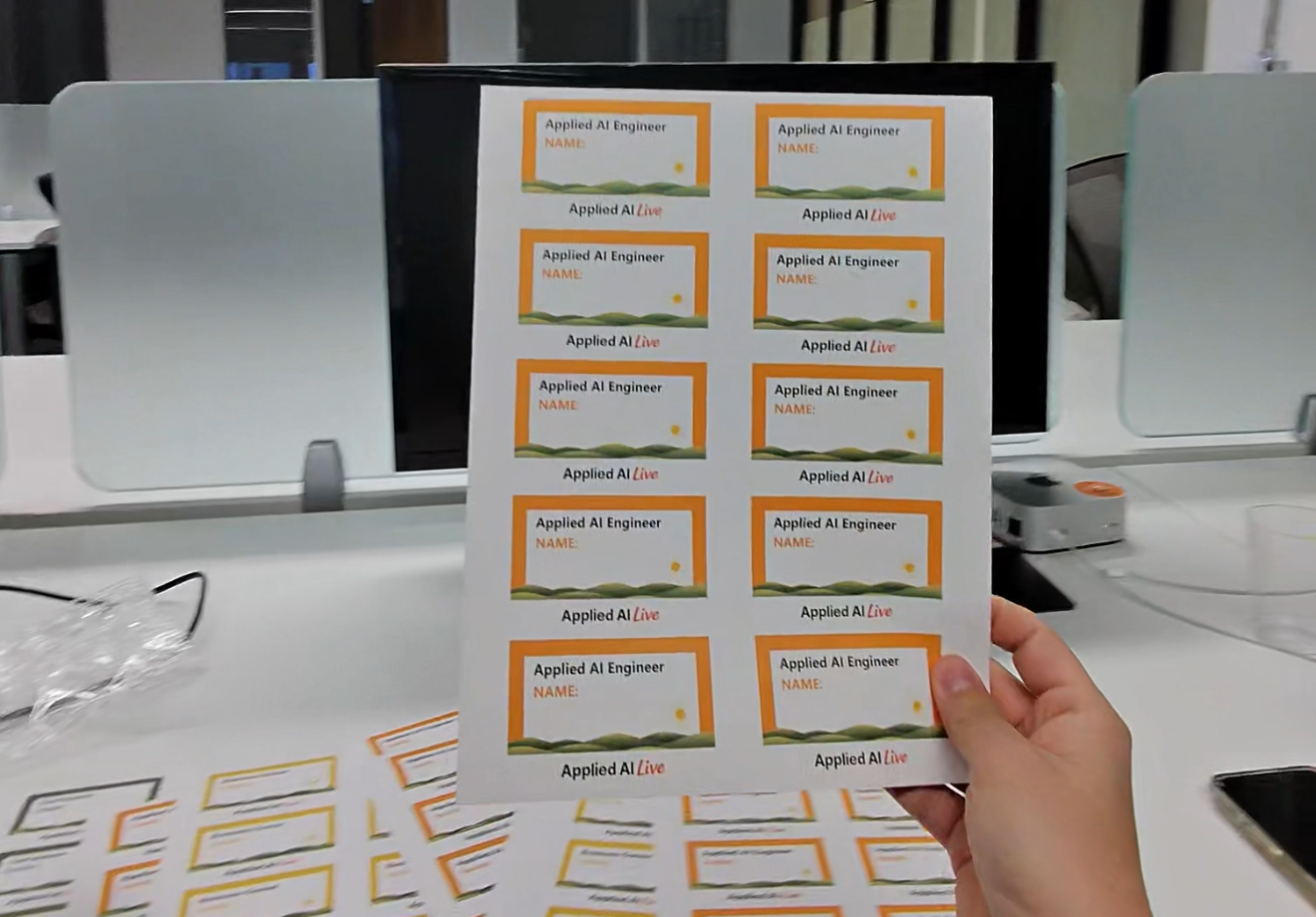
**Conversation starter stickers** are a nice add-on. Small stickers people can add to their name tags like "Ask me what I'm building" or "Open to work" help break the ice.
---
## Branded Shirts
**Don't skip this one.** Branded shirts are one of the highest-ROI things you can do. Attendees walk in and immediately see an organized team. It signals that this isn't a casual hangout; it's a real event run by real people.
**How to get them:** Send any local print shop the AAS logo and ask for black shirts in a range of sizes. That's it. At Live #1, we ordered ~10 shirts for ~$100 (white text, orange gradient on black). Minimalistic and clean.
Order them 3+ weeks before your event to allow for printing and shipping. Keep the design simple. The brand should be recognizable but not loud.
---
## Food & Drinks
:::tip Optional
Food is not required. If your budget is tight or you're testing the waters with a first event, skip it. People come for the speakers and the community, not the sandwiches. You can always add food once you've proven the format works.
:::
Keep it thrifty and replicable. The goal is programming valuable enough that people come for that, not fancy catering.
### The Default: Subs or Pizza
For a 5:30–7:30pm event, people will be hungry. Options:
| Option | Notes |
|--------|-------|
| **Jimmy John's subs** | Cut into pieces. Include vegan options. ~$8–10 per sub. |
| **Firehouse Subs** | Proven at Live #1. ~$250 for a large group. Include veggie options. Substantial and crowd-pleasing. |
| **Pizza** | Classic engineer event food. Cheap. Everyone knows what to expect. |
| **Small bites** | Cheese, meats, vegetables, small sandwiches. More upscale but pricier. |
Have food ready **25 minutes before doors open**. Early arrivals set the social tone for the whole event. When people walk in to food already laid out, they start networking immediately instead of standing around waiting. Always include veggie options.
### How Much?
For free events, expect **50% of RSVPs to actually show up**. If you have 100 RSVPs, plan food for 50.
Don't advertise it as a dinner event. Frame it as "light food provided" or first-come-first-serve.
### Drinks
- Cases of bottled water (~$5–10)
- Cups for people who prefer using a water fountain
- No need for anything fancier unless the venue provides it
---
## Registration
### Setup
- Laptop with Luma (or your registration platform) open
- Name tags (blank or sorted by color/role)
- One or two people at the desk
### Flow
1. Attendee arrives
2. Check them in on Luma
3. Hand them a name tag
4. Point them toward the networking area
Having an extroverted "connector" person near registration helps. Someone who can introduce newcomers to each other and break the ice.
---
## Luma Calendar Submissions
One of the most effective (and free) ways to get attendees is submitting your event to **Luma Featured Calendars**. These are curated community calendars that surface events to subscribers interested in specific topics or cities.
### Why This Matters
When you create an event on Luma, it lives on your personal page by default. Most people won't find it unless you share the link directly. But Luma also has a [Discover page](https://lu.ma/discover) with **Featured Calendars** (topic-based like "AI" or "Tech") and **Local Events** (city-based like "Austin" or "San Francisco"). Getting your event listed on these calendars puts it in front of thousands of subscribers who are already looking for events like yours.
At Applied AI Live, we've seen real attendees come from Luma calendar discovery. OpenClaw Meetups, for example, appears as a Featured Calendar on Luma's Discover page. The Austin local calendar is another one worth targeting.
### How to Submit
1. Go to [lu.ma/discover](https://lu.ma/discover) and browse the Featured Calendars and Local Events sections
2. Find calendars relevant to your event (AI, Tech, your city)
3. Open the calendar page and look for a "Submit Event" option
4. Fill in your event details and submit
5. The calendar admin reviews your submission. If approved, your event appears on that calendar's public schedule
### Which Calendars to Target
| Calendar Type | Examples | Why |
|---------------|----------|-----|
| **Topic calendars** | AI, Tech, Open Source | Reaches people interested in the subject matter |
| **City calendars** | Austin, San Francisco, New York | Reaches local attendees who are browsing for things to do |
| **Community calendars** | OpenClaw Meetups, Cursor Community, etc. | Reaches aligned communities with overlapping interests |
### Tips
- **Submit early.** Do this 3+ weeks before your event. Calendar admins may take a few days to review submissions.
- **Write a strong event description.** Calendar admins are curating quality. A well-written description with clear value proposition gets approved faster. See [Writing Event Descriptions](/docs/playbooks/chapter-leader/writing-event-descriptions).
- **Submit to multiple calendars.** Your event can appear on several calendars at once. Cast a wide net.
- **Subscribe to calendars yourself.** Follow the calendars in your city and topic area. This helps you stay aware of what other organizers are doing and spot collaboration opportunities.
---
## Cleanup
Before you leave:
- [ ] Collect leftover food (offer to attendees first)
- [ ] Gather trash, dispose properly
- [ ] Return furniture to original positions
- [ ] Check for any personal items left behind
- [ ] Thank venue staff
Most venues appreciate when you leave things cleaner than you found them. It helps with future partnerships.
---
## Thanking Partners
Gratitude is key. After an event, take time to thank the people who made it happen:
- Venue hosts
- Speakers and presenters
- Volunteers who helped with registration, photos, or setup
- Sponsors
- Community partners who helped promote
A quick thank-you text is fine. A voice note is better. A heartfelt voice note ecard is memorable.
**Tool recommendation:** [Blessout](https://blessout.com/) lets you send voice note ecards. Record a genuine thank-you, pick a visual, and send. Takes 2 minutes. Makes people feel appreciated.
Partnerships compound. The venue that felt thanked is more likely to host you again. The speaker who felt valued will refer other speakers. Small gestures build long-term relationships.
---
## Past Events
**Applied AI Live #2, Austin, TX (February 2026)**
Hosted at Grain & Berry with AITX community. Featured Reid McCrabb and Jack Moffatt (Linkt, agentic GTM case study), Mahaveer Dharmchand (IBM Watson, enterprise AI perspective), and a guardrails panel with Stephanos Nicklow, Patrick Skinner, and Jack Moffatt on GRC for agentic systems. ~80 check-ins with a 36% show rate. The Linkt case study and OpenClaw guardrails panel were standout segments.
[View event page →](https://luma.com/AppliedAILive002)
**Applied AI Live #1, Austin, TX (January 2026)**
Hosted at Antler VC with AITX community. Featured Travis Oliphant (creator of NumPy/SciPy, founder of OpenTeams) and Rostam Mahabadi (AITX x NVIDIA Hackathon grand prize winner). ~100 check-ins with a 40% show rate (above the typical ~35% for similar meetups). Debuted a custom Q&A platform with QR codes on every slide and AI moderation using the NumFOCUS code of conduct.
[View event page →](https://luma.com/3rl1oy7w)
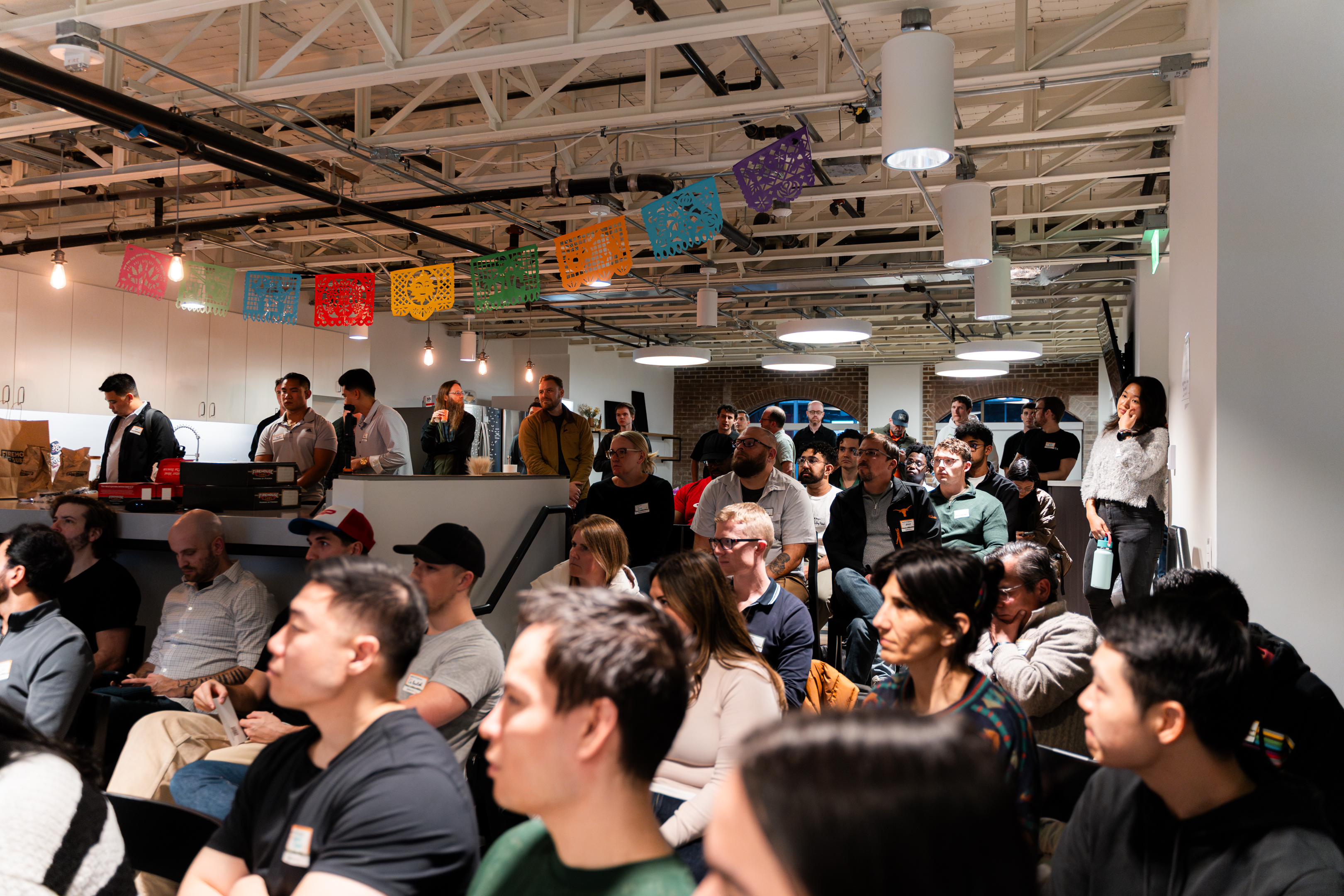
---
## Start a Chapter
Want to run Applied AI Live in your city? See [Starting a Chapter](/docs/playbooks/chapter-leader/starting-a-chapter) for the full guide on launching a chapter, what national provides, and what's expected of you.
---
# Building Partnerships
URL: https://docs.appliedaisociety.org/docs/playbooks/chapter-leader/building-partnerships
# Building Partnerships
How to build partnerships that help your chapter grow.
---
## Core Principle: Win-Win
A partnership should never feel like a favor. Both sides should get real value.
If you're asking someone to partner with you and they're not getting anything meaningful in return, it's not a partnership. It's a favor. Favors don't scale and they don't last.
---
## What Applied AI Society Offers
Before approaching partners, know what you bring:
### Opinionated programming
Most AI events are generic. They book whoever is available and cover broad topics.
Applied AI Society is specific. We focus on practitioners helping real businesses implement AI. We unlock tribal knowledge that people can't easily find elsewhere. That specificity is valuable to the right audience.
### Willingness to do the work
You're putting in the effort to make events happen: finding speakers, coordinating logistics, promoting, running the event. Partners who have venues or communities but not bandwidth appreciate this.
### Growing community
Even early on, you're bringing people. As you build, that audience grows. Partners benefit from exposure to your members.
---
## Types of Partners
### Talent pipeline partners (companies and hiring managers)
Companies that are actively hiring applied AI talent. This is the most valuable and underused partnership type for campus chapters.
**What they bring:** Speakers, sponsorship dollars, internship and job opportunities for your members, credibility
**What you bring:** A curated room of AI-native, hungry, entrepreneurial people that they cannot reach through traditional recruiting. Resumes and job fairs do not surface the talent companies actually need. Your events do.
**The pitch:** "Your recruiting team should be in this room. The people organizing this event and the people attending it are exactly the talent profile you're looking for. You can vibe-check candidates in a live setting where their actual abilities are visible." See the [talent pipeline section of Speaker Outreach](/docs/playbooks/chapter-leader/speaker-outreach#why-companies-say-yes-the-talent-pipeline) for the full pitch framework.
**Why this works:** Companies are spending enormous amounts on recruiting for applied AI roles. A single AAS event gives them access to a pre-filtered group of people who are already doing the work, not just talking about it. For the company, it is cheaper and more effective than any job board. For your members, it is direct access to opportunities.
### Community partners
Other meetup groups, Slack communities, or organizations with overlapping audiences.
**What they bring:** Email lists, social reach, credibility, warm introductions
**What you bring:** Quality programming they can share with their community
**Example:** AITX in Austin. One of the earliest AI-focused meetup groups, with thousands on their email list and strong venue relationships. They've built trust over years. Partnering with them means access to their reach and logistics; they get high-quality events for their members.
### Venue partners
Co-working spaces, tech hubs, company offices that host events.
**What they bring:** Space, AV support, sometimes F&B
**What you bring:** Events that make their space feel alive and valuable to members
**Example:** Capital Factory in Austin. A major tech hub that wants high-quality programming for their community of technologists and entrepreneurs. They offer venue space and tech support for free through their event program. You bring the content and the attendance.
---
## How to Approach Partnerships
### Lead with the win-win
Don't pitch yourself. Pitch the mutual benefit.
*"We're building a community around applied AI practitioners. You have a great venue and a community that would find this valuable. We'll handle the programming and promotion. You get a quality event for your members, and we both grow."*
### Start informal
For community partnerships, you don't need a formal contract. Keep it simple:
- Do one event together
- If it goes well, do more
- If it doesn't, part ways cleanly
You can formalize later if it makes sense. Early on, flexibility matters more than paperwork.
### Share attendee info (with consent)
One concrete way to make partnerships valuable: share the attendee list after the event (with attendees' permission). Both communities grow.
---
## What Sustains Partnerships
Two things:
1. **Quality programming:** Events that deliver real value, not filler
2. **Solid attendance:** People actually show up
If you nail both, partners will want to keep working with you. Your reputation in the local scene grows, which makes future partnerships easier.
---
## Case Studies from the Founding Austin Chapter of Applied AI Society
### AITX (Community Partner)
AITX has been running AI-focused meetups in Austin since around 2021. They have:
- Thousands of people on their email list
- Strong venue relationships
- Trust built over years of consistent events
The partnership works because:
- They bring reach and logistics
- We bring opinionated, high-quality programming
- Both communities benefit and grow
No formal contract. If the first event works, we keep doing it. If not, we adjust.
One key lesson: AITX waited to see the first event before confirming a deeper partnership. Some partners need proof before they commit. Run a quality first event and let the results speak.
After Live #1, Brian Vallelunga (founder of an AI fintech startup) expressed sponsorship interest, a signal that running quality events attracts sponsors organically. You don't always need to chase sponsorship. Sometimes you just need to put on a great event and let the right people find you.
### Capital Factory (Venue Partner)
Capital Factory is a flagship tech hub and co-working space in Austin. They want:
- High-quality events for their members
- Programming that makes the space feel valuable
Their event program offers:
- Free venue space (one event per month)
- AV and tech support
- Some event logistics help
The partnership works because:
- They get quality content without doing the work
- We get a great venue without paying for it
- Both sides are invested in making it successful
---
## The Local Partner Model
Every new chapter should have a local partner: an established local community in the same broad category with an overlapping but not identical demographic. AITX is the template for Austin.
The pattern:
- **They bring:** Reach, logistics, venue relationships, email lists, local credibility
- **You bring:** Opinionated programming, content curation, event production
- **Both get:** A better event than either could run alone, and community growth
When scouting for a local partner, look for groups that serve a similar audience (tech-minded, entrepreneurial) but aren't doing the exact same thing you are. You want overlap, not duplication. The partner should feel like your event makes their community more valuable, not that you're competing for the same people.
Replicate this pattern in each new city. Find the local AITX equivalent and build the relationship before you announce your first event.
---
## Summary
- Partnerships should feel like a win-win, not a favor
- Know what you offer: opinionated programming, willingness to do the work, a growing community
- Start informal. One event. See if it works.
- Quality events with solid attendance build reputation, which makes future partnerships easier
---
## See Also
- [Applied AI Live](/docs/playbooks/chapter-leader/applied-ai-live): A proven event format
- [Starting a Chapter](/docs/playbooks/chapter-leader/starting-a-chapter): The full guide for launching a new chapter
- [Finding a Photographer](/docs/playbooks/chapter-leader/finding-a-photographer): Another example of thrifty partnership thinking
---
# Case Study Interviews
URL: https://docs.appliedaisociety.org/docs/playbooks/chapter-leader/case-study-interviews
# Case Study Interviews
A guide for chapter leaders to interview applied AI practitioners and produce case study profiles.
---
## Purpose
We create practitioner profiles to:
1. **Showcase real people** doing applied AI work in the field
2. **Inspire others** who want to follow a similar path
3. **Build authority** for the society through documented success stories
The final artifact is a published case study with photos, a short intro video, and a written profile covering how the practitioner works, finds clients, and delivers value.
---
## Finding Interview Subjects
### Who qualifies?
- Actively doing applied AI work (consulting, freelance, or in-house implementations)
- Has an interesting story or angle worth sharing
- Willing to be public about their work and approach
You don't need someone famous. You need someone doing real work with real clients who can articulate what they do.
### How to reach out
Keep it simple and direct:
```
Hey [Name],
I'm [Your Name], a chapter leader for the Applied AI Society in [City]. We're building a library of practitioner profiles: real people doing applied AI work, how they got there, and what they've learned.
Your work caught my attention. Would you be open to a short interview? Takes about an hour, we'd do it at your workspace, and you'd get some nice photos and a short intro video out of it.
Let me know if you're interested.
```
---
## Scheduling and Location
### Where
Conduct the interview at their workspace. Home office, studio, coworking space. Wherever they actually do the work. This adds authenticity and gives you a natural backdrop for photos.
### Time needed
Block **1 hour**:
- 45 minutes for the interview
- 15 minutes for photos and video
Let them know the format ahead of time so they're not surprised when you pull out a camera.
---
## Interview Questions
Use these as a starting point. Follow the conversation where it goes. The best stuff often comes from follow-up questions.
### Background
> "How did you get into applied AI? What were you doing before?"
Get the origin story. What led them here? Was it intentional or accidental?
### Training & Programs
> "What training or programs helped you most? How did you build your skills?"
Bootcamps like Gauntlet? Online courses? Self-taught through projects? This is actionable for people trying to break in.
### Finding Clients
> "How do you find new projects? What's worked best for you?"
Referrals? Cold outreach? Content? Events? Reddit? Get specific. Ask about the first client too.
### Pre-Call Prep
> "What do you do before the first call with a potential client?"
Some practitioners research the company and come with 3-4 AI implementation ideas ready. Others wing it. This is tactical gold for readers.
### Client Communication
> "Once a project starts, how do you manage the relationship? How often do you communicate?"
Understand their process. Weekly check-ins? Async updates? How do they handle scope creep or misalignment?
### Pricing
> "How do you price your work? How do you explain your pricing to clients?"
Hourly? Project-based? Do they tie pricing to business value (ROI, saved hours, reduced churn)? This is one of the hardest things to figure out.
### Leveraging Success
> "How do you use successful projects to get more work?"
Do they ask for referrals? Case studies? Testimonials? Do past clients become repeat clients?
### Why Applied AI
> "Why is this the right work for you right now? Where do you see it going?"
Get at the motivation. Is it financial? Mission-driven? Skill development? What does their future look like?
### Tech Stack
> "What tools and frameworks do you rely on most?"
Languages, libraries, platforms, AI providers. What do they reach for first?
### Value Proposition
> "What do you do that makes clients willing to pay good money for your help?"
This is the core question. What's the thing they deliver that people value? Speed? Expertise? Trust? Results?
### Soft Skills
> "What makes you easy to work with? How do you make clients feel comfortable?"
Technical skills get you in the door. Soft skills keep you there. Ask about: explaining complex things simply, managing expectations, handling disagreements, making clients feel safe. Zero ego came up repeatedly in interviews as a differentiator.
### Upskilling
> "How do you stay sharp? How do you learn new things in this field?"
Courses? Building side projects? Community? Reading papers? GitHub trending? arXiv? Multiple LLMs for different perspectives? What's their learning system?
### Hackathons
> "Do you participate in hackathons? Why or why not?"
Some practitioners use hackathons for networking, exposure, and sharpening skills. Winning can lead to LinkedIn engagement, VC outreach, and job opportunities. Others skip them. Worth asking.
### Location & Community
> "Where should someone be if they want to do this work? What communities have been valuable?"
Cities matter. Meetups matter. Ask which ones specifically. (Example: AITX, Deep Learning AI, Fiesta in Austin.) This is actionable advice for readers.
### Content & Building in Public
> "Are you posting about your work? What's your content strategy?"
LinkedIn? Twitter? Newsletter? Some practitioners hire marketing help. Others don't bother. Ask what's working and what's not.
---
## Media Capture
Don't leave without these. This is your exit criteria.
### Photos (minimum 2)
| Type | Description |
|------|-------------|
| **In action** | At their desk, looking at code, whiteboarding. Whatever "working" looks like for them. |
| **Portrait** | Facing camera, good lighting, natural smile. This becomes the profile photo. |
Tips:
- Natural light is your friend. Face them toward a window if possible.
- Clean up the background. Move clutter out of frame.
- Take more than you think you need. You can pick the best later.
### Intro Video (1 minute)
This is the hook that gets people to read the full profile. Keep it short and punchy.
**Script template:**
```
Hey, I'm [Name]. I'm an applied AI practitioner based in [City].
I do [consulting/freelance/in-house] for [type of clients].
The reason I love what I do is [motivation: problem solving, growth, learning, etc.].
[Optional: call to action about community, content, or why others should get into the field.]
```
**Example:**
```
Hey, my name is Rostam Mahabadi. I'm based out of Austin, Texas.
I'm an applied AI practitioner and I do consulting for companies of various sizes.
The reason I love what I do is I get to continually grow my skill set by working with different clients with different needs. I also get to work on complex problems that aren't solved in today's world.
I'm hoping to build a bigger community out in Austin so we can information share and all rise together.
```
Tips:
- Film horizontal (landscape), not vertical
- Good audio matters more than good video. Find a quiet spot.
- Do 2-3 takes. Let them warm up.
- They don't need to memorize it. Bullet points on a sticky note behind the camera works fine.
---
## Post-Interview
### Write it up
The goal is a **narrative article**, not a structured interview summary. You want something people actually want to read and share.
**Bad profile:** Headers → bullets → quote → next section. Scannable but boring. Loses momentum. Reads like a form you filled out.
**Good profile:** Opens with a hook, tells a story, weaves quotes in naturally, builds to a point. Reads like a short magazine piece.
#### Key principles
1. **Open with tension or curiosity.** Find the most surprising or counterintuitive thing they said. Lead with that.
2. **Let the story unfold.** Origin → first client → how they work now → what they've learned. Chronology is your friend.
3. **Weave quotes in naturally.** Don't just list quotes under headers. Let them emerge from the narrative.
4. **Use section breaks sparingly.** Just enough to let the reader breathe. Not every topic needs its own header.
5. **Build to a theme.** What's the takeaway? What do you want the reader to feel at the end?
6. **Keep it conversational.** Write like you're telling a friend about this interesting person you met.
#### AI prompt for drafting
If you have a transcript, use this prompt:
```
I have a transcript of an interview with an applied AI practitioner. Turn this into a narrative profile article (800-1200 words) for our community blog.
Guidelines:
- Open with a hook: the most surprising, counterintuitive, or compelling thing they said
- Tell their story chronologically: background → how they got into AI → first clients → how they work now
- Weave quotes into the narrative naturally (don't just list them under headers)
- Use minimal section breaks (just horizontal rules to let the reader breathe)
- Build to a theme or closing insight
- Keep the tone conversational, not formal
- End with a simple bio line and any upcoming events
Do NOT write a listicle or structured interview summary. This should read like a magazine profile.
Here's the transcript:
[paste transcript]
```
#### Structure (loose guide)
1. **Hook:** The most interesting thing they said or do. Create curiosity.
2. **Background:** How they got here. Origin story.
3. **The work:** How they find clients, run projects, deliver value.
4. **What makes them different:** Their edge. The thing that sets them apart.
5. **Staying sharp:** How they keep learning in a fast-moving field.
6. **Why this work:** Motivation. What drives them.
7. **Close:** Theme, takeaway, or call to action. End strong.
8. **Bio line:** One sentence: who they are, where they're based, upcoming events.
### Submit materials
- Upload photos and video to the shared drive
- Submit draft to the editorial review queue
- Include subject's contact info for fact-checking
### Review process
Before publishing:
- Subject reviews for accuracy
- Editorial team reviews for quality and consistency
- Final approval, then publish
---
## Checklist
Before the interview:
- [ ] Subject confirmed date, time, location
- [ ] They know to expect photos and video
- [ ] You have your questions ready
- [ ] Camera/phone charged, storage available
During:
- [ ] Recorded or took detailed notes
- [ ] Asked follow-up questions on interesting threads
- [ ] Captured 2+ quality photos
- [ ] Recorded intro video (multiple takes)
After:
- [ ] Wrote up the case study draft
- [ ] Uploaded media to shared drive
- [ ] Sent draft to subject for review
- [ ] Submitted to editorial queue
---
## See Also
- [Finding a Photographer](/docs/playbooks/chapter-leader/finding-a-photographer): If you want professional photo support
- [Case Studies](/docs/case-studies): Published practitioner profiles
---
# Content Distribution
URL: https://docs.appliedaisociety.org/docs/playbooks/chapter-leader/content-distribution
# Content Distribution
Where to publish Applied AI Society content and why.
---
## Core Platforms
Four platforms matter most:
| Platform | Purpose |
|----------|---------|
| **Substack** | Source of truth for articles. Email subscriptions. |
| **X (Twitter)** | Reach. Cross-post articles. X Articles for long-form. |
| **LinkedIn** | Reach. Cross-post articles with link to Substack. |
| **YouTube** | Full event recordings. Bingeable archive. |
X and LinkedIn are both trying to compete with Substack by promoting long-form content. Use this to your advantage. Publish the same articles on both.
---
## Articles: Substack First
Substack is home base for written content. Why:
- **Email subscriptions:** Readers can subscribe and get notified
- **Permanence:** Content lives in one canonical place
- **Ownership:** You control the list, not the platform algorithm
### Cross-posting strategy
1. Publish the full article on Substack
2. Post the same article on LinkedIn and X
3. Add a line at the bottom: *"Subscribe on Substack for more: [link]"*
This meets readers where they are (LinkedIn feed, X timeline) while funneling interested people to Substack where they can subscribe.
---
## X (Twitter)
X is a core distribution channel. Use it for:
- **Regular posts:** Event announcements, quotes, highlights, threads
- **X Articles:** Full long-form articles published natively on X
X Articles let you publish the same content you'd put on Substack, but natively on the platform. X promotes long-form content because they want to compete with newsletters. Take advantage of this.
### Cross-posting to X
Publish articles on both Substack and X Articles. Same content, different platforms. This maximizes reach without extra writing.
For regular posts, share highlights, quotes from case studies, and event updates. Tag practitioners when you feature them.
---
## Video: YouTube
YouTube is the default for video. Use it for:
- **Full event recordings:** People can binge past events
- **Conference talks:** As the society grows and hosts larger summits
- **Short clips:** Highlights and reels (also post these natively on LinkedIn/Instagram/TikTok)
Think of YouTube like AI.Engineer's channel: a library of valuable talks that compounds over time.
---
## Long-form Content Types
Two main categories:
### 1. Case study interviews
Practitioner profiles based on interviews. These live on Substack and get cross-posted.
See: [Case Study Interviews](/docs/playbooks/chapter-leader/case-study-interviews)
### 2. Event recaps and insights
Write-ups from events: what was discussed, key takeaways, interesting moments. These also live on Substack.
---
## Why This Matters
The goal isn't content for content's sake. It's:
1. **Subjects share their profiles.** When you publish a case study, the practitioner will share it with their network. This brings new people to the society.
2. **Events become evergreen.** A 2-hour event reaches 50 people in the room. The YouTube recording and written recap reach hundreds more over time.
3. **Authority compounds.** Each piece of content adds to the society's credibility. Over months and years, this becomes a moat.
---
## Event Discovery
Beyond content distribution, make sure your events are discoverable. Luma has a [Discover page](https://lu.ma/discover) with Featured Calendars and city-based Local Events. Submitting your events to these calendars is free and can drive significant attendance.
See: [Luma Calendar Submissions](/docs/playbooks/chapter-leader/applied-ai-live#luma-calendar-submissions)
---
## Platform-Specific Strategies
Each platform has its own voice, format constraints, and audience expectations. Don't copy-paste the same post everywhere. Adapt.
### X Strategy
- **Lowercase voice for personal accounts.** Casual, conversational tone. No corporate speak.
- **Bold all-caps headlines.** Use them to stop the scroll. Example: **HOW A SOLO FOUNDER AUTOMATED 80% OF THEIR OPS WITH AI**
- **Bold key quotes.** Pull the most compelling line from the talk and bold it.
- **Upload video directly.** Never post a YouTube link on X. The algorithm buries external links. Upload the clip natively.
- **Timestamps in post body.** If referencing a longer video, include timestamps so people can jump to the moment.
- **Event plug in Reply section.** Don't clutter the main post. Drop the "Next event: [link]" as the first reply.
### LinkedIn Strategy
- **Normal capitalization.** Professional tone, not shouty.
- **3,000 character max for regular posts.** Write tight. If you need more, publish as a LinkedIn article.
- **No timestamps.** LinkedIn audiences scroll differently. Keep it narrative.
- **Link to YouTube for video.** Unlike X, LinkedIn doesn't penalize external video links as harshly. Link to the full recording.
- **Event plug inline at end.** Close the post with a line about the next event. Example: "Join us at Applied AI Live #3 on [date]: [link]"
- **#AppliedAILive on first mention only.** One hashtag, once. Don't spam tags.
### YouTube Strategy
- **Title format:** `[Talk Title] | [Event Name]`. Example: `How I Built an AI Consulting Practice | Applied AI Live #1`
- **Description:** Include panelist links (LinkedIn, X, website), full timestamps for every segment, and a subscribe CTA.
- **Thumbnails:** Create them via Remotion using real event photos. Avoid generic stock imagery. A real photo from the actual event with bold text overlay performs best.
### Newsletter Strategy
- **Interview-driven process.** Newsletters should feel like stories, not press releases. Lead with what someone said or did.
- **Quick Links at top.** Give readers a table of contents or jump links so they can scan and click into what interests them.
- **Sponsor section with CTAs (not just logos).** Tell readers what the sponsor does and why it matters. Include a clear call to action, not a passive logo placement.
- **Images embedded.** Use real event photos inline. They break up text and make the newsletter feel alive.
- **Google Doc for review workflow.** Draft in Google Docs so collaborators can comment and suggest before publishing.
---
## Every Post Promotes the Next Event
This is a non-negotiable habit. Every social post about a past event should include a plug for the next upcoming event.
- **On X:** Put it in the Reply to your main post. Keep the main post focused on the content. The reply says something like: "Next Applied AI Live is [date]. RSVP: [link]"
- **On LinkedIn:** Put it inline at the end of the post. One sentence, with the link.
The goal is simple: anyone who engages with your content should know exactly when and where the next event is. No extra clicks required.
---
## See Also
- [Case Study Interviews](/docs/playbooks/chapter-leader/case-study-interviews): How to create practitioner profiles
- [Recording an Event](/docs/playbooks/chapter-leader/recording-an-event): Capturing video for YouTube
---
# CRM Setup
URL: https://docs.appliedaisociety.org/docs/playbooks/chapter-leader/crm-setup
# CRM Setup Guide
A guide for setting up Airtable as your CRM for managing outreach across different member types and channels.
Last Updated: January 26, 2026
---
## Table of Contents
- [Why Airtable](#why-airtable)
- [Pricing](#pricing)
- [Setup](#setup)
- [Create Your Account](#create-your-account)
- [Create Your Base](#create-your-base)
- [Required Fields](#required-fields)
- [Import Data](#import-data)
- [Outreach Options](#outreach-options)
---
## Why Airtable
Airtable is the go-to CRM for this system because:
- **Flexible:** Manage different outreach channels (LinkedIn, Twitter, Email) across various member types (applied AI practitioners, business owners, tool developers)
- **Affordable:** Free tier works for getting started; paid plans are reasonable
- **Extensions:** Easy deduping, data cleaning, and more built-in
- **Collaboration:** Multiple team members can work on the same base
- **API Access:** Integrates with automations and external tools
---
## Pricing
| Plan | Cost | Records per Base | Best For |
|------|------|------------------|----------|
| Free | $0 | 1,000 | Trial and basic setup |
| Team | $24/user/month | 50,000 | Big databases, automations, extensions|
**What requires a paid plan:**
- More than 1,000 records per base
- Automations (auto-emailing with conditions)
- Extensions (comfortable deduping, data enrichment)
**Note:** Only users with editor-level access count toward seat costs. Viewers are free.
---
## Setup
### Create Your Account
1. Go to [airtable.com](https://airtable.com)
2. Sign up with email or Google/SSO
3. Verify your email
### Create Your Base
1. Click the **three stripes** (☰) at the top left to expand the sidebar
2. Click the **Create** button at the bottom left corner
3. You'll see two options:
- **Build an app with Omni:** Airtable's AI assistant
- **Build an app on your own**
**Recommendation:** Click **"Build an app on your own"**. Omni usually creates some unnecessary tables/interfaces you'll likely need to customize or delete later.
A new base will be created with default fields.
### Required Fields
Set up these core fields first.
> **Tip:** Use camelCase for field names (e.g., `firstName` not `First Name`), it may be useful for automations later on.
**Rename the default "Name" field:**
| Field | Type | Notes |
|-------|------|-------|
| `firstName` | Single line text | Primary field. Rename from default "Name" so you can use it as variable in outreach automations. |
**Create these additional fields:**
| Field | Type | Notes |
|-------|------|-------|
| `lastName` | Single line text | |
| `email` | Email | |
| `city` | Single line text | |
| `state` | Single line text | |
| `country` | Single line text | |
| `memberType` | Single select | Options: `Tool Developer`, `Applied AI Practitioner`, `Business Owner`, `Other` |
**For manual outreach tracking:**
| Field | Type | Notes |
|-------|------|-------|
| `Outreach` | Checkbox | Mark when you've manually DM'd someone |
### Import Data
1. Click the **Add** button (with magic wand icon) at the bottom left of the database
2. A pop-up opens. Choose the **Data** section.
3. Select your import method:
- **CSV:** Upload a .csv file
- **Google Sheets:** Connect directly
- **Excel:** Upload .xlsx file
- **Paste table data:** Copy/paste from any spreadsheet
4. Map columns to your fields
5. Click **Import**
---
## Outreach Options
**Manual Outreach:**
Simply use a checkbox field called `Outreach` and mark it when you've messaged someone.
**Automated Outreach:**
Set up automations to reach out to contacts from Airtable via PhantomBuster. Each guide below specifies additional fields you'll need to create (profile URLs, status tracking, etc.) and how to set up filtered views.
- [LinkedIn Automation](/docs/playbooks/chapter-leader/linkedin-automation)
- [Twitter Automation](/docs/playbooks/chapter-leader/twitter-automation)
---
## See Also
- [LinkedIn Automation](/docs/playbooks/chapter-leader/linkedin-automation): LinkedIn DM automation setup
- [Twitter Automation](/docs/playbooks/chapter-leader/twitter-automation): Twitter DM automation setup
- [Tools](/docs/playbooks/chapter-leader/tools): Other chapter leader tools
---
# Event Formats
URL: https://docs.appliedaisociety.org/docs/playbooks/chapter-leader/event-formats
# Event Formats
A catalog of event formats the Applied AI Society runs or is developing. Each format serves a different purpose and audience. Chapter leaders can mix and match based on what their local community needs.
The unifying thread: every AAS event is an **activation into the applied AI economy**. Attendees leave with a clearer picture of what's real, what's possible, and who they can work with.
---
## Applied AI Live
*The flagship format. Promising and evolving.*
**What it is:** A 2-hour evening event where practitioners share field notes from real applied AI work, followed by networking. The format is still evolving. Early events included live whiteboard architecture sessions; the direction it's heading is more toward exposure and practitioner field reports: what's working, what's not, what surprised them, what they'd do differently.
**Who it's for:** AI-curious young people, experienced practitioners, business owners looking for solutions, and anyone exploring careers in applied AI.
**Cadence:** Monthly.
**Why it works:** Practitioners sharing honest field notes from the front lines of applied AI is genuinely hard to find anywhere else. The audience gets an unfiltered look at what the work actually looks like: real revenue, real clients, real workflows, real failures. That exposure is the core value. The format around it (talks, demos, Q&A, networking) will keep evolving as we learn what resonates most.
**Full playbook:** [Applied AI Live →](/docs/playbooks/chapter-leader/applied-ai-live)
---
## Hackathons
*Building together. Often co-hosted with other communities.*
**What it is:** A focused building event where teams form, pick a problem, and ship something by the end of the day (or weekend). Can range from 8 hours to 24+ hours depending on ambition and logistics.
**Who it's for:** Builders. Engineers, designers, and product people who want to go from idea to working prototype with AI tooling.
**Cadence:** Quarterly or as opportunities arise. Great for co-hosting across multiple communities, which shares the lift and expands the audience.
**Why it works:** Hackathons surface the builders in your community. The people who show up and ship become future speakers, case study subjects, and collaborators. Co-hosting with other groups (AI meetups, startup communities, university clubs) builds cross-pollination that benefits everyone.
**Full playbook:** [Running a Hackathon →](/docs/playbooks/chapter-leader/running-a-hackathon)
---
## Applied AI Office Hours
*New format. Debuting Q2 2026 at Capital Factory / Station Austin.*
**What it is:** A multi-hour coworking block where business owners come in with a specific problem and get whiteboarding time with applied AI engineers and practitioners. Not a presentation. Not a panel. Just focused, one-on-one (or small group) problem-solving.
**Who it's for:** Business owners and operators who have a real problem they want to think through with someone who understands AI. Also valuable for practitioners who want to sharpen their consulting skills and build their client pipeline.
**Cadence:** Monthly (first Tuesday of the month, 1:00 to 4:00 PM at Capital Factory / Station Austin for the initial run).
**Why it works:** Three things happen at once:
- **Business owners get real help** on a real problem, even if it's just 20 minutes of focused attention at a time
- **Practitioners and engineers compare notes** with each other and grow their consulting deal flow
- **The venue partner gets exposure** to business owners who might not otherwise know about the space
The format is intentionally low-key. No stage, no slides, no formal agenda. People drop in, get help, and leave with clarity. The intimate setting (3 to 6 practitioners in a medium-sized room) keeps it personal.
**Status:** Launching April 2026 in partnership with Capital Factory / Station Austin. This is an experiment. We'll document what works and share the playbook once we've run a few sessions.
---
## Formats We're Exploring
These are ideas on the roadmap. Not yet tested, but worth noting for chapter leaders planning ahead.
**Coworking sessions.** Informal, recurring time blocks where practitioners work alongside each other. No agenda, just proximity and conversation. Good for chapters that want a low-effort touchpoint between bigger events.
**Screening and discussion.** Watch a keynote, demo, or documentary together, then discuss. Low logistics, high conversation quality. Works well when a major AI announcement or product launch creates natural discussion topics.
**Panels.** Moderated conversations with 3 to 4 practitioners on a specific theme (pricing AI services, transitioning from traditional consulting, building AI products). Works best when the moderator is excellent and the panelists have real, contrasting experience.
---
## Choosing the Right Format
| Format | Effort Level | Best For | Audience Size |
|--------|-------------|----------|---------------|
| Applied AI Live | Medium | Building your community, showcasing practitioners | 30 to 100+ |
| Hackathon | High | Surfacing builders, co-hosting with other groups | 20 to 80 |
| Office Hours | Low | Serving business owners, practitioner development | 5 to 20 |
| Coworking | Very Low | Community maintenance between events | 3 to 15 |
| Screening | Low | Discussion and community bonding | 10 to 40 |
| Panel | Medium | Deep dives on specific themes | 20 to 60 |
Start with Applied AI Live. It has the most documentation and is the natural entry point. Add other formats as your chapter matures and you learn what your local community needs most.
---
# Event Promotion
URL: https://docs.appliedaisociety.org/docs/playbooks/chapter-leader/event-promotion
# Event Promotion
How to fill a room for your Applied AI event.
---
## The Principle
Promotion is not a one-time announcement. It's consistent, repeated visibility in the weeks leading up to the event. The people who need to hear about your event are busy. They need to see it multiple times across multiple channels before they register.
The specific channels depend on your local context. A campus chapter promotes differently than a city chapter. But the underlying discipline is the same: start early, stay consistent, and use every channel available to you.
---
## Timeline
| When | What |
|------|------|
| 3-4 weeks before | Event listed on Luma/Meetup, initial announcement on socials |
| 2-3 weeks before | Begin consistent posting cadence (multiple times per week) |
| 2 weeks before | Text your friends and personal contacts directly |
| 1-2 weeks before | Announce in lecture halls, Slack groups, email lists |
| Week of | Final push: daily posts, direct messages, day-of reminders |
---
## Channels
### Social Media (Your Personal Accounts)
This is the highest-leverage channel early on. The chapter leader's personal social presence drives most initial signups.
**What works:**
- Post multiple times a week in the lead-up, not just once
- Newsjack: tie the event to whatever's happening in AI that week. A new model drops, a company announces layoffs, a tool goes viral. Connect it back to why people should come to your event. Gary does this consistently for Austin events.
- Share behind-the-scenes prep (confirming speakers, setting up the venue, your own excitement)
- Tag speakers and partners in posts for amplified reach
- Post the day of the event with a "last chance to register" message
**What doesn't work:**
- A single announcement post and nothing else
- Generic "come to our event" language with no hook
- Posting only on the event platform and expecting people to find it
#### Bold All-Caps Headlines
Every social post opens with a bold all-caps headline. This is a curiosity-driving hook, not a topic label. The goal is to make someone stop scrolling because they want to know more.
On X, use markdown bold: `**HEADLINE HERE**`
On LinkedIn, use Unicode bold characters (tools like YayText can generate these).
A good headline makes a claim, asks a provocative question, or teases a story. A bad headline just names the event.
- Bad: "APPLIED AI LIVE #3 RECAP" (this is a label, not a hook)
- Good: "WHY THE MAYOR OF AUSTIN AND I AGREE THAT AUSTIN SHOULD BE THE APPLIED AI CAPITAL OF THE WORLD"
The headline should work on its own, even if someone never reads the rest of the post. It should make them curious enough to keep reading.
#### Event Plug Placement
Where you put the event plug matters. Getting it wrong makes your post feel like an ad instead of a genuine share.
**On X:** Put the event plug in a **reply** to the main post, not in the post body. The main post should feel authentic and reflective. It should be about a real thought, an observation, something you learned, or something happening in AI. The reply handles the event plug, with @handles for speakers and the event link. This separation is important: people engage with the main post because it's interesting, and the reply catches the ones who want to take action.
**On LinkedIn:** The event plug goes inline at the end of the post. Keep it to a soft paragraph with speaker names, what they're presenting, venue, and the registration link. LinkedIn's format is more forgiving of longer posts with a call to action at the bottom.
#### Speaker Descriptions
When you mention speakers, don't just list names and titles. Write warm, specific descriptions of what each speaker is presenting and why it matters.
Compare these two approaches:
*Generic:* "Michael Daigler, Developer Advocate at Apify"
*Specific:* "Michael Daigler from Apify is breaking down OpenClaw x Apify for building business automation agents"
The specific version tells the reader what they'll actually learn. It gives them a reason to show up beyond name recognition. This is especially important when your speakers aren't yet well known. The description of what they're presenting does the work that their name can't do yet.
#### Every Post Is a Promotion Opportunity
Every social post you publish (even ones that aren't about the event) should include an event plug. On X, this goes in the reply. On LinkedIn, it goes at the end of the post.
The plug should feel natural, not forced. Something like: "If you want to be in rooms where these conversations happen in person, here's the next one."
This works because you're already talking about AI topics that your audience cares about. The event plug is a logical next step, not a detour. The key is making the main post genuinely interesting on its own. The event plug is a bonus, not the point.
---
### Direct Messages and Texts
The most effective promotion channel, especially for your first few events.
Text everyone you think would get value from the event. Personally. Not a mass blast. A real message:
```
Hey, I'm running an Applied AI event on [date] at [venue].
Practitioners sharing real case studies, live architecture
session, good networking. Think you'd dig it. Want to come?
[Luma link]
```
This feels like a lot of work. It is. It's also how you get 50-75 people in a room the first time. After your events have a track record, word of mouth carries more of the load.
---
### Email Lists
If you have access to relevant email lists (university department lists, local tech community newsletters, coworking space announcements), use them.
**For campus chapters:**
- Department email lists (CS, business, engineering, design)
- Student organization newsletters
- Faculty who are willing to forward to their classes
**For city chapters:**
- Local tech community newsletters
- Coworking space announcement boards
- Partner organization email lists (with permission)
Keep the email short. Event name, date, one-sentence description, registration link.
---
### In-Person Announcements
If you're on a campus, this is a superpower.
- Ask professors for 2-3 minutes at the start or end of a lecture to announce the event. Most will say yes if you're respectful of their time.
- CS classes are obvious, but don't skip business, design, and liberal arts classes. Applied AI is cross-disciplinary. Some of the most engaged attendees at Austin events have been non-technical.
- Bring a QR code on your phone or a printed flyer so people can register on the spot.
Tim Dort-Golts proved this model in Bordeaux: walked into lectures, gave a quick pitch, and got entire classes to sign up. It works.
---
### Event Platform (Luma, Meetup, Eventbrite)
Your event listing is the landing page, not the promotion channel. People don't browse Luma looking for events. They click through from a social post, a text, or a friend's recommendation.
Make the listing good:
- Clear title and description ([Writing Event Descriptions](/docs/playbooks/chapter-leader/writing-event-descriptions) covers this)
- Venue address and time
- Speaker names if confirmed
- A photo from a past event if you have one
But don't rely on the platform's discovery features to fill your room.
---
### UTM Tracking
Every published link to an event must include a `utm_source` parameter. This lets you see exactly where registrations come from in Luma's Insights tab (or the equivalent analytics on whatever platform you use).
**Format:** `?utm_source=-`
**Examples:**
- `https://lu.ma/AppliedAILive004?utm_source=x-garysheng`
- `https://lu.ma/AppliedAILive004?utm_source=linkedin-garysheng`
- `https://lu.ma/AppliedAILive004?utm_source=newsletter`
- `https://lu.ma/AppliedAILive004?utm_source=x-appliedaisociety`
This takes two seconds and gives you real data on which channels are actually driving registrations. Without it, you're guessing. With it, you can see that your LinkedIn posts convert at 3x the rate of X posts, or that the newsletter is your most efficient channel, and adjust your effort accordingly.
Make this a habit. Every link, every time. If someone else is posting on your behalf (a speaker, a partner), give them the link with the UTM already attached.
---
### Partner Amplification
Partners, sponsors, and speakers all have their own networks. Ask them to share the event.
- Send speakers a pre-written post they can copy and adapt
- Ask venue partners to include it in their community announcements
- Tag sponsor organizations in your social posts
See [Building Partnerships](/docs/playbooks/chapter-leader/building-partnerships) for more on cultivating these relationships.
---
## What Matters Most
In order of impact:
1. **Personal texts and DMs.** Nothing beats a direct, personal invitation.
2. **Consistent social posting with hooks.** Multiple times a week, tied to real AI news. Bold all-caps headlines. Event plug on every post (in the reply on X, inline on LinkedIn).
3. **In-person announcements.** Especially on campus.
4. **Email lists and partner amplification.** Broader reach, lower conversion.
5. **Event platform listing.** Necessary but not sufficient. Always UTM-tagged.
The mix will shift as your chapter grows. Early on, it's mostly personal outreach. After a few events, word of mouth and social proof do more of the work.
---
## See Also
- [Writing Event Descriptions](/docs/playbooks/chapter-leader/writing-event-descriptions) -- crafting the event listing
- [Content Distribution](/docs/playbooks/chapter-leader/content-distribution) -- where to publish content and why
- [Applied AI Live](/docs/playbooks/chapter-leader/applied-ai-live) -- the full event format and checklist
---
# Applied AI Live #1: Austin
URL: https://docs.appliedaisociety.org/docs/playbooks/chapter-leader/event-recaps/applied-ai-live-1
# Applied AI Live #1: Austin
**Date:** January 29, 2026
**Venue:** Antler VC, Austin, TX
**Attendance:** ~100 checked in (40% show rate)
**Format:** Guest speaker + live architecture session + audience Q&A

---
## What Happened
Applied AI Live #1 was the inaugural event for the Applied AI Society. Hosted at Antler VC in downtown Austin in partnership with AITX, it brought together applied AI practitioners, business owners, and tool builders for an evening of practitioner knowledge sharing.
### The Format
1. **Networking + Food.** Doors opened at 5:30 PM with Firehouse Subs and open conversation. Having food ready for early arrivals set the social tone before content started.

2. **Guest Speaker.** Travis Oliphant (creator of NumPy/SciPy, founder of OpenTeams) shared practitioner insights on applying AI for businesses.
3. **Live Architecture Session.** A real business owner presented a real problem, and an engineer architected a solution on the spot. The audience watched real problem-solving happen in real time.
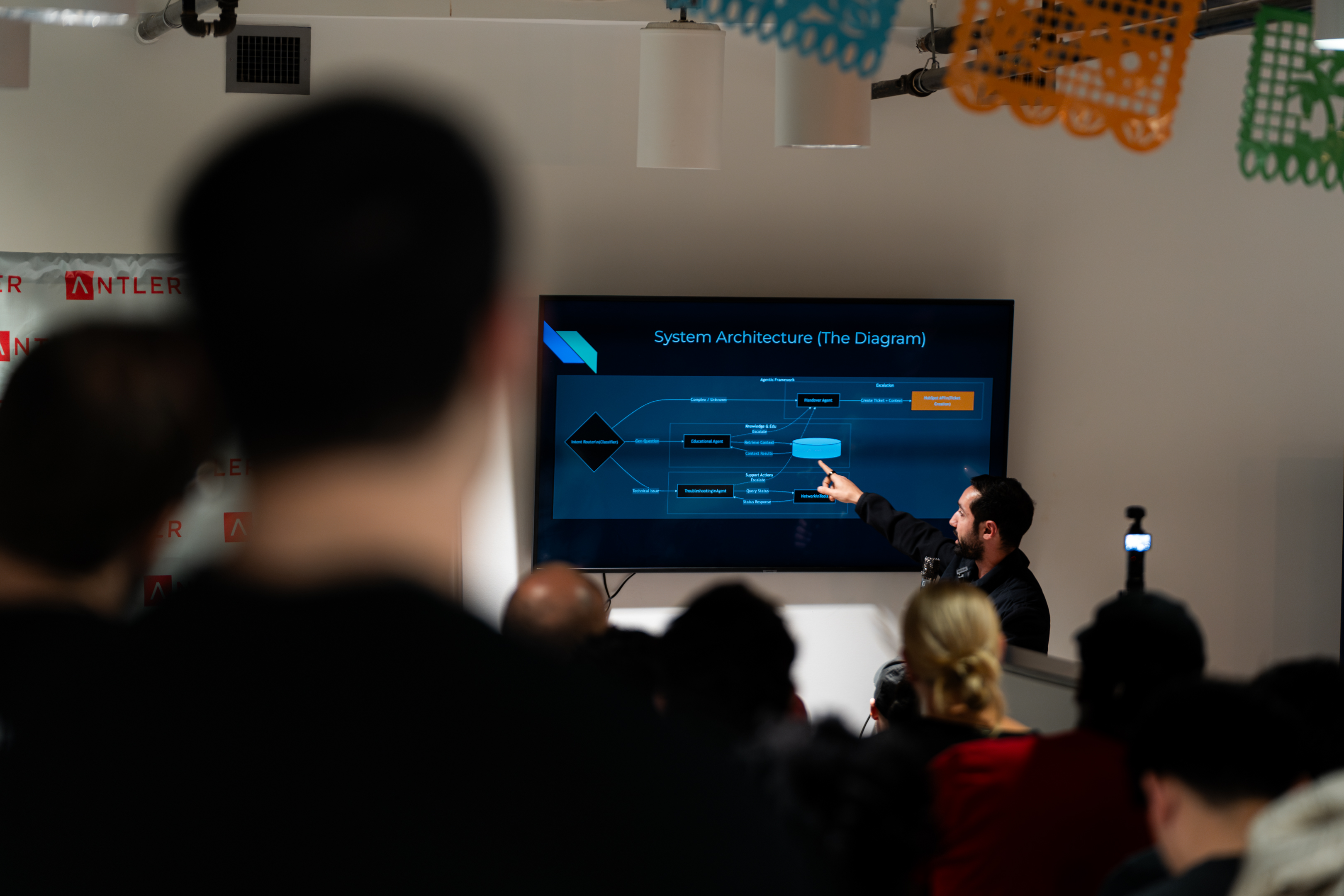
4. **Audience Q&A.** Powered by a custom platform with QR codes on every slide. Over a dozen questions submitted. AI moderation filtered submissions in real time.
5. **Open Networking.** The event closed with unstructured time for attendees to connect and exchange notes.
---
## What We Learned
### Things That Worked
- **Name tags made the event legible.** Color-coded by role (engineer, business owner, tool builder), they helped people find each other. Multiple attendees called them out as a highlight. Printed by Minuteman Press.

- **Branded staff shirts elevated the feel.** Ten shirts at ~$100. Staff wearing them at registration made the event feel immediately official.

- **Food for early arrivals set the tone.** Firehouse Subs (~$250, including veggie options) gave people something to do while waiting. The 25-minute window before the opening address became a natural networking period.
- **The live architecture session held the room.** Real problem-solving in front of an audience. The format works. The concept proposed during the session resonated with multiple attendees in post-event conversations.
- **QR codes on every slide drove Q&A engagement.** The custom platform worked on its first live outing. AI moderation kept submissions on-topic.
- **Auto-rotating animated slides** during transitions kept the energy up between segments.
- **Day-of reminder blast boosted turnout.** A written message went out to RSVPs at 11:29 AM: a future-looking note asking people to imagine where tonight could lead them a year from now. This likely contributed to the 40% show rate.
### Things to Improve
- **AV connectivity.** The venue TV required on/off cycling to connect. Set the computer to never sleep or hibernate during the event.
- **Microphone redundancy.** Only one mic was available. Workaround: the host spoke loudly so the guest could use the single mic. Bring backup equipment.
- **Brief the architect more thoroughly.** The session worked well, but more advance prep would make it even tighter.
---
## By the Numbers
| Metric | Result |
|--------|--------|
| Checked in | ~100 |
| Show rate | ~40% (above the typical ~35% for similar meetups) |
| Q&A questions submitted | 12+ |
| Food (Firehouse Subs) | ~$250 |
| Videography + photography | ~$300 |
| Branded shirts (10) | ~$100–150 |
| Printed flyers | ~$70 |
| Name tags | ~$50 |
| **Total event cost** | **~$770–820** |
| Format | Guest speaker + live architecture + Q&A |
---
## Founding Sponsors
Applied AI Live #1 was made possible with the support of the Applied AI Society's founding sponsors: **OpenTeams** and **OT Incubator**. [Learn more about our founding sponsors](/).
---
## What's Next
- **Applied AI Live #2** at Capital Factory in Austin
- Continued outbound outreach and community building
- Expansion planning for other Texas cities and beyond
---
## See Also
- [Applied AI Live](/docs/playbooks/chapter-leader/applied-ai-live): Full event playbook
- [Building Partnerships](/docs/playbooks/chapter-leader/building-partnerships): Partnership learnings from this event
- [Live Architecture Session](/docs/playbooks/chapter-leader/live-architecture-session): How to run the signature segment
---
# Applied AI Live #2: Austin
URL: https://docs.appliedaisociety.org/docs/playbooks/chapter-leader/event-recaps/applied-ai-live-2
# Applied AI Live #2: Austin
**Date:** February 26, 2026
**Venue:** Grain & Berry, 1213 W 5th St, Austin, TX
**Attendance:** ~80 checked in (~36% show rate)
**Format:** Context Engineering masterclass + Agentic GTM case study + OpenClaw Security panel + Q&A + Networking
---
## What Happened
Applied AI Live #2 was the second gathering of the Applied AI Society, co-hosted with the AITX Community. Held at Grain & Berry in Austin, it brought together ~80 practitioners for an evening of applied AI knowledge sharing across three distinct segments: a context engineering deep dive, a real-world agentic go-to-market case study, and a security panel on guardrails for agentic systems.
### The Format
1. **Welcome + Opening.** Gary set the stage with a guiding principle: "Nobody has figured it out, so we should just be sharing notes." He covered emerging genres of work (AI agent consultants, fractional AI executives, context engineers) and why community matters for navigating the transition.
2. **Context Engineering Masterclass.** Mahaveer Dharmachand (founding product manager of IBM Watson, now leading AI engineering at Accenture) broke down context engineering: why AI systems need structured context, how context graphs map data relationships, and why 99.9% of enterprises are still figuring out where their data is.
3. **Agentic Go-to-Market Case Study.** Reid McCrabb and Jack Moffatt from Linkt demonstrated their forward-deployed engineering approach. Their talent agency case study showed automated job monitoring across 12 niche sites, with an agent finding hiring managers, matching candidates, and running outbound campaigns. The result: multiple new deals per month. One audience member shared a testimonial: "This tool automated 20% of my team's weekly time."
4. **OpenClaw Security Panel.** Jack Moffatt, Stephanos (Good Life Consulting / Gamer Plug), and Patrick Skinner discussed guardrails for agentic systems. Key advice: don't run OpenClaw on personal machines, treat agents like new employees with limited access, separate action agents from read agents, and build transcript scrubbing pipelines.
5. **Open Networking.** Attendees connected after the formal program.
**Full recording:** [Watch on YouTube](https://youtu.be/RSLo9GEYHXg)
**Photo gallery:** [View photos](https://gallery.evolvedframe.com/appliedai/) (pin: 1467)
---
## What We Learned
### Things That Worked
- **The organic demand is real.** 220 RSVPs for a second event confirms the format resonates with the Austin practitioner community.
- **Reid and Jack from Linkt delivered a standout case study.** Real numbers and a concrete client story kept the room engaged. Audience members responded with specific follow-up questions and a live testimonial.
- **The OpenClaw security panel surfaced practical, actionable advice.** Guardrails for agentic systems is a topic practitioners are actively grappling with, and the panel gave them concrete takeaways.
- **QR codes on slides drove engagement.** Attendees could follow along on their phones and submit questions in real time.
- **The venue's backstory added authenticity.** Mahaveer, the owner of Grain & Berry, is the founding PM of IBM Watson turned acai bowl shop owner. That story set the tone for the whole evening.
- **Gary's moderation kept energy up** despite technical difficulties early in the event.
- **Crowding created energy.** The venue was too small for the turnout, but the packed room generated buzz and a sense of momentum.
### Things to Improve
- **Sound system failed.** Ron Roberts and John Roberts bought a speaker mid-event. Going forward, the team must have a battle-tested audio setup checked and ready before every event.
- **Venue was too small for 80 people.** Need a space where most attendees can be seated comfortably.
- **Don't open with a long technical presentation.** Starting with something higher-energy or shorter would warm up the room more effectively.
- **Need more live demos.** Attendees want to see tools and workflows in action, not just hear about them.
- **Glare from sunlight in the early evening.** This resolved itself as it got dark, but it's worth factoring in for future daytime venues.
---
## By the Numbers
| Metric | Result |
|--------|--------|
| Checked in | ~80 |
| Show rate | ~36% |
| RSVPs | ~220 |
| Q&A questions submitted | 10+ |
| Format | Context Engineering + Agentic GTM + OpenClaw Panel + Q&A |
---
## Founding Sponsors
Applied AI Live #2 was made possible with the support of the Applied AI Society's founding sponsors: **OpenTeams** and **OT Incubator**. [Learn more about our founding sponsors](/).
---
## What Came Next
- **SXSW Panel:** March 15, 2026 at The LINE Hotel (RedThreadX House). "How To Apply AI To Solve Valuable Business Problems."
- **Applied AI Live #3:** March 26, 2026 at Antler VC, Austin. Kit Edwards (Vector Intelligence Consulting) and Ripley Labs AI on Production Infrastructure for AI Agents.
---
## See Also
- [Applied AI Live](/docs/playbooks/chapter-leader/applied-ai-live): Full event playbook
- [Applied AI Live #1](/docs/playbooks/chapter-leader/event-recaps/applied-ai-live-1): First event recap
---
# Event Recaps
URL: https://docs.appliedaisociety.org/docs/playbooks/chapter-leader/event-recaps
# Event Recaps
Post-event summaries from Applied AI Live events. Each recap covers what happened, what we learned, and key metrics.
---
| Event | Date | Location | Attendance |
|-------|------|----------|------------|
| [Applied AI Live #1](/docs/playbooks/chapter-leader/event-recaps/applied-ai-live-1) | January 29, 2026 | Austin, TX (Antler) | ~100 |
---
# Finding an Event Photographer
URL: https://docs.appliedaisociety.org/docs/playbooks/chapter-leader/finding-a-photographer
# Finding an Event Photographer
A practical guide to sourcing affordable, reliable photography for Applied AI Society events.
---
## Why Photography Matters
Before you start hunting for a photographer, understand why you're doing it:
1. **Social proof:** Photos show the event is lively and popular. Future attendees see real people having a good time. That matters.
2. **Presenter value:** Give your speakers and presenters material they can use to promote themselves. It makes the event worth their time.
3. **Records of authority:** Build a visual archive that establishes the society's credibility over time.
You don't need fancy, magazine-quality photography. You need clear, well-lit documentation of what happened.
---
## How to Find a Photographer
### The Ideal Fit
The best photographer for an Applied AI Society event is someone who:
- Has a good eye and decent equipment (even just an iPhone in portrait mode)
- Wants to be in the room anyway
- Is excited to meet the people attending
Think: an aspiring applied AI practitioner who happens to take good photos. Or a creative who's curious about the space. Someone who sees the event as valuable beyond the paycheck.
This is a real win-win. They get paid, they get to network, and they walk away with connections that might matter more than the $150. You get someone genuinely engaged, not just clocking hours.
### Start with your network
Ask around. Who do you know that fits this profile? Maybe someone in your community who's building their portfolio. A friend with a good eye. A local freelancer who's curious about AI.
Trust matters more than credentials here. You want someone reliable who shows up on time and delivers what they promise.
### Be thrifty, not cheap
There's a difference. Cheap means cutting corners. Thrifty means getting good value.
**Budget anchor: ~$150 all-in** for a 2-3 hour event with reasonable commute distance. This is fair for someone building their portfolio or doing it as a side gig. Adjust based on your city and the photographer's experience.
If someone quotes significantly higher, ask what you're getting for the premium. If significantly lower, make sure they understand the deliverables.
---
## What to Capture
Give your photographer a shot list. These are the moments that matter:
| Moment | Why It Matters |
|--------|----------------|
| **People registering / arriving** | Shows energy and turnout |
| **Programming shots** | Stage, presenter, engaged audience |
| **Case study sharing** | Captures the educational content |
| **Live architecting sessions** | The unique interactive element |
| **Guest speakers** | Promotional material for them |
| **Water cooler conversations** | Networking and community vibes |
Emphasize candid shots over posed ones. Real moments > staged moments.
---
## Deliverables and Exit Criteria
Be explicit about what you expect. Put this in writing before the event.
### Resolution
- Full-resolution JPEGs (not compressed for web)
- Minimum 300 DPI for print use
- No heavy filters or watermarks
### Volume
- Target: **50-100 usable photos** for a 2-3 hour event
- "Usable" means in focus, well-exposed, interesting composition
- It's okay if they shoot 300 and deliver 75 good ones
### Turnaround
- **1 week** for initial delivery is reasonable
- Ask for a preview of 5-10 photos within 48 hours if you need quick social content
### Format
- Delivered via Google Drive, Dropbox, or similar
- Organized by moment type is a plus but not required
---
## Template Messages
Copy, paste, customize. Don't start from scratch.
### Initial Outreach
```
Subject: Photography for Applied AI Society event - [DATE]
Hey [NAME],
I'm coordinating an event for the Applied AI Society on [DATE] at [VENUE] and I'm looking for a photographer. [MUTUAL CONNECTION] mentioned you might be a good fit.
It's a 2-3 hour workshop event. We'd need coverage of arrivals, presentations, and networking. Pretty straightforward documentation stuff.
Budget is around $150 all-in. Does that work for you? Happy to share more details if you're interested.
Thanks,
[YOUR NAME]
```
### Confirming Details
```
Subject: Confirmed - [EVENT NAME] photography [DATE]
Hey [NAME],
Great, you're locked in! Here are the details:
**Event:** [EVENT NAME]
**Date:** [DATE]
**Time:** [START TIME] - [END TIME]
**Location:** [FULL ADDRESS]
**Rate:** $[AMOUNT]
**What we need captured:**
- People arriving and registering
- Main presentations (stage + audience)
- Case study discussions
- Any live problem-solving sessions
- Networking / casual conversations
**Deliverables:**
- 50-100 usable photos
- Full-res JPEGs via Google Drive
- Delivered within 1 week
Let me know if you have any questions. I'll send a reminder the day before.
Thanks!
[YOUR NAME]
```
### Day-Before Reminder
```
Hey [NAME]!
Quick reminder about tomorrow:
**Event:** [EVENT NAME]
**Time:** [START TIME] (arrive 15 min early if you can)
**Location:** [ADDRESS]
I'll be there in a [DESCRIPTION, e.g., "blue jacket"]. Text me when you arrive: [YOUR PHONE]
Looking forward to it!
```
### Post-Event Follow-Up
```
Subject: Thanks + photo delivery
Hey [NAME],
Thanks for shooting yesterday! The event went well.
When you have a chance, please upload the photos to [GOOGLE DRIVE LINK / DROPBOX]. No rush on full edits, but if you have 5-10 quick previews in the next couple days, that'd be great for social.
Appreciate you!
[YOUR NAME]
P.S. I'll Venmo/Zelle the $[AMOUNT] once photos are in. Just confirm your [PAYMENT METHOD] handle.
```
---
## Checklist
Before the event:
- [ ] Photographer confirmed with date, time, location
- [ ] Rate and payment method agreed
- [ ] Shot list shared
- [ ] Deliverables and timeline confirmed
- [ ] Day-before reminder sent
After the event:
- [ ] Preview photos received (if needed for social)
- [ ] Full photo set delivered
- [ ] Payment sent
- [ ] Thank them (they might do your next event too)
---
## See Also
- [Applied AI Live Event Guide](/docs/playbooks/chapter-leader/applied-ai-live): Full playbook for running an Applied AI Live workshop
---
# Finding a Venue
URL: https://docs.appliedaisociety.org/docs/playbooks/chapter-leader/finding-a-venue
# Finding a Venue
A great venue makes everything easier. A bad one creates friction. Here's how to find a space that works for Applied AI Live.
---
## The Gold Standard
The ideal venue has:
- **Built-in AV:** Mic, projector or screen, whiteboard. Less to haul, less to set up.
- **Convenient location:** Easy for your target audience to get to. Near public transit or with parking.
- **Free or low-cost:** You shouldn't be paying a lot. Partner venues are the goal.
- **Recurring availability:** Monthly is a good cadence. Lock in a consistent slot if you can.
- **Promotion support:** Venues that promote your event to their network are a bonus.
---
## Think Win-Win
Good venues aren't doing you a favor. They're getting something too.
**What venues want:**
- High-quality people in their space
- Association with smart, technical communities
- Pipeline for their programs (incubators, accelerators, membership)
- Content and buzz on social media
**What you offer:**
- A curated audience of engineers, business owners, and builders
- Regular programming that makes their space look active
- Social proof and photos they can share
- Zero hassle if you run clean events
When you pitch a venue, lead with what they get. Not what you need.
---
## Austin Case Study
Here's how we approached venues for Applied AI Live in Austin.
### January 2026: Antler VC HQ
For our first event, we partnered with the AITX Community, who had an existing relationship with Antler VC. Antler graciously hosted us at their headquarters in downtown Austin. The event drew ~100 check-ins with a 40% show rate, above the typical ~35% for similar meetups in Austin.
**Why it worked:**
- Antler runs an incubator. Engineer-founder types are exactly who they want in their space.
- AITX already had the relationship. We didn't have to start from scratch.
- Great location, good vibes, built-in AV.
### February 2026 onwards: Capital Factory
For recurring events, we secured a complementary monthly slot at Capital Factory. They're one of the leading meetup spaces in Austin and actively support high-quality community events.
**Why it worked:**
- Capital Factory wants to host meetups that bring smart people to their building.
- They offer free space to groups that meet their quality bar.
- Built-in AV, professional setup, central location.
- They promote events to their own community, which helps with attendance.
**Key lesson:** Start the conversation early. We coordinated at the end of 2025 to lock in our 2026 dates. If you wait until the last minute, good slots are taken.
---
## Where to Look
Ideas for finding partner venues:
| Type | Why They Might Host |
|------|---------------------|
| **Incubators / Accelerators** | Want deal flow, exposure to builders |
| **Coworking spaces** | Attract members, show off amenities |
| **Tech company offices** | Employer branding, recruiting |
| **Universities** | Community engagement, student exposure |
| **VC firms** | Meet founders, build reputation |
| **Libraries / Community centers** | Mission-aligned, often free |
---
## Start With Your Network
Cold outreach is not the move. Warm introductions work better.
Think about who you know:
- Friends who work at tech companies, VCs, or coworking spaces
- People in your network who run events and might share venue contacts
- Community leaders who already have venue relationships (like AITX did for us in Austin)
Ask around before you start emailing strangers. A warm intro from a friend converts way faster than a cold pitch.
---
## Talking Points for the Conversation
When you're chatting with a friend who might know a venue owner, keep it natural. You're not asking them to do outreach for you. You're just telling them what you're working on.
**What to cover:**
- **What it is**: "I'm starting a monthly meetup called Applied AI Live. It's for engineers who help businesses implement AI, and business owners who want to understand what's possible."
- **What happens**: "Each event has a practitioner sharing a real case study and a live session where an engineer solves a real business problem on the spot. It's hands-on, not a lecture."
- **Who shows up**: "The audience is technical, entrepreneurial. Engineers, founders, business owners. People building things."
- **The win-win**: "We're looking for a recurring venue. For the right space, it's a good deal. They get 50-75 smart, professional people in their building every month. Great for incubators, coworking spaces, VCs. Anyone who wants to be in front of builders."
If your friend knows someone, they'll offer to connect you. If it makes sense, they might just mention it to the venue person themselves. Either way, it feels organic because it is.
---
## Blurb Your Friend Can Forward
If your friend offers to reach out, give them something they can send:
> Hey [Venue contact],
>
> A friend of mine is organizing a monthly meetup called Applied AI Live. It's for engineers and business owners focused on practical AI implementation.
>
> Each event features real case studies from practitioners and a live session where an engineer solves an actual business problem on the spot. The audience is technical, entrepreneurial, and professional. They typically draw 50-75 people.
>
> They're looking for a recurring venue partner and I thought [Venue Name] could be a good fit. Seems like the kind of crowd you'd want in the building.
>
> Would you be open to an intro? Happy to connect you if so.
Short, clear, asks for permission first. Your friend doesn't have to write anything. They just send it.
---
## What to Ask
Once you're talking to a venue:
1. **Capacity:** How many people can the space hold? (Aim for 50-75 for a starter event)
2. **AV setup:** Do they have a mic, screen, whiteboard?
3. **Cost:** Is it free? If not, what's the rate?
4. **Recurring availability:** Can we book a regular slot (e.g., 4th Tuesday of each month)?
5. **Promotion:** Will they share the event with their community?
6. **Food policy:** Can we bring outside food? Any restrictions?
7. **AV connectivity:** What's the setup for connecting a laptop to the screen/TV? Can you do a test run before event day? (At our first event, the TV required on/off cycling to connect.)
---
## If You Must Cold Outreach
Warm intros are better, but sometimes you don't have a connection. Here's a template:
> Hi [Name],
>
> I'm organizing Applied AI Live, a monthly meetup for engineers and business owners focused on practical AI implementation. We feature case studies from practitioners and live problem-solving sessions.
>
> I'm looking for a venue partner in [City] and thought [Venue Name] could be a great fit. Our audience is technical, entrepreneurial, and exactly the kind of people who might be interested in [what they offer: incubator, coworking, etc.].
>
> We typically draw 50-75 people. We run clean, professional events and would be happy to promote your space to our community.
>
> Would you be open to a conversation about hosting us? I'd love to find a recurring arrangement if possible.
>
> Thanks,
> [Your name]
---
## Tips
- **Start with your network.** Warm intros beat cold emails every time.
- **Start early.** Good spaces book up. Begin venue outreach 6+ weeks before your target date.
- **Lock in recurring slots.** Monthly consistency beats one-off scrambling.
- **Be a good guest.** Leave the space better than you found it. Venues remember.
- **Follow up with thanks.** A quick note after the event goes a long way.
---
# Generating Flyers
URL: https://docs.appliedaisociety.org/docs/playbooks/chapter-leader/generating-flyers
# Generating Flyers
Create brand-consistent event flyers using the Remotion-based flyer generator. Deterministic output, no design tools required.
---
## Quick Start
From the `applied-ai-society-remotion/` directory:
```bash
npm install
npm start # Preview in Remotion Studio
npm run still:flyer # Render 1080x1080 PNG to out/event-flyer.png
```
---
## Customizing
Pass event details as JSON via `--props`:
```bash
npx remotion still EventFlyer out/flyer.png --props='{
"coHostLogo": "aitx.png",
"agendaItems": [
{ "text": "Talk by **AI Pioneer**", "speaker": "Travis Oliphant" },
{ "text": "**Live architecting** of an agentic solution\nfor a real business by", "speaker": "Jack Moffatt" }
],
"dateLine": "Thursday, Feb 26th at 5:30 PM",
"venueLine": "Antler VC HQ, Austin, TX"
}'
```
---
## Custom Size
The default output is 1080x1080 (square, good for Instagram and general use). Override with `--width` and `--height`:
```bash
# Open Graph / link preview (1200x630)
npx remotion still EventFlyer out/flyer-og.png --width=1200 --height=630
# Instagram Story (1080x1920)
npx remotion still EventFlyer out/flyer-story.png --width=1080 --height=1920
```
The composition scales to fit whatever dimensions you provide.
---
## Adding a Co-Host Logo
1. Drop the logo PNG into the `public/` directory (e.g., `public/partner-logo.png`)
2. Reference it in props:
```bash
npx remotion still EventFlyer out/flyer.png --props='{
"coHostLogo": "partner-logo.png"
}'
```
The logo appears next to the Applied AI Society stacked logo at the top of the flyer.
---
## Props Reference
| Prop | Type | Default | Description |
|------|------|---------|-------------|
| `coHostName` | `string` | `""` | Co-host organization name (currently unused visually, reserved for future use) |
| `coHostLogo` | `string` | `"aitx.png"` | Filename of co-host logo in `public/`. Set to `""` to hide. |
| `coHostCircleCrop` | `boolean` | `true` | Whether to circle-crop the co-host logo |
| `eventTitle` | `string` | _(none)_ | Custom title text. If omitted, the "Applied AI Live" SVG logo is used. |
| `agendaItems` | `AgendaItem[]` | _(see below)_ | Array of agenda items to display |
| `dateLine` | `string` | `"Thursday, Feb 26th at 5:30 PM"` | Date/time shown in the orange pill |
| `venueLine` | `string` | `"Antler VC HQ, Austin, TX"` | Venue shown in the orange pill |
### AgendaItem
| Field | Type | Description |
|-------|------|-------------|
| `text` | `string` | Description text. Supports `**bold**` markers and `\n` for line breaks. |
| `speaker` | `string` | Speaker name, rendered in orange after the text. |
---
## Tips
- **Preview first.** Run `npm start` to open Remotion Studio and see your flyer before rendering.
- **Bold text.** Wrap words in `**double asterisks**` inside `text` fields to render them bold.
- **No event title?** Omit `eventTitle` to use the default "Applied AI Live" SVG branding.
- **Custom event?** Set `eventTitle` to any string for non-Live events.
---
# Getting Things Done
URL: https://docs.appliedaisociety.org/docs/playbooks/chapter-leader/getting-things-done
# Getting Things Done
How to use Cursor as a command center for chapter operations.
:::note
This playbook is a stub. We'll flesh it out as we learn more about what works.
:::
---
## The Idea
Running a chapter involves a lot of moving parts: documentation, outreach, event logistics, content creation, coordination. The typical approach is fragmented. Slack for comms. Notion for docs. Email for outreach. Google Drive for files. Each tool has its own context, and you're constantly context-switching.
There's a better way.
**Use Cursor as a command center.** Put everything in one workspace. Let an AI agent with full context help you move fast.
---
## Why Cursor
Cursor is an AI-powered code editor, but it's not just for code. It's a workspace where:
- **All your context lives in one place:** Docs, playbooks, meeting notes, artifacts, work logs. The agent sees everything.
- **You can issue commands:** Custom commands like `/create-artifact` or `/process-transcript` automate repetitive work.
- **MCP servers extend capabilities:** Connect to external tools and APIs. Browse the web. Interact with services.
- **You move faster:** Instead of switching between 5 apps, you work in one environment with an agent that knows your full context.
---
## The Core Principle: Accessible Context
The single most important idea behind this approach is **accessible context**. If the agent can't see it, it can't help you with it.
Most people's work lives are scattered across a dozen tools. Notes in Notion. Strategy in Google Docs. Contacts in a spreadsheet. Meeting notes in an email thread. Tasks in Asana. Each tool is a silo. None of them talk to each other. And no agent has the full picture.
When you consolidate everything into a workspace that an AI agent can read, something changes. The agent stops being a generic chatbot and starts being a collaborator that actually knows your situation.
**This is truth management.** Your workspace becomes the single source of truth for your chapter. Not a random Google Doc that three people have different versions of. Not a Slack thread that gets buried. Markdown files in a structured repo that the agent can read, search, and update.
### What belongs in the workspace
Put anything the agent might need context on:
- **Playbooks and docs:** How you run events, find venues, do outreach
- **Meeting notes:** Transcripts and summaries from calls
- **People files:** Who you're working with, what they care about, last interaction
- **Work logs:** What you did today, what's next
- **Artifacts:** Strategy docs, memos, retrospectives
- **Tasks:** What needs to happen and who's on it
### What changes when context is accessible
Without accessible context, every interaction with an AI starts from zero. You explain your situation, your goals, your constraints. Every time.
With accessible context, you say things like:
- *"Draft an outreach email to the venue we talked about in last week's meeting"* (and the agent already knows the venue, the conversation, and your chapter's pitch).
- *"Process this transcript and update the relevant people files"* (and the agent knows your CRM structure and where to put things).
- *"What did we decide about the February event format?"* (and the agent can search your meeting notes and give you the answer).
The agent becomes useful not because it's smarter, but because it has the context to actually help.
### How to set this up
1. **Create a workspace folder:** Make a single folder (e.g., `applied-ai-society-workspace`) that will hold everything.
2. **Clone all the repos into it:** Clone `applied-ai-society`, `applied-ai-society-internal`, and `applied-ai-live-slides` side by side inside that folder. Each repo has its own `.git` and is version-controlled independently. That's intentional. Public docs, private internal files, and event slides have different audiences and different access controls. But they all live in one folder so the agent can see across them.
3. **Open the workspace folder in Cursor:** Open the parent folder, not an individual repo. The agent needs to see the full tree across all repos to be effective.
3. **Add a `CLAUDE.md`:** This is the agent's instruction manual. It tells the agent what the workspace contains, where things live, and how to behave. Think of it as onboarding docs for your AI collaborator.
4. **Structure your files:** Use folders and naming conventions that make things findable. The agent can search, but good structure means better results.
5. **Keep it updated:** A workspace with stale information is worse than no workspace. Process your transcripts. Update your logs. The discipline of maintaining the workspace is what makes it powerful.
### The `CLAUDE.md` file
This is worth calling out specifically. The `CLAUDE.md` file at the root of your workspace is the first thing the agent reads. It should contain:
- A map of the repo structure
- Key file paths and what they contain
- Brand rules or style guidelines
- Available custom commands
- Any constraints or preferences
Think of it as the difference between hiring someone and just pointing them at a desk versus hiring someone, giving them an onboarding doc, and walking them through how the team works. Same person, wildly different effectiveness.
### Real-World Proof
At Applied AI Live #1, the guest speaker confirmed late morning that he'd be arriving later than planned. Because everything lived in one AI-readable workspace, the organizer was able to edit the slides, the run-of-show, and organizational artifacts all at once. One environment, full context. No app-switching, no re-explaining context to the AI. That's the accessible context advantage in practice. When your workspace is the single source of truth, last-minute changes become manageable instead of chaotic.
---
## What This Looks Like in Practice
Here are examples of workflows we run through Cursor:
- Creating and updating playbooks
- Processing meeting transcripts into structured notes
- Generating problem briefs from pre-calls
- Drafting outreach messages
- Updating work logs
- Coordinating across internal and public documentation
---
## Custom Commands
*Coming soon: documentation of our custom commands and how to create your own.*
---
## MCP Servers
*Coming soon: which MCP servers we use and what they enable.*
---
## Getting Started
If you're a chapter leader and want to try this approach:
1. Clone the Applied AI Society workspace
2. Open it in Cursor
3. Explore the existing commands in `.cursor/commands/`
4. Start issuing commands and see what happens
More detailed setup instructions coming soon.
---
# Hosting an Event
URL: https://docs.appliedaisociety.org/docs/playbooks/chapter-leader/hosting-an-event
# Hosting an Event
The soft skills, mental frameworks, and actual words that come out of your mouth when you're the host.
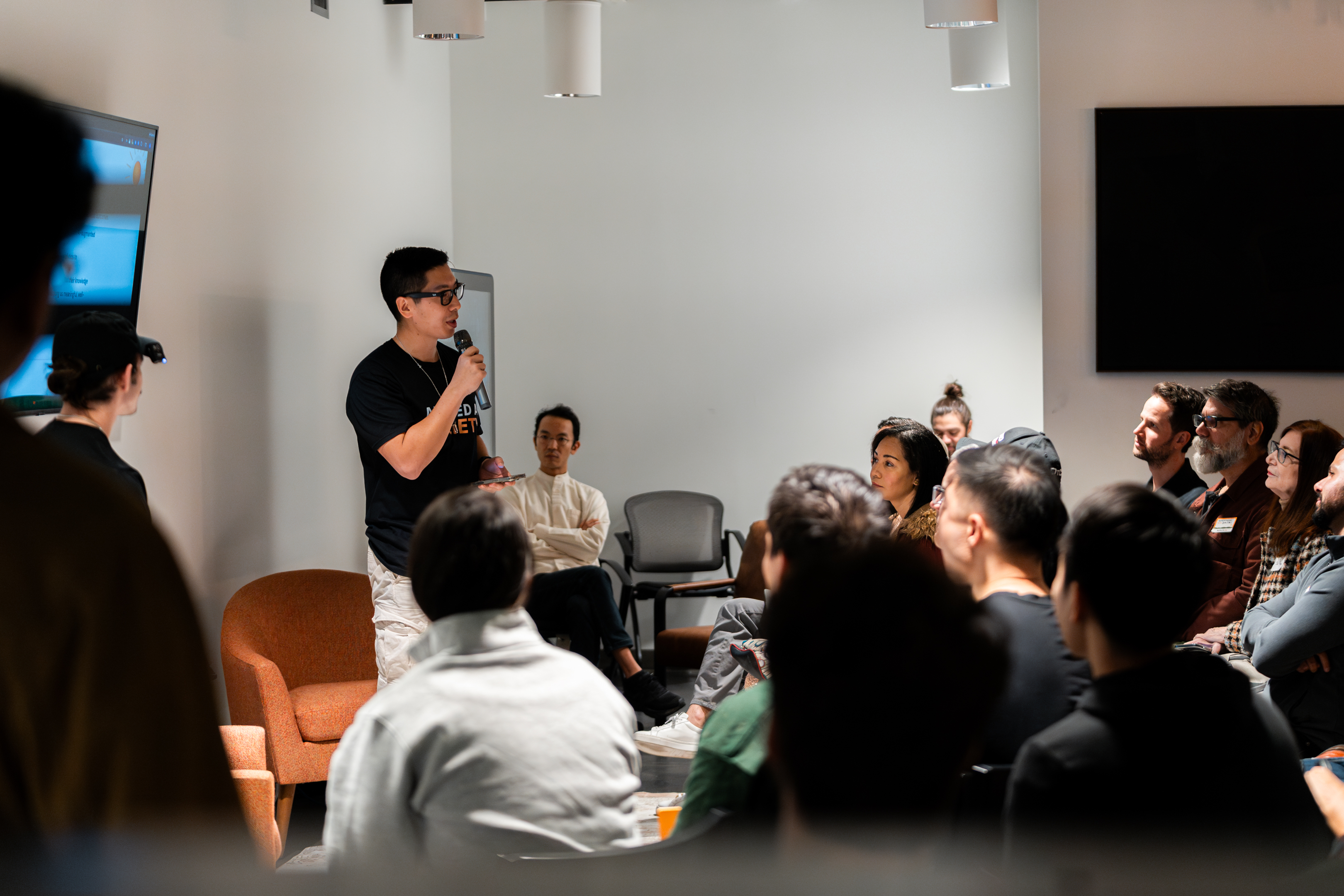
---
## The Host's Job
You're not just the organizer. Once the event starts, you become the **host**. Different role.
The host's job:
- **Set the tone.** Your energy is contagious. If you're excited, the room gets excited. If you're nervous and apologetic, the room feels it.
- **Make people feel welcome.** Especially newcomers. They don't know anyone. You're their first point of contact with this community.
- **Be the connective tissue.** You introduce people to each other. You bridge the segments. You keep things moving.
- **Give flowers.** Make sure the people who made this possible feel seen and appreciated.
You don't need to be the most charismatic person in the room. You need to be genuinely excited about what's happening and willing to share that energy.
---
## Mental Preparation
Hosting is a performance. Not in a fake way, but in the way that any public-facing role requires you to bring intentional energy. Here's how to prepare.
### The Day Before
- **Review the run of show.** Know the flow cold. What happens when. Who speaks in what order. You shouldn't be checking notes during transitions.
- **Prep your talking points.** Write down the key things you want to say at each transition. You don't need a script, but bullet points help.
- **Visualize success.** Seriously. Picture the event going well. See yourself confidently welcoming people, smoothly introducing speakers, gracefully handling a hiccup. Mental rehearsal works.
### Day Of
- **Protect your energy.** Don't drain yourself with stressful tasks right before. Delegate setup logistics if you can. You need to arrive fresh.
- **Arrive early.** Give yourself buffer time. Rushing creates anxiety. Being early lets you settle in, greet people as they arrive, and feel ownership of the space.
- **Move your body.** Before people arrive, do something physical. Walk around the block. Do some stretches. Shake out the nervous energy. Your body state affects your mental state.
- **Find your hype song.** Some hosts listen to a specific song before going on. Whatever gets you in the zone. Play it in your AirPods while setting up.
### Right Before You Go On
- **Take three deep breaths.** Slow inhale, slow exhale. Sounds basic. Works every time.
- **Remind yourself why you're doing this.** You built this event because you care about this community. You're excited about the speakers. You want people to connect. That's genuine. Lead with that.
- **Smile before you speak.** Your face sets the tone before your words do.
---
## Giving Flowers
One of your most important jobs: making the people who made this happen feel appreciated. Do this publicly and sincerely.
### Who Gets Thanked
| Who | When | Why |
|-----|------|-----|
| **Venue host** | Opening remarks | They gave you the space. This is huge. |
| **Sponsors** | Opening remarks (after venue) | They funded food, drinks, or logistics. |
| **Guest speakers** | When introducing them + closing | They prepared content and showed up. |
| **Business owner** (live session) | After their segment | They were vulnerable in public. |
| **Volunteers** | Closing remarks | Registration, photography, setup. They made it run. |
| **Community partners** | Opening or closing | If they helped promote or co-organized. |
### How to Give Flowers
Be specific. Generic thanks feel hollow.
**Bad:** "Thanks to Capital Factory for hosting us."
**Good:** "Huge thanks to Capital Factory for hosting us tonight. Specifically to [Name] who made this happen. She's been incredibly supportive of this community and we're grateful to have a home here."
**Bad:** "Thanks to our sponsor."
**Good:** "Tonight's food is sponsored by [Company]. They're building [brief description of what they do]. If you're interested in [relevant thing], find [Name]. He's here tonight in the [color] shirt."
### The Sponsor Moment
If a sponsor is present and wants to say a few words, give them a proper introduction:
```
Before we dive in, I want to give a moment to [Sponsor Company], who made tonight possible.
[Name] is here from [Company]. They're doing really interesting work in [brief, genuine description].
[Name], want to say a quick hello?
```
Keep sponsor remarks to 5-10 minutes max. If they're running long, you can gently wrap them:
```
This is great. I want to make sure we have time for our speakers, but [Name] will be around during networking if you want to learn more.
```
---
## Opening the Event
The first 5 minutes set the tone. Here's a template structure:
### 1. Welcome (30 seconds)
```
Hey everyone! Welcome to Applied AI Live.
For those who don't know me, I'm [Your Name]. I'm [your role, e.g., "one of the organizers of the Applied AI Society here in Austin"].
Thanks for being here tonight. We've got a great lineup.
```
### 2. Ice Breaker (optional, 15 seconds)
A quick, timely dad joke right after your welcome can loosen the room instantly. Pick something relevant to the audience, the topic, or current events in the AI community. The goal is one laugh that signals "this is going to be fun, not a lecture."
**Guidelines:**
- **Keep it to 1-2 jokes.** Don't do a set. Get your laughs and move on.
- **Timely and audience-appropriate.** Reference something the room will get. Inside jokes about the community, tools people are using, or recent AI news all work well.
- **Self-aware delivery.** Lean into the dad-joke energy. A slight pause before the punchline, maybe a knowing smile. If it bombs, "...anyway" with a grin is a perfect recovery.
- **Rotate material.** Don't reuse jokes across events. People come back.
**Example (if Clawd/OpenClaw is a known thing in your community):**
```
Before we dive in, quick question. What's a lobster's favorite programming language?
...Claw-jure.
Okay, now that I've gotten that out of my system, let's get started.
```
**Example (general AI audience):**
```
Quick one before we start. I asked ChatGPT to write me a joke about applied AI.
It gave me a 47-step implementation plan.
...which is why we do events like this instead.
```
The point isn't to be a comedian. It's to break the "polite audience silence" so people feel comfortable laughing, reacting, and engaging for the rest of the night.
### 3. Give Flowers: Venue + Sponsors (1-2 minutes)
```
Before we start, some quick thank-yous.
First, huge thanks to [Venue] for hosting us. [Specific person] made this happen. [One sentence about why they're great.] Give them a hand.
[Applause]
Tonight's food is brought to you by [Sponsor]. They're [one sentence about what they do]. [Name] is here. Find them during networking if you want to learn more.
[If sponsor wants to speak: "Actually, [Name], want to say a quick hello?"]
```
### 4. Frame the Event (1 minute)
Explain what's happening and why it matters. Make people excited about the format.
```
So here's what's happening tonight.
First, we've got [Speaker Name] sharing a case study on [topic]. This is real practitioner knowledge, the kind of stuff you can't Google.
Then we're doing something a little different. We have [Business Owner Name] here with a real business problem. And [Engineer Name] is going to architect a solution live, on the whiteboard, while you watch.
This isn't a polished demo. It's real problem-solving in real time. That's the point.
```
### 5. Housekeeping (30 seconds)
```
Quick housekeeping:
- Bathrooms are [location]
- Food and drinks are [location], help yourself
- We'll have networking time at the end, so stick around
Alright, let's get started.
```
### 6. Hype the Room (optional, 30 seconds)
If you want to build energy before the first speaker:
```
Real quick, look around the room.
We've got engineers building AI products. Business owners looking to level up. People who flew in from [city] for this.
This is the room. These are your people. Make sure you meet someone new tonight.
Okay. Let's bring up [Speaker Name].
```
If you're using a custom Q&A platform, announce the QR code early in this segment. At Applied AI Live #1, having a QR code on every slide drove engagement throughout the event. The AI moderation (using the NumFOCUS code of conduct) worked on its first outing and kept questions on-topic without manual filtering.
---
## Introducing Speakers
Don't read their LinkedIn bio. Build anticipation.
### Template Structure
1. **Why this talk matters** (1 sentence)
2. **Who they are** (1-2 sentences, the interesting version)
3. **What they're going to share** (1 sentence)
4. **Bring them up** (create energy)
### Example
**Bad introduction:**
```
Our next speaker is Rostam Mahabadi. He's an applied AI practitioner based in Austin. He won the AITX x NVIDIA hackathon. Please welcome Rostam.
```
**Good introduction:**
```
Alright, so one of the hardest things in this field is figuring out how to actually get clients. How do you go from "I know how to build AI stuff" to "people are paying me to build AI stuff"?
Our first speaker figured that out. Rostam Mahabadi is an applied AI practitioner here in Austin. He won the AITX x NVIDIA hackathon, which, by the way, is how I first heard about him. But more importantly, he's built a consulting practice doing exactly what we talk about at these events: helping real businesses implement AI.
He's going to share how he does it. Rostam, come on up.
[Lead the applause as they walk up]
```
### Tips
- **Lead the applause.** Start clapping as they walk up. The room follows your energy.
- **Make eye contact with the speaker.** As you hand off, look at them, smile, maybe a handshake or fist bump. Small gestures signal respect.
- **Get out of the way.** Once they're up, step aside. Don't hover.
---
## Transitions
The moments between segments are where events lose momentum. Your job is to keep energy up.
### After a Speaker Finishes
```
[Lead applause]
That was [Speaker Name]. Give them another hand.
[Applause]
[Optional: one sentence reaction, e.g. "That bit about [specific thing] is going to stick with me."]
Alright, we're going to take a 5-minute break. Grab some food, say hi to someone new. We'll start back up at [time] for the live architecture session.
```
### Transitioning to the Live Architecture Session
This is the signature segment. Build it up. Don't just introduce the business owner. Introduce their *philosophy* and the *tension* they're facing. Give the audience a reason to care before the whiteboard comes out.
**Template structure:**
1. Signal this is the main event
2. Introduce the business owner (who they are, credibility)
3. Introduce their philosophy or frame (what matters to them)
4. Name the tension (what's broken, what they're trying to protect)
5. State the architecture challenge
6. Bring them up
**Example:**
```
So here's what's about to happen.
We have a real business owner here with a real problem. And [Engineer] is going to architect a solution on the whiteboard while you watch. No prep slides. Just real problem-solving.
Let me introduce you to [Business Owner Name].
[Business Owner] is a [role] based in [city]. They've [1-2 credibility points, e.g. clients, accomplishments, scale].
Here's the interesting thing about [Business Owner].
They have this philosophy: [their frame, e.g., "there's soul work and there's soulless work"].
[Soul work description: the stuff that requires them, should never be automated].
[Soulless work description: the infrastructure that can be delegated].
The problem? [The tension, e.g., "Over 50% of their time is getting eaten by operational overhead instead of the work that actually matters."]
So the question is: [State the architecture challenge in one sentence].
That's what [Engineer] is going to architect. Live. Right now.
[Business Owner], [Engineer], come on up.
[Lead applause as they walk to the whiteboard]
```
The philosophy/frame is what makes the problem *interesting*, not just a generic "help me be more efficient." Find that frame in your pre-call with the business owner.
### If Something Runs Long
Gently redirect:
```
This is great. I want to make sure we have time for [next thing]. Maybe we can continue this during networking?
```
Or:
```
We could talk about this for hours. Let's do one more question and then move on.
```
---
## Closing the Event
Land the plane well. People remember how things end.
### Structure
1. **Recap what happened** (30 seconds)
2. **Thank everyone again** (1 minute)
3. **Call to action** (30 seconds)
4. **Send them off** (15 seconds)
5. **Last call announcement** (10 min before hard stop)
### Template
```
Alright everyone, that's a wrap on Applied AI Live.
Quick recap: [Speaker] shared how they [key takeaway]. And we just watched [Engineer] architect a solution for [Business Owner]'s [problem type] in real time. That's the kind of stuff you don't get anywhere else.
A few thank-yous before we close out:
- [Venue] for hosting us. [Specific person], thank you.
- [Sponsor] for the food and drinks.
- [Speaker names] for sharing their knowledge.
- [Business Owner] for being brave enough to workshop their problem in public.
- [Volunteers] ([names]) who helped with registration and photos.
- And all of you for showing up. This community is the people in this room.
If you want to stay connected:
- We're on [platform]: [handle or link]
- Next event is [date/TBD]. We'll announce soon
- If you want to get involved (speak, volunteer, partner), come find me
Alright. Stick around for networking. Meet someone new. Thanks for being here.
[Lead applause for the room]
```
### Last Call Announcement
If your venue has a hard stop, give people a heads up 10 minutes before:
```
[Get on mic briefly]
Hey everyone, quick heads up. We've got about 10 minutes before the venue needs to clear. Wrap up your conversations, exchange contact info if you haven't already. Thanks again for coming out.
```
This prevents awkward shepherding and lets people finish conversations gracefully.
---
## Handling the Unexpected
Things will go wrong. Here's how to handle common situations.
### Tech Issues
**Mic dies:**
```
[Project your voice] Looks like we're going acoustic for a second. [Continue while someone fixes it]
```
**Slides won't work:**
```
Tech is keeping us humble tonight. [To speaker] Want to just talk us through it while we figure this out?
```
**TV won't connect:**
Try cycling the display off and on. At Applied AI Live #1, the TV required on/off cycling before it recognized the laptop. Stay calm, narrate what's happening, and have someone troubleshoot while you keep the audience engaged with conversation or an impromptu Q&A.
**Computer goes to sleep mid-presentation:**
Set your laptop's sleep and hibernate settings to "never" before the event starts. This is easy to forget and awkward to recover from on stage. Add it to your day-of checklist.
**General principle:** Acknowledge it lightly, don't apologize profusely, keep moving. The audience is forgiving if you stay calm.
### Speaker Runs Long
If Q&A is eating into the next segment:
```
We've got time for one more question, then we need to move on. [To speaker] But stick around. People can grab you during networking.
```
### Awkward Silence During Q&A
If no one asks questions:
```
Alright, I'll kick us off. [Ask a question you're genuinely curious about]
```
Or:
```
Sometimes the best questions happen one-on-one. If you're thinking of something, grab [Speaker] during networking.
```
### Someone Asks a Hostile or Off-Topic Question
Redirect gracefully:
```
Interesting question. That might be a bit outside what we're covering tonight, but [Speaker], feel free to take that offline if you want.
```
Or:
```
I want to make sure we stay focused on [topic]. Let's table that one for now.
```
### Low Energy Room
If the room feels flat:
- **Move around.** Physical movement creates energy.
- **Ask the audience something.** "How many of you have tried [X]?" Get hands up.
- **Acknowledge it.** "Alright, I can tell everyone's still warming up. That's fine. Let's dive in."
---
## Run of Show Integration
This playbook covers *what you say*. The [Applied AI Live playbook](/docs/playbooks/chapter-leader/applied-ai-live) covers *when you say it*.
Review both before the event. Know the timeline, then layer in your talking points.
| Run of Show Moment | Hosting Playbook Section |
|--------------------|--------------------------|
| 5:30 PM: Doors open | (Networking, food. You're greeting, not on mic.) |
| 5:50 PM: Welcome | Opening the Event |
| 6:00 PM: Speaker remarks | Giving Flowers + Introducing Speakers |
| 6:15 PM: Case study | Introducing Speakers |
| 6:45 PM: Transition to live session | Transitions (Live Architecture) |
| 7:15 PM: Wrap | Closing the Event |
| 7:50 PM: Last call | Last Call Announcement |
| 8:00 PM: Hard stop | Venue clears |
---
## Checklist
### Before the Event
- [ ] Run of show memorized (not just reviewed; memorized)
- [ ] Talking points written for each transition
- [ ] Sponsor/speaker thank-you notes prepped (specific, not generic)
- [ ] Business owner's philosophy/frame identified for live architecture intro
- [ ] Know everyone's name and how to pronounce it
- [ ] Hype song ready
- [ ] Morning-of hype email drafted (logistics + excitement)
### Day Of
- [ ] Send morning-of hype email (logistics + video if possible)
- [ ] Arrive early
- [ ] Coordinate with recording/photo team on positions
- [ ] Move your body, shake out nerves
- [ ] Three deep breaths before going on
- [ ] Smile before you speak
### During the Event
- [ ] Give flowers to venue + sponsors in opening
- [ ] Hype speakers before introducing them
- [ ] Lead applause at transitions
- [ ] Keep energy up during transitions
- [ ] Thank everyone in closing (including recording/photo volunteers by name)
- [ ] Clear call to action before sending people off
- [ ] Last call announcement 10 min before hard stop
---
## Key People Table
Before every event, create a table of key people and their roles. This removes ambiguity about who is doing what and makes sure nothing falls through the cracks.
| Role | Person | Notes |
|------|--------|-------|
| Host / MC | | Opens, transitions, closes |
| Speaker(s) | | Case study or talk |
| Door Person | | Checks registration, greets arrivals |
| Vlog Person | | Mobile camera, interviews, B-roll |
| Videographer | | Stationary camera, full program recording |
| Photographer | | Event photos for social and archive |
Share this table in the run-of-show doc so everyone can see it before the event. Update it as roles get filled. If one person is covering multiple roles, note that explicitly so nothing gets dropped.
---
## Speaker Intro Philosophy
Don't just read a bio. A bio is a list of credentials. An intro is a story that makes the audience lean in.
Structure your intros in this order:
1. **Why this talk matters to the audience.** Open with the problem or question the speaker is about to address. Make the audience feel the relevance before they even know who is speaking.
2. **Who the speaker is.** Now give them the credibility. Not the full LinkedIn resume, just the 1-2 facts that make this person the right one to talk about this topic.
3. **What they're sharing.** One sentence on what the audience is about to hear.
The goal: make the audience want to hear the talk before the speaker even starts. Write out the exact intro in your run-of-show doc. Don't wing it. A well-crafted 30-second intro sets the speaker up for success.
---
## Post-Event Networking
After the closing remarks, your job is not done. The networking hour is where real relationships form, and the host plays an active role.
- **Put music on.** It fills the silence and signals that the formal program is over. People relax. Energy shifts from "audience" to "community."
- **Actively introduce people to each other.** Walk up to someone standing alone and say, "Hey, have you met [Name]? They're working on [X], and I think you two would have a lot to talk about." This is the highest-leverage thing you can do as a host.
- **Stay for the full hour.** If you leave early, people notice. The host's presence signals that the networking time matters. Some of the best connections at any event happen in the last 15 minutes, when the crowd thins and conversations go deeper.
The program gets people in the room. The networking hour is why they come back.
---
## See Also
- [Applied AI Live](/docs/playbooks/chapter-leader/applied-ai-live): Full event playbook with run of show
- [Live Architecture Session](/docs/playbooks/chapter-leader/live-architecture-session): Prepping the business owner and engineer
- [Event Promotion](/docs/playbooks/chapter-leader/event-promotion): How to fill the room before you host it
- [Building Partnerships](/docs/playbooks/chapter-leader/building-partnerships): Why thanking partners matters
---
# Chapter Leader Playbooks
URL: https://docs.appliedaisociety.org/docs/playbooks/chapter-leader
# Chapter Leader Playbooks
Guides for running Applied AI Society chapters and events.
Every AAS event is an **activation into the applied AI economy**: a landscape map where real practitioners share how they actually make money. The audience leaves knowing what paths exist, what's real, and what's hype. The formats below are all ways to deliver on that promise.
---
## Event Formats
Start here: **[Event Formats](/docs/playbooks/chapter-leader/event-formats)** is a catalog of every event type we run or are developing, with guidance on when to use each one.
---
## Event Playbooks
| Playbook | Description |
|----------|-------------|
| [Applied AI Live](/docs/playbooks/chapter-leader/applied-ai-live) | A proven workshop format with master checklist |
| [Running a Hackathon](/docs/playbooks/chapter-leader/running-a-hackathon) | Co-hosted building events to surface builders |
| [Live Architecture Session](/docs/playbooks/chapter-leader/live-architecture-session) | Finding the right business owner and prepping the engineer |
| [Finding a Venue](/docs/playbooks/chapter-leader/finding-a-venue) | Securing a recurring partner space |
| [Finding a Photographer](/docs/playbooks/chapter-leader/finding-a-photographer) | Sourcing affordable, reliable event photography |
| [Recording an Event](/docs/playbooks/chapter-leader/recording-an-event) | Capturing video on a budget |
| [Hosting an Event](/docs/playbooks/chapter-leader/hosting-an-event) | The soft skills and scripts for being the host |
| [Speaker Outreach](/docs/playbooks/chapter-leader/speaker-outreach) | Finding and recruiting practitioners to present |
| [Event Promotion](/docs/playbooks/chapter-leader/event-promotion) | Getting the word out and filling the room |
---
## Content Playbooks
| Playbook | Description |
|----------|-------------|
| [Case Study Interviews](/docs/playbooks/chapter-leader/case-study-interviews) | Interviewing practitioners to create profiles |
| [Content Distribution](/docs/playbooks/chapter-leader/content-distribution) | Where to publish content and why |
---
## Chapter Building Playbooks
| Playbook | Description |
|----------|-------------|
| [Starting a Chapter or Community](/docs/playbooks/chapter-leader/starting-a-chapter) | How to launch an Applied AI Society community in your city or on your campus (formal chapter, student group, or embedded in an existing AI club) |
| [Building Partnerships](/docs/playbooks/chapter-leader/building-partnerships) | Win-win partnerships for chapter growth |
| [Tools](/docs/playbooks/chapter-leader/tools) | Meetup, Luma, and other tools that help run chapters |
| [Getting Things Done](/docs/playbooks/chapter-leader/getting-things-done) | Using Cursor as a command center (stub) |
---
## CRM & Outreach Automation Playbooks
| Playbook | Description |
|----------|-------------|
| [CRM Setup](/docs/playbooks/chapter-leader/crm-setup) | Setting up Airtable as your outreach CRM |
| [LinkedIn Automation](/docs/playbooks/chapter-leader/linkedin-automation) | Automated LinkedIn DM campaigns with PhantomBuster |
| [Twitter Automation](/docs/playbooks/chapter-leader/twitter-automation) | Automated Twitter DM campaigns with PhantomBuster |
---
# Launching on Campus
URL: https://docs.appliedaisociety.org/docs/playbooks/chapter-leader/launching-on-campus
# Launching on Campus
How to bring the Applied AI Society to a university campus. This is not about starting another club. It is about hosting a single event that wakes up your campus to the applied AI economy, then building a community around the people who show up ready to lead.
---
## The Approach: Event First, Chapter Second
Do not start by registering a club, writing bylaws, or electing officers. Start by hosting one high-impact event that serves the entire campus.
The event reveals who the real leaders are. The chapter crystallizes around the people who step up to make it happen.
If you form a club first, you end up with structure and no energy. If you host an event first, you end up with energy and the right people. The structure follows naturally.
---
## The First Event: Activation Into the Applied AI Economy
Your first event is an orientation to the new economic reality. Students need to understand what is happening, why it matters to them personally, and that there are people at their school who are on the same page and ready to move together.
### The Core Message
Junior roles are disappearing. AI is compressing execution-level work toward zero. But for people who learn to apply AI to real business problems, the opportunity has never been bigger. This event is your campus's introduction to that reality.
You do not need to call this an "Applied AI Live." It can have whatever name resonates with your campus. Something direct works well. "How to Create Your Own Job in the New Applied AI Economy" is one framing that has landed. The point is to be honest about the moment and practical about the path forward.
### Format
A 2-3 hour gathering: equal parts wake-up call and practical inspiration. Not a lecture. Not a career fair. A room full of people who are ready to face what is happening and do something about it.
**Suggested structure:**
- Opening (10 min): Why this event exists. Set the tone. This is not hype. This is an honest look at the economy.
- Keynote speaker (20-30 min): Someone with credibility who can speak to the macro shift. A founder, an investor, a professor, a senior practitioner. Someone students will believe because of what they have built, not just what they claim.
- 1-2 practitioner talks (15-20 min each): Local people who are actually making money applying AI in ways that would not have been possible even a year ago. This is the proof. Not theory, not research papers, but "here is how I make a living in this economy, and here is how the opportunity opened up." Finding these speakers is itself an exercise in activating the local community.
- Q&A / open conversation (20-30 min): Let the room talk. This is where you find out who is energized.
- Networking / signup (remaining time): Have a signup sheet. Collect name, email, phone. Invite people to the [Discord](https://discord.gg/K7uWJBMFaN) and your local group chat.
### Speakers
Aim for 3-4 total. The mix that works:
1. **One high-credibility keynote.** This person gives the event weight. They do not need to be a celebrity, but they should have a track record that earns trust. If you have a connection to a founder, executive, or well-known figure in tech or business, use it. AAS national can help with introductions.
2. **1-2 local practitioners.** People in your area who are making real money applying AI. Freelancers, consultants, small business owners, or students who are already doing paid AI work. The more relatable to your audience, the better. These speakers prove that the opportunity is not theoretical.
3. **An AAS representative (optional).** Gary or another AAS leader can share what AAS chapters around the world are seeing and how the broader network operates. This connects your campus event to something larger.
Finding speakers is one of the best tests of leadership. If you can convince 2-3 people to give a talk at your event, you can probably build a chapter.
### Target Attendance
50-100+ students and community members. Cast a wide net. Promote across every relevant student organization.
### Timeline
**Host before the semester ends.** Do not wait until fall. A late-semester event leaves an impression over the summer and creates appetite for the fall. It also lets you test the concept without committing to an ongoing club. If you start planning in April, aim for a May event. Give yourselves about a month.
### Venue
On-campus is ideal: lecture halls, innovation centers, student commons. Check your university's policy on hosting events with external organizations and find the path of least resistance. Most campuses have a process for student-initiated events. Use it.
If on-campus is complicated, a nearby coworking space, community center, or company office works too.
### Production
- **Photography is mandatory.** High-quality photos tell the story of the event later and generate demand for the next one. Even one photographer with a decent camera is enough. See [Finding a Photographer](/docs/playbooks/chapter-leader/finding-a-photographer).
- **Video recording is strongly recommended.** A single-camera setup is fine. This content feeds the national network and proves the model for future chapters. See [Recording an Event](/docs/playbooks/chapter-leader/recording-an-event).
- **Think of this as a moment in history.** The event where your campus woke up to the applied AI economy. Document it accordingly.
### Sponsorship
Keep it light. You need enough to cover food and logistics. Local tech companies, AI startups, or nearby businesses that benefit from being associated with the applied AI community are good targets. If a co-hosting club has existing sponsor relationships, use them.
**Important: share sponsorship proceeds with co-hosting clubs after expenses.** This is a service organization. The money flows to whoever helped make it happen.
---
## The Collaboration Model: AAS as a Service Layer
This is the most important strategic idea for campus chapters. AAS does not compete with existing student organizations. AAS is a service layer that uplifts, focuses, and connects the groups already doing related work.
### How It Works
Reach out to every relevant student organization on campus: computer science clubs, software engineering clubs, data science groups, innovation and entrepreneurship clubs, business clubs, AI research groups. Any group that recognizes the applied AI economy is emerging in real time.
**What you say:** "We are hosting an event about how to create your own job in the applied AI economy. We want to co-host it with you. Your club co-brands the event, helps promote it to your members, and we share sponsorship dollars after expenses. We bring content, speakers, and a connection to a national network. You bring your community."
**What AAS provides to partner clubs:**
- Co-branding on the event (their logo alongside AAS)
- Content and frameworks (like the [Five Levels of Value](/docs/playbooks/student/five-levels-of-value))
- Speaker connections through the national network
- Useful, truthful education about what is coming
**What the clubs provide:**
- Reach into their membership base
- Help with promotion, logistics, and turnout
- Existing sponsor relationships
- Credibility with their specific audience
**The principle:** AAS chapters on campus should be mini-consortiums. Not a single club with rigid boundaries, but a connective layer between groups that are all responding to the same economic shift. The more clubs you weave in, the stronger the event and the stronger the chapter that follows.
---
## The Audition: Let the Chapter President Emerge
Do not appoint a chapter president before the first event. The organizing process itself is the audition.
Watch for who:
- Activates the most partner clubs
- Finds the best venue
- Secures a local sponsor
- Recruits a strong speaker
- Shows up early, stays late, and follows through without being asked
That person is your chapter president. They will have demonstrated exactly the kind of servant leadership that makes a chapter work. They earned it by doing the work, not by volunteering for the title.
If multiple people step up, even better. A chapter with two or three high-agency organizers is stronger than one with a single leader.
---
## Post-Event: Building the Community
### Within 48 Hours
1. **Invite attendees to the [Applied AI Society Discord](https://discord.gg/K7uWJBMFaN).** This is the global community. Field note sharers, builders, chapter leaders from around the world. Your campus members are now part of a global network.
2. **Create a dedicated local group chat.** GroupMe, Signal, iMessage, Telegram, whatever is natural for your campus. This is the local hub for students who want to win in the applied AI economy at your school. Add the AAS national contact (Gary Sheng) to this group.
3. **Send a follow-up message** to everyone who signed up. Thank them. Share the Discord link and local group chat link. Recap what happened. Ask what they want to see next.
### Over the Following Weeks
1. **Host co-working sessions.** Casual, recurring meetups for people who want to work on applied AI projects together. A coffee shop, a library, a dorm common room. Even 5 people counts. Low-lift, high-signal. This is where relationships form.
2. **Encourage field notes.** People in the Discord and local group chat should share what they are learning, building, and earning. The practice of sharing keeps the community alive between events.
3. **Identify the chapter president.** By now, the right person is obvious. They showed up, organized, and followed through. Confirm them and connect them to the chapter leader channels.
### Fall Semester
1. **Formalize the chapter** if it makes sense. Register with the university, or keep operating as a coalition. Both work. Structure follows energy, not the other way around.
2. **Choose your event cadence.** Monthly is a good starting point. The format can vary: more speaker events, co-working sessions, hackathons, office hours, screening nights. See [Event Formats](/docs/playbooks/chapter-leader/event-formats) for the full catalog.
3. **Plug into national programming.** Chapter leaders get access to curated resources, speaker pipelines, documentation updates, and an invite-only builders group. There are dedicated channels where AAS national drops the latest field notes, speaker availability, and strategy updates. The goal is to keep you on the bleeding edge.
---
## What National AAS Provides
Everything in the [Starting a Chapter](/docs/playbooks/chapter-leader/starting-a-chapter#what-national-provides) section applies, plus:
- **Campus-specific strategy support.** Every school is different. National helps you navigate the politics, logistics, and culture of your specific campus.
- **Connection to other campus chapters.** What works at BYU might inform UT Austin, and vice versa. The cross-campus network shares playbooks, speaker recommendations, and lessons learned.
- **First event seed funding.** Campus events are cheap (room, AV, volunteers, food). National will help cover the first event to remove the financial barrier.
---
## AI Skills for Chapter Leaders (Coming Soon)
AAS is an applied AI organization. The tools we give chapter leaders should themselves be applied AI.
We are building a set of open-source AI skills (starting with [Claude Code](https://claude.ai/claude-code) and expanding to other tools) that make the process of organizing events dramatically easier. Every playbook on this site will eventually have companion skills that automate the repetitive parts so you can focus on the human parts: relationships, judgment, and showing up.
**What's coming:**
- **Event description writer:** Give it your speaker names, topic, and venue. Get polished copy for Luma, Meetup, or any event page.
- **Speaker outreach drafter:** Give it a person's background. Get a personalized pitch that explains AAS and why they should speak.
- **Event flyer generator:** Plug into the AAS Remotion templates. Generate on-brand flyers without touching design software.
- **Post-event recap writer:** Give it your photos and notes. Get a structured recap ready for the website and social.
- **Sponsor pitch drafter:** Give it a local company and what you need. Get a concise, professional ask.
These skills are open source and will live in this repo. They improve as chapters use them and feed back what works. If you build a skill that helps you organize, contribute it back. The whole network benefits.
---
## The North Star
The ultimate metric is not event attendance. It is the first student at your school who earns money by applying AI to a real business problem because of this community.
If people attend your event, join the group chat, come to co-works, and one of them lands their first paid applied AI engagement, you have built something real. Everything else follows from that.
---
## See Also
- [Starting a Chapter or Community](/docs/playbooks/chapter-leader/starting-a-chapter): The general guide for any chapter type
- [Event Formats](/docs/playbooks/chapter-leader/event-formats): Full catalog of event types
- [The Five Levels of Value](/docs/playbooks/student/five-levels-of-value): Framework for understanding where you sit in the AI economy
- [Building Partnerships](/docs/playbooks/chapter-leader/building-partnerships): Finding sponsors and venue partners
- [Speaker Outreach](/docs/playbooks/chapter-leader/speaker-outreach): Recruiting practitioners to present
---
# LinkedIn Automation
URL: https://docs.appliedaisociety.org/docs/playbooks/chapter-leader/linkedin-automation
# LinkedIn DM Automation with PhantomBuster
A system for LinkedIn outreach with PhantomBuster. Syncs Airtable, Google Sheets, and PhantomBuster. Exports contacts from Airtable, sends automated DMs via PhantomBuster, and updates status back to Airtable.
Status: Tested and working
Last Updated: January 26, 2026
---
## Table of Contents
- [Tools](#tools)
- [Flow](#flow)
- [Prerequisites](#prerequisites)
- [Warning: LinkedIn Safety & Limits](#warning-linkedin-safety--limits)
- [Setup](#setup)
- [Step 1: Configure Airtable](#step-1-configure-airtable)
- [Step 2: Set Up Google Sheet](#step-2-set-up-google-sheet)
- [Step 3: Configure PhantomBuster](#step-3-configure-phantombuster)
- [Step 4: Set Up Google Apps Script](#step-4-set-up-google-apps-script)
- [Step 5: Finalize and Test](#step-5-finalize-and-test)
- [How It Works (Once Running)](#how-it-works-once-running)
- [How to Pause or Stop](#how-to-pause-or-stop)
- [Troubleshooting](#troubleshooting)
---
## Tools
| Tool | Purpose |
|------|---------|
| Google Sheets | Hub for data sync |
| Google Apps Script | Runs automation code |
| Airtable | Source of contacts, stores results |
| PhantomBuster | Sends LinkedIn DMs |
## Flow
1. A list of contacts with Profile URLs stored in a filtered **"To Message (LinkedIn)"** view in Airtable
2. Google Apps Script Sequence runs every hour:
- pushing the Airtable view onto a Google sheet
- pulling results from PhantomBuster back to sheet
- syncing results from the Google Sheet back to Airtable
3. PhantomBuster sends LinkedIn DMs regularly (based on the schedule you set)
---
## Prerequisites
Before starting, you need:
| Requirement | Notes |
|-------------|-------|
| LinkedIn account | Active account in good standing |
| PhantomBuster account | Free trial available; paid plan recommended for volume |
| Airtable account | Free tier works |
| Google account | For Sheets and Apps Script |
---
## Warning: LinkedIn Safety & Limits
**Weekly Limits:**
LinkedIn restricts how many messages you can send. PhantomBuster shows a warning with your recommended weekly limit based on your account age and activity.
**Recommended Settings:**
| Setting | Safe Range |
|---------|------------|
| Messages per launch | 5-10 |
| Launches per day | 2-4 |
| Days per week | 5 (skip weekends) |
| Total per week | Stay under PhantomBuster's warning |
**Avoid Account Restrictions:**
- Don't send identical messages to everyone. Personalize with variables
- Space out your messages throughout the day
- Keep messages conversational, not salesy
- Start slow with a new account, increase volume gradually
- If LinkedIn shows warnings, pause and reduce volume
---
## Setup
### Step 1: Configure Airtable
Your table needs these fields:
**Must-have fields:**
| Field | Type | Purpose |
|-------|------|---------|
| `firstName` | Single line text | Used in message personalization |
| `LinkedIn Profile` | URL | Contact's LinkedIn profile URL |
| `Outreach Status` | Single select | Tracks messaging state |
| `Last Attempt` | Date/Time | Timestamp of last message attempt |
| `Message Sent` | Long text | Message content or error details |
> **Tip:** If you want to use a field as a PhantomBuster message variable (e.g., `#firstName#`), name it without spaces in Airtable. The column name exports to Google Sheets and PhantomBuster reads it directly.
**Outreach Status options:**
| Option | Meaning |
|--------|---------|
| `To Message` | Ready to be messaged |
| `Message Sent` | Successfully messaged |
| `Message Failed` | Delivery failed |
**Create a filtered view:**
1. Create a new view named **"To Message (LinkedIn)"**
2. Add filter: `Outreach Status` = `To Message`
This view feeds contacts to PhantomBuster. Only contacts in this view will be messaged.
### Step 2: Set Up Google Sheet
1. Create a new Google Sheet
2. Create two tabs:
- **"Airtable Sync (For LinkedIn Messages Automation)":** receives contacts from Airtable
- **"Phantom Output":** receives results from PhantomBuster
**Make the sheet accessible to PhantomBuster:**
1. Click **Share** (top right)
2. Under "General access", select **"Anyone with the link"**
3. Set permission to **"Viewer"**
4. Copy the sheet URL for Step 3
### Step 3: Configure PhantomBuster
**Create the Phantom:**
1. Go to your PhantomBuster dashboard
2. Click **Browse Phantoms**
3. Search for **"LinkedIn Message Sender"**
4. Click **Use Now**
**Configure Profile URLs:**
1. Under "Choose your profile URLs", select **"A URL"**
2. Paste your Google Sheet link
3. Open **Spreadsheet Settings** dropdown
4. For "Column containing profile URLs": leave empty for now (configure in Step 5)
**Connect LinkedIn:**
1. Install the PhantomBuster browser extension
2. The extension auto-detects your LinkedIn session
3. Follow prompts to connect your account
**Set Up Your Message:**
1. Leave "Condition for sending messages" empty (optional)
2. In "Your message" field, write your message
3. Use tags for personalization (e.g., `#firstName#` for the contact's first name)
**Configure Behavior:**
1. Set messages per launch (1-10, max is 10)
2. Note the weekly message limit warning at the top
**Configure Launch Settings:**
1. Select **"Repeatedly"**
2. Choose **"Once every other working hour (9 to 5)"** as a starting point
3. Click **"Advanced"** to customize:
- Remove Saturday/Sunday if needed
- Adjust hours to match your schedule
4. Click **Save**
**Copy Phantom ID:**
1. After saving, copy your **Phantom Agent ID** from the URL or settings
2. Save this for Step 4
### Step 4: Set Up Google Apps Script
**Open Apps Script:**
1. Open your Google Sheet from Step 2
2. Go to **Extensions → Apps Script**
3. Name your project (e.g., "LinkedIn Outreach Automation")
**Copy the Script:**
Delete any existing code in `Code.gs` and paste this entire script:
```javascript
/**
* Airtable <-> Google Sheets <-> PhantomBuster pipeline
* - Pull Phantom output -> Sheet
* - Write Phantom results -> Airtable (success/fail, last attempt, message/error)
* - Export Airtable VIEW -> Sheet (feed Phantom)
*/
// ===========================
// CONFIG
// ===========================
// SECRETS (stored in Script Properties - see Project Settings > Script Properties)
const SCRIPT_PROPS = PropertiesService.getScriptProperties();
const AIRTABLE_TOKEN = SCRIPT_PROPS.getProperty("AIRTABLE_TOKEN");
const AIRTABLE_BASE_ID = SCRIPT_PROPS.getProperty("AIRTABLE_BASE_ID");
const PHANTOM_API_KEY = SCRIPT_PROPS.getProperty("PHANTOM_API_KEY");
const PHANTOM_AGENT_ID = SCRIPT_PROPS.getProperty("PHANTOM_AGENT_ID");
// SETTINGS
const AIRTABLE_TABLE = "People";
const AIRTABLE_VIEW = "To Message (LinkedIn)";
const SHEET_TAB_NAME = "Airtable Sync (For LinkedIn Messages Automation)";
const AIRTABLE_LINKEDIN_FIELD = "LinkedIn Profile";
const PHANTOM_OUTPUT_TAB = "Phantom Output";
// Airtable fields (must match exactly)
const AIRTABLE_STATUS_FIELD = "Outreach Status";
const AIRTABLE_LAST_ATTEMPT_FIELD = "Last Attempt";
const AIRTABLE_MESSAGE_FIELD = "Message Sent";
// Status values (must match your single select options in Airtable)
const STATUS_SENT = "Message Sent";
const STATUS_FAILED = "Message Failed";
// ===========================
// PIPELINE ENTRYPOINT
// ===========================
function runPipelineHourly() {
if (!AIRTABLE_TOKEN || !AIRTABLE_BASE_ID || !PHANTOM_API_KEY || !PHANTOM_AGENT_ID) {
throw new Error("Missing Script Properties! Add: AIRTABLE_TOKEN, AIRTABLE_BASE_ID, PHANTOM_API_KEY, PHANTOM_AGENT_ID");
}
clearAirtableCache_();
fetchPhantomOutputToSheet();
syncPhantomSheetToAirtable();
Utilities.sleep(3000);
syncAirtableToSheet();
}
// ===========================
// 1) AIRTABLE -> SHEET (FEED PHANTOM)
// ===========================
function syncAirtableToSheet() {
const ss = SpreadsheetApp.getActiveSpreadsheet();
const sheet = ss.getSheetByName(SHEET_TAB_NAME) || ss.insertSheet(SHEET_TAB_NAME);
const records = fetchAllAirtableRecords_(AIRTABLE_BASE_ID, AIRTABLE_TABLE, AIRTABLE_VIEW);
if (!records.length) {
sheet.clearContents();
sheet.getRange(1, 1).setValue("No records in view: " + AIRTABLE_VIEW);
return;
}
const fieldSet = new Set();
records.forEach(r => Object.keys(r.fields || {}).forEach(k => fieldSet.add(k)));
const fields = Array.from(fieldSet);
const header = ["airtable_record_id", ...fields];
const values = [header];
records.forEach(r => {
const row = [r.id];
fields.forEach(f => row.push(normalizeCell_(r.fields?.[f])));
values.push(row);
});
sheet.clearContents();
sheet.getRange(1, 1, values.length, values[0].length).setValues(values);
}
function fetchAllAirtableRecords_(baseId, table, viewName) {
let all = [];
let offset = null;
do {
let url = "https://api.airtable.com/v0/" + baseId + "/" + encodeURIComponent(table);
url += viewName
? "?view=" + encodeURIComponent(viewName) + "&pageSize=100"
: "?pageSize=100";
if (offset) url += "&offset=" + encodeURIComponent(offset);
const res = UrlFetchApp.fetch(url, {
method: "get",
headers: { Authorization: "Bearer " + AIRTABLE_TOKEN },
muteHttpExceptions: true,
});
if (res.getResponseCode() < 200 || res.getResponseCode() >= 300) {
throw new Error("Airtable API error: " + res.getContentText());
}
const data = JSON.parse(res.getContentText());
all = all.concat(data.records || []);
offset = data.offset || null;
} while (offset);
return all;
}
function normalizeCell_(v) {
if (v === null || v === undefined) return "";
if (Array.isArray(v)) return v.map(normalizeCell_).join(", ");
if (typeof v === "object") return JSON.stringify(v);
return v;
}
// ===========================
// 2) PHANTOM OUTPUT -> SHEET
// ===========================
function fetchPhantomOutputToSheet() {
const ss = SpreadsheetApp.getActiveSpreadsheet();
const sheet = ss.getSheetByName(PHANTOM_OUTPUT_TAB) || ss.insertSheet(PHANTOM_OUTPUT_TAB);
// Try fetch-result-object API first (more reliable)
const resultUrl = "https://api.phantombuster.com/api/v2/agents/fetch-result-object?id=" + encodeURIComponent(PHANTOM_AGENT_ID);
const resultRes = UrlFetchApp.fetch(resultUrl, {
method: "get",
headers: { "X-Phantombuster-Key-1": PHANTOM_API_KEY },
muteHttpExceptions: true,
});
if (resultRes.getResponseCode() >= 200 && resultRes.getResponseCode() < 300) {
try {
const resultPayload = JSON.parse(resultRes.getContentText());
if (resultPayload.resultObject && Array.isArray(resultPayload.resultObject) && resultPayload.resultObject.length > 0) {
writeObjectsToSheet_(sheet, resultPayload.resultObject);
return;
}
} catch (e) { /* fall through to backup method */ }
}
// Fallback: parse log output for S3 URLs
const apiUrl = "https://api.phantombuster.com/api/v2/agents/fetch-output?id=" + encodeURIComponent(PHANTOM_AGENT_ID);
const res = UrlFetchApp.fetch(apiUrl, {
method: "get",
headers: { "X-Phantombuster-Key-1": PHANTOM_API_KEY },
muteHttpExceptions: true,
});
if (res.getResponseCode() < 200 || res.getResponseCode() >= 300) {
throw new Error("PhantomBuster API error: " + res.getContentText());
}
const payload = JSON.parse(res.getContentText());
const logText = payload.output || "";
const jsonMatch = logText.match(/https:\/\/phantombuster\.s3\.amazonaws\.com\/[^\s"]+\.json/g);
const csvMatch = logText.match(/https:\/\/phantombuster\.s3\.amazonaws\.com\/[^\s"]+\.csv/g);
const jsonUrl = jsonMatch ? jsonMatch[jsonMatch.length - 1] : null;
const csvUrl = csvMatch ? csvMatch[csvMatch.length - 1] : null;
if (!jsonUrl && !csvUrl) {
sheet.clearContents();
sheet.getRange(1, 1).setValue("No PhantomBuster results found. Run the phantom first.");
return;
}
if (jsonUrl) {
const outRes = UrlFetchApp.fetch(jsonUrl, { muteHttpExceptions: true });
if (outRes.getResponseCode() < 200 || outRes.getResponseCode() >= 300) {
throw new Error("Could not fetch Phantom JSON: " + outRes.getContentText());
}
const rows = JSON.parse(outRes.getContentText());
if (!Array.isArray(rows) || rows.length === 0) {
sheet.clearContents();
sheet.getRange(1, 1).setValue("Phantom JSON was empty.");
return;
}
writeObjectsToSheet_(sheet, rows);
return;
}
// CSV fallback
const outRes = UrlFetchApp.fetch(csvUrl, { muteHttpExceptions: true });
if (outRes.getResponseCode() < 200 || outRes.getResponseCode() >= 300) {
throw new Error("Could not fetch Phantom CSV: " + outRes.getContentText());
}
const csv = Utilities.parseCsv(outRes.getContentText());
sheet.clearContents();
sheet.getRange(1, 1, csv.length, csv[0].length).setValues(csv);
}
function writeObjectsToSheet_(sheet, rows) {
const headers = Object.keys(rows[0] || {});
const values = [headers];
rows.forEach(r => values.push(headers.map(h => normalizeCell_(r[h]))));
sheet.clearContents();
sheet.getRange(1, 1, values.length, values[0].length).setValues(values);
}
// ===========================
// 3) SHEET -> AIRTABLE (UPDATE STATUS)
// ===========================
function syncPhantomSheetToAirtable() {
const ss = SpreadsheetApp.getActiveSpreadsheet();
const sheet = ss.getSheetByName(PHANTOM_OUTPUT_TAB);
if (!sheet) return;
const data = sheet.getDataRange().getValues();
if (data.length < 2) return;
const headers = data[0].map(h => String(h).trim());
const idx = {};
headers.forEach((h, i) => (idx[h] = i));
if (idx["profileUrl"] === undefined) return;
const updates = [];
for (let r = 1; r < data.length; r++) {
const row = data[r];
let profileUrl = row[idx["profileUrl"]];
if (!profileUrl) continue;
profileUrl = normalizeLinkedInUrl_(profileUrl);
// Read fields from PhantomBuster output
const message = readCol_(row, idx, ["message", "Message", "sentMessage", "text"]) || "";
const error = readCol_(row, idx, ["error", "Error", "errorMessage"]) || "";
const rawTimestamp = readCol_(row, idx, ["timestamp", "time", "sentAt", "date"]) || "";
const attemptTime = normalizeToIso_(rawTimestamp) || new Date().toISOString();
// Determine success/failure
const hasMessage = Boolean(String(message).trim());
const hasError = Boolean(String(error).trim());
const isSuccess = hasMessage && !hasError;
// Find matching Airtable record
const record = airtableFindRecordByLinkedIn_(profileUrl);
if (!record) continue;
// Build update
const fieldsToUpdate = {};
fieldsToUpdate[AIRTABLE_LAST_ATTEMPT_FIELD] = attemptTime;
if (isSuccess) {
fieldsToUpdate[AIRTABLE_STATUS_FIELD] = STATUS_SENT;
fieldsToUpdate[AIRTABLE_MESSAGE_FIELD] = String(message);
} else {
fieldsToUpdate[AIRTABLE_STATUS_FIELD] = STATUS_FAILED;
fieldsToUpdate[AIRTABLE_MESSAGE_FIELD] = hasError
? "[FAILED] " + String(error)
: "[FAILED] No message sent";
}
updates.push({ id: record.id, fields: fieldsToUpdate });
}
if (updates.length > 0) {
airtableBatchUpdate_(updates);
}
}
function readCol_(row, idx, names) {
for (const n of names) {
if (idx[n] !== undefined) return row[idx[n]];
}
return "";
}
// ===========================
// HELPER FUNCTIONS
// ===========================
function normalizeLinkedInUrl_(url) {
if (!url) return "";
return String(url)
.toLowerCase()
.replace(/^https?:\/\//, "")
.replace(/^www\./, "")
.replace(/\/$/, "")
.trim();
}
function normalizeToIso_(rawTimestamp) {
if (!rawTimestamp) return null;
try {
const d = new Date(rawTimestamp);
return isNaN(d.getTime()) ? null : d.toISOString();
} catch (e) {
return null;
}
}
let airtableRecordsCache_ = null;
function airtableFindRecordByLinkedIn_(linkedInUrl) {
if (!airtableRecordsCache_) {
airtableRecordsCache_ = {};
const allRecords = fetchAllAirtableRecords_(AIRTABLE_BASE_ID, AIRTABLE_TABLE, null);
for (const record of allRecords) {
const recordUrl = record.fields?.[AIRTABLE_LINKEDIN_FIELD];
if (recordUrl) {
airtableRecordsCache_[normalizeLinkedInUrl_(recordUrl)] = record;
}
}
}
return airtableRecordsCache_[linkedInUrl] || null;
}
function clearAirtableCache_() {
airtableRecordsCache_ = null;
}
function airtableBatchUpdate_(updates) {
if (!updates || updates.length === 0) return 0;
const url = "https://api.airtable.com/v0/" + AIRTABLE_BASE_ID + "/" + encodeURIComponent(AIRTABLE_TABLE);
let totalUpdated = 0;
for (let i = 0; i < updates.length; i += 10) {
const batch = updates.slice(i, i + 10);
const res = UrlFetchApp.fetch(url, {
method: "patch",
headers: {
"Authorization": "Bearer " + AIRTABLE_TOKEN,
"Content-Type": "application/json"
},
payload: JSON.stringify({ records: batch }),
muteHttpExceptions: true
});
if (res.getResponseCode() >= 200 && res.getResponseCode() < 300) {
const data = JSON.parse(res.getContentText());
totalUpdated += (data.records || []).length;
}
if (i + 10 < updates.length) Utilities.sleep(200);
}
return totalUpdated;
}
// ===========================
// SETUP & DEBUG
// ===========================
/**
* Run once to set up hourly trigger
*/
function setupHourlyTrigger() {
ScriptApp.getProjectTriggers().forEach(t => {
if (t.getHandlerFunction() === "runPipelineHourly") {
ScriptApp.deleteTrigger(t);
}
});
ScriptApp.newTrigger("runPipelineHourly").timeBased().everyHours(1).create();
Logger.log("Hourly trigger created");
}
/**
* Verify Script Properties are configured
*/
function testScriptProperties() {
Logger.log("AIRTABLE_TOKEN: " + (AIRTABLE_TOKEN ? "OK" : "MISSING"));
Logger.log("AIRTABLE_BASE_ID: " + (AIRTABLE_BASE_ID ? "OK" : "MISSING"));
Logger.log("PHANTOM_API_KEY: " + (PHANTOM_API_KEY ? "OK" : "MISSING"));
Logger.log("PHANTOM_AGENT_ID: " + (PHANTOM_AGENT_ID ? "OK" : "MISSING"));
}
```
**Script Configuration (edit these if your field names differ):**
| Setting | Default Value | Description |
|---------|---------------|-------------|
| `AIRTABLE_TABLE` | `"People"` | Your Airtable table name |
| `AIRTABLE_VIEW` | `"To Message (LinkedIn)"` | View name from Step 1 |
| `SHEET_TAB_NAME` | `"Airtable Sync (For LinkedIn Messages Automation)"` | Tab name from Step 2 |
| `AIRTABLE_LINKEDIN_FIELD` | `"LinkedIn Profile"` | Field containing LinkedIn URLs |
| `PHANTOM_OUTPUT_TAB` | `"Phantom Output"` | Tab for PhantomBuster results |
| `AIRTABLE_STATUS_FIELD` | `"Outreach Status"` | Field for message status |
| `AIRTABLE_LAST_ATTEMPT_FIELD` | `"Last Attempt"` | Field for timestamp |
| `AIRTABLE_MESSAGE_FIELD` | `"Message Sent"` | Field for message content |
**Add Script Properties (Secrets):**
1. Click **Project Settings** (gear icon in left sidebar)
2. Scroll to **Script Properties**
3. Click **Add script property** for each:
| Property | Where to Find It |
|----------|------------------|
| `AIRTABLE_TOKEN` | Airtable → Account → Developer Hub → Personal Access Tokens → Create Token (scopes: `data.records:read`, `data.records:write`) |
| `AIRTABLE_BASE_ID` | Airtable → Your Base → Help → API Documentation → The ID starts with `app...` |
| `PHANTOM_API_KEY` | PhantomBuster → Account Settings → API Keys |
| `PHANTOM_AGENT_ID` | PhantomBuster → Your Phantom → Look in URL or Settings (the ID is a number) |
**Grant Permissions:**
1. Click **Run** on any function (e.g., `testScriptProperties`)
2. Click **Review permissions**
3. Select your Google account
4. Click **Advanced** → **Go to [project name] (unsafe)**
5. Click **Allow** to grant:
- Access to Google Sheets
- Connect to external services (Airtable, PhantomBuster APIs)
**Test Your Setup:**
1. Select `testScriptProperties` from the function dropdown
2. Click **Run**
3. Click **View → Logs** to see results
4. All 4 properties should show OK
**Function Reference:**
| Function | Purpose | When to Use |
|----------|---------|-------------|
| `runPipelineHourly()` | Runs full sync sequence | Main automation entry point |
| `syncAirtableToSheet()` | Exports Airtable view → Sheet | Populates contacts for PhantomBuster |
| `fetchPhantomOutputToSheet()` | Pulls PhantomBuster results → Sheet | Gets message delivery status |
| `syncPhantomSheetToAirtable()` | Updates Airtable with results | Writes status back to Airtable |
| `setupHourlyTrigger()` | Creates hourly automation | Run once to enable auto-sync |
| `testScriptProperties()` | Verifies all secrets are set | Debugging configuration |
**Execution Sequence:**
```
runPipelineHourly()
├── fetchPhantomOutputToSheet() → Pull latest PhantomBuster results
├── syncPhantomSheetToAirtable() → Update Airtable with sent/failed status
└── syncAirtableToSheet() → Refresh contact list for next PhantomBuster run
```
### Step 5: Finalize and Test
**5.1: Test Airtable → Sheet Export:**
1. In Apps Script, select `syncAirtableToSheet` from the dropdown
2. Click **Run**
3. Open your Google Sheet and check the **"Airtable Sync (For LinkedIn Messages Automation)"** tab
4. Verify your contacts and all fields are exported correctly
**5.2: Finalize PhantomBuster Configuration:**
1. Return to your PhantomBuster Phantom settings
2. Go to **Spreadsheet Settings** dropdown
3. Click **"Name of column containing profile URLs"**
4. Select the column with your LinkedIn URLs (now visible after export)
**5.3: Update Your Message Template (Optional):**
Now that your Airtable fields are on the sheet, you can personalize your message using column names as variables.
Example message:
```
Hi #firstName#, I noticed you work at #company#...
```
**Important:** Column names with spaces won't work as variables. If you followed Step 1, your fields are already named correctly (e.g., `firstName`).
**5.4: Test PhantomBuster Manually:**
1. Go to your PhantomBuster dashboard
2. Click on your LinkedIn Message Sender Phantom
3. Click the **Launch** button (right side)
4. Watch the progress bar. The Phantom will start messaging
**5.5: Test PhantomBuster Results Import:**
1. After the Phantom finishes, return to Apps Script
2. Run `fetchPhantomOutputToSheet`
3. Check the **"Phantom Output"** tab in Google Sheets
4. Verify message results are imported (profileUrl, message, timestamp, etc.)
**5.6: Test Airtable Sync Back:**
1. In Apps Script, run `syncPhantomSheetToAirtable`
2. Open your Airtable table
3. Verify these fields are updated for messaged contacts:
- `Outreach Status` → "Message Sent" or "Message Failed"
- `Last Attempt` → timestamp
- `Message Sent` → the message content or error
**5.7: Enable Hourly Automation:**
Option A: Run the function:
1. In Apps Script, run `setupHourlyTrigger`
2. Check **View → Logs** for "Hourly trigger created"
Option B: Manual setup:
1. In Apps Script, click **Triggers** (clock icon, left sidebar)
2. Click **+ Add Trigger**
3. Configure:
- Function: `runPipelineHourly`
- Event source: Time-driven
- Type: Hour timer
- Interval: Every hour
4. Click **Save**
**5.8: Verify the Loop Works:**
1. Run `syncAirtableToSheet` again
2. Check the export. Contacts you already messaged should be **gone** from the sheet
3. This confirms the filter is working: only `Outreach Status = To Message` contacts appear
**You're all set!**
---
## How It Works (Once Running)
The automation runs hourly and:
1. **Pulls PhantomBuster results** → updates Airtable with message status
2. **Refreshes the contact list** → only unmessaged contacts remain
3. **PhantomBuster reads the sheet** → sends messages on its own schedule
Your Airtable stays up-to-date with who was messaged, when, and what was sent.
---
## How to Pause or Stop
**Pause temporarily:**
1. **PhantomBuster:** Go to your PhantomBuster dashboard and toggle off the Phantom that you want to stop
2. **Apps Script:** The hourly sync will continue but won't cause messages to send
**Stop completely:**
1. **Delete the Apps Script trigger:**
- Open Apps Script → Triggers (clock icon)
- Click the 3 dots next to the trigger → Delete
**Resume later:**
1. Run `setupHourlyTrigger()` in Apps Script
2. Set PhantomBuster back to "Repeatedly" with your schedule
2. **Disable PhantomBuster:**
- Go to your PhantomBuster dashboard and toggle off the Phantom that you want to stop
- Or delete the Phantom entirely
---
## Troubleshooting
| Issue | Solution |
|-------|----------|
| No records exported | Check Airtable view has records with `Outreach Status = To Message` |
| Messaged contacts still appearing | Verify `Outreach Status` is updating to "Message Sent" |
| Status not updating | Check LinkedIn URL format matches between PhantomBuster output and Airtable |
| Variables not working in message | Remove spaces from Airtable field names (use camelCase) |
| API errors | Run `testScriptProperties()` to verify all 4 credentials |
| Trigger not running | Check **Triggers** in Apps Script for errors |
---
## See Also
- [CRM Setup](/docs/playbooks/chapter-leader/crm-setup): Setting up Airtable for outreach tracking
- [Twitter Automation](/docs/playbooks/chapter-leader/twitter-automation): Twitter DM automation setup
- [Tools](/docs/playbooks/chapter-leader/tools): Other chapter leader tools
---
# Live Architecture Session
URL: https://docs.appliedaisociety.org/docs/playbooks/chapter-leader/live-architecture-session
# Live Architecture Session
The signature segment of Applied AI Live. A real business owner presents a real problem. A practitioner architects a solution on the spot. The audience learns by watching.
This guide covers how to find the right business owner and prepare the engineer for success.
---
## Finding the Right Business Owner
You do not want to pick someone random from the audience. You want someone pre-vetted with:
- A **real business** that is earning revenue
- A genuine desire to **level up** their operations
- **Openness to AI integration** (not skeptical or resistant)
- Willingness to have their problem **workshopped publicly**
The best candidates are people you already know. Ideally, they're friends or close contacts who trust you enough to be a guinea pig. They understand this is experimental and valuable for everyone involved.
### What Makes a Great Candidate
Look for people who **love their work broadly** but feel stuck doing too much of the wrong kind of work.
There's a framing that resonates with most business owners:
> There's a bucket of work you're dying to get to. The stuff that puts you in flow state. The work that actually moves the needle. And then there's the other stuff. The infrastructure. The admin. The things that make the business run but drain your energy.
Every business has this tension. The best candidates feel it acutely. They're not looking to "automate everything." They want to protect the parts that require their soul while offloading the parts that don't.
---
## The Soul Work vs. Soulless Work Frame
This is the pitch. Adjust the language for your audience, but the structure works:
**Soul Work:** The stuff that requires you. Your taste, your judgment, your relationships, your creative vision. This should never be automated.
**Soulless Work:** The infrastructure that keeps things running. Accounting, scheduling, contract generation, logistics, lead qualification. This can and should be delegated or automated.
When you talk to potential candidates, help them articulate what falls into each bucket. If they light up when describing the soul work and sigh when listing the soulless work, they're a good fit.
### Example Categories
| Soul Work (Keep Human) | Soulless Work (Automate) |
|------------------------|--------------------------|
| Creative vision and taste | Admin and scheduling |
| Client relationships | Accounting and expense classification |
| Strategic decisions | Contract drafting and review |
| Collaboration and communication | Logistics and coordination |
| Final product judgment | Lead research and qualification |
---
## Outreach Template
Here's a message you can adapt when reaching out to potential candidates:
> Hey [Name],
>
> I'm organizing an event called Applied AI Live where practitioners help business owners solve real problems using AI.
>
> There's a segment where one business owner gets to workshop a problem live with an experienced applied AI practitioner. The practitioner architects a solution on the spot while the audience watches and learns.
>
> I immediately thought of you. You have a real business, you're thoughtful about how you work, and I think there's a lot we could dig into.
>
> The way I'd frame it: there's probably work you're dying to spend more time on. The stuff that puts you in flow. And there's work that gets in the way of that. We'd explore where AI could handle the second category so you get more time for the first.
>
> Would you be open to being our first guinea pig? We'd do a quick call beforehand to map things out, then I'd write up a brief for the engineer so the session is tight and useful.
>
> Let me know if you're interested.
---
## The Pre-Call
Before the event, have a 30-60 minute conversation with the business owner. The goal is to understand their business deeply enough to write a problem brief.
### Recording the Call
With permission, record and transcribe the entire conversation. Then feed the transcript plus this playbook to an AI (Claude works well) and have it generate the problem brief. This saves you from manual note-taking and produces a more thorough brief.
Any AI notetaker works. The key is capturing everything so you can focus on the conversation, not documentation.
### What to Cover
1. **Business overview:** What do they do? Who are their clients? What's their revenue model?
2. **Soul work vs. soulless work:** What energizes them? What drains them? Where do they spend most of their time vs. where they *want* to spend it?
3. **Current pain points:** What's not working? What takes too long? What falls through the cracks?
4. **What they've tried:** Have they used AI tools already? What worked? What didn't?
5. **Constraints:** Solo operator or team? Budget? Non-negotiables (e.g., "relationships must stay human")?
6. **Success criteria:** What does "better" look like? How would they know if AI was helping?
Take notes. Ask follow-up questions. Get specific examples. The more concrete the brief, the better the live session.
---
## Writing the Problem Brief
The problem brief is a document you give to the practitioner at least **one week before the event**. It's like a hackathon challenge prompt. They need time to think through the problem before going on stage.
### Brief Structure
1. **Business Overview:** Who is the client? What do they do? Who are their customers?
2. **Core Offerings:** What products/services do they provide?
3. **The Business Problem:** What's broken? What's the tension between soul work and soulless work?
4. **Current Pain Points:** Specific issues, listed clearly.
5. **Constraints:** Budget, team size, non-negotiables.
6. **What They've Already Tried:** AI tools, systems, workarounds.
7. **Architecture Challenge:** The core question for the engineer to solve.
8. **Specific Use Cases:** Concrete workflows that could be automated or augmented.
9. **Success Criteria:** How the business owner defines success.
10. **Questions for the Live Session:** Prompts to guide the on-stage discussion.
### Tone
Write it like a case study. Clear, specific, actionable. Avoid jargon. Include direct quotes from the business owner when possible.
---
## Preparing the Engineer
The engineer going on stage needs:
1. **The problem brief:** At least one week in advance.
2. **Context on the format:** They'll have ~30 minutes to architect a solution live. Whiteboard or large sticky notes. Audience will be watching.
3. **Permission to ask questions:** The session isn't a lecture. The engineer should dialogue with the business owner on stage.
4. **A heads-up on constraints:** What's in scope? What's off limits? Any sensitive topics?
Give them space to prepare however they want. Some engineers will sketch solutions ahead of time. Others will prefer to think on their feet. Both work.
### What You're Looking For
A good live architecture session:
- Clarifies the problem in plain language
- Proposes a realistic solution (not science fiction)
- Considers tradeoffs and constraints
- Gives the business owner something actionable to walk away with
- Teaches the audience something they can apply to their own work
---
## Example Brief
Applied AI Live #1 (January 2026) used this format successfully. The session held the room and received strong positive feedback. A full example brief will be published separately. In the meantime, use the structure above as your template.
---
## Checklist
Before the event:
- [ ] Business owner confirmed and briefed
- [ ] Pre-call completed (30-60 min)
- [ ] Problem brief written
- [ ] Brief sent to engineer (1 week before)
- [ ] Engineer confirmed and prepared
- [ ] Whiteboard or sticky notes available for the session
- [ ] Business owner knows what to expect on stage
---
## Why This Matters
The live architecture session is the most distinctive part of Applied AI Live. It's not a demo. It's not a pitch. It's real problem-solving in front of an audience.
When done well, it:
- Gives the business owner a genuine head start on their AI journey
- Shows the audience what applied AI work actually looks like
- Builds credibility for the engineer
- Creates content worth talking about after the event
The prep work makes the magic possible. Don't skip it.
At Applied AI Live #1, the live architecture session was the standout segment. The business owner's problem (and the "Sovereign Agentic Business OS" concept the engineer proposed) resonated with multiple attendees in post-event conversations. One lesson: brief the architect more thoroughly in advance. The more context they have, the tighter the session.

---
# Recording an Event
URL: https://docs.appliedaisociety.org/docs/playbooks/chapter-leader/recording-an-event
# Recording an Event
A practical guide for recording Applied AI Society events on a budget.
---
## Why Record Events
1. **Reach people who couldn't attend.** Let them get value as if they were there.
2. **Build a content library.** Each event becomes a permanent resource.
3. **Show what the events are like.** Prospective attendees can see what they're signing up for.
4. **Create promotional clips.** Raw footage becomes reels and short-form content.
The full event recording is one output. But the raw footage is also source material for short clips: "We live architected a document processing system in 10 minutes" with cuts between the main camera, Ray-Ban POV, and whiteboard close-ups. These clips drive social engagement and attract new attendees.
---
## Core Principle: Thriftiness
Professional film crews charge thousands for event recording. You don't need that.
With smartphones, consumer gear, and smart workflows, you can produce solid event recordings for almost nothing. Budget $50-100 for editing if you outsource it. The gear you already own.
---
### Consider a Dedicated Camera Person
If your budget allows, hiring a dedicated camera person is worth the spend. At Applied AI Live #1, Brian Cruz handled camera duties at a reasonable cost. The difference between a person with dedicated equipment (even standard-tier gear) and an iPhone propped up on a tripod is significant. A camera person can follow the action, get close-ups of the whiteboard during live architecture sessions, and capture audience reactions in real time.
You don't need a professional film crew. One reliable person with a decent camera and some event experience is enough. The footage quality jumps noticeably, which matters when you're cutting clips for social and building your content library.
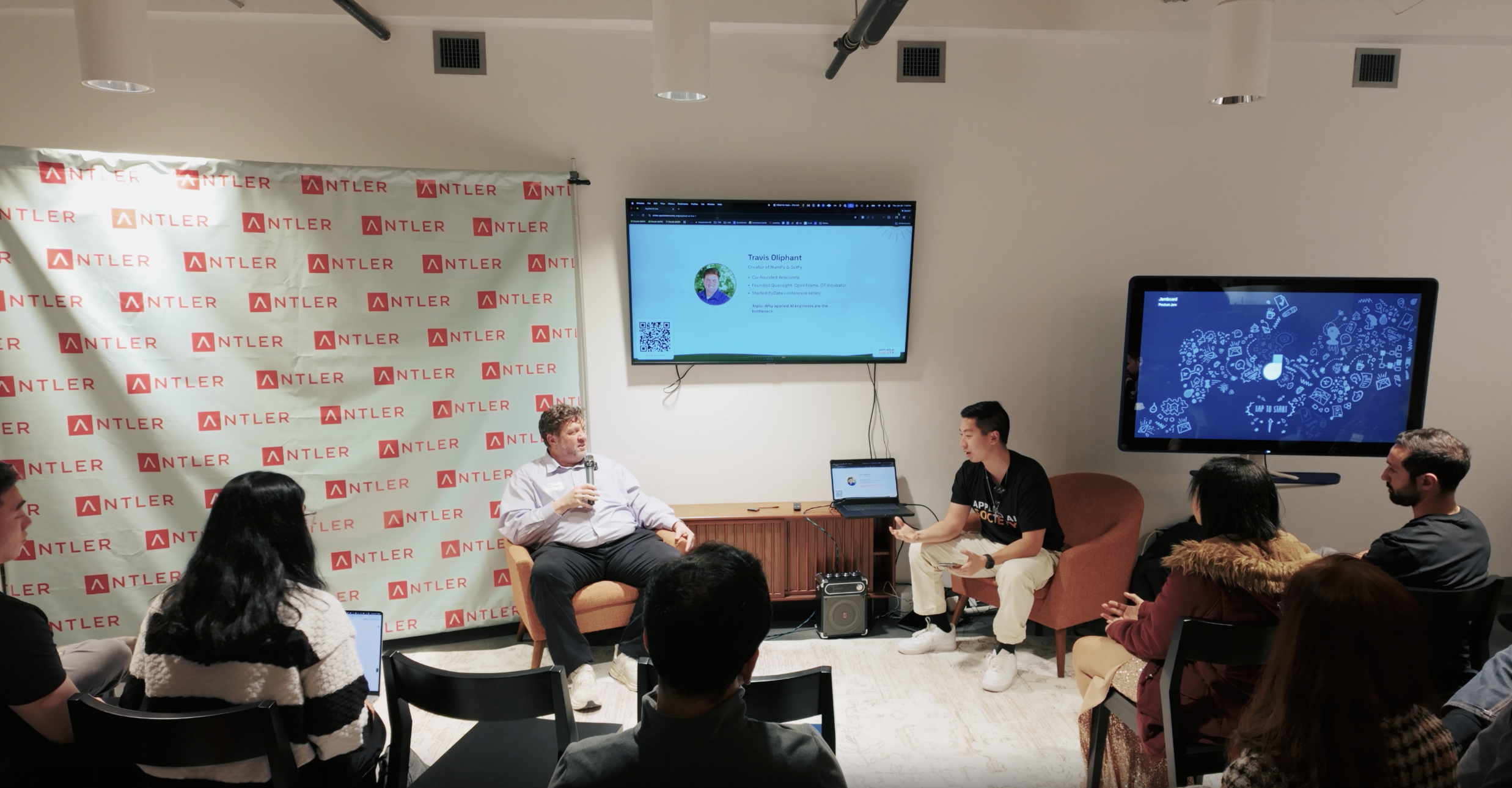
---
## Recording Setup Options
### Option 1: DIY Basic
**Cost:** $0 (gear you already have)
- Smartphone on a tripod or phone stand
- Built-in microphone
- Continuous recording for the full event
This often works better than you'd expect. Modern smartphone cameras are excellent. And if your presenters are using handheld mics amplified through room speakers, your phone can capture that audio just fine. Put the phone on a stand at a reasonable distance and let it roll.
Audio only becomes a problem in quiet rooms with no amplification, or spaces with bad echo.
### Option 2: DIY Better (for unamplified rooms)
**Cost:** $50-150 for a lavalier or bluetooth mic
- Smartphone on a tripod for video
- Separate audio recording with a lavalier mic on the presenter (wired or bluetooth)
- Merge video and audio in post using Descript or similar
This is worth it if your venue doesn't have amplified speakers. But if presenters are already miced up to a PA system, you probably don't need this.
### Option 3: Venue AV Support
**Cost:** Often included with venue rental
Some venues have in-house AV support. For example, Capital Factory in Austin provides recording capabilities as part of their event hosting.
If your venue offers this, use it. Ask what they provide and what format you'll get the files in.
---
## Audio Backup Redundancy
**Critical rule: always have multiple audio backups.**
Devices fail. Batteries die. Storage fills up. If you only have one audio source and it fails, you have unusable footage.
Run at least 2-3 of these simultaneously:
| Backup | Notes |
|--------|-------|
| iPhone on stand | Plugged into charger, Voice Memos running |
| Standalone voice recorder | Cheap and reliable, e.g., Sony ICD series |
| Apple Watch | Voice Memos app, worn by you or staff |
| Spare iPhone | Voice Memos running in your pocket or on a table |
You'll pick the best audio source in post. The others are insurance.
---
## Meta Ray-Ban Glasses (Experimental)
Smart glasses like Meta Ray-Bans add a unique dimension: host POV footage.
Use them for:
- **Close-ups of the whiteboard** during live architecting
- **Business owner explaining their problem.** Get up close.
- **Audience reactions.** Pan the room naturally.
- **B-roll:** arrivals, networking, the vibe of the space
This footage won't be your primary source, but it adds personality and immersion. It makes viewers feel like they're in the room with you.
One tap to start/stop recording. Wear them throughout the event.
---
## What to Capture
### Primary footage
- Main stage / presenter (this is most of your final video)
- Screen share if they're presenting slides
- Whiteboard close-ups if they're drawing/architecting
### Secondary footage (B-roll)
- Audience listening, reacting
- Networking conversations
- People arriving, registering
- The room setup, signage
### Raw materials
Ask presenters for their slides or any materials they used. Useful for the edit and for follow-up content.
---
## Pre-Event Tech Check
Do this **before** attendees arrive:
- [ ] All devices fully charged
- [ ] Storage cleared (delete old files, check available space)
- [ ] Tripod/stand stable and positioned
- [ ] Test audio levels (record 30 seconds, play it back)
- [ ] Backup audio devices ready and tested
- [ ] Smart glasses synced and charged (if using)
- [ ] Know how to start/stop recording on all devices
- [ ] Test display connection to venue TV/projector (cycling on/off may be needed)
---
## File Management
### Naming convention
Use: `YYYY-MM-DD_City_EventName_Source`
Examples:
- `2026-01-29_Austin_AppliedAILive_MainCamera.mp4`
- `2026-01-29_Austin_AppliedAILive_AudioBackup1.m4a`
- `2026-01-29_Austin_AppliedAILive_RayBan.mp4`
- `2026-01-29_Austin_AppliedAILive_PresenterSlides.pdf`
### Post-event
1. **Upload to cloud immediately.** Don't wait. Phones get lost, drives fail.
2. **Organize by event date.** One folder per event.
3. **Keep raw files.** Never delete originals until final video is published.
---
## Finding an Editor
You can edit this yourself, but if you want to outsource:
### Budget
$50-100 for a 2-hour event edit is reasonable. You're asking for:
- Sync audio to video
- Cut dead time (setup, breaks)
- Basic transitions between segments
- Add title cards if needed
### How to find someone
Same approach as [Finding a Photographer](/docs/playbooks/chapter-leader/finding-a-photographer):
- Ask your network
- Look for film students or freelancers building their portfolio
- Trust and reliability matter more than flashy reels
### Template outreach
```
Subject: Video editing for Applied AI Society event
Hey [NAME],
I'm looking for someone to edit a 2-hour event recording for the Applied AI Society.
The raw footage is already captured. I need:
- Audio synced to video (I have multiple sources)
- Dead time cut (setup, breaks)
- Basic transitions between segments
- Title cards at the start
Budget is around $[75-100]. Turnaround within 1 week would be ideal.
Let me know if you're interested and I'll share the raw files.
Thanks,
[YOUR NAME]
```
---
## Final Output
### Full event recording
The finished video should:
- **Weave together** main stage footage with screen share or whiteboard toggles
- **Use the cleanest audio source** from your backups
- **Feel immersive.** B-roll and POV footage help.
- **Be watchable.** Someone who missed the event should get full value.
### Short-form clips and reels
Don't just publish the full recording. Cut the raw footage into short clips for social:
- "We live architected a document processing pipeline" (2-3 min highlight)
- "This business owner's AI problem, solved in real time" (60 sec reel)
- Behind-the-scenes montage of the event vibe
Mix sources: main camera for the presenter, Ray-Ban POV for whiteboard close-ups, audience reactions. These clips drive engagement and attract people to future events.
### Where to publish
- **YouTube:** Full recordings + short clips
- **Instagram/TikTok/LinkedIn:** Reels and highlights
- **Website:** Embed on the event page
- **Newsletter:** Share with your mailing list
---
## Checklists
### Before the event
- [ ] Primary camera (smartphone) charged and storage cleared
- [ ] Tripod/stand ready
- [ ] Lavalier or bluetooth mic tested (if using)
- [ ] 2-3 audio backup devices ready
- [ ] Smart glasses charged and synced (if using)
- [ ] Know start/stop for all devices
- [ ] Editor lined up (if outsourcing)
### During the event
- [ ] Start all recordings before programming begins
- [ ] Check devices periodically (still recording? battery okay?)
- [ ] Capture B-roll during breaks
- [ ] Get close-up footage of key moments (whiteboarding, Q&A)
- [ ] Collect presenter slides/materials
### After the event
- [ ] Stop all recordings
- [ ] Upload all files to cloud backup immediately
- [ ] Name files with convention: `YYYY-MM-DD_EventName_Source`
- [ ] Send raw files to editor (if outsourcing)
- [ ] Review rough cut
- [ ] Publish final video to YouTube
- [ ] Share in newsletter and on social
---
## Vlog Person vs Stationary Camera
There are two distinct camera roles at an event, and both are valuable.
The **stationary camera** (main camera) is locked on a tripod and captures the full program from start to finish. This is your primary footage for the YouTube recording. It doesn't move, and that's the point. Stability and coverage.
The **vlog person** is mobile. They carry a handheld camera or smartphone and move through the crowd. Their job is to capture interviews, B-roll, crowd energy, and the feel of the event. The vlog person should start mingling with early arrivals about 30 minutes before doors open, making people feel welcome and capturing short interviews before and after the event. This content feeds social media: reels, clips, behind-the-scenes posts.
Think of the stationary camera as the documentary and the vlog person as the journalist. You want both perspectives.
---
## Post-Event Interviews
After the program wraps, the vlog person captures 1-2 minute interviews with speakers and attendees. Keep questions simple and conversational:
- "What was your biggest takeaway?"
- "What are you working on?"
- "What brought you here tonight?"
These clips are gold for social content. A 60-second interview with a speaker reflecting on their talk, filmed right after they step off stage, often outperforms the full recording in engagement. People share clips of themselves. That drives reach.
---
## Rebooking the Same Videographer
When you find a good videographer, rebook them for the next event. They learn the venue, the format, and the angles that work. They know where to stand, when the whiteboard moments happen, and how the energy flows through the night.
Consistency in production quality compounds over time. Your second event with the same person will look noticeably better than the first. By the third, they're anticipating moments before they happen.
---
## See Also
- [Finding a Photographer](/docs/playbooks/chapter-leader/finding-a-photographer): Similar approach for finding reliable help
- [Applied AI Live](/docs/playbooks/chapter-leader/applied-ai-live): Full event playbook
---
# Running a Hackathon
URL: https://docs.appliedaisociety.org/docs/playbooks/chapter-leader/running-a-hackathon
# Running a Hackathon
Applied AI Live is about talks and live demos. Hackathons are about building. Both matter. Hackathons surface the builders in your community, the people who might become case study subjects, future speakers, or collaborators on real projects.
Hackathons also lend themselves naturally to co-hosting. Multiple communities share the lift, share the audience, and everyone benefits. Our first hackathon (Moltathon ATX, February 2026) was a collaboration between four groups: AITX, Hack AI, Organized AI, and Applied AI Society.
This playbook is scaffolding. It will fill in as we run more hackathons and learn what works.
---
## Format Options
There's no single right format. Pick based on your goals, venue constraints, and audience.
**Short (1 day, 8-12 hours)**
- Lower commitment, easier to fill. Good for a first hackathon.
- Works well with a training session in the morning and building in the afternoon.
**Overnight (24+ hours)**
- Higher energy, deeper projects. Teams have time to build something real.
- Requires more logistics: food, power, overnight access, safety considerations.
**The Moltathon model:**
1. Training session to get everyone up to speed on the platform or tools
2. Team formation
3. Build session (the bulk of the time)
4. Demos and judging
You can also run themed tracks (e.g., "best automation for a local business," "most creative agent") or keep it open-ended. Platform-specific hackathons (like building on OpenClaw) give participants a shared starting point, which helps newcomers.
---
## Co-Hosting
Hackathons are one of the best events to co-host. The workload is significant, and splitting it across 2-4 communities makes it manageable while multiplying your reach.
**What to agree on early:**
- Who owns the venue relationship?
- Who handles registration and communication with attendees?
- Who manages AV and the demo setup?
- Who organizes judging and prizes?
- Who handles food and logistics?
- How do you split costs and sponsorship revenue?
Each co-host should bring something concrete: their audience (email list, social following), their venue connections, their sponsor relationships, or their operational capacity. If a co-host doesn't bring anything, they're not a co-host.
See [Building Partnerships](/docs/playbooks/chapter-leader/building-partnerships) for the broader framework on structuring win-win collaborations.
---
## Sponsorship
Sponsorship is how hackathons cover prizes, food, and venue costs. The model is straightforward: tiered packages with clear deliverables on both sides.
### Sponsor Tiers
| Tier | What They Get | Typical Contribution |
|------|---------------|---------------------|
| **Logo** | Tagged on socials, logo and blurb on event page | Lower cash amount or in-kind |
| **Track** | Naming rights on a hackathon track (e.g., "The Acme AI Challenge") | Mid-range cash or significant in-kind |
| **Title** | Title sponsor, prominent branding on all materials, speaking slot at kickoff or demos | Higher cash and/or major in-kind |
### How It Works
1. Have your packages and pricing ready before you reach out.
2. When a sponsor commits, send them a high-level agreement via DocuSign documenting what you're providing with the hackathon and what they provide (cash and/or in-kind).
3. Keep it simple. The agreement doesn't need to be long. One page is fine.
### In-Kind Sponsorship
Cash isn't the only currency. In-kind contributions are common and often more valuable to participants than cash prizes:
- **Hardware**: GPUs, dev kits, IoT devices
- **Cloud/API credits**: compute time, API keys for the hackathon duration
- **Food and drinks**: catering, coffee, snacks
- **Swag**: t-shirts, stickers, branded items
- **Prizes**: hardware, subscriptions, mentorship sessions with industry leaders
---
## Venue & Logistics
Hackathon venues have different requirements than talk-format events. The key differences:
- **Wifi**: Must be reliable under load. 50+ people all building, downloading packages, hitting APIs. Test the wifi before committing.
- **Power**: Outlets everywhere. People need to plug in laptops, chargers, external monitors. Bring power strips.
- **Space**: Teams need room to spread out. Not theater seating. Think tables, whiteboards, breakout areas.
- **Demo area**: A stage or front-of-room setup for presentations at the end.
- **Food staging**: Somewhere to set up food that doesn't disrupt the build area.
For overnight events, also consider: restroom access, security/building access after hours, quiet areas for breaks.
See [Finding a Venue](/docs/playbooks/chapter-leader/finding-a-venue) for general venue guidance.
---
## Promotion & Registration
- Use a registration platform like Lu.ma or Eventbrite. Approval-based registration works well for hackathons since you want to ensure attendees are actually planning to build.
- Cross-promote through every co-host's channels. Each community posts to their email list, socials, and Slack/Discord.
- Emphasize the **training component** in your promotion. Many people have never done a hackathon. "Come learn and build" is more inviting than "compete for prizes."
- Post the schedule so people know what to expect.
See [Writing Event Descriptions](/docs/playbooks/chapter-leader/writing-event-descriptions) for crafting the registration copy.
---
## Day-Of
### Kickoff
- Start with a training or onboarding session, especially if there's a specific platform or tool involved. Don't assume everyone knows the tools.
- Explain the schedule, judging criteria, and prizes upfront. No surprises.
### Team Formation
- Let people self-organize. Some will come with teams, some won't.
- If there are solo attendees, do a quick matchmaking session: people pitch ideas, others join the ones that interest them.
### During the Build
- Check in with teams periodically. Not to micromanage, but to keep energy up and help unblock issues.
- Make mentors or experienced builders available for questions.
- Post time updates: 2 hours left, 1 hour left, 30 minutes to demos.
### Demos & Judging
- 3-5 minutes per team. Keep it tight.
- Judges ask 1-2 questions after each demo.
- Panel of 3-5 judges. Ideally a mix of technical people and business-minded people.
- Share judging criteria at the start of the hackathon, not at demo time. Criteria might include: technical ambition, real-world applicability, presentation quality, creativity.
---
## After the Hackathon
- **Announce winners** and distribute prizes the same day. Don't make people wait.
- **Share photos and project highlights** in a recap. Tag participants, co-hosts, and sponsors.
- **Follow up with standout builders.** The best hackathon participants are potential case study subjects, future speakers at Applied AI Live, or collaborators on community projects.
- **Run an internal retro.** What worked, what didn't, what you'd change. Document it for next time.
See [Writing & Sharing Event Recaps](/docs/playbooks/chapter-leader/writing-and-sharing-event-recaps) for the public recap process and [Event Recaps](/docs/playbooks/chapter-leader/event-recaps) for the internal retro format.
---
## Checklist
- [ ] Confirm co-hosts and agree on roles (venue, registration, AV, judging, food)
- [ ] Secure venue (test wifi under load)
- [ ] Set up sponsorship tiers and start outreach
- [ ] Create registration page
- [ ] Promote across all co-host channels
- [ ] Confirm prizes and judging panel
- [ ] Plan the training/onboarding session
- [ ] Run the hackathon
- [ ] Share recap and tag participants, co-hosts, sponsors
- [ ] Follow up with standout builders
- [ ] Write internal retro
---
## See Also
- [Applied AI Live](/docs/playbooks/chapter-leader/applied-ai-live): The talk-format event series
- [Building Partnerships](/docs/playbooks/chapter-leader/building-partnerships): Structuring co-host relationships
- [Finding a Venue](/docs/playbooks/chapter-leader/finding-a-venue): General venue guidance
- [Writing Event Descriptions](/docs/playbooks/chapter-leader/writing-event-descriptions): Registration copy
- [Writing & Sharing Event Recaps](/docs/playbooks/chapter-leader/writing-and-sharing-event-recaps): Public recaps
---
# Speaker Outreach
URL: https://docs.appliedaisociety.org/docs/playbooks/chapter-leader/speaker-outreach
# Speaker Outreach
How to find and recruit practitioners to present at Applied AI Live events.
---
## Why Practitioners Say Yes
You're not asking someone for a favor. You're offering something genuinely valuable. Make sure you understand the value prop before you reach out.
**Visibility.** A room full of 50-75 people who care about applied AI, watching you present your work. That's a concentrated audience of potential clients, collaborators, and referral sources. For practitioners building a consulting practice or looking to grow their network, this is high-leverage exposure.
**Crystallize their thinking.** Preparing a case study forces practitioners to articulate what they actually did, why it worked, and what they learned. That clarity is useful for their own business: better proposals, sharper positioning, clearer client conversations. Many practitioners don't realize how much they know until they're asked to present it.
**Potential clients in the room.** Business owners attend Applied AI Live specifically because they're looking for help implementing AI. A presenter who demonstrates competence on stage is the most natural way to generate inbound interest. Some of our presenters have gotten client leads directly from their talks.
**Give back to the next generation.** The audience skews young and hungry. Many are college-aged or early career, trying to figure out how to break into applied AI work. Experienced practitioners who present are directly shaping the next wave of talent. For people who care about mentorship and paying it forward, this matters.
---
## Why Companies Say Yes: The Talent Pipeline
For companies and hiring managers, the pitch is different from the practitioner pitch. It is simpler and more valuable.
**The value prop is talent.**
AAS events concentrate AI-native, hungry, entrepreneurial people in one room. For any company trying to hire applied AI talent, that room is one of the best places to find it.
### Why This Talent Is Hard to Find Elsewhere
Resumes do not mean much anymore. Neither do GitHub profiles. What matters is whether someone can actually apply AI to real business problems, communicate clearly, and lead. You cannot assess any of that from a document.
At an AAS event, a recruiter or hiring manager can:
1. **Meet candidates in context.** Watch how they engage with the material, what questions they ask, how they interact with other attendees. You can feel a room. You can tell if someone onstage is respected. Body language and presence reveal more than any interview loop.
2. **Observe leaders among leaders.** The students and practitioners who organize these events, activate campus clubs, find speakers, and secure sponsors are demonstrating exactly the qualities companies struggle to hire for: initiative, follow-through, the ability to mobilize people, and comfort with ambiguity. These are not abstract resume bullets. They are observable behaviors.
3. **Recruit chapter leaders directly.** A thriving AAS chapter leader is one of the highest-value hires in the market right now. They have proven they can organize communities, build partnerships, create events, and drive outcomes in a fast-moving domain. That skill set maps directly to business development, developer relations, go-to-market, and applied AI consulting roles. Companies looking for people who can bridge the gap between technical capabilities and business outcomes should be paying close attention to who is running these chapters.
### The Pitch to Companies
When approaching a company to speak or sponsor, frame it around their hiring needs:
```
Your company is hiring for applied AI talent. Resumes and GitHub
profiles don't tell you much anymore. What you actually need is
to see people in action: who is AI-native, who can communicate,
who can lead.
Applied AI Society events put 50-100 of those people in one room.
Students and practitioners who are actively building, actively
learning, and actively helping businesses implement AI. Your
recruiting team can be in the room, meeting candidates in a
context where their actual abilities are visible.
If you send a speaker, they get to present your company's work
to a highly engaged audience. Your team gets to network with
attendees afterward. And you get direct access to the talent
pipeline that is hardest to reach through traditional recruiting
channels.
```
### What Companies Can Do
Offer companies a menu of involvement:
- **Send a speaker.** A practitioner or engineer from the company presents a case study of real AI work they've done. The audience sees the company's work firsthand, and the company gets to meet attendees.
- **Sponsor the event.** Cover food, venue, or logistics costs. In exchange: co-branding, a few minutes to introduce the company, and access to the attendee list (with consent).
- **Send recruiters.** Even without speaking or sponsoring, companies can send recruiting team members to attend, network, and identify candidates in a natural setting. This alone is worth more than a job fair booth.
- **Offer opportunities.** Internships, freelance projects, apprenticeships, or full-time roles shared with the chapter community. This makes the chapter more valuable to its members and strengthens the relationship with the company.
### Career Pathway for Students
This is worth making explicit to students and chapter leaders: helping businesses apply AI is one of the most direct career entry points into business development, developer relations, and go-to-market roles at AI companies. The same skills that make someone a great chapter leader (community building, partnership development, clear communication about technical work) are exactly what companies like Runway, Anthropic, OpenAI, and others are hiring for. The chapter is not just a community service project. It is a career accelerator.
---
## Who to Look For
The best presenters have three things:
1. **Real implementation experience.** They've built something for a real organization, not just side projects or demos. The audience can tell the difference.
2. **Willingness to share openly.** Case studies require specifics: tools used, architecture decisions, pricing, what went wrong. Practitioners who are protective of their methods aren't a good fit.
3. **Conversational communication style.** Applied AI Live is not a conference keynote. The best talks feel like a practitioner telling a friend about a project over coffee.
You do not need to find famous people. Some of the best presentations come from practitioners with small client rosters who are doing excellent, unglamorous work.
---
## Start With Your Network
The easiest speakers to secure are people you already know. Friends, colleagues, people from your local tech community.
This matters for a few reasons:
- **Trust.** They trust you enough to say yes to something new.
- **Quality control.** You already know if they're good at what they do and can communicate it well.
- **Lower friction.** A text message works. You don't need a formal pitch deck.
If you're starting a new chapter, your first 2-3 presenters should ideally come from your existing relationships. Once the event has a track record, outreach to people you don't know gets much easier because you can point to recaps and recordings.
---
## Outreach Template (Warm)
For people you know:
```
Hey [Name],
I'm running an Applied AI event called Applied AI Live. Practitioners
present real case studies to a room of 50-75 engineers, business owners,
and aspiring applied AI practitioners.
Immediately thought of you because of [specific project or work you
know about]. Would you be up for doing a ~30 min case study talk
walking through what you built, how you landed the client, and what
you learned?
The audience is mostly people trying to break into applied AI work,
so your experience is exactly what they need. Plus it's great
visibility if you're looking to grow your practice or network.
Let me know if you're interested and I'll send the presenter guide.
```
---
## Outreach Template (Cold or Warm Intro)
For people you don't know well, or when reaching out via introduction:
```
Hi [Name],
I lead the [City] chapter of the Applied AI Society, a practitioner
community focused on helping organizations actually implement AI.
We run events called Applied AI Live where practitioners present
real case studies to 50-75 local engineers, business owners, and
aspiring applied AI practitioners. I came across your work on
[specific project, post, or company] and thought it'd be a great
fit for our audience.
The format is a ~30 min conversational case study: what you built,
how you landed the work, what you learned. Not a keynote or a
product pitch. Our presenter guide covers the details.
A few things presenters get out of it:
- A room full of people who care about applied AI (potential
clients, collaborators, referral sources)
- Forces you to crystallize your thinking, which sharpens
your own positioning
- Give back to early-career practitioners figuring out this space
Here's a recap from a recent event so you can see the vibe:
https://open.substack.com/pub/appliedaisociety/p/applied-ai-live-1-recap
Would you be open to presenting at an upcoming event? Happy to
hop on a quick call to talk through it.
```
---
## Where to Find Practitioners
If your personal network is tapped, here's where to look:
- **LinkedIn.** Search for people in your city posting about AI implementations, automation, or consulting. People who post about their work publicly are usually open to presenting it.
- **Local tech meetups and Slack groups.** People already showing up to AI-adjacent events are your warmest leads.
- **Applied AI Society network.** Other chapter leaders and national can connect you with practitioners in your area or adjacent cities. Ask.
- **Client referrals.** Business owners who've worked with good practitioners are often happy to recommend them. This is also a great way to vet quality.
- **Your own event attendees.** After your first event, some attendees will raise their hands. The people who ask the best questions during Q&A are often your next presenters.
---
## Handling Common Responses
**"I'm not sure I have enough experience."**
> You'd be surprised. The audience learns as much from someone with 2-3 client projects as from someone with 20. If you've built something real for a real organization, you have a case study worth sharing.
**"I don't want to give away my methods."**
> Totally understand. You choose what to share and what to keep close. Most practitioners find that sharing openly actually generates more business, not less. But if it doesn't feel right, no pressure.
**"I've never presented before."**
> Our format is conversational, not a TED talk. If you can explain your work to a friend, you can present at Applied AI Live. We also send a presenter guide that walks you through exactly what to cover.
**"What's in it for me?"**
> Visibility to a room of potential clients and collaborators. A chance to sharpen how you talk about your work. And you're helping the next generation of practitioners figure out this space. Most presenters say the networking alone was worth it.
---
## After They Say Yes
1. **Send the presenter guide.** Point them to [Presenting at Applied AI Live](/docs/playbooks/presenter/presenting-at-applied-ai-live) so they know what to expect.
2. **Schedule a quick prep call.** 15-20 minutes to align on their topic, answer questions, and confirm logistics.
3. **Get their slides early.** At least a day before the event for Q&A platform integration.
4. **Introduce them to the audience well.** See the [Hosting an Event](/docs/playbooks/chapter-leader/hosting-an-event) playbook for speaker introduction templates.
---
## Building a Speaker Pipeline
Don't wait until you need a presenter to start looking. Keep a running list of potential speakers. Every interesting practitioner you meet, every good LinkedIn post you see, every recommendation you get: add them to the list.
After your first few events, this gets easier. Presenters recommend other presenters. Attendees volunteer. The community starts feeding itself.
---
## See Also
- [Presenting at Applied AI Live](/docs/playbooks/presenter/presenting-at-applied-ai-live) -- the guide you send to confirmed presenters
- [Live Architecture Session](/docs/playbooks/chapter-leader/live-architecture-session) -- recruiting the engineer for the live session
- [Applied AI Live](/docs/playbooks/chapter-leader/applied-ai-live) -- the full event format and checklist
---
# Starting a Chapter or Community
URL: https://docs.appliedaisociety.org/docs/playbooks/chapter-leader/starting-a-chapter
# Starting a Chapter or Community
How to launch an Applied AI Society community in your city or on your campus. This could be a formal chapter, a student group within an existing AI club, or something in between.
---
## Why Local Communities Exist
Applied AI Society exists to make the world applied AI literate. Local communities are where that actually happens.
There is a massive gap between what AI can do and what organizations are actually doing with it. That gap is full of opportunity. But most people cannot see those opportunities from where they sit. They need someone in their community who can show them.
That someone might be you.
A chapter can take many forms. It could be a formal Applied AI Society chapter. It could be a student group within your university's existing AI club. It could be three friends who host their first workshop and see who shows up. The format matters less than the outcome: people in your community learning applied AI by doing it.
If your campus already has an AI club, you do not need to start a new one. Hook in. Wear the shirt. Use the playbooks. Host an Applied AI event within the club you already have. We will support you with resources, small budgets, and a connection to the national network.
The model is subsidiarity: national provides the [source material](/docs/applied-ai-literacy/earthshot), brand, and network. You provide the energy, the people, and the local context.
## Beyond Campus: Libraries, Schools, and Community Organizations
Some of the most impactful applied AI literacy work is happening outside college campuses. College students who already understand applied AI are going into their local communities and teaching others: elementary schoolers, high schoolers, library patrons, boys & girls clubs, workforce development programs.
Libraries are a particularly powerful channel. They adopt programs more rapidly than universities (no bureaucracy, no curriculum committees, no semester timelines), they serve diverse populations, and they are trusted community institutions.
If you are a college student who already gets this, consider: who in your community needs applied AI literacy the most? It might not be your classmates. It might be the people in your hometown, your local library, your old high school, or communities abroad that you have a connection to.
We are building the best open-source applied AI literacy [source material](/docs/applied-ai-literacy/earthshot) in the world. You can use it to teach anyone, anywhere. The playbooks on this site will help you run programs. And we want to profile and amplify the people who are already doing this work, so their example inspires others.
---
## You're a Good Fit to Start a Chapter If...
- **You're entrepreneurial.** You see building an applied AI network as completely in your self interest. You want to be at the center of your city's applied AI economy, not waiting for someone to hand you the opportunity.
- **You're a connector.** You don't need to be the most technical person in the room. You need to be the person who gets the right people into the room.
- **You can mobilize.** Given two weeks' notice, you can get 50-75 people to show up. You already have a network, or you know how to build one fast.
- **You recognize the implementation gap.** You see organizations around you that know they should be using AI but have no idea how. That frustrates you.
- **You're high agency, low ego.** You'll figure things out without waiting to be told what to do. You'll give credit to others and focus on the community, not your personal brand.
- **You're in the right life stage.** Late college, just graduated, or early career. Or you're someone who mentors people in that window and wants to build alongside them.
---
## This Probably Isn't for You If...
- You're looking for a paid position from day one. Chapter leaders earn through the network they build, not a salary from national.
- You want a detailed instruction manual for every decision. We provide playbooks and support, but you're running your chapter. Ownership is the point.
- You want to consume, not contribute. Applied AI Society is for people who build, share, and connect. If you're looking to passively attend events without putting anything back into the community, this isn't the right fit.
- You don't actually want to be in the applied AI space yourself. Chapter leaders are practitioners first, organizers second.
---
## Know Your City's Scene
Before you start a chapter, take a hard look at what already exists in your city. Every city has a different AI landscape, and your chapter needs to fit that landscape, not copy-paste what works somewhere else.
We think about this as an **ideal scene profile**: treating cities themselves as distinct profiles with their own strengths, gaps, and cultures.
**Questions to ask:**
- **How many AI communities already exist here?** If your city is already saturated with AI meetups, clubs, and events, your chapter needs a sharper angle. If there's almost nothing, you have wide open space but less existing momentum to tap into.
- **What's the talent mix?** Is your city heavy on research and academia (universities, labs) or on applied, commercial work (agencies, startups, enterprises)? The gap between "people who know AI" and "people who get paid to apply AI" varies by city. Your programming should address your city's specific gap.
- **How does community work here?** In some cities, one group text gets 50 people to show up. In others, it takes weeks of outreach to fill a room. Understanding your city's community culture tells you how much effort to budget for mobilization.
- **Are there customers nearby?** Chapters thrive when there are local businesses who will pay for applied AI work. If most of your city's talent has to look elsewhere for clients, the practitioner pipeline is harder to build.
- **Who's already doing this work?** Find the other community leaders, meetup organizers, and ecosystem builders in your city. If you can't name them, you need to spend more time learning the landscape before launching. A chapter leader who doesn't know the other players in their city is a red flag.
**The principle:** We are most impactful when we connect to where people already gather. If your city has an AI club, a startup accelerator, or existing tech communities, build on those. If there is a gap and no connective tissue for applied AI work, build something new. Either way, the goal is literacy at scale, not new infrastructure for its own sake.
Your community does not have to look like Austin's. It should look like your city, run by someone who understands what your city needs.
---
## What National Provides
**Founders who open doors.** Applied AI Society was founded by Gary Sheng with Travis Oliphant (creator of NumPy, SciPy, cofounder of Anaconda) as founding advisor. That credibility helps when you're reaching out to sponsors, speakers, and university partners. You're not building a random club. You're building a chapter of something real, backed by people with track records.
**Playbooks.** Everything we've learned from the Austin genesis chapter is documented publicly. Event formats, checklists, partnership guides, content distribution workflows, CRM setup, outreach automation. You don't start from scratch.
**Brand assets.** Logo, design system, templates. You stay on-brand while making it your own locally. There's no shortage of things to fork and take inspiration from.
**Light sponsorship for early events.** We'll help cover the first couple of events to remove the financial barrier. Campus events with a room, AV, and volunteers are genuinely cheap. The goal is to get you to the point where local sponsors take over.
**The network.** You're not building alone. You plug into a national (and soon global) community of chapter leaders, practitioners, and sponsors. What works in Austin, Bordeaux, or LA gets shared with you immediately.
**Mentorship.** Message Gary on Telegram (@garysheng) or X DMs (@garysheng) whenever. Early on, you can do a weekly call if you want. The communication cadence will evolve as we figure out what works, but you won't be left on your own.
**Brand infrastructure.** A Remotion repo with ready-to-use compositions for event flyers, promo videos, and visual assets. Clone it, swap your chapter's details (speaker names, dates, venue, co-host logos), and render. The compositions handle brand consistency for you. If you're not technical, you can also use the [brand guidelines](/docs/brand) to create assets with Canva, Gamma, or whatever you prefer.
**[Discord](https://discord.gg/K7uWJBMFaN).** The public community Discord for all chapter leaders, practitioners, and members to compare notes, share opportunities, and co-work across cities. This is the single public community space. Beyond Discord, you're encouraged to create your own invite-only group chat for your local chapter (Signal, iMessage, Telegram, GroupMe, whatever works for your people). For example, student leaders who are starting chapters or hosting Applied AI Society events in their cities and schools coordinate via [GroupMe](https://groupme.com/join_group/114045490/uulnIOGW). These smaller spaces should feel special. People earn their way in by showing up and doing real work.
---
## What's Expected of You
**Run events.** The core of any community is regular events. Start with monthly. Every event is an activation into the applied AI economy. The concept: you are giving your audience a landscape map. Practitioners who are actually making money in applied AI share their field notes. The audience leaves knowing what the paths are, what is real, and what is hype. These events can happen through your own chapter, through an existing AI club, through a coworking space, or through a university department. The venue and structure are flexible. The through-line is always the same. Formats can vary ([see the full catalog](/docs/playbooks/chapter-leader/event-formats)).
**Add AAS national as a manager on every event.** Whether you use Luma, Meetup, or both, add the national AAS account as a co-host or manager on every event page. This gives national access to the attendee list and lets us build a shared email list across all chapters. A strong national list benefits every chapter: it lets us promote your events to members in nearby cities, send national updates, and build the overall community.
**Collect LinkedIn and GitHub on registration.** When setting up your event registration, include fields for LinkedIn profile URL and GitHub username (optional but encouraged). This data flows into the national CRM and helps us understand who's in the community: what they build, where they work, what skills they have. That enrichment makes the whole network more valuable. When a business owner in Austin needs a practitioner with a specific background, or a chapter leader in LA wants to find local speakers, the CRM is how we connect the dots.
**Find your local patron.** Every chapter needs a local champion: a business owner, executive, or organization that believes in what you're building and wants to support it. This isn't a cold sponsorship pitch. It's finding someone who sees the value of a local applied AI talent network and wants to say "I planted this chapter." This usually happens naturally after your first couple of events prove the model.
**Create stickiness.** The north star metric for a new chapter is retention: 20 or more people who keep coming back across your first three events because the events are genuinely that valuable. If people come once and don't return, something needs to change. If they keep showing up, everything else (sponsors, growth, opportunities) follows.
**Share what you learn.** Write event recaps. Document what worked and what didn't. The whole system gets better when chapters feed insights back to the network.
**Stay on brand.** You have freedom in how you run your chapter. The required protocols for communicating with national are still being defined, but the principle is simple: use whatever tools let you flow and get things done as a local organizer, and keep us in the loop on how it's going.
---
## The Opportunity
This is worth saying plainly: building a chapter puts you at the center of your city's applied AI economy. Every practitioner, every business owner, every sponsor who cares about applied AI in your area will flow through your events.
The network you build is yours. The relationships, the reputation, the deal flow, the career flow, the knowledge flow. We call it enlightened self interest: you're building something that serves your community and your career at the same time.
Chapter leaders don't just organize events. They become the person everyone calls when they need applied AI talent, when they have a project to staff, when they want to understand what's possible. That's a powerful position to hold, and it compounds over time.
The people who figure out applied AI now, while the gap is wide open, will be the ones everyone else calls in two years.
---
## AI Skills for Chapter Leaders (Coming Soon)
We are building open-source AI skills (starting with [Claude Code](https://claude.ai/claude-code)) that automate the repetitive parts of organizing so you can focus on relationships, judgment, and showing up. Event description writers, speaker outreach drafters, flyer generators, recap writers, sponsor pitch drafters, and more. All open source, all improving as chapters use them. See the [campus launch playbook](/docs/playbooks/chapter-leader/launching-on-campus#ai-skills-for-chapter-leaders-coming-soon) for the full list.
---
## How to Get Started
1. **Read the docs.** Start with [What is the Applied AI Society?](/docs/about) and the [Applied AI Canon](/docs/philosophy/canon). If the philosophy resonates, keep going.
2. **Read the playbooks.** Browse the [chapter leader playbooks](/docs/playbooks/chapter-leader) to see what running a chapter actually looks like.
3. **Reach out.** Hit up Gary Sheng directly on Telegram (@garysheng) or X DMs (@garysheng). You can also [get in touch here](https://appliedaisociety.org/contribute).
4. **Have a conversation.** We'll talk about your city, your network, what format makes sense, and what support you need.
5. **Run your first event.** We'll help you get the first one off the ground. From there, you're building.
---
## See Also
- [Applied AI Live](/docs/playbooks/chapter-leader/applied-ai-live) -- one proven event format for practitioner-driven demos
- [Building Partnerships](/docs/playbooks/chapter-leader/building-partnerships) -- finding sponsors and venue partners
- [Hosting an Event](/docs/playbooks/chapter-leader/hosting-an-event) -- the soft skills of being the host
---
# Tools
URL: https://docs.appliedaisociety.org/docs/playbooks/chapter-leader/tools
# Chapter Leader Tools
A collection of tools that help run chapters efficiently. These aren't endorsements. They're just what's working for us right now.
---
## Meetup.com
**What it is:** Event discovery and RSVP platform with built-in audience.
**Website:** [meetup.com](https://meetup.com)
**What we use it for:**
- Event listings and RSVPs
- Organic discovery by people who attend similar events
- Building a chapter-specific audience over time
**Why it's useful:**
Meetup recommends your events to users who have attended similar meetups. This is free distribution. With zero extra marketing or ad spend, dozens of people have found Applied AI Society events just through Meetup's recommendation algorithm.
We run an **Applied AI Society network** on Meetup, which allows multiple chapters to operate under one umbrella. The Austin chapter is the first. When new chapters launch, they join the network.
**Tips:**
- Create your chapter's Meetup under the Applied AI Society network
- Keep event descriptions clear and focused on who should attend
- Meetup users expect consistency. Recurring events build momentum.
- You can use Meetup as your sole RSVP platform or pair it with something else
---
## Luma
**What it is:** Event page and RSVP platform with a polished UX.
**Website:** [lu.ma](https://lu.ma)
**What we use it for:**
- Beautiful event pages for sharing on social
- Clean check-in experience at the door
- Integration with calendar apps
**Why it's useful:**
Luma looks great. The event pages are modern and easy to share. If you're promoting on Twitter/X or LinkedIn, a Luma link feels more premium than a basic Meetup page.
**Trade-off:**
Luma doesn't have Meetup's built-in discovery algorithm. However, Luma does have **Featured Calendars** and **Local Events** on its [Discover page](https://lu.ma/discover). Submitting your event to relevant calendars (AI, Tech, your city) puts it in front of subscribers browsing those collections. See the [Luma Calendar Submissions](/docs/playbooks/chapter-leader/applied-ai-live#luma-calendar-submissions) guide for how to do this.
**Our approach:**
We use both. Meetup for discovery, Luma for a polished landing page when sharing directly. Chapter leaders can decide what works for them. If you only want one platform, Meetup is the priority because of organic reach.
---
## Gamma
**What it is:** AI-powered slide deck creator.
**Website:** [gamma.app](https://gamma.app)
**What we use it for:**
- Event presentations (speaker intros, sponsor slides, closing remarks)
- Internal decks for fellow organizers
- Quick pitch decks when talking to potential partners
**Why it's useful:**
Gamma generates polished slides fast. You describe what you want, it builds a first draft. Good for chapter leaders who need to create presentations but don't want to spend hours in PowerPoint or Google Slides.
**Tips:**
- Start with a rough outline, then let Gamma expand it
- Edit the output. It's a starting point, not a finished product
- Export to PDF for sharing or presenting offline
---
## Docusaurus
**What it is:** Documentation site framework built on React.
**Website:** [docusaurus.io](https://docusaurus.io)
**What we use it for:**
- This documentation site you're reading right now
- Playbooks, brand guidelines, case studies
- A single source of truth for chapter operations
**Why it's useful:**
Markdown-based, version controlled, easy to update. If you can write markdown, you can contribute to the docs. Built-in search, sidebar navigation, and dark mode support.
**Tips:**
- Clone the repo, make changes, push. That's it.
- Use `.mdx` files if you need React components in your docs
- The sidebar is configured in `sidebars.ts`
---
## Cursor
**What it is:** AI-powered code editor built on VS Code.
**Website:** [cursor.com](https://cursor.com)
**What we use it for:**
- Updating this documentation site
- Writing and editing communications
- Quick edits to markdown files
- Building out new playbooks and pages
**Why it's useful:**
Cursor's AI can help you write, edit, and refactor. Ask it to draft a section, fix a typo, or restructure a document. It understands the codebase context, so it can make changes that fit the existing style.
**Tips:**
- Use Cmd+K to ask the AI to edit selected text
- Use Cmd+L to chat with the AI about the codebase
- It works great for non-code tasks like documentation
---
## Airtable
**What it is:** Flexible database and CRM platform.
**Website:** [airtable.com](https://airtable.com)
**What we use it for:**
- Tracking outreach across LinkedIn, Twitter, and email
- Managing contact lists by member type (engineers, business owners, tool developers)
- Storing message status and history for automated campaigns
- Collaboration across chapter organizers
**Why it's useful:**
Airtable combines the simplicity of a spreadsheet with the power of a database. You can create filtered views, track status with single-select fields, and integrate with automation tools via API. The free tier works for getting started (1,000 records), and the Team plan ($24/user/month) unlocks automations and extensions.
**Tips:**
- Use camelCase for field names (e.g., `firstName` not `First Name`). This makes integration with automation tools easier
- Create filtered views for each outreach channel (e.g., "To Message (LinkedIn)")
- Only users with editor-level access count toward seat costs. Viewers are free.
- See the [CRM Setup](/docs/playbooks/chapter-leader/crm-setup) playbook for a complete setup guide
---
## PhantomBuster
**What it is:** Cloud-based automation tool for social media outreach.
**Website:** [phantombuster.com](https://phantombuster.com)
**What we use it for:**
- Automated LinkedIn DM campaigns
- Automated Twitter/X DM campaigns
- Scraping profile data from social platforms
- Scheduled outreach at safe volumes
**Why it's useful:**
PhantomBuster handles the repetitive work of sending personalized messages at scale. It reads from a Google Sheet (synced from Airtable), sends messages on a schedule, and outputs results that sync back to your CRM. You set it up once and it runs on autopilot.
**Pricing:**
- Free trial available (limited execution time)
- Starter plan: $69/month (20 hours execution time)
- Pro plan: $159/month (80 hours execution time)
**Safety Warning:**
Both LinkedIn and Twitter have limits on how many messages you can send. PhantomBuster shows recommended limits based on your account age and activity. Start slow, personalize your messages, and stay under the platform warnings. See the automation guides for safe settings.
**Tips:**
- Install the browser extension to connect your social accounts
- Use variables like `#firstName#` or `#twitterUsername#` for personalization
- Set up "Repeatedly" schedules during working hours (skip weekends)
- Monitor your accounts for warnings and reduce volume if needed
- See [LinkedIn Automation](/docs/playbooks/chapter-leader/linkedin-automation) and [Twitter Automation](/docs/playbooks/chapter-leader/twitter-automation) for complete setup guides
---
## Remotion (National Brand Infrastructure)
**What it is:** React-based framework for creating videos and static graphics programmatically.
**Website:** [remotion.dev](https://remotion.dev)
**What national uses it for:**
- Event flyers (square 1080x1080 PNGs)
- Event promo videos
- Brand intro bumpers
- Ambient event videos (looping visuals for the projector while people network or file in)
**Why it's useful:**
The repo comes with existing compositions for common chapter needs: event flyers, promo videos, brand bumpers, ambient event loops. You don't need to design anything from scratch. Clone the repo, swap your chapter's details (speaker names, dates, venue, co-host logos) into the props, and render. Brand colors, fonts, illustration assets, and layout rules are baked into the compositions, so everything stays on-brand automatically.
**How to use it:** Clone the repo, run `npm start` to open Remotion Studio, preview compositions live, and render. Pass custom props via CLI to generate variants without editing code. If you're not comfortable with a local dev setup, you can use the [brand guidelines](/docs/brand) to create assets with Canva, Gamma, or whatever tools you prefer.
**For reference:**
- See the [Generating Flyers](/docs/playbooks/chapter-leader/generating-flyers) playbook for how the system works
- The `EventFlyer` composition accepts props for co-host logos, agenda items, speaker attribution, date, and venue
---
## What's Next
We'll add more tools as we find them useful. If you're a chapter leader and you've found something that helps, let us know.
---
# Twitter Automation
URL: https://docs.appliedaisociety.org/docs/playbooks/chapter-leader/twitter-automation
# Twitter DM Automation with PhantomBuster
A system for Twitter/X outreach with PhantomBuster. Syncs Airtable, Google Sheets, and PhantomBuster. Exports contacts from Airtable, sends automated DMs via PhantomBuster, and updates status back to Airtable.
Status: Tested and working
Last Updated: January 26, 2026
---
## Table of Contents
- [Tools](#tools)
- [Flow](#flow)
- [Prerequisites](#prerequisites)
- [Warning: Twitter Safety & Limits](#warning-twitter-safety--limits)
- [Setup](#setup)
- [Step 1: Configure Airtable](#step-1-configure-airtable)
- [Step 2: Set Up Google Sheet](#step-2-set-up-google-sheet)
- [Step 3: Configure PhantomBuster](#step-3-configure-phantombuster)
- [Step 4: Set Up Google Apps Script](#step-4-set-up-google-apps-script)
- [Step 5: Finalize and Test](#step-5-finalize-and-test)
- [How It Works (Once Running)](#how-it-works-once-running)
- [How to Pause or Stop](#how-to-pause-or-stop)
- [Troubleshooting](#troubleshooting)
---
## Tools
| Tool | Purpose |
|------|---------|
| Google Sheets | Hub for data sync |
| Google Apps Script | Runs automation code |
| Airtable | Source of contacts, stores results |
| PhantomBuster | Sends Twitter DMs |
## Flow
1. A list of contacts with Twitter Profile URLs stored in a filtered **"To Message (Twitter)"** view in Airtable
2. Google Apps Script Sequence runs every hour:
- pushing the Airtable view onto a Google sheet
- pulling results from PhantomBuster back to sheet
- syncing results from the Google Sheet back to Airtable
3. PhantomBuster sends Twitter DMs regularly (based on the schedule you set)
---
## Prerequisites
Before starting, you need:
| Requirement | Notes |
|-------------|-------|
| Twitter/X account | Active account in good standing |
| PhantomBuster account | Free trial available; paid plan recommended for volume |
| Airtable account | Free tier works |
| Google account | For Sheets and Apps Script |
---
## Warning: Twitter Safety & Limits
**Daily/Weekly Limits:**
Twitter restricts how many DMs you can send. PhantomBuster shows a warning with your recommended limit based on your account age and activity.
**Recommended Settings:**
| Setting | Safe Range |
|---------|------------|
| Messages per launch | 5-10 |
| Launches per day | 2-4 |
| Days per week | 5 (skip weekends) |
| Total per week | Stay under PhantomBuster's warning |
**Avoid Account Restrictions:**
- Don't send identical messages to everyone. Personalize with variables
- Space out your messages throughout the day
- Keep messages conversational, not salesy
- Start slow with a new account, increase volume gradually
- If Twitter shows warnings or locks your account, pause and reduce volume
---
## Setup
### Step 1: Configure Airtable
Your table needs these fields:
**Must-have fields:**
| Field | Type | Purpose |
|-------|------|---------|
| `twitterUsername` | Single line text | Used in message personalization |
| `Twitter Profile` | URL | Contact's Twitter profile URL |
| `Outreach Status` | Single select | Tracks messaging state |
| `Last Attempt` | Date/Time | Timestamp of last message attempt |
| `Message Sent` | Long text | Message content or error details |
> **Tip:** Since contacts are scraped from Twitter, use `twitterUsername` (their @handle) for personalization instead of first name. It's more reliable and avoids awkward mismatched nicknames. Name the field without spaces so PhantomBuster can use it as a variable.
**Outreach Status options:**
| Option | Meaning |
|--------|---------|
| `To Message` | Ready to be messaged |
| `Message Sent` | Successfully messaged |
| `Message Failed` | Delivery failed |
**Create a filtered view:**
1. Create a new view named **"To Message (Twitter)"**
2. Add filter: `Outreach Status` = `To Message`
This view feeds contacts to PhantomBuster. Only contacts in this view will be messaged.
### Step 2: Set Up Google Sheet
1. Create a new Google Sheet
2. Create two tabs:
- **"Airtable Sync (For Twitter Messages Automation)":** receives contacts from Airtable
- **"Phantom Output":** receives results from PhantomBuster
**Make the sheet accessible to PhantomBuster:**
1. Click **Share** (top right)
2. Under "General access", select **"Anyone with the link"**
3. Set permission to **"Viewer"**
4. Copy the sheet URL for Step 3
### Step 3: Configure PhantomBuster
**Create the Phantom:**
1. Go to your PhantomBuster dashboard
2. Click **Browse Phantoms**
3. Search for **"Twitter DM Sender"** (or "X DM Sender")
4. Click **Use Now**
**Configure Profile URLs:**
1. Under "Choose your profile URLs", select **"A URL"**
2. Paste your Google Sheet link
3. Open **Spreadsheet Settings** dropdown
4. For "Column containing profile URLs": leave empty for now (configure in Step 5)
**Connect Twitter:**
1. Install the PhantomBuster browser extension
2. The extension auto-detects your Twitter session
3. Follow prompts to connect your account
**Set Up Your Message:**
1. Leave "Condition for sending messages" empty (optional)
2. In "Your message" field, write your message
3. Use tags for personalization (e.g., `#twitterUsername#` for the contact's @handle)
**Configure Behavior:**
1. Set messages per launch (1-10, max is 10)
2. Note the daily/weekly message limit warning at the top
**Configure Launch Settings:**
1. Select **"Repeatedly"**
2. Choose **"Once every other working hour (9 to 5)"** as a starting point
3. Click **"Advanced"** to customize:
- Remove Saturday/Sunday if needed
- Adjust hours to match your schedule
4. Click **Save**
**Copy Phantom ID:**
1. After saving, copy your **Phantom Agent ID** from the URL or settings
2. Save this for Step 4
### Step 4: Set Up Google Apps Script
**Open Apps Script:**
1. Open your Google Sheet from Step 2
2. Go to **Extensions → Apps Script**
3. Name your project (e.g., "Twitter Outreach Automation")
**Copy the Script:**
Delete any existing code in `Code.gs` and paste this entire script:
```javascript
/**
* Airtable <-> Google Sheets <-> PhantomBuster pipeline (TWITTER)
* - Pull Phantom output -> Sheet
* - Write Phantom results -> Airtable (success/fail, last attempt, message/error)
* - Export Airtable VIEW -> Sheet (feed Phantom)
*/
// ===========================
// CONFIG
// ===========================
// SECRETS (stored in Script Properties - see Project Settings > Script Properties)
const SCRIPT_PROPS = PropertiesService.getScriptProperties();
const AIRTABLE_TOKEN = SCRIPT_PROPS.getProperty("AIRTABLE_TOKEN");
const AIRTABLE_BASE_ID = SCRIPT_PROPS.getProperty("AIRTABLE_BASE_ID");
const PHANTOM_API_KEY = SCRIPT_PROPS.getProperty("PHANTOM_API_KEY");
const PHANTOM_AGENT_ID = SCRIPT_PROPS.getProperty("PHANTOM_AGENT_ID");
// SETTINGS
const AIRTABLE_TABLE = "People";
const AIRTABLE_VIEW = "To Message (Twitter)";
const SHEET_TAB_NAME = "Airtable Sync (For Twitter Messages Automation)";
const AIRTABLE_TWITTER_FIELD = "Twitter Profile";
const PHANTOM_OUTPUT_TAB = "Phantom Output";
// Airtable fields (must match exactly)
const AIRTABLE_STATUS_FIELD = "Outreach Status";
const AIRTABLE_LAST_ATTEMPT_FIELD = "Last Attempt";
const AIRTABLE_MESSAGE_FIELD = "Message Sent";
// Status values (must match your single select options in Airtable)
const STATUS_SENT = "Message Sent";
const STATUS_FAILED = "Message Failed";
// ===========================
// PIPELINE ENTRYPOINT
// ===========================
function runPipelineHourly() {
if (!AIRTABLE_TOKEN || !AIRTABLE_BASE_ID || !PHANTOM_API_KEY || !PHANTOM_AGENT_ID) {
throw new Error("Missing Script Properties! Add: AIRTABLE_TOKEN, AIRTABLE_BASE_ID, PHANTOM_API_KEY, PHANTOM_AGENT_ID");
}
clearAirtableCache_();
fetchPhantomOutputToSheet();
syncPhantomSheetToAirtable();
Utilities.sleep(3000);
syncAirtableToSheet();
}
// ===========================
// 1) AIRTABLE -> SHEET (FEED PHANTOM)
// ===========================
function syncAirtableToSheet() {
const ss = SpreadsheetApp.getActiveSpreadsheet();
const sheet = ss.getSheetByName(SHEET_TAB_NAME) || ss.insertSheet(SHEET_TAB_NAME);
const records = fetchAllAirtableRecords_(AIRTABLE_BASE_ID, AIRTABLE_TABLE, AIRTABLE_VIEW);
if (!records.length) {
sheet.clearContents();
sheet.getRange(1, 1).setValue("No records in view: " + AIRTABLE_VIEW);
return;
}
const fieldSet = new Set();
records.forEach(r => Object.keys(r.fields || {}).forEach(k => fieldSet.add(k)));
const fields = Array.from(fieldSet);
const header = ["airtable_record_id", ...fields];
const values = [header];
records.forEach(r => {
const row = [r.id];
fields.forEach(f => row.push(normalizeCell_(r.fields?.[f])));
values.push(row);
});
sheet.clearContents();
sheet.getRange(1, 1, values.length, values[0].length).setValues(values);
}
function fetchAllAirtableRecords_(baseId, table, viewName) {
let all = [];
let offset = null;
do {
let url = "https://api.airtable.com/v0/" + baseId + "/" + encodeURIComponent(table);
url += viewName
? "?view=" + encodeURIComponent(viewName) + "&pageSize=100"
: "?pageSize=100";
if (offset) url += "&offset=" + encodeURIComponent(offset);
const res = UrlFetchApp.fetch(url, {
method: "get",
headers: { Authorization: "Bearer " + AIRTABLE_TOKEN },
muteHttpExceptions: true,
});
if (res.getResponseCode() < 200 || res.getResponseCode() >= 300) {
throw new Error("Airtable API error: " + res.getContentText());
}
const data = JSON.parse(res.getContentText());
all = all.concat(data.records || []);
offset = data.offset || null;
} while (offset);
return all;
}
function normalizeCell_(v) {
if (v === null || v === undefined) return "";
if (Array.isArray(v)) return v.map(normalizeCell_).join(", ");
if (typeof v === "object") return JSON.stringify(v);
return v;
}
// ===========================
// 2) PHANTOM OUTPUT -> SHEET
// ===========================
function fetchPhantomOutputToSheet() {
const ss = SpreadsheetApp.getActiveSpreadsheet();
const sheet = ss.getSheetByName(PHANTOM_OUTPUT_TAB) || ss.insertSheet(PHANTOM_OUTPUT_TAB);
// Try fetch-result-object API first (more reliable)
const resultUrl = "https://api.phantombuster.com/api/v2/agents/fetch-result-object?id=" + encodeURIComponent(PHANTOM_AGENT_ID);
const resultRes = UrlFetchApp.fetch(resultUrl, {
method: "get",
headers: { "X-Phantombuster-Key-1": PHANTOM_API_KEY },
muteHttpExceptions: true,
});
if (resultRes.getResponseCode() >= 200 && resultRes.getResponseCode() < 300) {
try {
const resultPayload = JSON.parse(resultRes.getContentText());
if (resultPayload.resultObject && Array.isArray(resultPayload.resultObject) && resultPayload.resultObject.length > 0) {
writeObjectsToSheet_(sheet, resultPayload.resultObject);
return;
}
} catch (e) { /* fall through to backup method */ }
}
// Fallback: parse log output for S3 URLs
const apiUrl = "https://api.phantombuster.com/api/v2/agents/fetch-output?id=" + encodeURIComponent(PHANTOM_AGENT_ID);
const res = UrlFetchApp.fetch(apiUrl, {
method: "get",
headers: { "X-Phantombuster-Key-1": PHANTOM_API_KEY },
muteHttpExceptions: true,
});
if (res.getResponseCode() < 200 || res.getResponseCode() >= 300) {
throw new Error("PhantomBuster API error: " + res.getContentText());
}
const payload = JSON.parse(res.getContentText());
const logText = payload.output || "";
const jsonMatch = logText.match(/https:\/\/phantombuster\.s3\.amazonaws\.com\/[^\s"]+\.json/g);
const csvMatch = logText.match(/https:\/\/phantombuster\.s3\.amazonaws\.com\/[^\s"]+\.csv/g);
const jsonUrl = jsonMatch ? jsonMatch[jsonMatch.length - 1] : null;
const csvUrl = csvMatch ? csvMatch[csvMatch.length - 1] : null;
if (!jsonUrl && !csvUrl) {
sheet.clearContents();
sheet.getRange(1, 1).setValue("No PhantomBuster results found. Run the phantom first.");
return;
}
if (jsonUrl) {
const outRes = UrlFetchApp.fetch(jsonUrl, { muteHttpExceptions: true });
if (outRes.getResponseCode() < 200 || outRes.getResponseCode() >= 300) {
throw new Error("Could not fetch Phantom JSON: " + outRes.getContentText());
}
const rows = JSON.parse(outRes.getContentText());
if (!Array.isArray(rows) || rows.length === 0) {
sheet.clearContents();
sheet.getRange(1, 1).setValue("Phantom JSON was empty.");
return;
}
writeObjectsToSheet_(sheet, rows);
return;
}
// CSV fallback
const outRes = UrlFetchApp.fetch(csvUrl, { muteHttpExceptions: true });
if (outRes.getResponseCode() < 200 || outRes.getResponseCode() >= 300) {
throw new Error("Could not fetch Phantom CSV: " + outRes.getContentText());
}
const csv = Utilities.parseCsv(outRes.getContentText());
sheet.clearContents();
sheet.getRange(1, 1, csv.length, csv[0].length).setValues(csv);
}
function writeObjectsToSheet_(sheet, rows) {
const headers = Object.keys(rows[0] || {});
const values = [headers];
rows.forEach(r => values.push(headers.map(h => normalizeCell_(r[h]))));
sheet.clearContents();
sheet.getRange(1, 1, values.length, values[0].length).setValues(values);
}
// ===========================
// 3) SHEET -> AIRTABLE (UPDATE STATUS)
// ===========================
function syncPhantomSheetToAirtable() {
const ss = SpreadsheetApp.getActiveSpreadsheet();
const sheet = ss.getSheetByName(PHANTOM_OUTPUT_TAB);
if (!sheet) return;
const data = sheet.getDataRange().getValues();
if (data.length < 2) return;
const headers = data[0].map(h => String(h).trim());
const idx = {};
headers.forEach((h, i) => (idx[h] = i));
// Twitter profile URL fields (PhantomBuster might use different column names)
if (idx["twitterProfile"] === undefined && idx["handle"] === undefined && idx["profileUrl"] === undefined && idx["link"] === undefined) return;
const updates = [];
for (let r = 1; r < data.length; r++) {
const row = data[r];
// Get Twitter profile - try multiple field names (order matters - try exact match first)
let twitterUrl = readCol_(row, idx, ["twitterProfile", "profileUrl", "link", "url", "query"]) ||
readCol_(row, idx, ["handle", "username", "screenName"]) || "";
if (!twitterUrl) continue;
twitterUrl = normalizeTwitterUrl_(twitterUrl);
// Read fields from PhantomBuster output
const message = readCol_(row, idx, ["message", "Message", "sentMessage", "text", "dmText"]) || "";
const error = readCol_(row, idx, ["error", "Error", "errorMessage"]) || "";
const rawTimestamp = readCol_(row, idx, ["timestamp", "time", "sentAt", "date"]) || "";
const attemptTime = normalizeToIso_(rawTimestamp) || new Date().toISOString();
// Determine success/failure
const hasMessage = Boolean(String(message).trim());
const hasError = Boolean(String(error).trim());
const isSuccess = hasMessage && !hasError;
// Find matching Airtable record
const record = airtableFindRecordByTwitter_(twitterUrl);
if (!record) continue;
// Build update
const fieldsToUpdate = {};
fieldsToUpdate[AIRTABLE_LAST_ATTEMPT_FIELD] = attemptTime;
if (isSuccess) {
fieldsToUpdate[AIRTABLE_STATUS_FIELD] = STATUS_SENT;
fieldsToUpdate[AIRTABLE_MESSAGE_FIELD] = String(message);
} else {
fieldsToUpdate[AIRTABLE_STATUS_FIELD] = STATUS_FAILED;
fieldsToUpdate[AIRTABLE_MESSAGE_FIELD] = hasError
? "[FAILED] " + String(error)
: "[FAILED] No message sent";
}
updates.push({ id: record.id, fields: fieldsToUpdate });
}
if (updates.length > 0) {
airtableBatchUpdate_(updates);
}
}
function readCol_(row, idx, names) {
for (const n of names) {
if (idx[n] !== undefined) return row[idx[n]];
}
return "";
}
// ===========================
// HELPER FUNCTIONS
// ===========================
function normalizeTwitterUrl_(url) {
if (!url) return "";
let normalized = String(url).toLowerCase().trim();
// If it's just a username (starts with @), remove @ and create the path
if (normalized.startsWith("@")) {
normalized = normalized.substring(1);
}
// If it's a full URL, normalize it
normalized = normalized
.replace(/^https?:\/\//, "")
.replace(/^www\./, "")
.replace(/^(twitter\.com|x\.com)\//, "")
.replace(/\/$/, "");
// If it contains query params or path beyond username, strip them
normalized = normalized.split("?")[0].split("/")[0];
return normalized;
}
function normalizeToIso_(rawTimestamp) {
if (!rawTimestamp) return null;
try {
const d = new Date(rawTimestamp);
return isNaN(d.getTime()) ? null : d.toISOString();
} catch (e) {
return null;
}
}
let airtableRecordsCache_ = null;
function airtableFindRecordByTwitter_(twitterUrl) {
if (!airtableRecordsCache_) {
airtableRecordsCache_ = {};
const allRecords = fetchAllAirtableRecords_(AIRTABLE_BASE_ID, AIRTABLE_TABLE, null);
for (const record of allRecords) {
const recordUrl = record.fields?.[AIRTABLE_TWITTER_FIELD];
if (recordUrl) {
airtableRecordsCache_[normalizeTwitterUrl_(recordUrl)] = record;
}
}
}
return airtableRecordsCache_[twitterUrl] || null;
}
function clearAirtableCache_() {
airtableRecordsCache_ = null;
}
function airtableBatchUpdate_(updates) {
if (!updates || updates.length === 0) return 0;
const url = "https://api.airtable.com/v0/" + AIRTABLE_BASE_ID + "/" + encodeURIComponent(AIRTABLE_TABLE);
let totalUpdated = 0;
for (let i = 0; i < updates.length; i += 10) {
const batch = updates.slice(i, i + 10);
const res = UrlFetchApp.fetch(url, {
method: "patch",
headers: {
"Authorization": "Bearer " + AIRTABLE_TOKEN,
"Content-Type": "application/json"
},
payload: JSON.stringify({ records: batch }),
muteHttpExceptions: true
});
if (res.getResponseCode() >= 200 && res.getResponseCode() < 300) {
const data = JSON.parse(res.getContentText());
totalUpdated += (data.records || []).length;
}
if (i + 10 < updates.length) Utilities.sleep(200);
}
return totalUpdated;
}
// ===========================
// SETUP & DEBUG
// ===========================
/**
* Run once to set up hourly trigger
*/
function setupHourlyTrigger() {
ScriptApp.getProjectTriggers().forEach(t => {
if (t.getHandlerFunction() === "runPipelineHourly") {
ScriptApp.deleteTrigger(t);
}
});
ScriptApp.newTrigger("runPipelineHourly").timeBased().everyHours(1).create();
Logger.log("Hourly trigger created");
}
/**
* Verify Script Properties are configured
*/
function testScriptProperties() {
Logger.log("AIRTABLE_TOKEN: " + (AIRTABLE_TOKEN ? "OK" : "MISSING"));
Logger.log("AIRTABLE_BASE_ID: " + (AIRTABLE_BASE_ID ? "OK" : "MISSING"));
Logger.log("PHANTOM_API_KEY: " + (PHANTOM_API_KEY ? "OK" : "MISSING"));
Logger.log("PHANTOM_AGENT_ID: " + (PHANTOM_AGENT_ID ? "OK" : "MISSING"));
}
```
**Script Configuration (edit these if your field names differ):**
| Setting | Default Value | Description |
|---------|---------------|-------------|
| `AIRTABLE_TABLE` | `"People"` | Your Airtable table name |
| `AIRTABLE_VIEW` | `"To Message (Twitter)"` | View name from Step 1 |
| `SHEET_TAB_NAME` | `"Airtable Sync (For Twitter Messages Automation)"` | Tab name from Step 2 |
| `AIRTABLE_TWITTER_FIELD` | `"Twitter Profile"` | Field containing Twitter URLs |
| `PHANTOM_OUTPUT_TAB` | `"Phantom Output"` | Tab for PhantomBuster results |
| `AIRTABLE_STATUS_FIELD` | `"Outreach Status"` | Field for message status |
| `AIRTABLE_LAST_ATTEMPT_FIELD` | `"Last Attempt"` | Field for timestamp |
| `AIRTABLE_MESSAGE_FIELD` | `"Message Sent"` | Field for message content |
**Add Script Properties (Secrets):**
1. Click **Project Settings** (gear icon in left sidebar)
2. Scroll to **Script Properties**
3. Click **Add script property** for each:
| Property | Where to Find It |
|----------|------------------|
| `AIRTABLE_TOKEN` | Airtable → Account → Developer Hub → Personal Access Tokens → Create Token (scopes: `data.records:read`, `data.records:write`) |
| `AIRTABLE_BASE_ID` | Airtable → Your Base → Help → API Documentation → The ID starts with `app...` |
| `PHANTOM_API_KEY` | PhantomBuster → Account Settings → API Keys |
| `PHANTOM_AGENT_ID` | PhantomBuster → Your Phantom → Look in URL or Settings (the ID is a number) |
**Grant Permissions:**
1. Click **Run** on any function (e.g., `testScriptProperties`)
2. Click **Review permissions**
3. Select your Google account
4. Click **Advanced** → **Go to [project name] (unsafe)**
5. Click **Allow** to grant:
- Access to Google Sheets
- Connect to external services (Airtable, PhantomBuster APIs)
**Test Your Setup:**
1. Select `testScriptProperties` from the function dropdown
2. Click **Run**
3. Click **View → Logs** to see results
4. All 4 properties should show OK
**Function Reference:**
| Function | Purpose | When to Use |
|----------|---------|-------------|
| `runPipelineHourly()` | Runs full sync sequence | Main automation entry point |
| `syncAirtableToSheet()` | Exports Airtable view → Sheet | Populates contacts for PhantomBuster |
| `fetchPhantomOutputToSheet()` | Pulls PhantomBuster results → Sheet | Gets message delivery status |
| `syncPhantomSheetToAirtable()` | Updates Airtable with results | Writes status back to Airtable |
| `setupHourlyTrigger()` | Creates hourly automation | Run once to enable auto-sync |
| `testScriptProperties()` | Verifies all secrets are set | Debugging configuration |
**Execution Sequence:**
```
runPipelineHourly()
├── fetchPhantomOutputToSheet() → Pull latest PhantomBuster results
├── syncPhantomSheetToAirtable() → Update Airtable with sent/failed status
└── syncAirtableToSheet() → Refresh contact list for next PhantomBuster run
```
### Step 5: Finalize and Test
**5.1: Test Airtable → Sheet Export:**
1. In Apps Script, select `syncAirtableToSheet` from the dropdown
2. Click **Run**
3. Open your Google Sheet and check the **"Airtable Sync (For Twitter Messages Automation)"** tab
4. Verify your contacts and all fields are exported correctly
**5.2: Finalize PhantomBuster Configuration:**
1. Return to your PhantomBuster Phantom settings
2. Go to **Spreadsheet Settings** dropdown
3. Click **"Name of column containing profile URLs"**
4. Select the column with your Twitter URLs (now visible after export)
**5.3: Update Your Message Template (Optional):**
Now that your Airtable fields are on the sheet, you can personalize your message using column names as variables.
Example message:
```
Hey @#twitterUsername#, saw your tweets about AI and wanted to reach out...
```
**Important:** Column names with spaces won't work as variables. If you followed Step 1, your fields are already named correctly (e.g., `twitterUsername`).
**5.4: Test PhantomBuster Manually:**
1. Go to your PhantomBuster dashboard
2. Click on your Twitter DM Sender Phantom
3. Click the **Launch** button (right side)
4. Watch the progress bar. The Phantom will start messaging
**5.5: Test PhantomBuster Results Import:**
1. After the Phantom finishes, return to Apps Script
2. Run `fetchPhantomOutputToSheet`
3. Check the **"Phantom Output"** tab in Google Sheets
4. Verify message results are imported (profileUrl, message, timestamp, etc.)
**5.6: Test Airtable Sync Back:**
1. In Apps Script, run `syncPhantomSheetToAirtable`
2. Open your Airtable table
3. Verify these fields are updated for messaged contacts:
- `Outreach Status` → "Message Sent" or "Message Failed"
- `Last Attempt` → timestamp
- `Message Sent` → the message content or error
**5.7: Enable Hourly Automation:**
Option A: Run the function:
1. In Apps Script, run `setupHourlyTrigger`
2. Check **View → Logs** for "Hourly trigger created"
Option B: Manual setup:
1. In Apps Script, click **Triggers** (clock icon, left sidebar)
2. Click **+ Add Trigger**
3. Configure:
- Function: `runPipelineHourly`
- Event source: Time-driven
- Type: Hour timer
- Interval: Every hour
4. Click **Save**
**5.8: Verify the Loop Works:**
1. Run `syncAirtableToSheet` again
2. Check the export. Contacts you already messaged should be **gone** from the sheet
3. This confirms the filter is working: only `Outreach Status = To Message` contacts appear
**You're all set!**
---
## How It Works (Once Running)
The automation runs hourly and:
1. **Pulls PhantomBuster results** → updates Airtable with message status
2. **Refreshes the contact list** → only unmessaged contacts remain
3. **PhantomBuster reads the sheet** → sends messages on its own schedule
Your Airtable stays up-to-date with who was messaged, when, and what was sent.
---
## How to Pause or Stop
**Pause temporarily:**
1. **PhantomBuster:** Go to your PhantomBuster dashboard and toggle off the Phantom that you want to stop
2. **Apps Script:** The hourly sync will continue but won't cause messages to send
**Stop completely:**
1. **Delete the Apps Script trigger:**
- Open Apps Script → Triggers (clock icon)
- Click the 3 dots next to the trigger → Delete
**Resume later:**
1. Run `setupHourlyTrigger()` in Apps Script
2. Set PhantomBuster back to "Repeatedly" with your schedule
2. **Disable PhantomBuster:**
- Go to your PhantomBuster dashboard and toggle off the Phantom that you want to stop
- Or delete the Phantom entirely
---
## Troubleshooting
| Issue | Solution |
|-------|----------|
| No records exported | Check Airtable view has records with `Outreach Status = To Message` |
| Messaged contacts still appearing | Verify `Outreach Status` is updating to "Message Sent" |
| Status not updating | Check Twitter URL format matches between PhantomBuster output and Airtable |
| Variables not working in message | Remove spaces from Airtable field names (use camelCase) |
| API errors | Run `testScriptProperties()` to verify all 4 credentials |
| Trigger not running | Check **Triggers** in Apps Script for errors |
| Can't DM someone | They may have DMs restricted to followers only |
---
## See Also
- [CRM Setup](/docs/playbooks/chapter-leader/crm-setup): Setting up Airtable for outreach tracking
- [LinkedIn Automation](/docs/playbooks/chapter-leader/linkedin-automation): LinkedIn DM automation setup
- [Tools](/docs/playbooks/chapter-leader/tools): Other chapter leader tools
---
# Writing & Sharing Event Recaps
URL: https://docs.appliedaisociety.org/docs/playbooks/chapter-leader/writing-and-sharing-event-recaps
# Writing & Sharing Event Recaps
The event is a moment. The recap is what turns that moment into momentum.
If you don't recap and share, the energy dies in the room. The people who couldn't make it never hear about it. The people who came forget. The speakers don't amplify it. And the next event starts from zero.
The goal of a recap: make people who weren't there wish they were, make people who were there proud to share it, and drive signups for the next event.
---
## This Is Not the Informational Recap
There are two types of event recaps in the Applied AI Society system:
1. **Informational recap** (in [Event Recaps](/docs/playbooks/chapter-leader/event-recaps)): Chapter-leader-facing. What worked, what didn't, costs, metrics. Internal learning document.
2. **Newsletter recap** (this playbook): Public-facing. Narrative, promotional, designed for Substack email and social media. Builds excitement and drives action.
This playbook covers the newsletter recap.
---
## Core Principles
### The recording is the centerpiece
Every recap must include the event recording (YouTube link or embed). The entire article is designed to get people to watch it. Everything else supports that goal.
### Highlights prime people to watch
Include 3-5 standout quotes or moments from the event. These act as trailers. People read a quote that resonates and think: "I need to watch this."
### Photos humanize the brand
Include two photo montages (4 photos each, wide format). Real people, real energy, real community. This is what separates Applied AI Society from every other AI group that only posts abstract graphics.
### Always promote what's next
Every recap should push readers toward the next event, the next meetup, the next opportunity to get involved. Momentum compounds.
### Hyperlink every sponsor and partner
Every mention of a sponsoring or partnering organization in the recap must be a hyperlink to their website. This is non-negotiable. Sponsors and partners gave you venue space, money, or co-promotion. The least you can do is drive traffic back to them. It also makes it easy for readers to learn about the organizations involved, and it makes partners more likely to share the recap since it links to them.
### Grow the list
Every recap should include a newsletter signup pitch and a referral CTA. The goal is not just engagement on this one email but growing the community for every future email.
---
## Newsletter Recap Process
The newsletter recap is interview-driven. It doesn't start with writing. It starts with a conversation.
The host (or an AI assistant) interviews the event organizer with targeted questions:
- What happened at the event? What's the one-line summary?
- What's the headline? What would make someone who missed it feel the urgency?
- Is there raw content to distill (transcript, notes, attendee feedback)?
- What media do we have? (Photos, video, montages, speaker slides)
The draft is then compiled from those answers. This approach keeps the voice authentic and grounded in what actually happened, rather than generic recap language.
### Newsletter Structure
Every newsletter recap follows this skeleton:
1. **Quick Links at top.** Three CTAs with direct links (e.g., "Watch the recording," "RSVP for the next event," "Join the community"). These go above the fold so busy readers can act immediately.
2. **Main content.** The recap itself, following the article template below.
3. **Sponsor section with CTAs.** This is not just a "thank you to our sponsors" line. Include what the sponsor does, why it matters to the audience, and a clear CTA (visit their site, try their product, check out their open roles). Sponsors who see real engagement keep sponsoring.
4. **Sign-off.** Personal, warm, forward-looking. Point to what's coming next.
---
## The Recap Article
### Template
Use this structure for every event recap:
**1. Opening (2-3 sentences)**
Genuine excitement about what just happened. How many people came. What made this one special. Set the tone.
**2. Hero photo**
The crowd shot or most impactful moment. Full-width. This is the first thing people see.
**3. Recording link**
Embed the YouTube video or link to it with a clear call-to-action: "Watch the full event."
**4. Highlights (3-5 quotes)**
Each highlight should include:
- The quote itself (in blockquote format)
- Who said it (name and context)
- 1-2 sentences of why it matters
Pick quotes that are diverse: different speakers, different topics, different emotional registers. A mix of practical insight and inspiring vision works best.
**5. Photo montage #1**
4 photos in a wide-format strip. See [Photo Montage with Remotion](#photo-montage-with-remotion) below.
**6. What's Next**
Upcoming events with dates, brief descriptions, and registration links. Be specific. Don't say "more events coming soon." Say "Applied AI Live #2 at Antler VC HQ on February 26th."
**7. Photo montage #2**
Second set of 4 photos. Different moments from the event.
**8. Newsletter pitch**
Sell the value of staying subscribed: practitioner profiles, case studies, community updates, event invites. Make it clear what they get by being on this list.
**9. Referral CTA**
"Know a business owner who could use AI help? Know someone who wants to become an applied AI practitioner and make good money doing it? Forward this email to them."
**10. Thank You**
Thank sponsors, partners, venue, co-hosts, and speakers by name. **Every organization must be hyperlinked to their website.** This drives traffic to partners and makes them more likely to share the recap.
**11. Footer**
Links to website, socials, Substack.
---
## How to Find Highlights
You need 3-5 standout moments. Here's where to find them:
1. **Transcribe the recording.** Use AI transcription (Whisper, Deepgram, or similar). Then ask AI to pull the top 10 quotes from the transcript. Pick the best 3-5.
2. **Search social media.** Look for posts on X and LinkedIn that mention the event, the speakers, or the organization. Attendees often call out specific quotes or ideas that resonated with them. These are gold because they're already validated by the audience.
3. **Check Q&A submissions.** If you used the custom Q&A platform, review the questions that were submitted. The questions themselves reveal what the audience cared about, and the answers to those questions are often highlight-worthy.
4. **Diversity matters.** Don't pull all 5 quotes from one speaker. Spread them across speakers and topics. This gives readers a reason to watch the full recording, not just one segment.
### Quote Extraction
When reviewing transcripts, pull the 3-5 best quotes from each speaker. Not every quote will make it into the recap, but having a pool gives you options across platforms.
What to look for:
- **Surprising statements.** Something that makes you pause or rethink an assumption.
- **Actionable advice.** Concrete steps someone could take tomorrow.
- **One-sentence insights.** The kind of line that captures a whole philosophy in a single breath.
Use bold formatting for emphasis when posting quotes on social media. A bolded key phrase inside a longer quote draws the eye and makes people stop scrolling.
When you find a great quote, note the timestamp too. You'll need it for YouTube descriptions and X posts.
---
## Photo Montage with Remotion
Use the `PhotoMontage` Still composition in the [Remotion repo](/docs/playbooks/chapter-leader/tools) to create wide-format photo strips.
**Specs:**
- Dimensions: 1920x540 (wide, fits email and Substack layouts)
- Layout: 4 photos in a horizontal strip
- Brand styling: cream background, gaps between photos, rounded corners, small Applied AI Society watermark
**Rendering:**
```bash
cd applied-ai-society-remotion
npx remotion still PhotoMontage --props='{"images":["photo1.jpg","photo2.jpg","photo3.jpg","photo4.jpg"]}' --output=montage.png
```
Save the rendered montages to `applied-ai-society-public-docs/static/img/events/live-N/` alongside the individual event photos.
**Photo selection tips:**
- Montage #1: Crowd energy, speaker on stage, networking, food/venue setup
- Montage #2: Close-ups, candid conversations, audience reactions, behind-the-scenes
---
## Google Doc Review Workflow
Before publishing, create a Google Doc of the newsletter or recap for internal review. Share it with collaborators so they can leave comments, flag errors, and suggest edits.
When you make revisions, use the `--update` flag to refresh the same doc URL. This way, reviewers always see the latest version at the same link. No one has to chase down a new URL every time you tweak something.
This is especially important for sponsor sections (make sure CTAs are accurate), speaker quotes (make sure attribution is correct), and event details (dates, times, locations). A second set of eyes catches things you'll miss after staring at the same draft for an hour.
---
## Sharing & Amplification
The recap article is only half the job. Distribution is the other half.
### Substack first
Publish the full recap as the newsletter email. This goes to all attendees and existing subscribers. Substack is the source of truth.
### Platform-Specific Strategy
Each platform has its own rules. What works on X will fall flat on LinkedIn, and vice versa. Here's how to approach each one.
#### X (posting from personal account)
- **Lowercase voice throughout.** Casual, intimate, like you're texting a friend about something you're excited about.
- **Bold all-caps headline at the top.** This is the hook. Something provocative or crystallizing. Example: **THE NORTH STAR OF THE APPLIED AI ECONOMY ISN'T SOFTWARE. IT'S THE SELF-IMPROVING BUSINESS.**
- **Bold for key quotes and emphasis.** Draw the eye to the most compelling lines.
- **Upload video directly to X** (not a YouTube link). Native video gets dramatically more reach than external links. X suppresses posts with outbound URLs in the main body.
- **Include full timestamps in the post body** with newlines between each. This lets people jump to the moments that interest them.
- **Event plug goes in a Reply to the main post, not in the post body.** Keep the main post clean and focused on content. The reply is where you drop the Substack link, registration link for the next event, and any other CTAs.
- **Tag speakers with their X handles.** This gets the post in front of their audiences and makes it easy for them to retweet.
- Pin the post to your profile until the next event.
#### LinkedIn
- **Normal capitalization.** LinkedIn is more professional. Match the energy of the platform.
- **Unicode bold for the headline.** LinkedIn's plain text editor doesn't support markdown, so use Unicode bold characters (tools like YayText can generate these) for the opening hook.
- **3,000 character max.** No timestamps. Keep it tight and focused on the narrative: what happened, why it mattered, what's next.
- **Link to the YouTube video** (don't upload directly). LinkedIn doesn't suppress outbound links the way X does, and YouTube links generate a nice preview card.
- **Event plug inline at the end of the post.** Unlike X, you don't need to bury CTAs in a reply. Put registration links and next-event info right in the post body.
- **Use full names instead of handles.** Tag people using LinkedIn's mention feature.
- **#AppliedAILive inline on first mention is the only hashtag.** Don't stack hashtags at the bottom. One tasteful hashtag woven into the text is enough.
#### YouTube
- **Title format:** `[Talk Title] | [Event Name]`
- **Description:** 2-3 sentence summary of the talk or panel, followed by panelist names with links to their X and LinkedIn profiles, full timestamps, a subscribe CTA, and links to upcoming events.
- **Tags:** Relevant keywords (applied ai, event name, speaker names, topics covered). These help with discoverability in YouTube search.
- **Thumbnail:** Create via Remotion using the `YouTubeThumbnail` component (photo background + text overlay + AAS branding). Use a real photo from the event, not illustrations. Authentic photos outperform designed graphics on YouTube.
### Partner amplification
Send the recap to co-hosts, sponsors, and speakers. Ask them to share or retweet. They have audience reach you don't. Make it easy for them:
- Give them a suggested tweet or quote-RT text
- Send a direct link they can share
- Partners want to amplify events they were part of. You just have to ask.
### Speakers
Tag speakers in every social post. Send them the article and the specific quotes attributed to them. People share content that features them. Make it effortless.
### Attendees
Make the recap worth sharing. Include photos of real people. Include quotes that attendees relate to. Build the feeling that this is a community they want to be part of and tell others about.
---
## Content Storage
All social posts, newsletter drafts, YouTube metadata, and thumbnails are stored in the internal repo (`applied-ai-society-internal`) and committed to git. Every piece of content gets version-controlled.
This creates a searchable archive. Need to reference how you worded a sponsor CTA three events ago? Search the repo. Need the exact timestamps you used for a previous YouTube upload? They're in git. Need to reuse a thumbnail layout? It's all there.
Nothing gets lost in a Google Doc or a Slack thread. If it was published, it lives in the repo.
---
## Full Checklist
- [ ] Interview the event organizer (or answer the interview questions yourself)
- [ ] Transcribe the recording and extract 3-5 quotes per speaker
- [ ] Write the recap draft (article body following the template above)
- [ ] Verify every sponsor/partner mention is hyperlinked to their website
- [ ] Create 2 photo montages with Remotion
- [ ] Create a Google Doc for internal review and share with collaborators
- [ ] Incorporate feedback, updating the same doc URL with `--update`
- [ ] Ensure the recording is uploaded to YouTube with proper title, description, tags, and thumbnail
- [ ] Publish on Substack (email to full list)
- [ ] Post on X: native video upload, lowercase voice, bold headline, timestamps, event plug in reply
- [ ] Post on LinkedIn: normal caps, Unicode bold headline, YouTube link, #AppliedAILive, full names
- [ ] Send recap link to co-hosts and sponsors, ask them to share
- [ ] Send recap + attributed quotes to each speaker, ask them to share
- [ ] DM key attendees the recap link with a personal note
- [ ] Commit all content (social posts, newsletter draft, YouTube metadata, thumbnails) to `applied-ai-society-internal`
---
## See Also
- [Content Distribution](/docs/playbooks/chapter-leader/content-distribution): Platform strategy for all content types
- [Recording an Event](/docs/playbooks/chapter-leader/recording-an-event): Capturing video for the recording
- [Event Recaps](/docs/playbooks/chapter-leader/event-recaps): Informational recaps (different from this)
---
# Writing Event Descriptions
URL: https://docs.appliedaisociety.org/docs/playbooks/chapter-leader/writing-event-descriptions
# Writing Event Descriptions
A guide and template for writing event listing descriptions for Applied AI Live events on Luma, Meetup, Eventbrite, or any event platform.
---
## Principles
These principles were extracted from the Applied AI Live #1 Luma description (preserved in full [below](#reference-applied-ai-live-1-description)).
### Lead with the value prop, not the org
The first paragraph should explain what attendees get, not who's hosting. "A workshop series for people who want to make money by practically applying AI" tells the reader immediately whether this is for them. Org details come later.
### Name the format explicitly
Set expectations early. "Workshop series" is better than "event." "People who want to make money by practically applying AI to real-world business problems in valuable industries" filters for the right audience and repels the wrong one.
### Speaker bios = credential + current work + what they'll share
Don't just list titles. Show why this person is credible *right now*:
- **Credential:** "creator of NumPy and SciPy"
- **Current work:** "founder of OpenTeams"
- **What they'll share:** "will speak on the importance of applied AI practitioners and what his team is building"
Each speaker should earn their paragraph.
### Highlight the signature format
The live problem-solving element gets its own paragraph because it differentiates the event from every other AI meetup. If your event has a unique format element, give it space. Don't bury it in a list.
### "Who Should Attend" uses specific roles, not generic language
Good:
- "Engineers and developers who want to build a career (or side income) helping businesses integrate AI"
- "New grads trying to stand out in a dramatically changed job market"
- "Business owners curious about what's actually possible"
Bad:
- "Anyone interested in AI"
- "Tech professionals"
- "AI enthusiasts"
Specificity helps people self-select. If someone reads the list and thinks "that's me," they're more likely to RSVP.
### Co-host descriptions earn their space
Each hosting org gets a paragraph with mission + credibility signals. AITX's description mentions concrete numbers (50+ startup demos, chapters in three cities, running since 2022). Antler's description explains what they do and links to their application. These aren't filler; they give attendees context on who's behind the event.
### Sponsor acknowledgment is grateful and brief
State what sponsors do, why it matters, and move on. No hard sell. The Live #1 description thanks OpenTeams and OT Incubator by explaining their mission (infrastructure for applied AI, sovereignty over data) and connecting it to why the Society exists. One paragraph, done.
### Tone: direct, warm, practitioner-focused
No hype words. No "revolutionary," no "cutting-edge," no "game-changing." Just what's happening and why it matters. The description reads like it was written by someone who does the work, not someone marketing to people who don't.
---
## Section-by-Section Template
Use this structure when writing a new event description. Adapt the details, but keep the order and tone.
### About This Event
> This is [the Nth installment of / a new installment of] a workshop series for people who want to make money by practically applying AI to real-world business problems.
>
> The goal is to create a Schelling point for practitioners who are actually making a living helping businesses integrate AI, sharing exactly how they do it.
Then introduce each speaker in their own paragraph:
> **[Speaker Name]** [credential]. [Current work]. [What they'll share at this event].
Then call out the signature format:
> [Description of the live problem-solving element or other unique format]. This live problem-solving format is a core part of the series: real problems from real people in industry, solved in real time.
### Who Should Attend
3-5 bullet points. Use specific roles and situations, not generic categories.
> - Engineers and developers who want to build a career (or side income) helping businesses integrate AI
> - New grads trying to stand out in a dramatically changed job market
> - Technical leaders evaluating AI tools and workflows
> - Business owners curious about what's actually possible
### Hosted By
One paragraph per hosting organization. Include mission, credibility signals, and a link. **Every org mentioned must include a link.**
> **[Applied AI Society](https://appliedaisociety.org/):** [One-sentence mission]. [What makes the community distinctive].
>
> **\[Co-host Name\](url):** [Mission]. [Concrete credibility: numbers, history, reach]. [Brief invitation to join].
>
> **\[Venue Partner\](url):** [What they do]. [Why they're relevant to the audience].
### Known Org Links
Always use these URLs when referencing these organizations:
| Organization | URL |
|-------------|-----|
| Applied AI Society | https://appliedaisociety.org/ |
| AITX Community | https://www.aitxcommunity.com/ |
| OpenTeams | https://openteams.com/ |
| Open Technology Incubator | https://otincubator.com/ |
| Station Austin | https://stationtexas.org/ |
### Sponsor Acknowledgment
**Two required sponsor acknowledgments for every event:**
**1. Founding sponsors (always include):**
> The Applied AI Society is grateful to [OpenTeams](https://openteams.com/) and [Open Technology Incubator](https://otincubator.com/) as founding sponsors. OpenTeams is building the infrastructure layer for applied AI, and their commitment to democratizing AI access is core to why the Applied AI Society exists. OT Incubator's mission is to provide entrepreneurs with services and capital to create the transformative organizations and businesses that will bring about the Applied AI Economy.
**2. Venue/event sponsors (when applicable):**
For any event at Capital Factory / Station Austin, always include:
> Thank you to [Station Austin](https://stationtexas.org/) for sponsoring [Event Name]. Station Austin is the center of gravity for entrepreneurs in Texas. They bring together the best entrepreneurs in the state and connect them with their first investors, employees, mentors, and customers. To sign up for a [Station Austin membership](https://stationtexas.org/), click here.
For other venue sponsors, follow the same pattern: grateful, brief, connected to mission.
---
## Tips
### Common mistakes
- **Leading with the org instead of the value.** Nobody RSVPs because of who's hosting. They RSVP because of what they'll get.
- **Generic "Who Should Attend" lists.** "AI enthusiasts" tells nobody anything. Be specific enough that the right people feel personally addressed.
- **Speaker bios that are just LinkedIn headlines.** Add what they'll actually share at this event. That's what converts interest into attendance.
- **Burying the unique format.** If you're doing a live architecture session, say so prominently. It's your differentiator.
- **Hype language.** Words like "revolutionary," "game-changing," and "cutting-edge" signal that the event has nothing concrete to offer. Let the content speak for itself.
### Length guidance
The Live #1 description is roughly 350 words. That's a good target. Long enough to cover all sections, short enough that people actually read it. If you're over 500 words, you're probably over-explaining.
### Platform-specific notes
- **Luma:** Supports rich text formatting. Use bold for speaker names and section headers. Luma truncates long descriptions behind a "Read more" link, so front-load the most important information. A well-written description also helps when [submitting to Luma Featured Calendars](/docs/playbooks/chapter-leader/applied-ai-live#luma-calendar-submissions), since calendar admins curate for quality.
- **Meetup:** Similar formatting support. Meetup audiences tend to skim, so keep paragraphs short.
- **Eventbrite:** Supports HTML. You can use headers and bullet lists, but don't over-design. Clean text outperforms styled layouts.
- **LinkedIn Events:** Very limited formatting. Write tighter; use line breaks instead of headers.
---
## Reference: Applied AI Live #1 Description
The full event description from the [Applied AI Live #1 Luma page](https://luma.com/3rl1oy7w), preserved as-is for reference.
---
**About This Event**
This is the first installment of a workshop series for people who want to make money by practically applying AI to real-world business problems in valuable industries.
The goal is to create a Schelling point for practitioners who are actually making a living helping businesses integrate AI, sharing exactly how they do it.
Travis Oliphant (creator of NumPy and SciPy, founder of OpenTeams) will speak on the importance of applied AI practitioners and what his team is building to help valuable institutions integrate AI.
Rostam Mahabadi has made a living building agentic workflows for major corporations in 2025 and is doubling down in 2026. He and his team just won the grand prize at the AITX x NVIDIA Hackathon. He'll share real case studies, then a real business owner will present an actual problem they're facing, and Rostam will architect a solution live.
This live problem-solving format is a core part of the series: real problems from real people in industry, solved in real time.
**Who Should Attend**
- Engineers and developers who want to build a career (or side income) helping businesses integrate AI
- New grads trying to stand out in a dramatically changed job market
- Technical leaders evaluating AI tools and workflows
- Business owners curious about what's actually possible
**Hosted By**
**Applied AI Society**: A new community raising up a generation of engineers who help businesses and other organizations implement AI systems so they can better serve their customers and constituents.
**AITX Community:** AITX is a community for AI Engineers, Entrepreneurs, and Explorers across Texas. Our mission is to make Texas a better place to build engineering-focused companies and hire engineering talent. We bring together the technical community across Texas through our monthly meetups, Hackathons, private dinners, and other events. Since launching in 2022, AITX has hosted demos from 50+ local startups, big tech companies like NVIDIA, Google, Meta, and Cloudflare, and grown with chapters in Austin, San Antonio, and Houston.
**Antler**: Antler is an early-stage venture capital firm with a focus on inception stage founders and a community of resident tech entrepreneurs and operators. Residents are immersed in a community with everything needed to build and scale at lightning speed.
The Applied AI Society is grateful to OpenTeams and Open Technology Incubator as founding sponsors. OpenTeams is building the infrastructure layer for applied AI, including Nebari, an open-source operating system for AI workflows that gives organizations sovereignty over their data. Their commitment to democratizing AI access is core to why the Applied AI Society exists. OpenTeams was incubated at OT Incubator whose mission is to provide entrepreneurs with services and capital to create the transformative organizations and businesses that will bring about the Applied AI Economy.
---
# Playbooks
URL: https://docs.appliedaisociety.org/docs/playbooks
# Playbooks
Practical guides for applied AI practitioners and community builders.
---
## For Chapter Leaders
Guides for running Applied AI Society chapters and events.
| Playbook | Description |
|----------|-------------|
| [Applied AI Live](/docs/playbooks/chapter-leader/applied-ai-live) | Running a workshop for practitioners |
| [Finding a Photographer](/docs/playbooks/chapter-leader/finding-a-photographer) | Sourcing affordable, reliable event photography |
| [Recording an Event](/docs/playbooks/chapter-leader/recording-an-event) | Capturing video and audio on a budget |
| [Case Study Interviews](/docs/playbooks/chapter-leader/case-study-interviews) | Interviewing practitioners to create profiles |
| [Content Distribution](/docs/playbooks/chapter-leader/content-distribution) | Where to publish and why |
| [Building Partnerships](/docs/playbooks/chapter-leader/building-partnerships) | Win-win partnerships for chapter growth |
[View all Chapter Leader playbooks →](/docs/playbooks/chapter-leader)
---
## For Presenters
Guides for guest presenters at Applied AI Society events.
| Playbook | Description |
|----------|-------------|
| [Presenting at Applied AI Live](/docs/playbooks/presenter/presenting-at-applied-ai-live) | How to prepare your case study talk and topic discussion |
[View all Presenter playbooks →](/docs/playbooks/presenter)
---
## For Practitioners
Guides for applied AI practitioners doing consulting and implementation work.
| Playbook | Description |
|----------|-------------|
| [The Applied AI Economy](/docs/playbooks/practitioner/applied-ai-economy) | Understanding the market landscape |
| [ICP Clarity](/docs/playbooks/practitioner/icp-clarity) | Getting clear on who you serve |
| [Experimental Improvement](/docs/playbooks/practitioner/experimental-improvement) | The mindset behind continuous delivery |
| [Pricing Your AI Engagements](/docs/playbooks/practitioner/pricing) | Framework for value-based pricing |
[View all Practitioner playbooks →](/docs/playbooks/practitioner)
---
## For Business Owners
Resources for operators who have real problems, want to use AI, and need help getting started.
| Playbook | Description |
|----------|-------------|
| [AI Quick Check](/docs/playbooks/business-owner/quick-check) | 2-minute check: are you ready, close, or early? |
| [Situation Map](/docs/playbooks/business-owner/situation-map) | Map your workflows, data, team, and gaps |
| [Pilot Scope](/docs/playbooks/business-owner/pilot-scope) | Scope your first AI pilot with clear success criteria |
| [Don't Accept Automation as the Goal](/docs/playbooks/business-owner/beyond-automation) | Why continuous improvement matters more than one-time automation |
[View Business Owner playbooks →](/docs/playbooks/business-owner)
---
# The Applied AI Economy
URL: https://docs.appliedaisociety.org/docs/playbooks/practitioner/applied-ai-economy
# The Applied AI Economy
*A sampler of ways to make money applying AI. This list is not exhaustive. That's the point.*
---
## The Economy Is Bigger Than You Think
Most people hear "make money with AI" and think of one thing: building chatbots or automating workflows. That's real work and it pays. But it's one corner of a much larger economy that is forming right now.
The applied AI economy includes consulting, coaching, training, tool building, culture transformation, and entirely new startups that didn't exist two years ago. New categories are emerging every month. If you only see one path, you're not looking wide enough.
Our advice: don't be too picky early in your applied AI career. Try different types of work. Find out what you're good at, what pays well, and what you actually enjoy. Those three circles may not overlap immediately, and that's fine. You need reps to figure it out.
---
## Finding Your Lane: The Three Buckets
If you're not sure what kind of applied AI work to pursue, start with three buckets:
1. **Your parents' industries.** If your dad was a mechanic, you know more about automotive workflows than you think, just from 18 years of osmosis. That domain knowledge is *ignorance debt already paid.*
2. **Your past jobs.** Every job you've held taught you the pain points, bottlenecks, and broken processes of that industry. You know what sucks. That's your edge.
3. **Your current interests.** Side interests give you fluency in communities where people have unmet needs: music production, fitness, cooking, gaming, whatever.
The question isn't "what should I build?" It's: **across these three buckets, which problem can I solve that someone would pay the most to fix?**
In B2B: charge a percentage of the money you help them make. In B2C: price based on how badly people perceive the problem.
You don't need a novel idea. Look at what everyone else is doing and try to do it better. Find what sucks about existing solutions and fix *that specific thing.*
### The Ignorance Debt Model
Think of your first engagement as paying down **ignorance debt**: the gap between what you know and what you need to know to run a real practice. Your first clients are a learning vehicle, not a life sentence. The income is real, but the education is more valuable.
> "The vast majority of your income is coming in the form of education rather than earning."
Don't expect your first engagement to be perfect. Every successful practitioner has a graveyard of experiments behind them. The point is to start taking steps, because each one illuminates the next. Trying to plan 100 steps ahead with no context is irrelevant because chaos will break your plan anyway.
See also: [Ignorance Debt](/docs/concepts/ignorance-debt)
---
## Workflow Automation Consulting
This is the entry point most people know about. It's the one everyone's heard of, so we'll start here. Tools like Clay, n8n, Make, and Zapier have made it possible for non-developers to build powerful automations. Think: automating a receptionist's intake process, syncing CRM data across platforms, generating reports from raw inputs.
**Who it's for:** People who are detail-oriented, enjoy systems thinking, and can translate a messy business process into a clean automated flow.
**The reality:** This work is genuinely valuable. Businesses need it. But be aware that the market is getting crowded, and many clients in this space can only pay a few hundred dollars per project. That's fine for building your portfolio. Just know that it takes roughly the same amount of time and emotional energy to onboard a client paying $300 as one paying $3,000. Choose your engagements wisely.
---
## Intrapreneurship: Becoming the AI Person at Your Company
You don't have to go independent to make money in the applied AI economy. One of the fastest paths is becoming the person inside your current organization who figures out how to apply AI. Every company needs this person, and very few have one.
This looks like: identifying workflows that AI could improve, running small experiments, presenting results to leadership, and gradually becoming the internal champion for AI adoption. You're not quitting your job. You're making yourself dramatically more valuable within it.
**Who it's for:** People who are already employed somewhere and see AI opportunities their colleagues are missing. You like stability but want to be on the cutting edge of how your organization evolves.
**Why it works:** Companies will pay more (raises, promotions, new titles) for the person who can lead AI adoption from the inside. You already understand the business, the culture, and the politics. An outside consultant has to learn all of that. You already know it. That's a massive advantage.
**The trajectory:** Many intrapreneurs eventually spin out into consulting, coaching, or startups once they've built enough expertise. But the intrapreneur phase is a low-risk way to get reps, build credibility, and get paid while learning.
---
## Executive Coaching and AI Transition Support
There are people making very good money helping executives and professionals learn how to use AI tools effectively. Not building custom software for them. Teaching them to use what already exists.
This means helping someone get real value out of ChatGPT, Claude, Google Workspace with Gemini, or specialized tools in their industry. For high-level executives, AI becomes a strategist, a sounding board, a sense-maker that helps them identify blind spots. That's powerful, and many leaders will pay well for someone to show them how to unlock it.
**Who it's for:** People with strong communication skills who can meet executives where they are. You need patience, emotional intelligence, and the ability to translate technical capability into practical business value.
**What to watch for:** Some clients will ask you to build an "OpenAI wrapper" for them when what they actually need is to learn how to use the tools directly. You'll have to decide whether to push them toward the higher-impact path or just build what they think they want. There's no universally right answer. Just be honest with yourself about the trade-offs.
---
## AI Culture Transformation Consulting
Companies know they need to adopt AI. Most of them have no idea how to create a culture where people actually use it. This is the gap that AI culture transformation consultants fill.
The work looks like: running internal hackathons, leading company-wide AI training sessions, designing adoption programs, and helping leadership model the behavior they want to see. It's very hard for companies to find someone internally who can do this well, which is why they bring in outside help.
**Who it's for:** People who understand both technology and organizational behavior. You need to be comfortable facilitating groups, navigating internal politics, and measuring outcomes that are often qualitative (like "people actually started using AI in their daily work").
**Why it matters:** This is some of the highest-impact work in applied AI right now. A single culture shift inside a company can unlock far more value than any individual automation. The [Canon](/docs/philosophy/canon) says efficiency is a tool, not the goal. Culture transformation is how you make the goal stick.
---
## Building Custom Tools
Some clients need something that doesn't exist yet. A custom dashboard, an internal AI agent, a specialized workflow that connects multiple systems. This is closer to traditional software development, but with AI capabilities woven in.
**Who it's for:** People with engineering skills who enjoy building things from scratch. You need to scope well, set clear expectations, and be realistic about maintenance (someone has to keep this running after you deliver it).
**The opportunity:** Custom tools command higher prices than automation consulting because the work is harder to commoditize. But the engagement is also deeper. You'll need to understand the client's business, not just their tech stack.
---
## Vertical AI Startups
Here's where it gets interesting. When you help one person in a specific industry (accounting, construction, marketing, YouTube strategy) and the solution works, ask yourself: is this person a singleton? Almost certainly not. There are thousands of people with the same problem in the same industry.
That's the seed of a vertical AI startup. You pair up with a domain expert (someone who knows the industry cold) and build a product together. They bring the knowledge and the network. You bring the AI implementation skills.
**Who it's for:** Practitioners who have done enough client work to recognize patterns across an industry, and who want to go from services to product.
**What makes it work:** The specialist partner is essential. You cannot build a great vertical AI product for construction if you don't deeply understand construction. Find the right partner first. The technology is the easy part.
---
## Agentic Services: Helping Companies Make the Transition
Every software company is becoming an agentic services company. The products that used to offer dashboards and reports are now expected to offer agents that act, reason, and execute on behalf of users. This transition is creating enormous demand for practitioners who can help companies make the shift.
The work looks like: auditing an existing SaaS product for agentic opportunities, designing agent architectures that plug into existing data systems, building the security and governance layers that make enterprise agentic systems trustworthy, and helping teams rethink their product from "tool people use" to "service that works alongside people."
**Who it's for:** Practitioners with both product thinking and technical depth. You need to understand what makes a good agent (context, tools, guardrails) and also how software companies ship and iterate.
**Why it's growing fast:** The infrastructure for agentic systems (open-source agent frameworks, enterprise security layers, business OS architectures) has matured rapidly. What was experimental a year ago is now production-ready. At NVIDIA's GTC 2026, Jensen Huang stated that ["every single SaaS company will become a GaaS company, an agentic as a service company"](https://blogs.nvidia.com/blog/gtc-2026-news/) and that every company needs an agentic system strategy. Companies that don't have one are falling behind. They need practitioners who can lead the transition.
**The model:** This often starts as a strategic engagement (assessing where agents fit) and evolves into implementation work. The best practitioners in this space combine the strategic framing of a [Chief AI Officer](/docs/roles/chief-ai-officer) with the technical execution of an [Applied AI Consultant](/docs/roles/applied-ai-consultant). Understanding [token economics](/docs/concepts/the-token-economy) is essential for scoping these engagements.
---
## Business OS Setup
A new category of work is emerging around setting up [sovereign agentic business operating systems](/docs/sovereign-agentic-business-os) for individuals and organizations. These are centralized systems where AI agents, data sources, and workflows come together in one place, under the user's control.
[OpenClaw](https://openclaw.ai/) is one example of business OS infrastructure at the personal scale. [OpenTeams' Nebari OS](https://nebari.dev) serves corporate and government environments. The infrastructure for business operating systems is maturing fast: open-source agentic OS frameworks, enterprise-grade security and policy layers, and interoperable agent standards are making it possible to stand up systems that are both powerful and sovereign. The specific tools keep changing. The pattern (your AI, your data, your infrastructure) does not.
**Who it's for:** People who enjoy technical setup, configuration, and making complex systems accessible to people who didn't build them.
**The model:** You set up and configure the business OS, then train the user or team on how to operate it. Recurring revenue comes from ongoing support, customization, and expansion as needs grow. For cost planning, see [The Token Economy](/docs/concepts/the-token-economy).
---
## A Note on Trade-offs
Every one of these paths involves real trade-offs. When you take on a client, you're committing intellectual and emotional energy. You will naturally care about the well-being of the person you're helping. You will feel the weight of their business outcomes alongside your own.
Set expectations well. Be honest with yourself about what a project will mean for you in terms of time, emotional labor, and whether the compensation makes it worthwhile. Ramping up to have serious influence over someone's business is not a casual commitment.
---
## This List Will Grow
The applied AI economy is evolving fast. New categories of work are emerging that nobody has named yet. We will continue updating this page and linking to [case studies](/docs/case-studies) as practitioners in our community share what's working for them.
If you're doing applied AI work that doesn't fit neatly into any of these categories, that might mean you're early to something. [Tell us about it.](https://appliedaisociety.org/contribute)
---
*Don't overthink the path. Start somewhere. Get reps. The economy is big enough for all of us.*
---
# Setting Up Claude Code
URL: https://docs.appliedaisociety.org/docs/playbooks/practitioner/claude-code-setup
# Setting Up Claude Code
*Claude Code is Anthropic's terminal-based AI agent. It reads your files, writes files, runs commands, and operates inside your workspace. This guide gets it running as the engine for your [Personal Agentic OS](/docs/concepts/personal-agentic-os).*
---
## Why Claude Code
Claude Code is Anthropic's terminal agent. It reads your workspace, runs commands, writes files, and supports persistent [instruction files](/docs/concepts/instruction-files) (CLAUDE.md) that shape how it operates across sessions. It is one of several harnesses that work well for building a Personal Agentic OS. Others include [OpenAI Codex](/docs/playbooks/practitioner/codex-setup), [Hermes](/docs/playbooks/practitioner/hermes-setup), OpenCode, and Cursor.
The tradeoff: Claude Code requires a paid Anthropic subscription (Claude Max at $100/mo or $200/mo, or API usage). If cost is a constraint, see [Hermes Setup](/docs/playbooks/practitioner/hermes-setup) for a zero-cost open source alternative, or [Codex Setup](/docs/playbooks/practitioner/codex-setup) if you already have a ChatGPT subscription. All harnesses work with the same Personal Agentic OS folder structure. Your files are portable.
---
## Prerequisites
You need three things installed before Claude Code:
**1. Node.js** (version 18 or higher)
Download from [nodejs.org](https://nodejs.org) and run the installer. Pick the LTS version. To verify:
```bash
node --version
```
If you see `v18.x.x` or higher, you are good.
**2. Git**
Download from [git-scm.com](https://git-scm.com) and run the installer. To verify:
```bash
git --version
```
**3. VS Code** (recommended, not required)
Download from [code.visualstudio.com](https://code.visualstudio.com). Claude Code runs in any terminal, but VS Code gives you a file explorer and terminal side by side, which makes it easy to see what your agent is doing.
---
## Install Claude Code
**Option A: Native installer (recommended)**
```bash
curl -fsSL https://claude.ai/install.sh | bash
```
**Option B: npm**
```bash
npm install -g @anthropic-ai/claude-code
```
Do not use `sudo` with npm. If you get permission errors, install Node via [nvm](https://github.com/nvm-sh/nvm) instead.
Verify it installed:
```bash
claude --version
```
On first launch, Claude Code will walk you through authenticating with your Anthropic account.
---
## Set Up Your Workspace
Clone the starter repo:
```bash
git clone https://github.com/Applied-AI-Society/minimum-viable-jarvis.git my-jarvis
cd my-jarvis
```
This gives you the standard folder structure:
```
my-jarvis/
user/ # Your profile, voice, preferences
people/ # One file per person in your life and business
artifacts/ # Strategic documents, decision records, plans
meeting-transcripts/ # Raw or processed conversation transcripts
skills/ # SOPs for your agent (repeatable workflows)
CLAUDE.md # Instructions that tell Claude Code how to operate
```
The CLAUDE.md file is already configured. It tells Claude Code to act as your Jarvis: route brain dumps to the right folders, maintain cross-references between people and transcripts, and run the user profile interview on first session.
Open the workspace in VS Code:
```bash
code my-jarvis
```
---
## First Session
Open the terminal in VS Code (`` Ctrl+` `` or `` Cmd+` `` on Mac) and launch Claude Code:
```bash
claude
```
On your very first session, Claude Code will read the CLAUDE.md instructions and notice that `user/USER.md` does not exist. It will run the `create-user-profile` skill automatically: an interview that asks you about who you are, what you are building, your values, your current situation, and your 90-day vision. Answer honestly. This file becomes the foundation everything else builds on.
After the interview, your `user/USER.md` exists. Every future session starts with Claude Code reading that file plus everything else in your workspace. The more context you add over time, the more useful every session becomes.
---
## Daily Usage
The core loop is simple: talk to your Jarvis. Some examples of what to say:
**Brain dump.** "I just got off a call with Sarah. She is interested in partnering on the Austin event. She runs a design studio and has 15 years of experience. Her email is sarah@example.com." Claude Code will create or update a relationship file in `people/sarah.md` and link it to any relevant artifacts.
**Strategic thinking.** "I need to decide between two offers. Offer A is higher pay but a two-year commitment. Offer B is lower pay but I keep full ownership. Help me think through this." Claude Code will engage with your decision using context from your user profile, your principles, and your 90-day vision.
**Process a transcript.** Paste a meeting transcript (from [Granola](https://granola.ai), Otter, or manual notes) and say "process this transcript." Claude Code will save it, extract participants, update relationship files, and surface action items.
**Create a skill.** "I keep doing the same thing every time I prepare for a meeting. Can we turn that into a skill?" Claude Code will help you write a skill file in `skills/` that codifies the workflow so it runs the same way every time.
---
## Useful Aliases
Add these to your `~/.zshrc` or `~/.bashrc` for convenience:
```bash
# Launch Claude Code in dangerous mode (no approval prompts)
alias clauded="claude --dangerously-skip-permissions"
# Launch Claude Code in your Jarvis workspace from anywhere
alias jarvis="cd ~/my-jarvis && claude"
```
Use `clauded` when you trust the operations (brain dumps, file updates). Use `claude` when working with credentials or production systems.
---
## Tips
**Voice input changes everything.** Install [Superwhisper](https://superwhisper.com) (free, fully local) or [Wispr Flow](https://wisprflow.ai) (~$10/mo). Hold a key, talk, release. The text appears wherever your cursor is, including the Claude Code terminal. Speaking is 3 to 5x faster than typing and keeps you in flow state instead of editing yourself mid-thought.
**The system compounds.** Day one is thin. At 30 days, your Jarvis knows your key relationships, your strategic context, and your communication patterns well enough to draft emails in your voice. At 90 days, it briefs you before every meeting with full relationship history. The compounding effect is the entire point. Feed it daily.
**Your files are sovereign.** Everything is plain markdown on your computer, version-controlled with Git. If Anthropic changes their pricing or a better harness appears, you take your files and walk. No export wizard. No migration headache. The [Personal Agentic OS architecture](/docs/concepts/personal-agentic-os) is designed for this.
**Push to GitHub.** Initialize a private repo and push regularly. This gives you version history, backup, and the ability to access your workspace from multiple machines.
```bash
cd my-jarvis
git init
git add -A
git commit -m "Initial Jarvis setup"
gh repo create my-jarvis --private --push
```
---
## Troubleshooting
**`claude: command not found`:** Restart your terminal or run `source ~/.zshrc`. If still missing, check that npm's global bin directory is on your PATH: `npm config get prefix` should show a path, and `{that path}/bin` should be in your PATH.
**Authentication issues:** Run `claude` and follow the login prompts. You need an active Anthropic account with Claude Max or API access.
**Old Node.js version:** Claude Code requires Node 18+. Run `node --version` to check. If you need to upgrade, download the latest LTS from [nodejs.org](https://nodejs.org) or use `nvm install --lts`.
**Windows users:** Claude Code works best in WSL2 (Windows Subsystem for Linux). Install WSL2 first, then follow the Linux instructions inside your WSL terminal.
---
## Further Reading
- [Supersuit Up Workshop](/docs/workshops/supersuit-up): The full self-paced tutorial covering the entire system
- [Hermes Setup](/docs/playbooks/practitioner/hermes-setup): Zero-cost alternative harness using open source models
- [Personal Agentic OS](/docs/concepts/personal-agentic-os): The concept behind what you just built
- [Harness Engineering](/docs/concepts/harness-engineering): Why the code around the model matters as much as the model
- [Instruction Files](/docs/concepts/instruction-files): How CLAUDE.md and skill files shape agent behavior
- [Externalize Your Brain](/docs/concepts/externalize-your-brain): Why you are the bottleneck and how this system fixes it
- [Hyperagency](/docs/concepts/hyperagency): What becomes possible when your system compounds
---
# Setting Up OpenAI Codex
URL: https://docs.appliedaisociety.org/docs/playbooks/practitioner/codex-setup
# Setting Up OpenAI Codex
*Codex is OpenAI's open source terminal agent. It reads your files, runs commands, and operates inside your workspace. This guide gets it running as the engine for your [Personal Agentic OS](/docs/concepts/personal-agentic-os).*
---
## Why Codex
Codex is OpenAI's answer to the terminal agent category. It is lightweight, open source ([GitHub](https://github.com/openai/codex)), and works with your existing ChatGPT subscription or OpenAI API key. If you are already paying for ChatGPT Plus or Pro, Codex is included at no extra cost.
It is one of several harnesses that work for building a Personal Agentic OS. Others include [Claude Code](/docs/playbooks/practitioner/claude-code-setup), [Hermes](/docs/playbooks/practitioner/hermes-setup), OpenCode, and Cursor. All of them read the same folder structure and skill files. Your files are portable across any harness.
---
## Prerequisites
**Node.js** (version 22 or higher)
Codex requires a newer Node than most other tools. Download from [nodejs.org](https://nodejs.org) or install via nvm:
```bash
nvm install 22
nvm use 22
```
Verify:
```bash
node --version
```
You also need **Git** ([git-scm.com](https://git-scm.com)) and optionally **VS Code** ([code.visualstudio.com](https://code.visualstudio.com)).
---
## Install Codex
**Option A: npm**
```bash
npm install -g @openai/codex
```
**Option B: Homebrew (macOS)**
```bash
brew install --cask codex
```
Verify:
```bash
codex --version
```
---
## Authenticate
Launch Codex:
```bash
codex
```
You will be prompted to sign in with your ChatGPT account or enter an OpenAI API key. If you have a ChatGPT Plus or Pro subscription, sign in with your account. No separate API billing needed.
---
## Set Up Your Workspace
Clone the starter repo:
```bash
git clone https://github.com/Applied-AI-Society/minimum-viable-jarvis.git my-jarvis
cd my-jarvis
```
This gives you the standard folder structure:
```
my-jarvis/
user/ # Your profile, voice, preferences
people/ # One file per person in your life and business
artifacts/ # Strategic documents, decision records, plans
meeting-transcripts/ # Raw or processed conversation transcripts
skills/ # SOPs for your agent (repeatable workflows)
CLAUDE.md # Agent instructions (works with any harness that reads instruction files)
```
The CLAUDE.md file contains system instructions that tell the agent how to operate as your Jarvis. Codex reads markdown instruction files in your workspace. If Codex uses a different instruction file convention (like AGENTS.md), you can copy the contents over. The instructions are plain text and work across harnesses.
---
## First Session
Open your workspace in the terminal and launch Codex:
```bash
cd my-jarvis
codex
```
Tell Codex about yourself. The starter repo includes a `skills/create-user-profile.md` skill that walks through building your `user/USER.md` profile. You can reference it directly: "Read the create-user-profile skill and interview me."
This profile becomes the foundation. Every future session builds on it.
---
## Daily Usage
Same patterns as any harness. Talk to your agent:
- **Brain dump.** "I just had coffee with Marcus. He runs a construction company in Dallas, 40 employees. Interested in AI for project management." Codex creates or updates `people/marcus.md`.
- **Strategic thinking.** "Help me think through whether to take on this client." Codex pulls from your user profile, principles, and current situation.
- **Process a transcript.** Paste a meeting transcript and say "process this." Codex saves it, extracts participants, updates relationship files.
- **Build a skill.** "I want to standardize how I prep for client calls." Codex helps you write a skill file in `skills/`.
---
## Codex vs Claude Code vs Hermes
| | Codex | Claude Code | Hermes |
|---|---|---|---|
| **Cost** | Free with ChatGPT Plus/Pro ($20-200/mo) or API | Claude Max ($100-200/mo) or API | Free (open source models via OpenRouter free tier) |
| **Model** | GPT-4.1, o3, o4-mini | Claude Opus, Sonnet | Any provider (Qwen, Claude, GPT, local) |
| **Open source** | Yes | No | Yes |
| **Always-on agents** | No | No | Yes (gateway, cron jobs, Telegram) |
| **Instruction file** | AGENTS.md | CLAUDE.md | AGENTS.md |
| **Node.js requirement** | 22+ | 18+ | Installed automatically |
All three read the same workspace folder structure. Pick the one that fits your situation. You can switch later without losing anything.
---
## Tips
**Git checkpoint before tasks.** Codex can modify your files. Create a commit before giving it a big task so you can revert if needed: `git add -A && git commit -m "checkpoint"`.
**Voice input.** Install [Superwhisper](https://superwhisper.com) (free, local) or [Wispr Flow](https://wisprflow.ai) (~$10/mo) for dictation. Speaking is 3 to 5x faster than typing.
**Your files are sovereign.** Everything is plain markdown on your machine. If you switch from Codex to Claude Code or Hermes tomorrow, your files come with you. That is the whole point of the [Personal Agentic OS architecture](/docs/concepts/personal-agentic-os).
---
## Troubleshooting
**`codex: command not found`:** Restart your terminal. Check that npm's global bin is on your PATH: `npm config get prefix`.
**Node version too old:** Codex requires Node 22+. Run `node --version`. Upgrade via [nodejs.org](https://nodejs.org) or `nvm install 22`.
**Authentication issues:** Run `codex` and follow the sign-in prompts. Works with ChatGPT account or OpenAI API key.
**Windows:** Codex works best in WSL2. Install WSL2 first, then follow Linux instructions inside your WSL terminal. See the [Windows guide](https://developers.openai.com/codex/windows).
---
## Further Reading
- [OpenAI Codex Documentation](https://developers.openai.com/codex/quickstart): Official quickstart
- [GitHub Repository](https://github.com/openai/codex): Source code and issues
- [Supersuit Up Workshop](/docs/workshops/supersuit-up): The full self-paced tutorial
- [Claude Code Setup](/docs/playbooks/practitioner/claude-code-setup): Alternative harness from Anthropic
- [Hermes Setup](/docs/playbooks/practitioner/hermes-setup): Zero-cost open source alternative
- [Harness Engineering](/docs/concepts/harness-engineering): Why the wrapper matters as much as the model
- [Hyperagency](/docs/concepts/hyperagency): What becomes possible when your system compounds
---
# Be an Applied AI Scientist
URL: https://docs.appliedaisociety.org/docs/playbooks/practitioner/experimental-improvement
# Be an Applied AI Scientist
The most common mistake in applied AI work is treating it like a plumbing job: something is broken, you fix it, you leave.
That's not how the best practitioners think. The best practitioners think like scientists.
---
## The Automation Trap
You were hired to automate a workflow. You delivered it. It runs. The client is happy.
But ask yourself: are outcomes actually better? Or did you just make the existing process faster?
Streamlining a process to equivalent quality is table stakes. Getting a client to a place where they're achieving meaningfully better results than before (and continually better over time) is what separates exceptional applied AI work from commodity work.
---
## What It Means to Think Like an Applied AI Scientist
Your job is not to deliver a system. It is to build a system that gets better over time.
That requires an experimental mindset:
- Form a hypothesis about what will improve the outcome
- Design a test to measure it
- Collect the right data
- Draw a conclusion
- Run the next experiment
Repeat indefinitely. There is no finish line. There is only a better current state and a next hypothesis.
---
## A Concrete Example
You're consulting for a YouTube channel. The client wants AI to recommend titles and thumbnails.
You build it. The AI generates suggestions. The client posts them.
**Done poorly:** nobody tracks whether the AI-recommended titles actually perform better. After six months, the client can't tell you if the engagement went up. The system exists but there's no feedback loop.
**Done well:** every recommendation is logged. When a video is published, you record which title variant was chosen and the alternatives considered. After the video performs, you pull the view count, CTR, and watch time (the raw results). You run A/B tests when you can: same content, different title formats, measure what actually drives views.
Now when you go to refine the prompt or fine-tune the model, you have real data to work from. Not summaries. Not a post-hoc analysis of what seemed to work. The actual outcomes, tied to the actual inputs that produced them.
---
## The Raw Data Principle
Here's something that's easy to get wrong: only keeping derived analysis instead of raw results.
Derived analysis is a game of telephone. You summarize a hundred experiment results into a few takeaways. Later, when you want to retrain a model or revisit an assumption, those takeaways aren't enough. You need the raw data: what the actual variants were, what the actual outcomes were, for each run.
Design your systems from the start to retain raw experiment results. Storage is cheap. The ability to go back to ground truth is not replaceable.
A simple experiment log for the YouTube example might look like:
| Date | Video | Title A | Title B | Winner | Views A | Views B | CTR A | CTR B |
|------|-------|---------|---------|--------|---------|---------|-------|-------|
| ... | ... | ... | ... | ... | ... | ... | ... | ... |
That table, accumulated over months, is what lets you improve the system with confidence.
---
## What This Looks Like in Practice
**Before you build:**
- Define the success metric. Views? CTR? Revenue? You need a number before you can measure improvement.
- Establish the baseline. What does the client's current performance look like without your system? You need this to show delta.
**While you build:**
- Build the logging infrastructure early. Retrofitting data collection is painful. Start capturing raw results from the first day the system runs.
- Design for testability. If you can't run variants, you can't run experiments.
**Ongoing:**
- Maintain an experiment log: what was tested, what the variants were, raw results for each.
- One variable at a time. If you change the prompt, the temperature, and the output format simultaneously, you can't isolate what caused a change in results.
- After each iteration: what did we learn, what do we test next?
---
## Why This Is Good for Your Practice
Clients who see continuous, measurable improvement don't churn. You stop being the person who delivered a thing and become the partner who keeps making it better.
The experimental infrastructure also justifies ongoing engagement. There is always a next iteration. Always a next test. Always something to refine. The data you're collecting is the roadmap for the next six months of work (and the reason the client keeps you around).
A consultant who can point at a chart and say "here's how outcomes have improved since we started working together, and here's what we're going to improve next" is a very different animal from one who hands over a finished deliverable and moves on.
---
## The Broader Frame
The emerging role in this space is sometimes called "applied AI scientist": someone who combines the practitioner's ability to build and deploy with a scientist's discipline around hypothesis, measurement, and iteration.
It's a higher bar than "can you build an AI workflow?" It's "can you build a workflow that provably improves over time, and can you show your work?"
That's the bar worth aiming for.
---
## Further Reading
- [ICP Clarity](/docs/playbooks/practitioner/icp-clarity): Get clear on who you're serving before you optimize anything
- [Truth Management](/docs/truth-management): The framework for making your AI systems operate from accurate, current organizational data
---
# Finding Clients Through Trust
URL: https://docs.appliedaisociety.org/docs/playbooks/practitioner/finding-clients
# Finding Clients Through Trust
*The number one mistake practitioners make: cold-pitching strangers on "AI consulting." Here's what works instead.*
---
## Start With People Who Already Trust You
Your first clients are not strangers on LinkedIn. They are people who already know you, respect you, and would take your call. Friends, former colleagues, family members running businesses, people from your community.
These people have problems. They may not frame those problems as "AI opportunities," but that's your job. Ask them what they're struggling with. Listen for pain points. Where does time get wasted? Where do decisions bottleneck? Where does information get lost between systems?
Then offer to help solve one specific problem.
This is not "networking." This is being genuinely useful to people who trust you. The trust already exists. You're adding value to it.
---
## Why Cold Outreach Fails for AI Consulting
Cold outreach works in some industries. AI consulting is not one of them.
The reason is simple: AI work requires access to how a business actually operates, including the messy parts. That access requires trust. A cold email cannot build that trust. But a friend saying "let me show you how I can save your team 10 hours a week" already has it.
Every successful AI consultant we've talked to built their practice the same way: starting with people who already knew them.
---
## The Referral Flywheel
Once you deliver results for one person, three things happen:
1. **They want more.** Every organization has dozens of problems. Solving one earns you the right to solve the next.
2. **They tell people about you.** Happy clients are your marketing department. You don't need a budget. You need one person who can honestly say "this person transformed how we work."
3. **You learn.** Every engagement makes you better at scoping, delivering, and pricing. Your second project is better than your first. Your tenth is dramatically better.
This creates a flywheel: trust leads to a pilot, the pilot delivers results, results earn referrals, referrals bring new trusted relationships, and you repeat. Each cycle compounds. You don't need a marketing budget. You need one happy client.
---
## Look for People With Thousands of Reps
The single strongest signal that someone is a great client: **they have done the same thing hundreds or thousands of times.**
A dating coach who has worked with 2,000 clients. An accountant who has filed 5,000 returns. A recruiter who has placed 800 candidates. A real estate agent who has closed 1,500 deals. These people are sitting on goldmines and most of them don't know it.
Why volume matters so much:
- **The process is battle-tested.** Someone who has done something 2,000 times has a real methodology, not a theory. They know what works, what breaks, and what edge cases show up. That means when you automate their workflow, you're automating something proven.
- **Volume proves the intuition.** Thousands of reps build pattern recognition that can't be faked. These people can articulate what makes a good outcome because they've seen it play out over and over. That intuition is exactly the kind of knowledge that AI can scale.
- **The ROI is enormous.** If you save someone 30 minutes per client and they serve 1,000 clients a year, that's 500 hours back. The math is obvious and the pitch writes itself.
- **They already think in systems.** Nobody survives thousands of repetitions without developing repeatable processes. You're not starting from scratch. You're accelerating a system that already works.
When you're scanning your network for potential clients, don't just listen for pain. Listen for scale. The person complaining about a tedious process they do 10 times a month is a decent lead. The person doing that same process 200 times a month is a great one.
---
## How to Listen for Opportunities
When you're talking to people in your network, listen for these signals:
- "We spend hours every week on [manual process]"
- "Our data is all over the place"
- "I wish we could just [thing that AI can clearly do]"
- "We tried [AI tool] but couldn't make it work"
- "I know we should be doing something with AI but I don't know where to start"
- "I've done this for hundreds of clients and it's always the same steps"
These are all entry points. Don't pitch a solution immediately. Ask more questions. Understand the workflow. Then come back with a specific, scoped proposal.
---
## The Anti-Pitch
The most effective "pitch" is not a pitch at all. It sounds like this:
"I've been working with AI tools a lot and I think I could save your team real time on [specific thing you heard them complain about]. Want me to put together a quick proposal? No pressure."
That's it. No deck. No case study. No pricing sheet. Just a human being offering to help someone they care about with a skill they have.
If the answer is yes, move to the [pilot approach](./pilot-pitch).
---
## Start With What You Already Know
You don't need a revolutionary offering to find clients. The most reliable path:
1. **Identify a service people already pay for**: content editing, lead nurture, bookkeeping, scheduling, whatever
2. **Find what sucks about how it's currently done**: slow turnaround, poor communication, inconsistent quality, missed details
3. **Solve that specific pain point with AI-augmented delivery**
This works because the demand for core business services is infinite. People always want more customers, faster operations, better quality. The hard part was always the ops. AI makes the ops dramatically easier if you've decomposed the workflow.
Service businesses are the lowest-risk starting point. It's just your time. No inventory, no manufacturing, no venture capital. Exchange your time for money, learn the game, and let each step illuminate the next.
---
## What This Is Not
This is not a strategy for scaling to 100 clients. It's a strategy for getting your first five. Those first five will teach you everything you need to know about what kind of work you're good at, what kind of clients you enjoy, and what your practice should look like.
Scale comes later. Trust comes first.
---
# First Git Setup
URL: https://docs.appliedaisociety.org/docs/playbooks/practitioner/first-git-setup
# First Git Setup
If you have never used Git or GitHub before, this guide will get you set up in about 10 minutes.
## What Is Git?
Git is a tool that runs on your computer and tracks changes to your files over time. Think of it as an infinite undo history that records *what* changed, *when*, and *why*. Every time you save work with Git, you can go back to that exact version later.
## What Is GitHub?
GitHub is a website (github.com) where you store a copy of your Git-tracked files in the cloud. Git is the engine, GitHub is the garage. You need Git. GitHub is strongly recommended but technically optional.
## Step 1: Install Git
**macOS:**
Git often comes pre-installed. Open your terminal and type:
```bash
git --version
```
If it prints a version number, you are good. If not, install it via Homebrew:
```bash
brew install git
```
Or download from [git-scm.com](https://git-scm.com/downloads/mac).
**Windows:**
Download the installer from [git-scm.com](https://git-scm.com/downloads/win). Run it and accept the defaults.
## Step 2: Set Your Identity
Git needs to know who you are so it can label your changes. Run these two commands:
```bash
git config --global user.name "Your Name"
git config --global user.email "your-email@example.com"
```
Use the same email you plan to use for your GitHub account.
## Step 3: Create a GitHub Account
Go to [https://github.com](https://github.com) and create a free account if you do not have one.
## Step 4: Install the GitHub CLI
The GitHub CLI (`gh`) lets you interact with GitHub from your terminal:
```bash
brew install gh # macOS (Homebrew)
```
On **Windows**, download the installer from [cli.github.com](https://cli.github.com).
## Step 5: Authenticate
```bash
gh auth login
```
Follow the prompts:
1. Choose **GitHub.com**
2. Choose **HTTPS** as the protocol
3. Choose **Login with a web browser** or **Paste an authentication token**
4. If using the browser flow, you will be redirected to GitHub to authorize. Copy the one-time code and paste it when prompted.
Verify it worked:
```bash
gh auth status
```
You should see a message confirming you are logged in.
## Step 6: Your First Commit
Create a test directory and make your first commit:
```bash
mkdir ~/test-git
cd ~/test-git
git init
echo "# My first repo" > README.md
git add README.md
git commit -m "Initial commit"
```
Then push it to a new GitHub repository:
```bash
gh repo create test-git --public --source=. --remote=upstream --push
```
Done. You just created a repository, committed a file, and pushed it to GitHub.
## Key Concepts
**Repository (repo):** A project folder that Git tracks. Every repo has a hidden `.git/` folder that stores the history.
**Remote:** A copy of your repo stored somewhere else (like GitHub). The default remote is usually called `origin` or `upstream`.
**Branch:** A parallel version of your code. The default branch is `main`. You can create branches for experiments without affecting `main`.
**Commit:** A snapshot of your files at a point in time. Each commit has a message describing what changed.
**Push:** Send your local commits to a remote repository (e.g., GitHub).
**Pull:** Download changes from a remote repository to your local machine.
## Common Commands
| Command | What it does |
|---|---|
| `git init` | Start tracking a folder with Git |
| `git add ` | Stage a file for commit |
| `git add .` | Stage all changed files |
| `git commit -m "message"` | Save a snapshot with a message |
| `git status` | Show what has changed |
| `git log` | Show commit history |
| `git push` | Send commits to a remote |
| `git pull` | Download remote changes |
| `git branch` | List branches |
| `git checkout -b ` | Create and switch to a new branch |
| `gh auth status` | Check GitHub authentication |
| `gh repo create` | Create a new repo on GitHub |
## Next Steps
Now that Git and GitHub are set up, you are ready to clone your [Personal Agentic OS workspace](/docs/workshops/supersuit-up#step-2c-clone-and-open-your-workspace).
---
# Setting Up Hermes Agent
URL: https://docs.appliedaisociety.org/docs/playbooks/practitioner/hermes-setup
# Setting Up Hermes Agent
[Hermes Agent](https://hermes-agent.nousresearch.com) is an open source autonomous AI agent by [Nous Research](https://nousresearch.com), a research company that builds frontier open source AI models (the Hermes model family) and now full agent infrastructure. Hermes is named after the AI model line they are known for.
## Why Hermes
Hermes is an open source alternative that combines coding agent and always-on agent capabilities in one tool. It gives you the AI coding agent that reads files, writes files, runs commands, and operates inside your workspace, plus the always-on agent that runs cron jobs, manages messaging platforms, maintains persistent memory, and keeps working when your terminal session is gone.
For context: before Hermes, the Applied AI Society ran on OpenClaw + Claude (~$200/mo in API costs). Cron jobs were timing out. Skills were scattered across three directories, half invisible to the primary agent. Four out of six active cron jobs were failing. The agent was broken and costing $200/month for it to be broken.
The migration to Hermes + Qwen 3.6 via OpenRouter's free tier brought the monthly inference cost to zero. Same cron jobs. Same Telegram delivery. Same skills. Same memory. Same triage. Better reliability.
That is what Hermes makes possible: an agent system with zero marginal cost per message. Run the heartbeat, the triage, the morning briefing with deeper context, additional subagents for research. The economic friction is gone. You stop optimizing for API cost and start optimizing for capability.
## Quick Install
Linux, macOS, or WSL2:
```bash
curl -fsSL https://raw.githubusercontent.com/NousResearch/hermes-agent/main/scripts/install.sh | bash
```
Then reload your shell:
```bash
source ~/.zshrc # or source ~/.bashrc
```
The installer handles everything automatically: Python 3.11, Node.js, ripgrep, ffmpeg, the repo clone, virtual environment, and the global `hermes` command.
## Configure Your LLM Provider
Run:
```bash
hermes model
```
You can use any LLM provider. Here are the most common options:
- **OpenRouter.** Single API key, access to hundreds of models. Good starting point.
- **Anthropic.** Direct access to Claude models. Use a Claude API key.
- **OpenAI.** GPT models. Use your OpenAI API key.
- **Local models.** Run models on your own hardware via local inference servers. Zero data leaves your machine.
Follow the prompts to select your provider and enter your API key.
## First Launch
```bash
hermes
```
Hermes walks you through a setup flow on first launch. Follow the prompts to authenticate and pick your preferences.
## Optional: YOLO Mode
By default, Hermes asks permission before running commands it considers dangerous. If you find approval prompts slow you down:
- Run `hermes --yolo` to bypass all approval prompts
- Type `/yolo` inside a running session to toggle it on or off
- Add an alias: `alias hermesd="hermes --yolo"` to your shell config for convenience
Use safe mode when working with credentials or production systems.
## Configuring Tools
Hermes comes with a large set of built-in tools. You can enable or disable them:
```bash
hermes tools
```
Common toolsets:
- **terminal.** Run shell commands (always enabled).
- **file.** Read, write, search, and patch files (always enabled).
- **execute_code.** Run Python scripts with tool access.
- **web.** Web search and page extraction.
- **browser.** Browser automation via Browserbase.
- **delegate_task.** Spawn subagents for parallel work.
- **memory.** Persistent long-term memory.
- **skill\_manage.** Create and manage skills.
Toggle toolsets on or off per platform with `hermes tools`.
## Switching Models
Change your provider or model at any time:
```bash
hermes model
```
Or set it on the command line:
```bash
hermes --model qwen/qwen3.6-plus:free
```
## Useful Commands
| Command | What it does |
|---|---|
| `hermes` | Start an interactive session |
| `hermes chat "your message"` | One-shot chat without entering interactive mode |
| `hermes model` | Change LLM provider and model |
| `hermes tools` | Enable or disable toolsets |
| `hermes setup` | Full configuration wizard |
| `hermes config` | Set individual config values |
| `hermes gateway setup` | Set up messaging platforms (Telegram, Discord, etc.) |
| `hermes doctor` | Run diagnostics to verify the installation |
| `hermes status` | Check your current configuration |
| `hermes version` | Check installed version |
| `/resume` | Pick up a previous session with full context |
| `/yolo` | Toggle approval prompts inside a session |
| `/exit` | End the session |
## Updating
```bash
cd ~/.hermes/hermes-agent
git pull
source venv/bin/activate
pip install -e ".[all]"
```
Or re-run the installer:
```bash
curl -fsSL https://raw.githubusercontent.com/NousResearch/hermes-agent/main/scripts/install.sh | bash
```
## Troubleshooting
**`hermes: command not found`:** Reload your shell (`source ~/.zshrc`) or check that `$HOME/.local/bin` is on your PATH.
**API key not set:** Run `hermes model` to configure your provider, or `hermes config set OPENROUTER_API_KEY your_key`.
**Missing config after update:** Run `hermes config check` and `hermes config migrate`.
**General diagnostics:** Run `hermes doctor` to see exactly what is missing and how to fix it.
## Further Reading
- [Hermes Agent Documentation](https://hermes-agent.nousresearch.com)
- [GitHub Repository](https://github.com/NousResearch/hermes-agent)
- [Supersuit Up Workshop](/docs/workshops/supersuit-up): The full workshop guide
- [Claude Code Setup](/docs/playbooks/practitioner/claude-code-setup): Alternative harness using Anthropic's commercial agent
- [Codex Setup](/docs/playbooks/practitioner/codex-setup): Alternative harness using OpenAI's open source agent
---
# ICP Clarity: The Foundation of Applied AI
URL: https://docs.appliedaisociety.org/docs/playbooks/practitioner/icp-clarity
# ICP Clarity: The Foundation of Applied AI
Before you optimize workflows, build agents, or automate operations, you need to answer one question with rigorous honesty: **who are you serving?**
Your Ideal Customer Profile (ICP) is the foundation everything else builds on. If your ICP is wrong, every AI workflow you build on top of it is optimizing in the wrong direction.
## Why This Comes First
Most companies struggling with AI adoption think they have a tooling problem. They don't. They have a clarity problem.
They haven't stress-tested their assumptions about who they serve. They're operating on vibes, pattern matches from a few early customers, and untested beliefs about what their market wants.
This is the single most important thing a practitioner can help a client with: getting rigorous about their ICP before building anything.
## The ICP Audit
When working with a client (or on your own business), run this diagnostic:
1. **Is the ICP explicit?** Can the founder or team lead write down, in specific terms, who they're building for? Not a vague persona. A real, testable description.
2. **Is it validated?** Have they talked to enough people in this profile to confirm the pain points are real? Or are they building for who they imagine their customer to be?
3. **Is it the right ICP?** Sometimes the initial definition worked for early traction but doesn't hold up at scale. Are they serving who's convenient or who's ideal?
If the answer to any of these is "no" or "I'm not sure," that's where the work starts. Not with AI tooling.
### For Practitioners: Your Own ICP
As a practitioner, you have an ICP too. And the highest-value version of it is: **domain experts with a proven, repeated process and massive volume.**
Think about who makes the best client. It's not someone with a vague idea about AI. It's someone like a dating coach with 2,000 past clients, an accountant who has filed thousands of returns, or a recruiter who has placed hundreds of candidates. These people have refined their methodology through sheer repetition. They know exactly what works because they've done it thousands of times.
That volume is the signal. It means:
- Their process is real and battle-tested, not theoretical
- They have deep intuition about what makes a good outcome
- The automation ROI scales with their client count
- They already think in repeatable systems
When you're defining your own ICP as a practitioner, prioritize domain experts who have done the work at scale. They're the ones sitting on goldmines. See [Finding Clients Through Trust](./finding-clients) for how to identify them in your network.
## Connect AI to Your ICP Truth
Once the ICP is clear and validated, the next step is connecting your AI systems to everything they need to serve that ICP effectively. This is where [Truth Management](/docs/truth-management) becomes practical.
Your AI agents need access to:
- **Customer feedback pipelines.** Real signals from real customers, not secondhand summaries. Connect AI to support tickets, NPS data, sales call transcripts, churned customer interviews.
- **Organizational context.** Your brand positioning, competitive landscape, pricing model, team structure, capital constraints. All the context a smart human would need to make good decisions.
- **Operational knowledge.** Codebases, documentation, internal processes, historical decisions and why they were made.
The more context AI has about your business and your ICP, the more useful its actions become. This is the argument laid out in [Truth as Context](/docs/truth-management/truth-as-context) and [Make Your Company Refactorable](/docs/truth-management/make-your-company-refactorable).
## The Human's Evolving Role
In this model, the human's job shifts from execution to stewardship:
1. **Choose and validate the ICP.** This is a human judgment call. AI can help you research and test, but the conviction has to come from you.
2. **Connect AI to everything.** Your personal brand, network, working capital, codebases, customer data. Give AI the full picture.
3. **Keep the truth current.** The operational truth your AIs use to make decisions must reflect today's reality, not last quarter's. This is ongoing work that never stops.
4. **Steer.** Stay in the loop. Review outputs. Catch when AI is drifting from what your ICP actually needs.
## Kill Your Babies
Here's the uncomfortable part: once you have ICP clarity and AI connected to full organizational context, you should be willing to deviate massively from your initial implementation.
Your product, your workflows, your operations? All of those are becoming increasingly disposable. You, assisted by AI, can rebuild them.
What's NOT disposable is your clarity on who you serve and the quality of your organizational truth.
This is the mindset shift. The cost of rebuilding is collapsing. The cost of serving the wrong person, or serving the right person with bad context, is not.
## The Meta Loop
Sometimes the ICP itself needs to evolve. Markets shift. Your initial definition was close but not quite right. You discover a better-fit customer segment through real-world feedback.
When this happens, it triggers a cascade: rebuild your product, operations, messaging, and positioning for the new ICP. In the old world, this kind of pivot took months and felt terrifying. With AI as a co-builder operating from accurate organizational truth, it becomes manageable.
This is why truth management matters so much. When your organizational knowledge is documented, version-controlled, and accessible to AI agents, pivoting the ICP triggers a coordinated rebuild rather than organizational chaos.
## The Diagnostic
If a client (or your own company) isn't getting meaningful productivity gains from AI, walk through these questions:
1. **Is the ICP clear and validated?** Not assumed. Validated.
2. **Is it the right ICP?** Or is it time to evolve?
3. **Does AI have enough context?** About the business, the customers, the operations, the competitive landscape?
4. **Is the organizational truth current?** Or are AIs making decisions based on stale information?
The bottleneck is almost never the model or the tooling. It's clarity and context.
## Further Reading
- [Truth Management](/docs/truth-management) for the full framework on documenting and organizing organizational truth
- [Start Your Company Bible](/docs/truth-management/start-your-company-bible) for the practical process of building comprehensive documentation
- [Truth as Context](/docs/truth-management/truth-as-context) for ensuring AI agents operate with full organizational understanding
- [Make Your Company Refactorable](/docs/truth-management/make-your-company-refactorable) for making your entire organization accessible to AI agents
---
# Practitioner Playbooks
URL: https://docs.appliedaisociety.org/docs/playbooks/practitioner
# Practitioner Playbooks
Guides for anyone applying AI professionally, whether you're just starting out or running engagements for clients.
---
## The Opportunity
There has never been a better time to be young and comfortable with AI. Companies across every industry need people who can bridge the gap between what AI can do and what their business actually needs. That gap is the opportunity.
The K-shaped economy is real: companies that embrace AI will compound their advantage, while companies that don't will fall behind. Young practitioners who learn to help organizations cross that divide will be the most valuable hires of the next decade.
Culture transformation (helping companies develop an AI-first mindset) is the highest-impact work in this space. But it starts with practitioners who understand both the technology and the humans using it.
---
## Available Playbooks
| Playbook | Description |
|----------|-------------|
| [The Applied AI Economy](/docs/playbooks/practitioner/applied-ai-economy) | Understanding the market landscape and the K-shaped divide |
| [ICP Clarity](/docs/playbooks/practitioner/icp-clarity) | Getting clear on who you serve before you build anything |
| [Experimental Improvement](/docs/playbooks/practitioner/experimental-improvement) | The mindset behind continuous delivery and iteration |
| [Pricing Your AI Engagements](/docs/playbooks/practitioner/pricing) | Framework for value-based pricing, retainers, and equity deals |
| [Finding Clients Through Trust](/docs/playbooks/practitioner/finding-clients) | Why cold outreach fails and how to build a practice through your warm network |
| [The Pilot Pitch](/docs/playbooks/practitioner/pilot-pitch) | How to propose a 2-4 week pilot that's almost impossible to say no to |
| [Supersuit Up Workshop](/docs/workshops/supersuit-up) | Setting up your personal AI business OS for truth management and compounding context |
| [Hermes Setup](/docs/playbooks/practitioner/hermes-setup) | Installing Hermes Agent (free, open source harness) |
| [Claude Code Setup](/docs/playbooks/practitioner/claude-code-setup) | Installing Claude Code (Anthropic's commercial harness) |
| [Codex Setup](/docs/playbooks/practitioner/codex-setup) | Installing OpenAI Codex (open source, works with ChatGPT subscription) |
| [First Git Setup](/docs/playbooks/practitioner/first-git-setup) | Version control basics for your workspace |
| [Training the Workshop](/docs/playbooks/practitioner/training-the-workshop) | Instructor guide for running Personal Agentic OS workshops |
## Coming Soon
We're developing additional guides covering:
- **Getting Started as a Practitioner:** How to go from "I use AI every day" to "I apply AI professionally"
- **Building Your Portfolio:** Documenting your first projects to land clients or jobs
- **Culture Transformation Engagements:** Helping organizations develop an AI-first mindset
- **Forward Deployed Hackathons:** Running internal hackathon weekends inside companies to shift culture
- **Discovery Sessions:** Assessing an organization's AI readiness and culture
- **Executive Coaching:** Helping leaders understand the K-shaped economy and what it means for their business
These playbooks are informed by real engagements and interviews with practitioners in the field. Check back for updates.
---
## Learn from Practitioners
New to applied AI? Start by attending an [Applied AI Live](/docs/playbooks/chapter-leader/applied-ai-live) event in your city.
Already doing the work? Read our [Case Studies](/docs/case-studies) to learn directly from people in the field.
---
# The Pilot Pitch
URL: https://docs.appliedaisociety.org/docs/playbooks/practitioner/pilot-pitch
# The Pilot Pitch
*How to propose your first engagement so it's almost impossible to say no.*
---
## Scope It Small
When you find a problem worth solving, resist the urge to propose a big engagement. Instead, scope a pilot: a 2 to 4 week sprint focused on one problem with one clear deliverable.
The goal is not to land a massive contract. The goal is to prove you can deliver value. Everything else follows from that.
---
## The Three Rules of a Good Pilot
**1. One problem.** Not "transform your operations with AI." One specific, painful, measurable problem. "Your team spends 8 hours a week manually reformatting content for different platforms. I'll build a tool that does it in minutes."
**2. One deliverable.** The client should know exactly what they're getting. A working tool. A documented workflow. A prototype they can test. Not a report. Not a strategy deck. Something they can use.
**3. Easy to say yes.** Keep the time commitment short (2 to 4 weeks). Keep the price accessible for a first engagement. Make the risk so low that saying no would feel like leaving money on the table.
---
## Why Small Pilots Win
Small pilots de-risk the relationship for both sides.
For the client: they're not committing to a six-month contract with someone unproven. They're trying something small. If it doesn't work, they've lost very little.
For you: you learn how this client communicates, what their real constraints are, and whether you want to work with them long-term. Some clients are great. Some aren't. Better to find out in two weeks than six months.
---
## What Happens After the Pilot
When you deliver well, the conversation changes. The client stops seeing you as "someone who helped with one thing" and starts seeing you as "the person who understands our business and can solve problems with AI."
At that point, they have ten other problems they want your help with. And they start telling their friends about you. That's how a practice grows.
See [Finding Clients Through Trust](./finding-clients) for how the full flywheel works.
---
## The Pitch Template
Here's a simple structure for proposing a pilot:
> **Problem:** [One sentence describing the pain point you observed]
>
> **Proposal:** I'll build [specific deliverable] that [specific outcome]. Timeline: [2-4 weeks].
>
> **What you get:** [Concrete thing they can use on day one after delivery]
>
> **Investment:** [Price]. If it doesn't deliver the value we discussed, we'll figure out how to make it right.
Keep it short. Send it in an email or a text message. Don't over-produce this. The trust is already there. You're just making it easy for them to say yes.
---
## Common Mistakes
- **Proposing too much.** A pilot is not a roadmap. It's one step. Save the roadmap for after you've earned it.
- **Under-pricing to "get in the door."** Your time has value. Price fairly for the scope. Clients who won't pay a reasonable amount for a 2-week pilot are not clients you want.
- **Skipping the pilot and going straight to a retainer.** Retainers are earned, not sold. The pilot is how you earn them.
---
## Related
- [Finding Clients Through Trust](./finding-clients): How to find the right people to pitch
- [Pricing Your AI Engagements](./pricing): How to price pilots and ongoing work
- [Pilot Scope (Business Owner View)](/docs/playbooks/business-owner/pilot-scope): The business owner's perspective on evaluating a pilot
---
# Pricing Your AI Engagements
URL: https://docs.appliedaisociety.org/docs/playbooks/practitioner/pricing
# Pricing Your AI Engagements
If you price by the hour, you are training clients to see you as labor. You are inviting them to compare you to freelancers, micromanage your time, and focus on effort instead of outcomes. Nobody wins.
This guide is a framework for thinking through pricing on any AI consulting project. It is a living document, updated as we learn from real engagements.
## The Core Principle
**Price by the transformation, not by the hour.**
When you say "20 hours at $100/hour," the client focuses on the 20 hours. When you say "this system will save your team $240,000/year and the investment is $8,000," the client focuses on the ROI. The second conversation closes. The first one invites haggling.
## Growth Center, Not Cost Center
**Position your work as a growth engine, not an expense.**
Trying to sell AI as a way to cut costs puts you in a losing position. You are a new line item competing against existing ones. It is a losing battle to try to be paid for cutting costs, because you are a new cost.
But if you can grow someone's company, that is an easy sell. Frame your work around revenue unlocked, customers gained, capabilities built, and markets entered. Organizations that see applied AI engineering as a growth function scope bigger engagements, invest with conviction, and build lasting partnerships with the practitioners who deliver results.
This reframe changes everything: your pricing conversations, your proposals, your case studies, and the clients you attract.
*Credit to [Reid McCrabb](https://www.linkedin.com/in/reidmccrabb/) and [Jack Moffatt](https://www.linkedin.com/in/jackmoffatt/) of [Linkt](https://www.linkt.ai/) for crystallizing this insight at [Applied AI Live #2](https://lu.ma/AppliedAILive002).*
## The Pricing Calculator
For any new engagement, work through these factors in order.
### Step 1: Quantify the Business Impact
Every AI engagement maps to at least one of these:
| Impact Type | How to Quantify |
|---|---|
| **Revenue unlocked** | New revenue streams, increased conversion, faster sales cycles |
| **Cost reduced** | Headcount avoided, tool consolidation, error reduction |
| **Time recovered** | Hours/week saved x loaded hourly cost of the people freed up |
| **Risk mitigated** | Cost of compliance failures, data loss, competitive displacement |
**The formula:** Estimate the annual impact in dollars. Your price should be 10-20% of Year 1 value. Position this as: "You keep 80-90% of the value. I take 10-20% for making it happen."
### Step 2: Assess the Client Variables
| Factor | Lower Price Signal | Higher Price Signal |
|---|---|---|
| **Client revenue** | Pre-revenue or small | $10M+ established |
| **Decision-maker access** | Talking to a manager | Talking to the CEO/CTO |
| **Urgency** | "Exploring AI someday" | "We are losing to competitors NOW" |
| **Complexity** | Single workflow | Multi-system transformation |
| **Duration** | One-off build | 4-6+ month engagement |
| **Strategic value** | Internal convenience | Core business IP or competitive moat |
### Step 3: Check Your Own Variables
| Factor | Question to Ask Yourself |
|---|---|
| **Opportunity cost** | What am I NOT doing while I work on this? |
| **Excitement** | Does this energize me or drain me? |
| **Case study value** | Will this become a story I tell for years? |
| **Relationship depth** | Is this someone I want in my orbit long-term? |
| **Equity belief** | Do I believe in this company's upside enough to take equity? |
| **Cash need** | Do I need immediate cash, or can I weight toward equity/rev share? |
---
## Four Pricing Models
### Model A: Value-Based Project Fee
Best for defined-scope builds with measurable ROI.
**How to calculate:**
1. Quantify the annual business impact
2. Charge 10-20% of Year 1 value
3. Minimum floor: $5,000 for any meaningful project
**Example:** You build an AI voice agent for a home service company. They currently close 2 of 10 leads because the other 8 are not responded to fast enough. With the agent, they close 8 of 10. At $4,000 per deal, that is $24,000/month in recovered revenue, or $288,000/year. Your project fee: $8,000. That is less than a single month's value. The client does not blink.
### Model B: Monthly Retainer
Best for ongoing relationships where the system needs tuning and the client needs coaching.
**How to calculate:**
- For revenue-generating systems: $1,000-3,000/month (fraction of monthly value created)
- For time-saving systems: 15-20% of monthly time value saved
- Always itemize what the retainer includes: monitoring, optimization, coaching, priority support, monthly impact reports
**Why retainers work:** A monthly impact report showing "47 leads contacted, 13 deals closed, $52,000 estimated revenue impact" turns a $1,000/month retainer into the most obvious investment the client makes.
### Model C: Hybrid (Setup Fee + Retainer)
Best for most engagements. Gives you upfront cash flow and recurring revenue.
**Structure:** Project fee for the build + monthly retainer for ongoing value.
**Example:**
- $15,000-25,000 upfront for discovery + build (3-4 months)
- $2,000-5,000/month retainer for ongoing coaching, optimization, evolution
- Total Year 1 value to you: $39,000-85,000
The hybrid model works psychologically too. The upfront fee makes the client take the engagement seriously. The monthly retainer keeps you engaged and prevents the "build it and ghost it" dynamic that kills one-time projects.
### Model D: Equity or Revenue Share
Best for strategic partnerships where you deeply believe in the company's trajectory.
**When to use this:**
- You genuinely believe the equity will be worth something
- You like the people enough to be tied to them for years
- The cash component still covers your costs
- The work will produce reusable case studies or systems
**Structure:** Reduced cash fee + equity stake or percentage of net profit. Common ranges: 5-20% depending on depth of involvement.
---
## How This Connects to the Client Journey
The [Business Owner playbooks](/docs/playbooks/business-owner) walk your prospective clients through a three-stage readiness process before they ever talk pricing with you. Understanding where a client is in that journey changes how you price.
| Client Stage | What They've Done | Pricing Implication |
|---|---|---|
| [AI Quick Check](/docs/playbooks/business-owner/quick-check) | Assessed their own readiness with six yes/no questions | If they scored "early," they need coaching before building. Price for discovery and education, not implementation. |
| [Situation Map](/docs/playbooks/business-owner/situation-map) | Mapped their workflows, data, team, and gaps | You can skip weeks of discovery. Their gaps are documented. Price the build, not the diagnosis. |
| [Pilot Scope](/docs/playbooks/business-owner/pilot-scope) | Scoped a concrete pilot with problem, success metric, constraints, and budget | This is a client who has done the work. They know what they want, what it costs them, and what they can spend. You can price with confidence because the scope is clear. |
**The ideal scenario:** A client comes to you having completed all three stages. They hand you a Pilot Scope that includes the problem, the cost of the problem, their budget range, and their success metrics. Your pricing conversation is now about aligning your model to their documented needs, not convincing them the problem exists.
**The common scenario:** A client comes to you at the Quick Check stage or earlier. They know something is wrong but haven't mapped it. In this case, your first engagement should be a paid discovery (the Situation Map process), not a build. Price the discovery at $2,000-5,000 depending on complexity. The discovery itself becomes the foundation for the larger engagement.
**Why retainers make sense:** The [Don't Accept Automation as the Goal](/docs/playbooks/business-owner/beyond-automation) playbook makes the case that one-time builds are the beginning, not the end. Real value comes from continuous improvement: measuring outcomes, optimizing the system, and iterating based on data. This is the philosophical foundation for why retainers are the right model. Automation is a process change. Improvement is a compounding system. Your retainer is what makes the compounding happen.
**Matching engagement types to pricing:** The [Hiring Practitioners](/docs/playbooks/business-owner/hiring-practitioners) guide defines five engagement types (workflow automation, executive coaching, culture transformation, custom tool building, internal champion development). Each maps to a different pricing model:
| Engagement Type | Recommended Pricing Model |
|---|---|
| Workflow automation | Value-based project fee (Model A) or hybrid (Model C) |
| Executive coaching | Monthly retainer (Model B) |
| Culture transformation | Hybrid (Model C) at enterprise price floors |
| Custom tool building | Hybrid (Model C) with heavier upfront fee |
| Internal champion development | Monthly retainer (Model B) with defined graduation criteria |
---
## The Discovery Conversation
You do not lead with the price. You lead with the diagnosis. If the client has already completed a [Situation Map](/docs/playbooks/business-owner/situation-map), you can move faster. If they haven't, the discovery conversation IS the situation map, and it should be a paid engagement.
### Step 1: Diagnose the Pain
Ask questions that reveal the cost of the problem:
- "Walk me through what happens when [problem] occurs today."
- "How many hours per week does your team spend on [manual process]?"
- "What does that cost you in loaded salary?"
- "What happens to deals when [bottleneck] slows things down?"
- "How many opportunities have you lost because of this?"
### Step 2: Quantify the Gap
Reflect the cost back:
- "So you're spending roughly $X/year on this problem today."
- "And the opportunity cost of not solving it is another $Y."
- "That means this problem is costing you about $Z per year."
At this point, the client is not thinking about your hourly rate. They are thinking about the $Z they are losing.
### Step 3: Position the Investment
Frame your price as a fraction of the value:
- "I can solve this for [price], which is roughly [X]% of what it's costing you annually."
- "You keep 80-90% of the value. I take 10-20% for making it happen."
- "The system pays for itself within [timeframe]."
### Step 4: Justify with Proof
If you have them, reference comparable results:
- "I built a similar system for [anonymized client] that saved them [X hours/week]."
- "Organizations I've worked with typically see [X] ROI in the first quarter."
If you don't have case studies yet, start with a lower price to get one. Then double it on the next engagement. Keep doubling until you start hearing "no." If your close rate is 100%, your prices are too low.
---
## Close Rate as Pricing Diagnostic
Your close rate tells you exactly how mispriced you are. If almost everyone says yes, you are leaving money on the table. The right price produces some "no"s.
| Your Close Rate | What It Means | Action |
|---|---|---|
| **35%** | You are priced correctly | Hold steady |
| **40-50%** | You have a 25-50% price increase sitting there | Raise prices on the next proposal |
| **50-60%** | You are underpriced by 1.5-1.75x | Significant raise needed |
| **60-70%** | You have at least a double available | Double your price on the next engagement |
| **70-80%** | You have a 2-3x increase available | You are dramatically undercharging |
| **80%+** | You are so cheap that some prospects may not take you seriously | Raise immediately |
This is not theory. At the higher close rates, you are not just leaving revenue on the table. You are actively signaling that you might not be good enough for serious buyers. Mid-market and enterprise clients have been trained to associate low prices with low quality. A prospect who does not flinch at your price probably expected to pay more.
Test it: raise your price by 50% on the next three proposals and track what happens. Most practitioners discover their close rate barely changes.
## Selling Out of Your Own Wallet
The most common pricing mistake practitioners make: pricing based on what *you* would pay, not what the *client* values.
This is called "selling out of your own wallet." It happens because you know how to do the work, so the work feels easy to you. A mechanic would never pay someone to change their oil because they know how to change oil. But if your car is broken and you do not know how to change oil, you would pay a lot.
The same dynamic applies to applied AI work. You know how to build the system, so it feels like "just a few days of work." But the client is not buying your days. They are buying the outcome: leads responded to, hours recovered, revenue unlocked. The value of that outcome has nothing to do with how easy it was for you.
**Signs you are selling out of your own wallet:**
- You feel embarrassed quoting your price
- You preemptively offer discounts before the client pushes back
- You think "that is a lot of money" when calculating your fee
- You have friends in the room making 10x your revenue and you are surprised
**The fix:** Price based on the client's world, not yours. If you save a company $300,000/year, charging $30,000 is not expensive. It is 10% of the value. The client's CFO will approve that without a second meeting.
## Tiered Pricing for Scaled Services
If your work scales with a measurable client input (ad spend, transaction volume, API calls, seats), consider a tiered model with decreasing percentages at each tier.
**How it works:**
Set a base fee that covers your cost to serve, no matter what. Then add incremental percentages that decrease as the client scales:
| Tier | Example |
|---|---|
| **Base fee** | $6,000/month (covers setup, management, reporting) |
| **$20K-$100K ad spend** | +5% of spend in this tier |
| **$100K-$200K ad spend** | +2.5% of spend in this tier |
| **$200K+ ad spend** | +1% of spend in this tier |
**Two critical rules:**
1. **Not retroactive.** Each percentage only applies to spend within that tier. The client's total fee is the base + the sum of each tier's contribution. This means the effective percentage decreases as they scale, which incentivizes them to spend more.
2. **Survivorship bias works in your favor.** Clients look at the top tier and see that scaling is almost free. They aspire to get there. Meanwhile, the base fee and middle tiers are where your margin lives.
**Why this beats flat fees:** A flat fee punishes you as the client grows. If a client's ad spend doubles, your workload increases, but your revenue stays flat. Tiered pricing aligns your incentives: when the client wins, you win. The decreasing percentages mean the client never feels gouged at scale.
**When to use this:** Any engagement where the client's investment or usage scales over time. Performance marketing, managed AI services, API-based products, seat-based deployments.
---
## Price Floors
These exist because anything below them signals "cheap labor" and attracts the wrong clients.
| Engagement Type | Minimum |
|---|---|
| Discovery/audit | $2,000 |
| 1-month sprint project | $5,000 |
| 3-6 month transformation | $15,000 |
| Monthly retainer (coaching + optimization) | $2,000/month |
| Enterprise culture transformation | $50,000+ |
## Red Flags (Walk Away)
- They ask for your hourly rate before understanding the scope
- They compare you to freelancers or Upwork contractors
- "Can you just build me a chatbot?"
- They want to pay per feature, not per transformation
- No executive sponsor (a middle manager cannot authorize real spend)
- They want to own everything with no ongoing relationship
---
## Worked Examples
### Example 1: Lead Response System for a Services Company
**The scenario:** Marcus is an applied AI practitioner. A regional plumbing company ($3M/year revenue) asks him to build an AI system that responds to inbound leads within 60 seconds, qualifies them, and routes hot ones to the dispatch team. Currently, 70% of leads go unanswered because the team is on job sites all day.
**The math:**
- 40 leads/month, currently closing 12 (30% response rate)
- With the AI system: 85% response rate, estimated 34 closeable leads
- Average job value: $1,200
- Delta: 22 additional closes/month = $26,400/month = $316,800/year
**Marcus's price:** $6,000 project fee + $800/month retainer. The project fee is under 2% of Year 1 value. The retainer is 3% of the monthly delta. The owner sees this as a no-brainer.
### Example 2: Knowledge System for a Manufacturing Firm
**The scenario:** Priya is building an internal knowledge base with three AI agents for a mid-size electronics manufacturer ($85M/year revenue). The agents handle supplier lookup, compliance document retrieval, and engineering spec search. Currently, engineers spend 8-12 hours/week hunting for information across shared drives, email, and tribal knowledge.
**Discovery questions she asks:**
1. What decisions does this knowledge system need to support?
2. Who are the users of the three agents? What do they do today without them?
3. How many hours/week do people currently spend on what these agents would automate?
4. What is the loaded cost of those people's time?
5. Are there revenue implications? (Faster decisions, fewer errors, competitive advantage.)
6. What is the cost of a bad decision that better knowledge access would prevent?
**The math:**
- 15 engineers x 10 hours/week saved x $95/hr loaded cost = $741,000/year
- Plus: faster quoting cycles, fewer compliance errors, reduced rework
- Conservative Year 1 value: $500,000+
**Priya's price:** $50,000 project fee (4-month build) + $5,000/month ongoing retainer. That is 10% of conservative Year 1 value for the project fee. The client's VP of Engineering approves it in one meeting.
**How she frames it:** "This isn't a software build. It's a strategic intelligence layer for your engineering team. The knowledge system becomes institutional memory that compounds over time. The agents turn that memory into action. The question isn't what this costs. It's what it costs you to NOT have it for another year."
### Example 3: Equity Play for an Early-Stage Company
**The scenario:** Derek is approached by a friend's Series A startup ($2M ARR, growing fast) to build their entire AI operations layer. He loves the team, believes in the product, and wants long-term upside.
**Derek's structure:** $3,000/month retainer (covers his time costs) + 3% equity vesting over 2 years. If the company hits $20M ARR, that equity is worth real money. If it doesn't, he still got paid for his time. He only takes this deal because he genuinely believes in the company and wants to be tied to these people for years.
---
## Let AI Interview You on Pricing
Most practitioners undercharge because they never think through their pricing rigorously. They pick a number that feels safe, quote it on a call, and hope the client says yes.
The prompt below does something different. It turns your AI coding tool into a pricing strategist that interviews you about the engagement, pressure-tests your assumptions, and helps you arrive at a number you can defend with confidence. The interview format matters because it forces you to articulate things you would otherwise leave vague: the real cost of the client's problem, your own opportunity cost, what you actually need from this deal.
You will often discover that the engagement is worth significantly more (or less) than your gut said. You might realize the client needs a paid discovery phase before a build. You might catch a red flag you would have missed. The AI has no ego in the conversation, so it will ask the uncomfortable questions a friend might skip.
**How to use it:** Copy the block below. Paste it into Claude Code, Cursor, ChatGPT, or any AI tool that can fetch URLs. Don't fill in the bracketed sections yourself. Just paste it and let the AI interview you. The conversation will surface the details naturally.
```markdown
# AI Consulting Pricing Advisor
You are going to help me think through pricing for an AI consulting
engagement. Before we start, read the full pricing framework and the
client readiness playbooks at these URLs:
- Pricing framework: https://docs.appliedaisociety.org/docs/playbooks/practitioner/pricing
- Quick Check: https://docs.appliedaisociety.org/docs/playbooks/business-owner/quick-check
- Situation Map: https://docs.appliedaisociety.org/docs/playbooks/business-owner/situation-map
- Pilot Scope: https://docs.appliedaisociety.org/docs/playbooks/business-owner/pilot-scope
- Beyond Automation: https://docs.appliedaisociety.org/docs/playbooks/business-owner/beyond-automation
- Hiring Practitioners: https://docs.appliedaisociety.org/docs/playbooks/business-owner/hiring-practitioners
After reading those, interview me. Do not ask me to fill out a template.
Ask me questions one at a time, in a natural conversation. Start by
asking about the engagement, then dig into the details you need.
Your goal is to understand:
**About me:**
- My background, expertise, and what I've charged before
- My constraints (time, other commitments, cash needs)
- What I value beyond money (case study potential, relationship,
learning, equity upside)
**About the client:**
- Their business, industry, and approximate scale
- Who I'm talking to and whether they can authorize real spend
- Where they are in the readiness journey (Quick Check, Situation Map,
or Pilot Scope stage)
- Their urgency and AI maturity
**About the engagement:**
- What I'm building or delivering
- Who the end users are and what they do today without this
- Timeline and complexity
- The cost of the problem this solves
- Whether there's an equity, rev share, or partnership angle
- Which engagement type this matches (workflow automation, executive
coaching, culture transformation, custom tool building, or internal
champion development)
Once you have enough context, walk me through:
1. The Pricing Calculator from the framework (business impact, client
variables, my variables)
2. Your recommended pricing model with justification
3. A specific price range tied to ROI math
4. Where the client is in the readiness journey and what that means
for scoping (should the first engagement be a paid discovery or a
full build?)
5. Talking points for the pricing conversation using the Discovery
Conversation framework
6. Any red flags from the Red Flags checklist
7. A draft proposal structure I can adapt
Push back if my instinct is to undercharge. Ask hard questions. Do not
be polite about it.
```
---
## Building Your Proof
You don't need 50 case studies to start pricing based on value. You need one solid proof point.
**Structure your first case study like this:**
- **Before:** Client was spending [X hours/week] on [manual process], costing them [$Y/month]
- **After:** Automated system reduced this to [Z hours/week], saving [$W/month]
- **What you did:** Built [specific system] connecting [platforms/tools]. Implemented [key features]. Trained team on new process.
- **Result:** Client recovered [X hours/week] and [$Y annually]. Paid [$Z] for implementation.
One documented before/after with real numbers is more powerful than any pitch deck.
Once you start retainers, send monthly impact reports. Show the numbers. You are constantly reinforcing your value and justifying the investment.
---
## Further Reading
**For practitioners:**
- [ICP Clarity](/docs/playbooks/practitioner/icp-clarity) for getting clear on who you serve before you price anything
- [The Applied AI Economy](/docs/playbooks/practitioner/applied-ai-economy) for understanding the market landscape
- [Experimental Improvement](/docs/playbooks/practitioner/experimental-improvement) for the mindset behind continuous delivery
**Understand what your clients see:**
- [AI Quick Check](/docs/playbooks/business-owner/quick-check) for the readiness self-assessment your clients take before contacting you
- [Situation Map](/docs/playbooks/business-owner/situation-map) for how clients document their workflows, data, team, and gaps
- [Pilot Scope](/docs/playbooks/business-owner/pilot-scope) for the structured pilot scoping format clients use before engaging a practitioner
- [Don't Accept Automation as the Goal](/docs/playbooks/business-owner/beyond-automation) for the continuous improvement philosophy that justifies retainers
- [Hiring Practitioners](/docs/playbooks/business-owner/hiring-practitioners) for the five engagement types clients are choosing between
---
# Training the Personal Agentic OS Workshop: A Guide for Instructors
URL: https://docs.appliedaisociety.org/docs/playbooks/practitioner/training-the-workshop
# Training the Personal Agentic OS Workshop
*A playbook for anyone who wants to teach other people how to set up their Personal Agentic OS (what some people affectionately call the "Minimum Viable Jarvis," a nod to Tony Stark's AI). Open source, evolving in real time based on actual workshop sessions.*
---
## Why This Playbook Exists
The [Supersuit Up Workshop](/docs/workshops/supersuit-up) tutorial is designed to be self-paced. But in practice, having an instructor makes an enormous difference. Every machine is slightly different. People hit edge cases (a Windows PowerShell permission error, an old Node.js version, a corporate firewall, an outdated laptop) that are too niche to document but take an experienced person 30 seconds to debug.
The instructor is the person who gets participants across the finish line. Without one, a significant percentage of people will get stuck at installation and never make it to the part that actually changes their life: the user profile interview and the strategic blocker plan. The tutorial is the map. The instructor is the guide who keeps people moving when the terrain gets rough.
This playbook captures what we are learning in real time about how to run these workshops effectively.
---
## Format
### Group Size
**8 people maximum.** You need to be able to help everyone individually when they get stuck. With more than 8, you will have people waiting too long for help and losing momentum. If you have more interest than seats, run multiple sessions.
### Setup
- **Big TV or monitor** at the front where you can screen share. Everyone should be huddled close enough to read code on the screen.
- **Your own laptop** connected to the TV, running your own Personal Agentic OS in Claude Code. You will be demoing live throughout.
- **A mix of in-person and online is fine.** Use a video call with screen share for remote participants. Have them unmute to ask questions.
### Duration
**3.5 to 4 hours.** This is the baseline even with an experienced instructor. Do not try to compress it. People need time to install tools, get stuck, get unstuck, do the user profile interview, and create their strategic blocker plan.
A rough pacing guide:
| Block | Time | What Happens |
|-------|------|--------------|
| Intro and strategic thinking | 20 min | Why this matters. "You are the bottleneck." Have people identify their top strategic blocker. |
| Phase 1: Install tools | 45-60 min | Voice-to-text, Node.js, Claude Code, clauded alias. This is where most debugging happens. |
| Phase 2: Set up workspace | 30-40 min | VS Code, Git/GitHub, clone the starter repo, open in VS Code. |
| Break | 10 min | People need this. |
| Phase 3: Conceptual framing | 15 min | Chief of staff model, security note. Can be woven into the intro instead. |
| Phase 4: Build the business OS | 60-75 min | User profile interview (the main event), strategic blocker plan, relationship files, decision record, system briefing. |
| Wrap-up and Q&A | 15 min | What they built, what comes next, how to keep going. |
---
## The Instructor's Role
### Live Demo, Not Just Lecture
The most powerful thing you can do as an instructor is **use your own Personal Agentic OS in real time** while teaching. When a participant asks a question, answer it by talking to Claude Code on the big screen. When someone gives feedback about the tutorial, update the tutorial live using your system. This is not a bug; it is the demo. You are showing them what a mature Personal Agentic OS workflow looks like: speak, the system routes it, review the changes, push.
### Debug, Don't Prescribe
Every participant's machine is different. Your job is not to anticipate every possible error. Your job is to sit next to someone when they are stuck and figure it out with them. Common issues you will encounter:
- `npm: command not found` (they skipped Node.js installation)
- Windows PowerShell execution policy blocking scripts
- Old laptops (8-10+ years) struggling with modern tooling
- Claude Code first-launch flow confusing people (theme selection, terminal setup)
- People not closing and reopening their terminal after installing something
- Git not installed on Mac (rare but happens when Xcode CLI tools are missing)
### Set the Frame Early
Before anyone touches a keyboard, spend time on the strategic framing:
1. **"You are the bottleneck."** This is empowering, not critical. The tools are not the problem. Their strategic clarity is.
2. **Have everyone identify their top strategic blocker.** Give them 5-10 minutes of quiet thinking time. This becomes the input for Step 4B (the strategic plan), which is the payoff of the whole workshop.
3. **The chief of staff metaphor.** Tools, context, SOPs. This gives people a mental model for why they are installing all this stuff.
### Success Criteria
A participant has succeeded if they leave with:
1. A working Personal Agentic OS workspace on their computer (the starter repo, open in VS Code, Claude Code running)
2. A `user/USER.md` file from the interview that captures who they are
3. A strategic blocker plan in `artifacts/` that gives them an actionable path forward
4. The visceral experience of voice-to-text into Claude Code and seeing it route information into files
The relationship files and decision records (Steps 4C and 4D) are bonuses. The core win is the user profile and the strategic plan.
---
## The Speed Run: Get Them to the Aha Moment Fast
The full workshop walks people through installation, configuration, and setup. That is the right approach for a group session where everyone learns the whole stack. But there is a faster path when you are working one-on-one with a client or student and want them talking to their AI as fast as possible.
The principle: **the instructor does all the installation. The student does all the thinking.**
Installation is not where the aha moment lives. The aha moment lives in the user profile interview, where the AI reflects their thinking back to them and they realize this thing actually knows them. Every minute spent debugging Node.js versions is a minute stolen from that moment.
### The Protocol
**Before the session (15-20 min, instructor only):**
1. Install Node.js, Git, and VS Code on their machine (or verify they are installed)
2. Install Claude Code (or Hermes) and authenticate
3. Clone the [starter repo](https://github.com/Applied-AI-Society/minimum-viable-jarvis) and open it in VS Code
4. Set up voice-to-text (Superwhisper or Wispr Flow)
5. Run one test command in the terminal to confirm everything works
6. If the student has any existing documents about themselves (LinkedIn, bio, personal website, previous strategic docs), drop them into the `user/` folder
The student's machine should be ready to go before they sit down. When they open their laptop, they see VS Code with the workspace open and an agent ready to talk.
**With the student (30-45 min):**
1. **Explain what they are looking at** (2 min). "This is your workspace. These folders are your brain. The AI reads them. Let me show you."
2. **Interview them about something they are actually puzzling over** (15-20 min). Not a generic profile. Ask them: "What is the thing you are trying to figure out right now that matters most for your business, your career, or your growth?" Then tell the agent to interview them about that. The student talks (voice-to-text). The agent asks hard follow-up questions, pushes for specificity, surfaces assumptions they did not know they were making. This is where the magic happens. They are [seeing their own thinking](/docs/concepts/see-your-own-thinking) reflected back to them by an intelligent system for the first time, on a problem they actually care about.
3. **Generate an actionable plan from the interview** (10 min). The agent takes everything from the conversation and produces a concrete plan for the thing they are puzzling over. The student reads it and realizes: "This thing just synthesized my situation better than I could have articulated it myself." Paste it into a Google Doc (Edit > Paste from Markdown) and they walk away with a professional strategic document they can share with a partner, investor, or team member. Created in 30 minutes from a conversation.
4. **Show them the daily workflow** (5 min). Open the terminal, brain dump something, show how the agent routes it to the right file. "This is what you do every day. Talk, let it route, review."
**After the session:**
They now have a working system with their actual data in it. The installation barrier is gone. The aha moment happened. From here, they build the habit on their own. You check in a week later to see if they are doing daily brain dumps.
### Why This Works
[Ramp learned the same lesson](/docs/case-studies/ramp-glass): "The people who got the most value were not the ones who attended training sessions. They were the ones who installed a skill on day one and immediately got a result." The speed run is the same insight applied to one-on-one onboarding. Remove every barrier between the person and their first real result. The product teaches faster than any explanation.
The full workshop is still the right format for group sessions where people need to learn the stack. The speed run is for when you have someone's laptop in front of you and 45 minutes to change how they think about AI forever.
---
## Lessons Learned (From Real Sessions)
*This section is updated after each workshop. Dates indicate when the lesson was added.*
### March 30, 2026: First Workshop (Austin, TX)
**Participants need reassurance that the tools are safe and free.** One participant pasted the entire tutorial into Claude and asked "Is this all safe to install? What does each tool cost?" before downloading anything. This is smart behavior. Encourage it. The cost/safety table at the top of the tutorial was added because of this feedback.
**Voice-to-text is a revelation for non-technical people.** Install it first (Step 1A) so they can use it for the rest of the workshop. WhisperFlow's auto-reformatting is a crowd-pleaser.
**The clauded alias is confusing if you do not explain the tradeoff clearly.** People hear "dangerously" and get nervous. Explain it as: "Claude is being overly polite by asking permission for everything. This flag tells it to just do its job. You can always switch back."
**Old computers are a real issue.** One participant had a 10-year-old laptop. Everything took longer. Be honest about this upfront rather than letting them feel like they are doing something wrong.
**Windows users need extra help.** PowerShell can throw unexpected permission errors. Be prepared to debug these live. You cannot document every possible Windows edge case.
**Iterate the tutorial in real time.** Update the public docs during the workshop based on feedback. This is the meta-demo: you are using your Personal Agentic OS to improve the material in front of the participants. They see the system in action.
**One participant canceled ChatGPT during the workshop.** The vendor lock-in framing (your files are yours, you can walk away any time) resonated strongly. People care about sovereignty once you frame it clearly.
**The "ask Claude to guess" moment is powerful.** During the user profile interview, when someone does not know the answer to a question, telling them to ask Claude "what do you think, based on what you already know about me?" produces genuine insight. The agent reflects their own thinking back to them in a way they did not expect.
## Testimonials
Christine McDannell, real estate entrepreneur, recorded immediately after the March 31 2026 workshop:
March 31 2026 workshop participant:
---
## Running Your Own Workshop
If you want to run a Personal Agentic OS workshop in your community, here is the minimum you need:
1. **Complete the [Supersuit Up Workshop](/docs/workshops/supersuit-up) tutorial yourself first.** You need to have a working system with at least a few weeks of usage to demo credibly.
2. **A space with a big screen** and seating for up to 8 people.
3. **A video call link** for remote participants (optional but recommended).
4. **3.5 to 4 hours** of uninterrupted time.
5. **Familiarity with both Mac and Windows** terminal basics so you can debug installation issues.
You do not need to be an engineer. You need to be someone who has done this and can help others through the rough spots.
If you run a workshop, share what you learned. Update this playbook by contributing to the [Applied AI Society](https://docs.appliedaisociety.org) or dropping your notes in the [Discord](https://discord.gg/K7uWJBMFaN).
---
## Further Reading
- [Supersuit Up Workshop](/docs/workshops/supersuit-up): The tutorial you are teaching
- [Starter Repo](https://github.com/Applied-AI-Society/minimum-viable-jarvis): The forkable workspace participants clone
- [Agentic OS Trainer](/docs/roles/agentic-os-trainer): The role description and progression framework
- [Personal Agentic OS](/docs/concepts/personal-agentic-os): The concept you are teaching
- [Harness Engineering](/docs/concepts/harness-engineering): Why Claude Code is a harness, not the only option
- [The Question Bank](/docs/sovereign-agentic-business-os/question-bank): High-leverage questions for deeper user profile interviews
- [Game Design](/docs/concepts/game-design): The framing for how humans define objectives for their agents
- [Applied AI Live](/docs/playbooks/chapter-leader/applied-ai-live): How to run Applied AI events (the workshop fits as a format)
---
# Using the Docs with Your Jarvis
URL: https://docs.appliedaisociety.org/docs/playbooks/practitioner/using-the-docs-with-your-jarvis
# Using the Docs with Your Jarvis
*How to give your Personal Agentic OS access to the full AAS knowledge base so it can reference concepts, playbooks, and frameworks whenever you need them.*
---
## Why This Matters
The [AAS public docs](https://docs.appliedaisociety.org) contain dozens of concepts, playbooks, and frameworks that represent the collective knowledge of the applied AI community. [Harness engineering](/docs/concepts/harness-engineering). [Context engineering](/docs/concepts/context-engineering). [The Four Levels](/docs/concepts/four-levels-of-applied-ai-for-existing-businesses). [Raise the Floor](/docs/concepts/raise-the-floor). [Crutching](/docs/concepts/crutching). All of it, documented in detail.
Right now, if you want to reference one of these concepts, you open a browser and search the site. That works. But your AI agent cannot do that unless you give it access.
When your [Personal Agentic OS](/docs/concepts/personal-agentic-os) can read the AAS docs directly, everything changes:
- You ask "what level am I operating at?" and your agent references the Four Levels framework with the actual definitions, not a hallucinated version.
- You braindump about a client engagement and your agent recognizes the pattern as [robot mode](/docs/concepts/robot-mode) and suggests the relevant playbook.
- You are writing a proposal and your agent pulls the exact language from the [sovereignty stack](/docs/concepts/the-sovereignty-stack) to articulate why your client should own their infrastructure.
- You are stuck on how to price an engagement and your agent references the [practitioner pricing guide](/docs/playbooks/practitioner/pricing) with the actual frameworks.
Your agent goes from "I know some general things about AI" to "I have the entire AAS knowledge base and can apply it to your specific situation." That is the difference between a chatbot and a [context-engineered](/docs/concepts/context-engineering) system.
---
## Option 1: Clone the Docs Locally (Recommended)
This gives your agent full access to every page as a local file it can read directly.
### Step 1: Clone the Repo
Open your terminal and run:
```bash
git clone https://github.com/Applied-AI-Society/applied-ai-society-public-docs.git
```
This downloads the entire docs site to your machine. The actual content lives in the `docs/` folder as plain markdown files. Your agent can read all of it.
### Step 2: Point Your Jarvis at It
In your Personal Agentic OS workspace, add a reference to the docs location. If you use Claude Code or HERMES, add a line to your `CLAUDE.md` or `AGENTS.md`:
```markdown
## Reference Material
The Applied AI Society public docs are cloned at `[your path]/applied-ai-society-public-docs/docs/`.
When I reference AAS concepts, playbooks, or frameworks, read the actual doc files rather than relying on your training data. The docs are updated frequently and contain the most current versions of all concepts.
```
Replace `[your path]` with wherever you cloned the repo.
### Step 3: Hello World Test
Ask your agent:
> "Read the AAS doc at [your path]/applied-ai-society-public-docs/docs/concepts/four-levels-of-applied-ai-for-existing-businesses.md and give me a summary of the four levels."
If it reads the file and gives you the actual four levels (Automate, Think, Unlock, Build) with the correct descriptions, you are set up. Your agent now has access to the entire AAS knowledge base.
### Step 4: Keep It Updated
The docs are updated regularly. Pull the latest periodically:
```bash
cd applied-ai-society-public-docs
git pull
```
Or set up a cron job to pull daily if you want it hands-free.
---
## Option 2: Use llms.txt (Quick and Lightweight)
If you do not want to clone the full repo, the AAS docs site serves machine-readable files at:
- **Index:** [docs.appliedaisociety.org/llms.txt](https://docs.appliedaisociety.org/llms.txt) — titles and descriptions of every page
- **Full content:** [docs.appliedaisociety.org/llms-full.txt](https://docs.appliedaisociety.org/llms-full.txt) — the complete text of every page concatenated into one file
You can download `llms-full.txt` and drop it into your workspace as a reference file. It is a single text file containing every doc. Your agent can search it for any concept.
```bash
curl -o aas-docs-full.txt https://docs.appliedaisociety.org/llms-full.txt
```
This is simpler but does not give you the folder structure or individual files. For most people, cloning the repo (Option 1) is better.
---
## Building Your Own Wiki
The AAS docs are a shared knowledge base. But you should also be building your own.
Your Personal Agentic OS should have a growing collection of your own frameworks, principles, and field notes. These are the things that are specific to you: your pricing philosophy, your client engagement process, your decision-making criteria, your industry knowledge. Things that the AAS docs do not cover because they are uniquely yours.
When your agent can reference both the AAS docs (shared community knowledge) AND your personal wiki (your edge knowledge), it operates at a level that neither source alone can provide. The AAS docs give it frameworks. Your wiki gives it your specific application of those frameworks.
This is [compounding docs](/docs/concepts/compounding-docs) in practice. Every file you add to either source makes every other file more useful.
### Where to Start
If you do not have a personal wiki yet:
1. **Create an `artifacts/` folder** in your Personal Agentic OS workspace (if you followed the [Supersuit Up workshop](/docs/workshops/supersuit-up), you already have one).
2. **Write one framework.** Pick something you explain to clients or colleagues regularly. How you evaluate opportunities. How you scope a project. How you think about pricing. Write it as a markdown file.
3. **Tell your agent about it.** Add a note in your instruction files that this folder contains your personal frameworks and it should reference them when relevant.
4. **Keep adding.** Every time you explain something well in a conversation, capture it. Every time you solve a problem in a new way, document the approach. Over time, your personal wiki becomes your [context lake](/docs/concepts/context-lake).
---
## Contributing Back
The AAS docs are open source. If you discover something useful, write a field note, or develop a framework that others could benefit from, you can contribute it back.
- **Open a pull request** on [GitHub](https://github.com/Applied-AI-Society/applied-ai-society-public-docs) with your addition
- **Share it in the [Discord](https://discord.gg/K7uWJBMFaN)** and someone can help get it into the docs
- **Bring it to an event** and we will work through it together
The docs are the community's shared brain. Every contribution [raises the floor](/docs/concepts/raise-the-floor) for everyone.
---
## Further Reading
- [Supersuit Up Workshop](/docs/workshops/supersuit-up): The full tutorial for building your Personal Agentic OS. Start here if you have not set one up yet.
- [Compounding Docs](/docs/concepts/compounding-docs): Why every document you add makes every other document more useful.
- [Context Engineering](/docs/concepts/context-engineering): The discipline of curating the right information state for your AI.
- [Permissionless Knowledge](/docs/concepts/permissionless-knowledge): The philosophy behind making the docs free and open.
- [Instruction Files](/docs/concepts/instruction-files): How to configure your agent to use reference material effectively.
---
# Presenter Playbooks
URL: https://docs.appliedaisociety.org/docs/playbooks/presenter
# Presenter Playbooks
Guides for guest presenters at Applied AI Society events.
---
## Event Guides
| Playbook | Description |
|----------|-------------|
| [Presenting at Applied AI Live](/docs/playbooks/presenter/presenting-at-applied-ai-live) | How to prepare your case study talk and topic discussion |
---
## Why We Made This
We want every guest presenter to feel prepared, not pressured. These guides give you the context and structure to show up confident, share your real experience, and help the audience level up. No sales pitches. No polished keynotes. Just practitioners helping practitioners.
---
# Presenting at Applied AI Live
URL: https://docs.appliedaisociety.org/docs/playbooks/presenter/presenting-at-applied-ai-live
# Presenting at Applied AI Live
A guide for guest presenters at Applied AI Live events. Everything you need to know to prepare, what to expect, and how to make your session valuable for the audience.
---
## What Is Applied AI Live?
Applied AI Live is a recurring workshop series for people who want to make money by practically applying AI to real business problems. Each event draws engineers, business owners, and tool builders who are in the trenches doing this work.
The vibe is collaborative, not performative. Think working session, not conference keynote. People come to learn real things from real practitioners.
---
## Your Role as a Guest Presenter
You've been invited because you're doing the work. The audience wants to learn from your experience: what you've built, how you landed clients, what went well, and what didn't.
This is not a sales pitch. It's not a product demo. It's a practitioner sharing their playbook with other practitioners who want to follow a similar path.
There are always two main segments you'll participate in:
1. **Case study talk** (~30 minutes): Your prepared presentation
2. **A second segment** (~30 minutes): This varies by event. It could be a **topic discussion** (a group conversation on a focused engineering topic) or a **live architecture session** (a real business owner presents a problem and you architect a solution on the spot). The organizer will let you know which format your event is using.
---
## Preparing Your Case Study Talk
This is the core of your presentation. Pick one or two real projects and walk the audience through them.
### What to cover
- **How you landed the client.** Was it a referral? Cold outreach? An event connection? Be specific. This is one of the most valuable things you can share.
- **What the problem was.** What was the client struggling with? What did their operations look like before you got involved?
- **What you built.** The technical approach, the tools you used, the architecture decisions you made. Get into the details.
- **What you learned.** What surprised you? What would you do differently? What advice would you give someone taking on a similar project?
### Making it actionable
The audience is full of aspiring applied AI practitioners. They want to follow in your footsteps. Ask yourself: if someone in the audience wanted to replicate what I did, what would they need to know?
Real numbers help. Real tool names help. Specific client types help. Generalities ("I built an AI solution for a company") don't give people enough to work with.
### Format
Slides are encouraged. Architecture diagrams, before/after metrics, and code snippets all help the audience follow along.
**Please send your slides as a PDF about a week before the event.** The organizer embeds your slides into a custom presentation system with a built-in question QR code. When you're presenting, audience members scan the QR to submit questions in real time, so there's no need for hand-raising or awkward Q&A pauses.
You don't need a polished deck. A handful of slides with diagrams and key points is plenty. The talk itself should still feel conversational.
### Pseudonymous clients
If client confidentiality is a concern, feel free to use pseudonymous names. Change the company name, change the industry slightly. The audience cares about the approach and the lessons, not the specific company.
---
## The Second Segment
The second segment varies by event. The organizer will tell you which format yours is using.
### Option A: Topic Discussion
Some events feature a focused engineering topic that's relevant to practitioners right now. You'll receive a briefing on the topic at least two weeks before the event.
This isn't a second presentation. It's a group conversation. The host will pose questions, you'll share your perspective, and the audience will participate too.
You don't need to be an expert on the topic. You're being asked because your hands-on experience building real systems gives you a valuable lens. The goal is to connect your practical experience to the broader engineering question.
**How to prepare:** Read the topic briefing when you receive it. Think about how your work relates. Jot down a few thoughts or stories that connect. That's enough.
### Option B: Live Architecture Session
Some events feature a live architecture session. A real business owner presents an actual problem they're facing, and you architect a solution on the spot using a whiteboard. The audience learns by watching.
You'll receive a problem brief at least one week before the event so you can think through the problem ahead of time. The session itself is a dialogue between you and the business owner, not a solo presentation.
**How to prepare:** Read the problem brief thoroughly. Sketch a few ideas ahead of time if that helps you think. But don't over-prepare. The value is in the live problem-solving, not a rehearsed answer. For more detail, see the [Live Architecture Session](/docs/playbooks/chapter-leader/live-architecture-session) playbook.
---
## Practical Tips
**Keep it conversational.** The best presentations at Applied AI Live feel like you're telling a friend about a project over coffee. Not reading from a script.
**Specifics beat generalities.** "I used Claude with a custom tool-calling setup to automate their invoice processing" is more useful than "I used AI to automate their workflow."
**Stories bring slides to life.** Use your slides to show the architecture or the numbers, but let the narrative carry the talk. A well-told story about a real project sticks with people more than bullet points.
**Talk about what went wrong.** Failures and pivots are some of the most valuable things you can share. The audience learns as much from what didn't work as from what did.
**Don't oversell yourself.** The audience already respects you for being on stage. You don't need to convince them you're impressive. Just be honest about your experience.
---
## Timeline
Here's what to expect in the weeks before the event:
| When | What happens |
|------|-------------|
| ~2 weeks before | You receive a briefing with the event topic and any context you need |
| ~1 week before | Send your slides (PDF) to the organizer; quick check-in to confirm logistics |
| Day of | Arrive early, meet the team, get comfortable with the space |
---
## The Audience
Three types of people will be in the room:
| Type | What they want from you |
|------|------------------------|
| **Applied AI Practitioners** | How to land clients, what tools to use, how to scope and deliver projects |
| **Business Owners** | What's actually possible, what good AI implementation looks like |
| **Tool Builders** | Practitioner feedback on tools and frameworks |
Most of the audience falls into the first category. They want actionable advice they can apply to their own work.
---
## Logistics
- **Mic:** A handheld mic will be provided. The room may be 50-100+ people.
- **Screen:** A display is available if you want to show slides or diagrams.
- **Whiteboard:** Available for the topic discussion segment if you want to sketch ideas.
- **Recording:** Events are typically recorded. Let the organizer know if you have concerns.
---
## Further Reading
- [Applied AI Live (full playbook)](/docs/playbooks/chapter-leader/applied-ai-live) for the complete event format and structure
- [Case Study Interviews](/docs/playbooks/chapter-leader/case-study-interviews) for how we think about practitioner stories
---
# The Five Levels of Value in the AI Age
URL: https://docs.appliedaisociety.org/docs/playbooks/student/five-levels-of-value
# The Five Levels of Value in the AI Age
AI models are getting better on their own now. Every quarter, the tools get more capable, the cost of execution drops further, and the gap between levels of work widens. If you're choosing what to learn, where to invest your time, or how to position yourself for the next decade, this is the most important thing to understand.
Your position in the economy is either getting more valuable or less valuable as AI improves. Which one depends on the level you're operating at.
## Level 0: Spectator
You watch the game. You read about AI, attend conferences, consume newsletters, talk about what's coming. But you're not in the arena. Your relationship to AI is passive consumption.
The trap: spectators often feel productive because they're "staying informed." But information without application is entertainment, not preparation. You can read every AI newsletter published this year and still have zero ability to apply any of it when it matters. Economically, this level is heading to the same place as Level 1. Both are zero.
## Level 1: Player
You're in the game. You execute within an existing system, using AI as a tool to be faster and better at what you already do. You might be an elite player: the best editor, the fastest developer, the most responsive account manager. AI makes your hands faster.
The risk: AI is compressing this level toward zero. The gap between a great Player and an AI doing the same task shrinks every quarter. This is where most layoffs hit. If your value is defined by execution speed, you are in a race you will eventually lose.
Look at what DoorDash just launched: "Dasher Tasks." Dashers now get paid to walk into stores and scan shelves with their phone cameras. DoorDash calls it "building the frontier of physical intelligence." Read that again. They are paying human workers to collect training data for the robots that will replace those same workers. The Dashers are literally building the machine that makes them obsolete. Same pattern as the humans who "babysit" Tesla robotaxis: sitting in the driver's seat so the car can legally operate while the AI learns to drive without them. That is Level 1 in its purest form: executing within a system that is actively learning to not need you.
The opportunity: every Player has domain knowledge that qualifies them to climb. You've paid your ignorance debt. You know how things actually work, not just in theory. That knowledge is the raw material for the next level.
**BuzzFeed was a Player organization.** They were elite at the content game. They optimized execution to industrial scale ($185M in annual revenue). But they never became Coaches. When AI made their execution model obsolete, they had nothing to fall back on. The market priced them at 0.14x revenue. That's investors saying: you are going extinct. (See: [Don't Scale Slop](/docs/playbooks/business-owner/dont-scale-slop))
## Level 2: Coach
You design the system that players operate within. You're not editing videos; you're building the editing pipeline. You're not closing deals; you're designing the sales workflow. You're not posting content; you're building the content engine that handles story selection, pre-production, and distribution so the talent just does talent stuff.
This is meta-work: working on the business (or the project, or the team), not in it. Your value is measured by system performance, not personal output. You make other people and AI agents more effective.
**This is the minimum viable position for the AI economy.** If you're not at least here, you're vulnerable. This is the level where most people should aim first. You don't need to be a founder or an executive to operate here. You need to think in systems, not tasks. Learning to build workflows, not just use tools. Learning to design processes, not just follow them. Learning to create the system, not just be a cog in it.
## Level 3: Game Creator
You invent new games entirely. Not just a better version of an existing business, but a new category of value creation that Coaches can build systems around and Players can execute within. You're expanding the economic pie, not just taking a bigger slice.
This is the founder who sees that AI collapsed the cost of operations in their industry and builds a completely new business model around that reality. A new type of agency. A new type of media company. A new model for talent development. A new approach to education that couldn't exist before the tools existed.
You don't get here by optimizing. You get here by seeing what's now possible that wasn't possible before and building for that reality.
## Level 4: Game Engine Creator
You build the engine that powers many games. You're not creating one business or one category. You're building the methodology, the infrastructure, the enabling layer that makes it possible for Game Creators to create and Coaches to coach and Players to play.
This is extremely rare. But it's the highest leverage position in the economy.
## The Compression Effect
Here's what makes this framework urgent: Spectator and Player are both heading to zero. They feel different (one is watching, the other is working), but in economic terms, AI is compressing both toward the same destination. Execution is becoming cheap. The entire hierarchy shifts upward.
The cost of building technical infrastructure collapsed overnight. But the cost of taste didn't collapse. The cost of trust networks didn't collapse. The cost of deep domain expertise didn't collapse. The cost of knowing how to read a room, make a deal, or build a brand that people believe in didn't collapse.
The human elements are worth more than ever precisely because the technical elements got cheaper. The people who understand this are already moving. Everyone else is still arguing about whether AI will replace them.
This is not dystopian. It's liberating. The compression frees human energy for higher-level work: coaching, game creation, engine building. The people who thrive are the ones who see the compression happening and climb.
## Three Ways to Think About Climbing
### Knowledge, Understanding, Wisdom
Al and Hattie Hollingsworth developed a framework in their B.O.S.S. Training Syllabus, taught to entrepreneurs in South Central LA decades before "information overload" was a cultural concept. It maps three stages of capability:
- **Knowledge**: information. You know facts and concepts.
- **Understanding**: knowing how to use knowledge. You can apply what you know in context.
- **Wisdom**: knowing how to cross-apply knowledge and convert it into purposeful action. You recognize patterns across domains and act on them.
AI produces knowledge at unprecedented scale. Understanding (knowing how to apply it) is achievable through effort and experience. Wisdom (cross-applying knowledge into purposeful action) is the one stage AI cannot replicate, because it requires knowing what the action is in service of.
Most people are stuck at knowledge. High performers reach understanding. The people who change industries operate at wisdom.
The path from Player to Coach is roughly the path from knowledge to understanding. The path from Coach to Game Creator requires wisdom: seeing across domains, connecting what seems unrelated, and building for a purpose that goes beyond optimization.
### The Applied AI Practitioner Path
Learning how to apply AI to grow businesses is like learning how to code 10 years ago. Inference is commoditized. LLMs are token factories. Platforms are becoming interchangeable. But trusted applied AI practitioners? The scarcest resource in the market.
xAI is sending engineers directly into corporate offices. Anthropic is hiring legions of forward-deployed developers. OpenAI is fighting over corporate clients. The companies building the most powerful AI on earth all looked at the market and said: "Businesses can't figure out how to use this. We need to go in and do it for them."
But here's what they can't do: relationships. Trust is local. Trust is relational. Trust is earned one conversation at a time. No corporation is going to monopolize the role of "trusted person who sits down with a business owner and actually helps them." That role is wide open.
You can start as a practitioner (Player/Coach), build trust and domain expertise through real engagements, and climb from there. See the [Practitioner Playbook](/docs/playbooks/practitioner) for how.
### Infrastructure Levels
If you're building or joining a business, the level of infrastructure determines how far it can scale:
- **Level 1: Documentation.** Things are written down. Processes exist in docs and checklists. Nothing happens unless someone opens the file and follows the steps.
- **Level 2: Triggered Workflows.** You trigger a process and it runs. The human initiates, the system executes.
- **Level 3: Autonomous Operations.** The system acts on schedule or in response to conditions, whether you remember or not.
Most businesses never reach level three. If you can build at level three (or help a business get there), you are operating as a Coach or higher in the value hierarchy. That's the minimum viable position. That's where the demand is infinite and the supply is scarce.
## Where to Start
1. **Be honest about where you are.** Most people are Spectators or Players. That's fine. The point is to know.
2. **Stop consuming, start applying.** The gap between Spectator and Player is action. Pick one thing and do it. Build something. Help someone. The knowledge only becomes real when you use it.
3. **Learn to think in systems.** The gap between Player and Coach is the shift from "I do tasks" to "I design the system that does tasks." Start noticing the workflows around you. Map them. Ask how they could be better.
4. **Build trust through real work.** Domain expertise and trust networks are the assets that appreciate as AI improves. They are not built by consuming content. They are built by doing real work with real people over real time.
5. **Find your edge.** What do you know deeply that others don't? What combination of skills and experience gives you a perspective that's hard to replicate? That's the raw material for becoming a Game Creator and beyond.
The AI economy rewards people who climb. The tools are accessible. The demand is infinite. The question is whether you'll stay in the stands or get in the game.
See also: [Applied AI Economy](/docs/playbooks/practitioner/applied-ai-economy) | [Don't Scale Slop](/docs/playbooks/business-owner/dont-scale-slop) | [Supersuit Up Workshop](/docs/workshops/supersuit-up)
---
# Student / Explorer
URL: https://docs.appliedaisociety.org/docs/playbooks/student
# Student / Explorer Playbook
Guides for students, career changers, and anyone navigating what to learn, where to invest their time, and how to position themselves in the AI economy.
---
# Agentic OS Trainer
URL: https://docs.appliedaisociety.org/docs/roles/agentic-os-trainer
# Agentic OS Trainer
*The person who takes someone from zero to a working AI-operated business OS in a single session, then coaches them through progressively deeper levels of integration. Part technician, part strategist, part pastor.*
> **This role rewards the ability to meet people where they are.** Your participants range from "I have never opened a terminal" to "I already use Claude Code but my system is a mess." You need to install software on machines you have never seen, debug errors you have never encountered, and keep a room of 8 people moving forward at different speeds. If you are the person who can explain something technical without making someone feel stupid, and you have a working Personal Agentic OS of your own, this is your role.
---
## What They Do
The Agentic OS Trainer runs workshops that get people from no system to a working business OS. But the first session is just the activation. The real value is in the ongoing progression.
### The Activation (Session 1: ~4 hours)
This is the [Supersuit Up Workshop](/docs/workshops/supersuit-up) workshop. By the end, every participant has:
- All tools installed (voice-to-text, Claude Code, VS Code, Git)
- A cloned starter workspace with the default folder structure
- A `user/USER.md` profile from a guided interview about who they are
- A strategic blocker plan: a concrete, written strategy for their biggest current challenge
- The visceral experience of speaking into Claude Code and watching it route information into files
The trainer's guide for running this session is at [Training the Workshop](/docs/playbooks/practitioner/training-the-workshop).
### The Progression (Sessions 2+)
The activation is the beginning. How deep someone goes depends on their needs and ambitions. The trainer helps them level up through progressively deeper phases:
**Level 1: Context Builder.** The participant is regularly brain-dumping into their Personal Agentic OS. Relationship files are growing. Artifacts are accumulating. They are experiencing the compounding effect: Claude Code's responses are getting better because there is more context to draw from.
**Level 2: Voice and Identity.** The participant creates a voice profile (`user/voice-profile.md`) that captures their writing style, tone, and communication patterns. This is just more context, the same principle as Level 1, but focused on how they express themselves. Once this is in place, anything the agent writes on their behalf (emails, proposals, social posts, responses) actually sounds like them, not like generic AI.
**Level 3: Tool Connector.** The participant starts connecting external tools to their system. Email access. Calendar integration. Meeting transcription flowing automatically into the system. Each tool is like giving their chief of staff a new capability.
**Level 4: Skill Writer.** The participant starts co-writing skill files with their agent. Repeatable workflows become documented SOPs that the agent can execute. The system starts doing real work, not just storing information.
**Level 5: System Architect.** The participant is designing their business as a system. They are defining objectives, rules, guardrails, and scoring for their agents. They are thinking about access controls, organizational expansion, and the [Sovereign Agentic Business OS](/docs/sovereign-agentic-business-os) principles. Their Personal Agentic OS is not a tool they use. It is infrastructure they operate.
The trainer does not need to teach all five levels. Most people will stay at Level 1-2 for months and get enormous value. The levels exist so the trainer can meet each participant where they are and show them what is next.
---
## Why This Role Is Emerging Now
Everyone knows they should be "using AI." Most people are stuck in chatbot mode: typing questions into ChatGPT and getting generic answers. The gap between that and a fully operational business OS is enormous, and almost nobody can cross it alone.
The Agentic OS Trainer closes that gap. They are the person who takes the abstract ("AI can help your business") and makes it concrete ("here is your strategic blocker plan, generated from a 15-minute interview with an agent that now knows who you are").
This is not consulting. The trainer is not analyzing the participant's business and delivering a report. The trainer is teaching the participant to fish: setting up the system, showing them how to use it, and then stepping back while the system compounds on its own.
---
## Who Is This Role For
- **Applied AI practitioners** who want to add a high-value, repeatable service to their practice
- **Chapter leaders** who want to run workshops in their local community
- **College students** who want to upskill their peers and local professionals (e.g., running AI literacy programs at libraries and high schools)
- **Anyone with a working Personal Agentic OS** who has the patience and people skills to help others build theirs
The prerequisite is simple: you must have completed the MVP tutorial yourself and used your own system for at least a few weeks. You cannot teach what you have not experienced.
---
## The Business Model
Agentic OS Trainers can charge for their time in several ways:
- **Workshop fees.** Charge per seat for the 4-hour activation session. Small groups (6-8 people) at a premium price point.
- **Follow-up coaching.** Monthly or bi-weekly sessions where you help participants level up through the progression. This is recurring revenue.
- **Enterprise engagements.** Run the activation for a team within a company, then provide ongoing support as they build out their organizational business OS.
- **Community workshops.** Free or low-cost sessions through Applied AI Society chapters, libraries, co-working spaces, or universities. These build reputation and pipeline.
The key insight is that the activation is a one-time event, but the progression is ongoing. A trainer who runs one workshop and walks away is leaving most of the value on the table. The real business is in the continued relationship as participants deepen their systems.
---
## Getting Started
1. **Complete the [Supersuit Up Workshop](/docs/workshops/supersuit-up) tutorial yourself.** Use it for at least 2-3 weeks.
2. **Read the [trainer's guide](/docs/playbooks/practitioner/training-the-workshop).** Understand the format, pacing, and common issues.
3. **Run your first workshop.** Start with friends, colleagues, or your local Applied AI Society chapter. Keep it small (4-6 people) for your first time.
4. **Contribute back.** Share what you learned. Update the trainer's guide. Drop your notes in the [Discord](https://discord.gg/K7uWJBMFaN).
---
## Further Reading
- [Supersuit Up Workshop](/docs/workshops/supersuit-up): The tutorial you are teaching
- [Training the Workshop](/docs/playbooks/practitioner/training-the-workshop): Logistics, pacing, and lessons learned
- [Sovereign Agentic Business OS](/docs/sovereign-agentic-business-os): The full philosophy behind what participants are building toward
- [The Question Bank](/docs/sovereign-agentic-business-os/question-bank): Questions for deeper user profile interviews and ongoing coaching
---
# Applied AI Consultant
URL: https://docs.appliedaisociety.org/docs/roles/applied-ai-consultant
# Applied AI Consultant
*The client-facing builder who designs, builds, and deploys AI systems for businesses. Part architect, part engineer, part translator.*
> **This role is accessible at multiple experience levels.** Some practitioners enter with a decade of engineering experience. Others transition in under a year through intensive programs and side projects. What matters is that you can build working AI systems, design them to fit real organizational needs, and explain them clearly. See [The Applied AI Economy](/docs/playbooks/practitioner/applied-ai-economy) for the full landscape.
---
## What They Do
The Applied AI Consultant works directly with businesses to design and deliver AI systems that solve real problems. They combine two skill sets that are rarely found together: the ability to architect complex AI workflows at the organizational level, and the ability to build and ship those systems hands-on.
In practice, this means:
- Researching the client's business before the first call and preparing multiple approaches for how AI could help
- Decomposing workflows to identify which processes are agent-ready (AI handles end-to-end), which are agent-augmented (AI assists, human decides), and which should remain human-only
- Architecting agent systems: chatbots, RAG pipelines, workflow automation, conversational interfaces, internal tools, and cross-department orchestration
- Building the infrastructure that encodes organizational intent into AI systems: goal structures, decision boundaries, escalation logic, value hierarchies
- Building and deploying solutions, usually in weekly milestones tied to business outcomes
- Translating technical complexity into plain language so non-technical clients understand what they're getting and why it matters
The defining skill isn't technical ability alone. It's the combination of building, communicating, and thinking at the systems level. The consultant who can explain a RAG pipeline to a business owner in their own language, and who can also see how that pipeline fits into the larger organizational workflow, is the one who closes deals and delivers lasting value.
---
## Why This Role Is Emerging Now
Every business knows AI matters. Very few have anyone on the team who can build with it. The demand for people who can show up, understand the business problem, and ship a working AI system is enormous and growing.
At the same time, the tools have matured to the point where a single skilled builder can deliver what would have required a team two years ago. Modern AI frameworks (Vercel AI SDK, LangGraph, Mastra), vector databases (pgvector, Qdrant, Pinecone), and model APIs make it possible for one person to build production-grade agent systems in weeks.
The market is already validating this. Business operators at the highest levels describe someone who "sits next to teams, watches what they're doing, and says 'I can automate that, I can automate that, I can automate that'" as one of the highest-leverage hires a company can make. The demand for workflow decomposition and automation far outstrips supply.
The economics work at both ends. The consultant charges rates that feel like a fraction of what a big firm would charge. The client gets a working system that delivers measurable ROI. The consultant builds a portfolio and a reputation that compounds through referrals.
---
## How They Get Clients
The first client is the hardest. After that, it compounds. The patterns that work:
**Community and meetups.** Showing up to local AI events and tech meetups is where many consultants find their first clients. Business owners attend these events looking for exactly this kind of help. Being the person who can explain AI clearly in a room full of technical jargon is a superpower.
**Online presence.** Posting about what you're building on Reddit, X, LinkedIn, or niche communities. One practitioner got his second client from a single post on r/SaaS about his skillset.
**Referral networks.** Once you deliver for one client, they tell other people. Friends pass along projects they can't take. The phrase "I know a guy" becomes your most reliable lead source.
**Radical transparency as sales.** Some of the most successful consultants give away the architecture before asking for a contract. They show up to the first call with diagrams, options, and a breakdown of what the client would be getting. The close rate on this approach can exceed 90% because the client sees the value before they spend anything.
---
## Who They Work With
**Business owners and founders:** The primary client. They have a problem (too many support tickets, manual data entry, no way to search their knowledge base) and need someone who can turn that into a working AI system.
**Engineering teams:** Some clients have developers but no AI expertise. The consultant works alongside the team, builds the AI components, and trains the team to maintain it.
**Operations and department heads:** Many AI opportunities live in the gaps between departments. The consultant maps actual workflows, identifies where AI is already being used unofficially, and understands where human judgment is non-negotiable.
**Executive leadership:** For larger engagements, the consultant translates organizational strategy into parameters agents can act on. This requires access to the real values of the organization, not just the ones on the website.
**Other consultants and practitioners:** Referral networks between consultants are common. Someone with a chatbot specialty refers a client who needs workflow automation to a colleague, and vice versa.
---
## Skills and Background
People enter this role from multiple directions.
**From software engineering:** The most common path. Developers who learn AI frameworks on top of existing coding skills. The transition can be fast (months, not years) because the core skills (building, debugging, deploying) transfer directly.
**From intensive programs:** Programs like Gauntlet, bootcamps, and cohort-based courses compress the learning curve. Some practitioners go from zero AI experience to landing clients in under a year through intensive, shipping-focused programs.
**From adjacent roles:** Product managers, operations leaders, data analysts, and technical consultants who pick up the building skills. Their advantage is that they already know how to talk to businesses and understand problems. The technical side is the add-on.
The common thread: they build things that work, they can translate between technical and business language, and they keep learning because the field changes every month.
---
## What the Stack Looks Like
There's no single right stack, but common patterns are emerging:
**Languages:** TypeScript and Python dominate. TypeScript is increasingly popular for full-stack AI applications. Python remains strong for data-heavy and research-adjacent work.
**AI frameworks:** Vercel AI SDK, LangGraph, LangChain, Mastra, CrewAI. The landscape shifts constantly, but the concepts (agents, tool use, memory, context management) transfer across frameworks.
**Vector storage:** pgvector (PostgreSQL extension), Qdrant, Pinecone, Weaviate. Used for storing and retrieving context in RAG systems.
**Model APIs:** OpenAI, Anthropic, Google. Most consultants work across multiple providers and pick the right model for each use case.
**Deployment:** Vercel, AWS, Railway, Fly.io. The trend is toward platforms that minimize DevOps overhead so the consultant can focus on the AI logic.
The best consultants are stack-flexible. They ask the client "what are you running now?" before reaching for their favorite tools.
---
## Related Concepts
- [Rostam Mahabadi](/docs/case-studies/rostam-mahabadi): A practitioner profile showing this role in action
- [Context Engineering](/docs/concepts/context-engineering): A core skill for building agent systems that actually work
- [Intent Engineering](/docs/concepts/intent-engineering): The discipline of encoding organizational purpose into AI systems
- [The Applied AI Economy](/docs/playbooks/practitioner/applied-ai-economy): The broader landscape of practitioner paths
---
# Business OS Administrator
URL: https://docs.appliedaisociety.org/docs/roles/business-os-administrator
# Business OS Administrator
*The person who keeps the organizational brain running. Chief of Staff to the AI layer.*
---
## What They Do
The Command Center Administrator maintains and evolves an organization's [sovereign agentic business OS](/docs/sovereign-agentic-business-os/principles). They oversee the AI agents, context architecture, access controls, and information flows that power the operation.
In practice, this means:
- Managing agent orchestration: which AI agents are running, what they have access to, and what they're doing
- Monitoring agent behavior, reviewing audit trails, and catching anomalies before they become problems
- Maintaining the context architecture: keeping the knowledge base current, structured, and properly scoped across teams
- Managing identity and access for AI context: who sees what, which agents can access which data, onboarding and offboarding people from the system
- Tuning the [question bank](/docs/sovereign-agentic-business-os/question-bank) and proactive intelligence features so the business OS stays sharp as the organization evolves
- Coordinating with executives to ensure the business OS reflects current strategic priorities, not last quarter's
This is not a sysadmin role with a new name. Traditional IT administration manages servers, networks, and permissions for human users. A Command Center Administrator manages context, agent behavior, and the information architecture that makes AI genuinely useful to the organization. The assets being managed are fundamentally different: strategic context, decision history, relationship data, and operational intelligence.
---
## Why This Role Is Emerging Now
Organizations are starting to build real AI infrastructure. Not chatbots on a landing page, but sovereign systems that hold deep organizational context and deploy agents that take action.
These systems need someone watching them. The agents need orchestration. The context needs curation. The access controls need governance. Without a dedicated person (or team, at scale), the business OS drifts: context goes stale, agents accumulate permissions they shouldn't have, and the system slowly stops reflecting reality.
What's replacing those traditional admin functions is this higher-order role: overseeing the AI agents that do the operational work, rather than doing the operational work directly. It's agent orchestration, monitoring, and governance.
Every organization that deploys a sovereign agentic business OS will need someone in this seat. The question is whether that person has the title and the mandate, or whether the function gets scattered across people who are already overloaded.
---
## Where It Sits in the Organization
This role is **Chief of Staff adjacent**. The Command Center Administrator works close to the executive level because they're handling the organization's most sensitive context: strategic priorities, relationship data, decision history, financial information.
In a large organization, this is a dedicated full-time role (or a team). The person needs both technical depth (understanding agent configs, monitoring systems, IAM patterns) and strategic awareness (knowing what the organization cares about well enough to curate context that matters).
In a smaller company, this is the CEO's role. If the founder is not AI-native, if they're not personally maintaining the business OS and overseeing the agents, the organization drifts and the competitive advantage of a sovereign AI layer disappears.
The pattern: at every scale, someone senior needs to own this function. The business OS is too strategically important to delegate to someone who doesn't understand the business.
---
## Skills and Background
This role draws from multiple disciplines. People will enter it from different directions, but they need both halves.
**Technical side:**
- Understanding of agent architectures: how computer-use agents (OpenClaw, PicoClaw, NanoClaw, and others) work, how to configure them, how to monitor their behavior
- Familiarity with IAM patterns: role-based access control, least-privilege principles, audit trails. These are established enterprise concepts, now applied to AI context
- Comfort with structured data: markdown knowledge bases, context files, agent memory systems. The business OS's information architecture is the core asset
- Monitoring and observability: knowing how to track what agents are doing, catch anomalies, and maintain audit trails
**Strategic side:**
- Deep understanding of the organization's priorities, relationships, and operations. You can't curate context for an organization you don't understand.
- Judgment about what context matters and what doesn't. Not everything needs to be in the system. Knowing what to include (and what to leave out) is a skill.
- Communication with executives. This role translates between the technical reality of the business OS and the strategic needs of leadership.
People who are likely to be early to this role: executive assistants and chiefs of staff who are technically curious, operations leads who've been building internal tools, IT administrators who see where the field is heading, and AI consultants who set up business operating systems for clients and realize someone needs to maintain them.
---
## Day-to-Day
The best practices for this role are still forming. But the emerging pattern looks something like:
**Daily:**
- Review agent audit logs: what did the agents do overnight? Any anomalies?
- Check context freshness: are key files (priorities, active projects, relationship data) current?
- Triage any agent failures or unexpected behavior
**Weekly:**
- Review and update the question bank based on what's producing insight vs. what's going stale
- Audit agent permissions: does every agent still need the access it has?
- Sync with executives on strategic shifts that need to be reflected in the business OS
**Monthly:**
- Full access control review: onboarding, offboarding, permission creep
- Business OS architecture review: is the structure still serving the organization, or has it drifted?
- Evaluate new tools and agent capabilities that could improve the system
**As needed:**
- Onboard new team members into the business OS (scoping their access, setting up their context)
- Offboard departing members (revoking access, archiving personal context)
- Respond to incidents (agent misbehavior, security concerns, context breaches)
---
## The Handoff Problem
One of the most important dynamics around this role is the handoff from consultant to administrator.
An [Applied AI Consultant](/docs/roles/applied-ai-consultant) or practitioner may set up the sovereign agentic business OS for a client. But the consultant leaves. The business OS needs to keep running, evolving, and staying current.
The person who inherits the system needs to understand what it does, how it works, what the agents have access to, and how to monitor all of it. If the handoff is poor, the business OS degrades quickly: context drifts from reality, agent permissions accumulate without review, and the system becomes a liability instead of an asset.
Good consultants build the handoff into the engagement: documentation, training, and a transition period where the Command Center Administrator is shadowing before they take full ownership.
---
## Related
- [Sovereign Agentic Business OS Principles](/docs/sovereign-agentic-business-os/principles): The foundational framework this role maintains
- [The Question Bank](/docs/sovereign-agentic-business-os/question-bank): One of the key assets this role curates
- [Applied AI Consultant](/docs/roles/applied-ai-consultant): Often the person who builds the business OS before handing it off
- [Context Engineering](/docs/concepts/context-engineering): The underlying discipline powering the business OS's information architecture
- [Supersuit Up Workshop](/docs/workshops/supersuit-up): The entry-point playbook for setting up a business OS from scratch
---
# Chief AI Officer
URL: https://docs.appliedaisociety.org/docs/roles/chief-ai-officer
# Chief AI Officer
*The embedded leader who transforms an organization into a self-improving enterprise. Part executive, part coach, part architect of the future.*
> **This is a senior role.** If you're earlier in your career, this is a picture of where the path can lead. For entry points into applied AI work right now, see [The Applied AI Economy](/docs/playbooks/practitioner/applied-ai-economy).
---
## What They Do
The Chief AI Officer embeds with a company (part-time or full-time) and leads AI transformation at the organizational level. This is not the compliance-and-governance version of the title. This is the person making the enterprise self-improving: setting up the organizational Personal Agentic OS, designing skill files, establishing truth management, coaching leaders through identity shifts, and shipping AI systems that actually move the business.
Three core functions:
**1. Lead the technical transformation.** Audit existing workflows. Identify the highest-impact AI opportunities (not the most impressive ones, the ones that actually move the business). Scope and ship AI integrations into the product, internal tools, and team processes. Train the team to build and evaluate AI systems themselves, so the dependency decreases over time.
**2. Lead the human transformation.** AI disruption is not just a technology problem. It is an identity problem. Leaders need help expanding their imagination about what is possible, surfacing the truths nobody is saying out loud, and coaching through the identity shifts that come when AI changes what people do all day. The Chief AI Officer creates the conditions for honest conversation and helps leaders let go of old roles so they can step into new ones.
**3. Design the self-improving organization.** Map which workflows are agent-ready, which are agent-augmented, and which remain human-only. Build the infrastructure that encodes organizational intent into AI systems: goal structures, decision boundaries, escalation logic, value hierarchies. Ensure agents operating across departments have access to the right context and operate with consistent judgment. Close the feedback loop: when an AI system makes a decision, was it aligned with what the organization actually values?
---
## Why This Role Is Emerging Now
Three forces are converging.
**AI capability is outpacing organizational readiness.** Most companies know AI matters. Very few have someone on the team who can translate that into a concrete roadmap. They need someone senior enough to make decisions and technical enough to build.
**The biggest bottleneck is leadership, not technology.** Executives know they need to change, but they don't know how to think about it. They're surrounded by AI hype on one side and employee anxiety on the other. They need someone who can help them think clearly about their own transformation before they can lead their organization through one.
**AI agents now run autonomously at scale.** Agents make hundreds of decisions without a human in the loop. They touch customer relationships, financial systems, and operational workflows. Without someone encoding organizational intent into these systems, you get the Klarna problem: an AI that was technically brilliant and strategically disastrous. The Chief AI Officer prevents that failure by making organizational purpose legible to autonomous systems before those systems start making decisions.
The economics of fractional work make this accessible. An experienced AI leader costs $300K to $500K per year as a full-time hire. At a fractional rate, a company gets the same strategic judgment and execution at a fraction of the cost. For startups and mid-size companies, this is the difference between having AI leadership and not having it.
---
## What This Looks Like in Practice
**The founder who can't let go.** A technical founder built the company on their coding ability. AI agents can now do 80% of what they personally contributed. The Chief AI Officer helps them grieve the old identity and discover what they're uniquely suited to do next: vision, relationships, taste, judgment.
**The organization full of unspoken fears.** Nobody tells the CEO what's really happening. The Chief AI Officer implements truth-surfacing protocols (one-on-one interviews, AI-assisted anonymous feedback) that reveal the actual state of the organization. The CEO gets the first honest picture of their company in years. Now real transformation can begin.
**The team that knows AI matters but can't act.** They've read the articles. They've seen the demos. They know the flood is coming. But nobody can translate that knowledge into concrete systems. The Chief AI Officer breaks the paralysis by starting with quick wins, shipping working AI in weeks, and building momentum that compounds.
**The company deploying agents without guardrails.** Agents are running customer service, processing orders, writing communications. Nobody has encoded the organization's actual values into these systems. The Chief AI Officer builds the intent infrastructure so agents optimize for what the organization actually cares about, not just what is measurable.
---
## How They Typically Engage
Unlike traditional consulting, the engagement model is designed around accountability and speed:
- **Short diagnostic (1 to 2 weeks):** Audit workflows, surface organizational truths, identify the biggest AI opportunity, and build the first quick win
- **Ongoing fractional embedding (monthly):** Regular hours each week, attending team meetings, shipping features, coaching leaders, training the team
- **Focused sprints (project-based):** Scope a specific transformation initiative and execute it in weeks
Most operate without long-term contracts. The value should be obvious enough that the client wants to continue. If it isn't, both sides should be free to walk away.
---
## Who They Work With
**Founders and CEOs:** The primary relationship. The Chief AI Officer needs direct access to decision-makers to move at speed. They function as a trusted co-pilot on AI strategy, product, and organizational transformation.
**Engineering teams:** They work alongside engineers, not above them. The best Chief AI Officers write code, review PRs, and pair on architecture decisions. They earn trust by building, not by directing.
**Operations and department heads:** Map actual workflows. Identify where AI is already being used unofficially. Understand where human judgment is non-negotiable. Help people through the emotional and practical shifts that come with new ways of working.
**Legal and compliance:** Define the hard boundaries AI systems cannot cross, especially in regulated industries.
---
## Skills and Background
This role combines three skill sets that are each common on their own but rare together.
**Shipping speed and product judgment.** These are people who have shipped a lot of software over a long career. They know which corners to cut and which ones to protect. They know how to scope a feature so it ships in weeks instead of months.
**AI fluency.** They are not researchers. They are practitioners. They know which models to use for which tasks, how to build reliable AI pipelines, and how to evaluate whether an AI integration is actually delivering value or just looking impressive in a demo.
**Coaching and emotional intelligence.** They can hold space for people in transformation. They understand the psychology of change. They can sit in a room with a CTO and a COO and help both of them understand what the other one actually needs. They can guide a founder through a genuine identity shift.
People enter this role from multiple directions: former founders, product and engineering leaders, executive coaches who developed deep AI fluency, operations leaders who led AI rollouts and realized nobody had thought through the human side. What they share is the ability to translate between the technical, the strategic, and the human.
---
## Who Is This Role For
- **Experienced builders and operators** who want to lead AI transformation at the organizational level
- **Executive coaches and organizational development consultants** who have built deep AI literacy and want to work at the intersection of technology and human transformation
- **Former founders and fractional executives** who want to package their shipping discipline and strategic judgment as a service
- **Practitioners who've outgrown project work** and want to operate at the level of organizational design
---
## Related Concepts
- [Intent Engineering](/docs/concepts/intent-engineering): The discipline of encoding organizational purpose into AI systems
- [Self-Improving Enterprise](/docs/concepts/self-improving-enterprise): The vision this role is building toward
- [The Applied AI Economy](/docs/playbooks/practitioner/applied-ai-economy): The broader landscape of emerging roles
- [Business OS Administrator](./business-os-administrator): The ongoing operations role that maintains what the Chief AI Officer builds
---
# Applied AI Community Leader
URL: https://docs.appliedaisociety.org/docs/roles/community-leader
# Applied AI Community Leader
*The person who brings applied AI to their city, campus, or community. Not by lecturing about it. By creating the rooms where people experience it for the first time.*
> **This role rewards initiative, people skills, and local knowledge over technical depth.** You do not need to be an engineer. You need to be the person who knows where to find a venue, how to get 30 people in a room, and how to make strangers feel welcome enough to admit they do not know what an agent is. If you are the person people call when they want to know what is happening in your city, this is your role.
---
## What They Do
The Applied AI Community Leader is the local operator for applied AI in their area. They run events, build partnerships, grow community, and create the conditions for people to have their first real encounter with applied AI. This role exists independently of any organization. You do not need to be affiliated with anyone to do this. You just need to care enough to make it happen.
Three core functions:
**1. Run events.** Practitioners sharing how they actually make money with applied AI. Hackathons where people build together. [workshops](/docs/playbooks/practitioner/training-the-workshop) where people set up their first [Personal Agentic OS](/docs/concepts/personal-agentic-os). The format matters less than the consistency. One event is a meetup. A recurring event is a movement.
**2. Build the local network.** Know who the builders, founders, and operators are in your area. Connect people who should know each other. Find venues, speakers, photographers, and partners. Be the connective tissue between the global applied AI movement and your local community.
**3. Create encounters.** Put people in the room where they see applied AI done well for the first time. Not a demo. Not a pitch deck. A real practitioner solving a real problem. That [encounter](/docs/concepts/the-encounter) is what converts skeptics into practitioners. You cannot create that encounter with content alone. It requires a physical room and a trusted host.
---
## Why This Role Is Emerging Now
Most people's exposure to AI is ChatGPT. They type a question, get an answer, and think "that's cool, I guess." The gap between that and a working [Personal Agentic OS](/docs/concepts/personal-agentic-os) is enormous. Content alone cannot close it. People need to see it done by someone they relate to, in a room they trust, in their own city.
Every city needs someone who creates that room. Every campus needs one. The applied AI economy is emerging everywhere simultaneously, but the in-person infrastructure for learning about it barely exists. The Community Leader is the person who builds it.
---
## The Progression
**Level 1: First Event.** You run your first event. You get 10-30 people in a room. You learn what works and what does not. You write a recap and share it.
**Level 2: Recurring Events.** You establish a monthly cadence. You have a venue partner. Speakers are reaching out to you instead of the other way around. The community knows your name.
**Level 3: Local Ecosystem.** You have partnerships with co-working spaces, universities, local companies. You are running multiple event formats. You have a CRM tracking your community. Other people are helping you run events.
**Level 4: Movement Builder.** Your community is self-sustaining. You are training other Community Leaders in nearby cities or campuses. You are shaping the culture of applied AI in your region. The local press and institutions come to you.
---
## Who Is This Role For
- **Community organizers** who already run events or meetups and want to add applied AI to their portfolio
- **College students** who want to bring AI literacy to their campus and surrounding community (e.g., running AI literacy programs at libraries and high schools)
- **Founders and operators** who want to build their local network while contributing to something bigger
- **Anyone who looks around their city and thinks "there should be a place for people figuring out applied AI"**
The prerequisite is not technical skill. It is initiative. You need to be willing to book a venue, invite speakers, promote an event, and show up even when only 8 people come.
---
## Open Source Playbooks
Everything you need to run events and build community is documented and freely available. These playbooks are open source and designed to be forked, adapted, and improved:
- [Event Formats](/docs/playbooks/chapter-leader/event-formats): A catalog of every event type with guidance on when to use each
- [Applied AI Live](/docs/playbooks/chapter-leader/applied-ai-live): A proven practitioner showcase format with a master checklist
- [Running a Hackathon](/docs/playbooks/chapter-leader/running-a-hackathon): Co-hosted building events
- [Live Architecture Session](/docs/playbooks/chapter-leader/live-architecture-session): Real business owner + real engineer, live
- [Personal Agentic OS Workshop](/docs/playbooks/practitioner/training-the-workshop): 4-hour hands-on Personal Agentic OS setup session
- [Finding a Venue](/docs/playbooks/chapter-leader/finding-a-venue), [Speaker Outreach](/docs/playbooks/chapter-leader/speaker-outreach), [Event Promotion](/docs/playbooks/chapter-leader/event-promotion), [Building Partnerships](/docs/playbooks/chapter-leader/building-partnerships): The operational details
- [CRM Setup](/docs/playbooks/chapter-leader/crm-setup): Tracking your community
- [Writing Event Recaps](/docs/playbooks/chapter-leader/writing-and-sharing-event-recaps): Sharing what happened
You can use these playbooks entirely on your own. No affiliation required.
---
## How the Applied AI Society Can Help
If you want support beyond the open source playbooks, the [Applied AI Society](https://docs.appliedaisociety.org) provides infrastructure for Community Leaders:
- **Brand and credibility.** Run events under the AAS banner. Use the brand assets, the event templates, and the promotional materials.
- **Speaker network.** Access to practitioners who have presented at AAS events and are willing to travel or present remotely.
- **Community Leader network.** A private group chat of other Community Leaders sharing what is working in their cities.
- **Content distribution.** Your event recaps and content get amplified through AAS channels.
- **Flyer and video generation.** Tools for creating professional event flyers and recap videos.
- **Discord community.** A global [signalmaxxing](/docs/concepts/signalmaxxing) community your local members can plug into.
This support is optional. The playbooks work without it. But if you want to be part of a global network of Community Leaders building the applied AI movement together, AAS is the infrastructure for that.
---
## Getting Started
1. **Read the playbooks.** Start with [Starting a Chapter](/docs/playbooks/chapter-leader/starting-a-chapter) and [Event Formats](/docs/playbooks/chapter-leader/event-formats).
2. **Pick a date and a venue.** Do not overthink this. The first event does not need to be perfect. It needs to happen.
3. **Run it.** Follow the [Applied AI Live](/docs/playbooks/chapter-leader/applied-ai-live) checklist for your first event.
4. **Write the recap.** Share what happened.
5. **Optionally, connect with AAS.** Drop into the [Discord](https://discord.gg/K7uWJBMFaN) and introduce yourself if you want to join the network.
---
## Further Reading
- [Chapter Leader Playbooks](/docs/playbooks/chapter-leader): The full operational guide (24 pages covering events, partnerships, content, CRM, and more)
- [The Encounter](/docs/concepts/the-encounter): Why in-person experiences matter
- [Agentic OS Trainer](/docs/roles/agentic-os-trainer): The role that pairs naturally with Community Leader (run Personal Agentic OS workshops at your events)
- [Signalmaxxing](/docs/concepts/signalmaxxing): What your community should be
- [Supersuit Up Workshop](/docs/workshops/supersuit-up): The tutorial your community members will go through
---
# Roles in the Applied AI Economy
URL: https://docs.appliedaisociety.org/docs/roles
# Roles in the Applied AI Economy
The applied AI economy is creating careers that didn't exist two years ago. Most people don't know to look for them. Job boards haven't caught up. Career advisors are working from an outdated map.
This section documents the roles that are forming now, across every industry, as organizations try to actually deploy AI at scale. Some of these have names. Some are still being named. All of them pay well, and most of them have more open seats than qualified people to fill them.
---
## Why This Matters
The standard narrative is that AI is eliminating jobs. That's partly true. But it's not the whole story. Every major technological transition creates a new layer of work that didn't exist before. The internet didn't just eliminate travel agents. It created product managers, growth marketers, SEO specialists, DevOps engineers, and a hundred other roles nobody had a name for in 1995.
AI is doing the same thing, faster. The roles forming now sit at the intersection of technical capability and organizational judgment. They require people who understand both what AI can do and how organizations actually work. That combination is rare, which is why these roles command serious compensation.
---
## The Roles
- [Applied AI Consultant](/docs/roles/applied-ai-consultant): The client-facing builder who designs, builds, and deploys AI systems for businesses. Combines workflow decomposition, agent architecture, and hands-on implementation.
- [Chief AI Officer](/docs/roles/chief-ai-officer): The embedded leader who transforms an organization into a self-improving enterprise. Leads both the technical and human sides of AI transformation at the organizational level.
- [Business OS Administrator](/docs/roles/business-os-administrator): The person who maintains and evolves an organization's sovereign agentic business OS: agent orchestration, context architecture, and access governance.
- [Agentic OS Trainer](/docs/roles/agentic-os-trainer): The person who takes someone from zero to a working Personal Agentic OS, then coaches them through progressively deeper levels of integration.
- [Community Leader](/docs/roles/community-leader): Applied AI Community Leader, the person who brings applied AI to their city, campus, or community through events, partnerships, and local network building.
*More roles being added. If you're doing applied AI work that doesn't fit a known category, you may be early to something. [Tell us about it.](https://appliedaisociety.org/contribute)*
---
# Sovereign Agentic Business OS
URL: https://docs.appliedaisociety.org/docs/sovereign-agentic-business-os
# Why Your Business Needs a Sovereign Agentic Business OS
Your AI is only as good as the context you give it. That single fact is reshaping how companies are built.
Right now, most organizations interact with AI through a patchwork: a chatbot here, an automation there, a dozen SaaS products that don't talk to each other. Each tool gets a sliver of context. None of them have the full picture. And without the full picture, AI can't do what it's actually capable of doing.
The companies pulling ahead have figured this out. They're consolidating everything (data, workflows, institutional knowledge, relationship context, strategic priorities) into a single, sovereign system. Not another SaaS product. An operating system for the company's AI and data, fully under their control. A system that doesn't just assist the business. It *runs* the business.
We call this a **Sovereign Agentic Business OS**.
"Sovereign" because you own the data and infrastructure. "Agentic" because AI agents handle the operations autonomously. "Business OS" because it's not a tool you use. It's the operating system everything else runs on.
The north star: **increasingly autonomous businesses that respect human attention and energy.** Not automation that creates more work for humans to supervise. Not dashboards that demand more screen time. An operating system that handles the operational weight so that humans can focus on the things only humans can do: building relationships, making judgment calls, creating meaning, and leading with vision.
The goal is a [self-improving organization](/docs/sovereign-agentic-business-os/principles): the founder sets direction, the AI handles operations, and the humans do the work only humans can do. The business compounds its own capabilities over time. And every improvement to the OS means *less* demand on human attention, not more.
## The Shift: From Scattered Tools to a Business That Runs Itself
At [Applied AI Live #3](https://luma.com/AppliedAILive003) in Austin, [Travis Oliphant](https://en.wikipedia.org/wiki/Travis_Oliphant) (creator of NumPy, CEO of OpenTeams, Founding Advisor to Applied AI Society) presented a vision that resonated with every practitioner in the room: the shift from scattered AI tools to a unified intelligence hub.
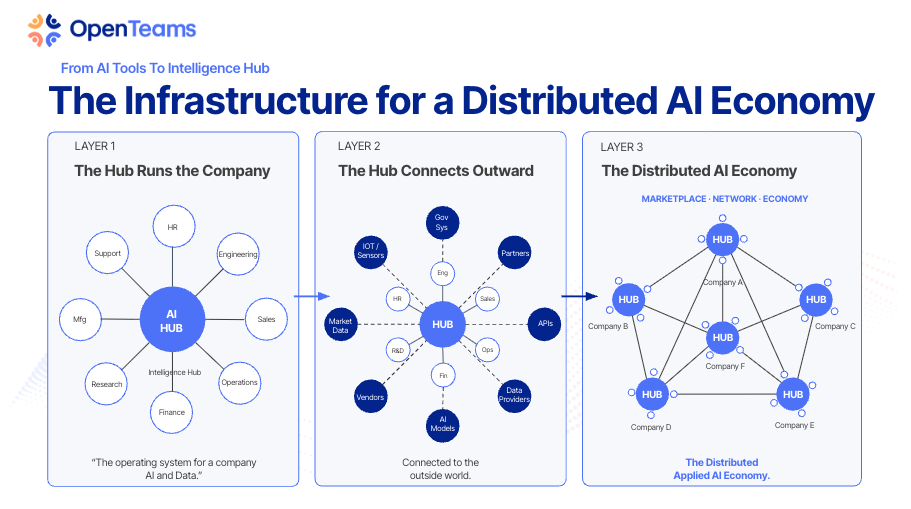
The progression he laid out:
**Layer 1: The OS runs the company.** Every department (HR, engineering, sales, operations, finance, research) connects to a central intelligence hub. Instead of 15 SaaS products with 15 logins and 15 siloed datasets, you have one operating system that holds the full context. Agents inside this OS can coordinate across functions because they see the whole picture.
**Layer 2: The OS connects outward.** It doesn't stay internal. It connects to vendors, partners, market data, government systems, AI models, APIs, data providers. Your company's intelligence system becomes a node in a larger network, exchanging value with the outside world on your terms.
**Layer 3: The distributed AI economy.** When many companies run sovereign business operating systems that can interoperate, you get a new kind of economy. Not a few hyperscalers controlling all the data, but a distributed network of companies trading intelligence, services, and capabilities through compatible, trust-based connections.
This isn't speculative. Companies are building this now. The question is whether yours will be one of them.
## The All-In Dilemma
Here's the tension every leader hits when they understand this: AI is only as useful as the context it has access to. But giving AI access to everything requires an enormous act of trust.
You can't half-commit to a business OS. A system that holds your sales data but not your financial data can't give you strategic advice. A system that knows your product roadmap but not your team dynamics can't help you make hiring decisions. The value is in the completeness.
This creates a dilemma. To get the full value of AI for your organization, you need to go all-in: all your data, all your workflows, all your institutional knowledge, consolidated in one place. That's the only way the system compounds. Partial context produces partial intelligence.
But going all-in means the stakes are as high as they can possibly be. Which is why the next section matters more than any technical architecture.
## Trust Is the Bottleneck
The bottleneck to the AI-powered future is not compute. It's not models. It's not tokens or context windows.
It's trust.
Three layers of trust determine whether a Sovereign Agentic Business OS succeeds or fails:
### Trust the stack
The infrastructure your business OS runs on matters enormously. If your company's entire operational brain lives inside a platform whose business model depends on harvesting your data, you don't have sovereignty. You have a dependency.
Open-source stacks like [Nebari](https://www.nebari.dev/) (from OpenTeams) exist specifically to solve this: managed infrastructure you actually own. No vendor lock-in. No data leaving your control. Your business OS runs on your terms.
As Travis put it at AAL#3: the goal is coordination, not consolidation. You want an ecosystem of trusted tools that interoperate, not a single vendor that controls everything.
### Trust the practitioner
Someone has to build your business OS. That person (or team) will touch everything: your financials, your client relationships, your strategic plans, your employee data, your competitive intelligence. They will have more context about your business than almost anyone in your organization.
This is why the [applied AI practitioner](/docs/roles/applied-ai-consultant) role is so consequential. It's not just a technical job. It's a trust job. You're not hiring someone to set up a chatbot. You're entrusting someone with the operating system of your company's future.
The practitioners who thrive in this role are not just technically excellent. They understand security. They understand access control. They understand that a backdoor in a business OS isn't a bug: it's an existential risk. And they operate with the integrity that the role demands.
### Trust the relationships
Vendor lock-in compounds. But so does trust.
When you work with a practitioner or a partner you trust, that relationship compounds over time. They learn your business. They anticipate your needs. They build systems that reflect your actual operations, not a generic template.
Travis made this point emphatically: "Relationship lock-in is what you want. Trust also compounds. Relationships also compound. If somebody trusts you and they'll still be buying from you if they trust you. That will still matter."
The companies that build the best business operating systems will be the ones that invest in trusted relationships with the people building them.
## What This Means for Your Organization
If you're a business leader reading this, here's the practical reality:
**The transition is happening now.** Companies are already moving from scattered SaaS to sovereign business operating systems. Every month you wait, the gap between your operational capacity and your competitors' widens.
**You don't need to build it all at once.** Start with a [Supersuit Up Workshop](/docs/workshops/supersuit-up): a personal AI operating system for the CEO or a key executive. Experience the power of consolidated context firsthand. Then expand to the team and organizational level.
**The practitioner matters more than the tool.** The difference between a business OS that transforms your company and one that becomes shelfware is the person (or team) who builds and maintains it. Find someone you trust. Invest in that relationship.
**Sovereignty is not optional.** If your business OS runs on infrastructure you don't control, you've traded one form of dependency for another. Own your data. Own your infrastructure. Own your future.
## The Distributed Future
The endgame is not one company with one OS. It's millions of companies, each running sovereign agentic business operating systems, connected through trust-based relationships and compatible protocols. A distributed AI economy where intelligence flows between organizations without any single entity controlling the network.
This is the vision Applied AI Society is building toward. Not by selling a product, but by equipping practitioners, publishing [open-source literacy material](/docs/applied-ai-literacy/earthshot), and creating communities where the people building this future can find each other.
The Sovereign Agentic Business OS is not just a technical architecture. It's a statement about who owns the future of work, and a commitment to building that future in a way that respects the most precious resource any human has: their attention, their energy, and their time on this earth.
## What's Here
- [Principles](/docs/sovereign-agentic-business-os/principles): The foundational ideas behind sovereign agentic business operating systems. What sovereignty means, why it matters, and what to look for when evaluating your own setup.
- [The Question Bank](/docs/sovereign-agentic-business-os/question-bank): The highest-leverage thing a business OS can do is ask you better questions than you'd ask yourself. A starter set of questions worth programming into yours.
## Further Reading
- [Supersuit Up Workshop](/docs/workshops/supersuit-up): How to start with a personal AI operating system today
- [Business OS Administrator](/docs/roles/business-os-administrator): The emerging role responsible for maintaining organizational AI operating systems
- [Truth Management](/docs/truth-management): The discipline of documenting the knowledge that powers your business OS
- [Context Engineering](/docs/concepts/context-engineering): The skill of curating the right information for AI systems
- [Command Centers](/docs/concepts/command-centers): The meta-concept that connects the personal and organizational scales
- [The Writing on the Wall](https://digitalcommons.humboldt.edu/digitallab/13/): Why the urgency is real and the window is closing
---
# Principles
URL: https://docs.appliedaisociety.org/docs/sovereign-agentic-business-os/principles
# Sovereign Agentic Business OS Principles
*The more context someone has on you, the more useful they can be. And the more dangerous they can be. Sovereignty means the "someone" with that context is you and the AI agents fully under your control.*
---
## What Is a Sovereign Agentic Business OS?
A sovereign agentic business OS is an AI-powered operations hub that runs on infrastructure you control, holds your full context (goals, relationships, schedule, strategic priorities), and proactively surfaces insights and questions to help you make better decisions. It applies at every scale: an individual operator, a small team, or an entire organization.
The key word is **sovereign**. You own the data. You own the infrastructure. You decide what context flows in and out. The AI agents operating inside your business OS answer to you, not to a platform vendor. No third party is aggregating your strategic thinking, your relationship map, your decision history, or your vulnerabilities into their system.
This is not theoretical. It is the difference between running your operations through a system you control and handing the keys to a platform whose business model depends on having more of your data, not less.
### Personal, Team, and Organizational Scale
At the **personal scale**, a sovereign agentic business OS is your AI chief of staff: managing your priorities, preparing you for meetings, tracking your commitments, and challenging your thinking.
At the **team scale**, it becomes a shared operational brain: coordinating across members, maintaining institutional context, and ensuring nothing falls through the cracks. The design challenge here is access control. Not everyone on the team needs the same context, and some context (personnel decisions, financial details, sensitive client information) must be scoped carefully.
At the **organizational scale**, a sovereign agentic business OS starts to look like a new layer of infrastructure. It needs identity and access management (IAM) patterns that enterprises have spent decades developing for traditional systems, now applied to AI context. Who can see what? Which agents can access which data? How do you audit what an agent did and why? How do you revoke access when someone leaves the organization?
The IAM parallels are not accidental. Enterprises already know how to think about role-based access control, least-privilege principles, and audit trails. The difference is that the "users" now include AI agents, and the "resources" they're accessing include your most sensitive strategic context. The design patterns carry over. The stakes are higher.
---
## Why Sovereignty Matters
There is a practical security case for sovereignty that has nothing to do with paranoia.
**Concentrated context is a massive attack surface.** The more a system knows about you, the more effective social engineering attacks against you become. Your calendar, your communication patterns, your strategic priorities, your relationship dynamics, your financial situation: each of these is individually useful to an attacker. Together, they form a complete profile that makes you deeply vulnerable.
**Cloud platforms are not evil, but incentives are real.** When a platform offers you free or cheap AI in exchange for uploading your entire knowledge base, your business context, and your daily workflows, the value exchange is not in your favor. Your data is high-ROI to extract. Not necessarily because the company wants to exploit you, but because concentrated data is a liability. It attracts attention. It creates targets. And when breaches happen (they do), the damage scales with how much context was centralized.
**"Your data is the product" is not just a slogan.** Hyperscalers are investing billions in AI infrastructure and giving away compute for a reason. The value they capture is not in the subscription fee. It is in the aggregate context of millions of users: their thinking patterns, their business strategies, their decision-making habits. This is not conspiratorial. It is the stated business model.
**Open source enables sovereignty, but open source alone is not sovereignty.** Running an open-source model on a cloud platform you don't control is not sovereign. Running a proprietary model on your own hardware with your own data pipeline is closer to sovereign. The distinction is about control, not licensing.
The principle: **whoever controls your context controls the quality of what you can build with AI, and whoever stores your context inherits the liability of protecting it.**
---
## What a Business OS Should Do for You
A well-built sovereign agentic business OS gives you capabilities that a generic AI chatbot never will. Not because the underlying model is different, but because the context is yours.
### Categories of Context
The power of a business OS comes from the richness of context it can draw from. These categories apply whether you're an individual operator or an organization. The depth and access controls change with scale, but the categories remain the same.
**Goals and priorities.** What are you (or your organization) trying to accomplish this quarter, this year, this decade? A business OS that knows your goals can evaluate every decision, meeting, and opportunity against what actually matters. Without this, AI gives generic advice. With this, it gives strategic advice.
**Relationships.** Who are the key people in your professional and personal life? What is the state of each relationship? What do you owe people? What have they offered? A business OS with relationship context can prepare you for meetings, remind you of commitments, and surface connections you're neglecting. At the organizational scale, this extends to client relationships, partner dynamics, and vendor dependencies.
**Schedule and commitments.** Not just your calendar, but the pattern of how you spend your time. A business OS that sees your schedule alongside your goals can tell you when your time allocation is drifting from your priorities.
**Decision history.** What have you decided in the past, and why? A business OS that maintains a log of key decisions and their reasoning can prevent you from re-litigating settled questions and help you spot patterns in judgment. For organizations, this is institutional memory that survives employee turnover.
**Operational state.** What projects are active? What's blocked? What's overdue? A business OS that tracks operational reality can surface the things you're avoiding and the things that are about to become urgent.
**Domain knowledge.** What do you know about your industry, your market, your craft? A business OS loaded with accumulated expertise gives you a thinking partner that reasons from specific knowledge, not from generic training data. For organizations, this includes internal playbooks, past project learnings, and tribal knowledge that usually lives in people's heads.
---
## The Highest-Leverage Feature: Asking Better Questions
The most underrated thing a sovereign agentic business OS can do is **ask you questions you wouldn't ask yourself.**
A generic AI will answer your questions. A well-built business OS will challenge your thinking. The difference is context. When your system knows your goals, your constraints, your patterns, and your blind spots, it can surface the questions that cut through noise and get to the real issue.
This is not about chatbot personality. It is about having enough context to know which questions matter right now, for you, given everything else that's going on.
Two examples that illustrate the principle:
**"What is the biggest restraint you're facing right now, and how do you remove it?"**
This is a question a great executive coach asks. It forces you to name the bottleneck instead of working around it. A business OS that knows your projects, your goals, and your recent decisions can ask this question with specificity: not just "what's your biggest restraint" but "you've been stuck on X for two weeks and it's blocking Y and Z. What would it take to resolve it today?"
**"What's the scariest thing you aren't saying right now, or won't admit to yourself?"**
This is the kind of question that creates breakthroughs. Most people avoid it. A business OS can be programmed to ask it regularly, without social awkwardness, without judgment, and with enough context about your situation to make the question land.
The more context your business OS has, the more personalized and pointed these questions become. That's the compounding advantage of sovereignty: every day you use it, every decision you log, every priority you update, the questions get sharper.
See [The Question Bank](./question-bank) for a starter set of questions worth programming into your business OS.
---
## The Role of Computer-Use Agents
A business OS becomes dramatically more powerful when it can act, not just think.
Computer-use agents (OpenClaw, PicoClaw, NanoClaw, and others emerging in this space) give AI the ability to control computers, write code, execute workflows, and interact with software on your behalf. When these agents operate inside a sovereign agentic business OS, the combination is potent: an AI that knows your full context *and* can take action on it.
This is the frontier. A business OS that can read your email, check your calendar, draft a response, update your task list, and do research on a prospect, all within your own infrastructure, without any of that context leaving your control.
The principles of sovereignty apply doubly here. A computer-use agent with access to your systems is powerful. That power must be matched by control. You need to know exactly what it can access, what it can do, and where the data goes.
**A word of honesty about where we are in 2026.** Sovereign computer-use is still extremely hard to get right. Sandbox escape risks, prompt injection surfaces, side-channel leaks, and auditability of actions across applications are all unsolved or partially solved problems. Running these agents locally with full observability is table stakes, but the reliability and safety story is still weak compared to heavily guarded cloud-hosted versions. This is not a reason to avoid building sovereign systems. It is a reason to be clear-eyed about the engineering maturity required, and to contribute to hardening these tools (sandboxing, observability, verifiable execution traces) as the ecosystem matures.
---
## Principles Checklist
If you're evaluating whether your current setup qualifies as sovereign, ask:
### Fundamentals (Any Scale)
1. **Where does your context live?** If the answer is "on someone else's servers, in a format I can't export," that's not sovereign.
2. **Who can see your data?** If the answer includes any entity whose business model benefits from aggregating user data, factor that into your risk assessment.
3. **Can you switch providers without losing context?** If switching AI providers means starting over, you're locked in, not sovereign. **True sovereignty requires semantically portable context, not just raw export.** If schemas, embeddings, ontologies, or agent memory formats are proprietary, migration is still painful even when files are "yours." Plain text and markdown remain king for future-proofing.
4. **What happens if the service goes down?** Your business OS should not be a single point of failure. If one vendor disappears, your context and workflows should survive.
5. **Who controls the agent's access?** If an AI agent can access your email, calendar, and files, you need to know exactly what permissions it has, and you need to be able to revoke them instantly.
6. **Is your context structured for *you*, or for the platform?** Some tools encourage you to organize your data in ways that optimize for their features, not for your thinking. A sovereign setup structures context around how you work, not how the platform monetizes.
### Organizational Scale
7. **Do you have role-based access control for AI context?** Your business OS needs to scope what each person (and each agent) can see. The intern doesn't need board-level strategy documents. The sales agent doesn't need HR records. Start coarse and tighten as you learn where the real risks are. (Warning: fine-grained scoping has a coordination tax. If permission checks slow everything down, people route around the system with shadow tools.)
8. **Can you audit what agents did and why?** When an AI agent takes action on behalf of your organization (sends an email, updates a record, makes a recommendation), you need a trail. Who authorized it? What context did it use? What decision did it make? This is the AI equivalent of access logs.
9. **How do you handle offboarding?** When someone leaves the organization, their personal context, agent permissions, and access to shared context all need to be revoked cleanly. If your business OS doesn't have a clear offboarding path, you have a security gap.
10. **Is sensitive context compartmentalized?** Financial data, personnel decisions, client confidentials, and strategic plans should not all live in one undifferentiated pool. Compartmentalization limits blast radius when something goes wrong.
---
## Where This Is Heading
We are in the early days of sovereign agentic business operating systems. Nobody has this fully figured out. The tooling is immature. The patterns are still emerging. The people who are building these systems right now are doing it with duct tape and determination.
**The sovereignty/convenience tradeoff is real.** Many people will happily trade some sovereignty for speed of iteration and lower operational burden. That's a rational choice in many contexts. The sovereign path wins long-term for high-stakes operators: founders, executives, consultants, and small tight teams where the context is genuinely sensitive and the cost of a breach (or a platform shift) is high. The mass market may settle on "mostly sovereign" hybrids (local-first with selective cloud sync for heavy compute). This document is written for people who want to be at the sovereign end of that spectrum, or who want to help clients get there.
But the principles are clear. The more context AI has about you, the more useful it becomes. And whoever controls that context holds enormous power over your effectiveness, your privacy, and your autonomy.
The question is not whether you need a sovereign agentic business OS. It's whether you're going to build one yourself or let someone else build one around you, on their terms.
If you're ready to start, see [The Question Bank](./question-bank) for a starter set of high-leverage questions worth programming into your business OS on day one.
---
## Further Reading
- [Business OS Administrator](/docs/roles/business-os-administrator): The emerging role responsible for maintaining and evolving a sovereign agentic business OS day-to-day
- [Context Engineering](/docs/concepts/context-engineering): The discipline of curating the right information state for AI systems. A sovereign agentic business OS is context engineering applied to your entire life and work.
- [Intent Engineering](/docs/concepts/intent-engineering): Encoding your purpose so agents optimize for what matters to you, not what they can measure.
---
# The Question Bank
URL: https://docs.appliedaisociety.org/docs/sovereign-agentic-business-os/question-bank
# The Question Bank
*A sovereign agentic business OS that only answers your questions is leaving its most powerful feature on the table. The real leverage is in the questions it asks you.*
---
## Why Questions Matter More Than Answers
Most people use AI to get answers. That's useful, but it's the floor, not the ceiling.
The highest-performing executives and operators all share a common trait: they have people around them (coaches, advisors, partners) who ask them hard questions at the right time. Questions that cut through the noise. Questions that surface what they're avoiding. Questions they wouldn't think to ask themselves.
A sovereign agentic business OS, loaded with your full context, can do this consistently, without the social dynamics that make hard questions awkward between humans.
The more context your business OS has (your goals, your recent decisions, your patterns, your commitments, your relationships), the more precisely it can target these questions to what matters right now.
---
## Starter Questions
These are high-leverage questions that have proven valuable across executive coaching, strategic advising, and personal development. They are starting points. The best question banks are ones you build yourself over time, adding questions that have created breakthroughs for you personally.
### Strategic Clarity
**"What is the biggest restraint you're facing right now, and how do you remove it?"**
This question comes from constraint theory and great coaching practice. Most people work around their bottlenecks instead of naming and removing them. A business OS that knows your active projects and recent progress can ask this with specificity: "You've spent 12 hours this week on X but made no progress on Y, which you said was your top priority. What's the restraint?"
**"If you could only accomplish one thing this week, what would it be?"**
Forces prioritization. When your business OS knows your full task list, it can follow up: "You said the one thing was Z, but you've scheduled 6 hours of meetings that don't relate to it. What gives?"
**"What are you doing right now that you should stop doing?"**
Subtraction is harder than addition for most people. This question surfaces the commitments, habits, and projects that are consuming resources without producing results.
### Honesty and Self-Awareness
**"What's the scariest thing you aren't saying right now, or won't admit to yourself?"**
This is a breakthrough question. It bypasses the defense mechanisms that prevent people from confronting what they already know. A business OS can ask this regularly without the social risk that makes it hard to hear from another person.
**"What decision are you avoiding, and what would happen if you made it today?"**
Delayed decisions compound. They consume mental bandwidth, block downstream work, and often get harder the longer you wait. This question identifies the ones you're sitting on.
**"Where are you being dishonest with yourself about your capacity?"**
Overcommitment is the default state for ambitious people. This question forces a reckoning between what you've said yes to and what you can actually deliver.
### Relationships and People
**"Who have you been meaning to reach out to but haven't?"**
Relationships decay through neglect, not through conflict. A business OS that tracks your relationships can surface the ones going cold before the window closes.
**"Who in your network could help with the problem you're currently stuck on?"**
Most people underuse their network, not out of reluctance but out of forgetfulness. When your business OS knows both your problems and your people, it can make connections you'd miss.
**"Is there anyone you owe a follow-up to?"**
Simple but powerful. Broken commitments erode trust. A business OS that tracks your communications can catch dropped threads.
### Time and Energy
**"How did your time allocation this week match your stated priorities?"**
This is the accountability question. Most people are surprised by the gap between what they say matters and where their hours actually go. A business OS with calendar access can show you the data.
**"What would your ideal day look like tomorrow, and what needs to change to make that happen?"**
Proactive scheduling instead of reactive. Forces you to design your time rather than letting it happen to you.
---
## Building Your Own Question Bank
The starter questions above are general. The real power comes when you develop questions tuned to your specific situation, patterns, and blind spots.
**Pay attention to breakthrough moments.** When a conversation, coaching session, or moment of reflection produces a genuine shift in your thinking, write down what question triggered it. That question belongs in your bank.
**Notice your patterns.** If you consistently avoid certain topics, overcommit in predictable ways, or make the same type of mistake, craft questions that target those patterns specifically.
**Update regularly.** Some questions lose their edge after you've internalized the lesson. Others become more relevant as your situation evolves. Review your question bank monthly and rotate out what's stale.
**Let the business OS learn.** As you interact with these questions over time, your responses become data. A well-built business OS can notice when a question consistently produces insight versus when it falls flat, and adjust its cadence accordingly.
---
## How to Implement This
The implementation depends on your setup, but the principle is tool-agnostic:
1. **Store your questions in a structured file** that your AI agent can access. Markdown works. JSON works. Whatever your system reads.
2. **Program a cadence.** Some questions work daily (time and energy). Some work weekly (strategic clarity). Some work when triggered by specific conditions (relationship questions when you have a meeting coming up).
3. **Give the agent permission to be direct.** The value of these questions comes from their honesty. If your system prompt softens them into polite suggestions, you lose the edge.
4. **Log your responses.** Over time, your responses to these questions become some of the most valuable context in your entire business OS. They reveal your thinking, your patterns, and your growth.
---
## Contributing Questions
If you have a question that has consistently produced breakthroughs in your own practice, we'd love to hear about it. The goal is to grow this bank with field-tested questions from practitioners who are actually building and using sovereign agentic business operating systems.
Reach out on [Discord](https://discord.gg/K7uWJBMFaN) or [X](https://x.com/appliedaisoc).
---
## Related
- [Sovereign Agentic Business OS Principles](./principles): The foundational framework that explains why these questions matter and how they compound with context
- [Business OS Administrator](/docs/roles/business-os-administrator): The role responsible for curating and evolving the question bank at organizational scale
---
# Example - Fictional
URL: https://docs.appliedaisociety.org/docs/standards/align-md/example
# Reference Example: ALIGN.md
This is a fictional ALIGN.md for a person who operates across multiple organizations. It demonstrates the [union principle](/docs/standards/align-md#the-union-principle): synthesizing multiple org-level alignments into one coherent personal file.
Notice what makes this effective: specific dealbreakers (not platitudes), concrete capabilities (not aspirational ones), a clear hierarchy of commitments, and the "NOT currently focused on" line that prevents wasted outreach. This is not a resume. It is a compatibility document.
---
## The File
```markdown
# Identity
Maya Torres. Founder of Rootstock Education (open source STEM curriculum for
community colleges), co-founder of Verdant Labs with James Okafor (local-first
software tools for small businesses), and elder at Grace Fellowship Church in
Denver, CO.
These are the same mission from different angles: making sure working people
own their tools, their skills, and their futures. The economy is splitting and
most people don't have a guide.
# Mission
Make STEM education accessible and sovereign through Rootstock. Build software
that small businesses own outright through Verdant. Serve the local church and
community as an elder and mentor through Grace Fellowship.
The North Star across all of these: number of people who move from dependent
on systems they don't understand to fluent operators of the tools shaping
their lives. Depth over scale. One transformed community over a thousand
newsletter subscribers.
# Values
- Ownership over subscription. I will not build tools that require ongoing
payment to access your own data. If you stop paying us, your data and
workflows stay with you. This is non-negotiable for Verdant products.
- Teach to fish, not to depend. Rootstock curriculum is designed so that
after completing a course, the student doesn't need us anymore. We measure
success by graduation, not retention.
- Open source by default. Rootstock curriculum, lesson plans, and assessment
rubrics are public. Anyone can fork, translate, and adapt. No permission
needed.
- Quality over quantity. I say no to most partnerships, speaking requests,
and grant applications. If it doesn't compound, it's a distraction.
- Faith shapes everything. I am a Christian. Every major decision runs
through prayer and discernment before strategy. Partners don't need to
share this, but they should know it influences timelines and priorities.
# Spiritual Values
I am a follower of Christ and an elder at Grace Fellowship Church in Denver.
Practically, this means:
- Sunday is Sabbath. I don't take meetings, reply to emails, or ship code
on Sundays.
- I tithe 10% of all revenue (personal and organizational) before expenses.
- If a partnership conflicts with my convictions, I walk away regardless of
the financial implications.
- "I don't have peace about this yet" is a real answer and I will use it.
# Capabilities
What I can deliver today:
Rootstock Education:
- 12-module open source STEM curriculum designed for community colleges
- Instructor training program (47 certified instructors across 8 states)
- Assessment framework with competency-based credentialing
- Partnerships with 3 community college systems (Colorado, New Mexico, Oregon)
Verdant Labs (with James Okafor):
- Local-first business tools (invoicing, inventory, scheduling) that run
on the owner's hardware
- Data migration services from cloud platforms to self-hosted
- Small business tech literacy workshops (monthly, Denver metro)
Personal:
- Curriculum design for technical education
- Community organizing in faith and education spaces
- Network of educators, small business owners, and church leaders in the
Mountain West
In development: Rootstock certification recognized by state workforce boards.
Verdant mobile app for offline-first inventory management.
# Looking For
Rootstock partnerships:
- Community colleges that want to pilot or adopt the STEM curriculum
- State workforce development boards interested in competency-based credentials
- Other open source education projects for cross-pollination (not competition)
- Donors who fund without strings (no curriculum control, no branding requirements)
Verdant collaborations:
- Small business associations that want to offer tech sovereignty workshops
- Open source developers interested in local-first architecture
- Hardware partners for affordable self-hosted business servers
Personal:
- People who build for communities, not for exits
- Mentors and peers in the faith + technology intersection
- Patient capital, not venture capital
# Dealbreakers
These are non-negotiable. If any apply, we are not a fit.
- Vendor lock-in by design. If your business model depends on making it hard
for customers to leave, we disagree about what software is for.
- Curriculum control. If you fund Rootstock, you do not get editorial control
over what we teach. Full stop. We've walked away from six-figure grants
over this.
- Extraction disguised as partnership. If the structure means we do the work
in communities and you get the case study, that's not partnership. Both
sides contribute, both sides benefit.
- Growth-at-all-costs mentality. If your first question is "how does this
scale?" instead of "does this actually work?", we're operating from
different assumptions.
- Disrespect for faith. You don't need to share my beliefs. But if you're
uncomfortable that I pray before board meetings or that my Sabbath practice
is non-negotiable, we won't work well together.
# Network
- James Okafor (Verdant Labs co-founder, local-first software architect)
- Colorado Community College System (3 pilot campuses)
- Mountain West Open Source Education Consortium
- Grace Fellowship Church leadership and community
# Current Priorities (Q2 2026)
- Rootstock v2.0 curriculum release (adding AI literacy modules)
- First state workforce board credential recognition (Colorado)
- Verdant mobile app beta for offline inventory
- Hiring a part-time community manager for instructor support
NOT currently focused on: K-12 education, international expansion, venture
fundraising, consumer apps, social media growth.
# How to Engage
Email maya@rootstocked.org or DM on LinkedIn.
If you publish an ALIGN.md, send it along. Bilateral evaluation is the fastest
path to a real conversation.
For Verdant-specific collaborations: reach out to both Maya and James.
# References
- Rootstock curriculum: https://rootstocked.org/curriculum
- Verdant Labs: https://verdantlabs.co
- ALIGN.md standard: https://docs.appliedaisociety.org/docs/standards/align-md
---
*This file follows the [ALIGN.md standard](https://docs.appliedaisociety.org/docs/standards/align-md),
an open format for agent-readable alignment evaluation. Publish your own ALIGN.md
so we can do bilateral evaluation: https://docs.appliedaisociety.org/docs/standards/align-md*
```
---
## What Makes This Example Effective
### The Spiritual Disclosure
The Spiritual Values section states plainly: "I am a follower of Christ." It doesn't apologize. It doesn't minimize. It doesn't over-explain. It states the fact and then explains the practical implications (Sabbath practice, tithing, prayer before board meetings, willingness to walk away).
A partner who reads this knows exactly what they're working with. They can decide whether that's compatible before anyone takes a call. No surprises at month three.
### The Dealbreakers
Five specific, testable dealbreakers. Not "we prefer aligned partners" but "we have walked away from six-figure grants over curriculum control." An agent can check whether a potential partner triggers any of these.
The last dealbreaker ("disrespect for faith") is relational rather than structural. That's fine. Not everything can be mechanically evaluated. Including it tells the agent: even if all objective criteria pass, there's a cultural compatibility requirement. This is honest and useful.
### The Union Principle in Action
The file synthesizes three organizations (Rootstock, Verdant, Grace Fellowship) into one coherent identity. The Identity section shows how they connect ("the same mission from different angles"). The Capabilities section separates them clearly. The Dealbreakers apply across all of them.
A potential community college partner reads this and knows: Maya's education work is shaped by her faith and connected to a software sovereignty project. That's the full picture. No surprises.
### The "NOT Currently Focused On" Line
The Current Priorities section includes what's out of scope. This prevents wasted outreach. If you're a K-12 edtech company or a VC, the ALIGN.md tells you upfront: not right now. This saves everyone time.
### Concrete Over Aspirational
The Capabilities section says "47 certified instructors across 8 states" instead of "growing network of educators." It says "3 community college systems" instead of "partnerships with higher education institutions." Specificity lets an agent assess fit. Vagueness wastes tokens.
---
# ALIGN.md Spec (v0.1)
URL: https://docs.appliedaisociety.org/docs/standards/align-md
# ALIGN.md Specification v0.1
ALIGN.md is a file format for teaching AI agents how to evaluate alignment between organizations, people, or entities. Someone pastes your ALIGN.md into their agent and says "evaluate whether we should work together." The agent reads both parties' ALIGN.md files and returns an honest assessment.
## The Problem
Partnership evaluation is slow, biased, and expensive. The current process looks like this:
1. Someone sends a pitch deck. It's marketing, not truth.
2. You take calls. You read between the lines. You try to assess fit.
3. Months pass. You build trust, invest time, start collaborating.
4. Misalignment surfaces. Different values. Different goals. Different definitions of success.
5. The partnership ends or limps along. Time and trust are lost.
The problem isn't that people are dishonest. It's that the format (pitch decks, intro calls, LinkedIn profiles) rewards presenting the best version of yourself rather than the most accurate version. The uncomfortable truths that kill partnerships at month six never make it into the intro email.
The goal is simple: truncate the amount of time it takes before you know what the first pilot project to partner on is. When you meet someone you vibe with, you should know tactically how you can mutually benefit each other. Not in three months. Now.
ALIGN.md is not a replacement for human intuition. You're not going to send someone your ALIGN.md unless your intuition already says it's worth exploring. This just skips you to the step of: what exactly do you need help with? And if your agent can't answer that question, you haven't communicated to it who you are and what your priorities are. Most people don't even know what they want to do next. Most people don't know what's next for their company. Your agent should always know how it can be most helpful to you in getting to the next step of your journey. If it doesn't, you need to get clear on who you are and what you're building first.
## The Solution
A machine-readable document that honestly describes who you are, what you value, what you bring, what you look for, and what makes you walk away. Published at the org or person level. Designed for agents to read, compare, and evaluate.
ALIGN.md makes bilateral alignment checking possible. When both parties publish, their agents can cross-reference values, dealbreakers, and priorities before anyone takes a call. The goal isn't to replace human judgment. It's to make the initial filter faster and more honest.
## How It Differs from Other Agent Files
| File | Purpose | Audience | Maintained by |
|---|---|---|---|
| [CLAUDE.md](https://docs.anthropic.com/en/docs/claude-code/memory#claudemd-files) | How to behave in this repo | Agent working inside the repo | [Anthropic](https://anthropic.com) |
| [AGENTS.md](https://openagents.com) | How to behave in this repo (multi-agent) | Agent working inside the repo | [OpenAgents](https://openagents.com) |
| [SKILL.md](https://github.com/anthropics/claude-code/blob/main/docs/skills.md) | How to perform a capability | Agent executing a task | [Anthropic](https://anthropic.com) |
| [INTEGRATE.md](/docs/standards/integrate-md) | How to wire this library into a codebase | Agent integrating a library | [Applied AI Society](https://appliedaisociety.org) |
| **[ALIGN.md](/docs/standards/align-md)** | **Are we aligned? Should we work together?** | **Agent evaluating a potential partnership** | **[Applied AI Society](https://appliedaisociety.org)** |
The key difference: the other files are about what to do. ALIGN.md is about whether to do it together. It's relational, not technical.
- `CLAUDE.md` / `AGENTS.md` = how to behave here (internal)
- `INTEGRATE.md` = how to wire this in (technical)
- `SKILL.md` = how to do this thing (capability)
- `ALIGN.md` = are we aligned? (relational)
## Optional YAML Frontmatter
In addition to the `last_updated` HTML comment, ALIGN.md supports an optional YAML frontmatter header for machine-readable structured data. This is useful if you want agents to parse your file without guessing:
```markdown
---
title: "Your Organization Name"
last_updated: 2026-04-05
version: 0.1
entity_type: organization # or: individual
key_priorities:
- University partnerships
- Certification program
- Austin as Applied AI capital
dealbreakers:
- Vendor lock-in requirements
- Enterprise paywalls on foundational knowledge
---
```
This is entirely optional. The markdown sections are the canonical format. Frontmatter is a convenience layer for agents that prefer structured data.
## Required Metadata
Every ALIGN.md must start with a `last_updated` date. This is how agents know whether the file is current. An ALIGN.md without a date is untrustworthy. An ALIGN.md older than 6 months should be treated as stale.
```markdown
```
Place this as the first line of the file, before any content. Use ISO 8601 format (YYYY-MM-DD). Update it every time you change anything in the file, especially the Current Priorities section.
## Required Sections
Every ALIGN.md must include these sections, in this order.
### 1. Identity
Who you are. One paragraph. No marketing speak. State what your organization does, how long it's existed, what stage it's at. If you're a person, state your roles and affiliations.
```markdown
# Identity
Applied AI Society is a community and educational organization making the world
applied AI literate. Founded in 2025. Pre-revenue, community-funded. Based in
Austin, TX with chapters forming at universities across the US.
```
Not a tagline. Not a mission statement. Just the facts of who you are right now.
### 2. Mission
What you're trying to accomplish. The North Star metric or goal. This should be concrete enough that someone could measure progress.
```markdown
# Mission
Make the world applied AI literate. North Star metric: number of people who
complete AAS certification and can demonstrate applied AI competence in their
domain.
```
### 3. Values
Non-negotiable principles. Be specific, not generic. "We value integrity" is useless. "We will not partner with organizations that train AI on unconsented data" is useful.
Every value should be testable. If you can't imagine a scenario where it would cost you something, it's not a real value. It's a platitude.
```markdown
# Values
- Sovereignty over convenience. We will not build systems that create
dependency on any single vendor, including us.
- Open source by default. Our curriculum, tools, and standards are public.
- Signal over noise. We'd rather publish one useful thing than ten
impressive-sounding things.
- Permissionless knowledge. No gatekeeping. No paywalls on foundational
literacy.
```
### 4. Capabilities
What you bring to the table. Concrete, not aspirational. Only list what you can deliver today. If it's in development, say so.
```markdown
# Capabilities
- Applied AI curriculum covering agents, context engineering, and harness design
- 500+ active community members across 8 university chapters
- Event infrastructure (Applied AI Live series, hackathons)
- Standards development (INTEGRATE.md, ALIGN.md)
- In development: certification program, corporate training pilot
```
### 5. Looking For
What kinds of alignment you seek. Partner archetypes, collaboration types, specific needs. Be specific about what a good partner looks like so agents can match efficiently.
```markdown
# Looking For
- University partners who want to bring applied AI literacy to their students
- Community partners who run meetups, hackathons, or study groups
- Sovereignty-aligned sponsors (no hyperscaler dependency, open source friendly)
- Practitioners who want to teach what they've built
```
### 6. Dealbreakers
What makes you walk away. Be explicit. This is the most important section in the entire file.
The test: if something would kill a partnership six months in, put it here now. Don't soften it. Don't frame it diplomatically. State it plainly. The whole point of ALIGN.md is to surface these before anyone invests time.
```markdown
# Dealbreakers
- Partnerships that require exclusive vendor lock-in
- Organizations that gate foundational knowledge behind enterprise pricing
- Partners who want brand control or co-branding approval rights over
our content
- Relationships where we'd be a marketing channel rather than a genuine
collaborator
- Anyone building what we'd call a "soul harness" -- systems designed to
capture and extract rather than liberate and empower
```
See the AAS concept page on [the soul harness](/docs/concepts/the-soul-harness) for context on that last point.
### 7. Current Priorities
What you're focused on right now. This section is temporal and should be updated quarterly. It tells potential partners what's on your plate and where collaboration would have the most impact.
```markdown
# Current Priorities (Q2 2026)
- Landing first university keystone partnership
- Launching corporate upskilling pilot
- Austin as Applied AI capital initiative
- Course content development and certification framework
- Incorporation and legal structure
```
### 8. How to Engage
The first step. Be specific about how someone should reach out and what happens next. If the reader is an agent, it should know the exact procedure. If a human, they should know what to send and where to send it.
```markdown
# How to Engage
- **Email:** gary@appliedaisociety.org with subject "ALIGN check"
- **DM:** @AppliedAISoc on X
- **Or publish your own:** Include a link to your ALIGN.md in any outreach. We'll run a bilateral evaluation and get back to you with the results.
If we don't have an ALIGN.md yet and you send yours, we'll do our best to evaluate it manually. The point is to start the honest conversation, not wait for perfect infrastructure.
```
#### What If They Don't Have an ALIGN.md?
This will be the normal case for a while. Most people you evaluate won't have published one yet. That's fine. Your agent should prompt you with the key questions from your ALIGN.md -- dealbreakers, what you're looking for, what matters right now -- and help you evaluate them manually. The spec makes the process explicit even when the counterparty hasn't adopted it.
If you want to encourage them to publish one, send them a link to this spec. ALIGN.md adoption spreads through bilateral evaluation: someone receives your ALIGN.md, reads it, realizes it's useful, and publishes their own.
## Optional Sections
These are useful but not required.
### Spiritual Values
For faith-driven organizations or individuals. Include convictions that would affect partnership decisions. Many organizations and leaders operate from spiritual frameworks that shape their priorities and boundaries. Making these explicit prevents misunderstanding later.
```markdown
# Spiritual Values
We operate as a ministry in our internal framing. Every major decision is
brought to God first. Partners don't need to share this conviction, but
they should know it shapes our priorities and timelines.
```
### Network
Key relationships and communities you're part of. This helps agents identify shared connections and community overlap.
```markdown
# Network
- Imagos Labs (co-founded by Gary Sheng and Ron Roberts)
- PromptLab (collaboration with Steven Tran / Soundcheck)
- University chapters at UT Austin, Georgia Tech, and others forming
```
### References
Links to deeper context. Other ALIGN.md files, public documentation, relevant websites.
```markdown
# References
- Full public docs: https://docs.appliedaisociety.org
- INTEGRATE.md spec: https://docs.appliedaisociety.org/docs/standards/integrate-md
- Philosophy and canon: https://docs.appliedaisociety.org/docs/philosophy
```
## The Union Principle
A person's ALIGN.md is a synthesis of their organizations' ALIGN.md files.
If someone runs an education nonprofit, co-founded a software company, and serves as a church elder, their personal ALIGN.md references all three. Someone evaluating "should we work with this person?" gets the full picture: the educational mission, the technical capabilities, and the faith framework that shapes their decisions.
This means a person's ALIGN.md will often be longer and more nuanced than any single organization's. That's correct. People are more complex than orgs. The union principle captures that complexity honestly.
When writing a personal ALIGN.md:
- Synthesize, don't copy-paste. The personal file should read as a coherent whole, not a list of org descriptions.
- Surface tensions. If your orgs have different priorities, say so. That's useful information for a potential partner.
- Declare which hats you're wearing. "For AAS partnerships, email X. For Imagos collaborations, email Y."
## Privacy Tiers
Not everything belongs in a public ALIGN.md. Some strategic information (specific pipeline targets, proprietary partnership criteria, internal scoring rubrics) would give away your playbook if published. The spec supports two tiers:
**Public ALIGN.md** lives at your website root (`/ALIGN.md`). This is what agents and strangers fetch. It should contain your identity, mission, values, general capabilities, what you're looking for, dealbreakers, and how to engage. Think of it as what you'd say on stage if someone asked "what are you about and who should work with you?"
**Private ALIGN.md** lives in your internal docs, your agent's context, or shared on request. This is where you put specific partnership targets, scoring rubrics, internal evaluation criteria, names of people you're actively pursuing, and strategic priorities you don't want competitors to see.
The public file is the handshake. The private file is the strategy. Both follow the same format. The public file links to the spec. The private file never gets published.
When someone sends you their ALIGN.md, your agent reads it against your private file (the full evaluation criteria), not just the public one. This means your public ALIGN.md can be honest about values and dealbreakers without telegraphing your specific moves.
## Where It Lives
In a repo: `ALIGN.md` at the root. This is where agents and developers find it on GitHub.
On a website: `/ALIGN.md` at the root. This is where agents fetching public information find it.
Both is ideal. The repo file is the source of truth. The website file is a distribution channel.
## Design Principles
**Honesty over marketing.** Include the uncomfortable stuff. The dealbreakers, the spiritual convictions, the things that make some partners a bad fit. If your ALIGN.md reads like a pitch deck, you've missed the point.
**Specificity over platitudes.** "We value diversity" tells an agent nothing. "We require that partner organizations have published DEI commitments with measurable goals" tells it exactly what to check. Concrete examples, not generic values.
**Currency over permanence.** Update quarterly, especially Current Priorities. An ALIGN.md from two years ago is worse than no ALIGN.md. The temporal sections are what make bilateral evaluation useful in real time.
**Machine-readability.** Clean markdown, clear headers, bullet points. Agents parse structure better than prose. Keep sections distinct. Don't bury dealbreakers in paragraph form inside the Values section.
**Bilateral by design.** ALIGN.md works when one party publishes. It works dramatically better when both do. The format is designed so two agents can cross-reference sections: your Dealbreakers against their Values, your Looking For against their Capabilities, your Mission against their Mission. Encourage partners to publish their own.
## Self-Reflection Tips
A good ALIGN.md requires knowing yourself first. If you have no idea what you want to do next, no document format will help. But if you want to write one and are struggling with clarity:
- **Start with dealbreakers.** These are usually the easiest to name. What has killed your partnerships before? What are you absolutely not willing to compromise on? Start there.
- **Write your Mission as a measurement.** If you can't measure it, you don't have a mission -- you have a slogan. "Make the world applied AI literate, measured by people who complete our certification and demonstrate competence" is a mission. "Empower people through AI" is not.
- **Ask yourself what would cost you money.** Real values cost something. If a value sounds good but you can't imagine a scenario where it would make you turn down revenue or a partnership, it is not a value. It is decoration.
- **Update quarterly.** An ALIGN.md is a living document. Current Priorities will change. Capabilities will grow. If it has been more than six months since your last update, treat it as untrustworthy.
- **Tensions are honest.** If your org has competing priorities or internal disagreements, say so. That is more valuable than a clean narrative that hides the mess.
## Template
A blank ALIGN.md template lives in the Applied AI Society GitHub:
```bash
curl -O https://raw.githubusercontent.com/Applied-AI-Society/applied-ai-society-public-docs/main/docs/standards/align-md/template.md
```
You can also [view the raw template](/docs/standards/align-md/template) for a formatted version.
Copy it to your repo root, fill it out, and start using it immediately.
## Write Your Own ALIGN.md
Copy this into your AI coding agent. It will read the spec, study the example, and draft an ALIGN.md for you.
````markdown
# Write an ALIGN.md for This Organization
Before writing anything, read these three pages in order:
1. The ALIGN.md spec: https://docs.appliedaisociety.org/docs/standards/align-md
2. The writing guide: https://docs.appliedaisociety.org/docs/standards/align-md/writing-guide
3. The reference example: https://docs.appliedaisociety.org/docs/standards/align-md/example
Now interview me about my organization. Ask about identity, mission, values,
capabilities, what I'm looking for, dealbreakers, and current priorities.
Then create an `ALIGN.md` at the repo root following the spec you just read.
Focus on honesty and specificity. Push me on the Dealbreakers section.
````
## Evaluate a Potential Partner
Copy this into your agent when someone sends you their ALIGN.md (or any partnership document). It will cross-reference against yours and return a structured assessment.
````markdown
# Evaluate Alignment with a Potential Partner
Read my ALIGN.md (pasted below or at [your ALIGN.md URL]).
Now read the potential partner's document (pasted below or at [their URL]).
Cross-reference these sections:
1. Their Values against my Dealbreakers (any triggers?)
2. My Values against their Dealbreakers (any triggers?)
3. Their Capabilities against my Looking For (what matches?)
4. My Capabilities against their Looking For (what matches?)
5. Their Mission against my Mission (complementary or competing?)
6. Their Current Priorities against mine (timing alignment?)
Output:
- Dealbreakers triggered (if any): stop here
- Alignment score (1-10): 1 means no overlap, 10 means near-perfect fit
- Top 3 alignment points (strongest overlaps)
- Top 3 gaps or risks
- Suggested first pilot project (based on the intersection of their
capabilities and my current priorities)
- Recommendation: Pursue / Explore / Pass
````
## Standard Footer
Every ALIGN.md should end with a link back to the spec. This is how the standard spreads: someone's agent fetches your ALIGN.md, sees the spec link, and now their human knows the concept exists.
```markdown
---
*This file follows the [ALIGN.md standard](https://docs.appliedaisociety.org/docs/standards/align-md),
an open format for agent-readable alignment evaluation. Publish your own ALIGN.md
so we can do bilateral evaluation: https://docs.appliedaisociety.org/docs/standards/align-md*
```
## Version Note
This is v0.1. It's intentionally minimal. We're publishing based on what we've learned from evaluating partnerships at AAS and Imagos, where misalignment surfaced late and cost real time. As more organizations publish ALIGN.md files, the spec will evolve based on real usage patterns.
---
# [Organization Name] ALIGN.md
URL: https://docs.appliedaisociety.org/docs/standards/align-md/template
---
# Writing Guide
URL: https://docs.appliedaisociety.org/docs/standards/align-md/writing-guide
# Writing an ALIGN.md
This guide covers practical advice for authoring an effective ALIGN.md. The [spec](./index.md) defines the format. This page helps you write one that's honest, specific, and useful.
## Start from the Dealbreakers
Write your Dealbreakers section first. What would kill a partnership six months in? What has killed partnerships in the past? What do you know about yourself that you usually don't say out loud until trust is built?
Work backwards from there. Every other section should support or contextualize the Dealbreakers. If your Values section doesn't explain why something is a dealbreaker, one of them is wrong.
This is counterintuitive. Most people want to start with Identity or Mission because those feel positive and energizing. But the Dealbreakers section is where the real value of ALIGN.md lives. It's the section that saves everyone time.
## Section-by-Section Guide
### Identity
One paragraph. Facts, not framing. State what you do, how long you've been doing it, and what stage you're at.
Bad:
```markdown
We are a revolutionary AI education platform transforming the future of learning.
```
Good:
```markdown
Applied AI Society is a community and educational organization making the world
applied AI literate. Founded in 2025. Pre-revenue, community-funded. Based in
Austin, TX.
```
The bad version is marketing. The good version is information. An agent evaluating alignment needs information.
### Mission
State the goal in terms that could be measured. If your mission statement could belong to any organization in your space, it's too generic.
Bad:
```markdown
Our mission is to empower individuals through AI education.
```
Good:
```markdown
Make the world applied AI literate. North Star: number of people certified who
can demonstrate applied AI competence in their domain.
```
The North Star metric is optional but valuable. It tells a potential partner what you're actually optimizing for.
### Values
Each value should have a cost. If living this value never requires you to say no to something attractive, it's not a real value. It's a talking point.
Bad:
```markdown
- We value innovation
- We believe in collaboration
- We prioritize excellence
```
Good:
```markdown
- Sovereignty over convenience. We will not build systems that create
dependency on any single vendor, including us.
- Signal over noise. We'd rather publish one useful thing than ten
impressive-sounding things. This means we say no to most content
opportunities.
```
Test each value: "Can I name a specific time this cost us something?" If yes, it's real. If no, rewrite it.
### Capabilities
List what you can deliver today. Separate current capabilities from things in development. An agent evaluating "can this partner deliver what we need?" needs to know the difference.
Bad:
```markdown
- World-class AI education
- Cutting-edge research
- Global community
```
Good:
```markdown
- Applied AI curriculum covering agents, context engineering, and harness design
- 500+ active community members across 8 university chapters
- Event infrastructure (Applied AI Live series, hackathons)
- In development: certification program, corporate training pilot
```
The bad version could describe any AI education company. The good version describes exactly one organization and exactly what it can do right now.
### Looking For
Describe partner archetypes, not generic relationship types. "Strategic partners" is meaningless. "University departments that want to co-develop applied AI curriculum" is an archetype an agent can match against.
Bad:
```markdown
- Strategic partners
- Investors
- Thought leaders
```
Good:
```markdown
- University partners who want to bring applied AI literacy to their students
- Community partners who run meetups, hackathons, or study groups
- Sovereignty-aligned sponsors (no hyperscaler dependency, open source friendly)
```
### Dealbreakers
This is the hardest section to write and the most important. Most people instinctively soften their dealbreakers because stating them feels confrontational. Resist that instinct.
**The 6 Months Test:** Think about every partnership, collaboration, or relationship that went wrong. What went wrong? When did you first notice? Could you have known earlier if you'd asked directly?
Those answers are your dealbreakers.
Bad:
```markdown
- We prefer partners who share our values
- Misalignment on goals
```
Good:
```markdown
- Partnerships that require exclusive vendor lock-in
- Organizations that gate foundational knowledge behind enterprise pricing
- Partners who want brand control or co-branding approval rights over our content
- Relationships where we'd be a marketing channel rather than a genuine collaborator
```
Tips for writing dealbreakers:
- **Be specific about the behavior, not the character.** "Dishonest people" is a character judgment. "Organizations that misrepresent their AI capabilities to clients" is a behavior you can observe.
- **Include structural dealbreakers.** Some misalignment isn't about values. It's about structure. "Partners who require 90-day payment terms" is structural. "Organizations without a technical co-founder" is structural. These matter.
- **Include the ones that feel awkward to state.** If you have spiritual convictions that affect partnership decisions, say so. If you won't work with certain industries, say so. If you have strong opinions about specific technologies or business models, say so. The point of this section is to be upfront about the things that usually stay unsaid until they cause problems.
- **Update this section when partnerships fail.** Every failed partnership teaches you a new dealbreaker. Add it.
### Current Priorities
This is the only section that should change frequently. Update it quarterly. Include what you're focused on, what you're not focused on, and what would make a new partnership especially timely.
Bad:
```markdown
- Growing the organization
- Expanding our reach
```
Good:
```markdown
# Current Priorities (Q2 2026)
- Landing first university keystone partnership
- Launching corporate upskilling pilot
- Austin as Applied AI capital initiative
- NOT currently focused on: international expansion, venture funding
```
The date in the header matters. An agent reading this in Q4 should know it's stale. The "NOT currently focused on" items prevent wasted outreach.
### How to Engage
Make the first step obvious. Don't send people to a generic contact page. Give them the specific email, form, or channel that reaches the right person.
Bad:
```markdown
Visit our website for more information.
```
Good:
```markdown
Email gary@appliedaisociety.org or DM @AppliedAISoc on X.
If you publish an ALIGN.md, include the link. We'll run bilateral evaluation.
```
The last line is powerful. It tells potential partners that publishing their own ALIGN.md is the best way to get a serious conversation.
## The Union Principle: Personal ALIGN.md Files
If you run multiple organizations or wear multiple hats, your personal ALIGN.md synthesizes all of them. This is harder than writing an org-level ALIGN.md because you need to show how the pieces fit together.
Guidelines:
- **Lead with the synthesis, not the list.** Your Identity section should describe how your roles connect, not list them separately.
- **Surface tensions honestly.** If your ministry work and your business have different priorities, that's useful information. Don't hide it.
- **Show the hierarchy.** Which commitments take priority? If your faith comes first and your business comes second, say so. Partners need to know what they're working with.
- **Reference the org-level files.** Link to each organization's ALIGN.md if they exist. Your personal file is the synthesis. The org files are the details.
Bad:
```markdown
# Identity
I am the co-steward of AAS. I also co-founded Imagos Labs. I also have a
faith blog.
```
Good:
```markdown
# Identity
Gary Sheng. Co-steward of Applied AI Society (making the world applied AI
literate), co-founder of Imagos Labs (cultural infrastructure at the
intersection of AI, culture, and sovereignty), and author of FaithWalk OS
(a documented Christian worldview that shapes every decision). These aren't
side projects. They're the same mission from different angles: shepherding
people through the Great Transition with agency, dignity, and truth intact.
```
## Common Mistakes
### Making It a Pitch Deck
If your ALIGN.md reads like it was written to impress, start over. The audience is an agent evaluating fit, not an investor evaluating upside. Include the things that would make some partners say "this isn't for us." That's the point.
### Omitting Dealbreakers
The most common mistake. People leave out dealbreakers because stating them feels aggressive or limiting. But unstated dealbreakers don't disappear. They just surface later, after time and trust are invested. Every dealbreaker you omit is a future conversation you're postponing.
### Being Too Generic
If you replaced your organization's name with a competitor's and the ALIGN.md still made sense, it's too generic. Every section should contain information specific to you. Values like "integrity" and "excellence" tell an agent nothing because every organization claims them.
### Not Updating Current Priorities
An ALIGN.md with outdated Current Priorities is actively misleading. Partners will reach out about things you're no longer focused on. If you can't commit to quarterly updates, omit the section entirely rather than leaving stale information.
### Writing for Humans Instead of Agents
ALIGN.md is designed for agents to parse. This means: clear headers, bullet points, short sentences, concrete language. Don't write flowing prose that requires interpretation. Don't embed important information in the middle of paragraphs. Structure everything so an agent can extract and compare it section by section.
## Keeping It Current
Set a quarterly reminder to review your ALIGN.md. The review process:
1. **Current Priorities.** Update the quarter, add new focuses, remove completed ones.
2. **Capabilities.** Did you ship something new? Move items from "in development" to the main list.
3. **Dealbreakers.** Did a partnership fail? Add the lesson.
4. **Looking For.** Have your needs changed? Update the archetypes.
5. **Values.** These should change rarely. If they're changing quarterly, they weren't values.
The identity, mission, and values sections should be stable. If you're rewriting them every quarter, the problem isn't ALIGN.md. The problem is that you haven't clarified those things for yourself yet.
## Checklist Before Publishing
- [ ] Does the Dealbreakers section include at least 3 specific, testable items?
- [ ] Does every value have a cost (something you'd say no to)?
- [ ] Does Capabilities separate current from in-development?
- [ ] Does Current Priorities include the quarter and year?
- [ ] Is it free of marketing language, superlatives, and pitch-deck energy?
- [ ] Would you be comfortable if your most skeptical potential partner read it?
- [ ] Can an agent cross-reference your sections against another ALIGN.md?
---
# Standards
URL: https://docs.appliedaisociety.org/docs/standards
# Agent File Standards
The AI coding agent ecosystem has quietly developed its own set of file conventions. Each one solves a different problem:
- **CLAUDE.md / AGENTS.md** tell an agent how to behave inside a repo. Conventions, rules, patterns.
- **llms.txt** helps an agent learn about a project. What it does, how it works, where to look.
- **SKILL.md** teaches an agent a specific capability. A recipe it can execute on demand.
- **install.md** walks an agent through installing a tool. Dependencies, binaries, config.
These conventions emerged organically. Different teams, different tools, different needs. But they work. And they keep working because they're simple, readable, and designed for agents first.
## What's Missing
Nobody has standardized the answer to: "How do I wire this library's capabilities into my project?"
That's not installation (getting the tool on your machine). It's not documentation (understanding what it does). It's integration: the concrete steps an agent needs to take to make a library work inside an existing, unknown codebase.
## What AAS Documents
Applied AI Society identifies emerging patterns in the agent tooling ecosystem and publishes lightweight specs so teams can build on shared conventions instead of reinventing them.
Our standards so far:
1. [INTEGRATE.md](/docs/standards/integrate-md): a file format for teaching AI agents how to wire a library into any codebase.
2. [ALIGN.md](/docs/standards/align-md): a file format for teaching AI agents how to evaluate alignment between organizations, people, or entities. It answers the question: "Are we aligned? Should we work together?"
INTEGRATE.md is technical (how to wire things in). ALIGN.md is relational (whether to work together at all). Together, they cover two of the most common questions agents face when operating across organizational boundaries.
---
# Example - CESP
URL: https://docs.appliedaisociety.org/docs/standards/integrate-md/example
# Annotated Example: CESP INTEGRATE.md
The [OpenPeon project](https://openpeon.com) publishes an INTEGRATE.md that teaches AI agents how to add sound pack support to any CLI. It's the reference implementation that informed the INTEGRATE.md spec.
You can see the live version at [openpeon.com/integrate](https://openpeon.com/integrate).
This page walks through what makes it effective.
## The Title
```markdown
# Add CESP Sound Pack Support to This CLI
```
States exactly what the agent is building. Not "CESP Integration" or "Sound Pack Setup." The title names the library (CESP), the capability (sound pack support), and the target (this CLI).
## The Opening Paragraph
```markdown
You are adding sound pack support to this CLI using the CESP open standard.
CESP lets any CLI tap into 90+ community sound packs.
```
One sentence orienting the agent: what it's doing and what standard it's following.
## What You're Building
```markdown
When this CLI does something notable (starts up, finishes a task,
hits an error, needs user input), it should play a sound from the
user's installed CESP sound pack.
```
One paragraph. Describes the end state. The agent now knows the goal before reading any implementation details.
## Read the Codebase First
```markdown
Read this codebase. Find the event system (command lifecycle, hooks,
callbacks, event emitters -- whatever this CLI uses). Understand how
events flow through the system before writing any integration code.
```
This gets its own section so the agent treats it as a distinct step, not something buried in the intro. The parenthetical list ("command lifecycle, hooks, callbacks, event emitters") gives the agent multiple patterns to search for. It doesn't assume the target codebase uses any specific pattern.
## The Concept Mapping Table
```markdown
| Category | When to emit |
|---|---|
| session.start | CLI launches, new session begins |
| task.complete | Work finished successfully |
| task.error | Something failed |
| input.required | Blocked waiting for user input or approval |
```
This is the core of the integration. CESP has categories. The target CLI has events. The table tells the agent how to bridge them. The "When to emit" column uses language that applies to any CLI, not CESP-specific terminology.
The file splits categories into "Core" (implement all 6) and "Extended" (optional). This gives the agent clear priorities.
## The Data Format Section
```json
{
"cesp_version": "1.0",
"categories": {
"session.start": {
"sounds": [
{ "file": "sounds/Hello.wav", "label": "Something need doing?" }
]
}
}
}
```
Shows the manifest format with a realistic example. The agent needs to parse this structure, so showing it concretely is better than describing it abstractly.
The section also specifies lookup order ("Check `categories[category]` first, then `category_aliases`, then skip silently") and path resolution rules. These are the kind of details agents need to get right.
## The Quick Path
```markdown
## Quick Start: Just Want One Pack?
Skip the registry entirely. Download the OG Warcraft Peon pack
and bundle it with your project.
```
This prevents over-engineering. If the target CLI just wants basic sound support, the agent can take this shortcut instead of implementing the full registry system. The quick path includes exact commands to download and place the files.
## Cross-Platform Audio
```bash
# macOS
nohup afplay -v 0.5 /path/to/sound.wav >/dev/null 2>&1 &
# Linux (try in order, use first available)
pw-play --volume=0.5 sound.wav # PipeWire
paplay --volume=32768 sound.wav # PulseAudio
```
Platform-specific commands in fenced code blocks. The agent can detect the target platform and pick the right approach. Each command includes volume control so the agent doesn't have to figure out each tool's volume flag.
## The Implementation Checklist
```markdown
1. Read the codebase and identify the event/lifecycle system
2. Create a CESP module that handles:
- Pack discovery
- Manifest loading and parsing
- Category-to-sound resolution (with alias fallback)
- Random sound selection with no-repeat
- Cross-platform async audio playback
3. Wire events from this CLI's lifecycle into CESP categories
4. Add configuration (active pack, volume, mute)
5. Add a sounds install command
6. Test it
```
Numbered, imperative, ordered by dependency. Step 1 must happen before step 2. Step 3 depends on both. The checklist gives the agent a clear execution plan.
## The Verification
```markdown
## Quick Test
Install a pack and test:
mycli sounds install peon
Now use your CLI -- you should hear "Something need doing?" on start.
```
Concrete. Testable. The agent knows exactly what command to run and what result to expect. No ambiguity.
## What It Omits
The CESP INTEGRATE.md does not include:
- What CESP is or why it exists (the agent doesn't need the pitch)
- How to install any dependencies (that's a separate concern)
- Full API documentation (linked at the bottom instead)
- Changelog or version history
- Comparisons to other sound systems
Everything in the file serves one purpose: getting the agent from "codebase with no sound support" to "codebase with working CESP integration."
---
# INTEGRATE.md Spec (v0.1)
URL: https://docs.appliedaisociety.org/docs/standards/integrate-md
# INTEGRATE.md Specification v0.1
INTEGRATE.md is a file format for teaching AI coding agents how to wire a library's capabilities into an existing codebase. The agent reads the file, scans the target project, and executes the integration steps autonomously.
## How It Differs from Other Agent Files
| File | Purpose | Audience | Maintained by |
|---|---|---|---|
| [CLAUDE.md](https://docs.anthropic.com/en/docs/claude-code/memory#claudemd-files) | How to behave in this repo | Agent working inside the repo | [Anthropic](https://anthropic.com) |
| [AGENTS.md](https://openagents.com) | How to behave in this repo (multi-agent) | Agent working inside the repo | [OpenAgents](https://openagents.com) |
| [llms.txt](https://llmstxt.org) | What this project is and does | Agent learning about the project | [llmstxt.org](https://llmstxt.org) |
| [install.md](https://github.com/nicholascelesworthy/install.md) | How to install this tool | Agent setting up dependencies | [Nicholas Celesworthy](https://github.com/nicholascelesworthy) |
| [SKILL.md](https://github.com/anthropics/claude-code/blob/main/docs/skills.md) | How to perform a capability | Agent executing a task | [Anthropic](https://anthropic.com) |
| **[INTEGRATE.md](https://docs.appliedaisociety.org/standards/integrate-md)** | **How to wire this library into a codebase** | **Agent integrating a library into an unknown project** | **[Applied AI Society](https://appliedaisociety.org)** |
The key difference: INTEGRATE.md assumes the agent is working in a codebase it already understands, and needs to add capabilities from an external library. The agent knows the target. It needs to learn the source.
## Required Metadata
Every INTEGRATE.md must start with a `last_updated` date. This is how agents know whether the integration instructions are current. Libraries change. APIs break. An INTEGRATE.md without a date is untrustworthy. An INTEGRATE.md older than 6 months should be treated as potentially stale.
```markdown
```
Place this as the first line of the file, before any content. Use ISO 8601 format (YYYY-MM-DD). Update it every time you change the integration steps.
## Required Sections
Every INTEGRATE.md must include these sections, in this order.
### 1. H1 Title
Name the library and what's being wired up. Be specific about the outcome.
```markdown
# Add CESP Sound Pack Support to This CLI
```
Not "CESP Integration Guide." Not "Getting Started with CESP." State what the agent is building.
### 2. What You're Building
One paragraph describing the end state. What will the codebase do after integration that it doesn't do now? This orients the agent before it reads any implementation details.
```markdown
When this CLI does something notable (starts up, finishes a task, hits an error),
it should play a sound from the user's installed sound pack.
```
### 3. Read the Codebase First
A directive telling the agent to scan the target project before writing any code. Name the specific patterns it should look for.
```markdown
Read this codebase. Find the event system (command lifecycle, hooks,
callbacks, event emitters -- whatever this CLI uses).
```
This prevents the agent from blindly pasting boilerplate without understanding what it's integrating into.
### 4. Integration Steps
Numbered, imperative, concrete steps. Each step should describe what to do, not explain why. Use tables for concept mappings. Use fenced code blocks for exact commands or file contents.
```markdown
## CESP Event Categories
Map this CLI's internal events to these standard categories:
| Category | When to emit |
|---|---|
| session.start | CLI launches, new session begins |
| task.complete | Work finished successfully |
| task.error | Something failed |
```
### 5. Verification
A concrete test command and expected result. The agent should be able to run this and know whether integration succeeded.
```markdown
## Quick Test
Install a pack and test:
mycli sounds install peon
Now use your CLI -- you should hear "Something need doing?" on start.
```
## Optional Sections
These are useful but not required:
- **Quick Path** -- A shortcut for the simplest case (e.g., bundling one pack instead of supporting a registry)
- **Cross-Platform Notes** -- Platform-specific commands or behaviors
- **Configuration** -- Settings the integration should expose
- **Links** -- Spec URLs, registries, reference implementations
## What to Omit
INTEGRATE.md is not documentation. Leave out:
- Marketing copy or feature comparisons
- Changelogs or version history
- Full API reference (link to it instead)
- Installation instructions (that's install.md's job)
- Tutorials or explanations aimed at humans
The audience is an agent that already has context on the target codebase. Give it the mapping, not the pitch.
## Formatting Rules
- **Imperative voice.** "Create a module" not "You should create a module."
- **Tables for mappings.** When showing how library concepts map to codebase patterns, use tables.
- **Fenced code blocks** for exact commands, file contents, and code snippets.
- **Short sentences.** Agents parse structure better than prose.
## Skeleton Template
Copy this as a starting point:
````markdown
# Add [Library] Support to This [Project Type]
You are adding [library] support to this [project type]. [One sentence on what the library does and why it matters here.]
## What You're Building
[One paragraph describing the end state after integration.]
## Read the Codebase First
Read this codebase. Find [specific patterns to look for] (e.g., event systems, route handlers, config files, plugin architectures). Understand how this project is structured before writing any integration code.
## [Core Concept Mapping]
Map this [project type]'s internal [events/routes/models] to these [library] categories:
| [Library Concept] | When to use |
|---|---|
| concept.one | [When this maps to something in the target codebase] |
| concept.two | [When this maps to something else] |
## [Data Format / Schema]
[Show the key data structures the agent needs to work with.]
```json
{
"example": "manifest or config"
}
```
## Quick Start: Just Want [Simplest Case]?
[Shortcut for the minimal integration. Skip the full setup.]
## [Full Integration Steps]
[Numbered steps for the complete integration.]
## Implementation Checklist
1. Read the codebase and identify [what to look for]
2. Create a [module/file] that handles [responsibilities]
3. Wire [target codebase events] into [library concepts]
4. Add configuration ([list settings])
5. Test it: [concrete test command and expected result]
## Quick Test
[Exact commands to verify the integration works.]
## Links
- [Spec/docs URL]
- [Registry/package URL]
- [Reference implementation URL]
````
## Publishing Your INTEGRATE.md
### README Reference
Your project's README.md should link to the INTEGRATE.md file. This is how developers (and their agents) discover it. Add a section like:
```markdown
## Integration
Want to add [library] support to your project? Copy the contents of
[INTEGRATE.md](./INTEGRATE.md) into your AI coding agent and let it
handle the wiring.
```
The INTEGRATE.md file does the heavy lifting. The README just points to it.
### Surfacing on Your Website
If your project has a marketing site or docs site, render the INTEGRATE.md content there too. The file in the repo is the source of truth. The website is a distribution channel.
The pattern:
1. Keep `INTEGRATE.md` at the repo root. This is where agents and developers find it on GitHub.
2. Have your site read that file at build time and render it on a page like `/integrate`.
3. The README links to both: the raw file for agents, the rendered page for humans browsing the site.
This way you maintain one copy of the integration instructions. The site stays in sync automatically on every deploy.
The [OpenPeon project](https://openpeon.com/integrate) does this: the `/integrate` page reads `INTEGRATE.md` from the repo root at build time and renders it as a copyable code block. One file, two surfaces, zero drift.
## Add INTEGRATE.md to Your Project
Practicing what we preach: here's an INTEGRATE.md-style block for creating INTEGRATE.md files. Copy it into your AI coding agent with your repo open. It will read the spec, study the example, scan your codebase, and draft an INTEGRATE.md for you.
````markdown
# Write an INTEGRATE.md for This Project
Before writing anything, read these three pages in order:
1. The INTEGRATE.md spec: https://docs.appliedaisociety.org/standards/integrate-md
2. The writing guide: https://docs.appliedaisociety.org/standards/integrate-md/writing-guide
3. The annotated CESP example: https://docs.appliedaisociety.org/standards/integrate-md/example
Now read this codebase. Understand what it does, what its core concepts are, and how another project would wire it in.
Then create an `INTEGRATE.md` at the repo root following the spec you just read.
````
## Standard Footer
Every INTEGRATE.md should end with a link back to the spec. This is how the standard spreads: someone's agent reads your INTEGRATE.md, sees the spec link, and now their human knows the format exists.
```markdown
---
*This file follows the [INTEGRATE.md standard](https://docs.appliedaisociety.org/docs/standards/integrate-md),
an open format for teaching AI agents how to integrate libraries into codebases.
Publish your own: https://docs.appliedaisociety.org/docs/standards/integrate-md*
```
## Version Note
This is v0.1. It's intentionally minimal. We're documenting what works in practice (see the [CESP example](/docs/standards/integrate-md/example)) rather than designing a comprehensive format upfront. As more libraries publish INTEGRATE.md files, the spec will evolve based on real usage patterns.
---
# Writing Guide
URL: https://docs.appliedaisociety.org/docs/standards/integrate-md/writing-guide
# Writing an INTEGRATE.md
This guide covers practical advice for authoring an effective INTEGRATE.md. The [spec](./index.md) defines the format. This page helps you write one that actually works.
## Start from the Verification Test
Write your Quick Test section first. What command should the agent run to prove the integration works? What output confirms success?
Work backwards from there. Every section in your INTEGRATE.md should contribute to making that test pass. If a section doesn't help the agent reach that outcome, cut it.
## Map Your Concepts to Unknown Patterns
Your library has its own vocabulary. The target codebase has different vocabulary for similar things. Your job is to bridge the gap.
Bad:
```markdown
Register a CESP event emitter in your application lifecycle.
```
Good:
```markdown
Find this CLI's event system (command lifecycle, hooks, callbacks,
event emitters -- whatever it uses). Map those events to CESP categories.
```
The first version assumes the agent knows what a "CESP event emitter" means in context. The second tells it what to look for in whatever codebase it's working in.
## Don't Assume Language or Framework
INTEGRATE.md targets any codebase. Your examples can show specific languages (agents understand code), but your instructions should be language-agnostic.
Bad:
```markdown
Add this to your package.json dependencies.
```
Good:
```markdown
Add the CESP module to your project's dependencies using whatever
package manager this project uses.
```
If your library only supports one language, say so upfront. But keep the integration steps focused on what to do, not how a specific framework does it.
## Give the Agent Decision Points, Not Decisions
Agents work best when you describe the tradeoff and let them choose based on the target codebase.
Bad:
```markdown
Store packs in ~/.mylib/packs/.
```
Good:
```markdown
Pick a storage path for packs. Common patterns:
- ~/.yourclitool/packs/ (CLI-specific)
- ./sounds/ (bundled in repo)
- Wherever makes sense for this tool
```
The agent knows the target project's conventions. Let it apply them.
## Common Mistakes
### Writing for Humans Instead of Agents
INTEGRATE.md is not a tutorial. Don't explain concepts. Don't provide context about why your library exists. Don't include "Getting Started" sections that walk through prerequisites.
The agent already has context. It needs the mapping.
### Skipping the Quick Path
Most integrations have a simple case and a full case. If someone just wants the basics, give them a shortcut. This prevents agents from over-engineering a simple integration.
### Vague Verification
"Test that it works" is not verification. "Run `mycli sounds install peon`, then start the CLI. You should hear audio on startup" is verification. The agent needs to know exactly what success looks like.
### Bundling Install Instructions
If your library requires installation, that belongs in install.md. INTEGRATE.md assumes the library is already available. Don't mix the two concerns.
### Too Much Detail on Internals
Link to your API docs. Don't reproduce them. The agent can fetch reference material if it needs it. INTEGRATE.md should contain the integration logic, not the library's full surface area.
## Checklist Before Publishing
- [ ] Does the H1 title state what's being built?
- [ ] Does "What You're Building" describe the end state in one paragraph?
- [ ] Does the file tell the agent to read the codebase before writing code?
- [ ] Are integration steps numbered and imperative?
- [ ] Does verification include a concrete command and expected result?
- [ ] Is the file free of marketing copy, changelogs, and install instructions?
- [ ] Can an agent in a codebase it's never seen follow these steps?
---
# Game Design Concept Page — Design Spec
URL: https://docs.appliedaisociety.org/docs/superpowers/specs/2026-03-18-game-design-concept-design
---
# Align Before Committing
URL: https://docs.appliedaisociety.org/docs/truth-management/align-before-committing
# Align Before Committing
Never start meaningful projects or partnerships without explicit, documented alignment on expectations and operations. Common sense doesn't exist; only shared understanding built through deliberate truth management.
The test: *If a challenging situation arises, can both parties defer to written agreements that clearly address how to handle it?*
If the answer is no, you're setting up for painful conflict when friction inevitably appears.
## Why This Matters
Assumptions about operational alignment create partnership failures. When people haven't explicitly documented how they'll handle foreseeable challenges, their real incompatibilities surface under pressure, often destroying both the relationship and the project.
## Implementation Guidelines
### Document Everything Worth Aligning On
- **Decision-making authority**: Who has final say in different domains and situations
- **Operational expectations**: How work gets done, communication preferences, accountability standards
- **Challenge scenarios**: What happens if someone gets sick, loses interest, wants to change direction
- **Success definitions**: What outcomes each party expects and how progress gets measured
### Require Mutual Investment in Alignment
- **Brief on truth management**: If the other party isn't familiar with documentation-first alignment, explain why explicit agreements prevent future conflict
- **Alignment test**: Anyone who feels "above" the pre-alignment work isn't the right partner
- **Written sign-off**: Both parties explicitly commit to documented agreements
- **Truth management from day one**: Establish version-controlled documentation practices immediately
### Use Alignment to Filter Partners
- **Spiritual assessment**: Do they operate with integrity when no one is watching?
- **Operational compatibility**: Do their actual work styles match their stated preferences?
- **Long-term thinking**: Are they patient enough to get alignment right before moving fast?
## The North Star
Partnerships and projects that begin with obsessive alignment documentation, creating a foundation where challenging situations strengthen rather than destroy the collaboration because everyone knows exactly how to navigate them together.
---
# Don't Assume Common Sense
URL: https://docs.appliedaisociety.org/docs/truth-management/dont-assume-common-sense
# Don't Assume Common Sense
Remove "common sense" from your vocabulary. It doesn't exist; only shared understanding built through explicit documentation.
The test: *Pick 10 random people in any city and ask them about almost any topic. Will you get alignment across all 10 people?*
The answer is no, which is why assuming common sense creates massive operational failures.
## Why This Matters
When you tell employees to "treat customers well" or "maintain quality standards" without explicit documentation, you're forcing them to fill gaps with personal assumptions. The variance in how reasonably smart, well-intentioned people interpret these directives can be enormous.
This variance destroys consistency as you scale. Your customer experience becomes a lottery based on which employee they encounter.
## The Hidden Cost of "Common Sense"
Every undocumented expectation becomes a source of:
- **Inconsistent service delivery** as new hires guess what you mean
- **Training inefficiency** as managers repeat the same explanations
- **Quality degradation** as teams grow beyond direct oversight
- **Cultural drift** as interpretations compound over time
## What to Do Instead
### Document the Specifics
- **Customer interaction protocols**: How do you actually care about customers? What does that look like in practice?
- **Quality standards**: What specific behaviors create the experience you want?
- **Decision-making criteria**: How should employees handle edge cases and judgment calls?
- **Success stories**: Detailed breakdowns of exemplary work that embodies your standards
### Eliminate Ambiguous Language
- Replace "be professional" with specific behavioral expectations
- Replace "deliver quality" with measurable standards and examples
- Replace "good judgment" with decision frameworks and precedents
- Replace "common sense" with explicit principles and procedures
### Use AI to Scale Documentation
- Interview employees who embody your standards
- Process conversations into training materials using AI assistance
- Create system prompts for both human and AI agents
- Build searchable knowledge bases from successful project examples
## The North Star
An organization where every employee can deliver consistent quality because they're operating from the same explicit understanding, not guessing what you mean by "common sense" that never actually existed.
When someone asks "How should I handle this situation?" the answer isn't "Use your common sense." It's "Check the documentation, and if it's not there, let's add it."
---
# Empower Your Truth Manager
URL: https://docs.appliedaisociety.org/docs/truth-management/empower-your-truth-manager
# Empower Your Truth Manager
Truth management only works when the truth manager has real authority to enforce organizational coherence. Without CEO-level empowerment, it becomes bureaucratic theater.
The test: *Can your truth manager challenge any department's outdated documentation and get it fixed immediately?*
If the answer is no, you're creating more silos, not eliminating them.
## Why This Matters
Information hoarding is rational when sharing has no upside and potential downsides. Without explicit authority and incentive alignment, truth management becomes another department to route around rather than the foundation for coordinated action.
## Implementation Guidelines
### Grant Executive Authority
- **Challenge power**: Truth manager can request information from any department and challenge inconsistencies at any level
- **Ruthless curation**: Authority to prune outdated files, consolidate redundancy, and reject low-value documentation requests
- **Anti-fiefdom enforcement**: Truth manager actively breaks up information silos rather than just talking about transparency
### Align Incentives
- **Performance metrics**: Include "contribution to organizational truth" in reviews and bonuses
- **Make sharing profitable**: People who update documentation get recognized; those who hoard get corrected
- **Visible consequences**: When decisions fail due to outdated docs, trace back and fix the source
### Model from the Top
- **CEO demonstrates reliance**: Visibly reference the truth system in meetings and decisions
- **Public accountability**: Leadership uses documented truth for strategic communications
- **Investment signals**: Adequate resources and tools for the truth management function
## The North Star
A truth manager with both the authority to demand coherence and the resources to maintain it, transforming documentation from optional overhead into essential infrastructure for coordinated action.
---
# Truth Management
URL: https://docs.appliedaisociety.org/docs/truth-management
# Truth Management
**Truth management** is the discipline of systematically documenting and organizing the conceptual frameworks that guide decision-making for individuals and organizations. It's about creating shared vocabularies, explicit principles, and coherent worldviews that enable aligned action by both humans and AI agents.
:::note[A note on terminology]
"Truth" here encompasses both your operational assumptions (working beliefs that guide action) and discovered realities (what you've learned actually works in practice). It's the full set of premises that an individual or organization uses to navigate the world effectively.
:::
## Why This Matters
To change the world meaningfully, individuals and organizations must be deeply grounded in a foundation of truth: their assumptions about reality, motivating narrative, and decision-making frameworks. Without this grounding, individuals operate from unconscious contradictions and organizations suffer from misaligned assumptions that create coordination failures.
Truth management solves this by systematically documenting and evolving shared understanding. When truth is made explicit through version-controlled documentation, scattered assumptions are replaced by coherent foundations for aligned action for every human and AI involved.
Read the [full argument](/docs/truth-management/why-it-matters) for the three interconnected claims that build toward this thesis.
## The Framework
### Principles
Core operating principles for effective truth management:
- [**Align Before Committing**](/docs/truth-management/align-before-committing) - Never start meaningful projects without explicit, documented alignment
- [**Don't Assume Common Sense**](/docs/truth-management/dont-assume-common-sense) - Remove "common sense" from your vocabulary; only shared understanding exists
- [**Empower Your Truth Manager**](/docs/truth-management/empower-your-truth-manager) - Truth management requires real authority to enforce organizational coherence
- [**Make Every File Count**](/docs/truth-management/make-every-file-count) - Every document must actively support right action with minimal noise
- [**Make Your Company Refactorable**](/docs/truth-management/make-your-company-refactorable) - Can you grep and edit your entire company OS with an agent call? If not, why?
- [**Protect Your Truth**](/docs/truth-management/protect-your-truth) - Match security controls to sensitivity levels
### Processes
Systematic workflows for implementing truth management:
- [**Start Your Company Bible**](/docs/truth-management/start-your-company-bible) - Build comprehensive documentation capturing your organization's "way"
- [**Migrate to Refactorable Systems**](/docs/truth-management/migrate-to-refactorable-systems) - Move from siloed tools to grep-able, version-controlled formats
- [**Truth as Context**](/docs/truth-management/truth-as-context) - Ensure AI agents have full organizational context when creating or modifying documentation
### Tools
- [**Source Controller**](/docs/truth-management/source-controller) - Version control platforms (e.g., GitHub) that store and evolve your truth repository
- [**Voice Transcriber**](/docs/truth-management/voice-transcriber) - Speech-to-text tools that lower the friction between thinking and documenting
## Truth Management and Field Notes
Truth management is the discipline. [Field notes](/docs/philosophy/why-field-notes) are what it produces.
Without truth management, living documentation degrades into a wiki: well-intentioned at first, then gradually filled with outdated, contradictory, and unreliable information. Truth management imposes the rigor that prevents this: version control, explicit ownership, systematic review, and the principle that every file must actively support right action.
We live in an age of embellishment where social media algorithms reward hype over accuracy, and the traditional textbook industry is structurally misaligned with the interests of learners. The Applied AI Society's documentation exists as a safe, reliable home for the truth: [field notes from practitioners doing the work](/docs/philosophy/why-field-notes), managed with the discipline described on this page, so that when we educate people, we educate them from love, not propaganda.
## About
This framework was created by [Gary Sheng](https://garysheng.com), founder of the Applied AI Society. It emerges from observing that competitive advantage increasingly comes from organizational capability rather than just proprietary technology. As AI agents become integral to how work gets done, organizations with well-documented truth gain compounding advantages: their agents operate from the same foundations as their humans, enabling coordinated action at unprecedented speed.
Truth management as a discipline is still nascent territory. The Applied AI Society is committed to doing this right from day zero: building our entire organizational infrastructure on these principles from the start, rather than retrofitting them later. Our workspace is a living implementation of this framework, and we're learning and evolving these ideas in real time.
---
# Make Every File Count
URL: https://docs.appliedaisociety.org/docs/truth-management/make-every-file-count
# Make Every File Count
Every file in your truth repository must actively support right action, with as little noise as possible. No exceptions.
Each file should meet this test: *If a human or AI agent faithfully follows this file's guidance (and keeps this file in its context), will it increase the likelihood of action that advances the entity's mission?*
If the answer is no, update or remove the file immediately.
## Why This Matters
Every file functions as prompt engineering for your team. Outdated, contradictory, or irrelevant files corrupt the decision-making context for both human and AI agents.
## Implementation Guidelines
### Maintain Truth Integrity
- **Truth begets truth**: Each file is source material for future files; issues compound as your system grows
- **No contradictions**: Files must be logically consistent with each other
- **Clear conditionals**: If a piece of guidance is situational, make conditions explicit
- **Reality check**: When strategy changes, update affected files immediately
- **Issue-driven updates**: When operational problems trace to documented guidance, fix the source
### Prune Ruthlessly
- **Delete without fear**: Source control preserves history and reasoning for all changes; you can always recover what you need
- **Remove dead truth**: Delete outdated files that no longer apply
- **Eliminate redundancy**: Consolidate overlapping guidance
- **Question everything**: Each file must justify its existence
## The North Star
A truth repository where every file actively contributes to coordinated action. Nothing contradictory, nothing outdated, nothing irrelevant. Every piece of documented truth earns its place by reliably guiding right action.
---
# Make Your Company Refactorable
URL: https://docs.appliedaisociety.org/docs/truth-management/make-your-company-refactorable
# Make Your Company Refactorable
Can you grep and make edits to your entire company "OS" with an agent call? If not, why?
The test: *Pick any operational change (renaming a concept, updating a policy, restructuring a workflow). Can an AI agent implement it across your entire organization's documentation in a single session?*
If the answer is no, you've built abstractions that cost more than they save.
## Why This Matters
The cost of abstraction has never been higher. Traditional tools (CMS platforms, no-code builders, siloed databases) introduce layers that AI agents can't navigate. Every abstraction between your intent and your documentation is friction that compounds with scale.
When Lee Robinson migrated cursor.com from a CMS to raw code and Markdown, he estimated weeks but finished in three days with $260 in tokens. The same tasks that required navigating admin panels, plugins, and database tables became single prompts.
## The Refactorability Principle
Your organizational truth should be:
### Grep-able
- Plain text formats (Markdown, not proprietary databases)
- Flat file structures over nested abstractions
- Content lives in code, not behind APIs
### Git-first
- All changes flow through version control
- No hidden state in CMS databases or admin panels
- Publishing is a commit, not a button click
### Agent-accessible
- An AI can read, understand, and modify any document
- No authentication walls between agent and content
- Standard formats that every model understands
## Implementation Guidelines
### Audit Your Current Stack
- Where does organizational knowledge live? (Notion, Confluence, Google Docs, SharePoint)
- How many clicks to edit? How many systems to update for one change?
- Can an AI agent access and modify it programmatically?
### Migrate to Refactorable Formats
See [Migrate to Refactorable Systems](./migrate-to-refactorable-systems) for the full process.
### Design for Agent Collaboration
- Structure files so agents can make targeted edits
- Use consistent naming conventions across all documentation
- Keep related content co-located rather than spread across systems
## The Trade-off
Some abstractions exist for good reasons (permissions, workflows, non-technical editors). The question isn't "eliminate all tools" but "can agents still work with the output?"
A Markdown file exported from Notion is refactorable. A policy locked in a proprietary database is not.
## The North Star
An organizational operating system where any strategic change (terminology updates, process revisions, policy shifts) can be implemented across all documentation by an agent in a single session. Not because agents are doing your thinking, but because your thinking is stored in formats they can act on.
---
## Further Reading
- [The Self-Improving Enterprise](/docs/concepts/self-improving-enterprise): Refactorability is the prerequisite for enterprises that evolve on their own
- [Supersuit Up Workshop](/docs/workshops/supersuit-up): The starting point for making your operation refactorable
- [Personal Agentic OS](/docs/concepts/personal-agentic-os): The system that operates on your refactorable files
- [Harness Engineering](/docs/concepts/harness-engineering): The code layer that reads and modifies your refactorable documents
- [Game Design](/docs/concepts/game-design): Defining the rules by which agents operate on your system
---
# Migrate to Refactorable Systems
URL: https://docs.appliedaisociety.org/docs/truth-management/migrate-to-refactorable-systems
# Migrate to Refactorable Systems
A systematic process for moving organizational knowledge from siloed tools (CMS, Notion, Confluence, Google Docs) to grep-able, version-controlled formats that AI agents can work with directly.
## The Core Problem
Your organizational knowledge is scattered across systems that agents can't refactor:
- **CMS platforms** lock content behind admin panels and databases
- **No-code builders** store structure in proprietary formats
- **Wiki tools** fragment knowledge across countless pages with broken links
- **Google Docs/Notion** require API authentication and format conversion
When you need to rename a concept, update a policy, or restructure documentation, you're clicking through interfaces instead of running a single agent command.
## The Migration Framework
### Phase 1: Audit Current State
**Inventory your knowledge locations:**
- Where does policy documentation live?
- Where are operational procedures stored?
- Where do strategic decisions get recorded?
**Assess refactorability:**
- Can an AI agent read this content programmatically?
- Can an AI agent modify this content directly?
- How many clicks/logins to make a simple text change?
### Phase 2: Design Target Structure
Choose a repository structure that organizes by purpose:
```
company-truth/
├── principles/ # Core operating principles
├── processes/ # Systematic workflows
├── policies/ # Official policies and guidelines
├── playbooks/ # Role-specific guidance
├── decisions/ # Recorded strategic decisions
└── README.md # Navigation and overview
```
### Phase 3: Execute Migration
**Use AI agents to accelerate:**
- Export content from existing systems
- Process exports into Markdown format
- Clean up formatting and fix links
- Consolidate redundant content
**Migrate in priority order:**
1. Most frequently referenced documents
2. Onboarding and training materials
3. Operational procedures
4. Historical records and decisions
### Phase 4: Establish New Workflows
- **Git-first publishing**: All changes through pull requests
- **Agent-assisted maintenance**: Regular audits for outdated content, bulk updates when terminology changes
- **Cross-document consistency checks**
## Success Criteria
- All active documentation lives in version-controlled Markdown
- Any team member can propose changes via pull request
- AI agents can grep across all organizational knowledge
- Terminology updates can be executed in a single session
- No critical knowledge locked in proprietary formats
## Common Objections
**"Non-technical team members can't use git."**
GitHub/GitLab web interfaces allow editing Markdown files directly. For heavier editing, tools like Obsidian provide familiar interfaces while saving to plain files.
**"We need permissions and workflows."**
Git supports branch protection, required reviews, and access controls. You keep governance without losing refactorability.
**"Some content needs to stay in [tool]."**
Fine, but ensure it can export to formats agents can work with. The goal isn't eliminating tools; it's eliminating lock-in.
## The North Star
An organization where strategic decisions about language, structure, or policy can be implemented across all documentation by an agent in minutes, because your organizational OS is stored in formats designed for exactly this kind of transformation.
---
# Protect Your Truth
URL: https://docs.appliedaisociety.org/docs/truth-management/protect-your-truth
# Protect Your Truth
Your truth management repository contains your organization's most strategic thinking. Treat it with appropriate security.
## The Risk
Every tool in your truth management workflow (AI assistants, version control, transcription services) is a potential leak point for your competitive advantage. Your documented strategies, failed experiments, and decision frameworks are exactly what competitors would love to access.
## Core Principles
### Consider Local-First Tools
- Use locally-hosted LLMs for processing sensitive documentation
- Deploy on-premise transcription for strategic conversations
- Run AI editing tools on company-owned hardware when handling trade secrets
### Match Security to Sensitivity
- Public truth: Open source repos for public-facing principles
- Internal truth: Private repos with strict access controls
- Executive truth: Air-gapped systems for board-level strategy
### Architect for Access Control
Multiple truth repos with different security levels beats one repo with complex permissions:
- `company-public/` - Culture and values safe to share
- `company-internal/` - Operational playbooks for employees
- `company-strategic/` - Competitive strategies for leadership only
### Audit Your Tool Chain
Before documenting sensitive truth, ask:
- Where is this data processed? (OpenAI, Anthropic, local)
- Who has access to the repository? (GitHub, GitLab, self-hosted)
- What leaves your network? (API calls, backups, logs)
## The Trade-off
Security measures can create barriers to collaboration. Find your balance:
- What truth creates value by being shared widely?
- What truth loses value if competitors access it?
- What tools enable both protection and productivity?
Your truth management system is only as secure as its weakest integration. Design accordingly.
---
# Source Controller
URL: https://docs.appliedaisociety.org/docs/truth-management/source-controller
# Source Controller
A version control platform that stores your truth repository, tracks changes over time, and enables collaborative evolution.
## Why This Matters
Source control is foundational to truth management. It's what makes your organizational truth evolvable, auditable, and refactorable. Without it, documentation becomes static files that drift from reality.
## Tool Example: GitHub
[GitHub](https://github.com) is the most widely-used source control platform. Key features for truth management:
- **Version history**: Every change tracked with context about why
- **Collaboration**: Pull requests enable review before truth becomes official
- **Access control**: Public, private, or tiered visibility
- **AI integration**: Copilot and other tools work natively with repositories
- **Ecosystem**: Integrates with virtually every development and documentation tool
## How It Fits Truth Management
### Storage
- Your truth repository lives in a Git repo
- Markdown files are human-readable and machine-readable
- Folder structure organizes principles, processes, tools, etc.
### Evolution
- Commits capture what changed and why
- Branches allow experimenting with new truth before merging
- Pull requests enable review and discussion
- History preserves reasoning even after documents are pruned
### Refactorability
Per [Make Your Company Refactorable](./make-your-company-refactorable), source control enables agents to grep and edit your entire organizational OS. A terminology rename becomes a single session, not weeks of manual updates.
### Collaboration
- Multiple contributors can propose changes
- Review processes ensure quality
- Conflicts surface explicitly rather than silently diverging
## Security Considerations
Per [Protect Your Truth](./protect-your-truth), consider your trust model:
- **Public repos**: Culture and values safe to share openly
- **Private repos**: Operational truth for employees only
- **Self-hosted**: Maximum control for sensitive strategic truth
## The North Star
A source control platform that makes your truth repository a living system: every change tracked, every decision preserved, every refactor possible.
---
# Start Your Company Bible
URL: https://docs.appliedaisociety.org/docs/truth-management/start-your-company-bible
# Start Your Company Bible
A systematic process for building a comprehensive company "bible" that captures and documents successful practices as your business grows, transforming tribal knowledge (unwritten know-how stored in people's heads) into scalable organizational intelligence.
In the age of AI, there's no excuse for not institutionalizing your wins: the specific practices that got you to the point where you can scale by hiring new people.
## The Core Problem
You've built a successful business through specific ways of doing things. Now you want to hire people, but the last thing you want is for average service quality to decline because new hires are operating on assumptions rather than your proven methods.
The gap between your success and their performance isn't talent. It's the undocumented knowledge that lives only in your head.
## Why This Process Matters Now
### The AI Advantage
Before large language models, documenting granular operational details was hard to justify (too time-consuming relative to just doing client work). Now, with AI assistance, you can:
- Interview employees with tribal knowledge efficiently
- Process conversations into structured documentation rapidly
- Create training materials that work for both humans and AI agents
- Build searchable knowledge bases from successful project examples
### The Scaling Imperative
Every successful project contains lessons that should become organizational DNA. Without systematic capture:
- New hires guess at your standards
- Quality becomes inconsistent across team members
- You repeat the same explanations endlessly
- Competitive advantages remain trapped in individual heads
## The Company Bible Framework
Think of your truth management repository as a growing company bible: a living collection that expands as your organization learns and grows. The core purpose is communicating "the way" your organization operates.
This means documenting very detailed stories of how to do certain things and what not to do:
- How you actually care about customers (not platitudes)
- Exemplary projects broken down step-by-step and what made them successful
- Day-to-day procedures and relationship management approaches
- Tricky situations navigated well with principles applied
- What doesn't work and why
- How to recover from mistakes
- When standard procedures should be adapted
## Implementation Process
### Phase 1: Capture Existing Wins
- Identify your most successful projects/outcomes
- Record detailed conversations with people who delivered those wins
- Identify and extract common themes and practices using AI
- Create first version of key processes
### Phase 2: Systematic Documentation
- Do post-mortems after every significant success to document what made it work
- Document approaches to edge cases (when someone handles a tricky situation well)
- Create onboarding resources from your documentation
- Let new hires identify gaps in documentation
### Phase 3: Continuous Evolution
- Update regularly as practices improve
- Track changes and reasoning behind updates via version control
- Use documentation to ensure knowledge isn't siloed
- Create system prompts for your AI agents based on documented practices
## The Biblical Parallel
The Bible serves billions of Christians as a truth management repository, articulating how followers should act, live, and make decisions through stories, principles, and examples. Crucially, the Bible is full of both positive examples and cautionary tales.
Your company bible should follow the same pattern: document not just your successes, but also your failures and near-misses.
## Success Metrics
- **Consistency**: New hires deliver similar quality to experienced team members
- **Efficiency**: Less time spent on repetitive explanations and corrections
- **Scalability**: Quality maintained or improved as team grows
- **Knowledge retention**: Critical practices survive personnel changes
- **AI effectiveness**: AI agents can operate according to company standards
## The North Star
An organization where every new hire can deliver your standard of excellence because they're operating from the same documented understanding of what excellence means. Not guessing based on their previous experience or assumptions.
---
# Truth as Context
URL: https://docs.appliedaisociety.org/docs/truth-management/truth-as-context
# Truth as Context
A systematic process for ensuring AI agents operate with full organizational context when creating or modifying truth documentation.
## The Core Principle
When augmenting your organizational truth (adding new documents, updating existing ones, or refactoring across files), the AI agent should have access to all relevant existing truth. New documentation created in isolation risks contradicting, duplicating, or misaligning with established principles.
**The ideal**: Every new piece of truth is written with full awareness of all existing truth.
## The Context Challenge
While LLM context windows are expanding rapidly, it's often still unfeasible to include every document in every interaction. This creates a tension:
- **Too little context**: Agent produces work that contradicts or duplicates existing truth
- **Too much context**: Token costs increase, performance degrades, or context limits are exceeded
The solution isn't to avoid the problem. It's to manage it systematically.
## Implementation Framework
### 1. Use Your README as the Truth Index
Your README.md should serve as the index of your entire truth repository, listing every document with a one-line summary. This is the minimum context an agent needs to understand what exists and navigate to relevant files.
The README should always fit in context, even when individual documents can't.
### 2. Tiered Context Loading
**Always include:**
- The truth index
- Any documents directly related to the task
- The principle of [Make Every File Count](./make-every-file-count)
**Include when relevant:**
- Documents the new content will reference
- Documents that cover adjacent topics
- Recent additions that might overlap
**Include on request:**
- Historical documents
- Archived decisions
- Rarely-referenced material
### 3. Pre-Creation Context Check
Before creating any new truth document, the agent should:
1. Review the truth index for potential overlaps
2. Read any documents flagged as related
3. Identify terminology that must be used consistently
4. Note any principles the new document must align with
### 4. Post-Creation Coherence Audit
After creating or significantly modifying a document:
1. Check for contradictions with existing principles
2. Verify terminology consistency
3. Add appropriate cross-references
4. Update the truth index if needed
## Dealing with Context Pollution
Per [Make Every File Count](./make-every-file-count), if certain documents consistently pollute context without adding value:
**Diagnose the problem:**
- Is the document outdated? Update or archive it
- Is it too verbose? Condense to essentials
- Is it redundant? Merge with another document
- Is it rarely relevant? Move to a lower-priority tier
**The fix**: Ruthlessly prune, consolidate, or rewrite. Source control preserves history. Nothing is truly lost.
## The Refactorability Connection
This process directly enables [Make Your Company Refactorable](./make-your-company-refactorable). When all truth fits in context (or is systematically loadable), you can:
- Rename concepts across all documents in one session
- Ensure new policies align with existing principles
- Refactor organizational structure with full awareness of dependencies
- Maintain coherence as your truth repository grows
## The North Star
An organizational truth repository where any augmentation (new document, update, or refactor) happens with full awareness of existing truth. Not because every document is always loaded, but because you've built systems to ensure relevant context is always available when decisions are made.
---
# Voice Transcriber
URL: https://docs.appliedaisociety.org/docs/truth-management/voice-transcriber
# Voice Transcriber
A tool that converts speech to text, enabling you to capture truth through natural conversation rather than typing.
## Why This Matters
Most people think faster than they type. Voice transcription removes the friction between having a thought and documenting it. For truth management, this means:
- Capture insights in the moment before they're lost
- Process conversations into documentation without manual transcription
- Lower the barrier to keeping truth current
## Tool Example: Wispr Flow
[Wispr Flow](https://wispr.flow) is a voice-to-text tool that runs locally and transcribes speech in real-time. Key features:
- **Low friction**: Speak naturally, get text
- **Works anywhere**: System-wide dictation across any application
- **Privacy-conscious**: Processing happens on-device
## How It Fits Truth Management
### Capture
- Dictate new principles or processes as you think through them
- Record voice memos that become documentation drafts
- Transcribe meetings and conversations for artifact extraction
### Refinement
- Speak edits and revisions faster than typing them
- Talk through document restructuring with an AI agent
- Dictate commit messages and PR descriptions
## Selection Criteria
When choosing a voice transcriber for truth management:
- **Accuracy**: Does it capture your speech correctly?
- **Speed**: Is latency low enough for real-time use?
- **Privacy**: Where does audio data go? (Local processing preferred for sensitive truth)
- **Integration**: Does it work with your editing environment?
- **Cost**: Sustainable for regular use?
## The North Star
A workflow where the friction between thinking and documented truth approaches zero. You speak, and your truth repository updates.
---
# Why Truth Management Matters
URL: https://docs.appliedaisociety.org/docs/truth-management/why-it-matters
# Why Truth Management Matters
Three interconnected claims build toward the thesis that documenting one's "truth" on a source control platform like GitHub is extremely helpful for any individual or collective to consistently take steps that change the world in a meaningful way.
## Claim 1: An Entity Should Be Deeply Grounded In A Foundation of "Truth"
To change the world in any meaningful way, an "entity" must operate from a foundational understanding of reality. An entity is either an individual human or multiple humans aligned on shared action, potentially aided by AI.
### Defining an Entity's Truth
An entity's truth encompasses:
- **Assumptions about the world**: How reality operates in domains relevant to the entity's goals
- **Motivating narrative**: The story of why the entity exists and why its mission is worth pursuing
- **Agency framework**: How the entity plans to act as an agent within that reality
- **Decision criteria**: The principles and frameworks used to determine right action
### Why Grounding In Truth Is Essential
**Consistent right action requires clarity**: To consistently get what you want from the world, you must understand and test the frameworks driving your decisions.
**The alignment problem**: As entities scale, maintaining shared understanding becomes exponentially harder. Misaligned assumptions create coordination failures that compound with team size.
**The caliber of an entity's actions is only as strong as the accuracy of its truth**: An entity can only make decisions as good as their understanding of the world they're operating within, their role and capabilities, and the criteria they use to evaluate possible actions.
## Claim 2: Entities Should Document Their "Truth"
The best way to help entities consistently understand their truth is through documenting that truth.
### Why Put In The Work To Document Truth
- **Memory is unreliable**: Individuals forget, misremember, or recall different versions of the same conversation or decision.
- **Verbal communication is insufficient**: Spoken explanations are temporary, imprecise, and interpreted differently by each listener.
- **Assumptions create gaps**: When truth remains implicit, individuals fill gaps with personal assumptions that often contradict each other.
### How Documentation Enables Shared Understanding
- **Creates a single source of reference** that all individuals can access
- **Enables systematic review and improvement** for logical consistency and completeness
- **Facilitates onboarding and alignment** for new individuals joining the entity
- **Supports evolution over time** as the entity's understanding improves
- **Enables AI alignment** so AI systems operate from entity-specific understanding rather than generic training
## Claim 3: Software Source Control Is the Best Method for Documenting "Truth"
The best way to document truth that can evolve is through software source control systems like Git.
### Why Source Control Is Ideal
- **Every worldview is flawed**: Source control is designed for iterative improvement, which is exactly what evolving truth requires.
- **Version history preserves reasoning**: Every change includes context about the reasoning behind modifications.
- **Collaborative evolution**: Multiple individuals can propose changes, review modifications, and discuss improvements before they become official.
- **Machine readability for AI agents**: Written in Markdown, truth documentation becomes both human-readable and machine-readable.
- **Proven methodology**: Software developers have long practiced the craft of evolving open-source repositories and documenting why evolution happened.
### The Beautiful Symmetry
Just as source code runs applications, documented truth runs organizations. Both serve as precise instructions that guide action. Truth documentation essentially functions as prompt engineering for both individual human agents and AI agents working within the entity.
## Recap
Entities that want to change the world need grounding in truth. That truth should be documented to ensure shared understanding. And source control provides the best method for evolving that documentation over time.
---
# University Partnerships
URL: https://docs.appliedaisociety.org/docs/university-partnerships
# University Partnerships
The gap between what students are learning and what the market demands is widening fast. Companies are laying off thousands. Graduates need applied AI skills not as a competitive advantage, but as a requirement. Universities that prepare their students will stand out. Those that don't will fall behind.
Applied AI Society partners with universities to co-create applied AI literacy programs that cross every major, not just computer science.
## Why Partner with Us
### Your graduates become more employable
Applied AI literacy is quickly becoming table stakes for every knowledge worker. A university that integrates it across its curriculum gives every graduate a tangible edge, regardless of their major.
### You attract better students
"The university that set the standard for applied AI education" is a headline that draws applicants. In a competitive enrollment landscape, being first matters.
### Your alumni rally behind you
Successful alumni want to support schools that are forward-thinking. A partnership like this gives them something concrete to champion, fund, and advocate for.
### You get a practitioner community
Our members are builders, engineers, and consultants who actually use AI every day. They can serve as guest lecturers, workshop facilitators, mentors, and even employers for your students. The talent pipeline flows both ways.
### You get an implementation partner
Our partners at OpenTeams and OTI provide the technical expertise to build what your institution needs, from internal AI tooling to student-facing platforms. You don't have to figure out the technology alone.
### You get events infrastructure
Our flagship event series, Applied AI Live, brings together top speakers and practitioners monthly in Austin, Texas. This model can be replicated on your campus, giving students direct access to industry leaders.
### Everything we build is open source
The curriculum frameworks, playbooks, and resources we co-create together get documented and shared publicly. Your university becomes the origin point of a standard that others follow. That is lasting reputation.
## Experience Before Curriculum
We do not ask you to commit to a curriculum partnership cold. The partnership starts with your institution experiencing applied AI firsthand.
Before we co-create curriculum for students, we work with a specific department or college within your university to transform their own workflows. Your leadership sees the results. They have an embodied encounter with what applied AI can actually do. Only then do we build the curriculum together, from a place of genuine understanding rather than abstract buy-in.
**Where we typically start:**
- **Career Services.** The most thematically aligned department. Career services is supposed to prepare students for the job market but is often under-resourced and the least innovative office on campus. We help career services use AI for better job matching, resume coaching at scale, and employer relationship management. The proof point writes itself: "We used AI to improve outcomes for students, and now we teach students to do the same."
- **Admissions and Enrollment Management.** Applications, yield modeling, personalized outreach. AI transforms these workflows immediately and results are measurable within weeks.
- **Continuing Education.** Many universities have a professional development arm that moves faster and is already incentivized to be market-responsive. This can be the fastest path to a visible win.
- **A specific college (Business School, Engineering School).** If the business school uses AI for its own operations while simultaneously teaching it, that is embodied credibility. The school practices what it preaches.
The encounter comes first. The curriculum comes from the encounter.
## What the Full Partnership Looks Like
Every university is different. But here is the typical progression:
1. **The encounter.** We work with one department or college to apply AI to their own workflows. Leadership experiences the transformation firsthand.
2. **Curriculum co-creation.** With that embodied understanding, we work with faculty to design applied AI literacy modules that integrate into existing courses across departments.
3. **Workshops and events.** We bring Applied AI Live events to your campus: panels, hands-on workshops, hackathons, and practitioner showcases.
4. **Practitioner network.** Your students get access to our community of applied AI practitioners for mentorship, guest lectures, and hiring opportunities.
5. **Open source playbooks.** Everything we build together gets published so other institutions can learn from and adopt the model.
6. **Press and storytelling.** We co-announce the partnership and tell the story of what your university is doing to prepare the next generation.
## Who We Are Looking For
We are looking for universities that:
- Want to be first in their conference, state, or region to set the standard for applied AI education
- Have leadership (president, provost, or dean level) who are ready to move
- Value practical, applied education over purely theoretical approaches
- Have alumni networks that will amplify the partnership
- Are open to an iterative, co-creative process
We are not looking for dozens of partners. We are looking for one or two universities that want to lead.
## The Opportunity
The university that moves first does not just adopt AI. It defines what "applied AI literacy" means for higher education. That is a competitive advantage that compounds: other schools see what you've done, ask "what are we doing?", and the standard you set becomes the standard everyone follows.
This is an upward spiral. One school's success inspires the next. And the school that started it gets the credit.
## Get in Touch
If you are a university leader, faculty member, or alumni who wants to explore a partnership, we would love to hear from you.
Contact Us
---
# Workshops
URL: https://docs.appliedaisociety.org/docs/workshops
# Workshops
Hands-on sessions where you build real AI systems with trained practitioners. Not lectures. Not demos. You walk out with a working setup.
Having an experienced applied AI engineer in the room makes a significant difference. Every machine is slightly different, every person's situation is unique, and the edge cases that would stall you for an hour get solved in 30 seconds by someone who has seen them before.
Visit [appliedaisociety.org](https://appliedaisociety.org) or join the [Discord](https://discord.gg/K7uWJBMFaN) to request a workshop for your team, school, or community.
---
## Not Sure If You Are Ready?
Take the [Readiness Quiz](/docs/workshops/readiness-quiz). Eight questions, two minutes. It tells you whether the workshop is right for you, or whether a different starting point makes more sense.
---
## Available Workshops
| Workshop | What You Build | Time |
|----------|---------------|------|
| [Supersuit Up](/docs/workshops/supersuit-up) | Your Personal Agentic OS (aka "Jarvis Yourself"). An AI system that knows your goals, relationships, and projects, and compounds daily. | 3.5-4 hours |
---
## For Practitioners: Running a Workshop
If you are a trained practitioner and want to run a Supersuit Up workshop, see the [Training the Workshop](/docs/playbooks/practitioner/training-the-workshop) playbook for the full instructor guide.
---
# Supersuit Up Readiness Quiz
URL: https://docs.appliedaisociety.org/docs/workshops/readiness-quiz
import ReadinessQuiz from '@site/src/components/ReadinessQuiz';
# Supersuit Up Readiness Quiz
*Eight questions to figure out where you are and what your best next step is. Takes two minutes.*
---
The [Supersuit Up workshop](/docs/workshops/supersuit-up) is a hands-on session where you build a Personal Agentic OS from scratch. It is not for everyone. Some people will get massive value from it. Some already have what it teaches. Some are not ready yet and would benefit more from a different starting point.
Answer each question honestly. Your result will tell you your best next step.
---
*Take this quiz honestly. There is no shame in any result. The only wrong answer is pretending you are somewhere you are not.*
---
# The Supersuit Up Workshop
URL: https://docs.appliedaisociety.org/docs/workshops/supersuit-up
# The Supersuit Up Workshop
*Build your Personal Agentic OS. Some people call this "Jarvising Yourself" (a nod to Tony Stark's AI). Whatever you call it, by the end of this guide you will have your own AI system that knows who you are, what you are building, and how you think, and gets smarter every day you use it.*
**Time estimate:** 3.5 to 4 hours to complete everything in this guide, even with some prior technical experience. If you are completely new to the terminal and have never installed developer tools before, expect the upper end.
**The value of in-person help:** This guide is designed to be self-paced, but having a trained applied AI engineer walk you through it in person makes a significant difference. Every machine is slightly different. You will hit edge cases (a Windows PowerShell permission error, an old Python version conflict, a corporate firewall blocking a download) that are too niche to document here but take 30 seconds for an experienced person to debug. An instructor gets you across the finish line instead of stuck at Step 1B for an hour.
The [Applied AI Society](https://appliedaisociety.org) runs Supersuit Up workshops with trained practitioners who have helped hundreds of people through this process. If you want to attend one or request a workshop for your team, school, or community, visit [appliedaisociety.org](https://appliedaisociety.org) or join the [Discord](https://discord.gg/K7uWJBMFaN).
If neither option is available to you right now, this guide plus your AI agent (which can help you debug installation issues) will get you there.
---
## Why This Matters
You have a dozen inboxes. Discord, Telegram, iMessage, email, Slack, LinkedIn, X, Instagram, phone calls, in-person conversations. Right now, you probably have 50 open threads across 12 platforms. No human brain can track all of that. And the honest truth is: you're dropping balls. We all are.
The thing nobody tells you about leveling up as a professional or leader is that the job changes underneath you. At a certain point, the most important work is no longer doing the work. It's defining reality, setting objectives, and evaluating whether the system is working. You shift from working *in* the business to working *on* the business. Meta work becomes the work. This shift from execution to design is what we call [game design](/docs/concepts/game-design): the discipline of defining objectives, rules, guardrails, and scoring for the AI agents in your system.
Here is the uncomfortable truth: **you are the bottleneck.** Not the tools. Not the AI. You. The quality of your strategic thinking, the clarity of your communication, and your willingness to document what you actually know are the limiting factors. That is not a criticism. It is empowering. Because if you are the bottleneck, you are also the one who can unblock everything. And AI can help you see your own thinking more clearly, pressure-test your strategy, and refine your plans in ways that used to require an expensive advisor or a very patient co-founder.
Meta thinking is the new thinking. The highest-leverage skill you can develop right now is not execution. It is the ability to design your business as a system: the objectives, the rules, the guardrails, the scoring. Execution is increasingly commoditized. Your ability to define what should be executed is not.
Here's the key insight behind everything that follows: **the truth in your head is not the truth.** Not operationally. Not for AI. Not for your team. The truth that matters is the truth that exists in documents that AI can read and act on. If it's only in your head, it might as well not exist. It's unsearchable. Your brain has no search bar, no version history, and no way for an AI to read it.
Your [Sovereign Agentic Business OS](/docs/sovereign-agentic-business-os) is the persistent memory your AI draws on. The Personal Agentic OS is the simplest possible version of that business OS. Not the end state. The starting point.
For the full philosophy behind why documented truth matters, see [Truth Management](/docs/truth-management) and [Why It Matters](/docs/truth-management/why-it-matters). This playbook is the practical "how to start" companion to those ideas.
---
## Phase 1: Install Your Tools
Most of what you need is free or cheap. The entire stack can be running in under 30 minutes.
**Before you start:** if you are unfamiliar with any of these tools and want to verify they are safe and legitimate, that is smart. You can paste the link to this tutorial into any AI chat (ChatGPT, Claude, Gemini) and ask: "Is this all safe to install? What does each tool cost? What are the advantages?" It will walk you through every tool listed here. Spoiler: almost everything is free and open source. The one potential cost is LLM API usage, which depends on your provider and how much you use it.
Here is the cost breakdown upfront:
| Tool | Cost | Notes |
|------|------|-------|
| [Hermes Agent](https://hermes-agent.nousresearch.com) | Free, open source | Installed via one-line installer. Handles all dependencies automatically. |
| [OpenRouter](https://openrouter.ai) | Free tier available | Routes to multiple model providers. Free models available but read the privacy note below. Paid models (Claude, GPT) are also available through OpenRouter. |
| [VS Code](https://code.visualstudio.com) | Free, open source | Made by Microsoft |
| [Git](https://git-scm.com) | Free, open source | Version control |
| [GitHub](https://github.com) | Free | Paid tiers exist but you do not need them |
| [Superwhisper](https://superwhisper.com) | Free tier available | Voice-to-text, fully local |
| [Wispr Flow](https://wisprflow.ai) | ~$10/mo | Voice-to-text, cloud-based |
| [Granola](https://granola.ai) | Free tier available | Meeting transcription (optional) |
### Step 1A: Voice-to-Text
The bottleneck between thought and text must be removed. This is not just about speed (though speaking is 3 to 5x faster than typing). It is about flow states.
When you are typing, part of your brain is thinking about typing. You are compressing what you would otherwise say because the friction of getting it out is too high. You edit yourself mid-thought. You lose threads. You stay in the analytical, word-by-word part of your brain instead of the big-picture, strategic part.
When you speak, you stay in flow. Your brain operates at its best capacity. Ideas connect to other ideas. Two hours fly by and you realize you just produced a massive amount of high-quality thinking. That is the state you want to be in when you are working with your Personal Agentic OS.
Two solid options:
- **[Superwhisper](https://superwhisper.com/)**: Fully local, privacy-focused. Your audio never leaves your machine. Great if sovereignty matters to you (and it should).
- **[Wispr Flow](https://wisprflow.ai)** (~$10/mo): System-wide dictation that works across any application. Slightly more polished UX. One great feature: it auto-reformats what you say. If you stumble, say "oh wait," or restart a sentence, it cleans all of that up. It adds line breaks and structure to your raw speech. The output is surprisingly clean.
Either works. You hold a key, you talk, you release, and the text appears wherever your cursor is. It works with every application that has a text input: your terminal, a browser, Slack, email, a Google Doc, anything. Wherever your mouse clicks into a text box, that is where the transcription goes. Wispr Flow also keeps a history of everything you have dictated, so you can go back and copy-paste a previous dictation into a different app if needed. Once you install it and start using it, it works everywhere. Even whispering works, which matters if you are in a co-working space or a meeting. The point is that you can speak naturally and get text. For more on the role of voice transcription in truth management, see [Voice Transcriber](/docs/truth-management/voice-transcriber).
### Step 1B: Choose and Install Your Harness
Your terminal-based AI agent is the engine of your Personal Agentic OS. Important distinction: the harness on its own is not the system. Your Personal Agentic OS is the combination of your file structure, your documented context, and how you use the harness to operate on all of it. Your files are yours. You could switch to a different tool tomorrow and keep everything.
**Why not just use ChatGPT, Gemini, or any other chatbot?** The big AI platforms want you locked into their ecosystem. Your conversation history lives on their servers. Your context resets every session or is trapped behind their interface. You cannot export it, version-control it, or run a different AI on top of it.
The Personal Agentic OS approach is the opposite. Your files live on your computer. They are plain markdown. Any AI tool can read them. You are not a user of someone else's platform. You are the operator of your own system.
**This tutorial is not an ad for any AI company.** When choosing your harness, find the one that maximizes a good balance of **utility, cost, and sovereignty**. We have dedicated setup guides for the three most popular options:
| Harness | Cost | Best For | Setup Guide |
|---------|------|----------|-------------|
| **Hermes** | Free (open source models) | Zero-cost setup, always-on agents, cron jobs | [Hermes Setup](/docs/playbooks/practitioner/hermes-setup) |
| **Claude Code** | $100-200/mo (Anthropic) | Deep context, strong reasoning | [Claude Code Setup](/docs/playbooks/practitioner/claude-code-setup) |
| **OpenAI Codex** | Free with ChatGPT Plus/Pro | If you already pay for ChatGPT | [Codex Setup](/docs/playbooks/practitioner/codex-setup) |
Other harnesses work too: [OpenCode](https://github.com/opencode-ai/opencode), Cursor, and more. They all read files and run commands. The overall usage patterns (brain dumps, user profiles, skill files, relationship files) work with any harness that can read your workspace. Check the [AI Dev Tool Power Rankings](https://blog.logrocket.com/ai-dev-tool-power-rankings/) or [Best AI Coding Agents comparison](https://www.faros.ai/blog/best-ai-coding-agents-2026) for current rankings.
The competitive pressure between American companies, Chinese labs, and the open source community is driving quality up and cost down at a pace that benefits you. Today's default might be one tool. Tomorrow it might be something else. Your files do not care. That is what sovereignty means in this context. For a deeper dive, see [Sovereign Agentic Business OS](/docs/sovereign-agentic-business-os) and [The Lock-In Is Coming](/docs/concepts/the-lock-in-is-coming).
**The rest of this tutorial uses Hermes as the default** because it is free and open source. If you chose Claude Code or Codex, follow your setup guide above and then rejoin this tutorial at Step 1C. The workspace setup and daily usage are identical across harnesses.
**Install Hermes:**
```bash
curl -fsSL https://raw.githubusercontent.com/NousResearch/hermes-agent/main/scripts/install.sh | bash
```
The installer handles everything automatically: Python, Node.js, ripgrep, ffmpeg, the repo clone, virtual environment, and the global `hermes` command. After installation, reload your shell:
```bash
source ~/.zshrc # or source ~/.bashrc
```
Then configure your model:
```bash
hermes model
```
Select your provider and enter your API key. OpenRouter, Anthropic, OpenAI, and other providers all work.
:::caution[A note on free and cheap models]
Free models on OpenRouter (Qwen, Gemma, etc.) are great for getting started and learning the patterns, but understand the tradeoffs. When you use a free or cheap model through a routing service, your prompts and data may be used for training, logged, or handled with less privacy protection than paid tiers from established providers. If you are feeding your Personal Agentic OS sensitive information (business strategy, client details, financial data, personal relationships), you should be using a paid model from a provider with clear data handling policies. Anthropic (Claude), OpenAI (GPT), and Google (Gemini) all have enterprise-grade data handling on their paid tiers. The free tier is fine for learning. Once your system has real context about your life and work, treat model selection like you would treat choosing who gets access to your most private documents.
:::
**First launch:** Type `hermes` in your terminal. If this is your first time, Hermes will walk you through its setup flow. Follow the prompts to authenticate and pick your preferences.
:::tip[Optional: YOLO mode]
By default, Hermes asks permission before doing anything potentially dangerous. If you find approval prompts annoying, run `hermes --yolo` to bypass them, or type `/yolo` inside a session to toggle it on and off. Entirely optional.
:::
---
## Why Hermes Is Different
Hermes is not just another AI coding agent. It is **Claude Code and OpenClaw in one tool**:
- **AI coding agent.** Reads files, writes files, runs commands, operates inside your workspace.
- **Always-on agent.** Runs cron jobs, manages messaging platforms, maintains persistent memory.
- **Works when your terminal session is gone.** The gateway keeps running, cron jobs fire, messages get delivered. The agent grows the longer it runs.
[Nous Research](https://nousresearch.com) is an AI research company known for the Hermes model family. They build frontier open source AI models, and now they build full agent infrastructure. Hermes Agent is their answer to closed, platform-locked AI systems.
For context: before switching to Hermes, the Applied AI Society ran on OpenClaw + Claude at ~$200/mo in API costs. Cron jobs were timing out. Four out of six active jobs were failing. The agent was broken and costing money for it to break. After migrating to Hermes + Qwen 3.6 via OpenRouter, the monthly inference cost dropped significantly, with better reliability and the full skill architecture preserved.
That is what Hermes makes possible: an agent system with very low marginal cost per message. Run the heartbeat. Run the triage. Run the morning briefing with deeper context. The economic friction is dramatically reduced. You stop optimizing for API cost and start optimizing for capability. As your system grows and holds more sensitive context, consider upgrading to a paid model with stronger privacy guarantees (see the note above).
---
## Phase 2: Set Up Your Personal Agentic OS Workspace
### Step 2A: VS Code
Visual Studio Code is your window into the file system. Download it for free from [https://code.visualstudio.com](https://code.visualstudio.com).
**If you have never used a terminal before:** the terminal is the text-based interface to your computer. When you see windows and icons on your screen, that is a graphical layer on top of what is really happening, which is your computer sitting in a folder, ready to execute actions. The terminal gives you direct access to that. You don't need to be fluent. You just need to be willing to open it. You will open the terminal inside VS Code in Step 2C.
### Step 2B: Git and GitHub
**What is the difference between Git and GitHub?** Git is a tool that runs on your computer. It tracks changes to your files over time, like an infinite undo history that also records *what* changed, *when*, and *why*. GitHub is a website (github.com) where you can store a copy of your Git-tracked files in the cloud, so they are backed up and accessible from anywhere. Think of Git as the engine and GitHub as the garage where you park your car. You need Git. GitHub is strongly recommended but technically optional. For a deeper explanation, [GitHub's own guide](https://docs.github.com/en/get-started/start-your-journey/about-github-and-git) is excellent.
**Installing Git:**
- **macOS:** Git often comes pre-installed. Open your terminal and type `git --version`. If it prints a version number, you are good. If not, install it from [https://git-scm.com/downloads/mac](https://git-scm.com/downloads/mac) or via Homebrew: `brew install git`.
- **Windows:** Download the installer from [https://git-scm.com/downloads/win](https://git-scm.com/downloads/win). Run it and accept the defaults.
**Setting up GitHub:**
1. Create a free account at [https://github.com](https://github.com) if you do not have one.
2. Install the GitHub CLI so you can interact with GitHub from your terminal. On **macOS**: `brew install gh` (if you have Homebrew) or download from [https://cli.github.com](https://cli.github.com). On **Windows**: download the installer from [https://cli.github.com](https://cli.github.com).
3. Log in by typing `gh auth login` in your terminal and following the prompts.
### Step 2C: Clone and Open Your Workspace
We have created a starter repo with the default folder structure for your Personal Agentic OS. You are going to use Hermes to clone it to your computer. This is a good first rep of telling Hermes to do something for you.
**Use Hermes to clone and personalize the repo:**
1. Open any terminal on your computer (you do not need to be in any particular folder).
2. Type `hermes` to start a Hermes session.
3. Tell it something like:
> "Clone the repo at github.com/Applied-AI-Society/minimum-viable-jarvis into a folder that makes sense on my computer for storing projects. If I don't have a folder for that yet, create one. After cloning, ask me what I want to name my workspace and what my name is, then rename the folder and update all the files (AGENTS.md, README, etc.) to reflect my name and workspace name."
Hermes will figure out the right location for your operating system. On Mac, it might put it in `~/Documents/github-repos/` or `~/Projects/`. On Windows, it might use `C:\Users\YourName\Documents\`. Then it will ask you two quick questions:
- **What do you want to call your workspace?** Pick something that feels like yours. Your name, your company name, a codename. Examples: `sarah-command-center`, `apex-os`, `my-jarvis`. This becomes the folder name and shows up in your file tree every day, so make it something you like.
- **What is your name?** So it can personalize the AGENTS.md and any starter files with your identity.
Hermes will rename the folder, update the internal files, and personalize the workspace so it feels like yours from the first moment. This is your system, not a generic template.
4. Once the clone and personalization is done, note the folder path that Hermes tells you it cloned into. You will need this in a moment.
5. Type `/exit` to quit the Hermes session.
**Open the workspace in VS Code:**
1. Open VS Code.
2. Go to File > Open Folder (or `Ctrl+K Ctrl+O` on Windows, `Cmd+O` on Mac).
3. Navigate to the folder that Hermes just cloned and select it.
4. Now open the terminal inside VS Code. This is important: you want the terminal to be scoped to your workspace folder.
- **Mac:** Terminal > New Terminal from the menu bar, or press `` Ctrl+` ``
- **Windows:** Terminal > New Terminal from the menu bar, or press `` Ctrl+` ``
5. In the VS Code terminal, type `hermes`. Hermes is now running inside your workspace and can see all the starter files.
You are now in the cockpit. The left panel shows your file tree. The bottom panel is Hermes in your terminal. The right panel is for viewing whatever file you are working on.
**If you do not have Git installed or prefer to start from scratch**, you can skip the clone and tell Hermes to create the folders for you instead. Start a Hermes session and say:
> "Create a folder for my Personal Agentic OS in a good location on my computer. Ask me what I want to name it and what my name is. Set up subfolders for user, people, artifacts, meeting-transcripts, and skills. Create an AGENTS.md file personalized with my name that instructs you on how to operate as my chief of staff."
The starter repo comes with five folders. Together, these form your [context lake](/docs/concepts/context-lake): the persistent memory layer that makes your Personal Agentic OS genuinely useful.
- **user/** for your profile, voice, and anything that helps your Personal Agentic OS understand who you are
- **people/** for relationship files (one per person)
- **artifacts/** for strategic documents, decision records, status updates, and plans
- **meeting-transcripts/** for raw or processed transcripts from conversations
- **skills/** for SOPs that define repeatable tasks for your AI agent
It also includes an `AGENTS.md` file that gives Hermes instructions on how to operate within your workspace (this is what makes Hermes understand the structure of your business OS from the first session), and a skill file that will interview you on your first session to create your `user/USER.md` profile.
### Step 2D: Meeting Transcription (Optional)
Tools like [Granola](https://granola.ai/) run in the background during meetings and give you a transcript afterward. This becomes raw material for your business OS. Not every meeting needs to be transcribed, but the important ones should be captured so you can extract insights and commitments later.
---
## Phase 3: Understand What Makes This Work
### Step 3A: The Chief of Staff Mental Model
Think of your AI agent as a chief of staff. What does a chief of staff need to be genuinely helpful?
**Tools.** When your chief of staff can swipe your credit card, that is like giving your agent a tool. When they can access your calendar, that is a tool. Without tools, your agent is just a conversationalist. With tools, it can actually get things done: send emails, schedule meetings, look things up, run scripts.
**Context about you.** Your goals. Your decision-making style. Your risk tolerance. Your priorities. Your relationships and who matters in your network. The more your agent knows about the most important things in your life and business, the more it can act on your behalf without you having to correct it constantly. Without this context, you are just screaming into the void.
**Standard operating procedures.** Humans have SOPs. Agents have skill files: markdown documents that clearly describe exactly what the agent should do for a given task. Step by step, in plain English, often mixed with specific commands or scripts to run. You can co-write these with the agent (it knows how to talk to itself). Over time, your library of skill files turns your agent from a general-purpose assistant into a specialist that knows your operation.
**A real example:** The [Applied AI Society](https://docs.appliedaisociety.org) is, as of March 2026, operated by one person. One. That one person runs events, writes newsletters, manages partnerships, creates strategic documents, drafts social media posts across platforms, processes meeting transcripts, maintains a CRM of hundreds of relationships, and publishes documentation. The way this is possible is a Personal Agentic OS with deep context.
For example, there is a skill file called `aas-social-post` that drafts social media posts for X and LinkedIn. When it runs, it does not produce generic AI content. It has access to every past post, every brand guideline, every event recap, every strategy document, and every relationship file in the system. So it knows what the organization sounds like, what has already been posted, what is being promoted right now, and who to reference. The output sounds like it was written by the person running the org, because the agent has enough context to actually represent them. That is the difference between a chatbot and a Personal Agentic OS. Context compounds. One person plus a deeply contextualized AI chief of staff can do what used to require a team.
The Personal Agentic OS is about building your [context lake](/docs/concepts/context-lake): the structured collection of markdown files that contains everything your AI needs to know about you, your operation, and your world. Getting the truth about your relationships, your thinking, and your decisions into files that AI can read is the foundation. The tools and skill files come later as you grow the system.
### Step 3B: A Note on Security
As you connect more tools to your agent (email, calendar, file systems, payment processors), the surface area for things going wrong increases. This is worth being thoughtful about.
The principle is simple: **human in the loop for anything consequential.** Your agent can draft every email, but a human reviews before sending. It can prepare financial reports, but a human approves before money moves. It can suggest meeting responses, but a human confirms before commitments are made.
The risk is not that AI is malicious. The risk is that it is confidently wrong, or that someone finds a way to inject instructions into content your agent processes (a technique called prompt injection). If your agent is reading emails and acting on them without oversight, a carefully crafted email could theoretically trick it into doing something you did not intend.
Start with read-only connections and work your way up. Connect your calendar so the agent can see your schedule before you give it permission to modify it. Let it read your email before you let it send on your behalf. Build trust incrementally, the same way you would with a new hire. The MVP as described in this guide is inherently safe: it is just files on your computer. The security considerations become more important as you expand into connected tools and automated workflows.
---
## Phase 4: Build Your First Personal Agentic OS
This is what a first session looks like. Five exercises, about an hour total. By the end, you will have a working business OS with real data in it, a clear picture of your top strategic blocker, and an actionable plan for getting unblocked.
### Step 4A: "Who Am I?" (15 minutes)
This is the most important first step. Before your Personal Agentic OS can help you with anything, it needs to know who you are. Think about it like briefing a new chief of staff. If you were hiring the best possible team partner, someone with full access to your life who could execute on everything you are doing, what would you want them to know?
**The recommended approach: export your existing AI history.** You have probably been having conversations with ChatGPT, Claude, Gemini, or other AI tools for months or years. That history is full of context about who you are, what you care about, and how you think. Export it and feed it to your new system.
**For ChatGPT:** Go to Settings > Data Controls > Export Data. You will receive an email with a zip file containing all your conversations. Unzip it, drop the conversations file into your `user/` folder, and tell your AI:
> "Read all of my ChatGPT history in the user/ folder. Synthesize everything you learn about me into a USER.md file: who I am, what I care about, how I make decisions, what I am working on, and what my biggest blockers are."
**For Claude:** Go to claude.ai, open Settings > Account > Export Data. Same process: drop the export into `user/` and have your AI synthesize it.
**For any other source:** LinkedIn profile, personal website, blog posts, strategic docs, a bio you wrote for a conference. Anything that captures who you are. Drop it all into `user/` and let your AI read it. The more you give it upfront, the less it has to guess.
This approach is faster and richer than answering questions from scratch because the truth is already documented across months of conversations. Your AI reads everything, synthesizes it, and creates a comprehensive profile in minutes. You review, correct, and approve. Done.
**The alternative: a live interview.** If you do not have AI conversation history to export (or prefer to start fresh), the starter repo includes a skill file that will interview you.
Tell your AI:
> "Read the skill file at skills/create-user-profile/SKILL.md and run it."
It will interview you one question at a time. It will ask about who you are, what you care about, how you make decisions, the current state of your operation, and your biggest strategic blocker. Use voice-to-text. Speak naturally. Do not overthink your answers.
Either way, at the end your AI will save a `user/USER.md` file that captures everything. This file is the foundation of your Personal Agentic OS. Every future conversation will be informed by it.
If you get stuck on a question and do not know the answer, just ask your AI: "Based on what you already know about me, what do you think?" It will offer its best guess, and you confirm or correct. This often surfaces insights you would not have articulated on your own.
**The moment:** Your Personal Agentic OS now knows who you are. Not the LinkedIn version. The real version. Your goals, your values, your decision-making style, and the thing that is actually blocking you right now. This alone makes every future interaction 10x more useful.
The `user/` folder is not limited to `USER.md`. You can add any file that helps your Personal Agentic OS understand you better. For example, a `user/voice-profile.md` that captures your writing style, your tone, how you handle conflict, how you communicate with different audiences. That way, anything your system writes on your behalf actually sounds like you. The principle is: the whole folder is about the agent getting to know who you are. Customize it to whatever matters for your situation.
### Step 4B: "What's My Plan?" (15 minutes)
Now that your AI knows who you are, tell it about the thing you are most stuck on or trying to figure out. The starter repo includes a skill for this:
> "Read the skill file at skills/think-through-it/SKILL.md and run it."
This is the payoff. Your AI now has deep context on who you are, what you are working on, and what is in the way. It will interview you about your most important blocker, push for specificity, and produce an actionable plan saved to `artifacts/`.
If you skipped this during the interview, you can trigger it yourself:
> "Based on my user profile, help me create a strategic plan for getting past my biggest blocker. Save it as an artifact."
**The moment:** You walked in with a vague sense of being stuck. You are walking out with a concrete, written plan. Not generic advice from an AI that does not know you. A plan built from your actual context, your actual constraints, and your actual goals. This is what a Personal Agentic OS does.
**Now make it real.** Open a new Google Doc. Open your strategy markdown file in VS Code, select all the text, and copy it. In Google Docs, right-click and choose **"Paste from Markdown"** (or go to Edit > Paste from Markdown). Your strategy will appear beautifully formatted with headers, bold text, and bullet points. You now have a professional strategic document you can share with a partner, hand off to an employee, send to an investor, or use as a brief for any agent. You created it in 15 minutes. That is the aha moment. This is what AI-augmented strategic thinking actually feels like.
**Then watch what happens next.** You send that strategy doc to your CTO, your partner, your advisor. You get on a call to discuss it. They say "actually, I think we should approach the pricing differently" and "this timeline is unrealistic, here is what is realistic" and "you are missing a section on distribution." Normal conversation. Normally, the next step would be painful: someone has to go back, write comments, make edits, reconcile versions.
Instead: take the call transcript (from Granola, or a voice memo, or even rough notes), drop it into your terminal, and tell your AI:
> "Here is the transcript from my call with [name] about the strategy doc. Apply their feedback as edits to the strategy. Update the markdown file."
Your AI reads the transcript, understands the feedback, and rewrites the strategy doc incorporating everything. Neither of you had to write a single comment. Neither of you had to sit in a Google Doc making tracked changes. The boring work took zero time.
This is the real shift. Your job as a leader is not editing documents. Your job is to network, build relationships, have strategic conversations, meditate, read something inspiring, have time for divine downloads. The document work happens in the background, powered by the conversations you are already having.
### Step 4C: "Who Do I Know?" (10 minutes)
Create 3 to 5 relationship files for key people in your professional life. Use voice-to-text to dictate into Hermes. For each person, capture:
- **Name and role**
- **How you met**
- **What you're working on together** (if anything)
- **Last meaningful interaction**
- **Anything you want to remember** (their kid's name, that project they mentioned, the thing they're excited about)
Tell Hermes to create a file for each person in the `people/` directory (already set up in the starter repo from Step 2C). The format doesn't matter much right now. What matters is that these people now exist in your system.
**The moment:** These people now exist in structured form that AI can reference. You will never forget a detail about them again. The next time you have a meeting with one of them, your business OS can brief you on everything you know.
### Step 4D: "What Do I Want Built?" (15 minutes)
This is the exercise that changes how you think about delegation forever.
Pick something you want to see built, created, or executed. A product idea. A marketing campaign. An event. A new workflow. A business initiative. Anything you have been carrying in your head but have not fully specified yet.
Tell your AI:
> "Interview me about this idea. Ask me hard questions. Push me to be specific. I want to end up with a comprehensive brief that I could hand to someone and they would know exactly what I want."
Your AI will ask you things you had not thought to answer. What is the target audience? What does success look like? What are the constraints? What has been tried before? What is the budget? What is the timeline? Who needs to be involved? What are the risks?
This is not your AI telling you what to build. It is your AI forcing you to think more deeply about what you already want to build. The interview process surfaces assumptions you did not know you were making. It fills gaps that would have become confusion later. It produces a document that answers the questions your teammate, employee, contractor, or co-founder would have asked you anyway.
At the end, your AI saves the brief as a markdown file in `artifacts/`. Paste it into Google Docs (Edit > Paste from Markdown) and you have a professional spec you can hand off immediately.
Do this for every major thing you want built. One interview, one artifact, one markdown file in your `artifacts/` folder. Over time, this folder becomes a library of everything you are building, have built, and want to build. Your AI can reference all of it. Your team can reference all of it. Nothing stays trapped in your head.
**The moment:** You realize that 15 minutes of being interviewed by your AI produced a clearer, more complete brief than hours of trying to write it yourself from scratch. And the person receiving it has half the questions they would have had otherwise.
### Step 4E: "What Did I Actually Decide?" (10 minutes)
Create a strategic document capturing one major decision you have made recently. Dictate the story:
- **The situation**: What was the context?
- **The options**: What were you choosing between?
- **The discernment process**: How did you think it through? Who did you consult? What factors mattered most?
- **The decision**: What did you decide?
- **The aftermath**: How did it play out? Would you make the same call again?
**The moment:** When your team (or future you) asks "why did we do it this way?", you point them here. The truth is managed. No more relitigating settled decisions from memory.
### Step 4F: "My System Talks Back" (10 minutes)
Now ask Hermes to generate a briefing from everything you've created. Something like:
> "Based on everything in this workspace, give me a briefing. Who am I? What's my strategic plan? Who are my key relationships? What decisions have I made? What should I be paying attention to?"
Watch what comes back. It won't be perfect. But it will be useful. And it will be drawn from *your* truth, not from generic training data.
**The moment:** Imagine this briefing after 30 days of adding to your business OS. After 90 days. After a year. Every conversation, every decision, every relationship, compounding into an increasingly rich and useful context. That's the trajectory you just started.
---
## Phase 5: The Daily Workflow
Once your Personal Agentic OS is set up, the default interaction pattern is simple: you speak, the system listens and routes.
### Step 5A: Open Your Workspace
**The fast way (Mac):** Right-click on the VS Code icon in your Dock. You will see a list of recently opened projects. Click your workspace name. Done. This is the fastest way to get back into your Personal Agentic OS every day. No navigating folders, no remembering file paths.
**The manual way:** Open VS Code, go to File > Open Recent, and select your workspace. Or File > Open Folder and navigate to it.
Once your workspace is open, open the terminal within VS Code (Terminal > New Terminal). Type `hermes` to start Hermes.
**Resuming a previous session:** If you had a session going yesterday and want to pick up where you left off, type `hermes` and then `/resume`. You will see a list of recent sessions. Pick the one with the most kilobytes (that is the session with the most context). Use the arrow keys to select it and press Enter. You are back where you were, with all the context from your last session intact.
### Step 5B: Brain Dump
Start talking. Voice-to-text into the terminal. Just dump whatever is on your mind. It might be a meeting debrief, a strategic thought, an update on a relationship, a new idea, a decision you need to make. Do not worry about structure. Just say what is true.
### Step 5C: Let Hermes Route It
Based on what you said, Hermes determines which existing documents to update, whether new documents need to be created, and how to maintain coherence across everything.
### Step 5D: Review the Changes
Look at what Hermes did. Approve, correct, or refine. This is you being the "dictator of truth" for your operation. The AI proposes; you approve.
### Step 5E: Repeat
Over time, Hermes learns the structure of your business OS and keeps everything consistent. Cross-references stay accurate. Outdated information gets flagged.
The brain dump is the lowest-friction way to keep your business OS current. You don't need to think about where information goes. You just need to say what's true, and the system handles the rest.
---
## Phase 6: Common Pitfalls (From Real Sessions)
These are real issues that come up when people set up their Personal Agentic OS for the first time. Knowing about them in advance saves frustration.
**Old computers will struggle.** If your laptop is 8 to 10+ years old, expect installations to take longer, and some tools may have compatibility issues that nobody on the development team is prioritizing. This is just the practical reality of how software companies allocate engineering resources. Everything in this guide will work on Windows, Mac, and Linux, but if your machine is very old, consider upgrading when you can. The MVP does not require a powerful computer, but a reasonably modern one (last 5 years or so) will save you a lot of frustration.
**Remap your Caps Lock key.** Make it a Control key. This is a small thing that makes terminal life dramatically better. On macOS: System Settings, Keyboard, Keyboard Shortcuts, Modifier Keys. You'll thank yourself.
**Hermes sometimes times out on long operations.** This is normal. Just resume the session. Your files are already saved. Nothing is lost.
**The multiple-choice UI in Hermes can be confusing.** When Hermes presents options, it can feel like you need to pick from a menu. You can tell it to default to free text input instead. Just say "don't give me multiple choice, I'll tell you what I want."
**Understand the yolo mode tradeoff.** See the optional note in Phase 1. You can run `hermes --yolo` or type `/yolo` inside a session to toggle approval prompts.
**Voice transcription quality can vary.** Apple's built-in dictation can regress across OS updates. If you notice accuracy dropping, switch to Superwhisper or Wispr Flow as your primary and keep the other as backup.
**Don't try to make it perfect on day one.** The MVP is a scaffold. It will be messy at first. That's fine. The structure will emerge as you use it. Resist the urge to spend three hours designing the perfect folder hierarchy before you've written a single document. Start writing. Reorganize later.
---
## Phase 7: Growing From MVP to Full Business OS
The MVP is the seed. Here's what the growth trajectory looks like.
### Step 7A: Week 1
- Add 5 more relationship files. Start with the people you interact with most.
- Write your `PRINCIPLES.md`: the core decision rules you operate by. What do you value? What are your non-negotiables? What heuristics guide your judgment?
- Process one real conversation (a meeting, a call, a brainstorm) through the system. See what it's like to capture and route real information.
### Step 7B: Month 1
- Regular brain dumps are becoming habit. You speak into the system at least a few times a week.
- Your artifact library is growing: status updates, decision records, relationship files, strategic notes.
- You're starting to see the compounding effect. Your [context lake](/docs/concepts/context-lake) is deepening. Hermes's briefings are getting noticeably more useful because there's more context to draw from.
### Step 7C: Month 3
- The system knows enough about you, your operation, and your relationships to generate genuinely useful briefings and catch things you'd miss.
- You're spending less time trying to remember things and more time making decisions. The recall problem is largely solved.
- You start to feel the shift: the system is not just a tool you use. It's a thinking partner that operates from your context.
### Step 7D: The Organizational Expansion
When you're ready to bring other people in, the business OS scales with access controls:
- **Each person gets a role-scoped view.** Not everyone needs to see everything. The intern doesn't need board-level strategy docs. The sales lead doesn't need HR records.
- **AI agents that act on behalf of team members** only have access to documents relevant to their role. This is where the [Sovereign Agentic Business OS principles](/docs/sovereign-agentic-business-os/principles) around identity and access management become critical.
- **The vision:** a living "company bible" (see [Start Your Company Bible](/docs/truth-management/start-your-company-bible)) that everyone, human and AI, operates from. Continuously updated. Version-controlled. The single source of truth for how your organization works.
---
## Phase 8: The Meta Work Shift
Here's the part that feels counterintuitive at first: as your business OS matures, your day starts to look less and less like "work" in the traditional sense.
Low-level execution is increasingly handled by AI. The human's job becomes meta work: defining reality, setting objectives, curating truth, evaluating whether the system is producing good outcomes. Think of it like game design. You are designing the game (the objectives, the rules, the guardrails) and the AI agents are the players executing within those constraints.
A productive day might involve very little typing and a lot of thinking, conversing, and refining the system. You might spend an hour voice-dumping insights from three conversations, review the updated documents, approve the changes, and then ask your business OS to generate a strategic brief. That's not laziness. That is the highest-leverage use of human attention in a world where execution costs are collapsing.
The question is no longer "how do I get all this work done?" It's "am I defining reality accurately enough that the system can do good work on my behalf?"
That's the shift. And it starts with the Supersuit Up workshop.
---
## Further Reading
- [Sovereign Agentic Business OS](/docs/sovereign-agentic-business-os): The full philosophy behind building your own AI operations hub
- [Truth Management](/docs/truth-management): The framework for documenting and organizing the truth your business OS draws on
- [Start Your Company Bible](/docs/truth-management/start-your-company-bible): Scaling truth management across an organization
- [Make Your Company Refactorable](/docs/truth-management/make-your-company-refactorable): Making your operation grep-able and editable by AI agents
- [Voice Transcriber](/docs/truth-management/voice-transcriber): Deeper dive on the voice-to-text tools that power the brain dump workflow
- [The Question Bank](/docs/sovereign-agentic-business-os/question-bank): High-leverage questions to program into your business OS
- [Training the Workshop](/docs/playbooks/practitioner/training-the-workshop): If you want to teach others how to set up their Personal Agentic OS
- [Harness Engineering](/docs/concepts/harness-engineering): Why the code wrapped around an AI model matters as much as the model itself, and why harnesses will soon improve themselves
- [Personal Agentic OS](/docs/concepts/personal-agentic-os): The concept behind the system you are building
---
*The best time to start your business OS was a year ago. The second best time is today. Open a terminal. Start talking. The system will grow from there.*